
Pocket Sky
Tonight's sky from Pocket Sky: whether it will be clear and dark at your places, the Moon, the planets and the best sights, cloud by the hour, sky events, satellite passes, your observing log and a native star map you can hold up to the sky, on the iPhone and the Mac.
iPhoneMacOn this page
Pocket Sky is a free, open-source (MIT), self-hosted night-sky app: whether tonight will be clear and dark at your places, what is up and when, sky events worked out for where you are (eclipses, meteor showers, conjunctions, oppositions), satellite passes and an observing log. One Go binary, one SQLite file, cloud forecasts from Open-Meteo. It is made by the author of Pocket Homelab, and Pocket Homelab gives it a Sky tab: tonight in full, the coming nights, events, passes, the log, your lists, and a star map drawn on the device that can follow the phone pointed at the sky.
What you get
- Sky tab (iPhone and Mac): tonight’s score with the words behind it, sunset, the dark hours and sunrise, the Moon, cloud by the hour, the air and the chance of northern lights, the planets up tonight, the best sights for how dark the place is, this week’s events and The coming nights, each opening in full.
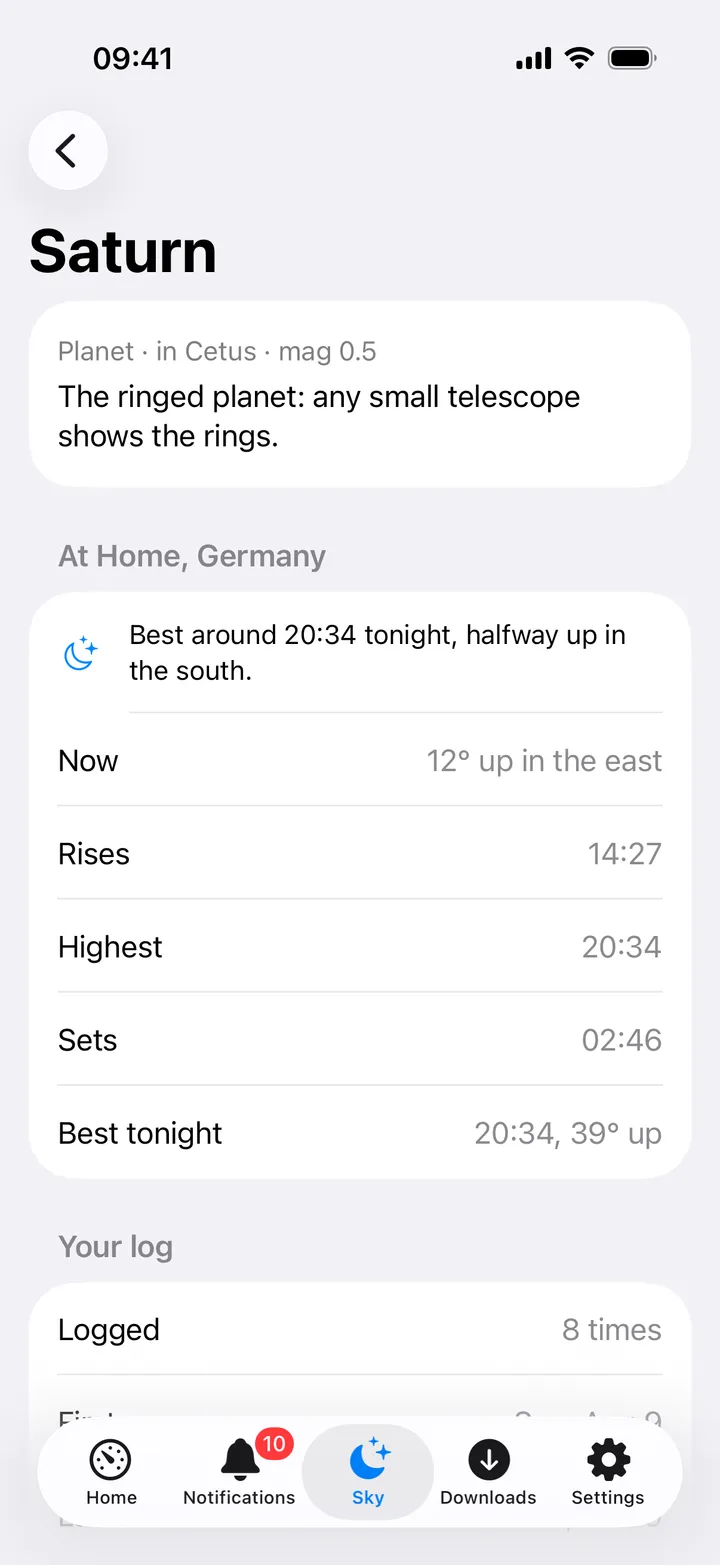
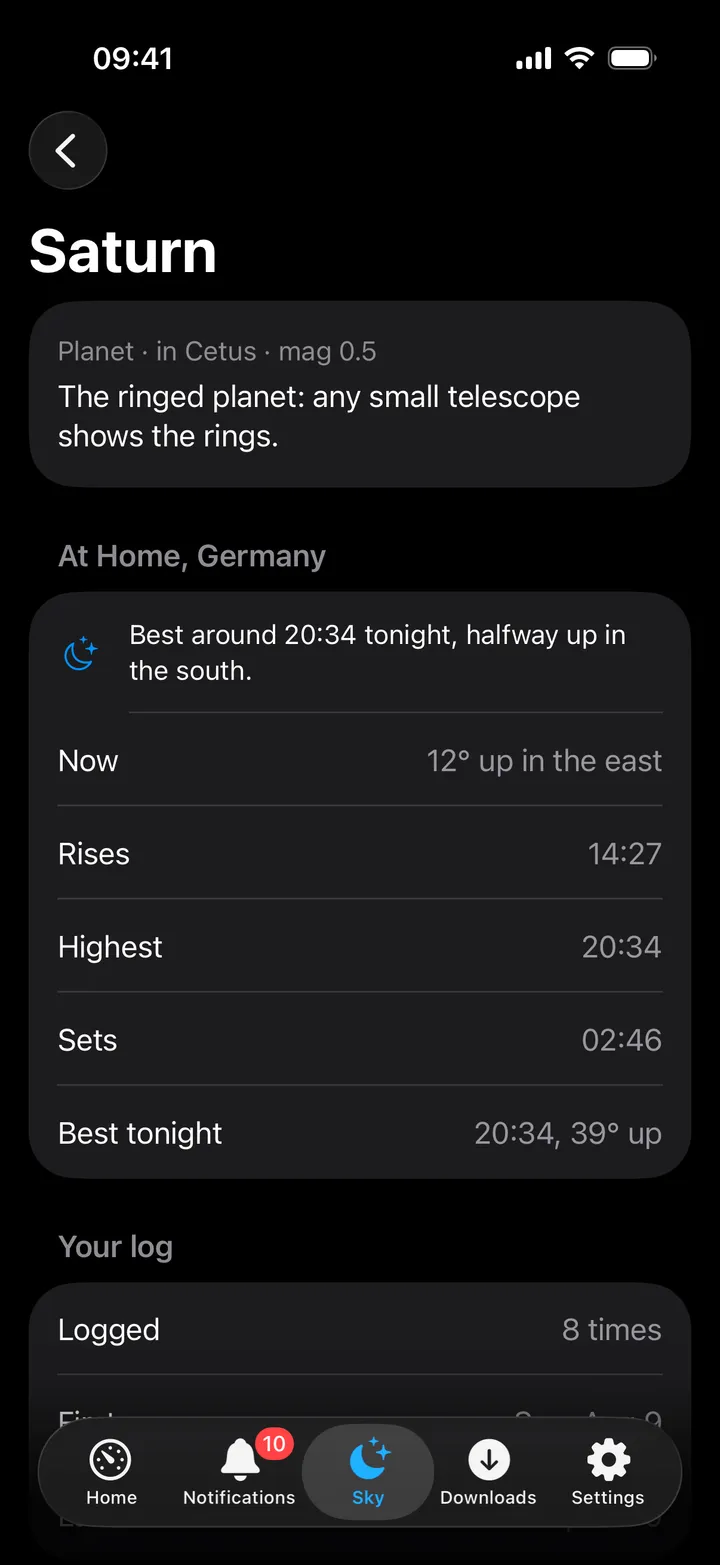
- Search for planets, stars and Messier objects, each with its own page: where it is now, when it rises, is highest and sets, the best time tonight, how often you logged it, Add to Want to see, Log it, Ask Pocket AI about it and Show on the star map.
- Sky events by month, Satellite passes for the next three days, the Observing log with an editor, and Want to see and lists.
- Star map: a native map with the Milky Way, constellations, clusters, nebulae and galaxies, the Sun, the Moon and the planets. On the iPhone Point at the sky follows the phone, with the camera picture behind it if you like.
- Ask Pocket AI about tonight, answered from the server’s own facts for your place.
- Home card Tonight’s sky (“Fair · 42”, the cloud and the dark hours), with the choices When it gets dark and Next sky event; a Mac Home widget; Spotlight entry Sky.
Set up
- In Pocket Sky, open Settings → API & shortcuts and create a token. Copy it: it starts with
psky_and is shown once. - In Pocket Homelab: Settings → Services → Pocket Sky, paste the base URL and the token, then Test connection. It answers Pocket Sky connected with tonight at home in a few words (“Fair · 6 % cloud · waxing gibbous”).
- Turn on the Sky tab in Settings → Tabs if you want it in the tab bar, and add the Tonight’s sky card to Home under Settings → Home layout.
| Key | Field | Required | Secret | Where to get it |
|---|---|---|---|---|
SKY_URL | Pocket Sky URL | Required | — | Base address of your Pocket Sky server, for whether tonight will be clear and dark, what is up and when, sky events, satellite passes and your observing log. Leave empty to hide it. |
SKY_API_KEY | Pocket Sky API token | Required | Secret | A token from Pocket Sky → Settings → API & shortcuts (starts with psky_). Through Pocket Core the device's own credential is used. Stored in the Keychain. |
On iPhone
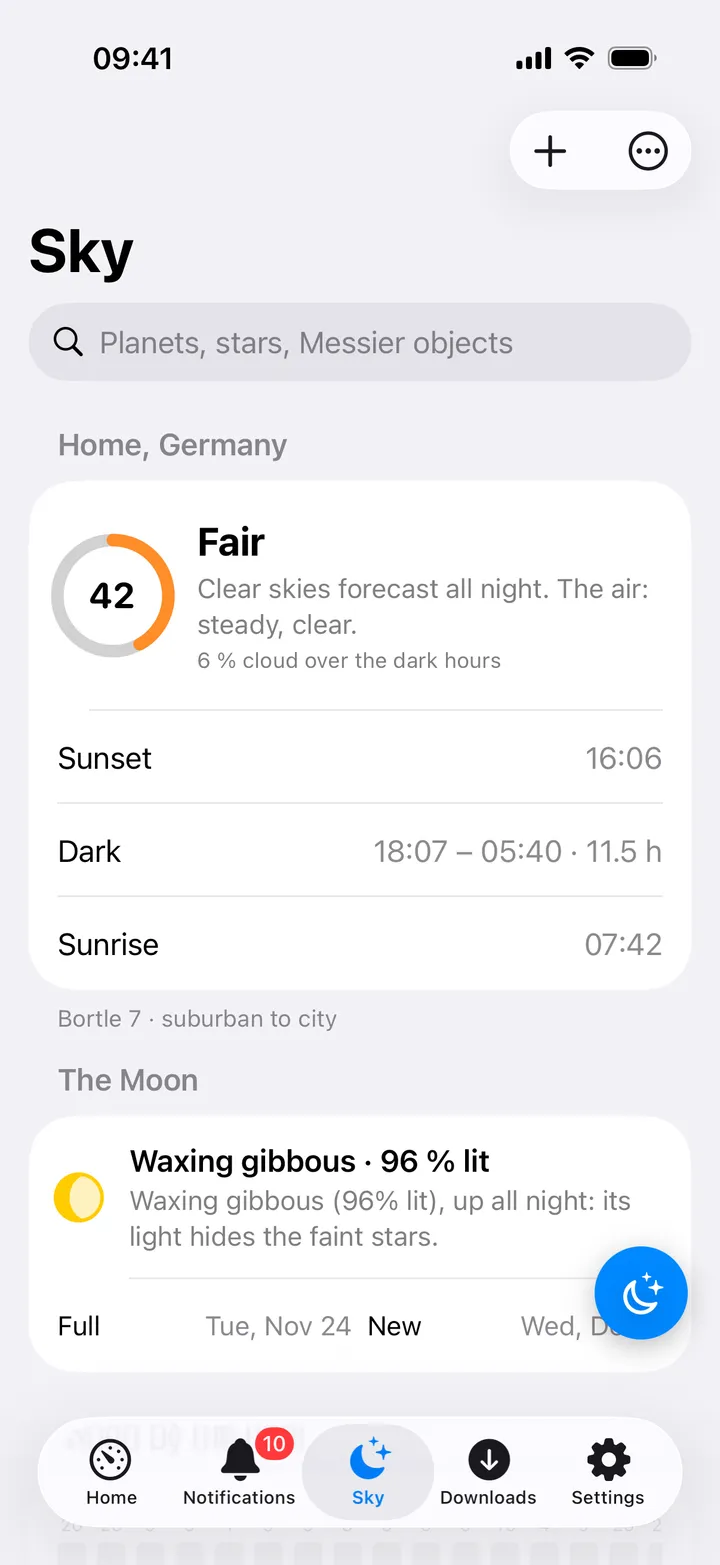
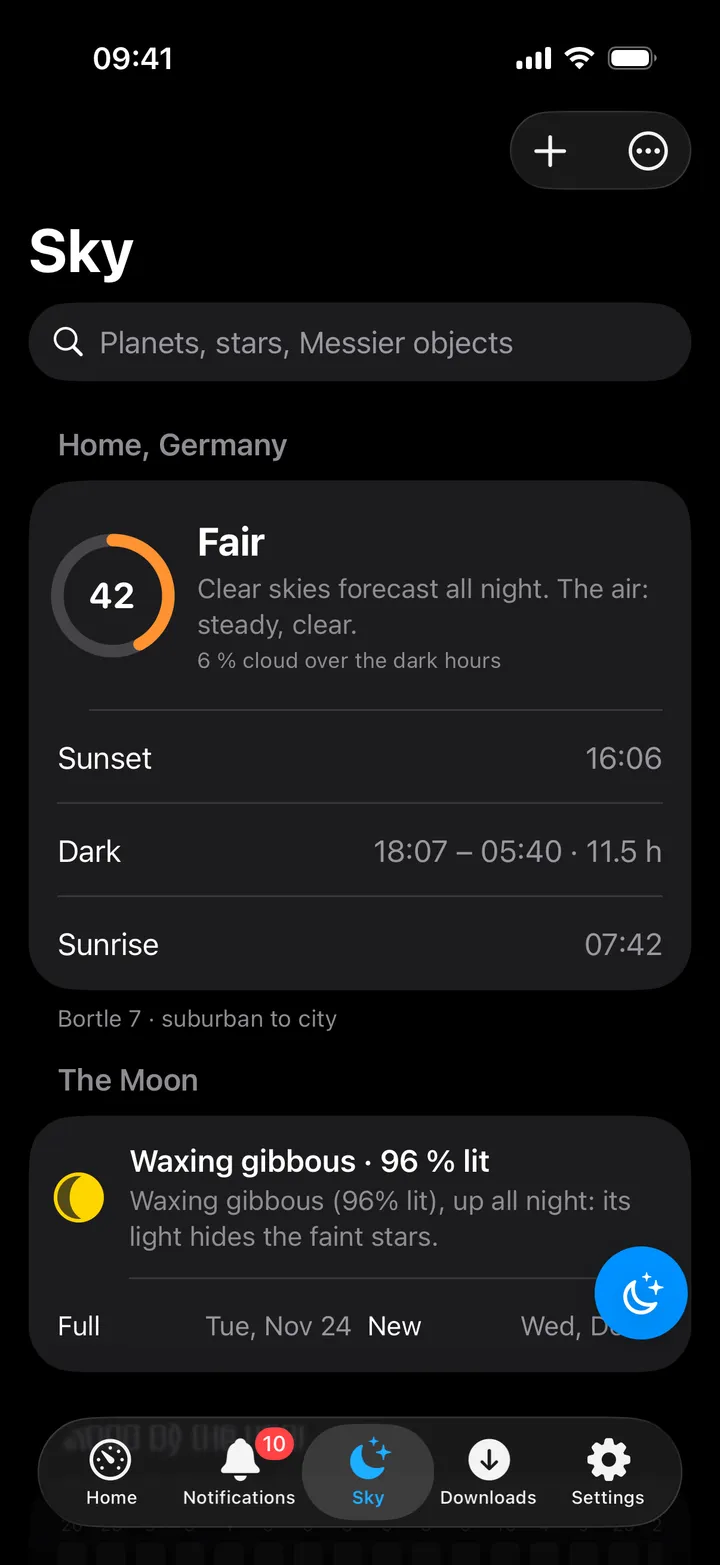
The Sky tab opens on tonight at your home place. The ring is the night’s score out of 100 with a word for it (Great, Good, Fair, Poor, Cloudy) and why: the cloud over the dark hours, the air, fog. Under it the sunset, the dark hours and the sunrise, the place’s darkness (“Bortle 7 · suburban to city”), then The Moon: its phase, how much is lit, when it is up and the next full and new Moon.
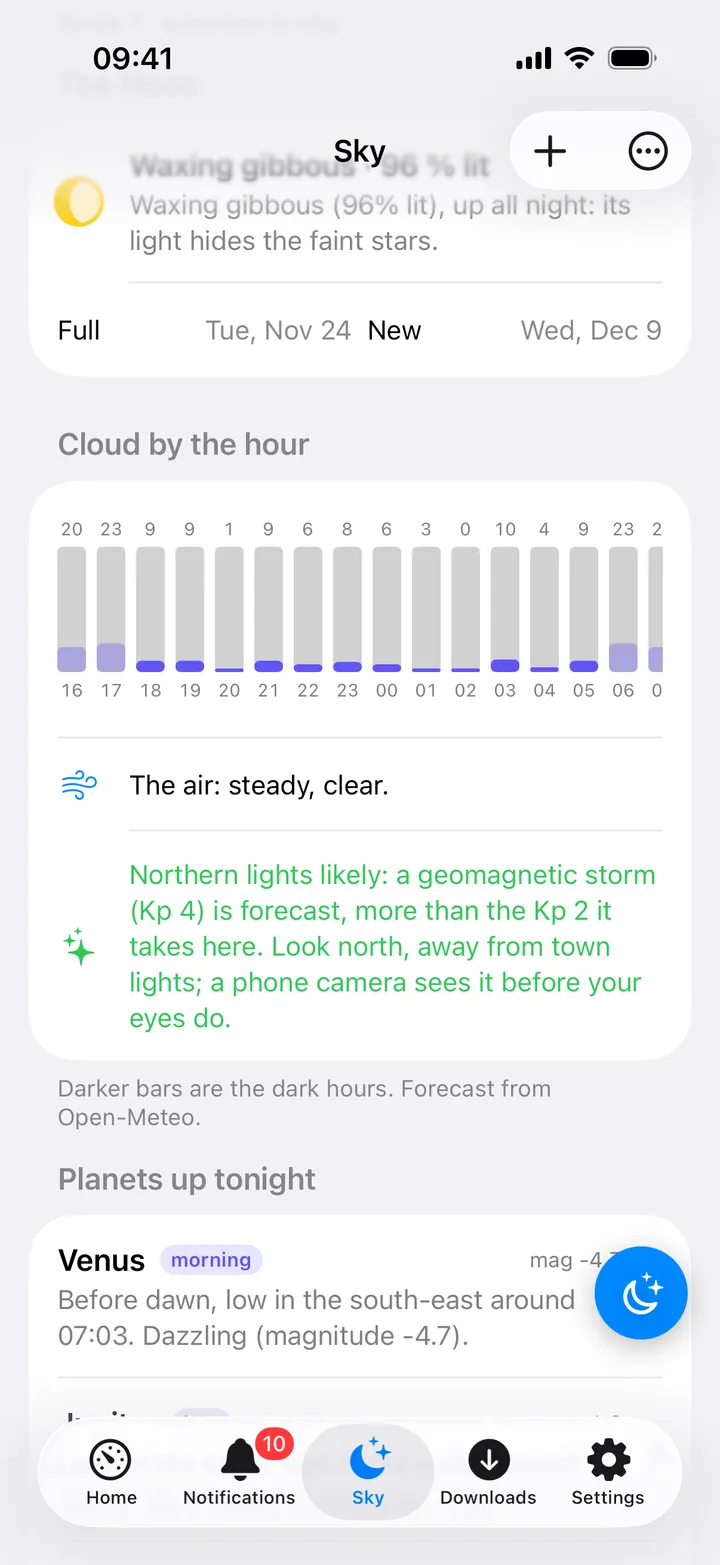
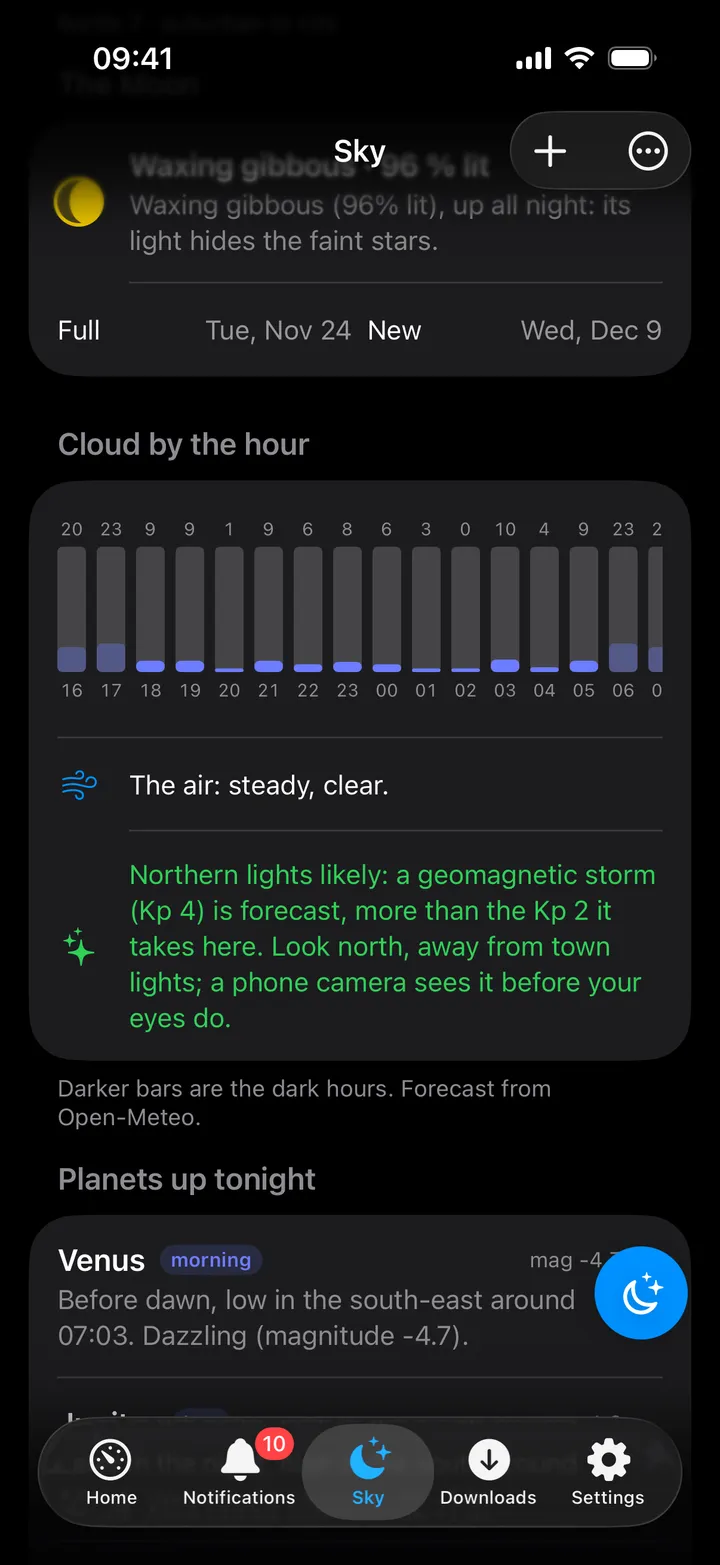
Further down: Cloud by the hour (darker bars are the dark hours), the air and the chance of northern lights, Planets up tonight with when and where to look (“In the evening, halfway up in the south around 20:34”) and a tag for the part of the night, then Best sights, picked for how dark the place is, each with the symbol for eyes, binoculars or a telescope. Tap a planet or a sight for its page. This week lists the coming events.
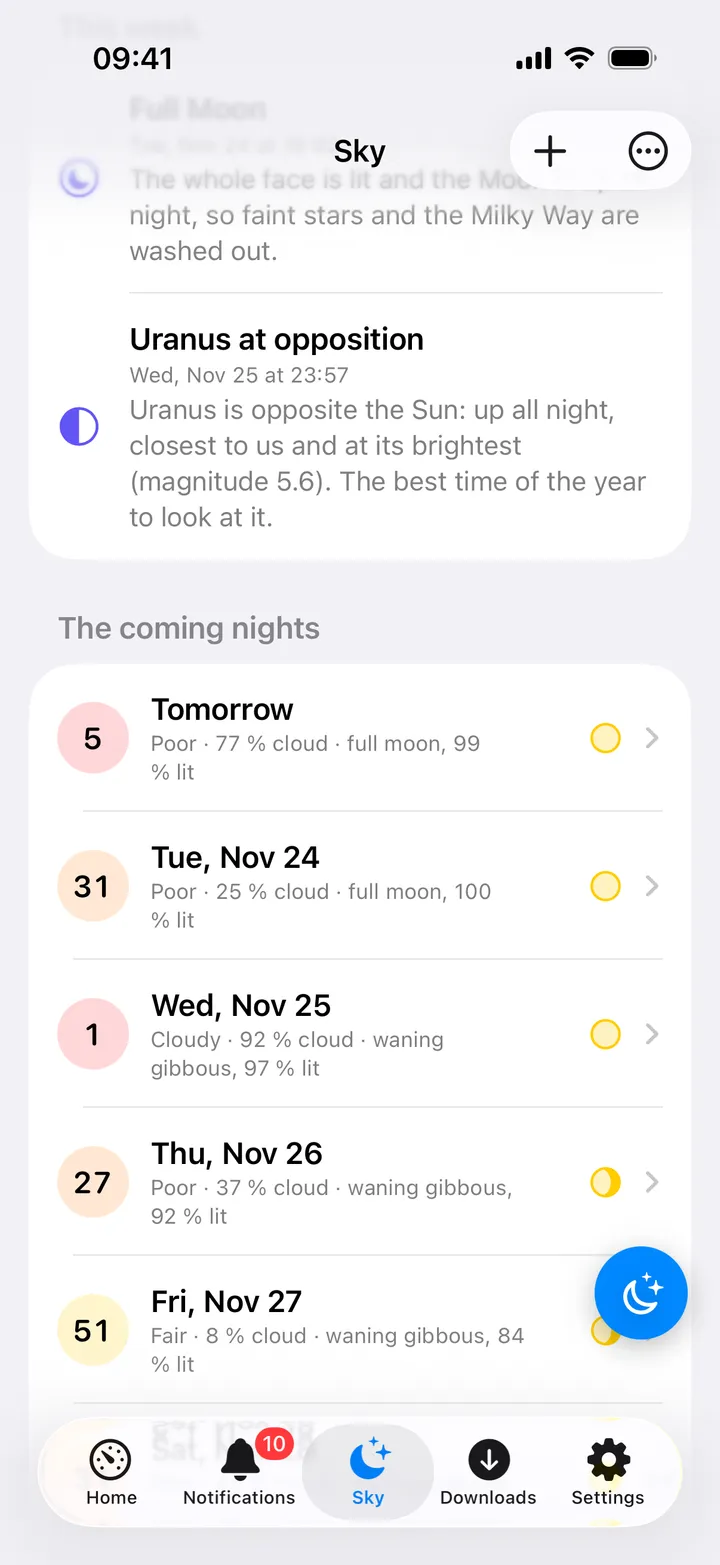
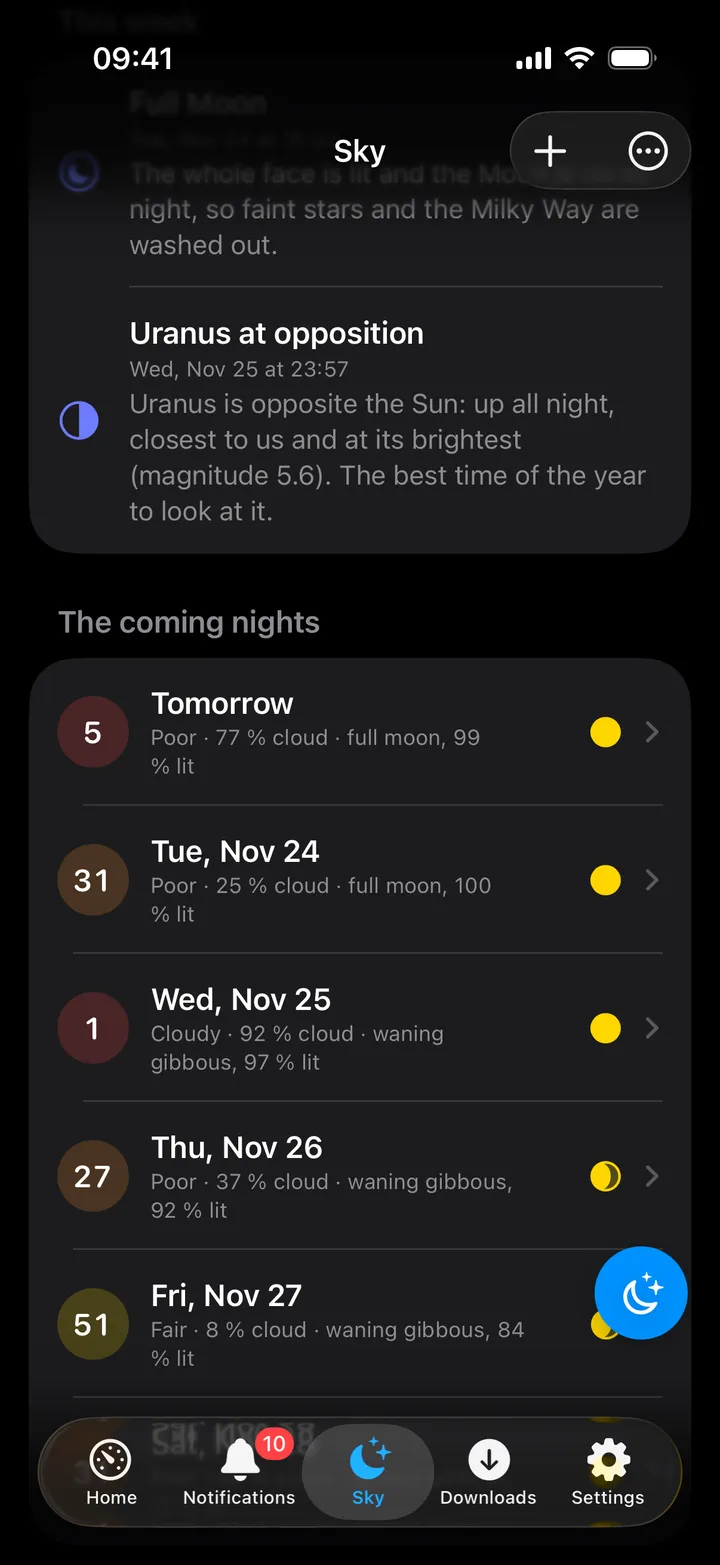
The coming nights scores the next week, each with its cloud and Moon; tap one for that night in full. Below it are Sky events, Satellite passes, Observing log, Want to see and lists and Star map. The footer says which place you are looking at; ⋯ has the place picker (when you have more than one), Star map, Ask Pocket AI, Open Pocket Sky and Refresh, and + logs a night.
Sky events and satellite passes
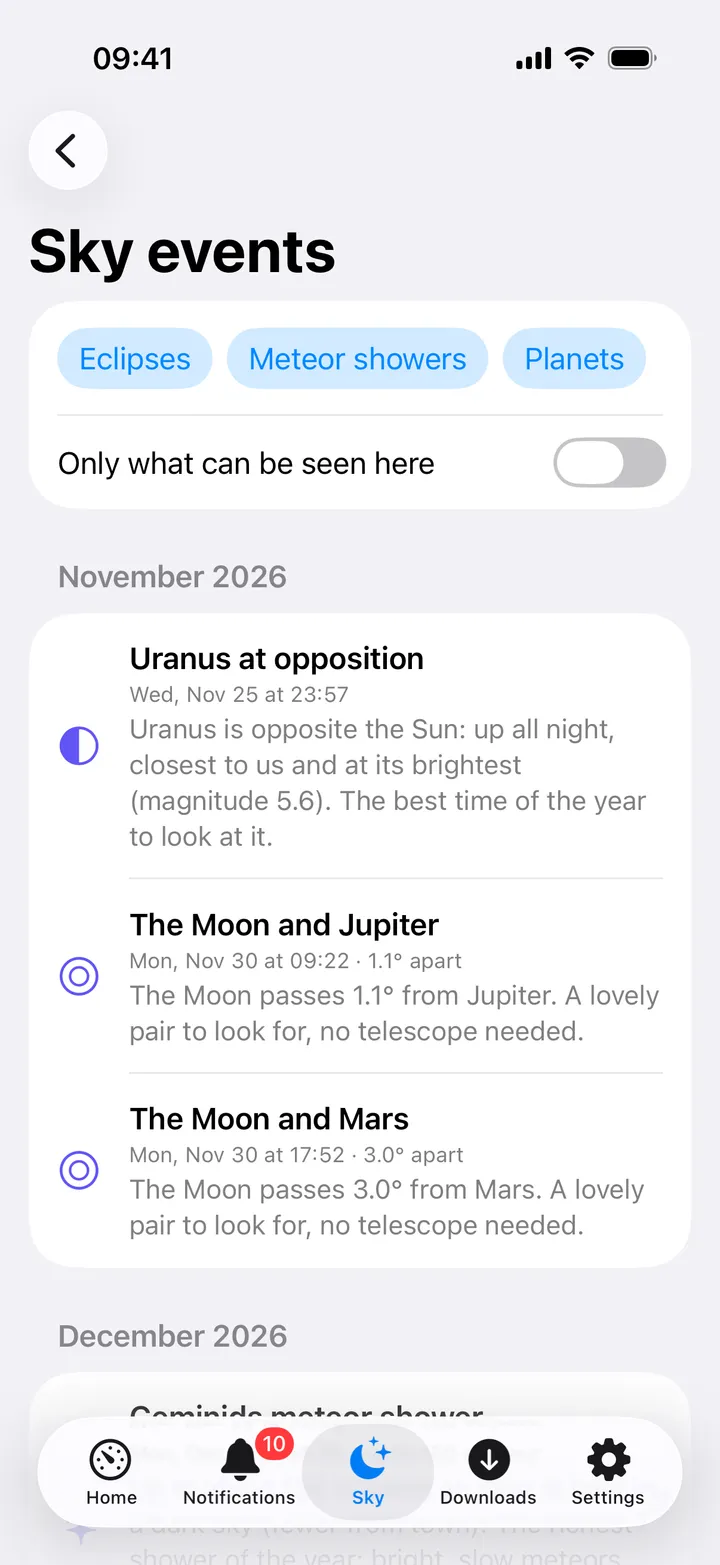
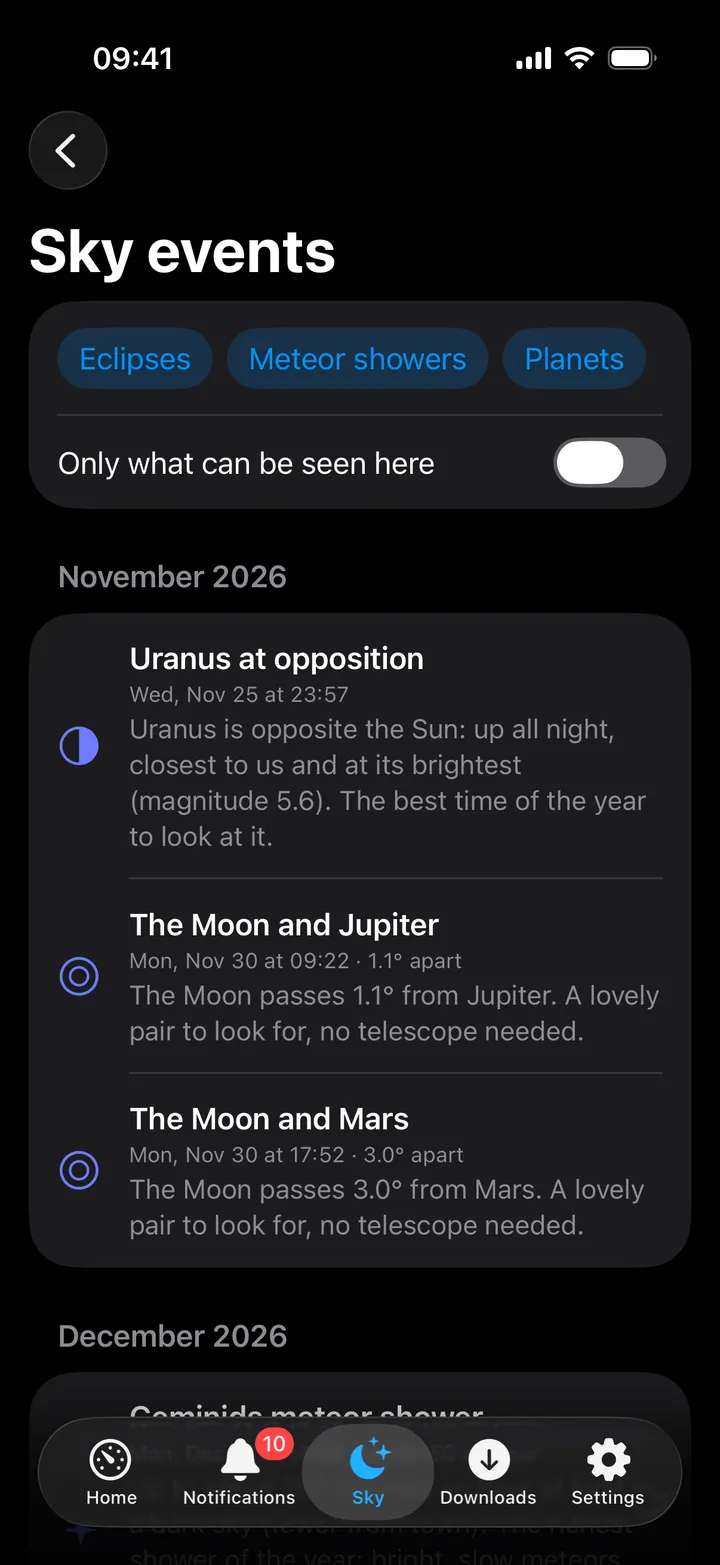
Sky events lists the coming year by month: phases of the Moon, seasons, conjunctions (“The Moon passes 1.1° from Jupiter”), oppositions, elongations, meteor showers and eclipses, each with its time at your place. Narrow it with Eclipses, Meteor showers and Planets, and Only what can be seen here. Add to calendar puts an event on Pocket Calendar.
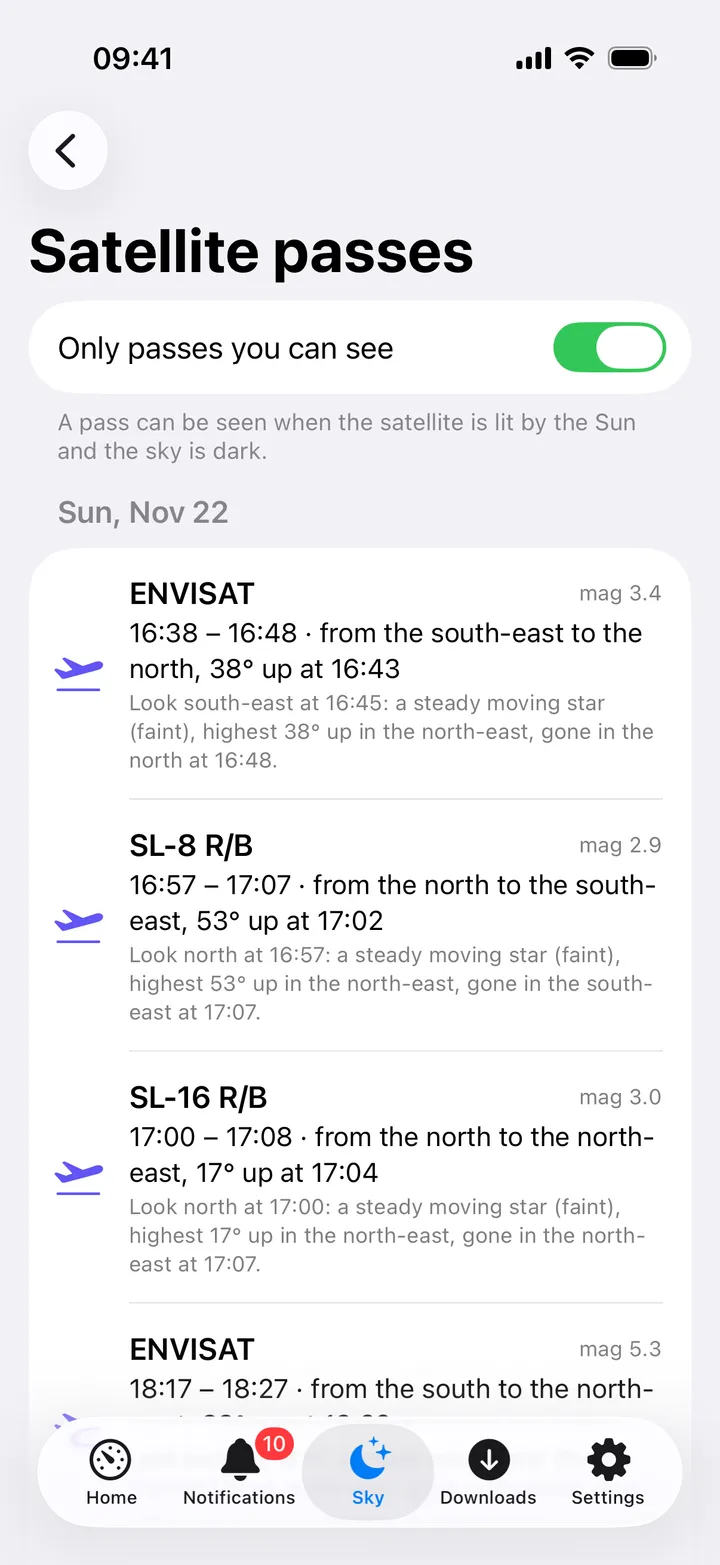
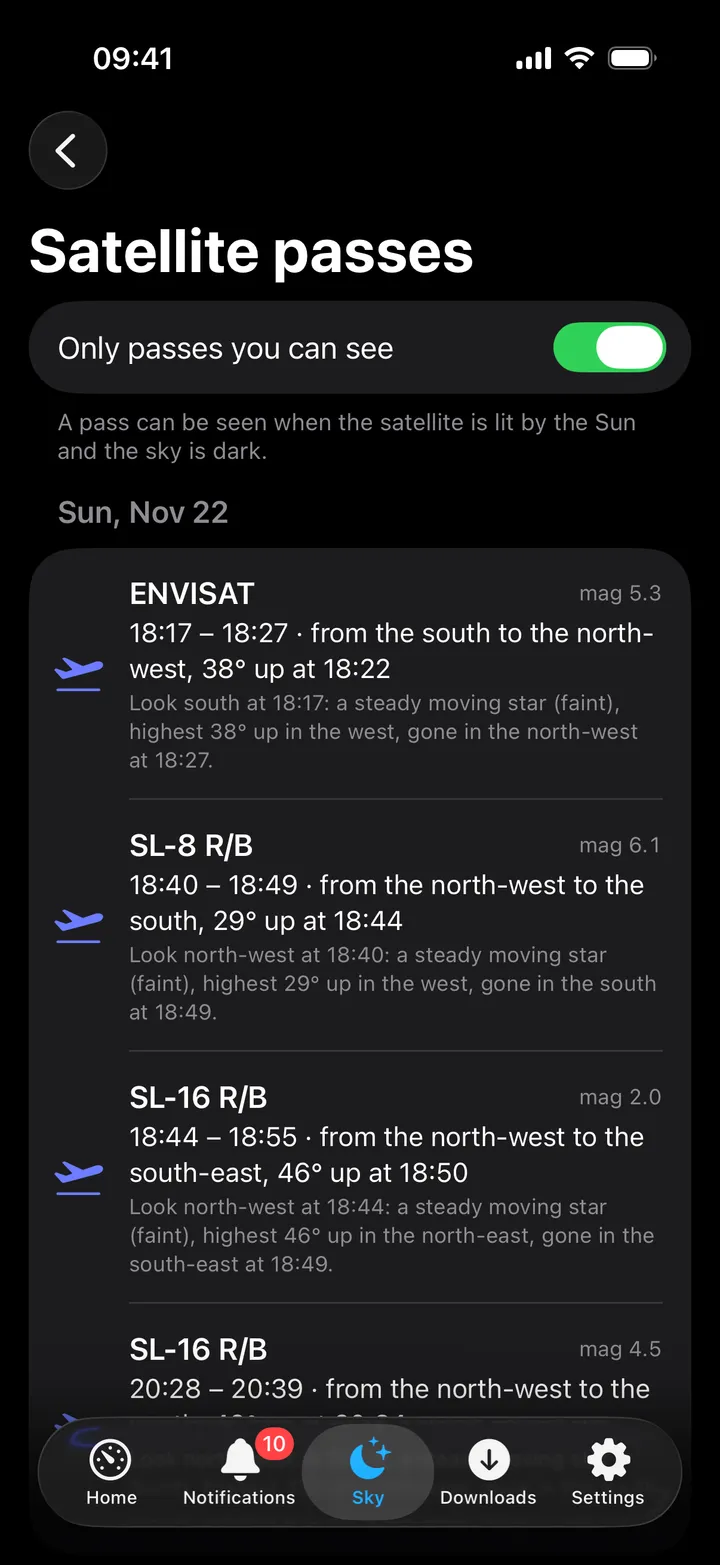
Satellite passes covers the next three days: when each satellite rises and sets, the directions, how high it gets and how bright it is, with the words to find it (“Look south-east at 16:45…”). Only passes you can see keeps the ones lit by the Sun while the sky is dark.
The observing log
Observing log lists your nights out, newest first, with the rating, place, equipment and what you saw; search it from the field at the top. A night shows when and where, the equipment, your rating, The sky (seeing, transparency, cloud, the Moon and the darkness), What you saw with your notes per object, and Notes. Edit, Save in Pocket Notes and Delete are on the night.
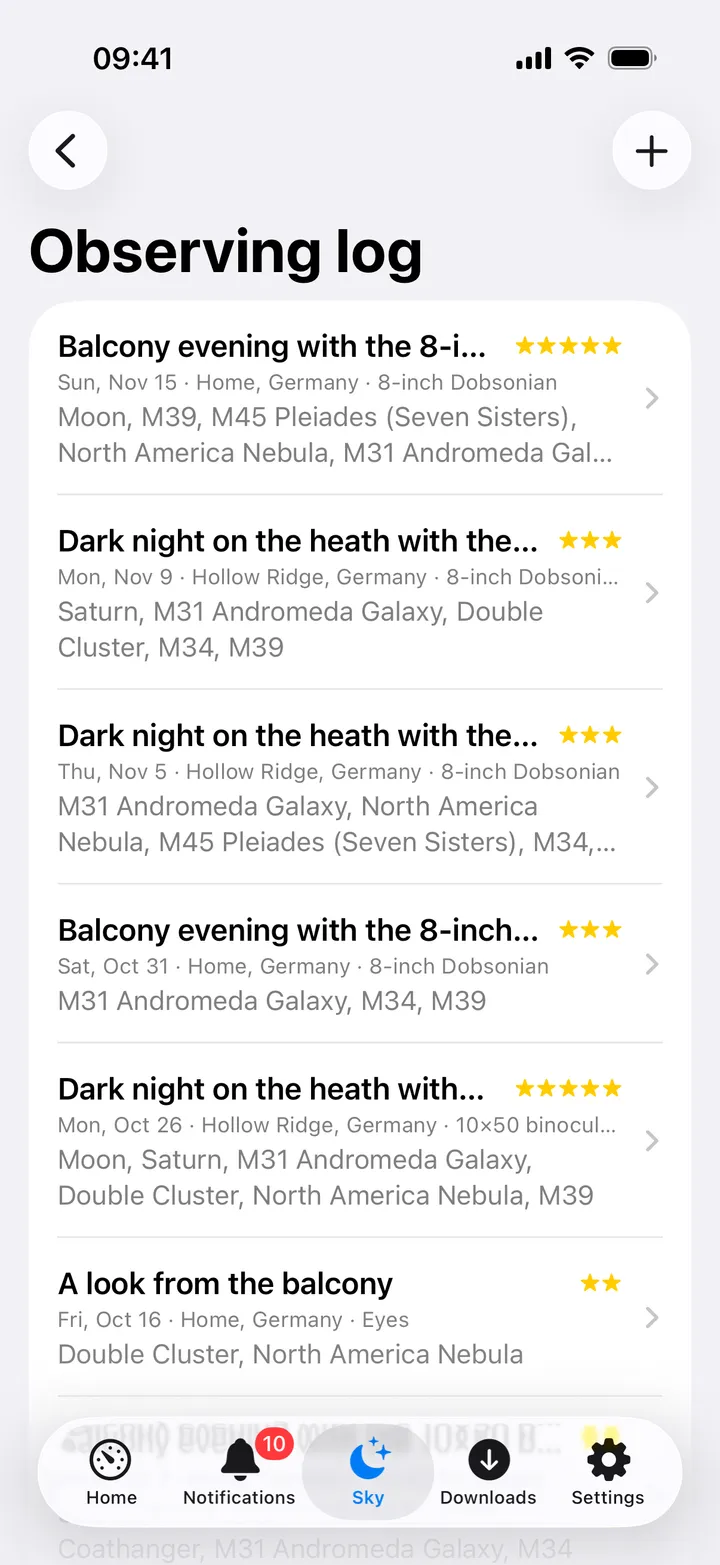
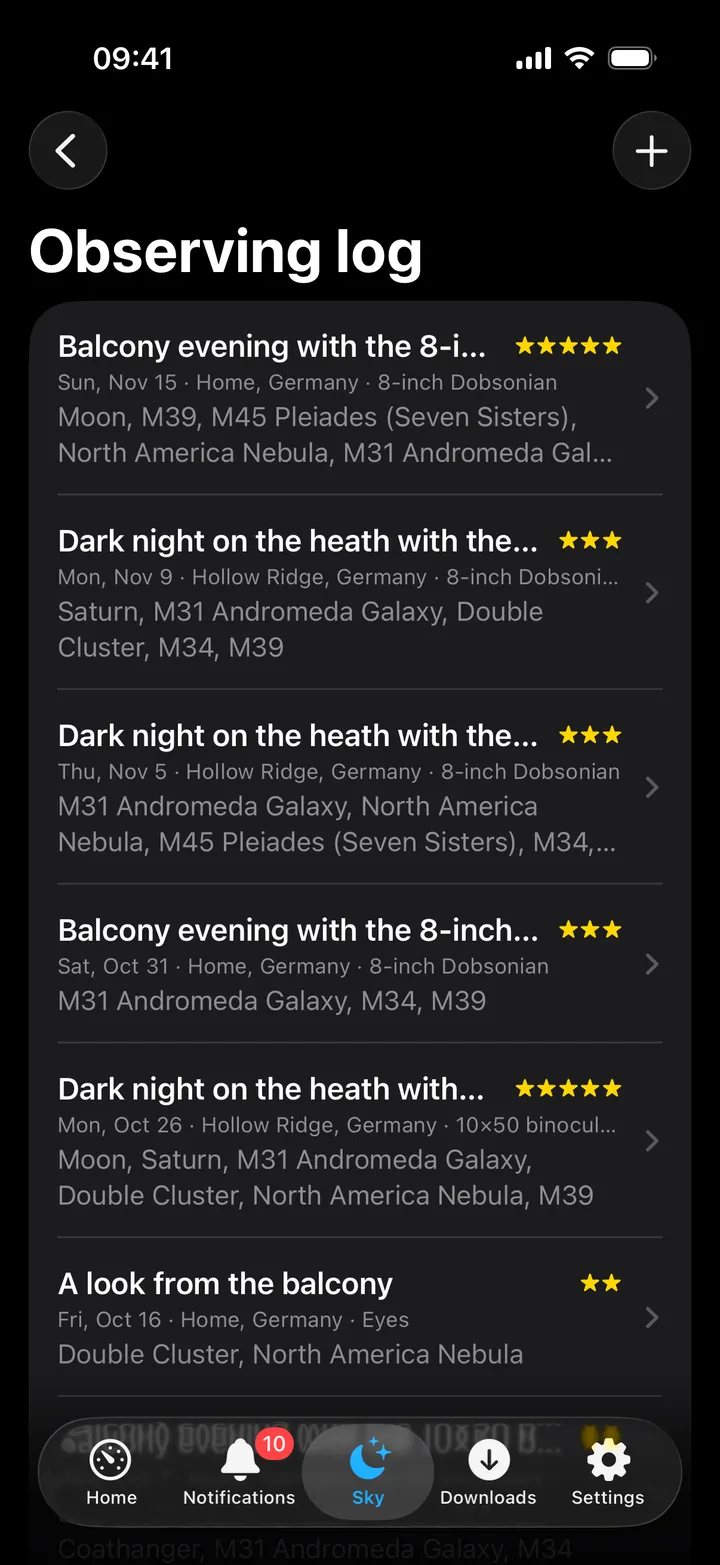
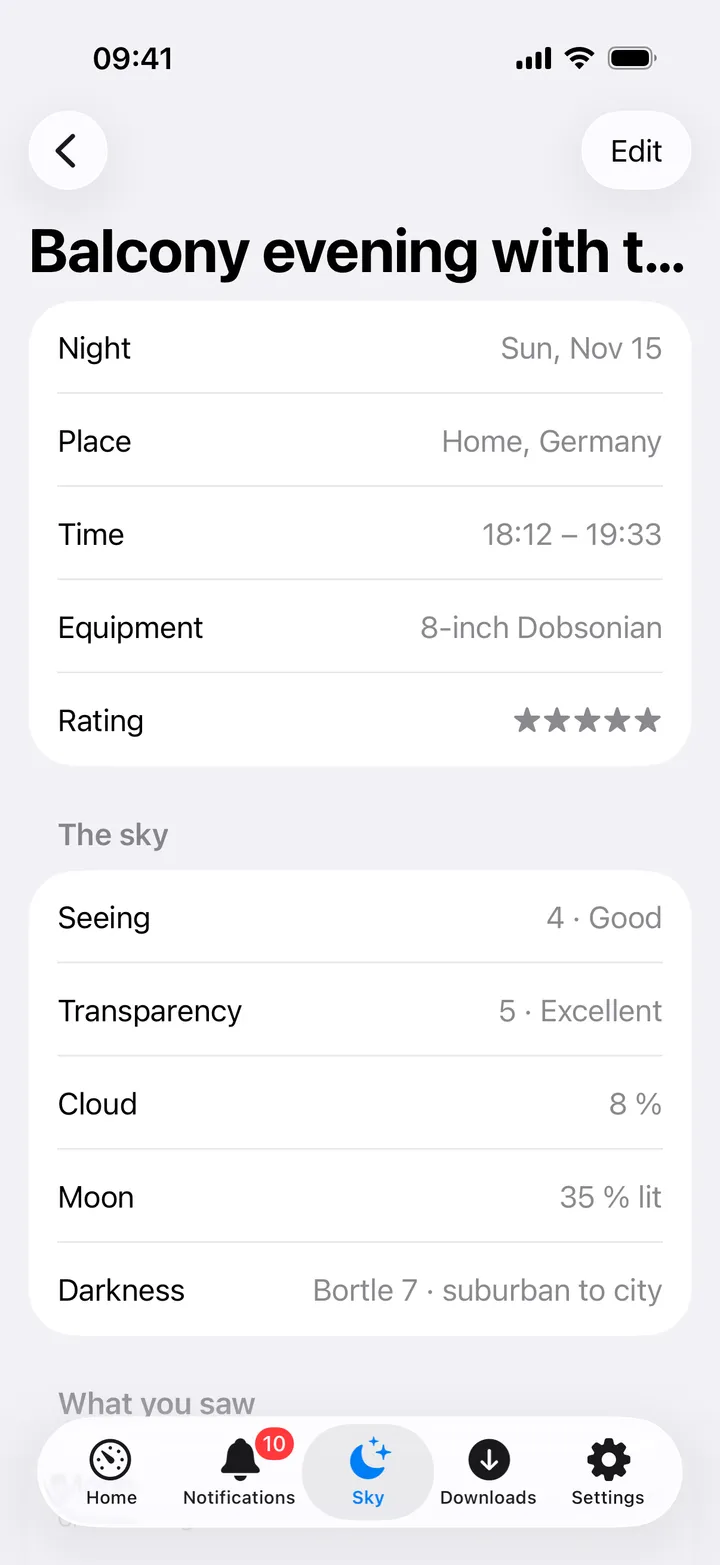
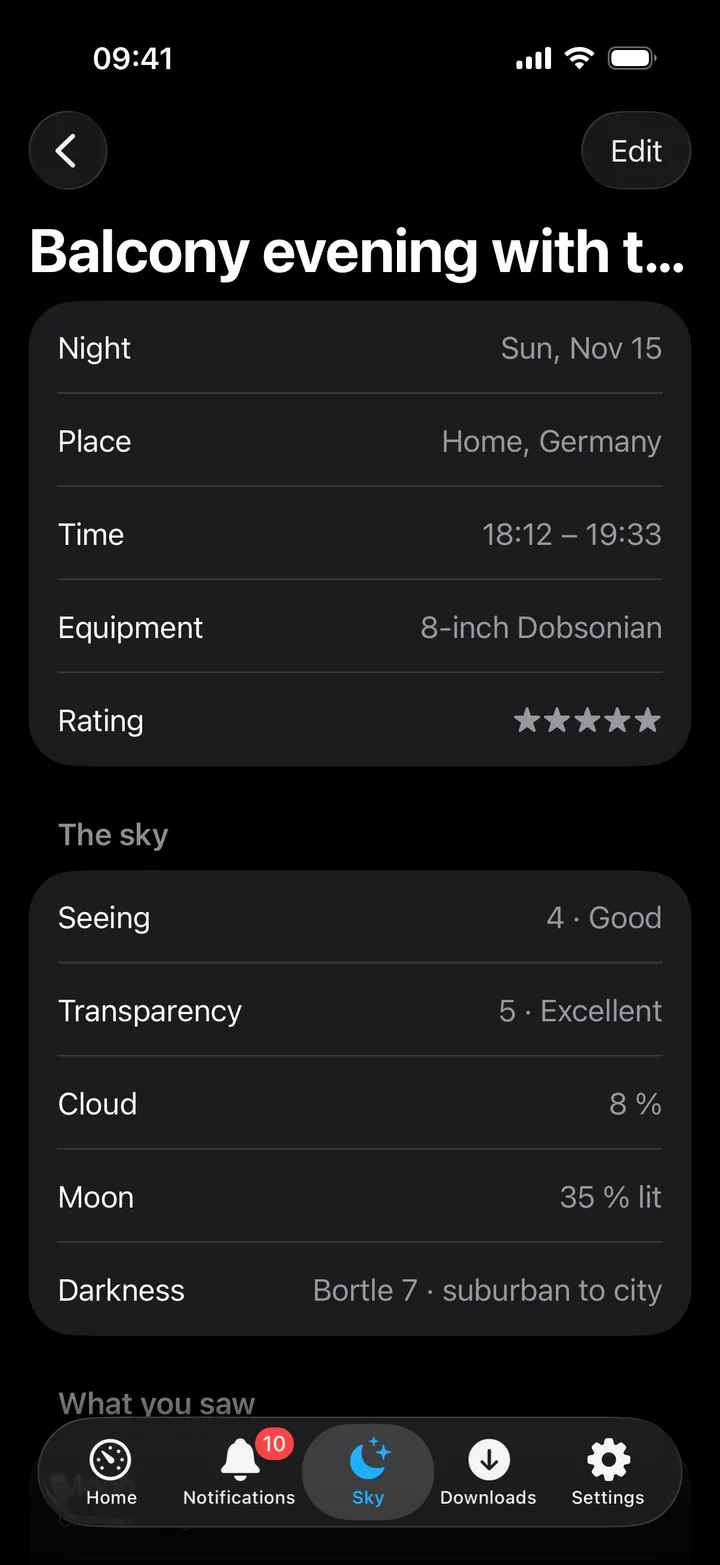
Log a night (the +) is the editor: the place, the night and the times in the place’s time zone, the equipment (with Equipment used before), seeing, transparency and cloud, a rating, and what you saw: search for objects, add one as written, or take What was up that night in one tap.
The round button
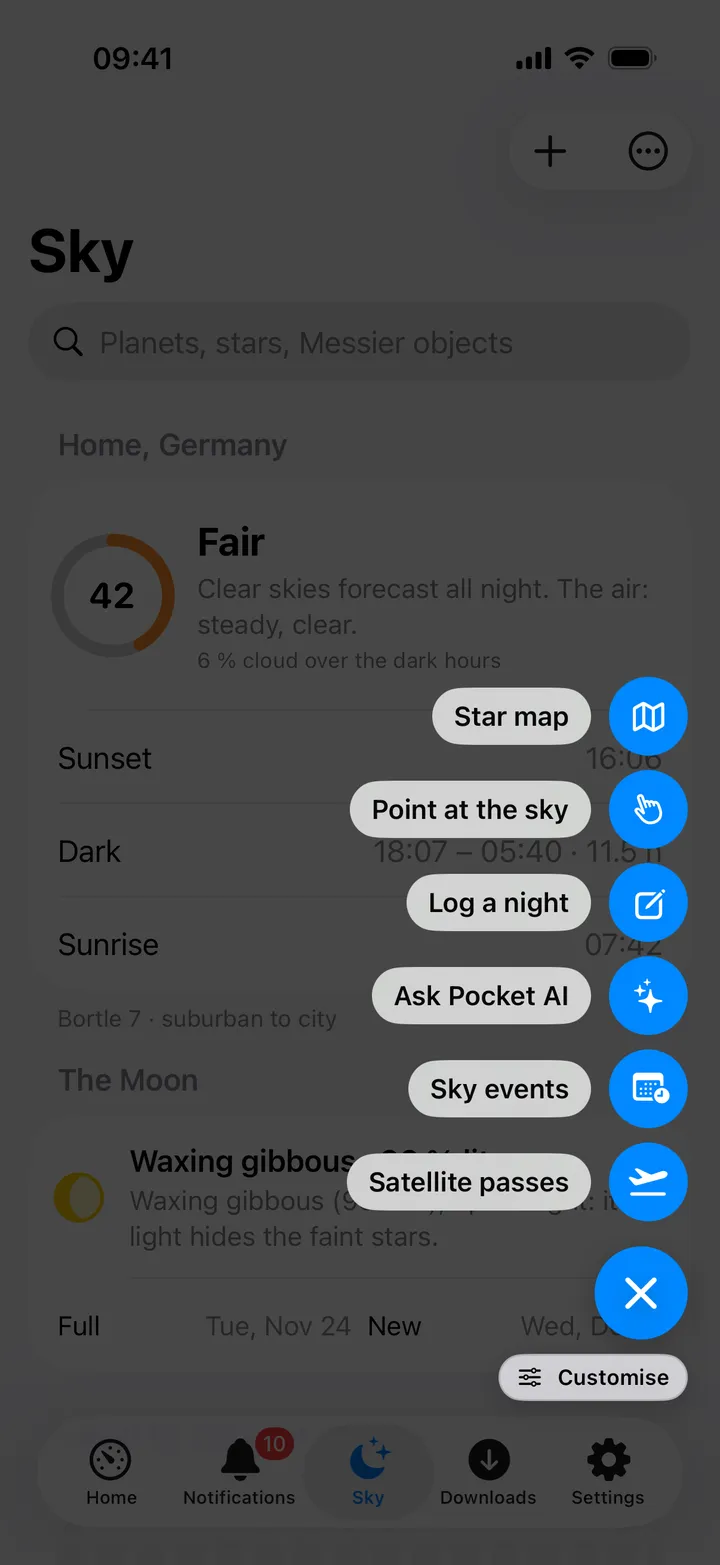
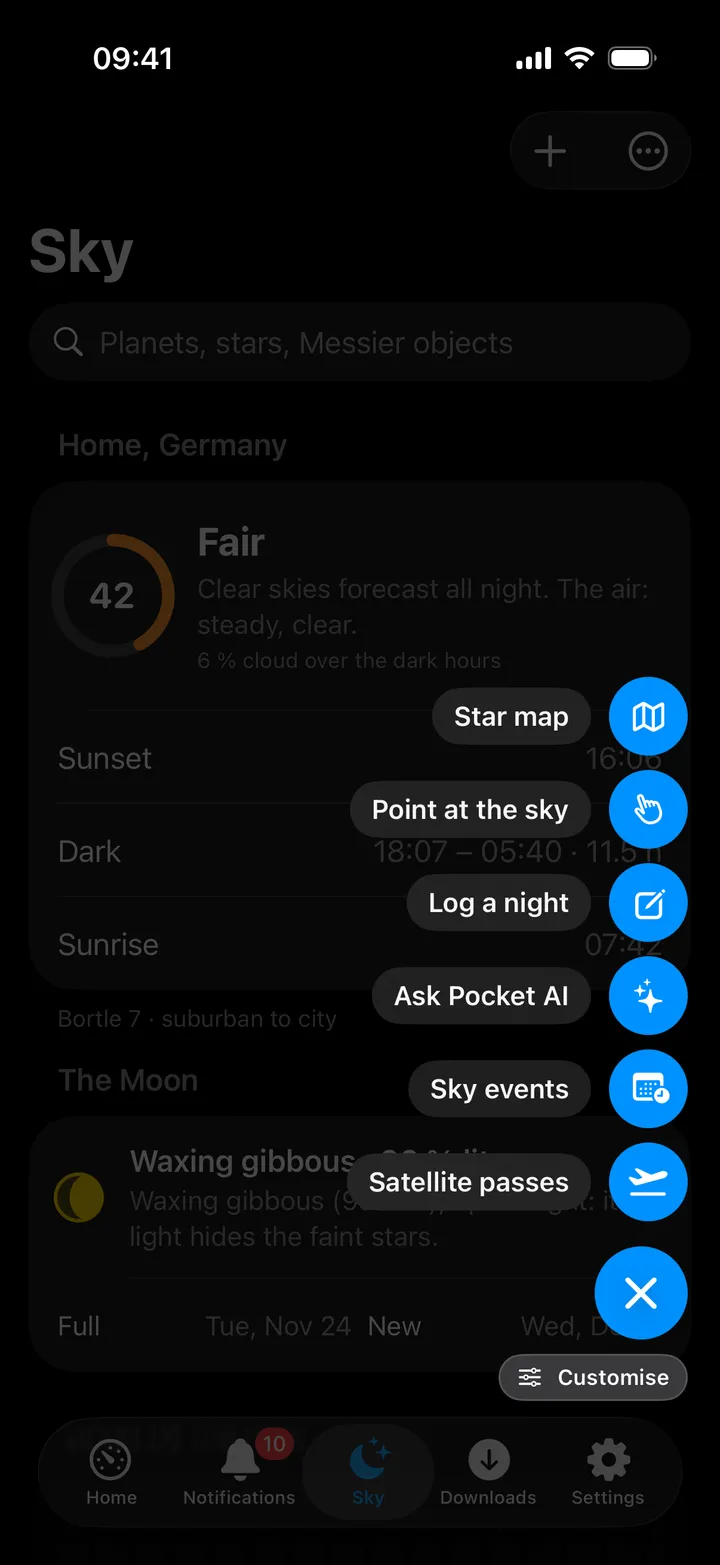
The round Sky button beside the + holds Star map, Point at the sky, Log a night, Ask Pocket AI, Sky events, Satellite passes, Observing log, Want to see and lists, Refresh and Open Pocket Sky. The first six show until you pick your own with Customise under the open menu; turn the button off under Settings → Screen action buttons.
The star map
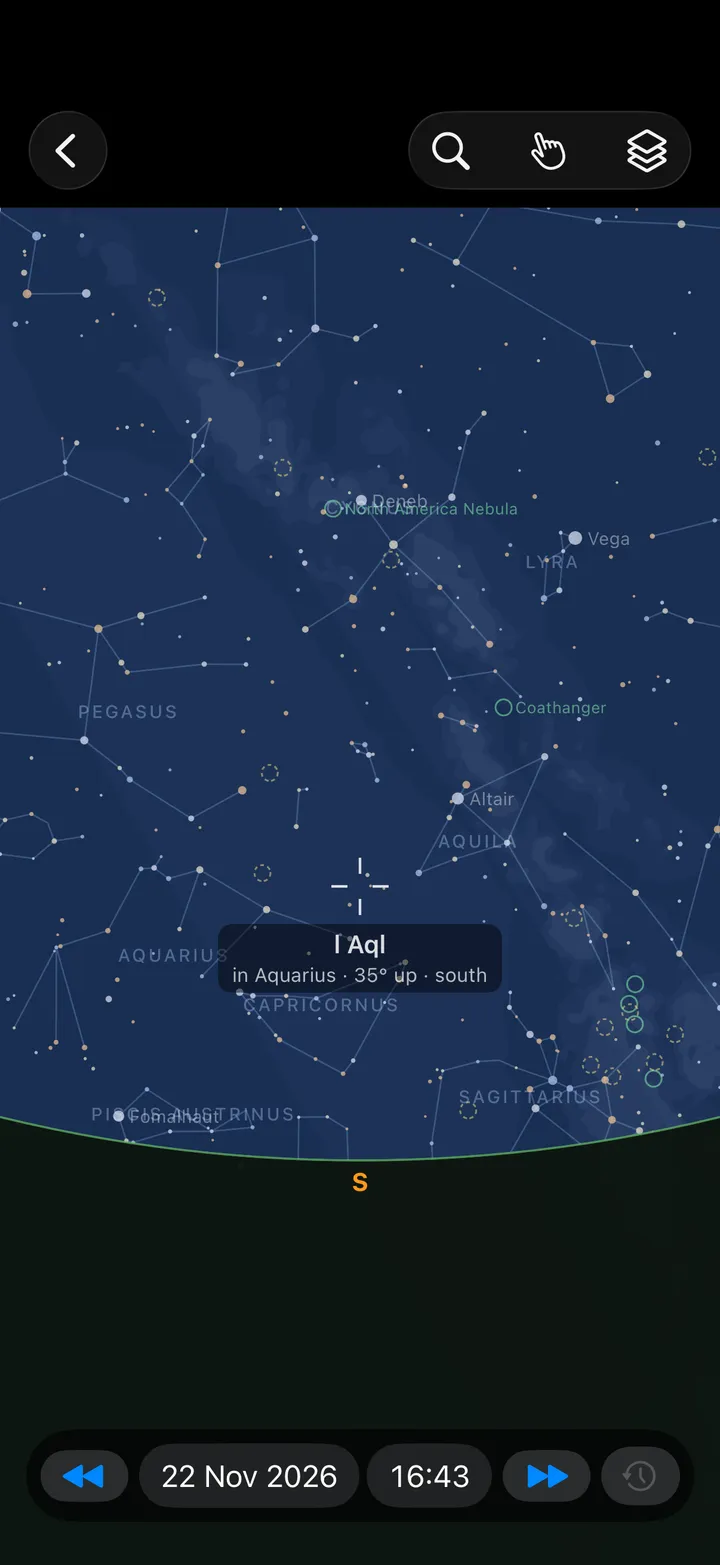
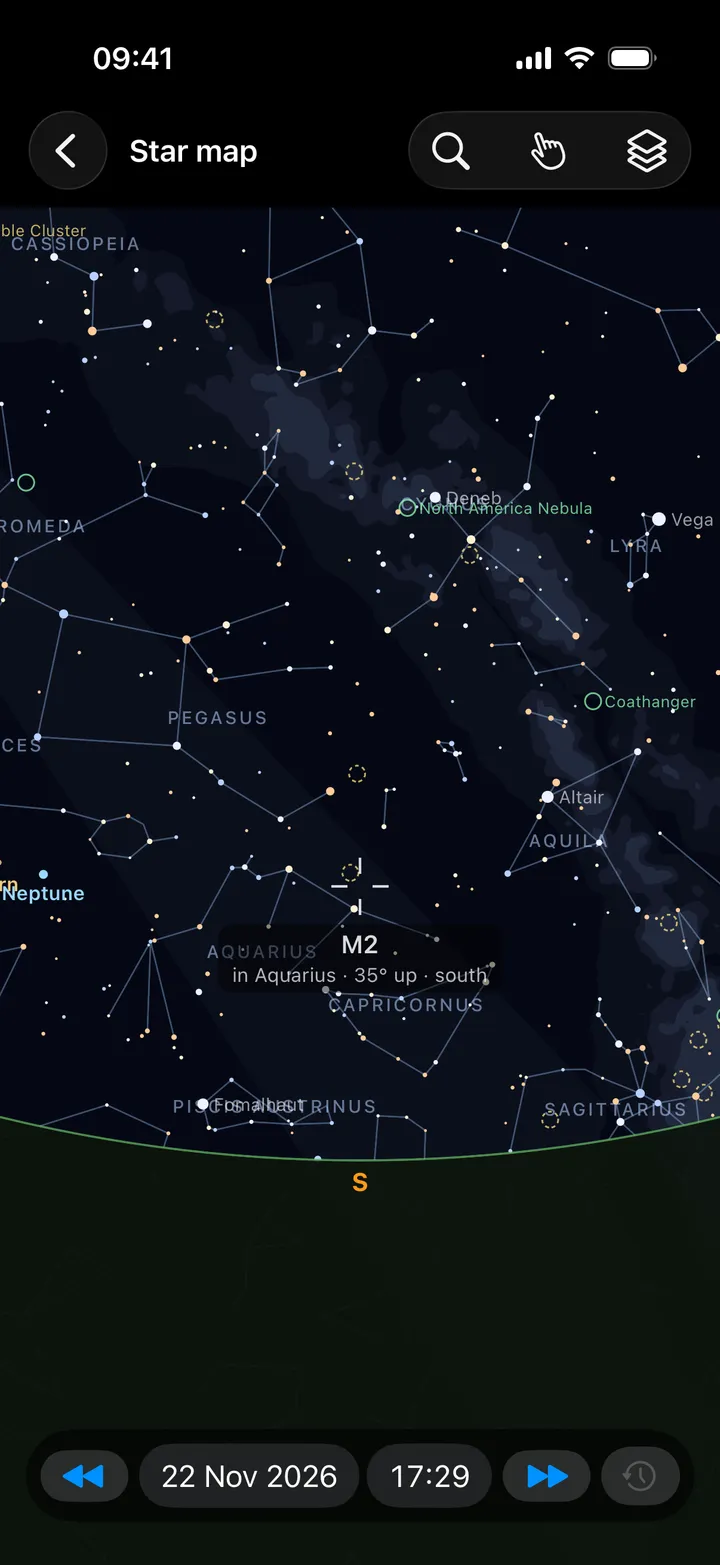
Star map draws the sky for your place on the phone: the Milky Way, constellation lines, names and borders, clusters, nebulae and galaxies, the stars by colour and brightness, the Sun, the Moon with its lit part and the planets, over the ground with the horizon and the compass points. Drag to look around and pinch to zoom; the cross in the middle names what is under it (“in Auriga · 61° up · east”). Tap something for a panel that opens upwards with its rise, highest and set times, Centre, Want to see, Log it and Ask. Find centres on anything (an arrow at the edge points to it when it is off screen), An hour earlier, An hour later and Now move the time, and Show has the layers and Red light.
Point at the sky follows the phone: hold it up and the map turns with you. With location allowed the map uses true north and works out the sky for where you stand (“Here”). Camera puts the camera’s picture behind the map (nothing is recorded); Pinch to match the picture, and Line up on a bright star or planet if the compass is off. The catalogue is kept on the phone, so the stars draw offline; the planets need the server.
On Mac
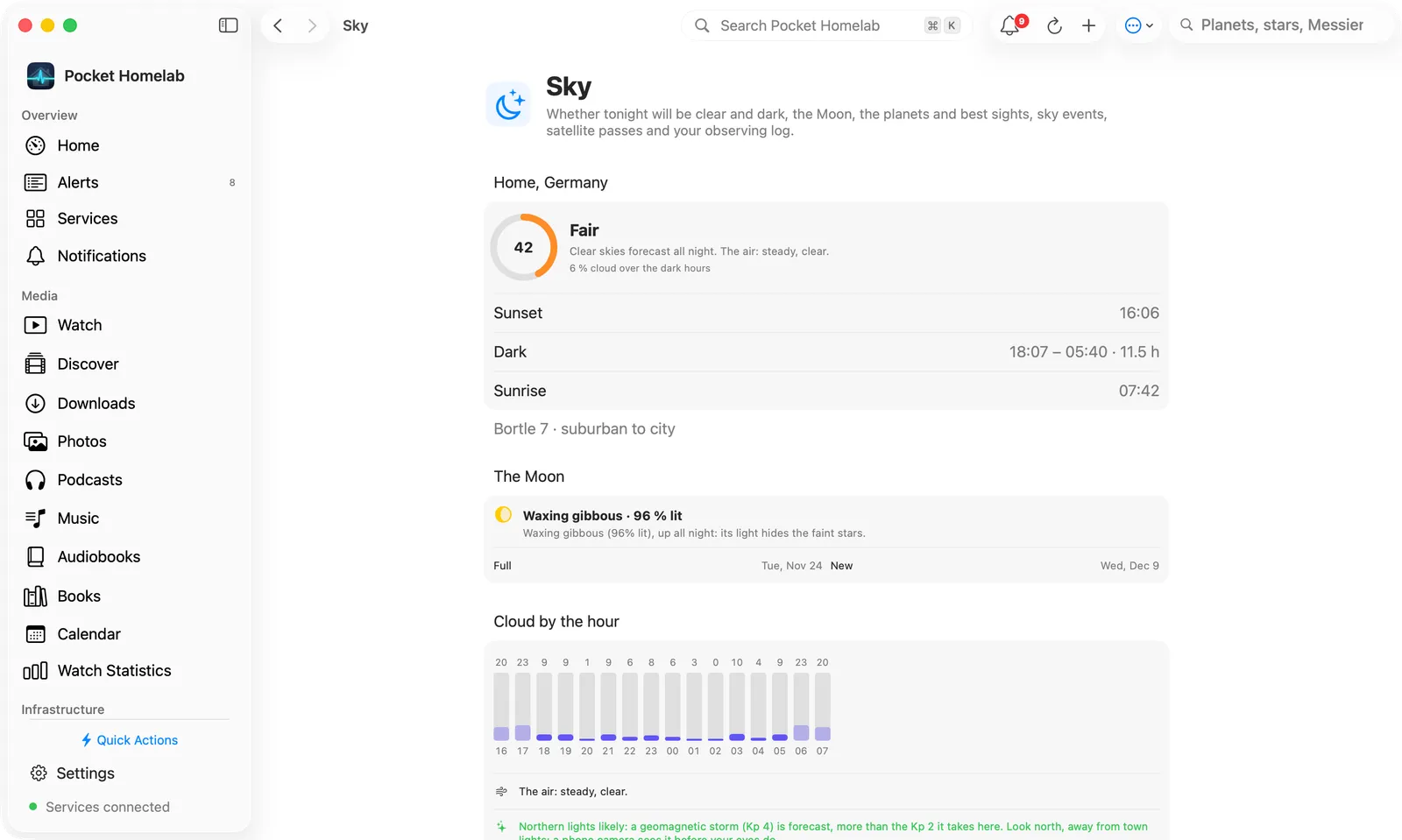
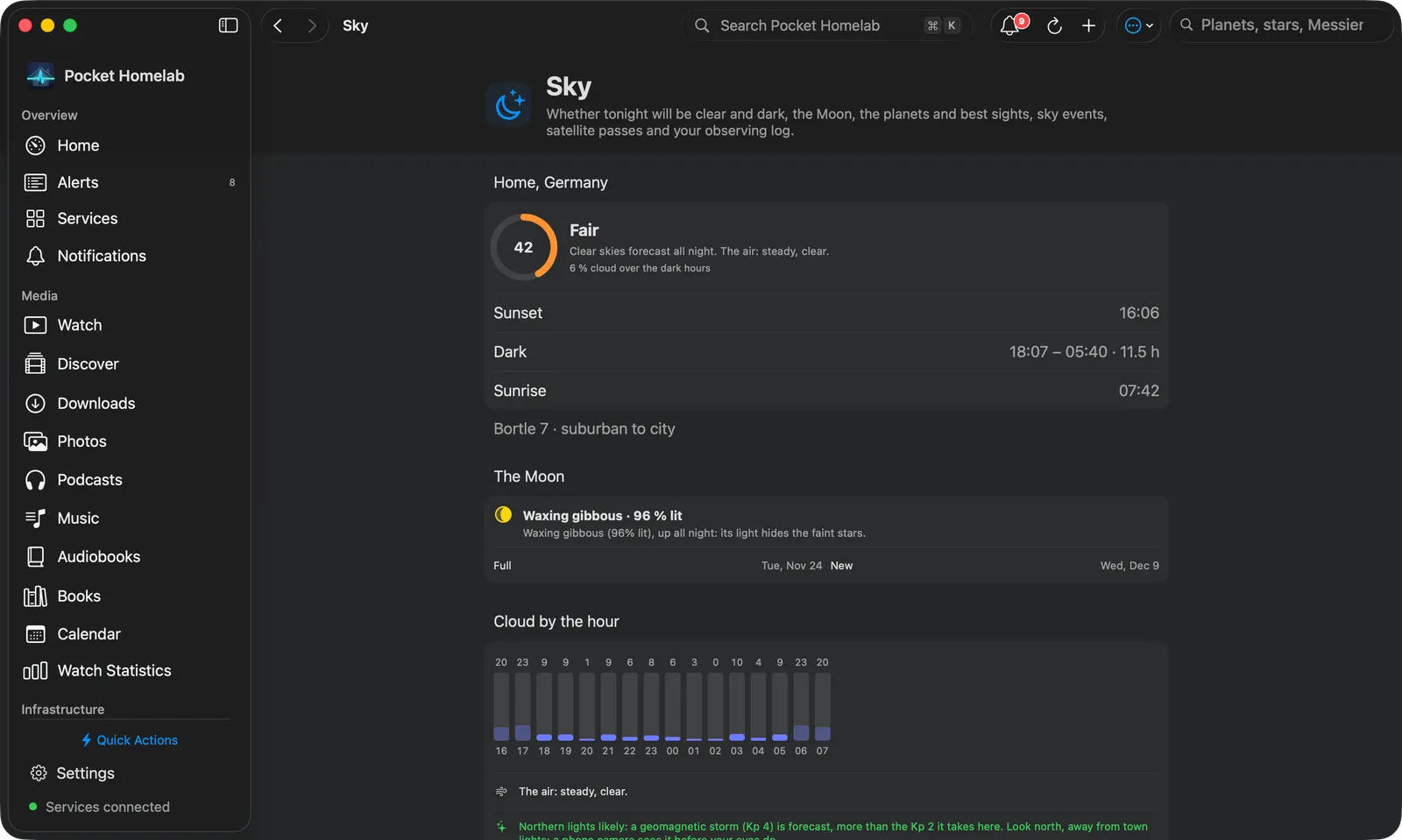
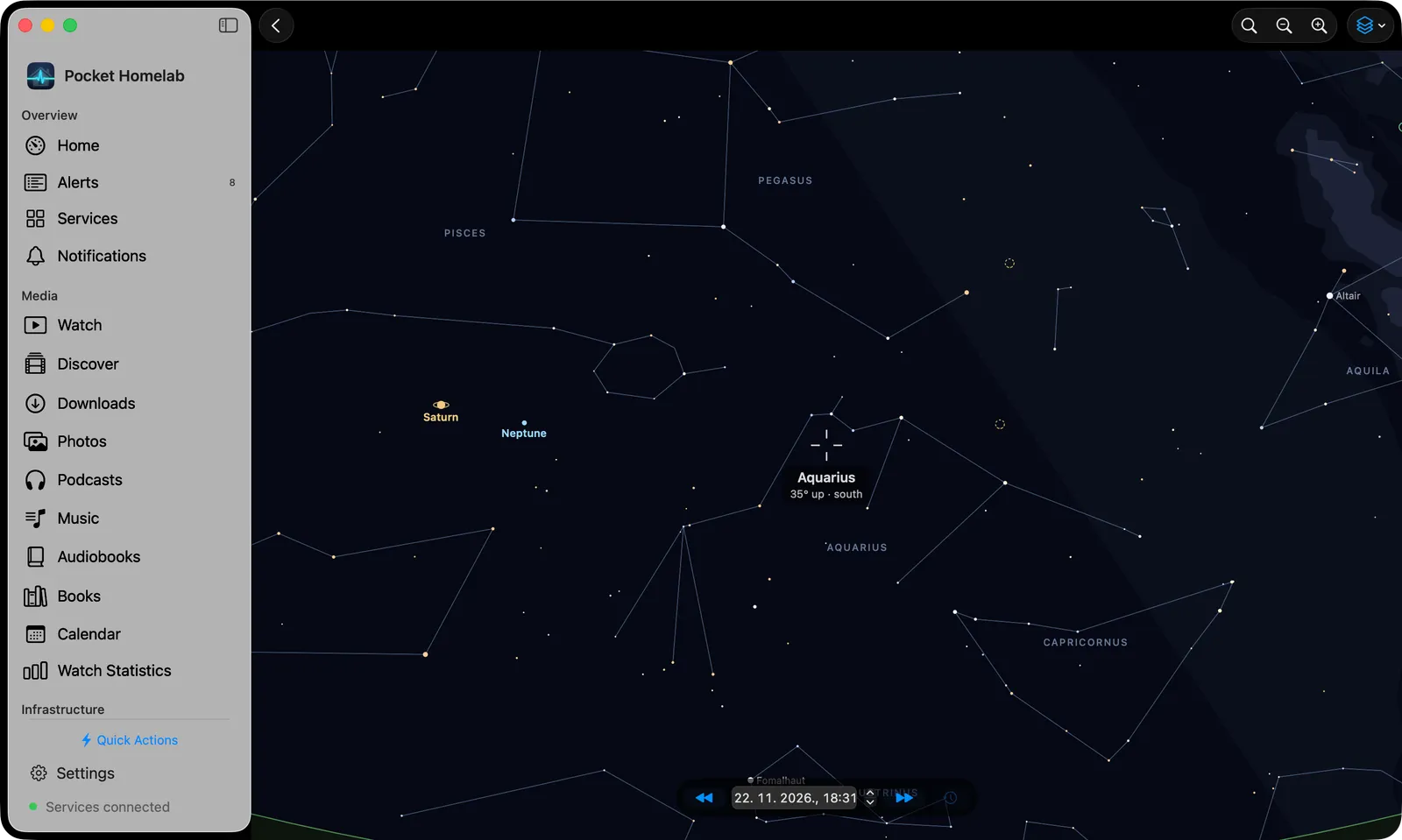
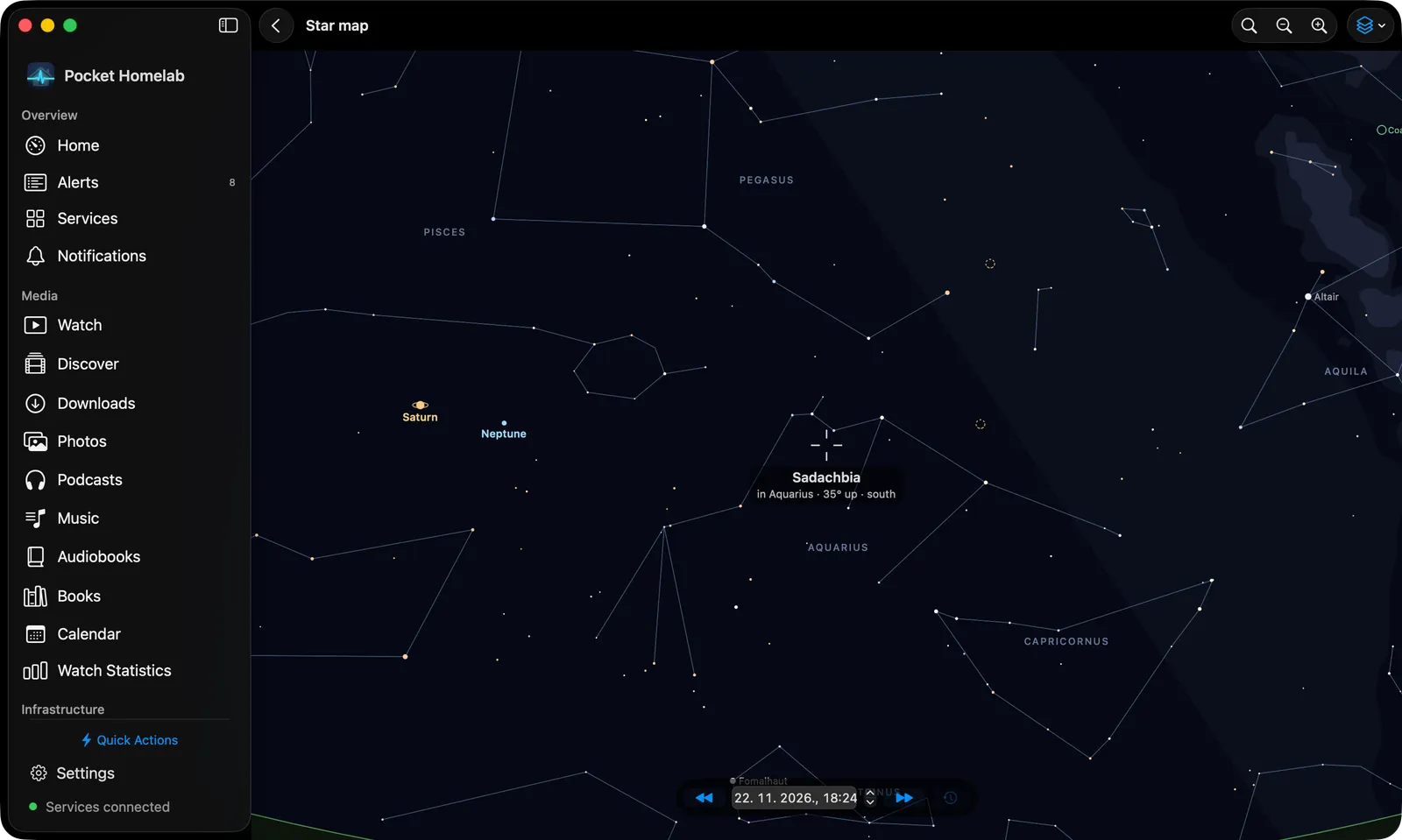
Sky sits in the sidebar under Workspace. It has the same pages as the iPhone tab: tonight with the score, the Moon, cloud by the hour, the planets and best sights, the coming nights, events with Add to calendar, satellite passes, the observing log with its editor, your lists and Ask Pocket AI. The star map works on the Mac too, with zoom buttons instead of pinching; pointing at the sky is iPhone only. The Home widget shows tonight’s score, the dark hours and the next sky event.
Actions
- Log a night, Edit and Delete an entry, and Save in Pocket Notes (folder Sky).
- Add to Want to see and Remove from Want to see on an object’s page or the star map.
- Add to calendar on a sky event (Pocket Calendar, through Core or the server’s own connection).
- Ask Pocket AI about tonight or about one object.
Works with
- Pocket Core: the address and the device credential come from Core; Pocket Calendar (events), Pocket Notes (a night as a note) and Pocket AI (answers) are reached through it.
- Home: the Tonight’s sky card and the Home header; on the Mac the Home widget.
- Spotlight: Sky opens the tab.
Tips & troubleshooting
- Test connection says 401: the token must come from Settings → API & shortcuts in Pocket Sky (
psky_…). - Times look an hour off: every time is shown in the place’s own time zone, set on the place in Pocket Sky.
- “The forecast could not be refreshed; this is an older one.”: Pocket Sky could not reach Open-Meteo; the score uses the last forecast it has.
- Ask Pocket AI refuses: Pocket Sky needs Pocket AI through Core or its own OpenAI key; it says which.
- The map says “Offline: the stars from the last time”: the server was out of reach, so the planets are not up to date. They come back when you open the map on your network again.
- Pointing does nothing: allow motion and, for true north, location. Without location the map uses magnetic north and your home place.