
Pocket Requests
Pocket Requests as the app behind the Discover tab instead of Jellyseerr: discover and search films and shows, request them, and follow and approve requests, chosen under Settings → Services → Requests.
iPhoneMacOn this page
Pocket Requests is a free, open-source (MIT), self-hosted requests app: ask for a film, a show or an album and follow it until it is ready, with approvals, limits and library care on top of Radarr, Sonarr and Lidarr. It answers Jellyseerr’s API, so Pocket Homelab uses it exactly where it uses Jellyseerr: the Discover tab, the detail sheet with Request, and the Requests screen. You pick which of the two takes your requests in Settings.
What you get
- The Discover tab, as with Jellyseerr: a poster grid across Trending, Popular Movies, Popular Series, Upcoming Movies and Upcoming Series, search, sorting and filters, status badges on the posters.
- The detail sheet: backdrop and poster, Request (or Request with profile when the server has more than one quality profile), seasons with their episodes, cast and crew, and a Pocket Requests button that opens the title in Pocket Requests’ own web app.
- The Requests screen: everyone’s requests with their status, filter by status, approve, decline, retry and delete.
- Show artwork from Sonarr: Pocket Requests sends a show’s picture as a full TheTVDB address, and the app shows it as it is, so a show not on TMDb still has its poster.
- The Mac Discover workspace and the Requests page work the same way.
Set up
- In Pocket Requests, open Settings → API & shortcuts and create a token. Copy it: it starts with
prq_and is shown once. - In Pocket Homelab: Settings → Services → Requests. Under Requests app choose Pocket Requests; the fields below follow the choice, and Jellyseerr’s settings are kept for when you switch back.
- Paste the base URL (the address you open in the browser, without
/seerr) and the token, then Test connection. It answers Pocket Requests OK.
| Key | Field | Required | Secret | Where to get it |
|---|---|---|---|---|
REQUESTS_BACKEND | Requests app | Optional | — | pocket (Pocket Requests) or jellyseerr (Jellyseerr). Without a choice: Jellyseerr when only it has an address, otherwise Pocket Requests. |
REQUESTS_URL | Pocket Requests URL | Required | — | Base address of your Pocket Requests server: discover, search and requests through its Jellyseerr-compatible API. Leave empty to hide it. |
REQUESTS_API_KEY | Pocket Requests API token | Required | Secret | A token from Pocket Requests, or the device key Pocket Core hands out. Stored in the Keychain. |
On iPhone
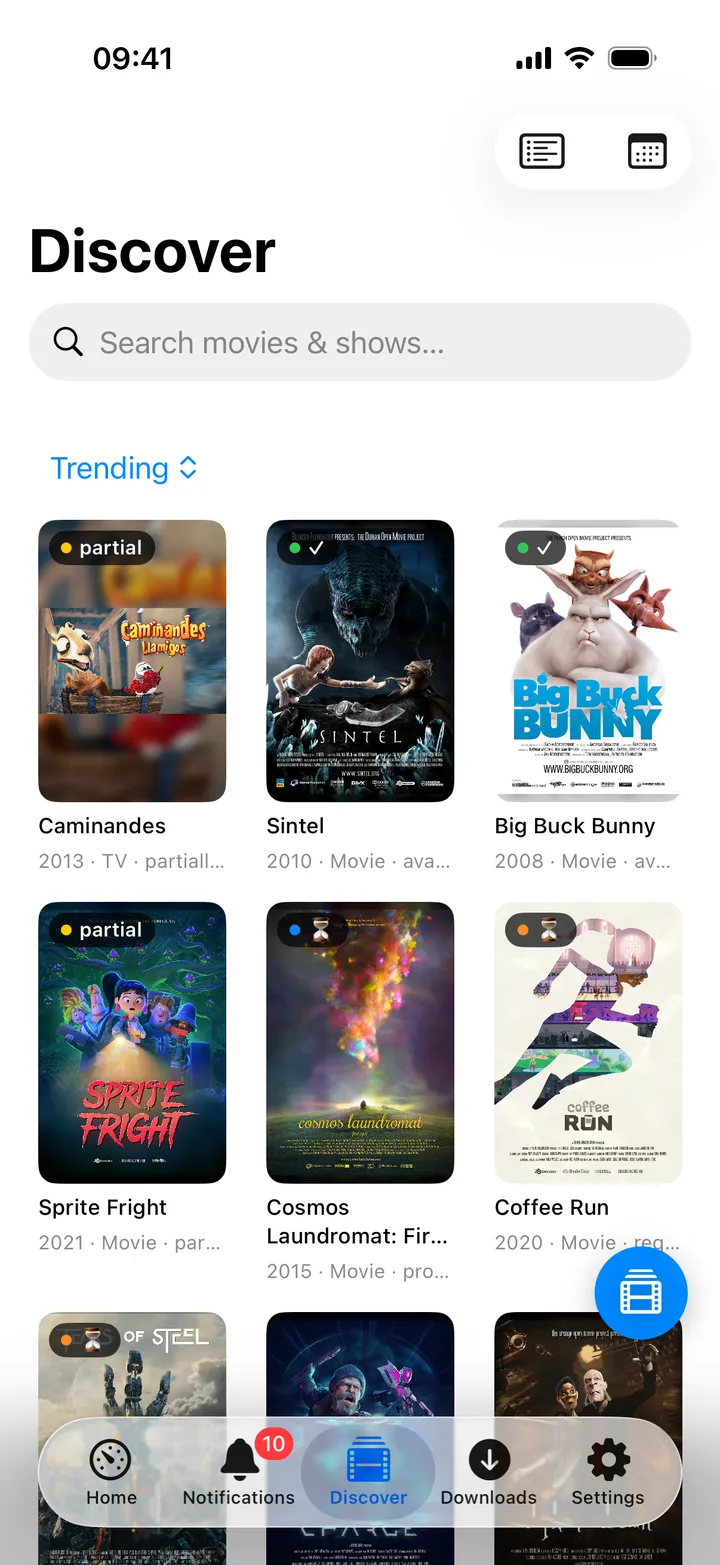
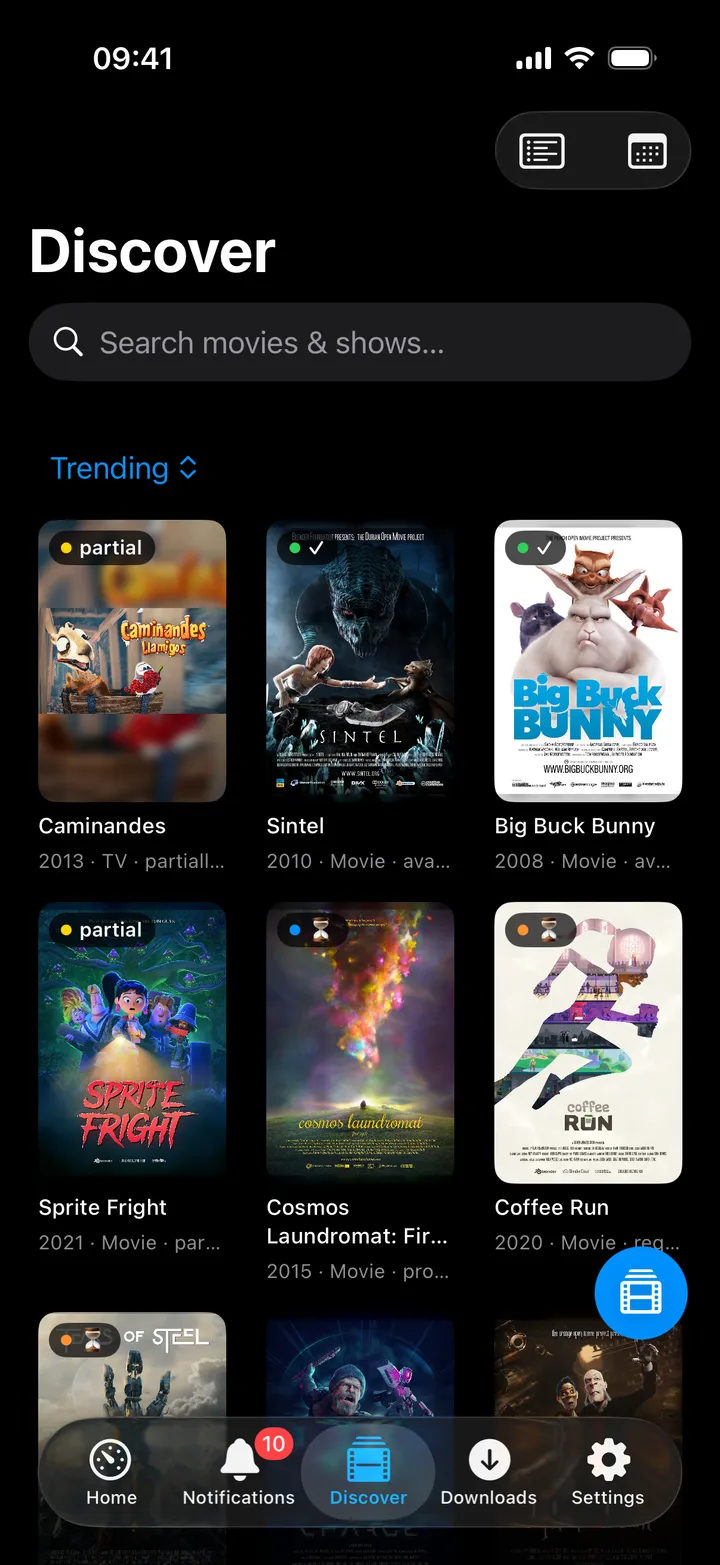
Discover looks and works as it does with Jellyseerr: pick a category from the title menu, search films and shows, sort and filter the results. The badges on the posters are the status Pocket Requests reports: requested, processing, partly here, available.
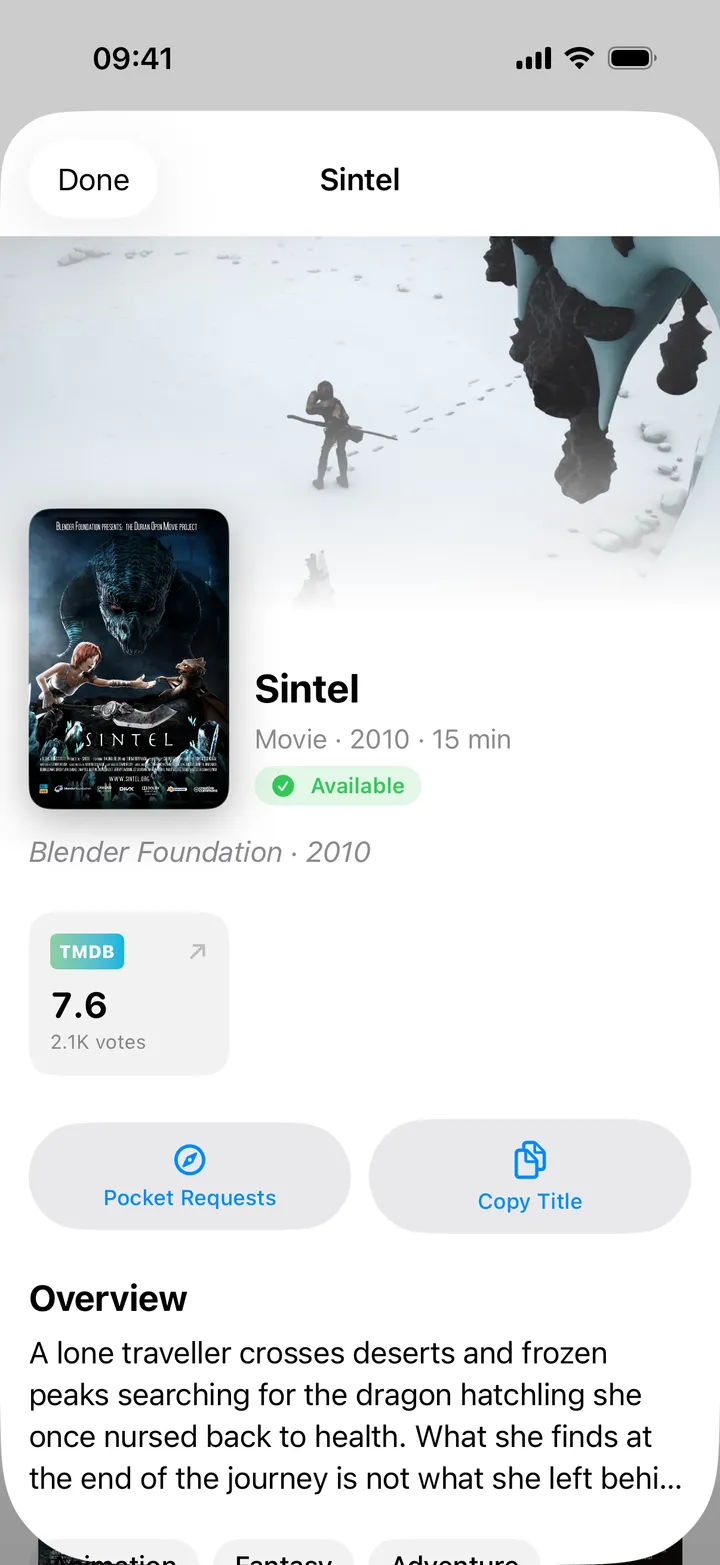
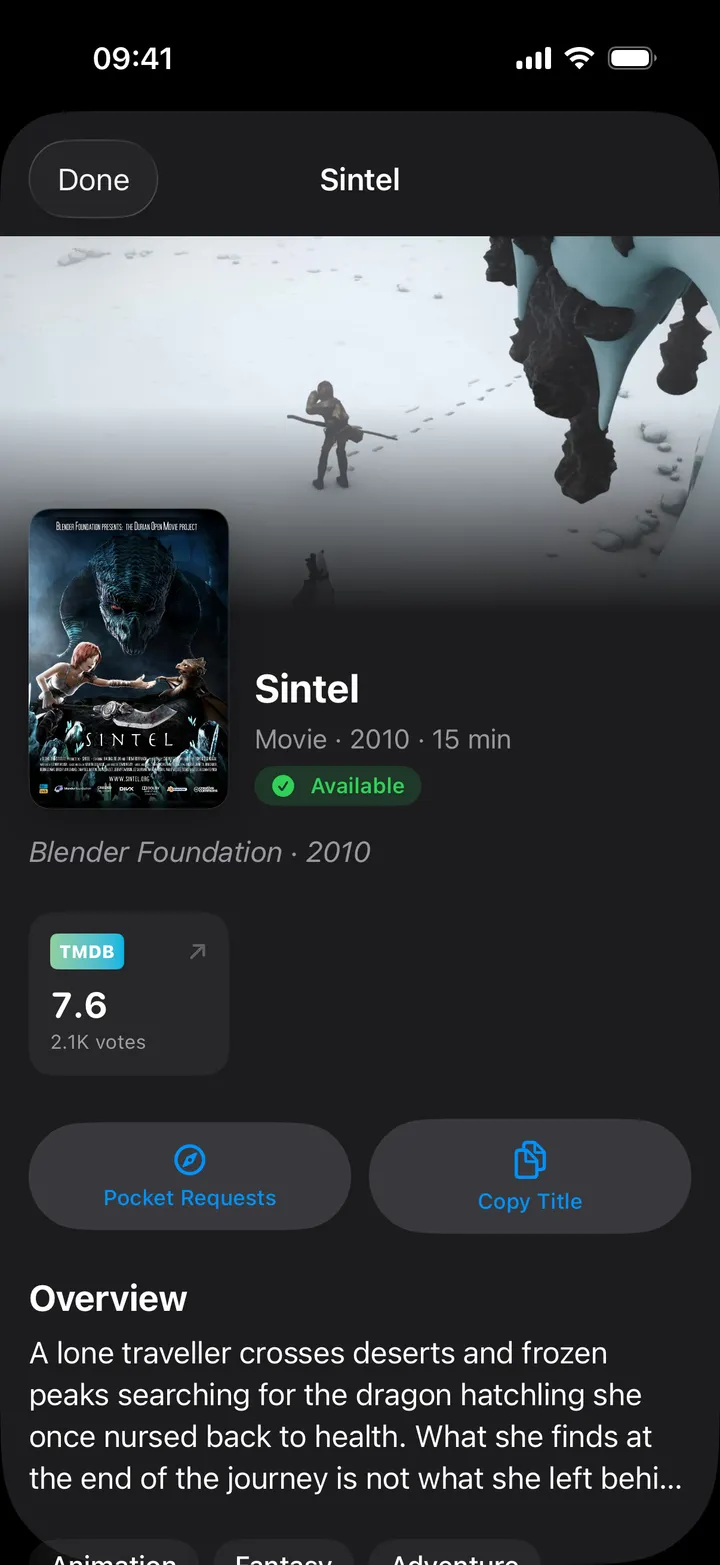
Tap a poster for its detail sheet. Request (or a season’s own Request) sends it to Pocket Requests, which follows its own approval rules: an admin’s request goes straight through, a member’s may wait for approval. The Pocket Requests button opens the title’s page in the web app, where you see its whole story (looking for a copy, downloading, moving into the library).
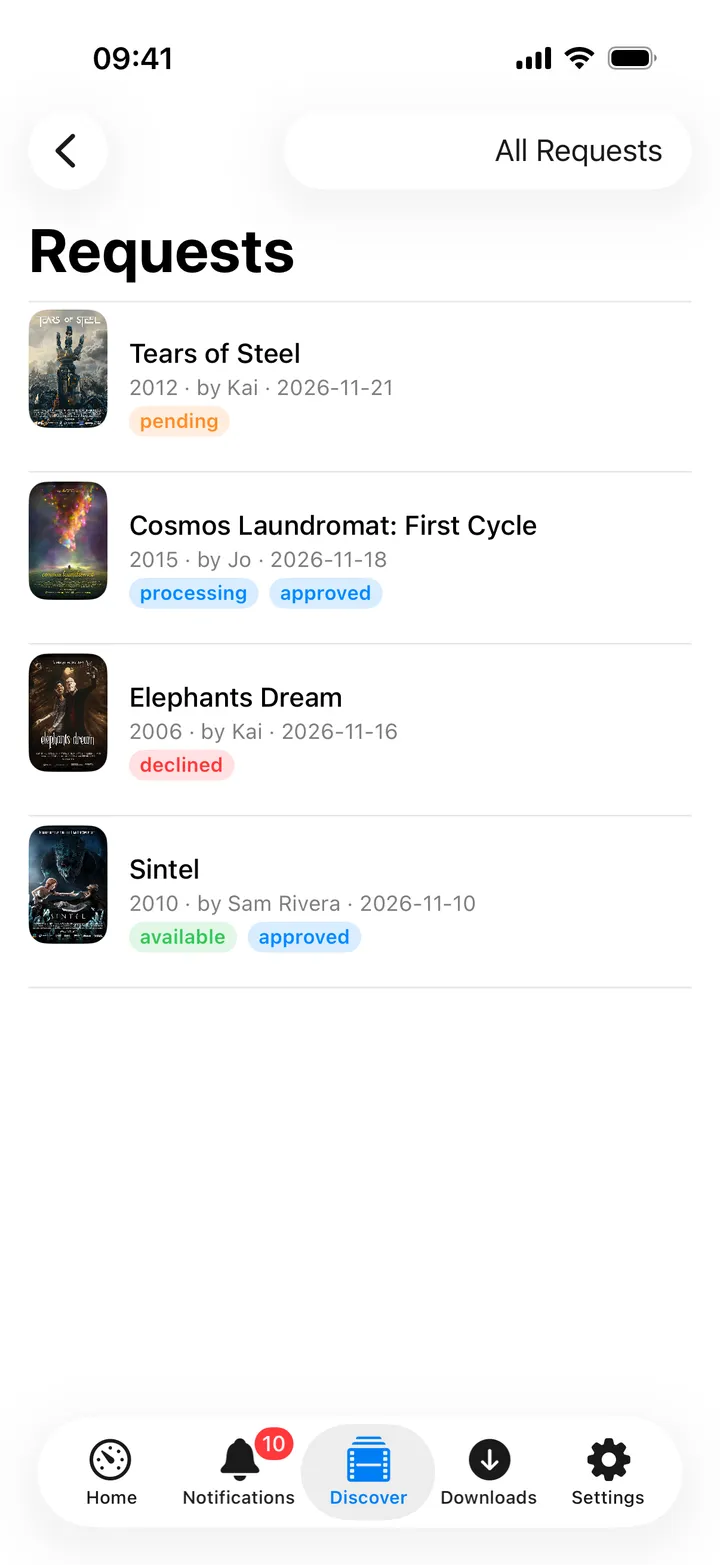
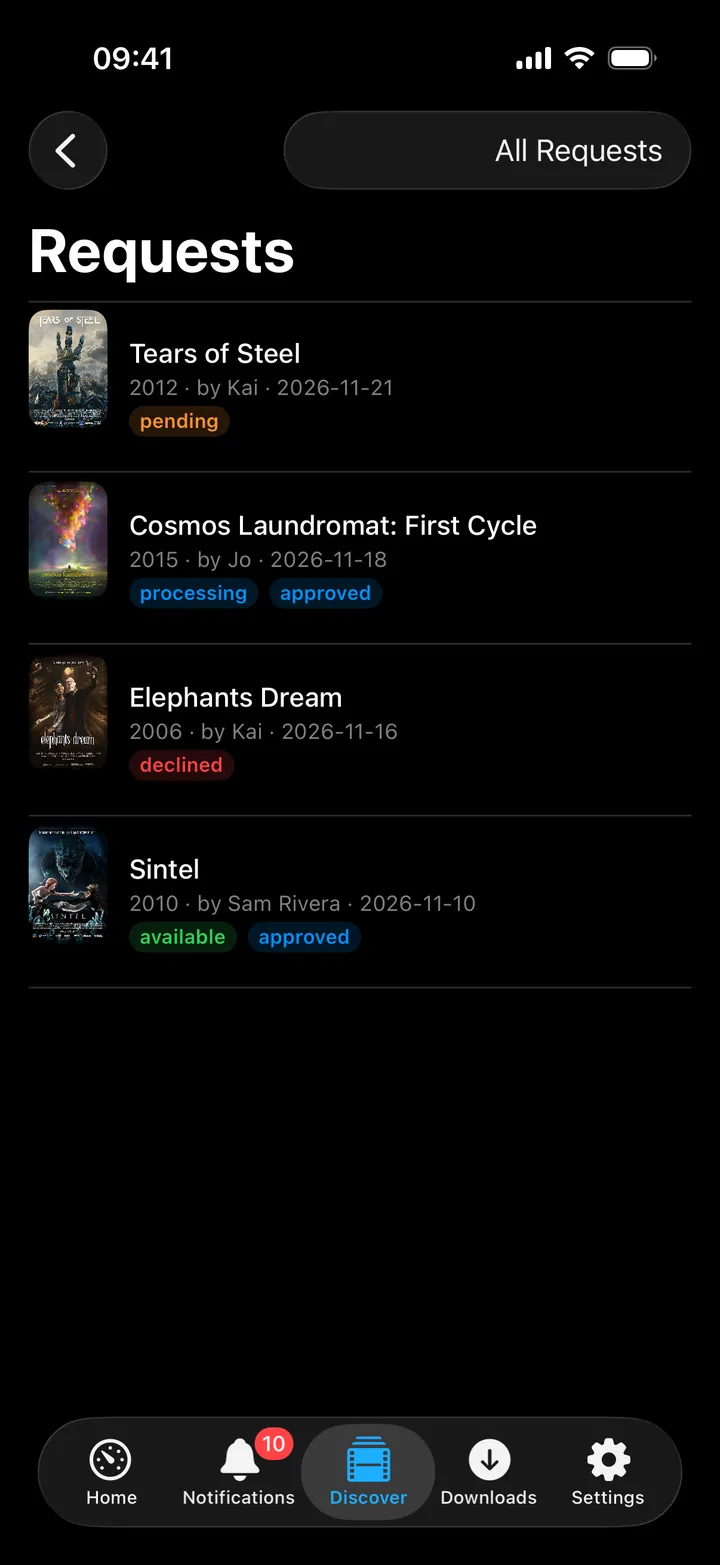
Requests in Discover’s toolbar lists the requests with who asked, the date and the status. Filter by status from the toolbar menu; swipe a pending request to Approve or Decline, a failed one to Retry, and left to Delete it.
On Mac
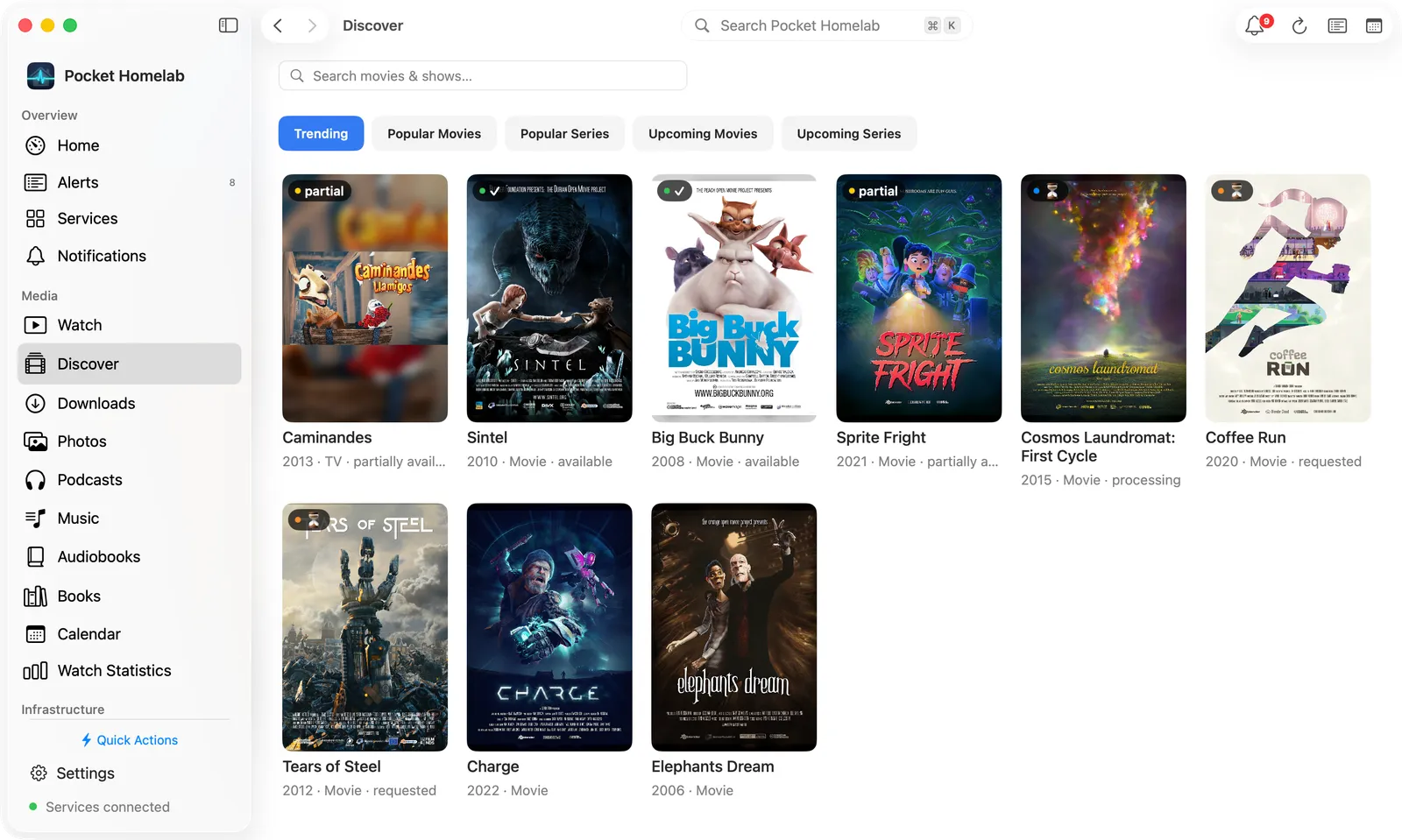
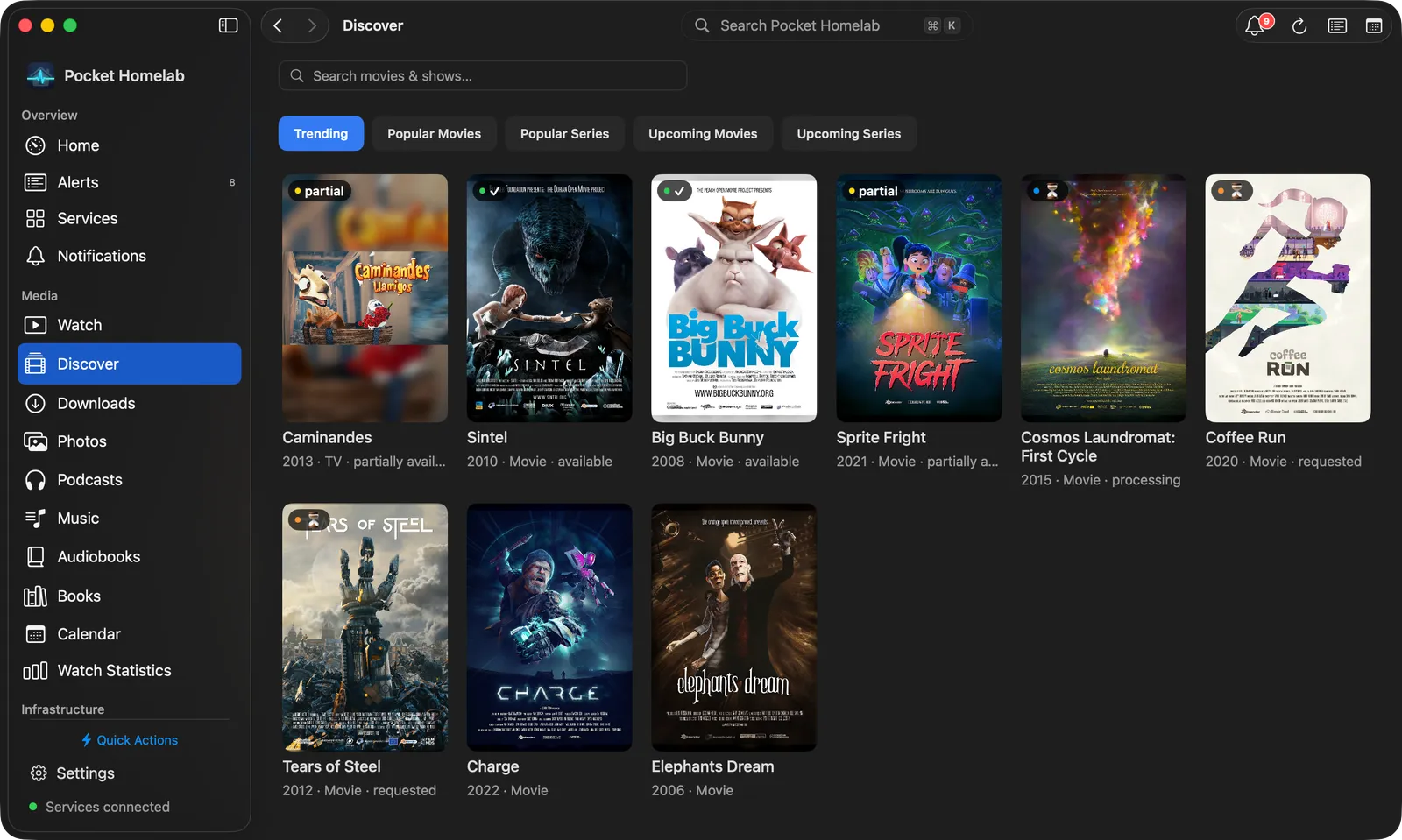
Discover sits in the sidebar under Media, with the categories above the poster grid and the wide detail sheet with Request; Requests opens from Discover’s toolbar with its status tiles and rows. It is the same workspace as with Jellyseerr.
Actions
- Request a film, all seasons of a show, or one season.
- Approve, Decline, Retry and Delete a request (what you may do follows your role in Pocket Requests).
Works with
- Radarr and Sonarr stay the engines: Pocket Requests hands them what was asked for. The app’s own Radarr and Sonarr settings add Episodes in Sonarr, the media calendar and the extra rating cards, as with Jellyseerr.
- Pocket Core supplies the address and the device key.
Tips & troubleshooting
- Test connection fails with 401: use a token from Settings → API & shortcuts (
prq_…), or let Pocket Core hand out the device key. The app sends it as a Bearer token. - Use the base address: the app adds
/seerritself (where Pocket Requests answers Jellyseerr’s API). Pastehttps://requests.example.com, not…/seerr. - No person pages, fewer rating cards: Pocket Requests’ Jellyseerr layer has films, shows, seasons, requests and users, but no people, outside ratings or recommendations, so the detail sheet shows the TMDB score only. With Radarr connected, a film still gets the cards Radarr knows (Metascore, Trakt, IMDb).
- Music and books requests are made in Pocket Requests’ web app; Discover covers films and shows.
- Switching back to Jellyseerr is the Requests app choice in the same form; nothing on either server changes.