
Pocket Errors
Send Pocket Homelab's own errors, crashes and log to your Pocket Errors server, so a problem on the phone shows up as an issue you can read on the box, with the lines that led to it.
iPhoneMacOn this page
Pocket Errors is a free, open-source (MIT), self-hosted error tracker: what broke, where, how often and since which release, with a Logs page that keeps every line the box’s containers and services write. Any Sentry SDK can send to it. Pocket Homelab is one of its senders: it files its own errors and crashes there as issues, and sends its log lines to Logs. Pocket Homelab has no Pocket Errors screen of its own; you read what it sent in the Pocket Errors web app.
Without Pocket Errors the app keeps its log in memory only, and nothing leaves the device.
What you get
- Issues for the app’s own errors. An error becomes an issue in a project of the device’s own, named Pocket Homelab (iPhone), made on its first error. Each error carries the app version and build, the iOS version, the device model and the 30 log lines before it.
- Crashes and hangs. Once a day iOS gives the app its own crash, hang, CPU and disk-write reports. Each one is sent once, at the time it happened. Crashes are grouped by how the app stopped, so one crash is one issue across builds.
- Failed Apple Health uploads to Pocket Health, as an issue.
- The log in Logs, as the device’s own source: every failed request (method, host, path, status and how long it took, nothing else), what the app ran in the background and how long it took, and iOS’s daily figures from Settings → Battery use (time on screen and in the background, CPU time, mobile data).
- Privacy. Every web address loses its query, its
#part and any user name and password before anything is kept, because keys often travel in a query. Request and response bodies and headers are never sent.
Set up
- In Pocket Errors, open Settings → API tokens and create a token. Log lines need an admin’s token; with a member’s token the errors still go, the lines do not.
- In Pocket Homelab: Settings → Services → Pocket Errors, paste the base URL and the token, then Test connection.
- Nothing else to switch on. From the next time the app opens, its errors and log go to Pocket Errors.
With Pocket Core, the connection arrives with your profile and the device’s own credential is used, so there is nothing to paste.
| Key | Field | Required | Secret | Where to get it |
|---|---|---|---|---|
ERRORS_URL | Pocket Errors URL | Required | — | Base address of your Pocket Errors server. The app sends its own errors and crashes there, and its log (background runs, failed requests, battery use) to Logs. Leave empty to keep them on the device only. |
ERRORS_API_KEY | Pocket Errors API token | Required | Secret | A token from Pocket Errors → Settings → API tokens, of an admin for the log lines. Through Pocket Core the device's own credential is used. Stored in the Keychain. |
On iPhone
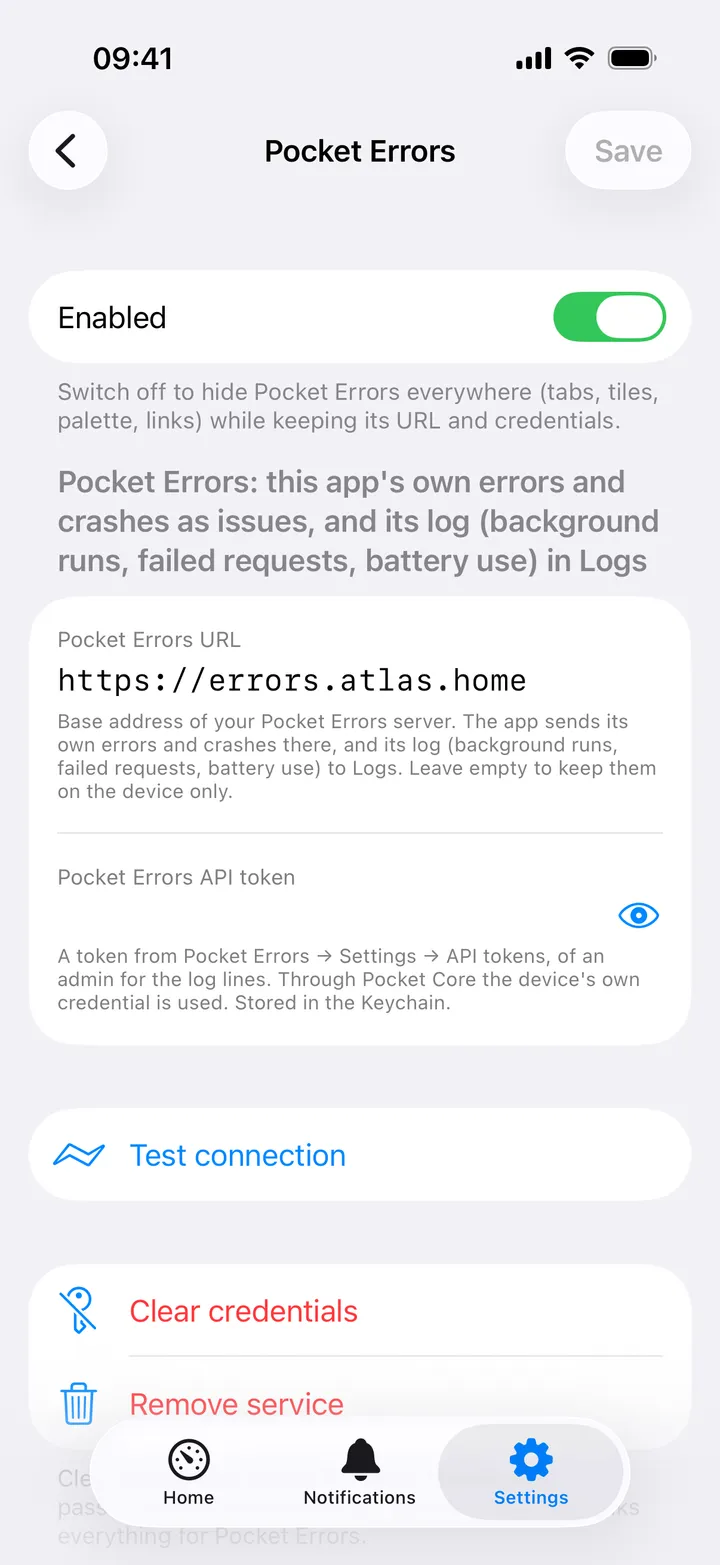
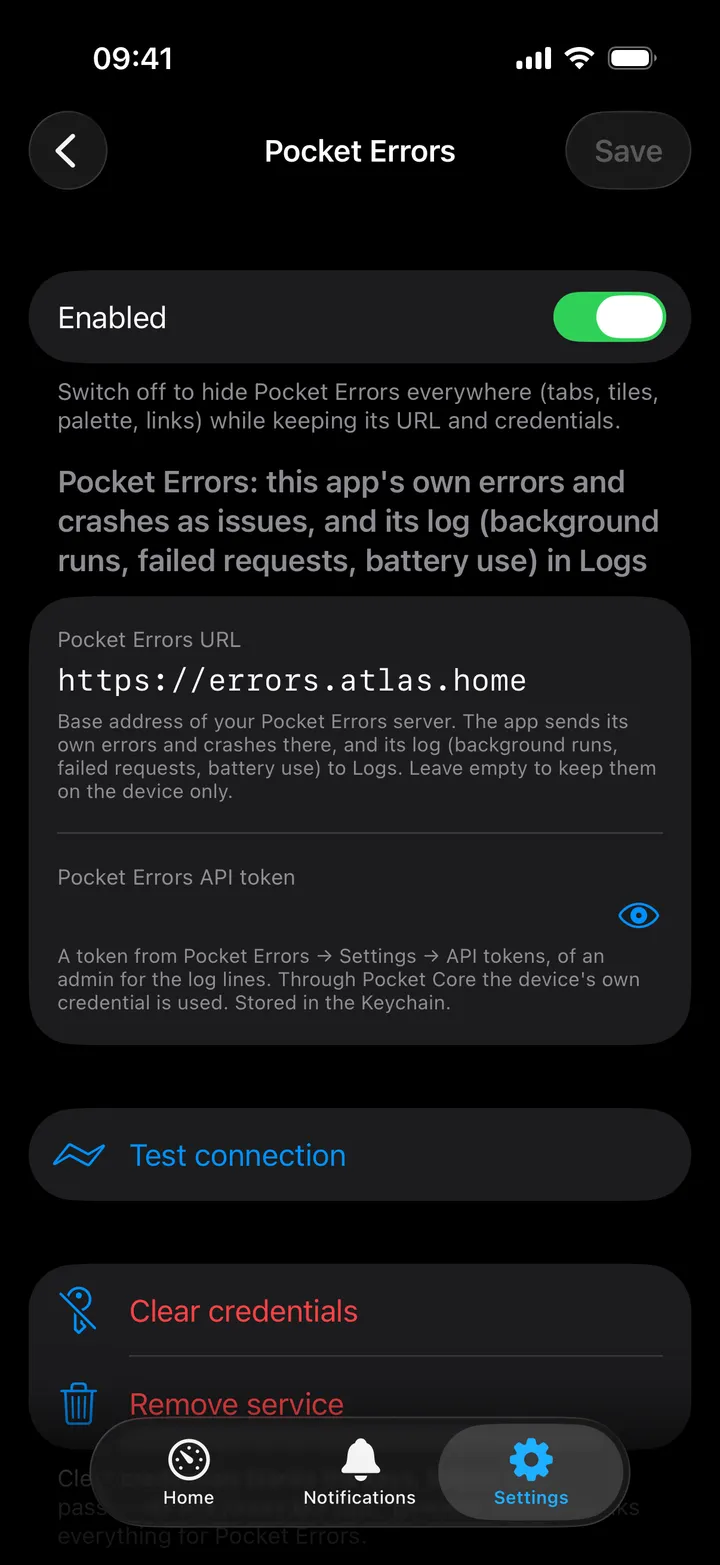
Settings → Services → Pocket Errors is the whole surface in the app: the address, the token and Test connection. The rest happens in the background:
- Lines and errors wait on the phone until they are sent (up to 5,000 lines and 100 errors; the oldest go first), so an offline day arrives later.
- They go at moments the app is awake anyway: when you open it, when you leave it, and during its background refresh. The app never wakes itself up only to send them.
- An error that happens while the app is open goes within half a minute.
- The same error is sent at most once every 10 minutes, so a server that fails on every refresh is one issue, not a flood.
On Mac
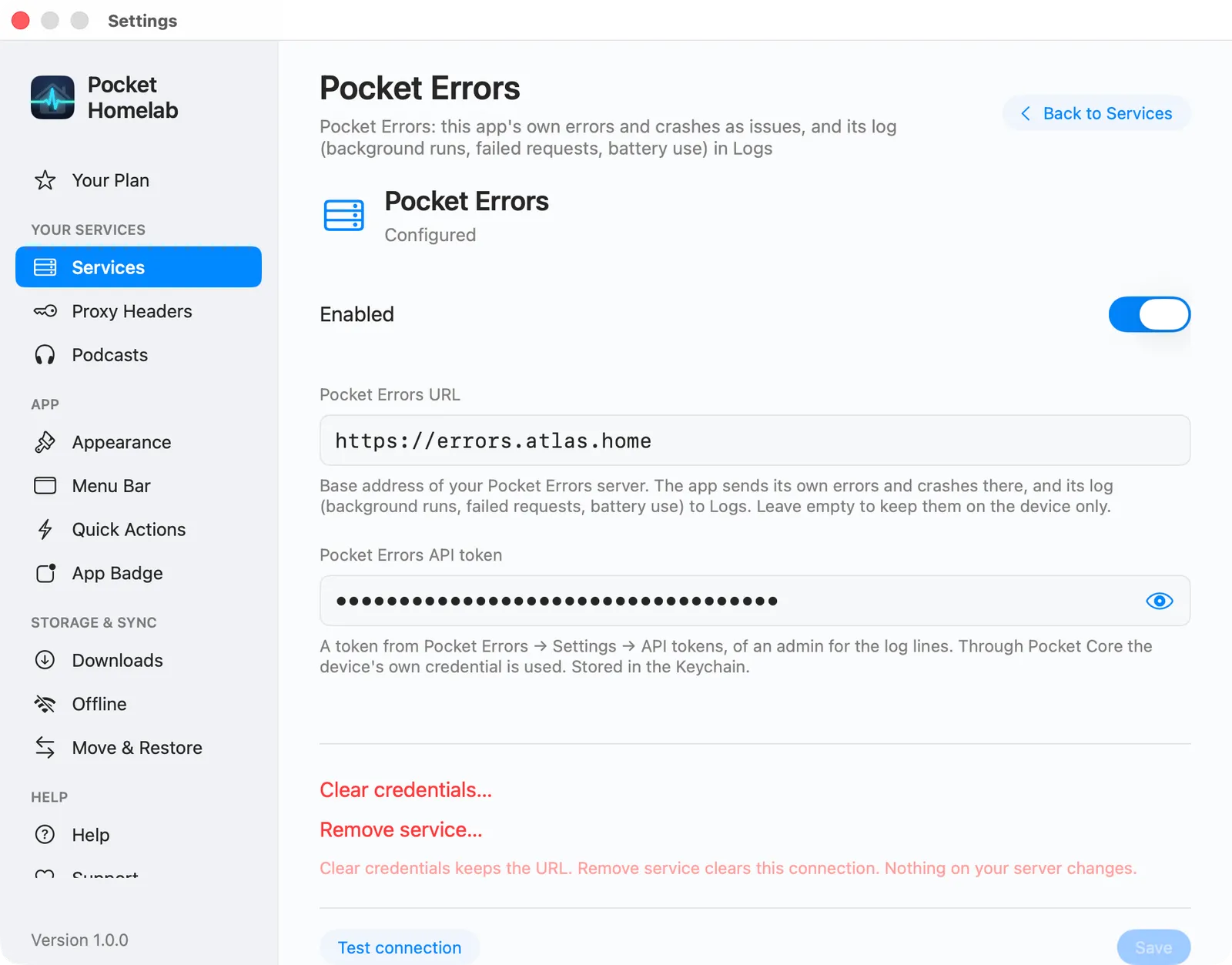
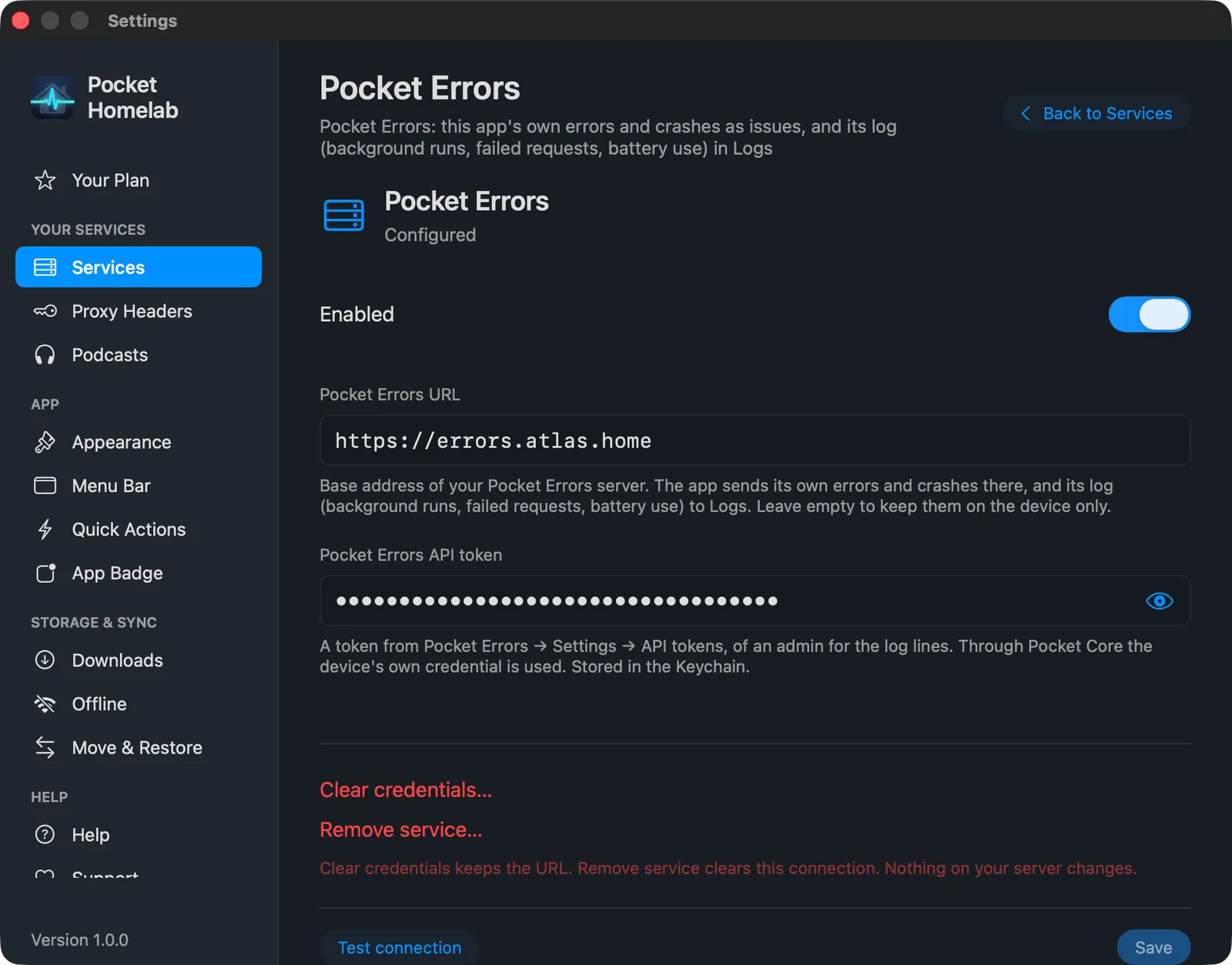
The Mac app has the same Pocket Errors form under Settings → Services, with Test connection. Sending the app’s own log is done by the iPhone app.
Actions
None in the app. Resolve, ignore or explain the issues, and search the log lines, in the Pocket Errors web app.
Works with
- Settings → Diagnostics and Settings → Battery use show the same requests and background runs on the phone; Pocket Errors keeps them for longer and next to the box’s own logs.
- Pocket Health: a failed Apple Health upload is reported as an issue.
Tips & troubleshooting
- Errors arrive but no log lines. The token is not an admin’s, or Logs is switched off in Pocket Errors. The app then stops sending lines until it is opened again, and keeps them.
- Errors do not arrive. The server is older than Pocket Errors 0.2.1, which does not yet make a project per device: the errors wait on the phone and go once the server is updated.
- Nothing should leave the phone. Leave the URL empty, or use Remove service in the form. What was waiting is dropped at once.