
Pocket Boards
Your boards, lists and cards in Pocket Boards, with the same Deck tab, quick add and card search as Nextcloud Deck.
iPhoneMacOn this page
Pocket Boards keeps your boards, lists and cards on your own server, like Trello or Nextcloud Deck: labels, due dates, checklists, comments, files, shared boards and repeating cards. It answers Nextcloud Deck’s API, so every Deck feature of the app works with it: the Deck tab and its boards, cards with labels, dates, members, comments and attachments, drag-and-drop, natural-language quick add, card search, and Make this line a task… in notes. Open in Pocket Boards opens the board or card in its own web app.
What you get
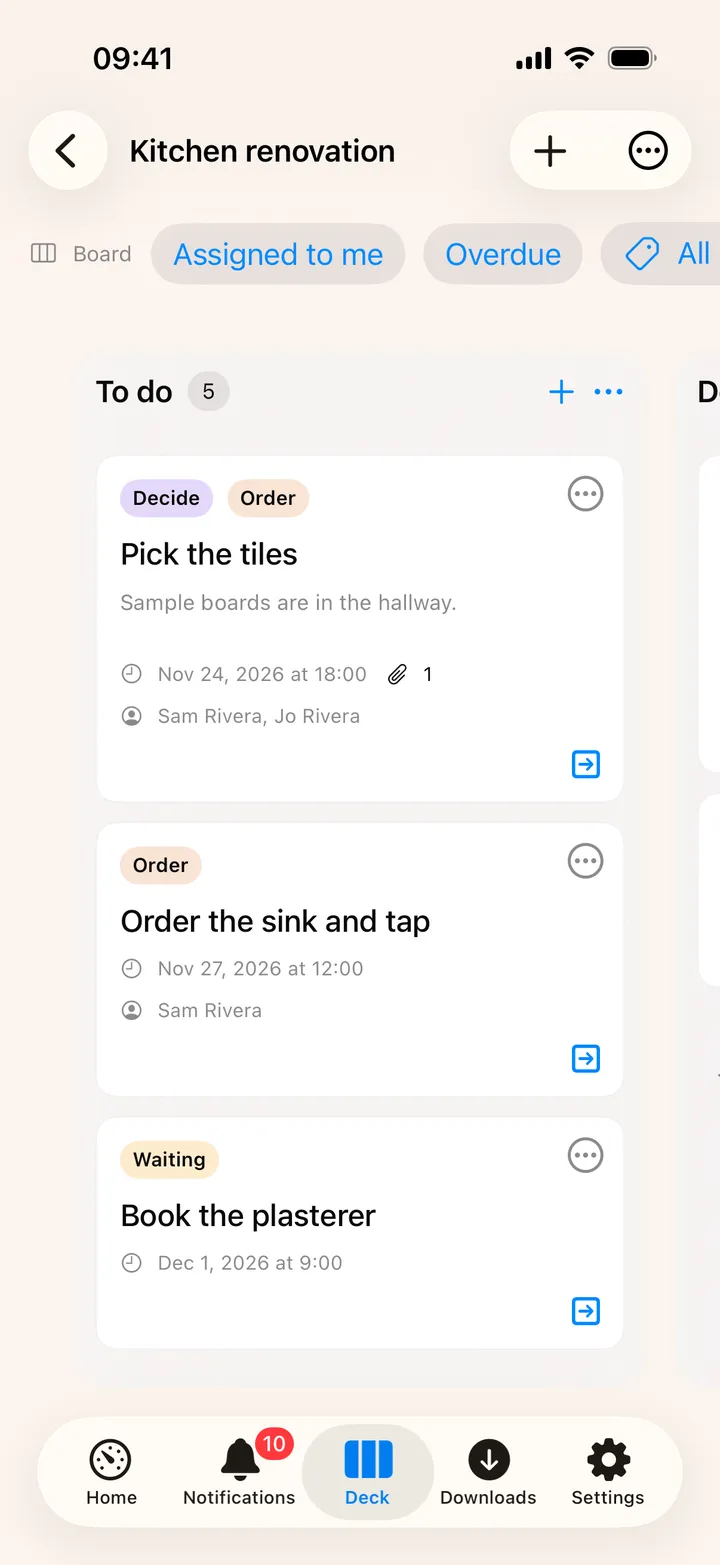
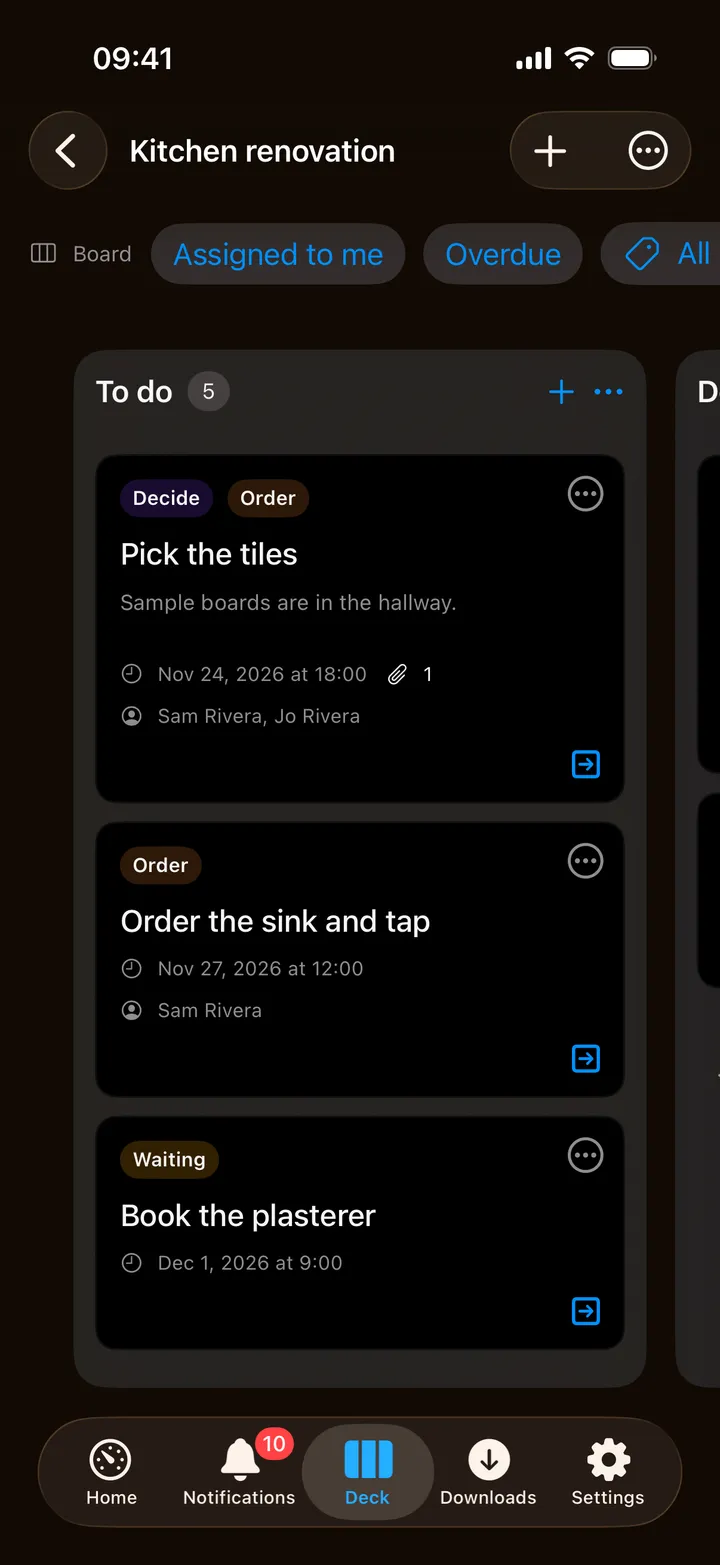
- The Deck tab with your boards, one list at a time on the iPhone and side by side on the Mac.
- Cards with Markdown descriptions and tappable checklists, labels, due dates, the people on them, comments and files (pictures and documents from the device).
- Assigned to me: Pocket Boards says who you are when the board first loads, so the filter finds your cards.
- Quick actions: Deck boards and Add Deck card, and card search in the search sheet.
- Open in Pocket Boards on a board’s ⋯ menu, on a card, and in a card’s long-press menu.
- Mac: the Deck page in the sidebar’s Workspace section.
See Nextcloud Deck for the full tour of the Deck screens: they are the same with either app.
Set up
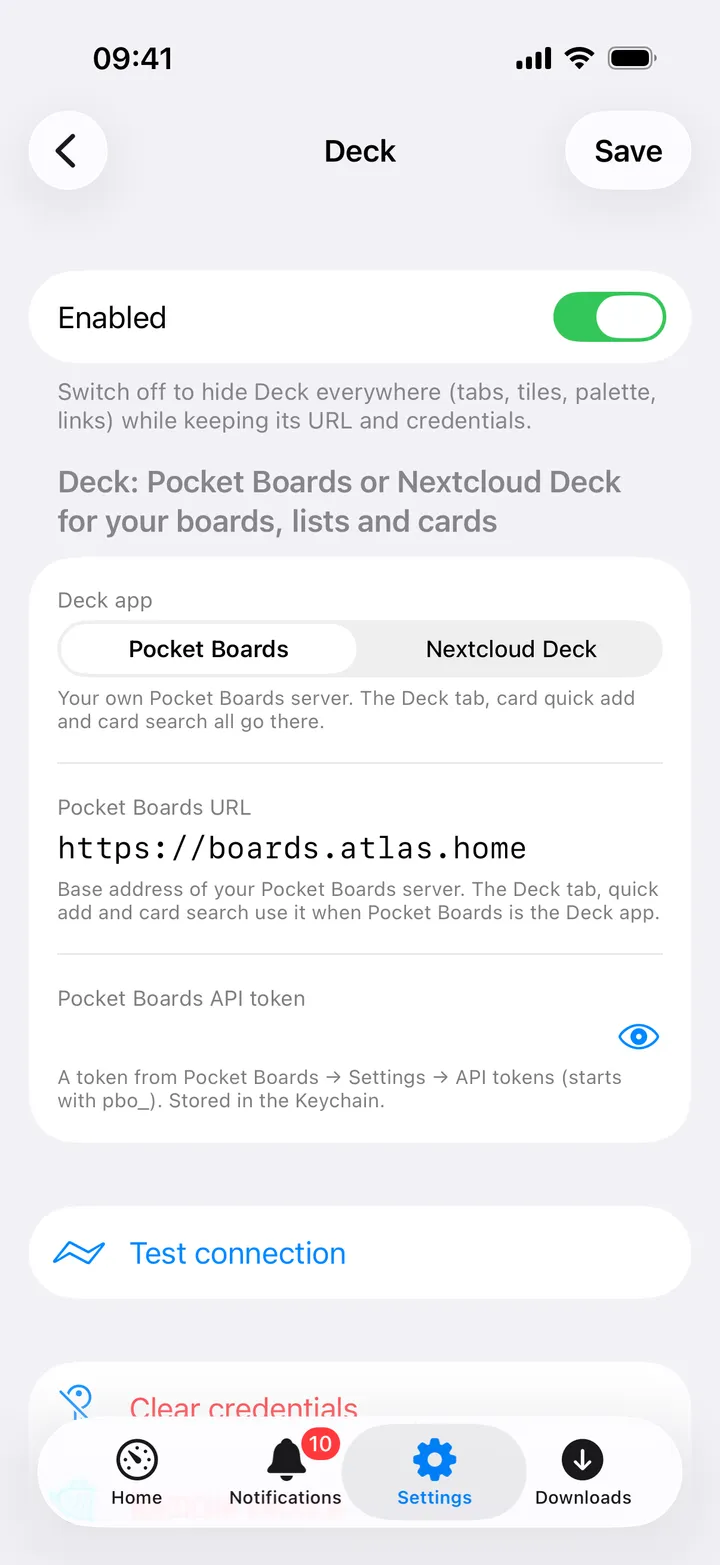
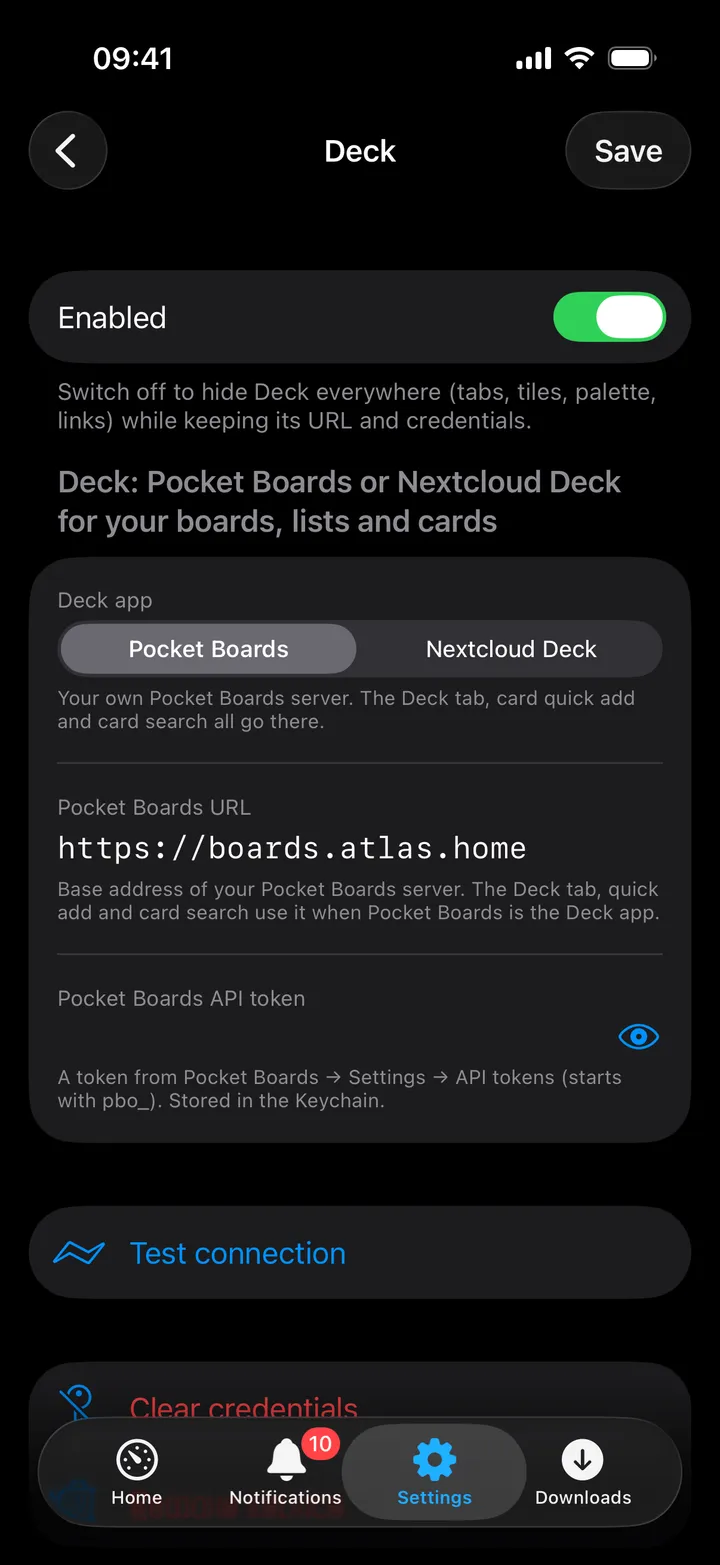
- In Pocket Boards, open Settings → API tokens and create a token. It starts with
pbo_and is shown once. - In Pocket Homelab: Settings → Services → Deck, choose Pocket Boards under Deck app, paste its address (the one you open in a browser) and the token, then Test connection. It answers Pocket Boards connected with the number of boards.
- Turn on the Deck tab in Settings → Tabs if you want it in the tab bar.
| Key | Field | Required | Secret | Where to get it |
|---|---|---|---|---|
DECK_BACKEND | Deck app | Optional | — | pocket or nextcloud. Empty: Pocket Boards when it has an address, else Nextcloud Deck. |
BOARDS_URL | Pocket Boards URL | Required | — | Base address of your Pocket Boards server. |
BOARDS_API_KEY | Pocket Boards API token | Required | Secret | A pbo_ token from Settings → API tokens, or the Pocket Core device token. Stored in the Keychain. |
The Deck app picker has Pocket Boards and Nextcloud Deck. The fields follow the choice and both stay saved, so you can switch back. Nextcloud Deck signs in with the account in Services → Nextcloud.
With Pocket Core, Pocket Boards is used whenever Core supplies it, and the app follows a Deck choice when Core sends one.
On iPhone
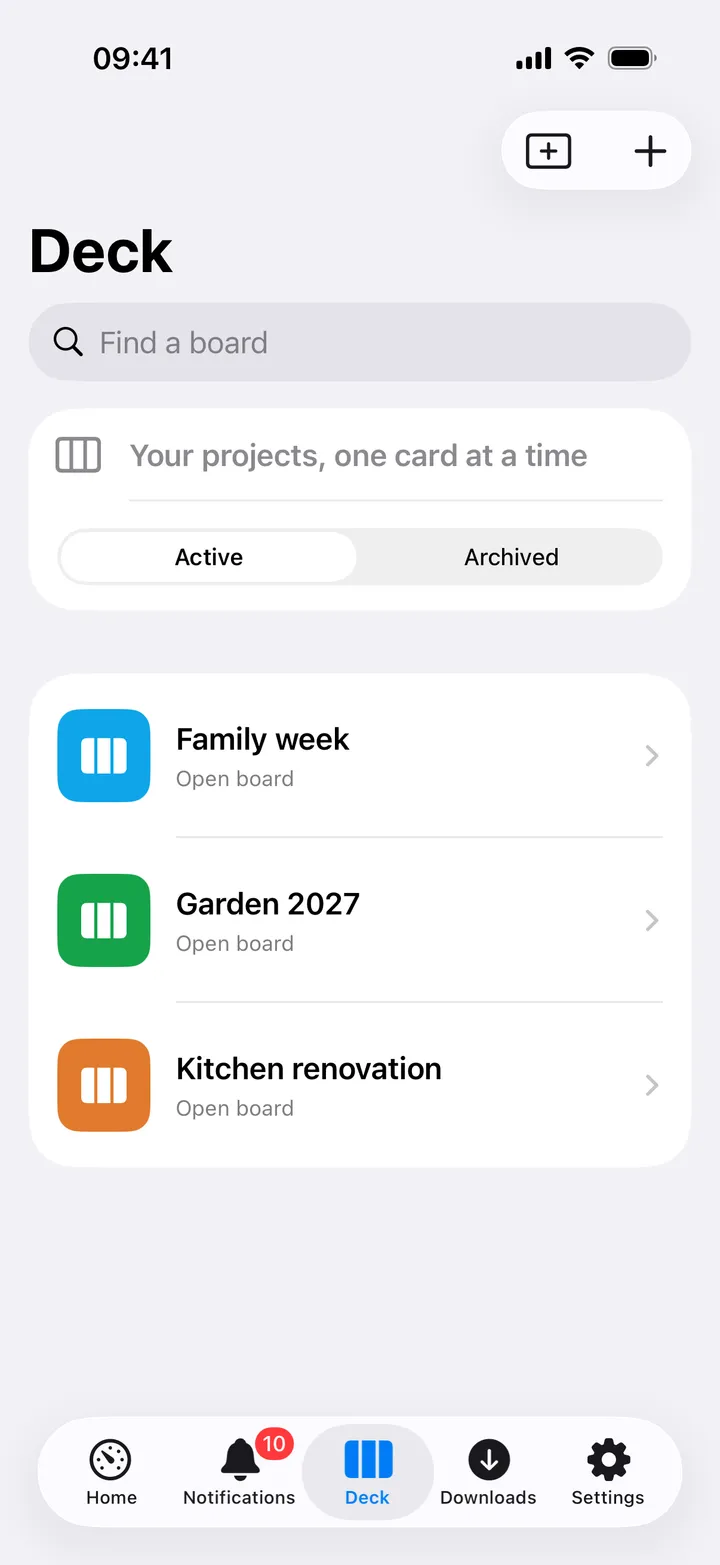
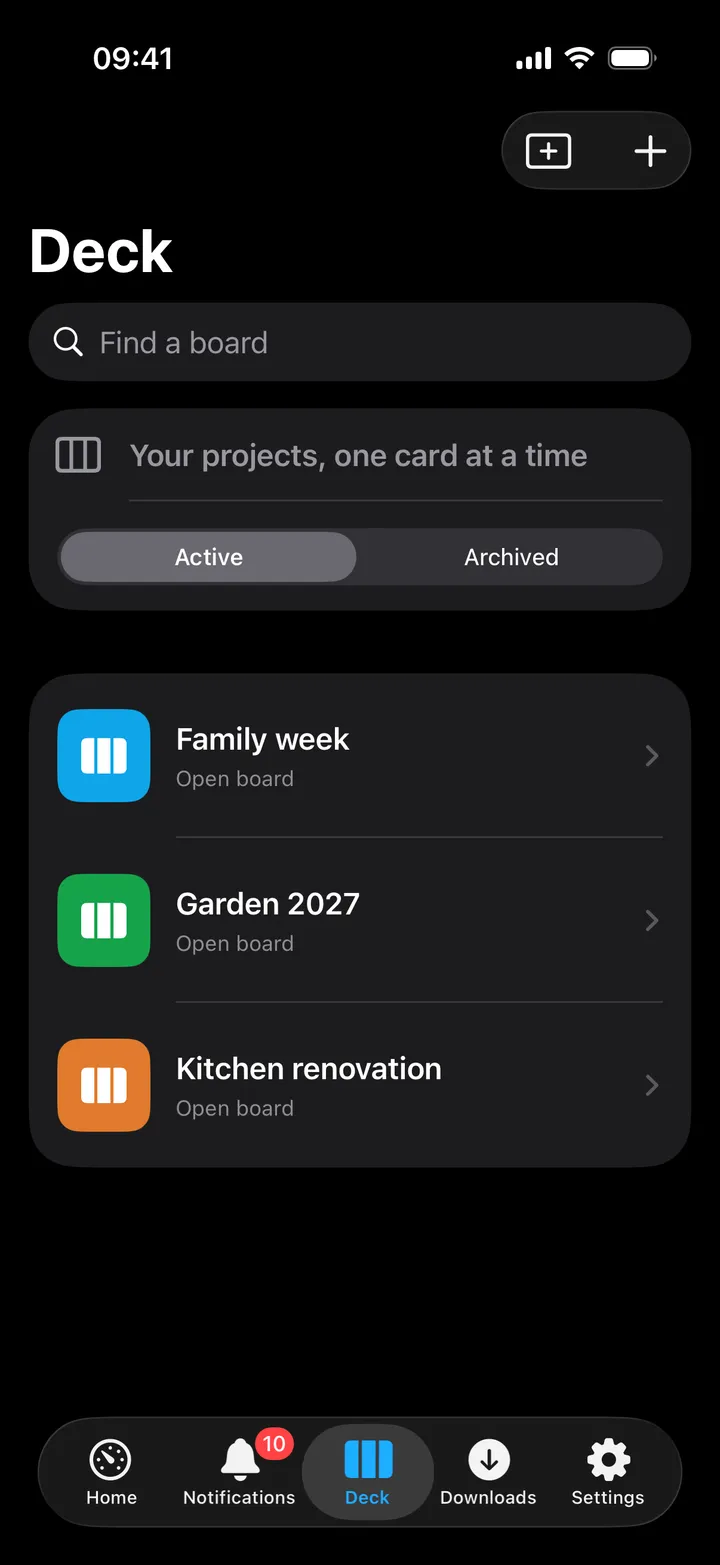
The Deck screen lists your boards, each with a tile in its colour and whether it is open, read-only or archived. Active and Archived switch between them, Find a board searches, and the buttons at the top add a card or a new board. The board you opened last opens again the next time you come to Deck.
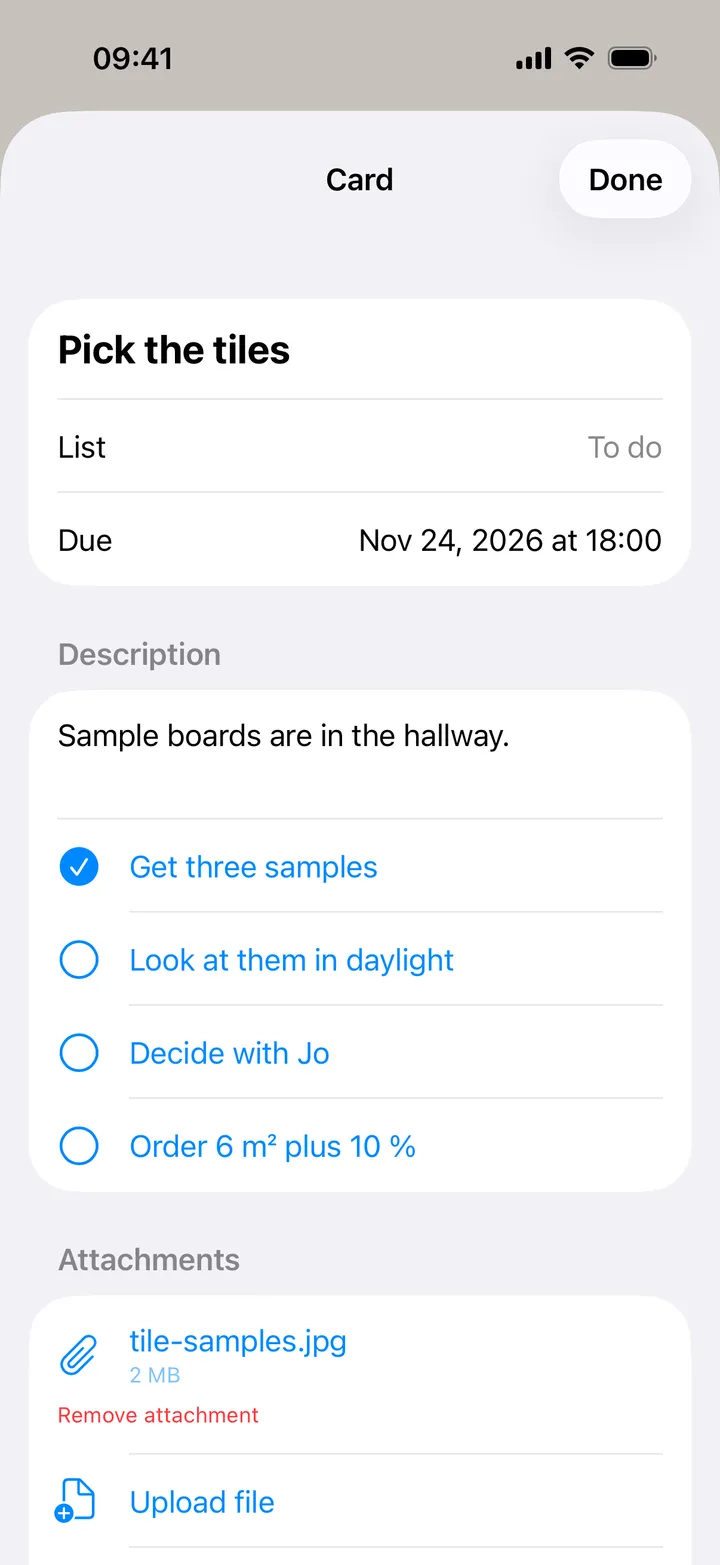
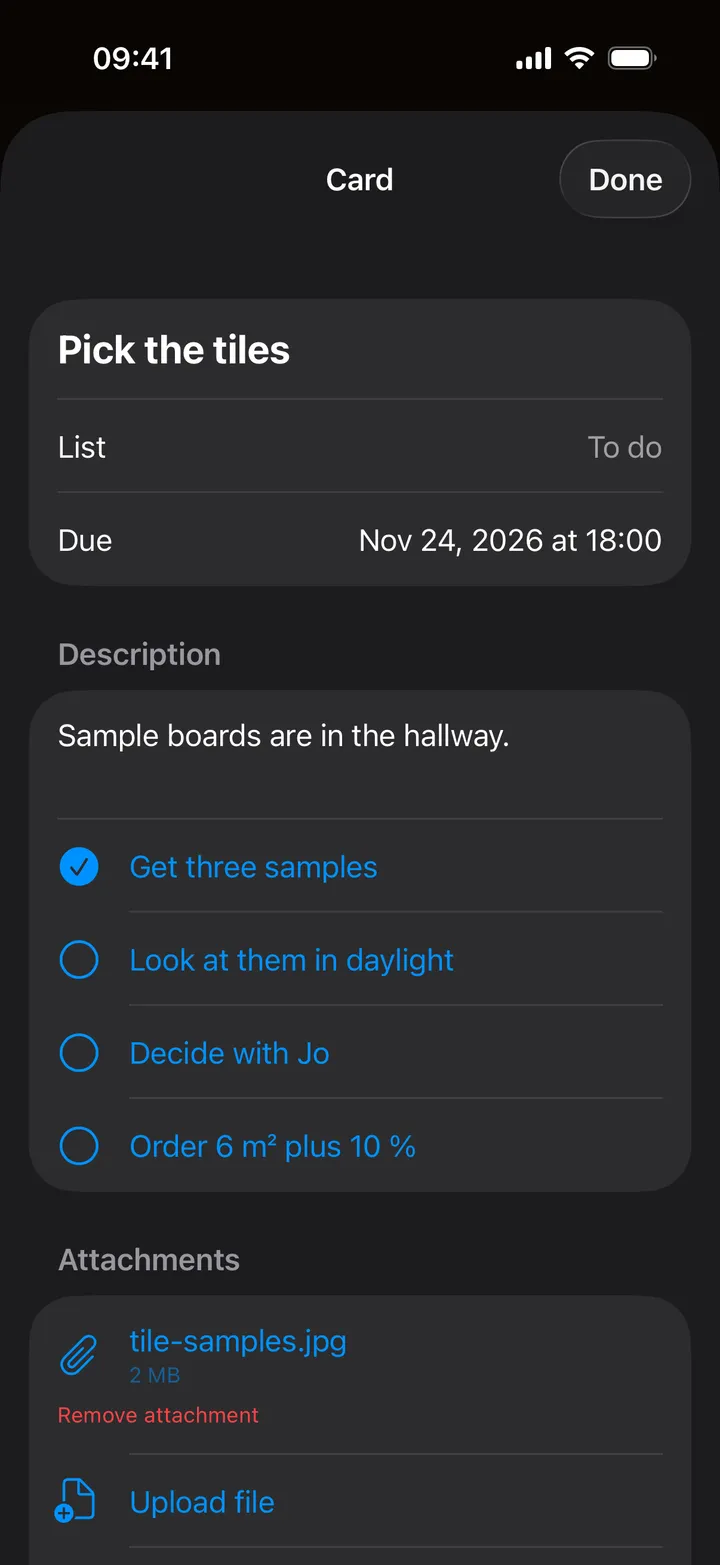
A board shows one list at a time; swipe sideways for the next. Assigned to me, Overdue and the label menu filter the cards. Tap a card to open it: its list and due date, the description with its checklist (tick an item right there), the attachments with Upload file, labels, people and comments.
On Mac
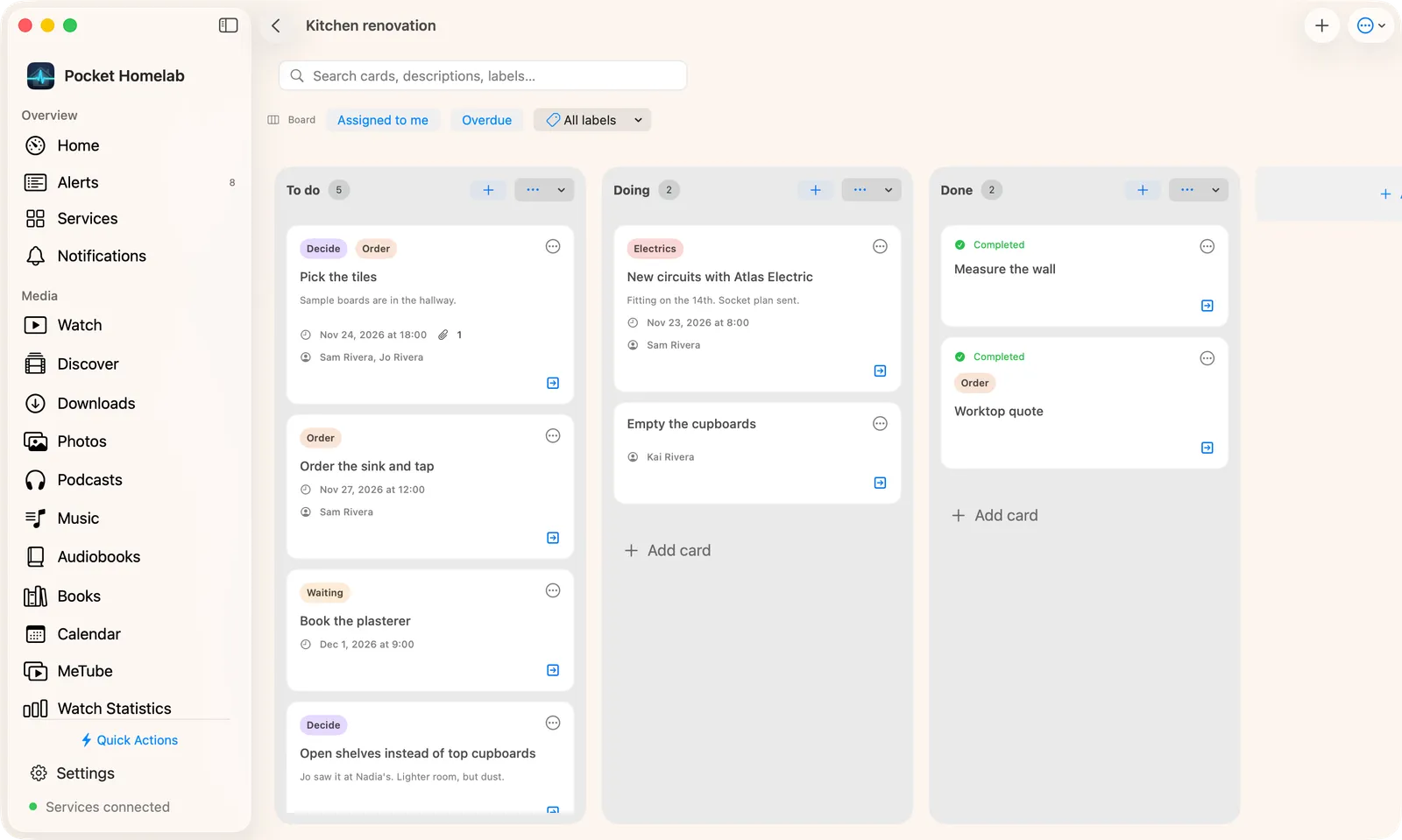
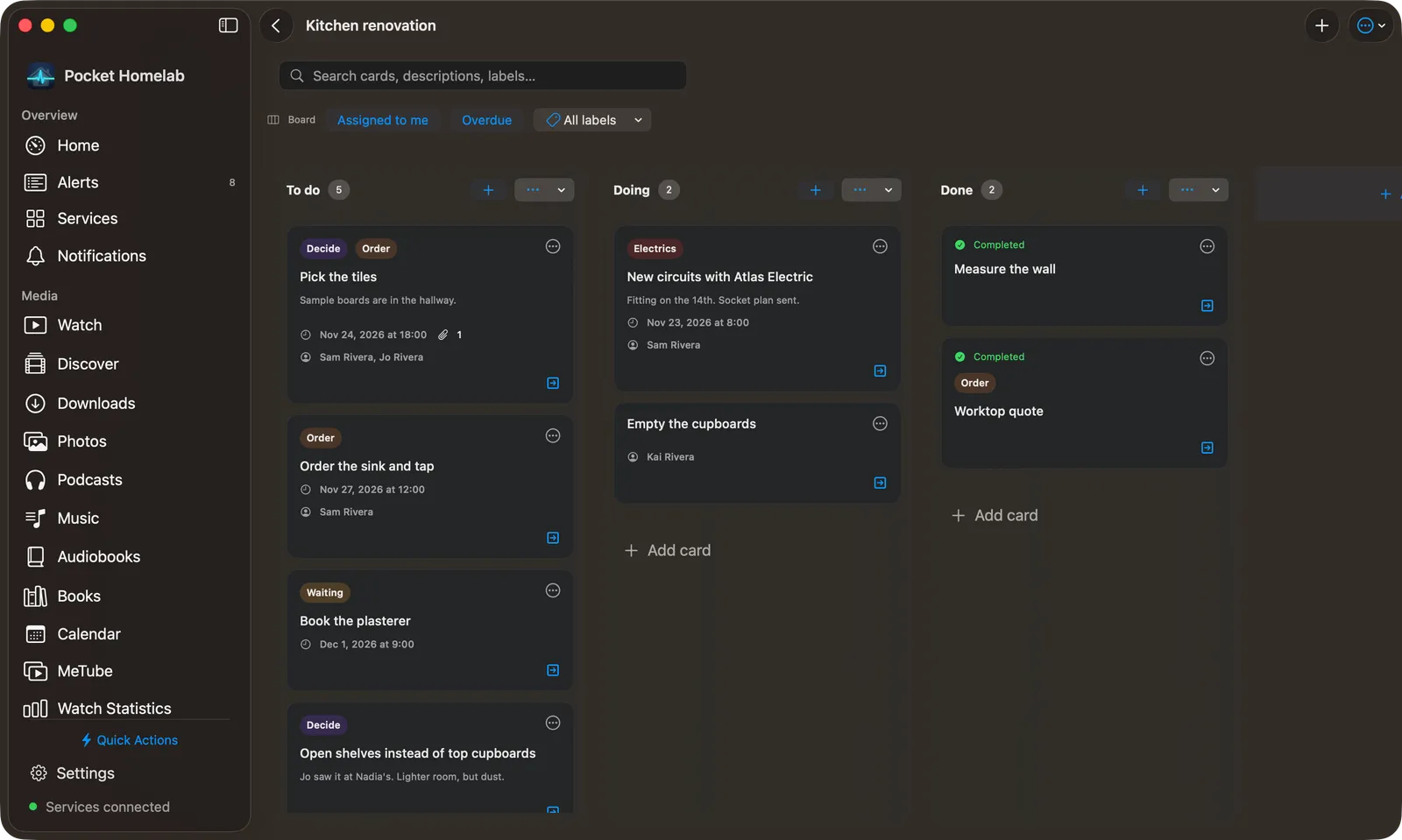
Deck in the sidebar’s Workspace section shows every board as a card in its colour. A board opens with its lists side by side, the same filters, card editor and quick add as the iPhone, and drag-and-drop between lists with the mouse.
Actions
- Create, rename, recolour, archive and delete a board; create, rename and delete a list.
- Create a card, edit its title, description, dates and colour, mark it done, and tick checklist items.
- Move a card between lists or reorder it.
- Create a label, and add or remove labels and people on a card.
- Post, edit or delete your own comments.
- Upload a file or photo to a card, or remove an attachment.
Works with
- Tasks: Deck cards show up as read-only to-dos in the Tasks tab.
- Notes: Make this line a task… in the note editor can send the line to a board and list, and a card lists the notes about it.
- Pocket Core: the address and a device token come from Core.
Tips & troubleshooting
- Test connection fails with sign-in failed: the token must be an API token from Settings → API tokens
(
pbo_…). A deleted token stops working at once. - Attach from Nextcloud is there with Nextcloud Deck only; with Pocket Boards, attach files from the device.
- “This item is no longer available”: the card or list was deleted or moved in the web app. Refresh the board.
- Pocket Boards’ own extras (repeating cards, done lists and list limits, templates, the calendar feed) are set up in its web app; the app shows the cards they make.