
Chaptarr / Readarr
See upcoming book releases, a stuck download queue and search results, all in the shared media calendar.
iPhoneMacOn this page
Chaptarr (or any Readarr-compatible fork) manages your book collection. Pocket Homelab folds it into the shared Media calendar alongside Radarr, Sonarr and Lidarr: upcoming releases, the download queue and a “Search now” action. Every UI string calls it “Chaptarr” even though the Settings title says “Chaptarr / Readarr”.
What you get
- Media calendar entries: one per book, titled with the book name and subtitle
<author> · Book. Chaptarr’s colour is orange, symbolbook.fill, kind tag “Book”. - Home tile (“Calendar”): shares the same tile as Radarr/Sonarr/Lidarr, value
N today/N stuck/ next release date. - Download queue: Chaptarr’s queue rows appear in the shared Queue screen, including unknown-author stuck items.
- Any one of Radarr, Sonarr, Lidarr or Chaptarr being configured is enough to show the Calendar tab, Home row, quick action and Spotlight entry.
Set up
- In Chaptarr (or your Readarr fork), open Settings → General and copy the API Key.
- In the app, go to Settings → Services → Chaptarr / Readarr, paste the URL and key, then press Test connection.
| Key | Field | Required | Secret | Where to get it |
|---|---|---|---|---|
CHAPTARR_URL | Chaptarr / Readarr URL | Required | — | Base URL of your instance. Leave empty to hide Chaptarr / Readarr features. |
CHAPTARR_API_KEY | API key | Required | Secret | Settings → General (any Readarr-compatible fork). |
On iPhone
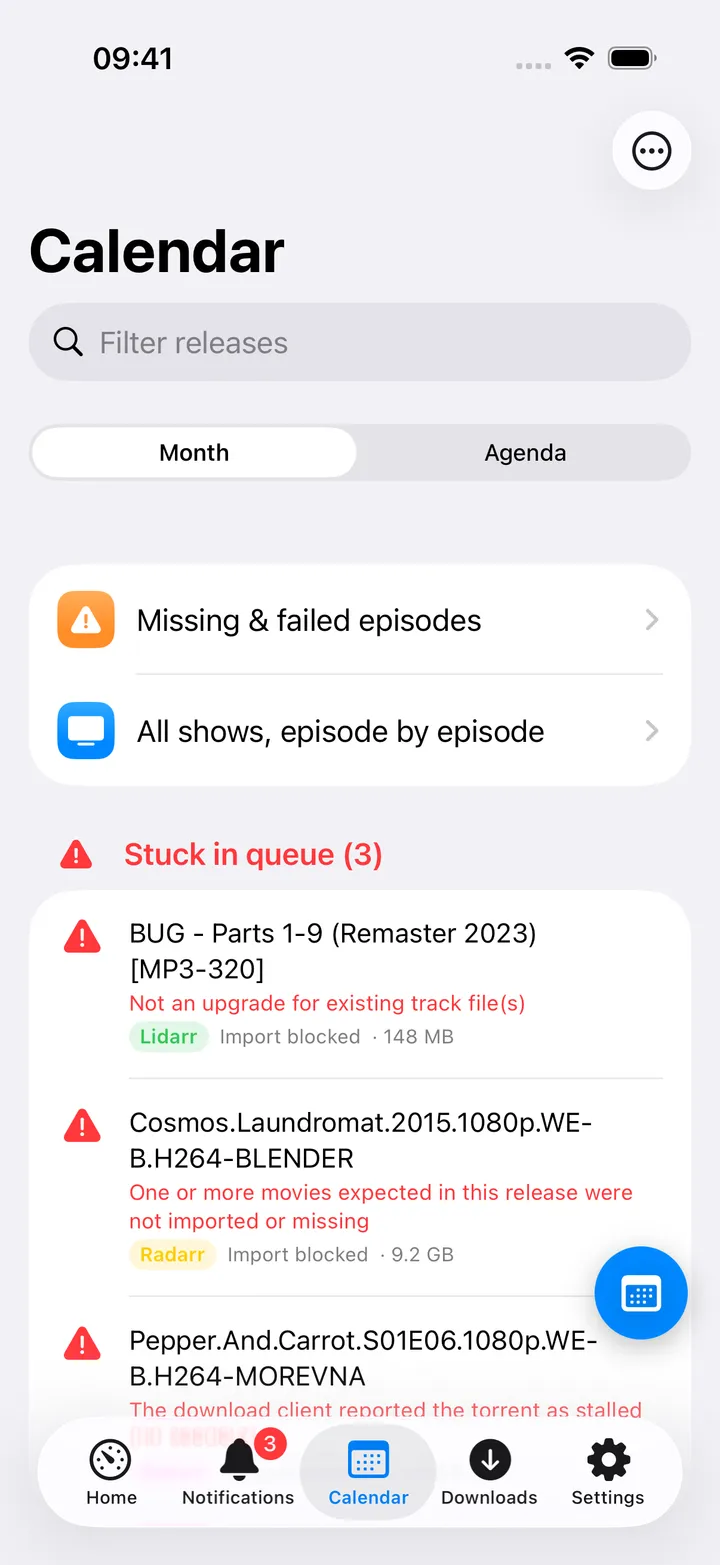
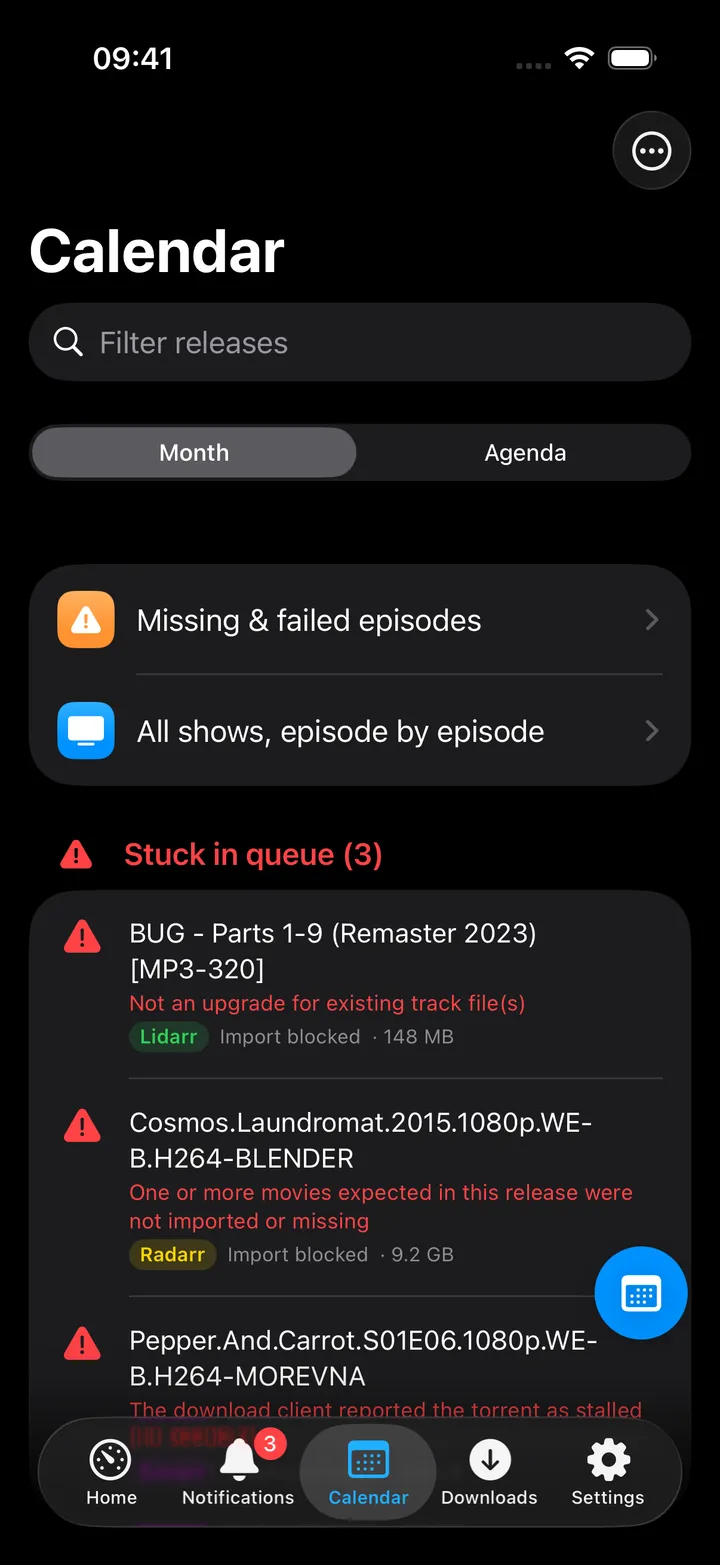
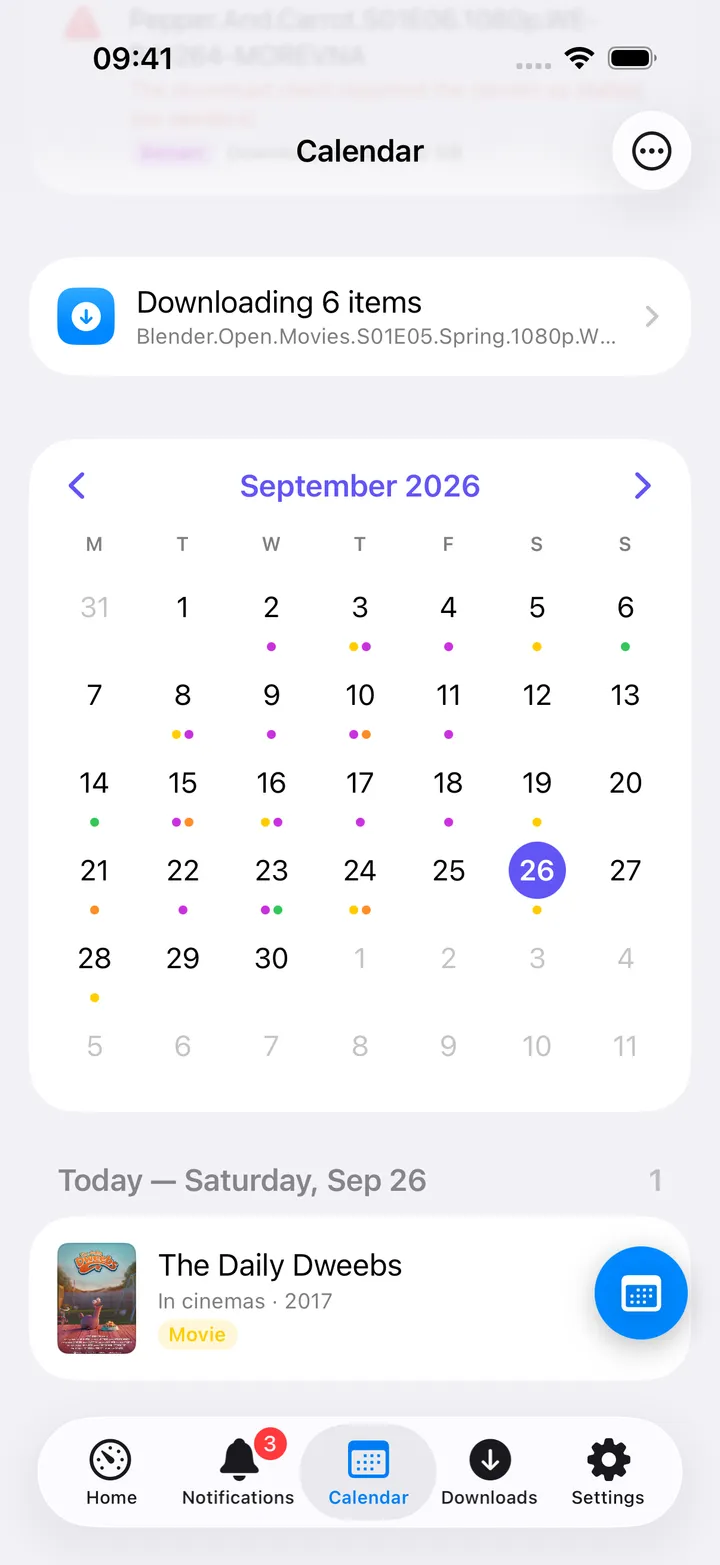
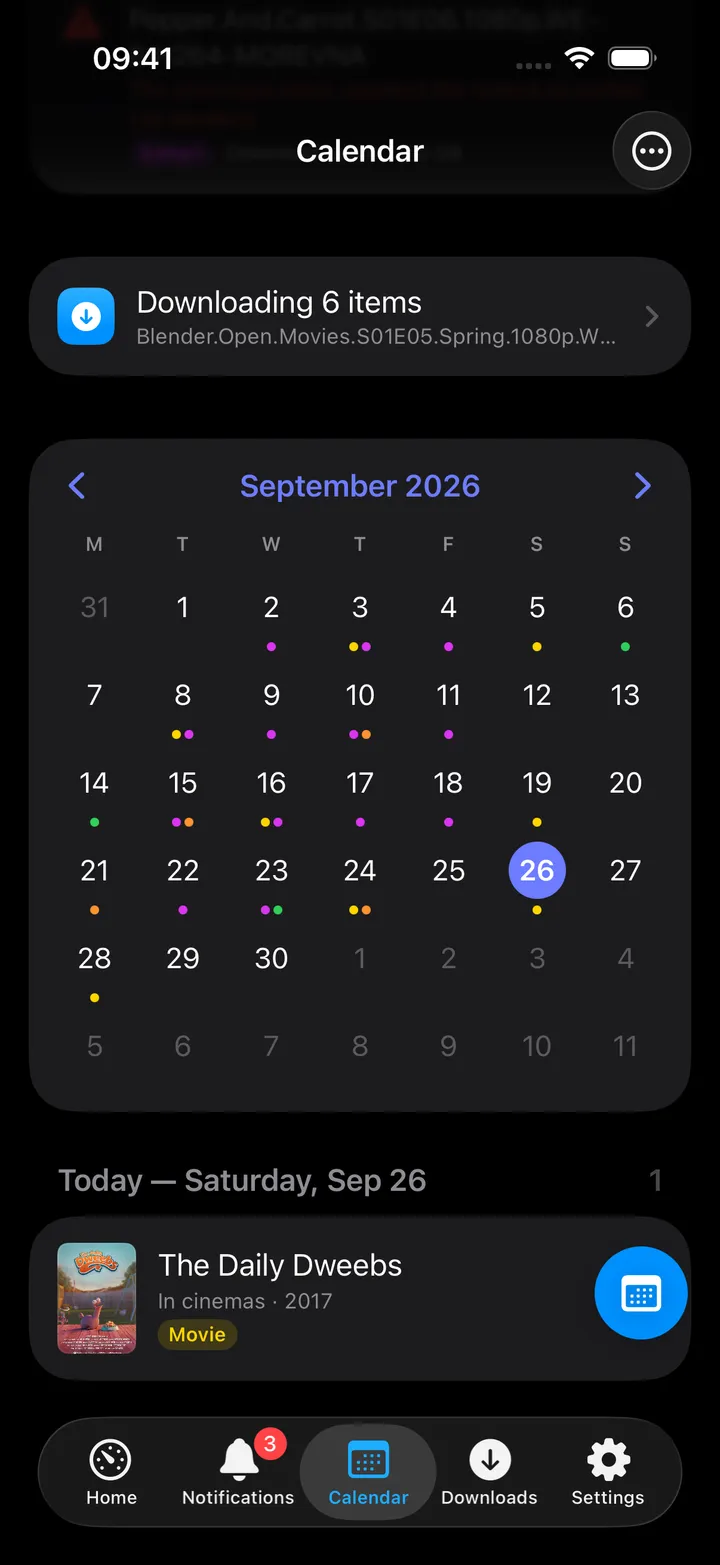
- Detail screen title is Book; the “Release” section labels
Chaptarr’s own status row “Series” for the author status (a wording quirk shared with Lidarr); a “Details” section
lists genres, Publisher and Pages when Chaptarr has them. Search now in Chaptarr and, with Prowlarr configured,
Search indexers pre-filled with
<author> <title>in the Books category. - The Calendar’s round button beside the + holds its controls: Today, Month, Agenda, Download queue, Refresh, the previous and next month, Next 7/14/30/90 days, Add to iOS Calendar, Show Chaptarr (when more than one arr app is set up) and Open Chaptarr. The first five show until you pick your own with Customise; turn the button off in Settings → Screen action buttons.
On Mac
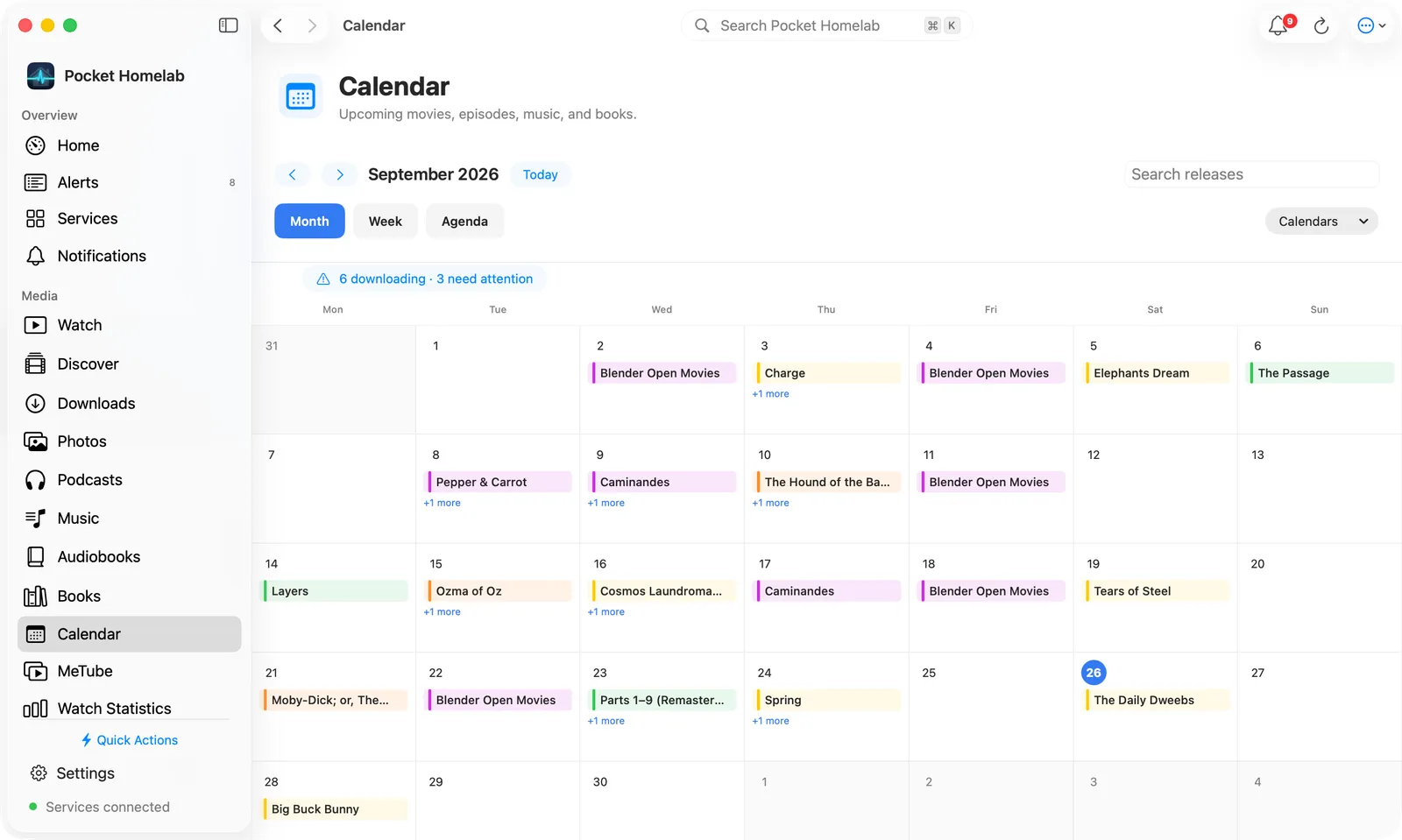
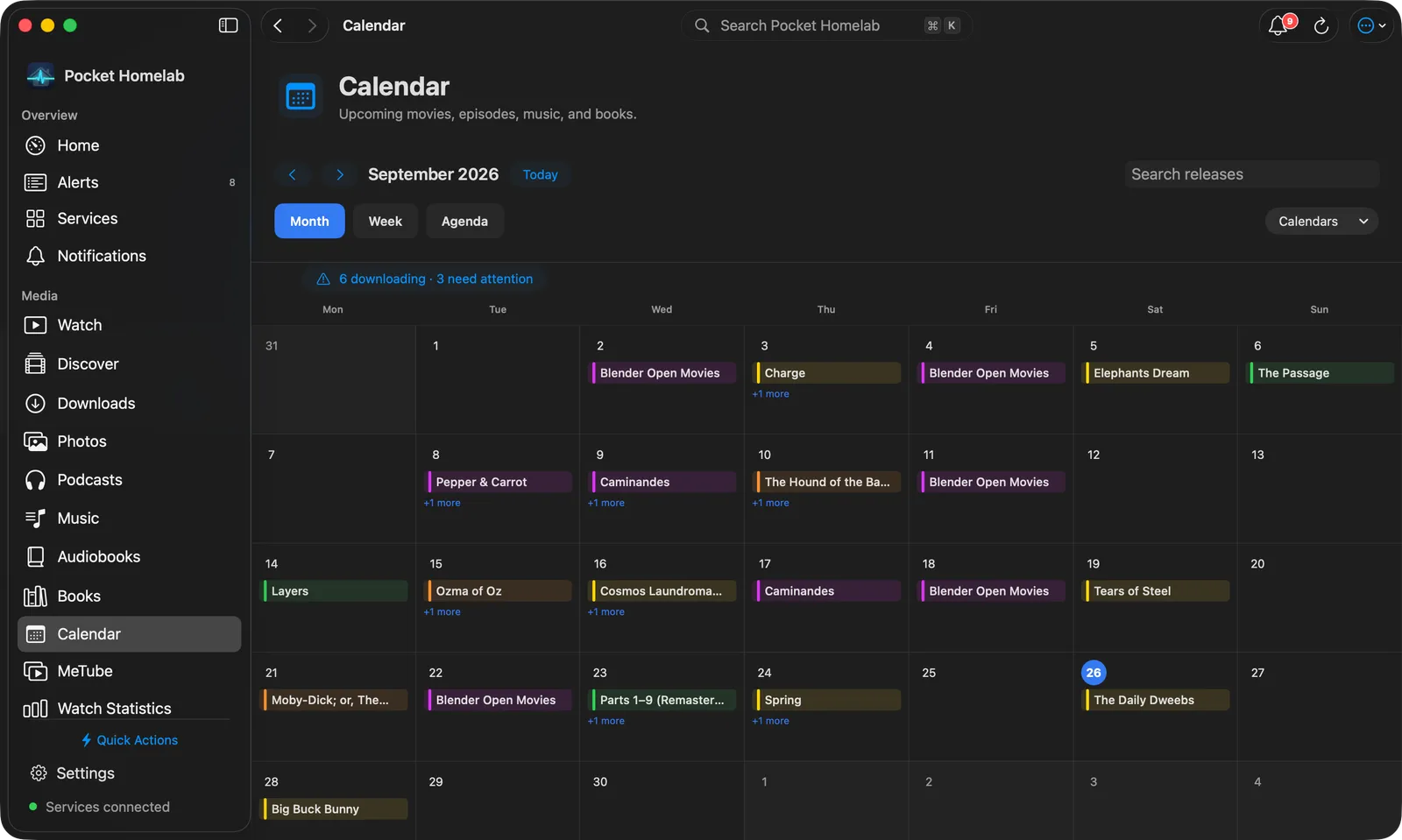
The Calendar workspace has Month, Week and Agenda views, as rounded tabs, with a Search releases field and a Calendars menu to show or hide Chaptarr next to the other arr apps. Agenda lists the next 7, 14, 30 or 90 days beside a small month navigator. Clicking a book opens its details in a sheet, with the same actions as on iPhone.
Actions
- Search now in Chaptarr:
POST /api/v1/command(BookSearch); Chaptarr grabs automatically. Always behind a confirmation dialog. - Remove from queue: with an option to also blocklist the release.
- Add to iOS Calendar / Add to Calendar: writes an all-day event into a “Homelab media” device calendar.
- Nothing here monitors, unmonitors, adds or deletes a book in Chaptarr; that stays in Chaptarr’s own UI. There is no separate Books-request hub the way Lidarr has one in the Music tab.
Works with
- Prowlarr: a book’s detail screen gains “Search indexers” pre-filled with the author and title in the Books category.
- Jellyfin (Watch) and Jellyseerr (Discover): both gain a “Media calendar” button (in the toolbar and in their round buttons) once Chaptarr (or any arr app) is configured.
- Calibre-Web has no direct link to Chaptarr; books requested here are not surfaced in the Books tab.
Tips & troubleshooting
- A queue row whose book is unknown to Chaptarr still counts as “stuck” so nothing silently hides.
- A wrong key shows “API key rejected. Copy it from Chaptarr → Settings → General.”
- If your server is actually Readarr rather than Chaptarr, everything still works; the app only cares that it speaks the same v1 API family.