
Pocket Search
Pocket Search as the web search behind the Web screen, Spotlight and the quick action instead of SearXNG: results with your own site rules, bangs that jump straight to a site, and the full results page one tap away.
iPhoneMacOn this page
Pocket Search is a free, open-source (MIT), self-hosted private web search: a bundled SearXNG asks dozens of engines at once from your server, and you decide which sites come first, sink or never show up. Bangs jump straight to a site, and your Pocket apps are searched beside the web on its own results page. Pocket Homelab uses it wherever it would use SearXNG: the Web screen, Spotlight, the Home search bar and the Search the web quick action. You pick which of the two in Settings.
What you get
- Web screen: results from Pocket Search with your site rules already applied (hidden sites left out, favourite sites first), an Answer card when an engine has one, related searches as chips, and Open all results in Pocket Search for the full page with pictures, news, your apps and AI answers.
- Bangs: a search like
!w auroraor!yt sourdoughgoes straight to that site (or to a Pocket Search page such as its pictures) in the in-app browser instead of listing results. - History: a search you submit is kept in Pocket Search’s history; the searches made while you type are not.
- Home block Search the web, the Search the web quick action (⇧⌘G on the Mac) and Spotlight’s live WEB section all use Pocket Search once it is the web search app.
Set up
- In Pocket Search, open Settings → API & shortcuts and create a token. Copy it: it starts with
psr_and is shown once. - In Pocket Homelab: Settings → Services → Web search. Under Web search app choose Pocket Search; the fields below follow the choice, and the SearXNG address is kept for when you switch back.
- Paste the base URL and the token, then Test connection. It runs a one-word search; a refused token says “The token was refused. Make one in Pocket Search → Settings → API & shortcuts.”
| Key | Field | Required | Secret | Where to get it |
|---|---|---|---|---|
WEB_SEARCH_BACKEND | Web search app | Optional | — | pocket (Pocket Search) or searxng (a SearXNG instance). Empty means Pocket Search when it has an address, else SearXNG. |
SEARCH_URL | Pocket Search URL | Required | — | Base address of your Pocket Search server. Web search, Spotlight and the quick action use it when Pocket Search is the web search app. |
SEARCH_API_KEY | Pocket Search API token | Required | Secret | A token from Pocket Search → Settings → API & shortcuts (starts with psr_). Stored in the Keychain. |
On iPhone
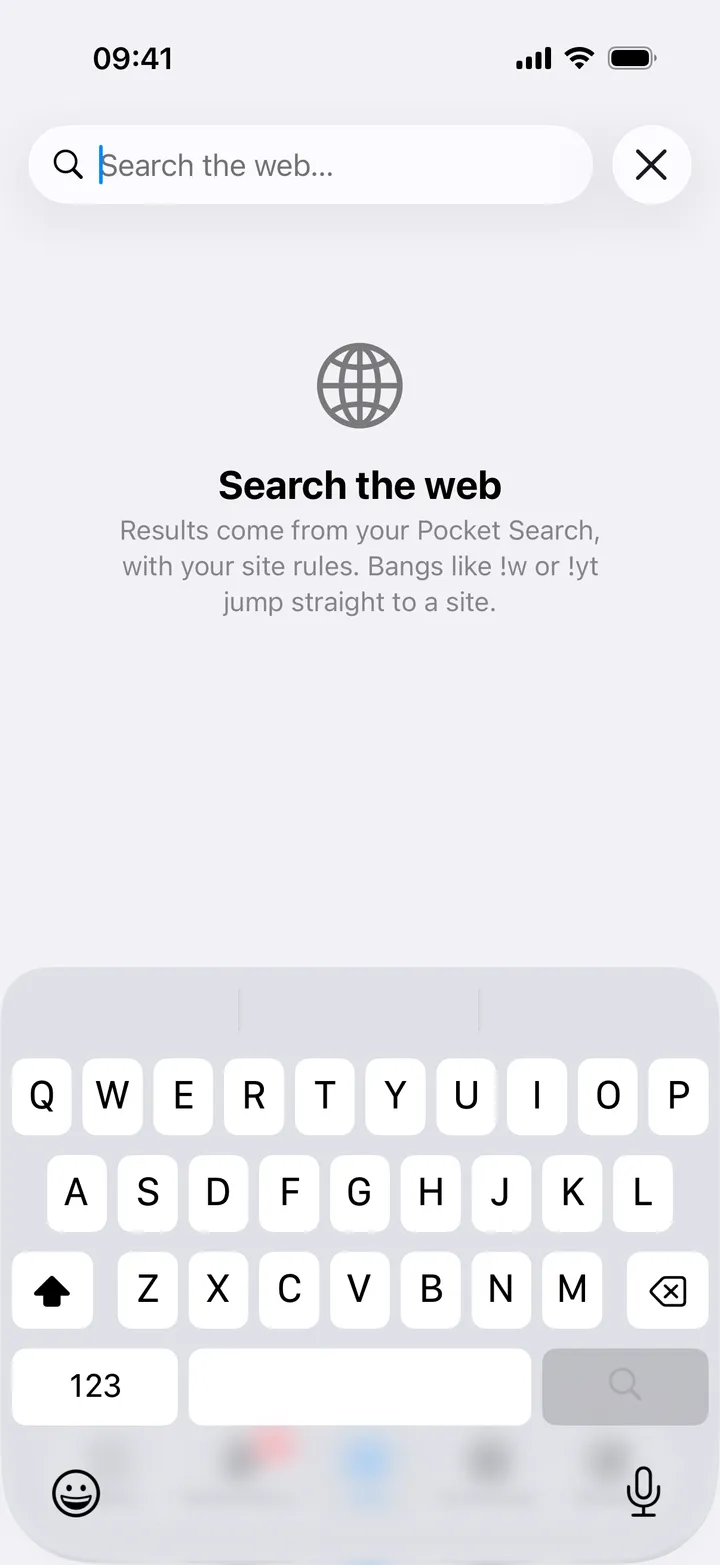
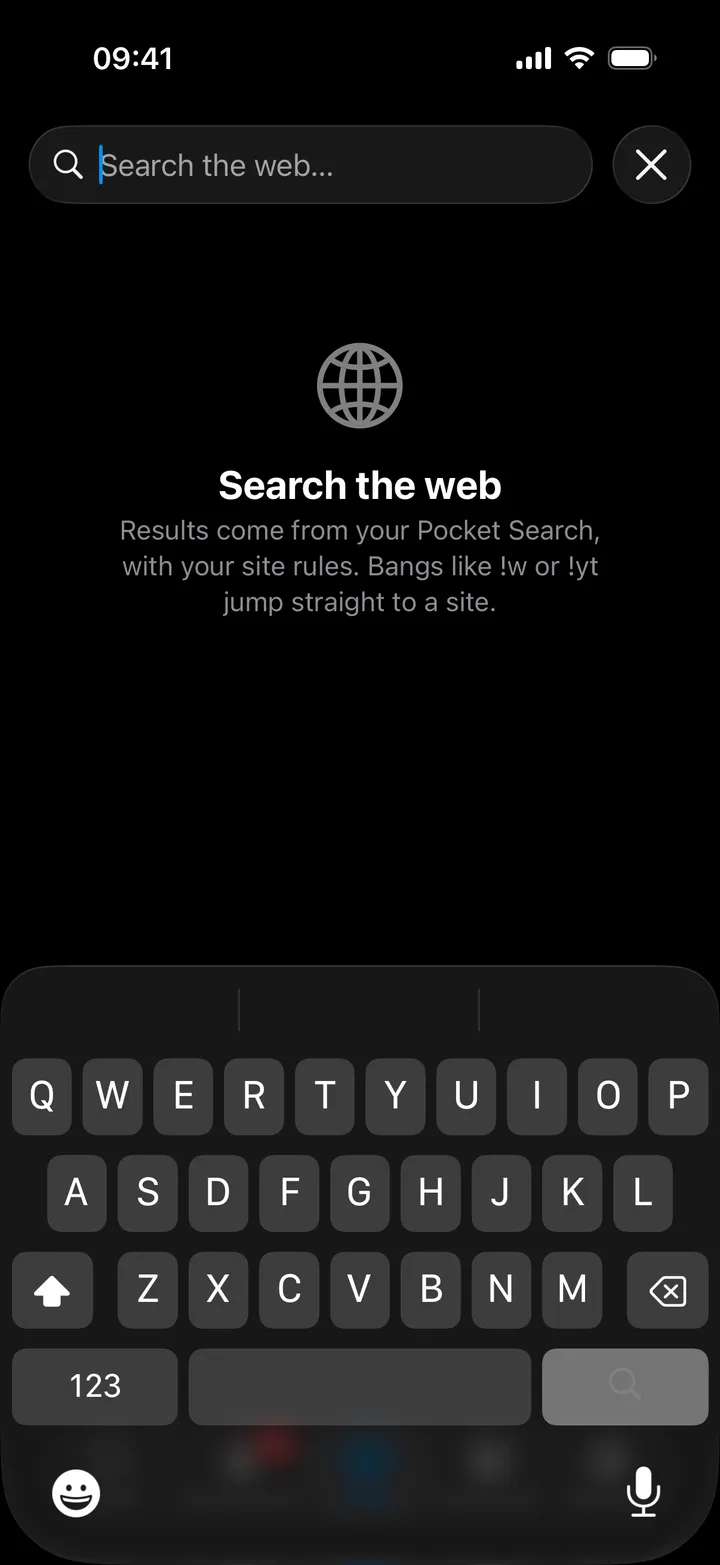
The Web screen opens with the search field ready. It says where the results come from: “Results come from your Pocket Search, with your site rules. Bangs like !w or !yt jump straight to a site.” It searches 350 ms after you stop typing, or at once on Return.
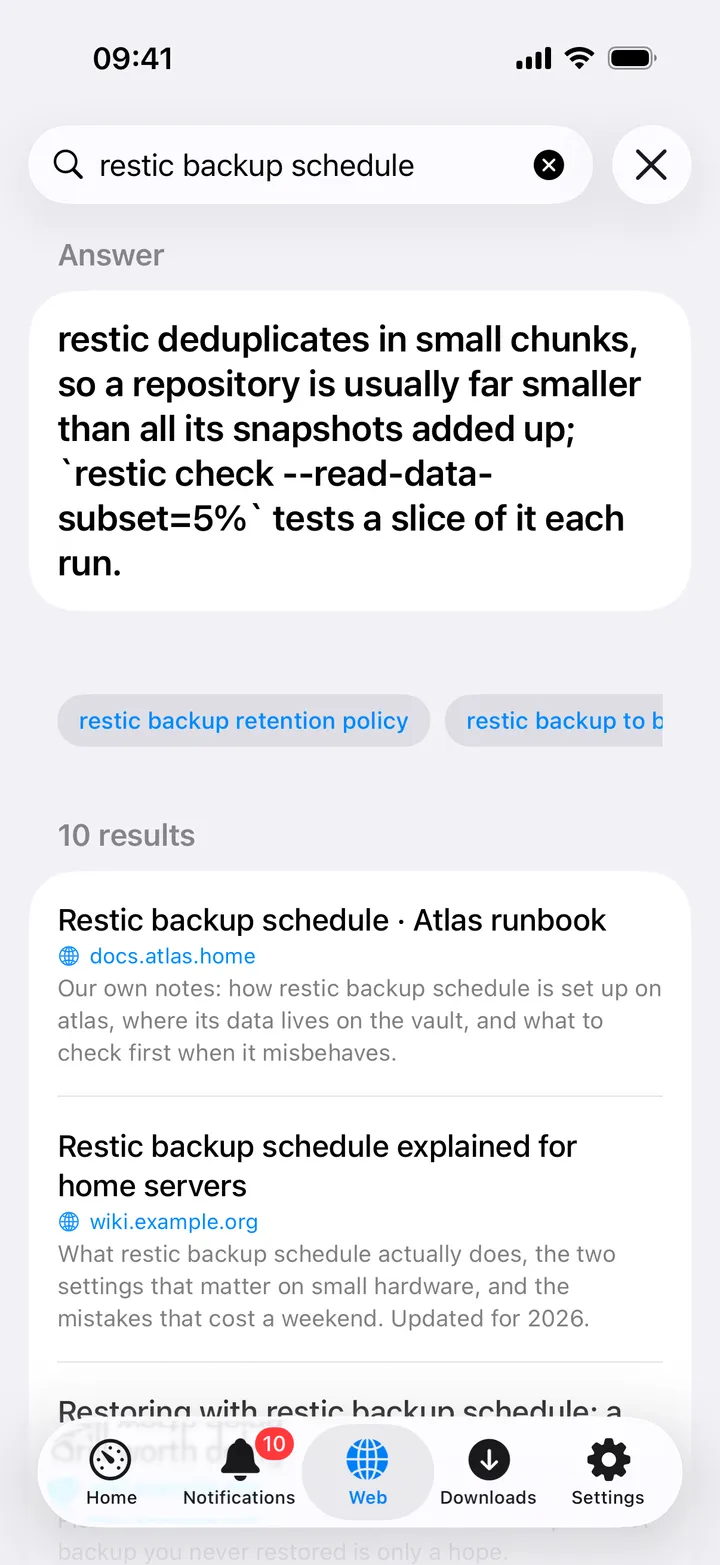
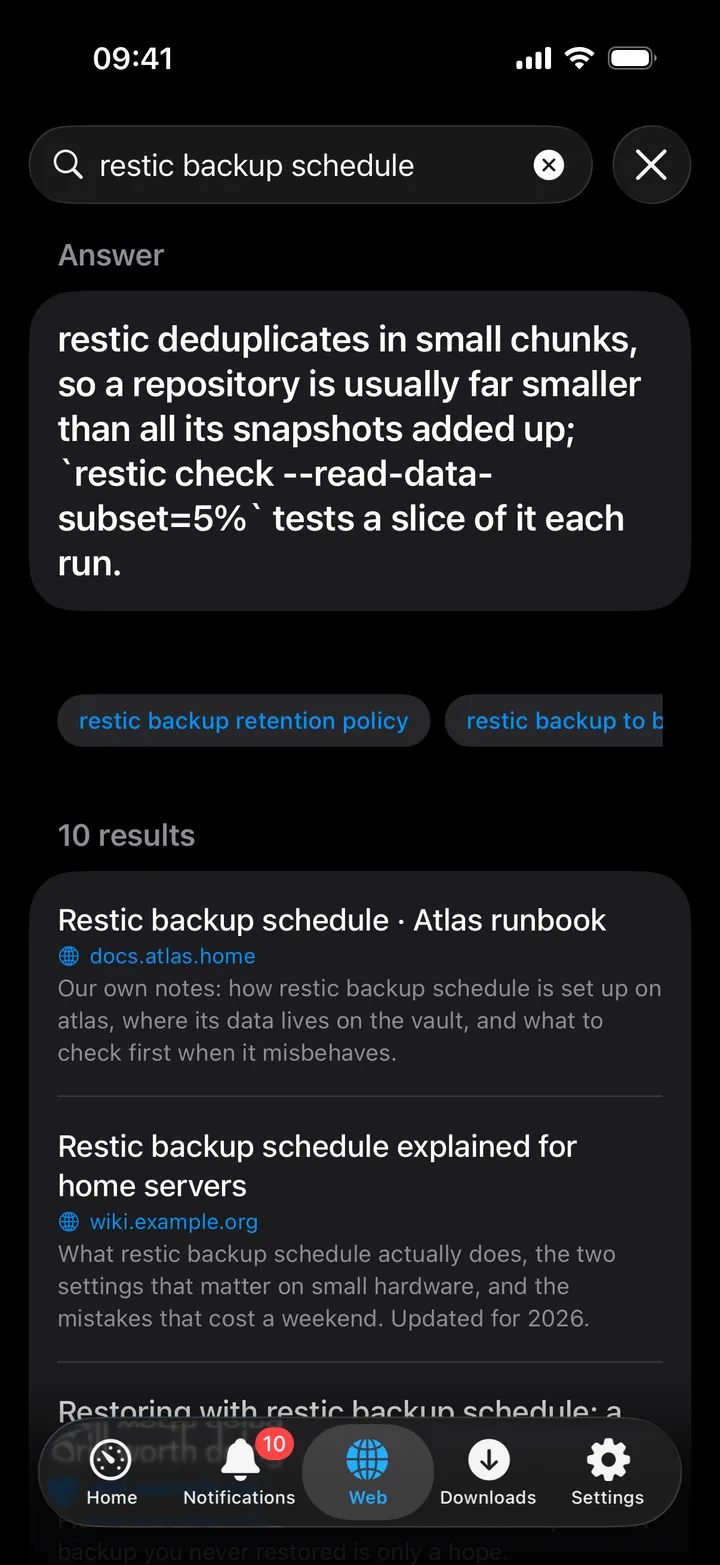
Each result has its title, the site and a few lines; tap it to open the page in the in-app browser, or hold it for Copy link and Share. A tap on a related search runs it. Under the results, Open all results in Pocket Search opens Pocket Search’s own page for the same search; Open Pocket Search in the toolbar opens its start page.
On Mac
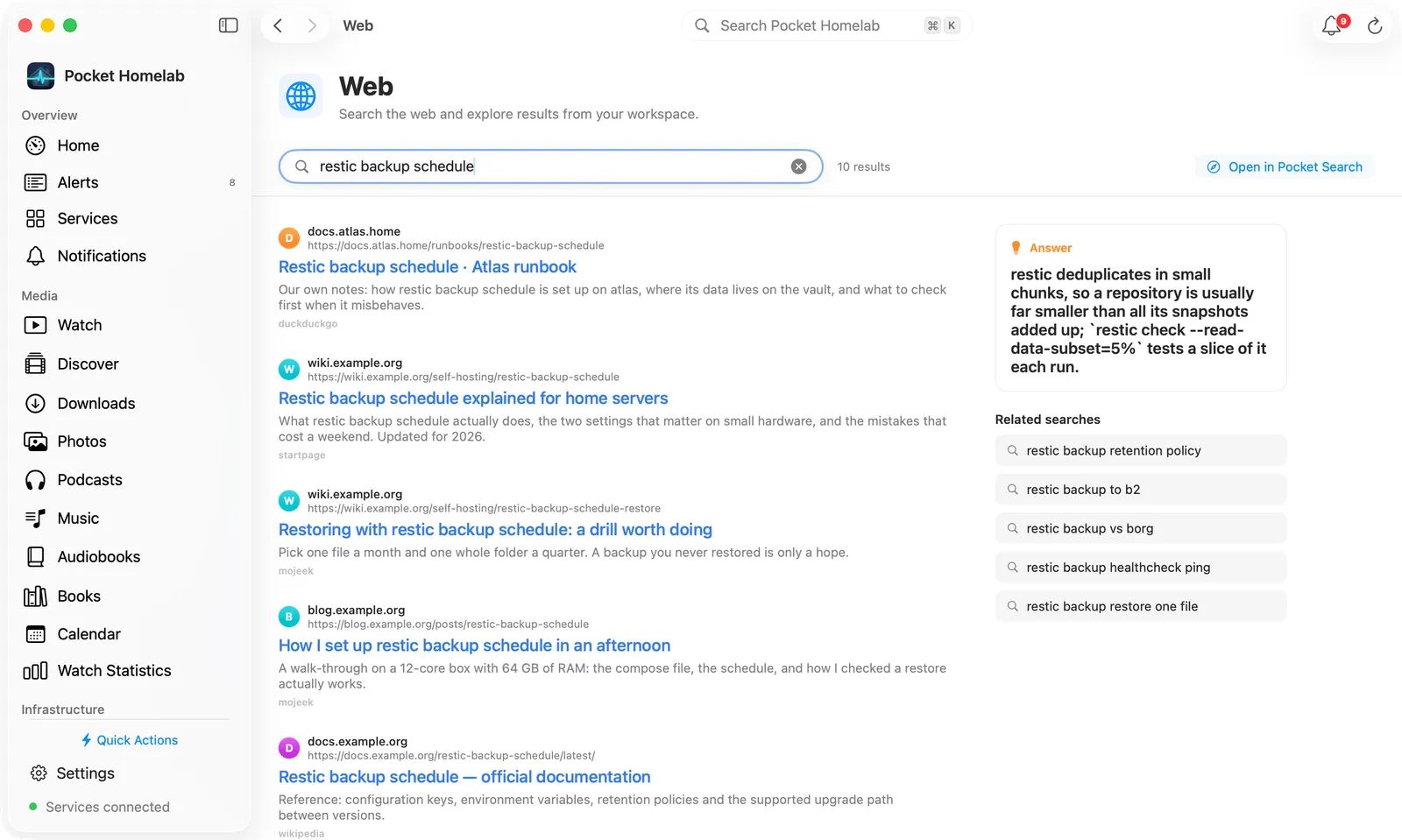
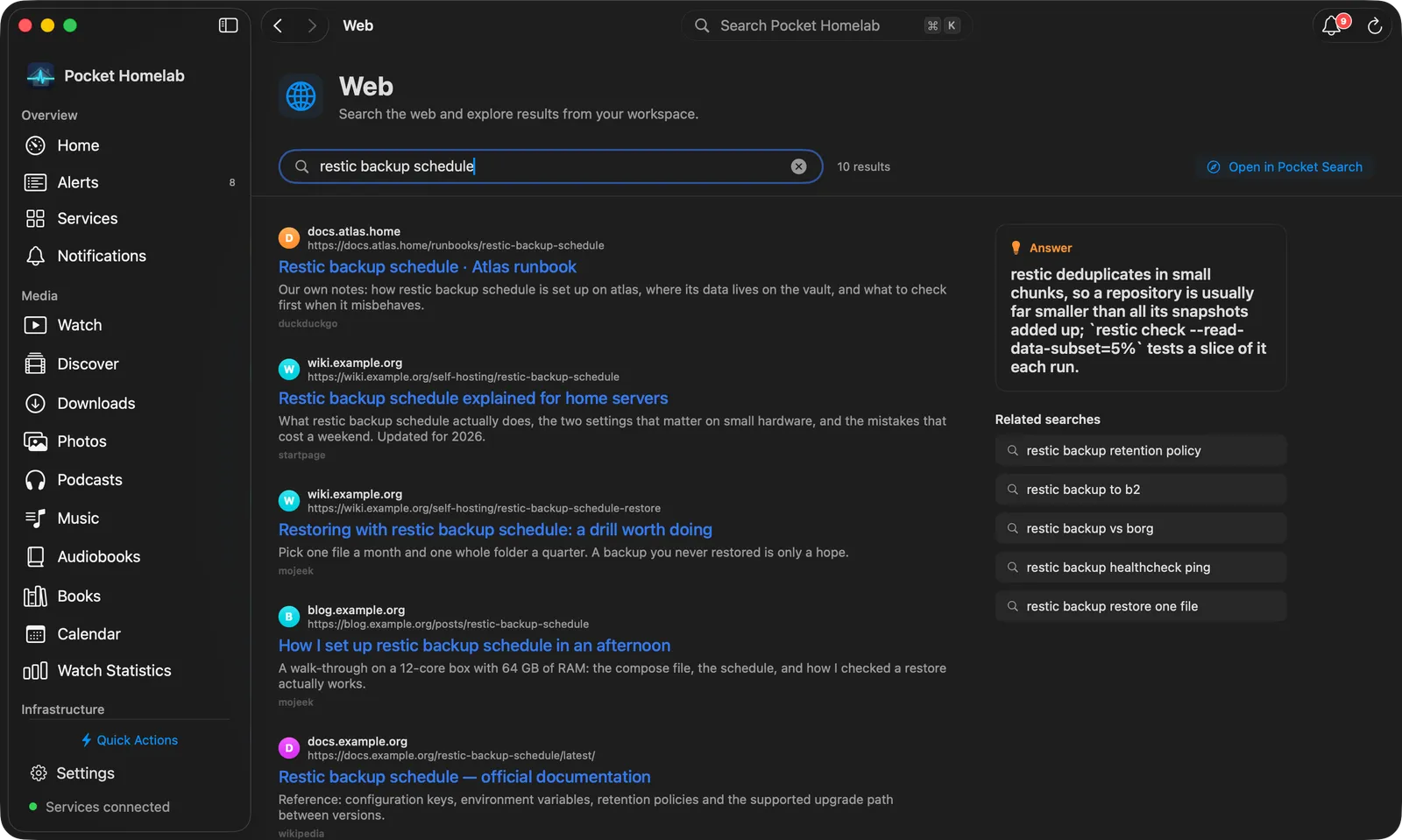
Web sits in the sidebar under Workspace (⌃⌘9). Before your first search it shows one large Search the web field with the same note about your Pocket Search and an Open Pocket Search link. Once you search, the field moves into a bar with the result count and Open in Pocket Search, the results fill a readable column, and the Answer card and Related searches sit beside them. Clicking a result opens it in your default browser; right-click for Open in Default Browser, Share and Copy link.
Actions
None beyond searching and opening results. Site rules, bangs, engines and history are managed in Pocket Search’s own settings.
Works with
- Spotlight: from two characters on, the live WEB section lists “Search the web for ‘…’” and the top results.
- Home: the Search the web block opens the Web screen.
- Pocket Core: supplies the address and the device token.
Tips & troubleshooting
- The Web screen is missing: Pocket Search needs both the address and the token; with either empty, web search stays hidden rather than showing an error.
- A site you hid still shows up: the rules live in Pocket Search (Sites); a change there applies to the next search.
- Switching back to SearXNG is the Web search app choice in the same form; nothing on either server changes.