Skip to content
Pocket Homelab
Install

Swift · iPhone and Mac

Your server, in a real app.

Every Pocket app is a full web app first. Where a browser runs out (Finder, a global shortcut, the microphone with the screen locked, a remote desktop with a real keyboard) there is a native companion that talks to the same server.

Pocket Homelab, the app for all your services, has its own pages

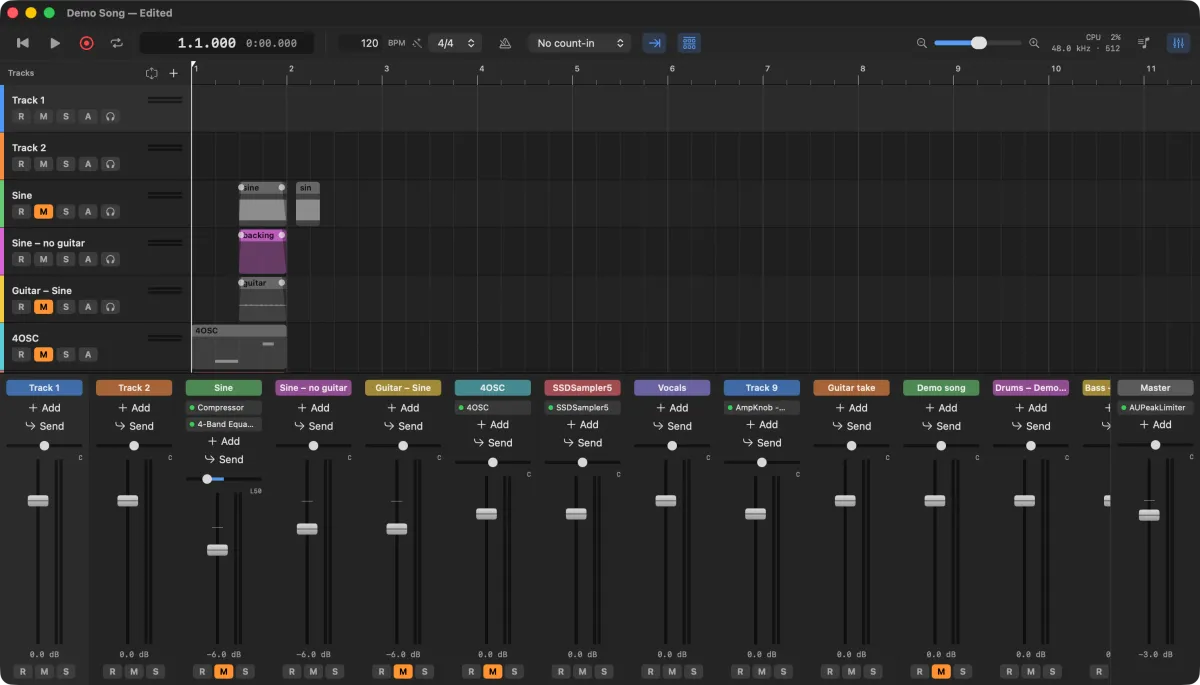
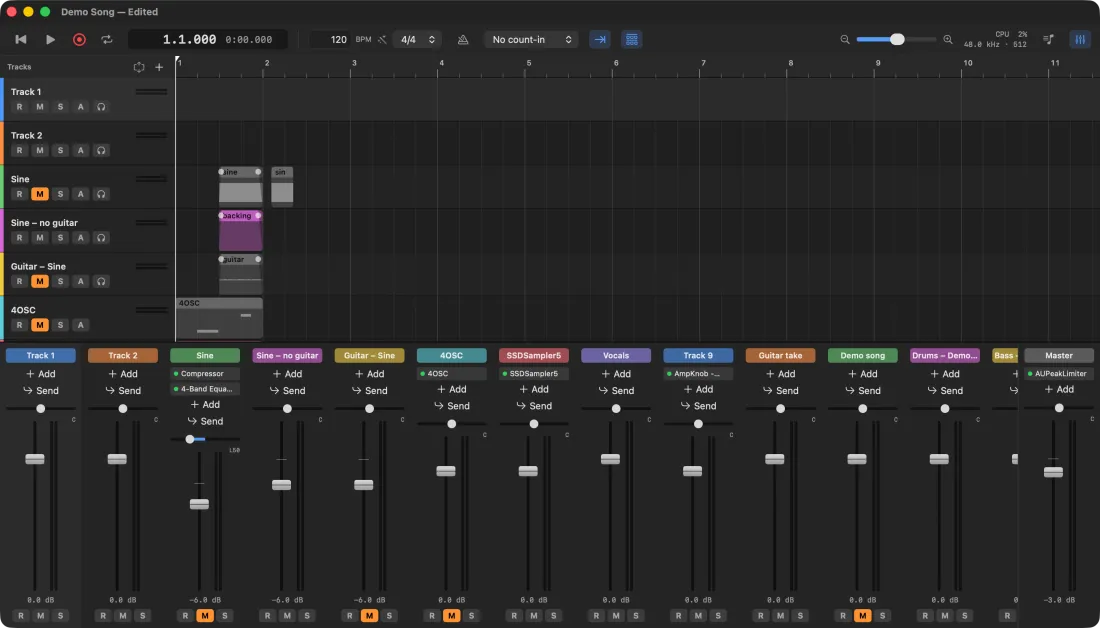
A Pocket Studio project: audio and MIDI tracks on the timeline above a mixer
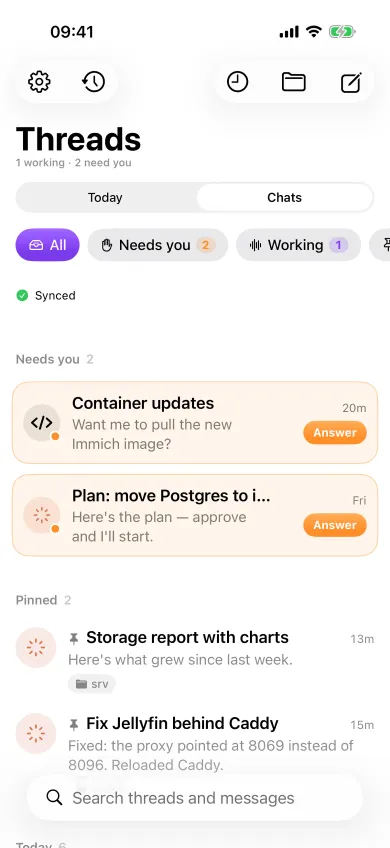
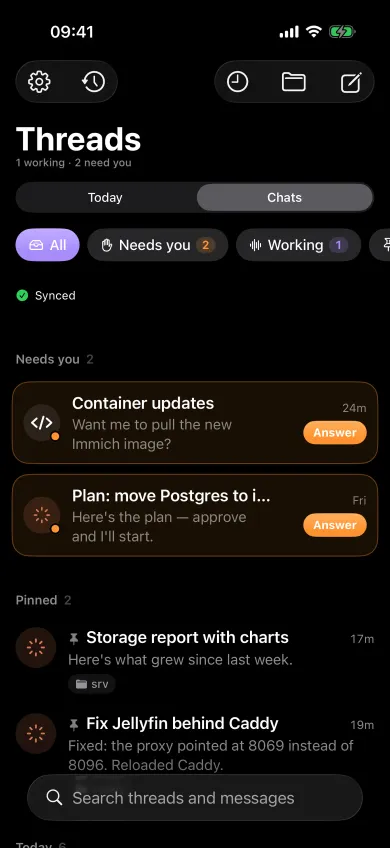
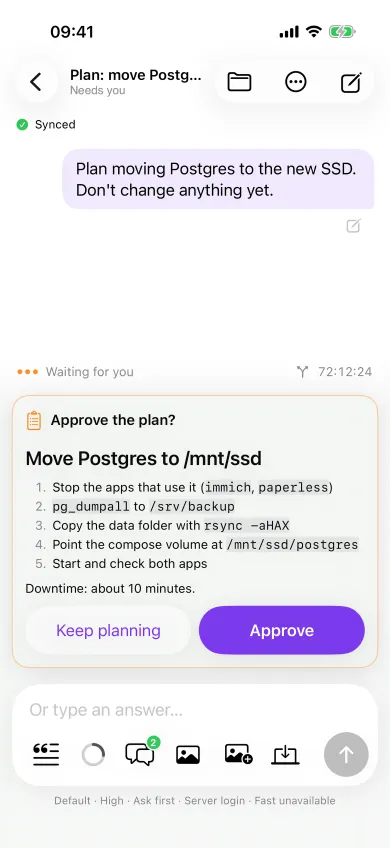
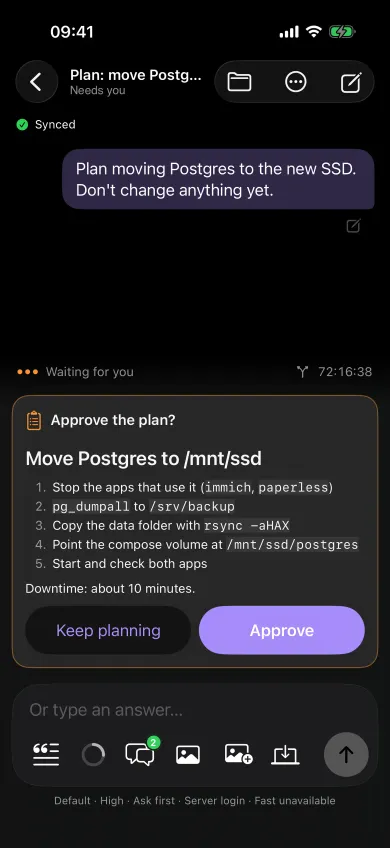
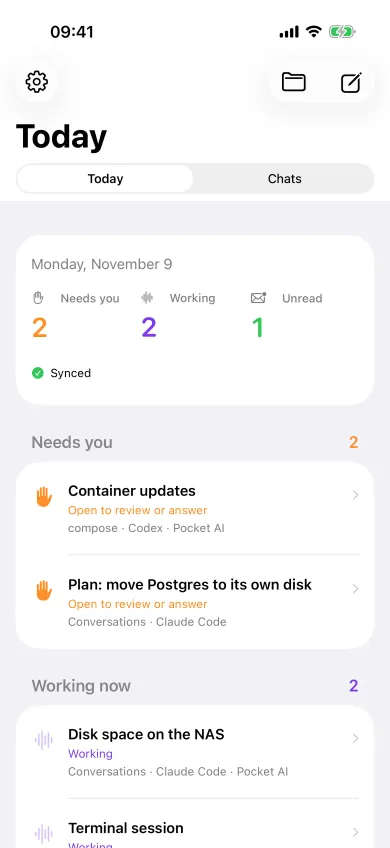
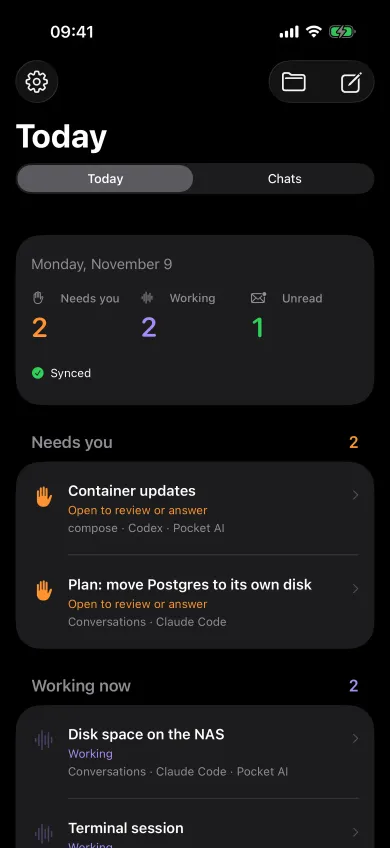
Pocket AI for iPhone: the threads that need you and the ones still workingPocket AI for iPhone: the threads that need you and the ones still working
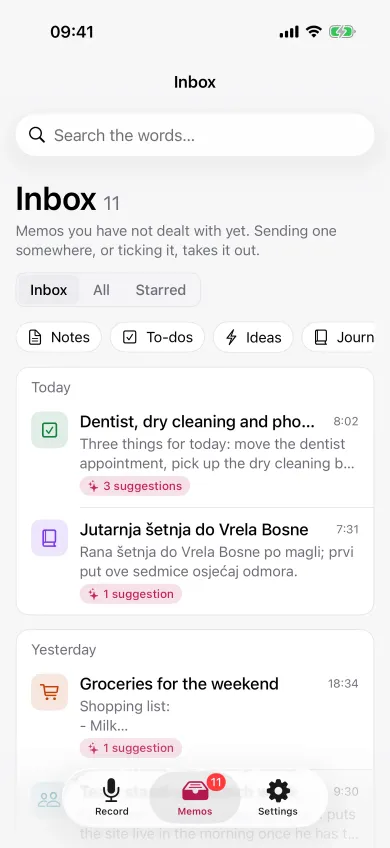
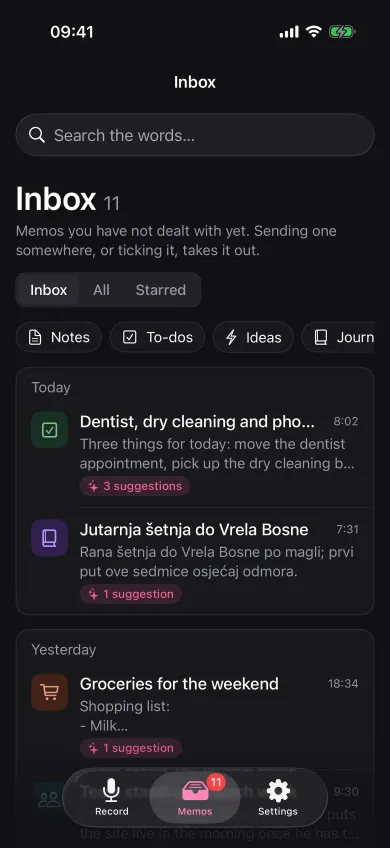
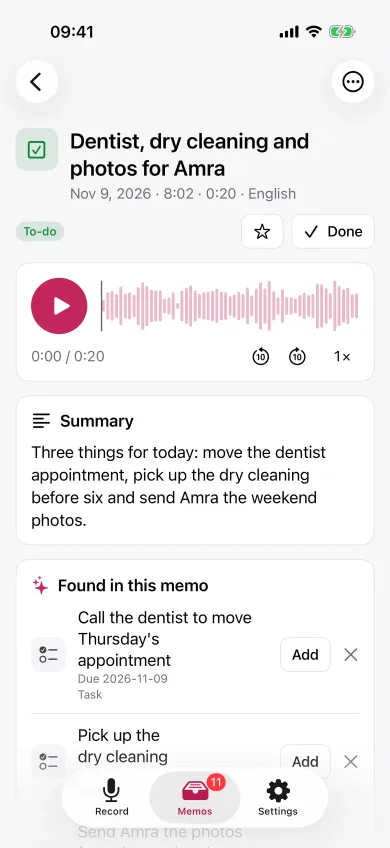
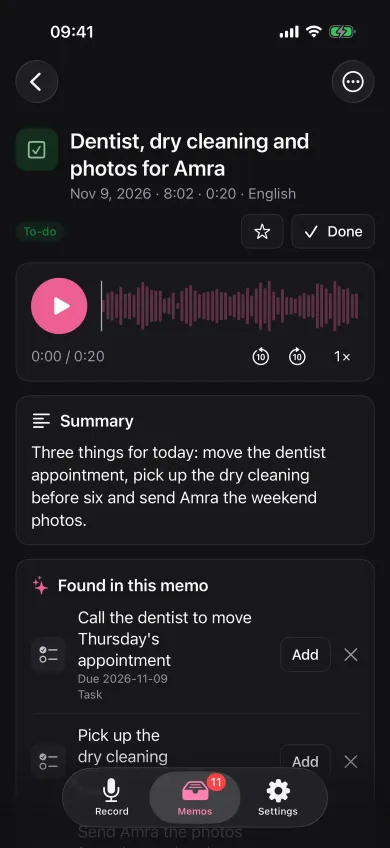
Pocket Voice for iPhone: a memo with its summary and the tasks found in itPocket Voice for iPhone: a memo with its summary and the tasks found in it

Things a browser tab can’t do

  • Your server’s files in Finder
  • Right there in the menu bar
  • Lock Screen and Control Center
  • Siri, Shortcuts and the Action button
  • Passkeys in the system sheet
  • VR videos on a flat screen
  • Multitrack recording and mixing
  • One shortcut, anywhere on the Mac
  • Recording with the screen locked
  • Live Activities and the Dynamic Island
  • Offline copies that stay on the phone
  • Esc, Tab, Ctrl and F-keys on a remote desktop
  • Layered recording with the delay taken out

Spotlight

Eight apps. Each one for a reason.

Pick one from the list, or let it play through them all.

One shortcut. Everything you run.

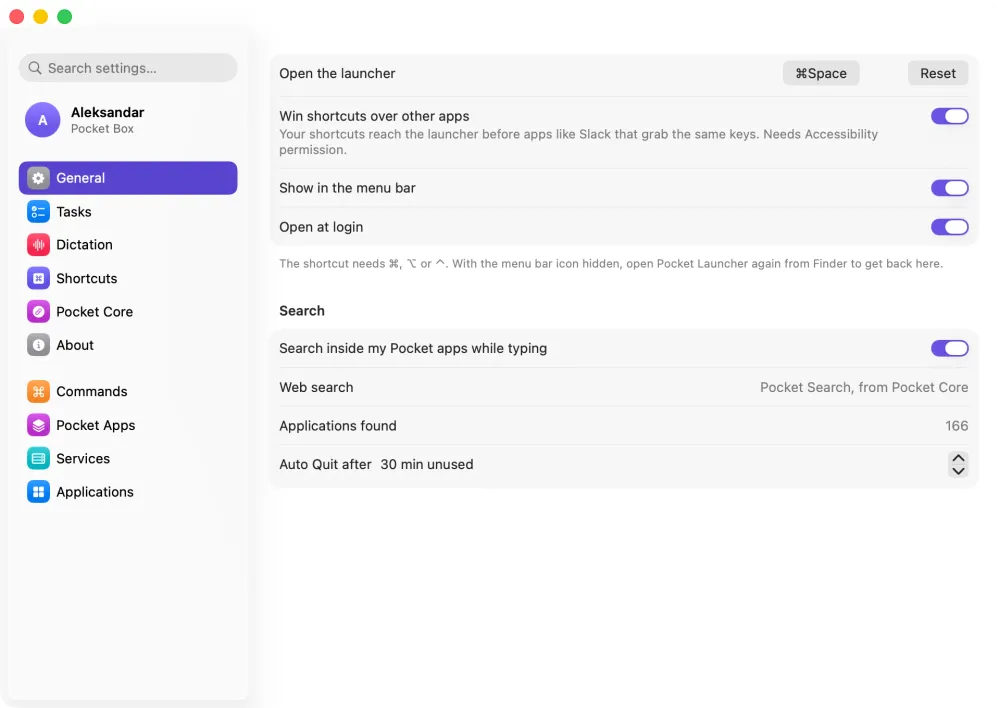
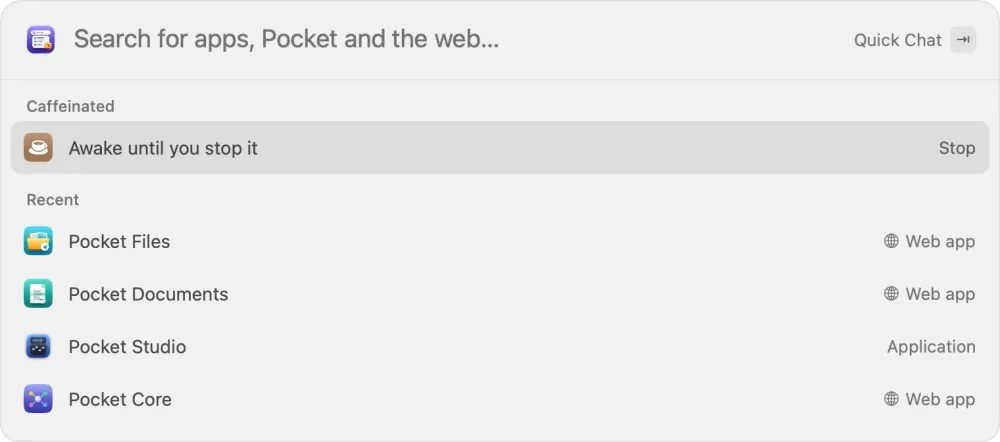
Press ⌃⌥Space (or your own shortcut) anywhere and type. Pocket Launcher opens Mac apps, every Pocket app Pocket Core shares with this Mac and the things inside them, searches the web through Pocket Search, and asks Pocket AI without leaving the keyboard. It looks and works like Raycast, and it is the first step towards replacing it with something that lives on your own server.

  • Mac
  • macOS 15 or later
Explore Pocket Launcher
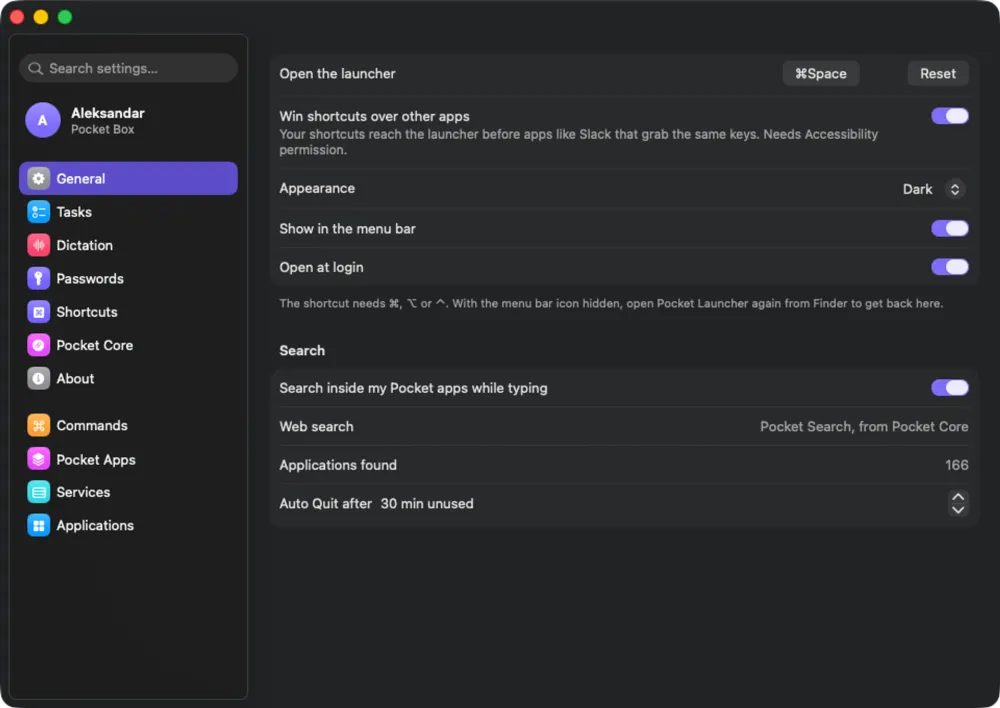
Pocket Launcher settings: the launcher shortcut, menu bar and login switches, and search optionsPocket Launcher settings: the launcher shortcut, menu bar and login switches, and search options
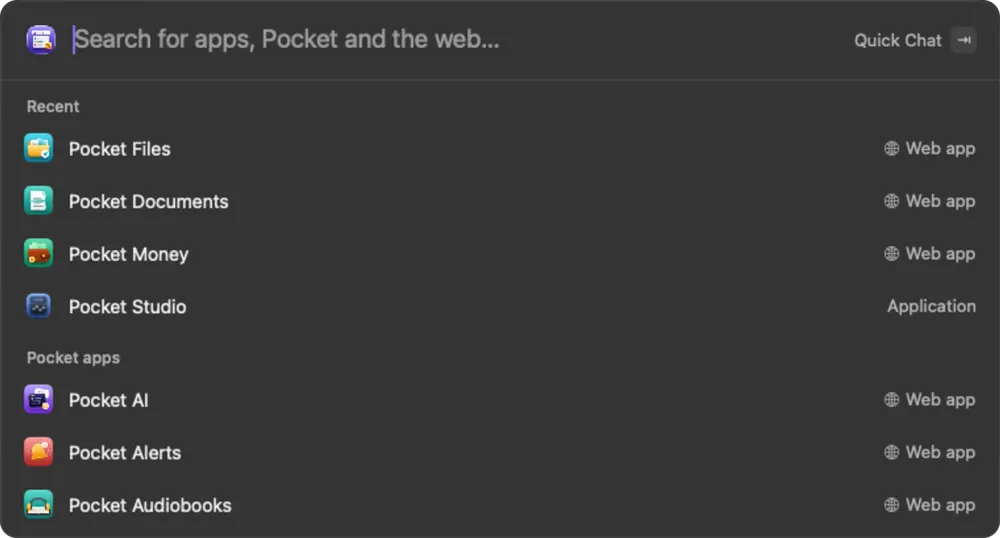
The Pocket Launcher panel: the search field, a Caffeinate session and recent Pocket web apps and Mac appsThe Pocket Launcher panel: the search field, a Caffeinate session and recent Pocket web apps and Mac apps

Record, edit and mix. On your Mac.

Pocket Studio is a small digital audio workstation: multitrack recording, clip editing, a piano roll, automation, effects and any Audio Unit or VST3 plugin. A SwiftUI interface sits on Tracktion Engine and JUCE through a plain C bridge, and a song from Pocket Guitar becomes a project you can play along with.

  • Mac
  • macOS 15 or later
Explore Pocket Studio
A Pocket Studio project: audio and MIDI tracks on the timeline above a mixer with effects on its strips

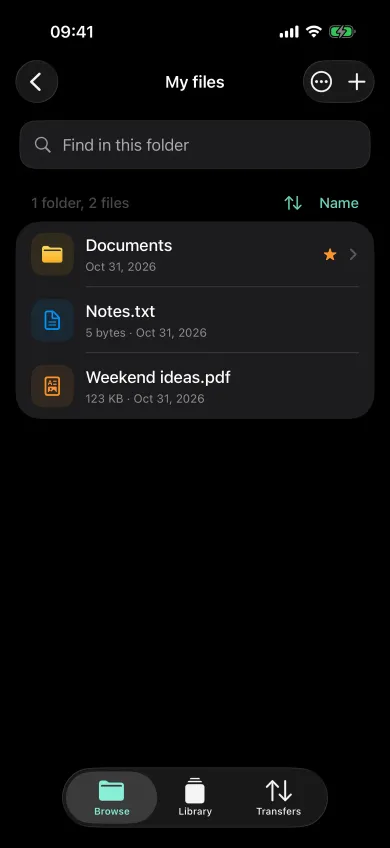
Your server's files, where your files already are.

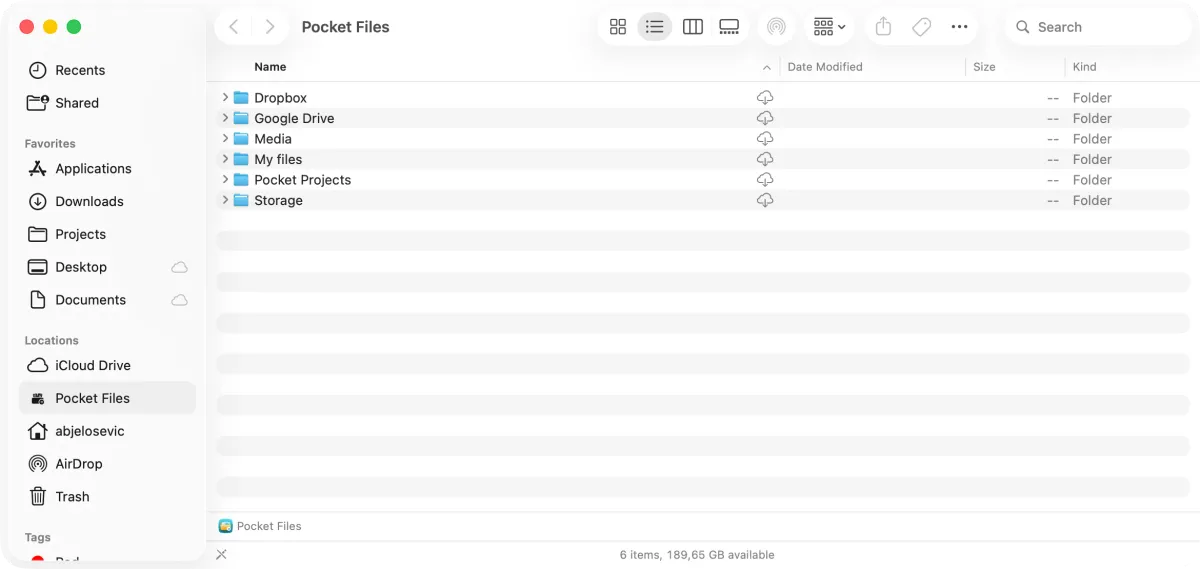
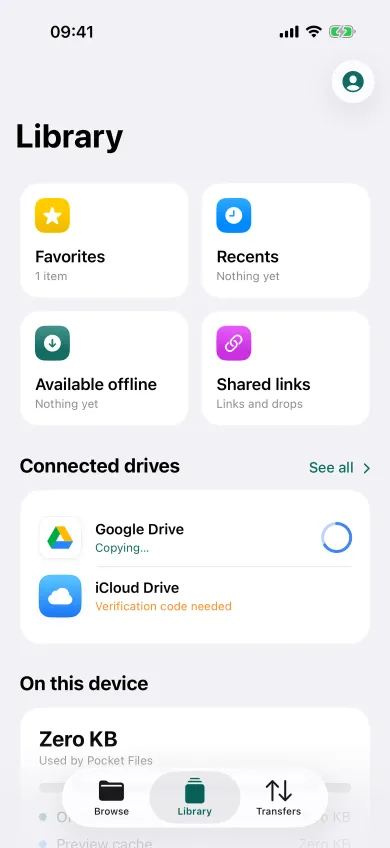
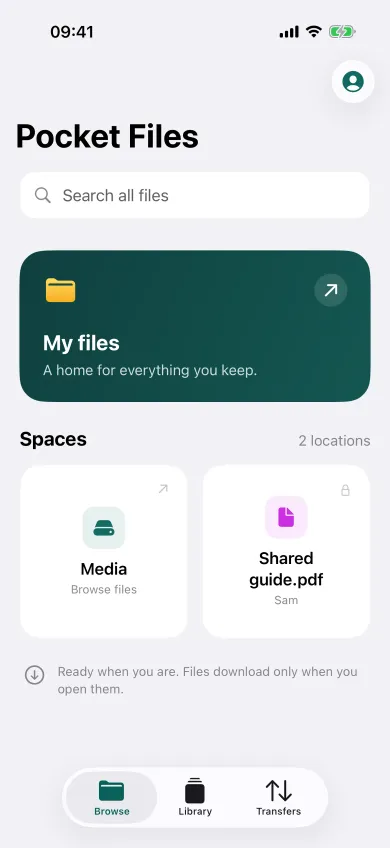
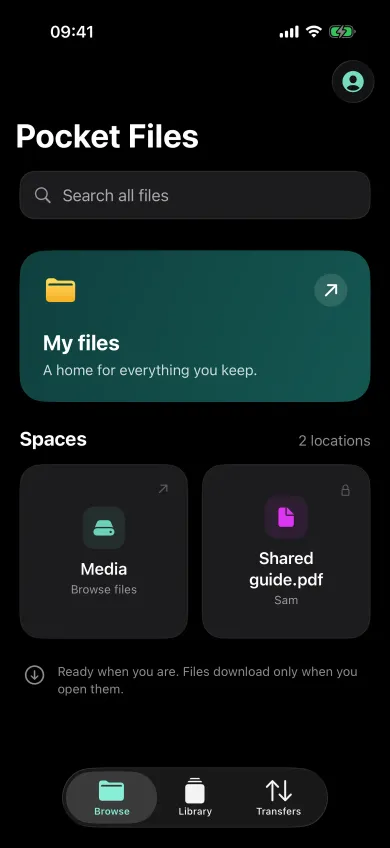
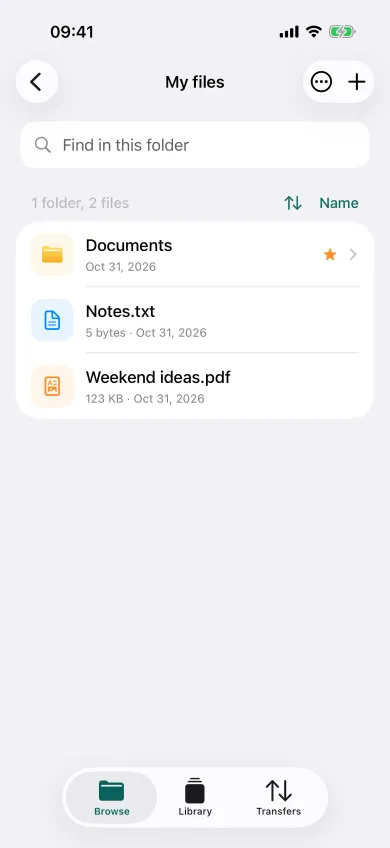
Pocket Files appears under Locations in Finder on the Mac and in the Files app on iPhone, with My files, every mount and every folder shared with you. Nothing is synced up front: a file downloads when you open it, so a 131 GB archive costs nothing until you need it.

  • Mac
  • iPhone
  • iOS 18 or later · macOS 15 or later
Explore Pocket Files
Finder with Pocket Files under Locations: Dropbox, Google Drive, Media, My files, Pocket Projects and Storage

Your whole box. One home screen.

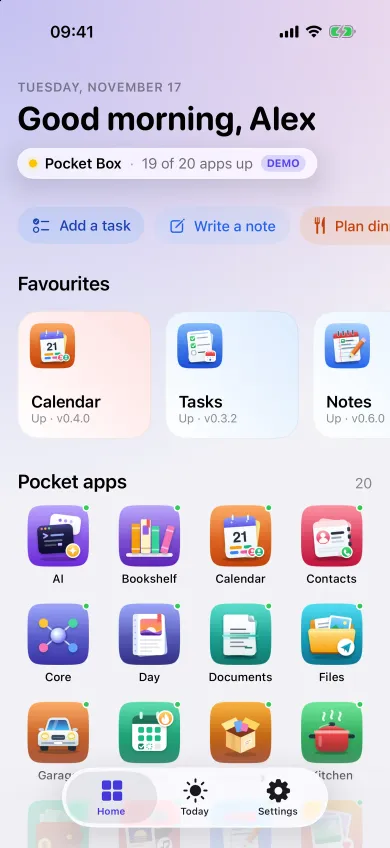
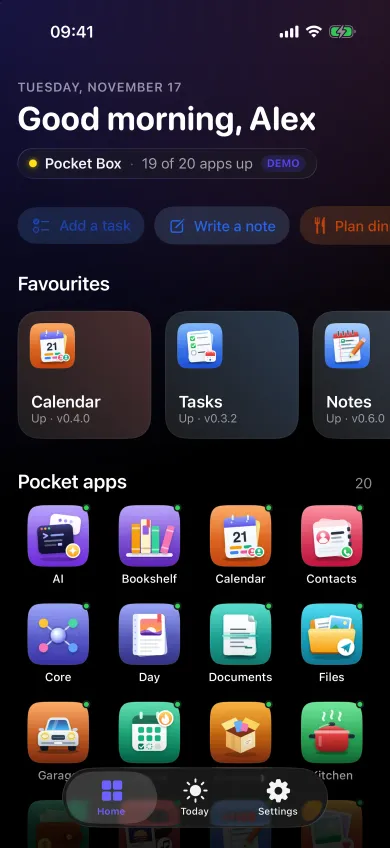
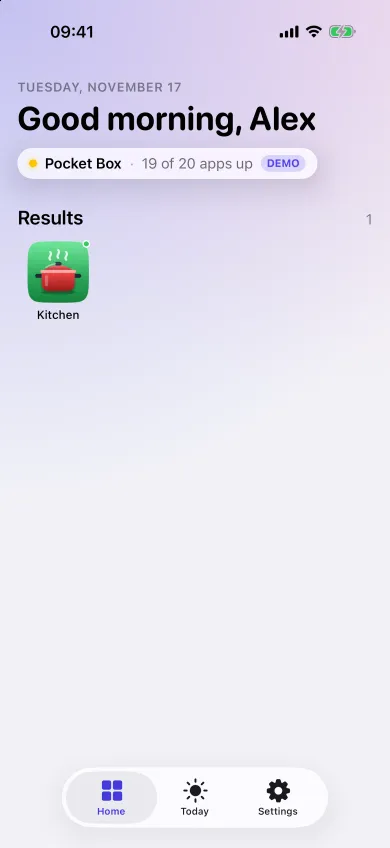
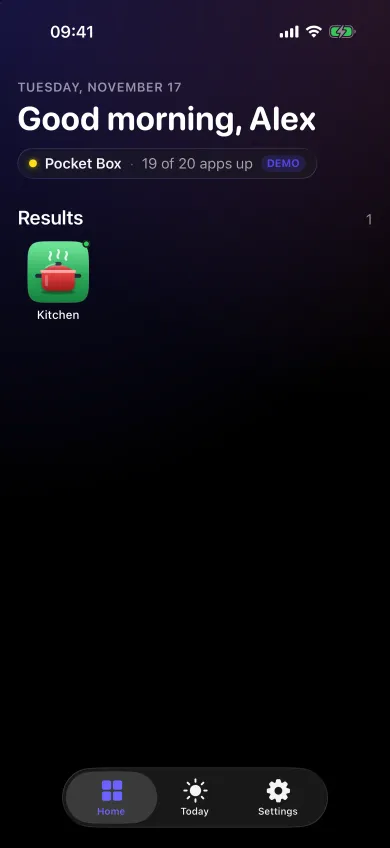
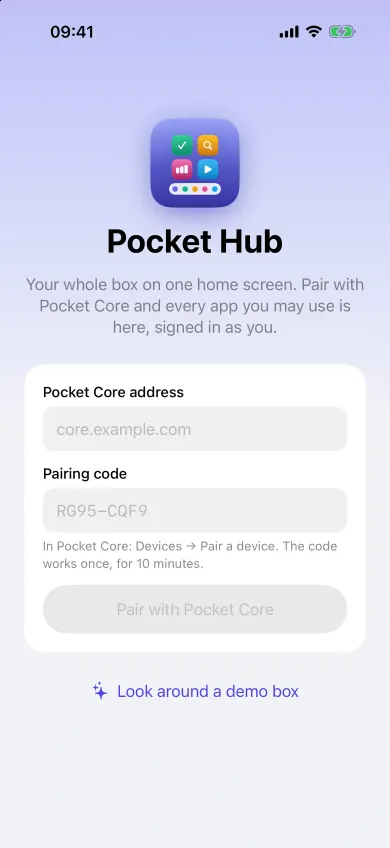
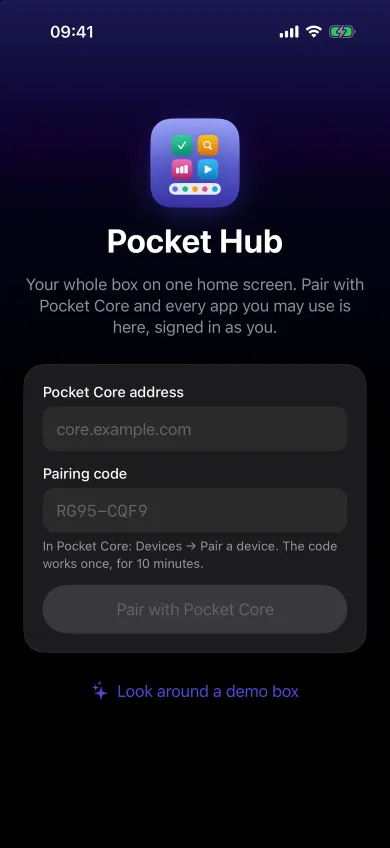
The native front door of a Pocket Box. Pair it with Pocket Core once and every app and service you may use is on one home screen with its real icon and its health. Apps open inside the hub, already signed in as you, and keep their place while you move between them.

  • iPhone
  • Mac
  • iOS 18 or later · macOS 15 or later
Explore Pocket Hub
Pocket Hub on iPhone: Good morning, Alex, the box with 19 of 20 apps up, quick actions, favourites and the grid of Pocket appsPocket Hub on iPhone: Good morning, Alex, the box with 19 of 20 apps up, quick actions, favourites and the grid of Pocket apps

Your coding agents, in your pocket.

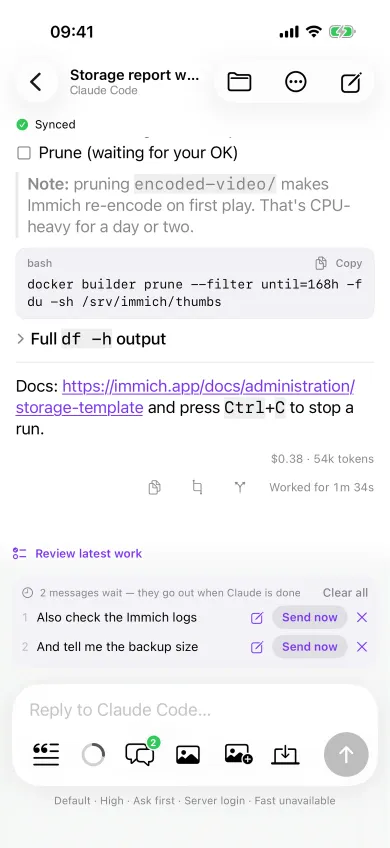
A native client for Pocket AI: the Claude Code and Codex threads running on your server, live over the same API and Server-Sent Events as the web app. See what needs you, watch a run, answer a question or approve a plan, and start the next chat in the same folder with one pull.

  • iPhone
  • iOS 18 or later
Explore Pocket AI
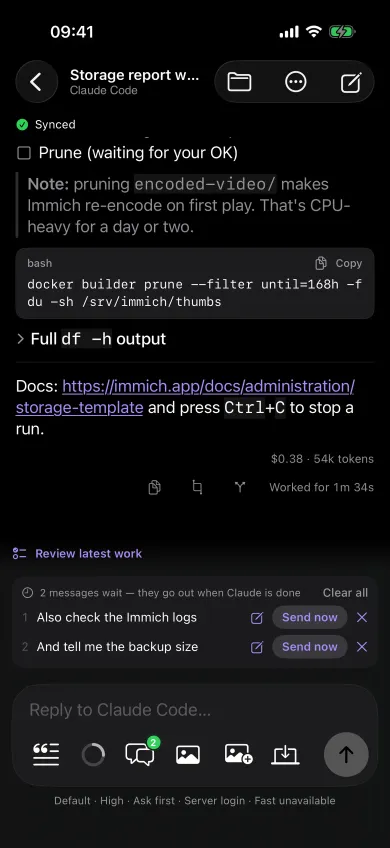
Today in Pocket AI: two chats need an answer, two are working and one reply is unreadToday in Pocket AI: two chats need an answer, two are working and one reply is unread

Talk now. File it later.

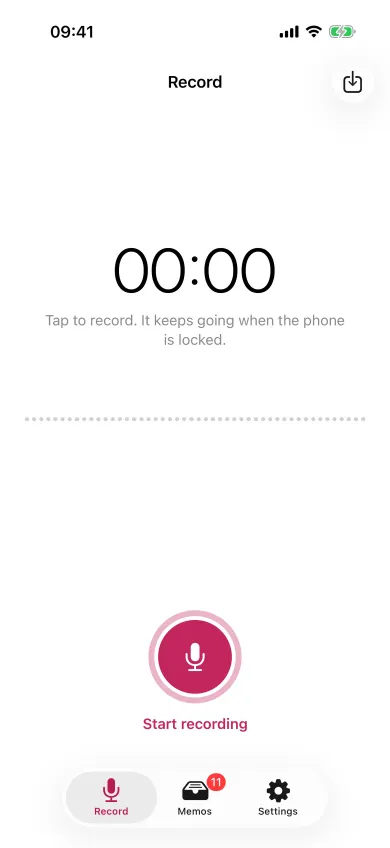
One big button, and the recording goes to your Pocket Voice server, which writes out the words, tidies them up and finds the tasks, events, journal lines and expenses in what you said. Each one is a tap away from Pocket Tasks, Calendar, today's note or Pocket Money.

  • iPhone
  • iOS 18 or later
Explore Pocket Voice
A memo about the dentist, dry cleaning and photos, with its summary and three tasks found in itA memo about the dentist, dry cleaning and photos, with its summary and three tasks found in it

Lay down the guitar. Then the bass on top.

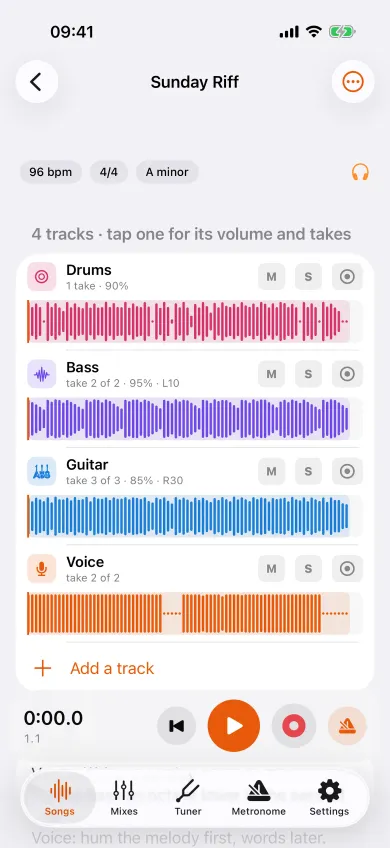
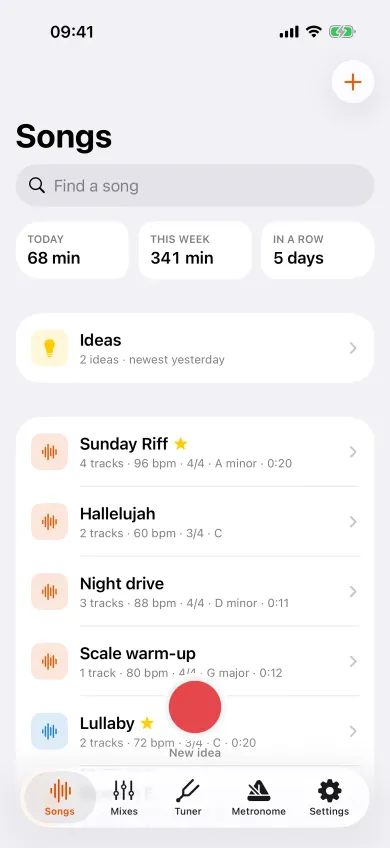
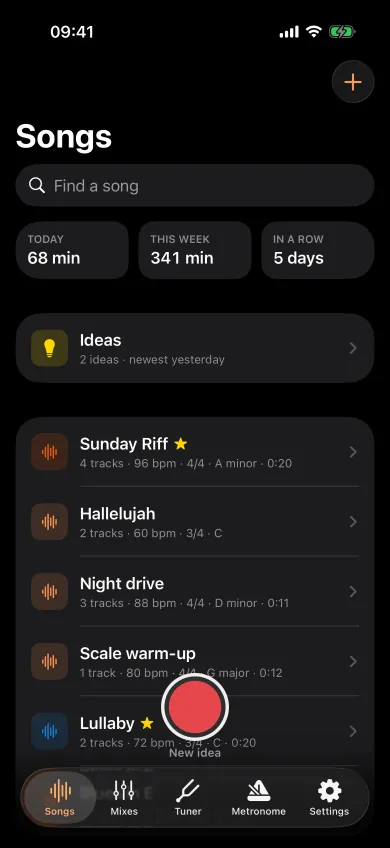
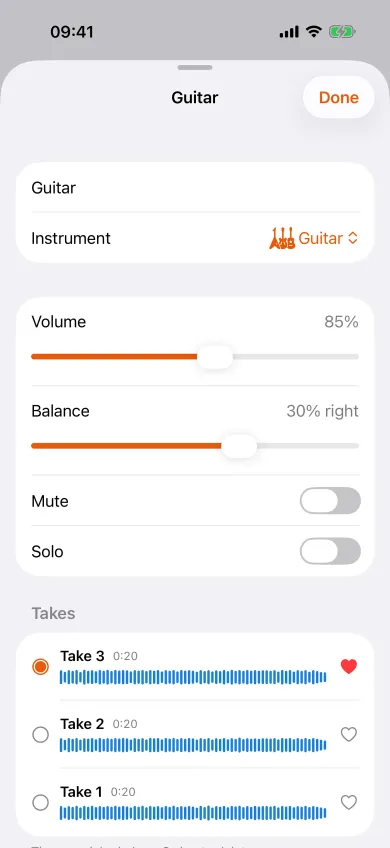
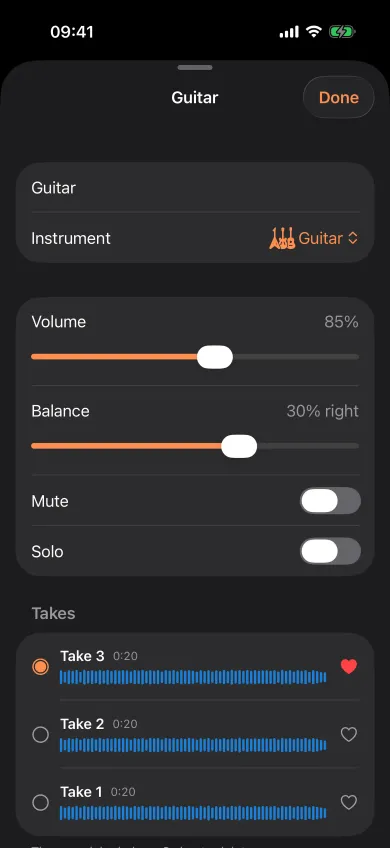
The iPhone app for Pocket Jam, the self-hosted multitrack recorder: your songs and tracks with their waveforms, recording on the armed track while the others play in your headphones, and every take kept. iOS's voice processing is off, so an instrument sounds like itself, and it keeps recording with the screen locked.

  • iPhone
  • iOS 18 or later
Explore Pocket Jam
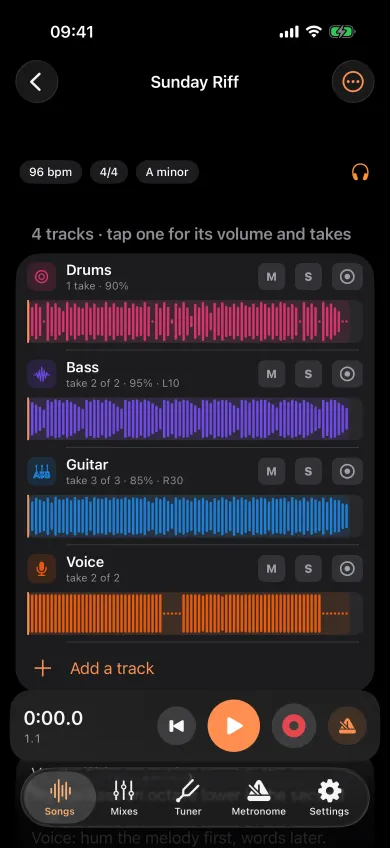
A song with four tracks (drums, bass, guitar and voice) drawn as waveforms, with mute, solo and record buttons and the transport belowA song with four tracks (drums, bass, guitar and voice) drawn as waveforms, with mute, solo and record buttons and the transport below

Your books. Your thoughts.

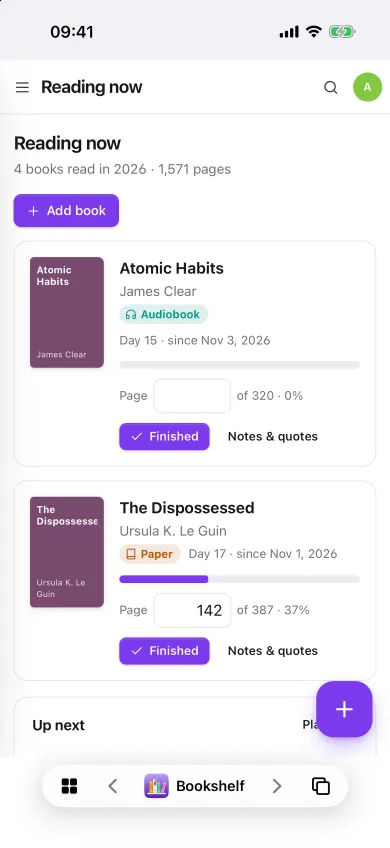
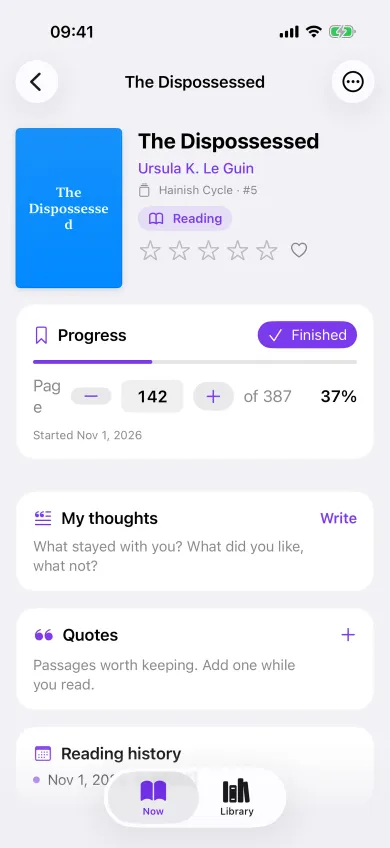
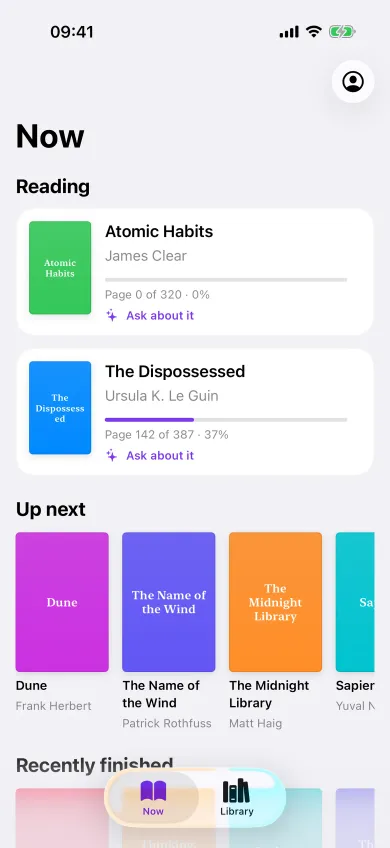
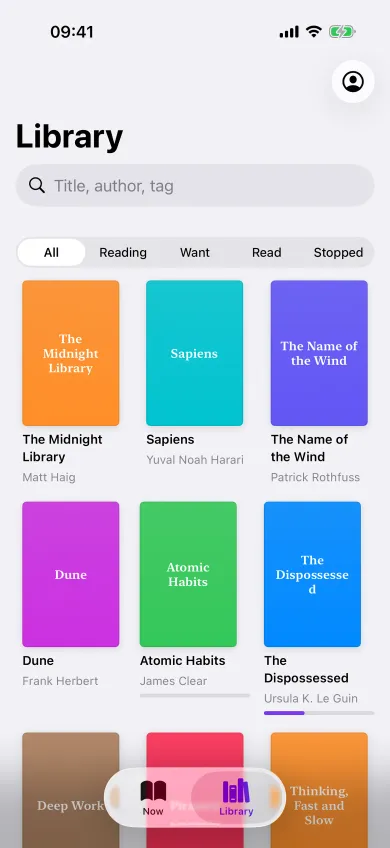
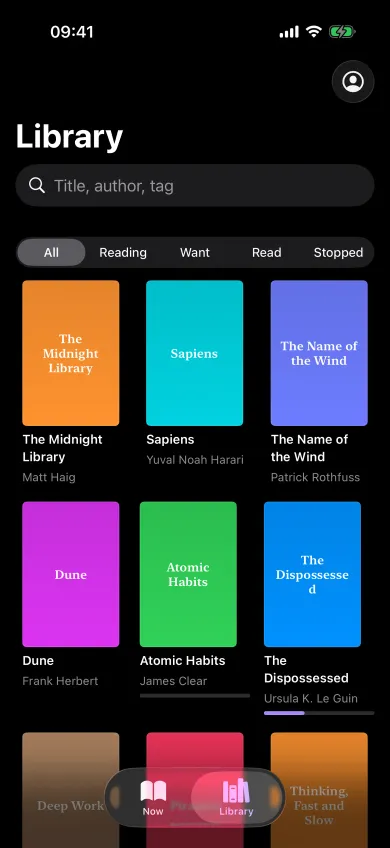
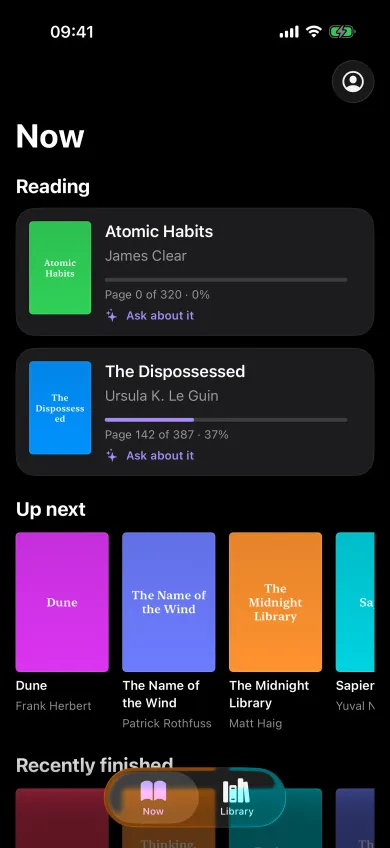
The iPhone app for Pocket Bookshelf: what you are reading and where you are in it, your library, the lines worth keeping, and a Pocket AI chat for every book that knows your page and keeps what comes after it to itself.

  • iPhone
  • iOS 18 or later
Explore Pocket Bookshelf
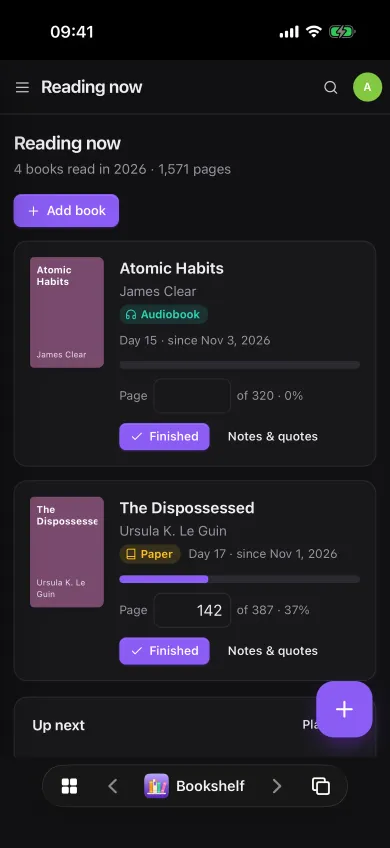
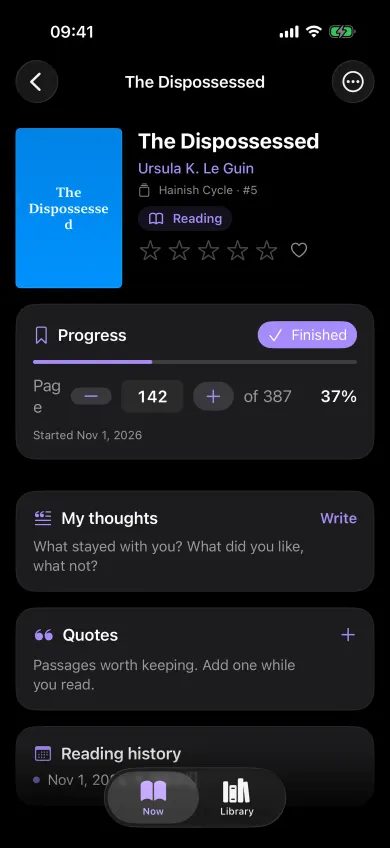
A book in progress at page 142 of 387 with Finished, thoughts and quotesA book in progress at page 142 of 387 with Finished, thoughts and quotes

Every computer you own, from the phone.

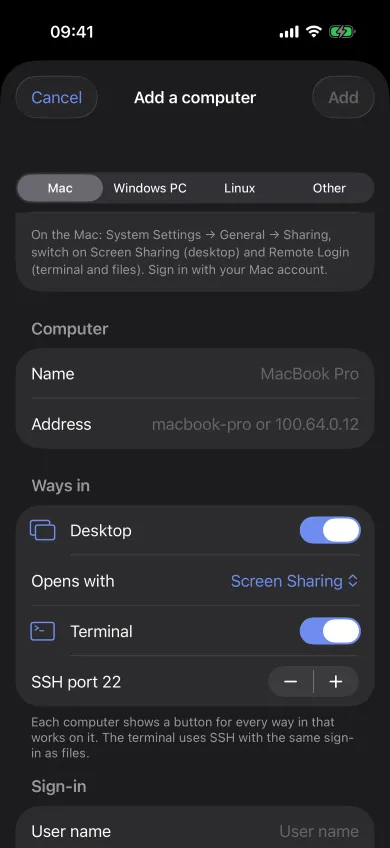
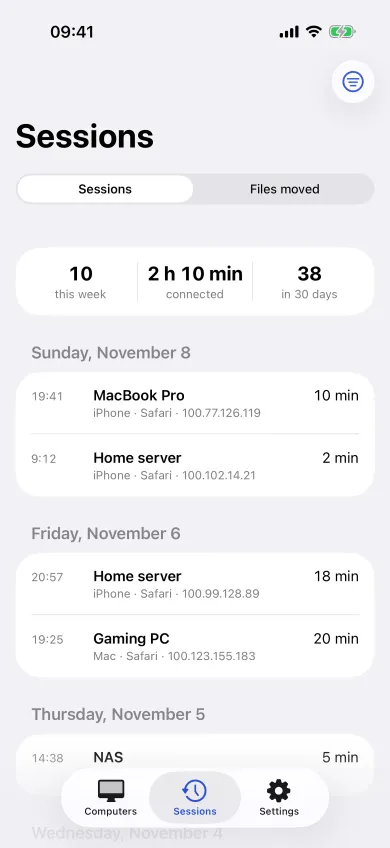
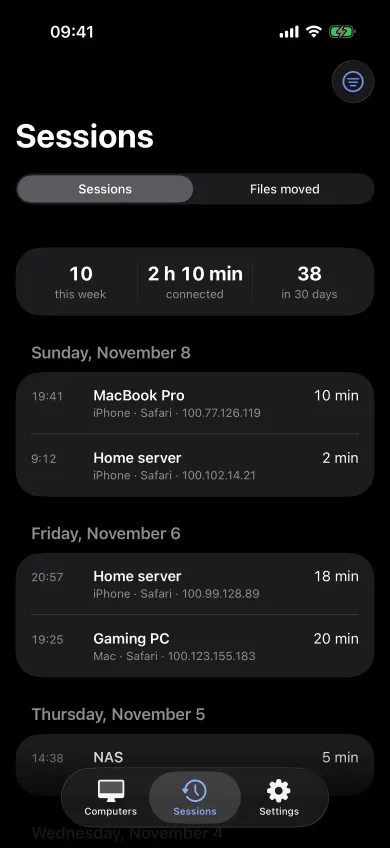
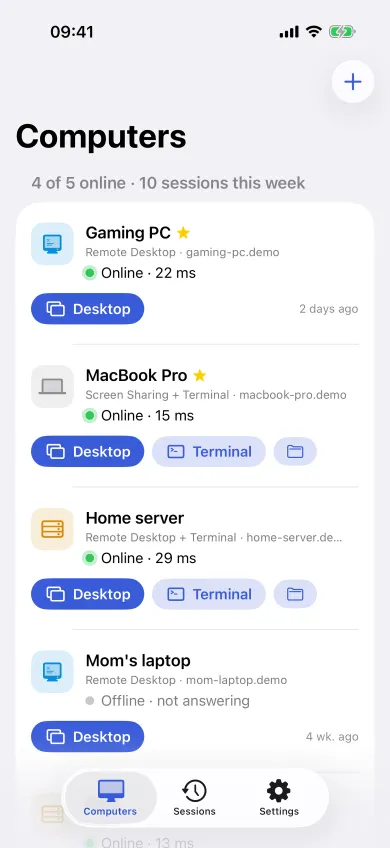
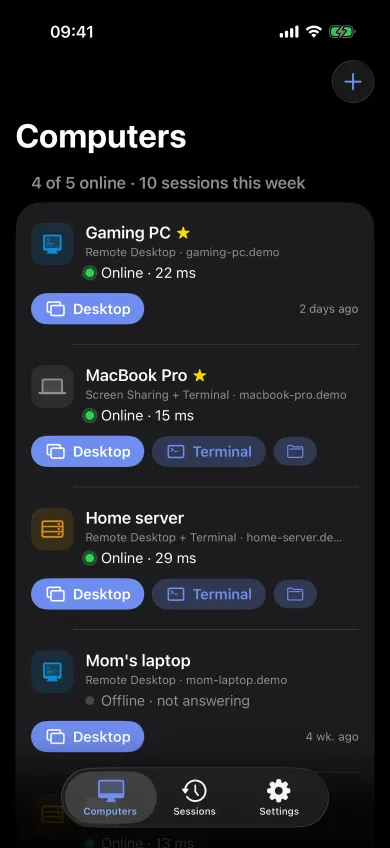
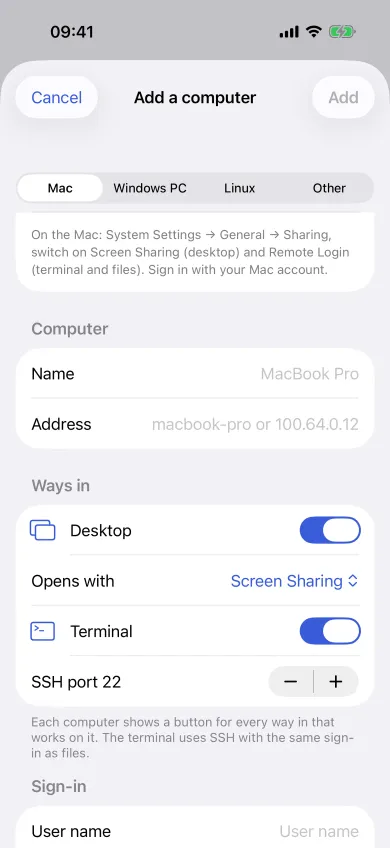
The iPhone app for Pocket Remote, the self-hosted remote desktop: who is online, the ways in that work for each computer, and sessions drawn by Apache Guacamole with native controls around them. A Mac over Screen Sharing, a Windows PC over Remote Desktop, a Linux box over SSH.

  • iPhone
  • iOS 18 or later

Explore Pocket Remote
Computers: four of five online, each with Desktop, Terminal and Files buttonsComputers: four of five online, each with Desktop, Terminal and Files buttons

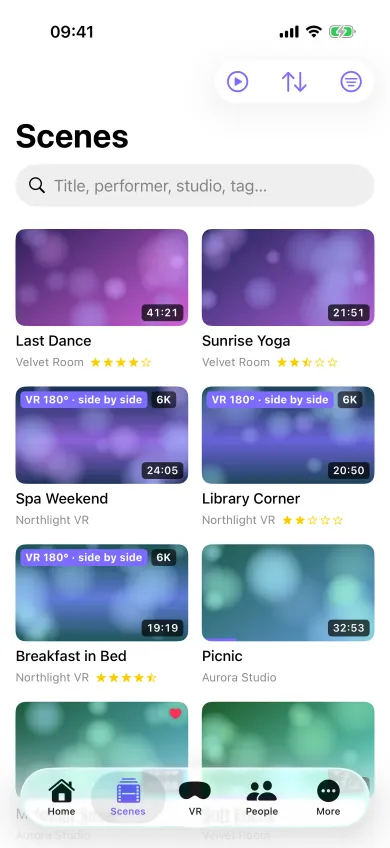
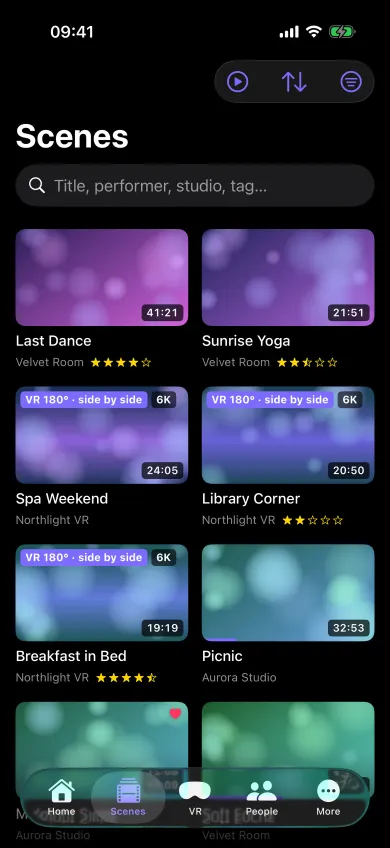
Your video library, and VR on a flat phone.

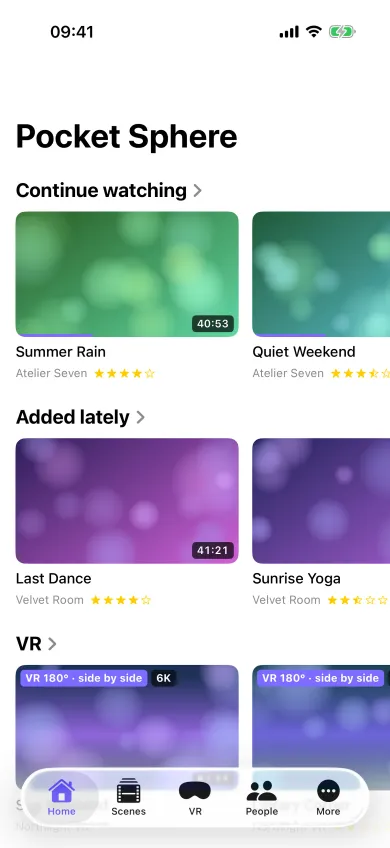
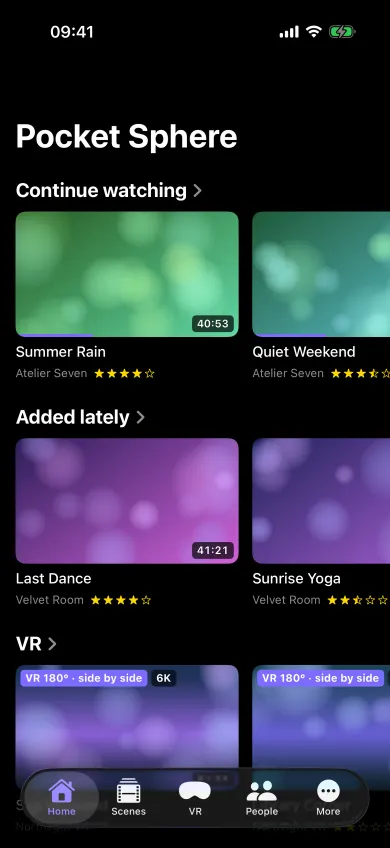
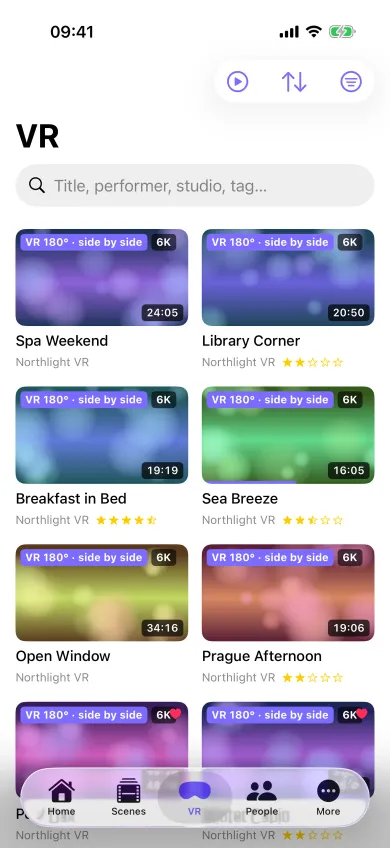
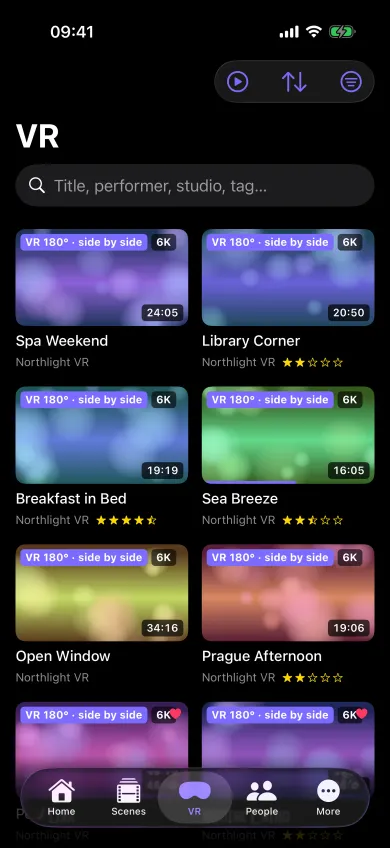
The native iPhone app for Pocket Sphere: continue watching, the library with every filter and order Sphere has, a player that plays the file itself when it can, and VR scenes shown on a flat phone with the same math as the web player's shader, in Metal.

  • iPhone
  • iOS 18 or later
Explore Pocket Sphere
Home: continue watching, added lately and VRHome: continue watching, added lately and VR

No cloud in between

Straight to your server.

The native apps are clients of the Pocket apps you already run. They sign in through Pocket Core and talk to your server directly, so there is nothing new to host and nobody else to trust.
  • Same server, same API

    Each app is a client of a Pocket app you already run. No second backend and no account with us: it talks to your server’s own API, like its web interface does.
  • Sign in on your server’s page

    Pocket Core, a local account or a passkey, in the system’s sign-in sheet. The device gets its own token in the Keychain, and signing out revokes it.

  • Built for the platform

    SwiftUI with Swift 6 strict concurrency and almost no third-party code. Widgets, Live Activities, File Provider, Siri and Shortcuts where they fit.

  • Nothing in between

    Requests go from the device to your server over your own network or VPN. Recordings, files and chats never pass through a service of ours.

On iPhone

Feels like iPhone. Because it is.

The system’s own lists, sheets and keyboard, with Lock Screen controls, Live Activities and background uploads where they help.

4 apps

On the Mac

A launcher behind one shortcut, a studio for recording and mixing, and your server’s files in Finder: the places a Mac app reaches and a browser tab does not.

6 apps

On iPhone

The phone’s own keyboard, microphone, Lock Screen, Share sheet and background uploads, over the same API as each app’s web interface.

The servers

Run the apps they connect to.

Every native app here is a client of a self-hosted Pocket app: one Go binary and one SQLite file, signing in through Pocket Core. Run the ones you use, or all of them on a Pocket Box.