
Pocket Hub for iPhone, iPad and Mac
v0.1.0 · iOS 18 or later · macOS 15 or later
Your whole box. One home screen.
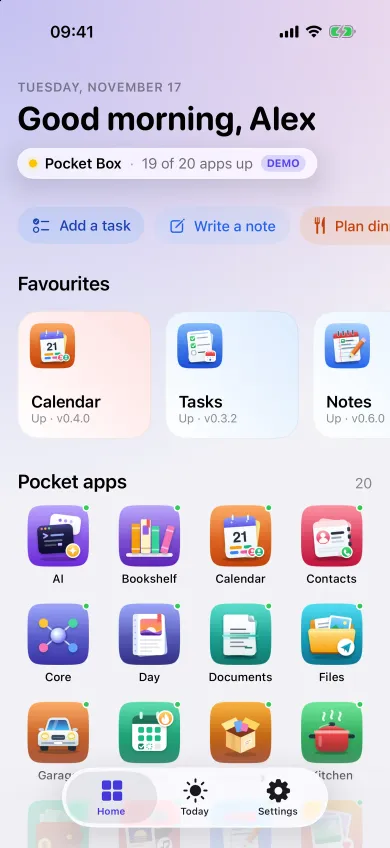
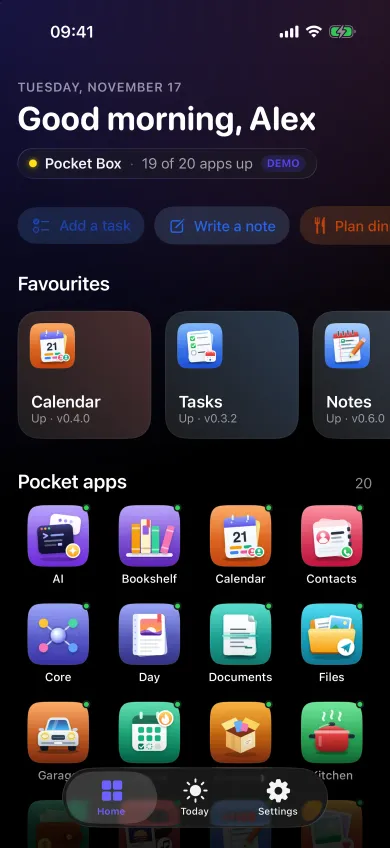
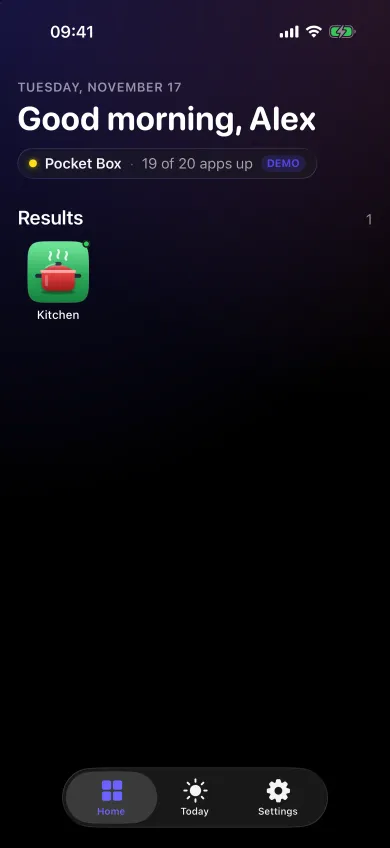
The native front door of a Pocket Box. Pair it with Pocket Core once and every app and service you may use is on one home screen with its real icon and its health. Apps open inside the hub, already signed in as you, and keep their place while you move between them.
- Native for iPhone and Mac
- Signs in on your own server
- Token in the Keychain
Apps inside the hub
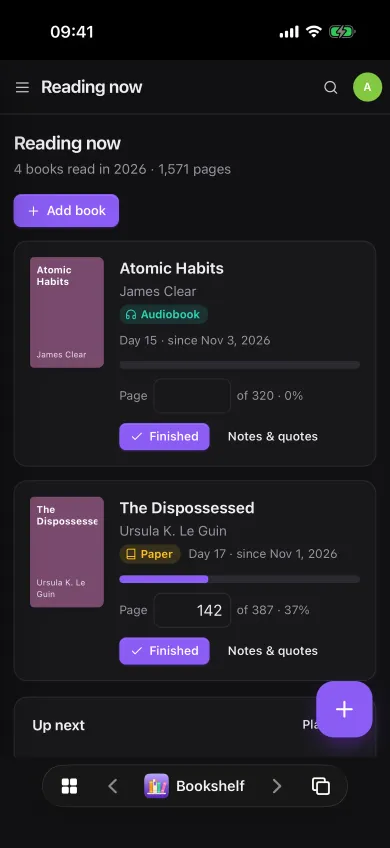
Every app opens here, signed in.
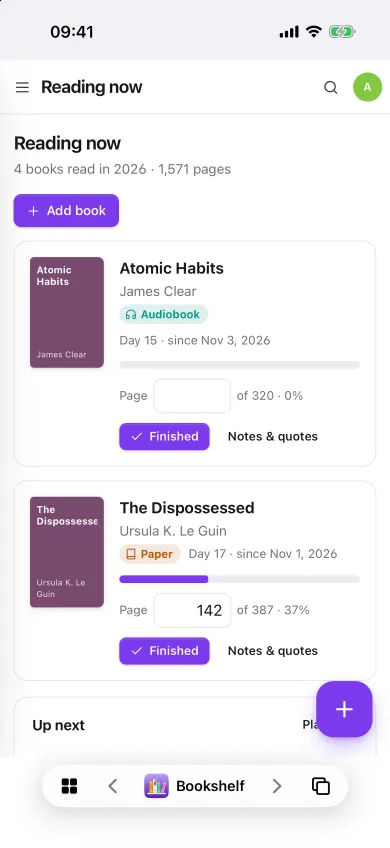
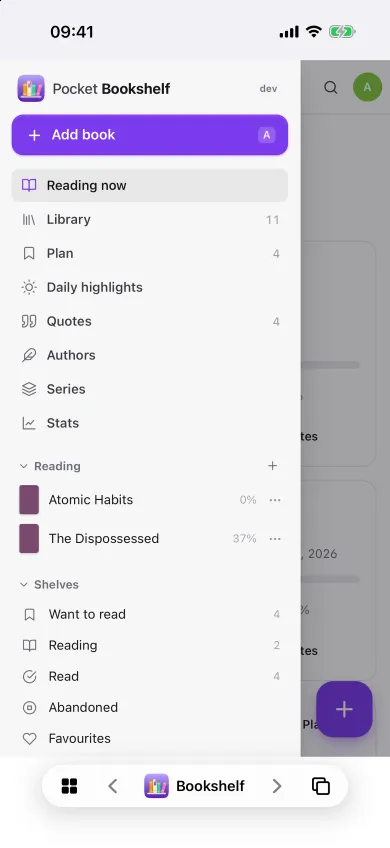
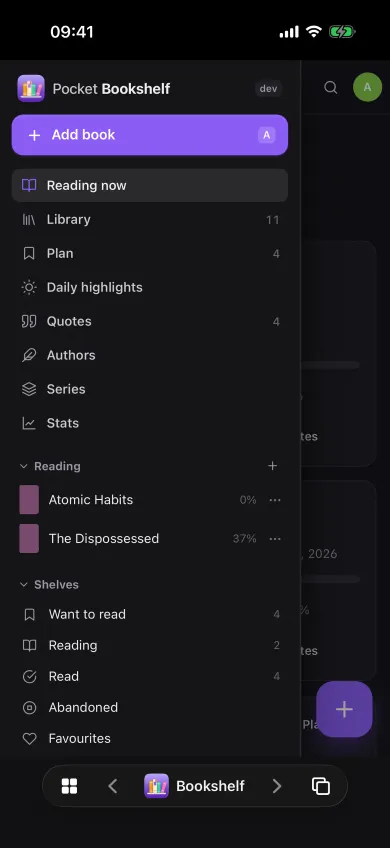
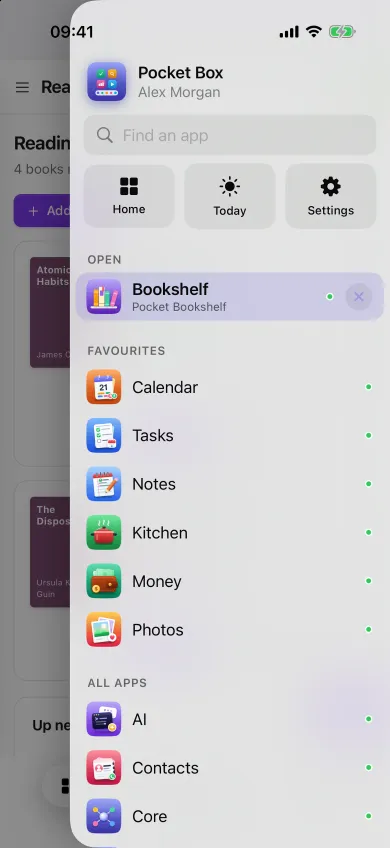
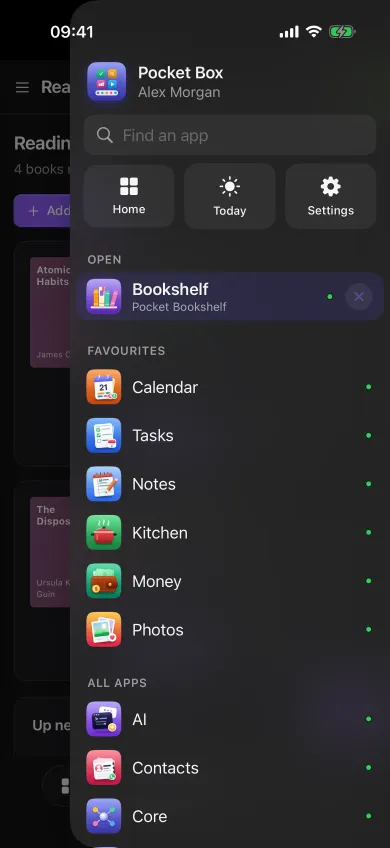
Tap an app and its page fills the screen above a glass bar: home, back and forward, the app and the switcher. The page ends above the bar, so the app's own buttons are never under it. Swipe in from the left edge for the app's own sidebar, from the right edge for the hub's.
Pairing
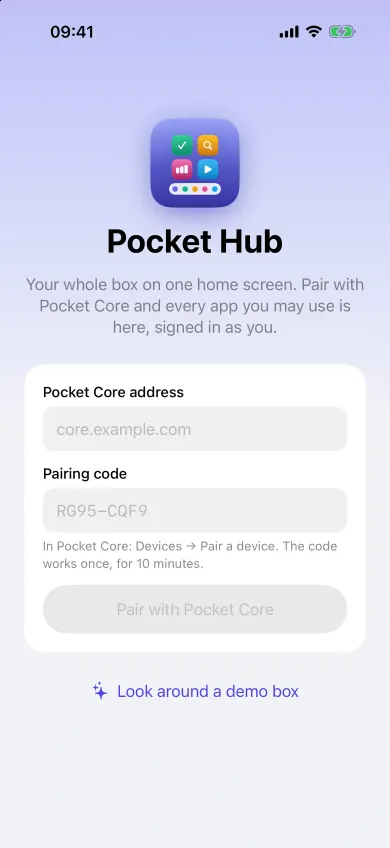
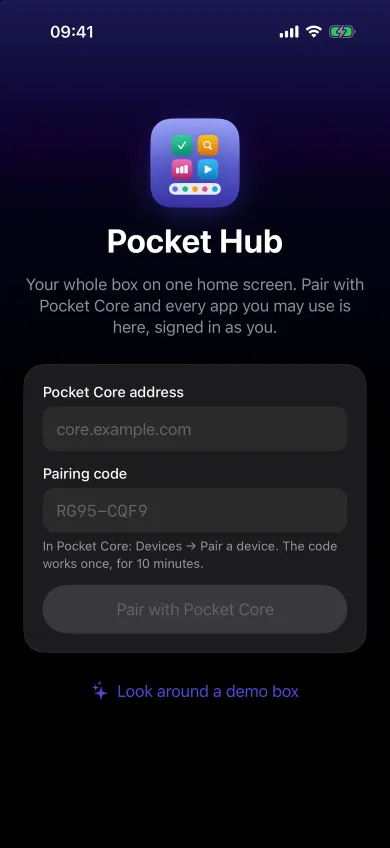
One QR code, and you're in.
In Pocket Core open Devices → Pair a device and scan the code, paste the pairing link or type the address and code. The phone gets its own device token in the Keychain; revoke the device in Core and it stops everywhere at once.
- No API keys copied from admin pages
- Apps open signed in: the hub opens a Core session with the device's pairing, so there is no login page and no passkey to fight in a web view
- A demo box to look around without a Core
Search
Find an app by what you want to do.
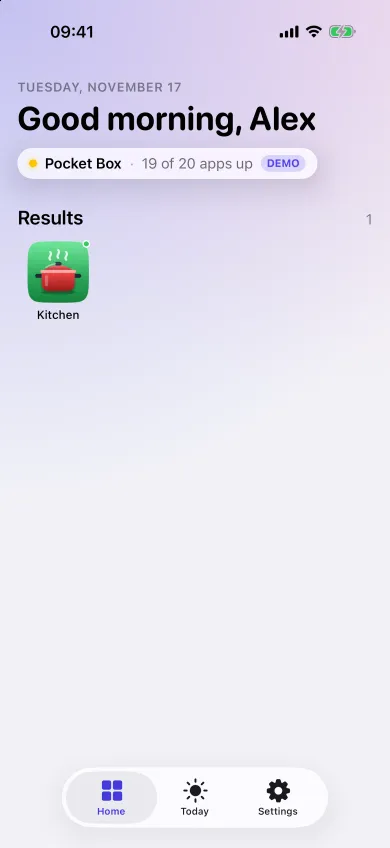
Type an app's name, or what you are after: plan dinner finds Kitchen, budget finds Money, a movie finds Jellyfin. Matching runs on the phone against your own apps.
- Quick actions on Home: add a task, write a note, plan dinner, ask AI, log spending
- Favourites you pin, and the apps you opened last
- The same search in the drawer, from inside any app
Today
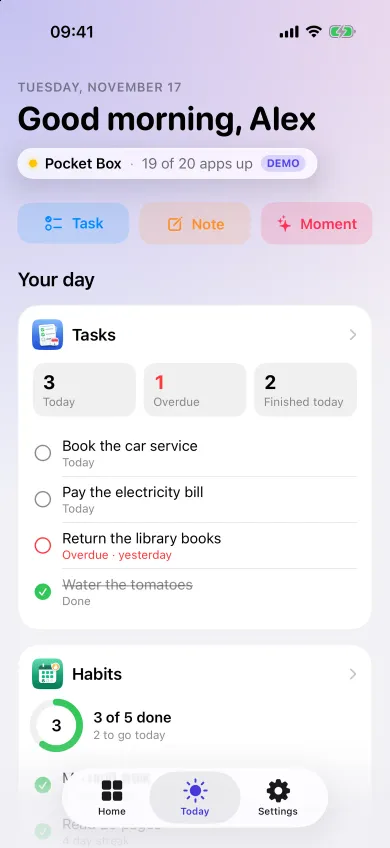
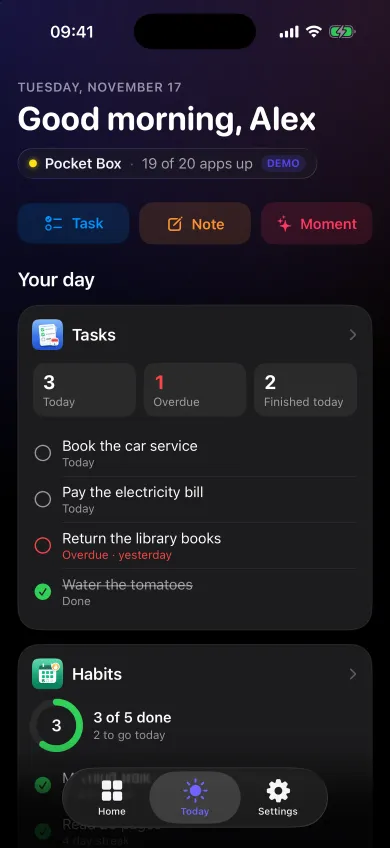
A calm page for the day.
A clock, the month, a focus timer that keeps running when you leave, a quick note and the health of every app on the box, at a glance.
- 15, 25 or 50 minute focus sessions with pause and resume
- The note stays on the device
- App health for admins, with the apps that are down one tap away
And the rest of it
No app list of its own
Home reads the apps and services each person may use from Pocket Core, so a household member sees theirs and nothing else. Admins also see which apps are up.
Apps keep their place
Every opened app stays alive while you go home or switch, like tabs. Closing the one on screen moves to the app you used before it; closing the last one goes home.
A sidebar on iPad and Mac
On the bigger screens Home, Today, the open apps and your favourites sit in a sidebar, and the app fills the rest with back, forward, reload and share in the toolbar.
Real icons
The same icons as Pocket Core and this site, for every Pocket app and for Jellyfin, Immich, Nextcloud, Paperless-ngx and the rest.
How it connects
A client of your Pocket Core.
Pair it from Devices → Pair a device in Pocket Core. Pocket Core 0.36.30 or later opens the apps signed in; with an older Core they show Core's sign-in page.
- SwiftUI with Swift 6 strict concurrency, no third-party code
- The device token lives in the Keychain; Forget this box removes it
- Talks only to your box: Core's /api/v1 and the apps' own pages
More native apps
 Pocket LauncherMacA Raycast-style launcher for the Mac: your apps, every Pocket app, Pocket AI, tasks, money and dictation behind one shortcut.
 Pocket StudioMacA small DAW for the Mac: record, edit and mix, then play along with the tabs in Pocket Guitar.
 Pocket Files for iPhone and MacMac · iPhoneYour server's files in Finder and in the Files app, through Apple's File Provider. The Nextcloud client replacement.
 Pocket AI for iPhoneiPhoneClaude Code and Codex on your server, from your phone: live threads, approvals, forks, worktrees and schedules.
 Pocket Voice for iPhoneiPhoneA recorder that never loses a memo: record on the phone, your server writes it out and finds the tasks, events and spending.
 Pocket Jam for iPhoneiPhoneRecord music layer by layer on the phone: a guitar, then the bass over it on headphones, lined up and kept even without signal.
 Pocket Bookshelf for iPhoneiPhoneWhat you are reading and where you are in it, your library, thoughts and quotes, and a Pocket AI chat for every book.
 Pocket Remote for iPhoneiPhoneYour Mac's screen, a Windows PC or a Linux terminal over your tailnet, from the phone, with a real keyboard around it.
 Pocket Sphere for iPhoneiPhoneYour video library on the phone, and VR videos on a flat screen: look around, one eye, or a phone headset.