
Pocket Jam for iPhone
v0.1.0 · iOS 18 or later
Lay down the guitar. Then the bass on top.
The iPhone app for Pocket Jam, the self-hosted multitrack recorder: your songs and tracks with their waveforms, recording on the armed track while the others play in your headphones, and every take kept. iOS's voice processing is off, so an instrument sounds like itself, and it keeps recording with the screen locked.
- Native for iPhone
- Signs in on your own server
- Token in the Keychain
Practice
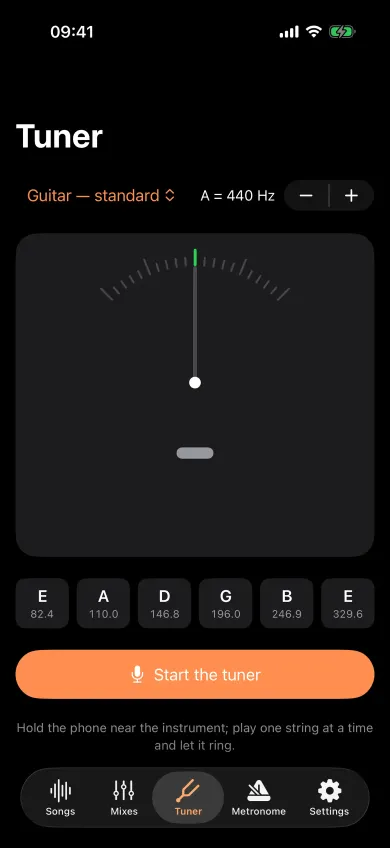
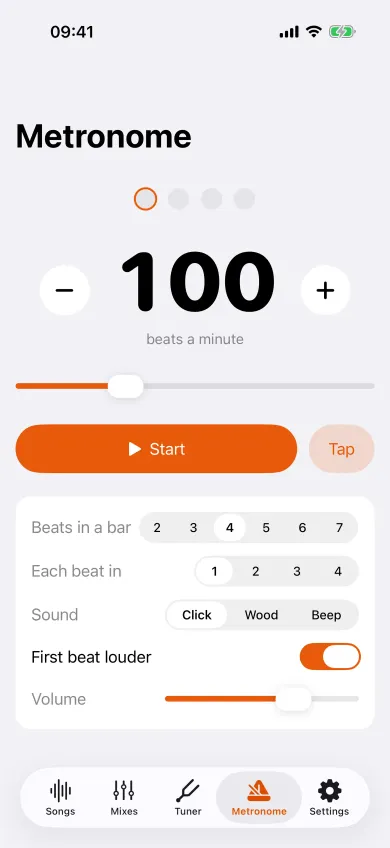
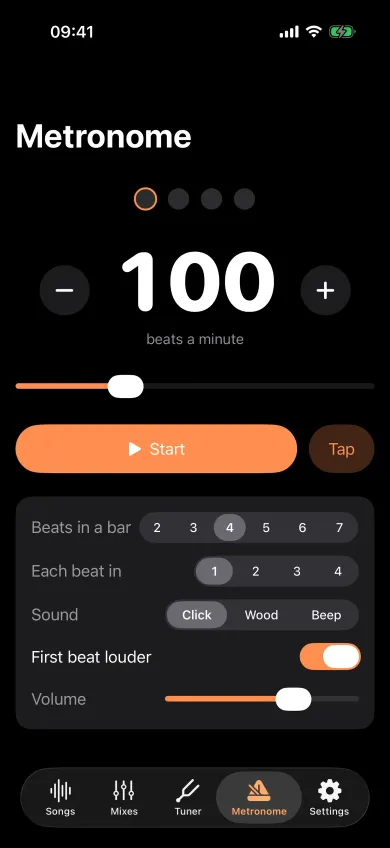
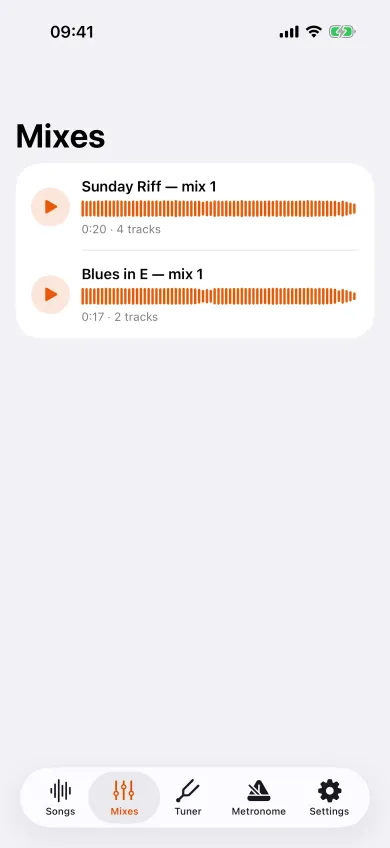
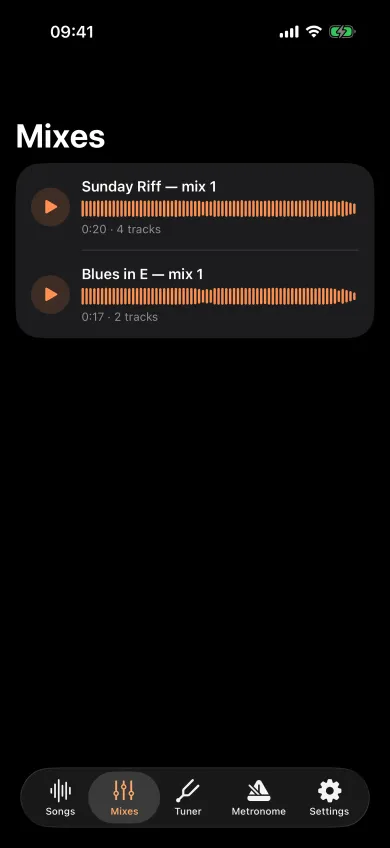
A tuner, a metronome and your mixes.
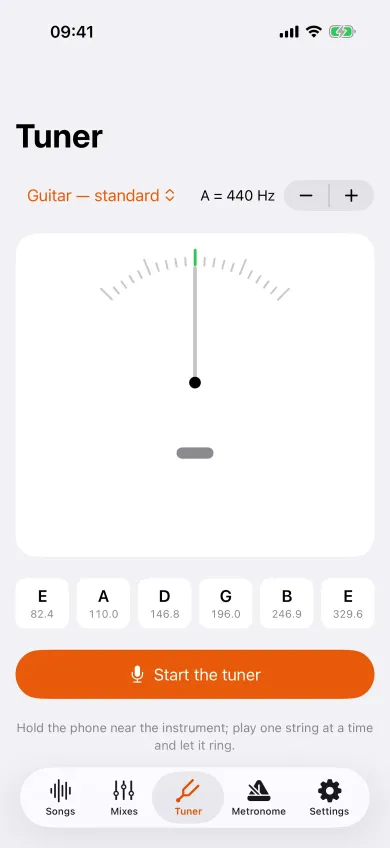
A tuner that listens to the microphone, with a needle in cents and the strings of the instrument picked. A metronome with tap tempo, 2 to 7 beats in a bar, subdivisions and three sounds. Mixes made on the phone or in the browser, to play, share or keep in Pocket Files.
Songs
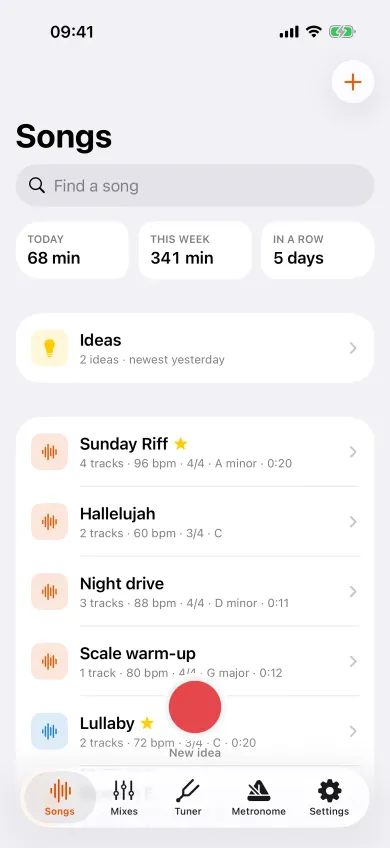
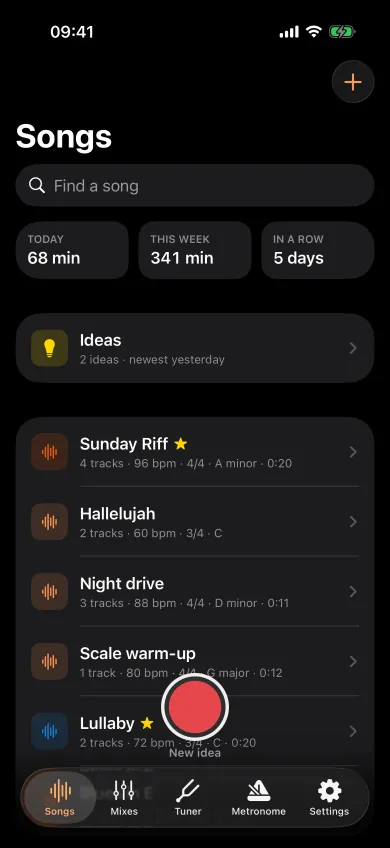
Your songs, and the time you played.
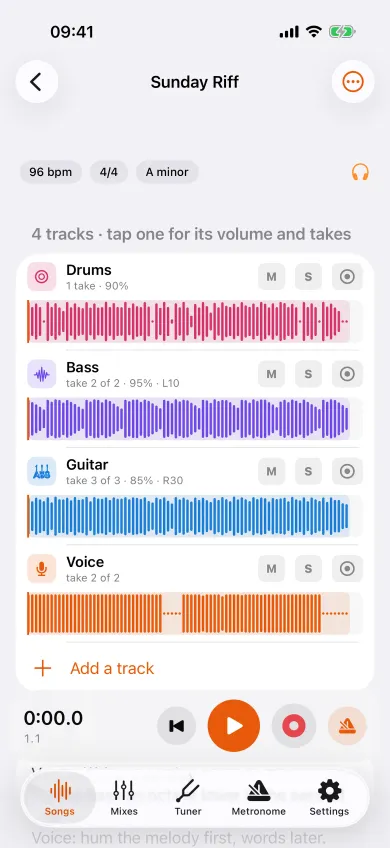
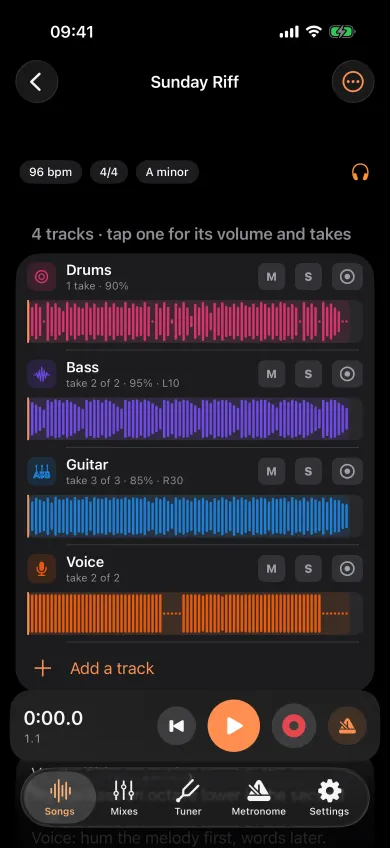
Every song on your Pocket Jam server with its tracks, tempo, time signature, key and length, and the minutes played today, this week and the days in a row. Make a new song with a tempo you tap, or catch an idea with the big red button.
- Search the songs, star the ones you come back to
- A count-in of one or two bars, set per song
- The time played can go on to Pocket Guitar or Pocket Time
Takes
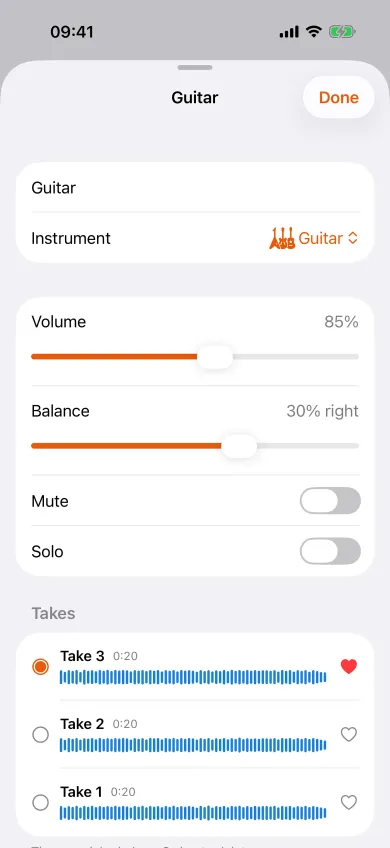
Every take kept. Pick the one that plays.
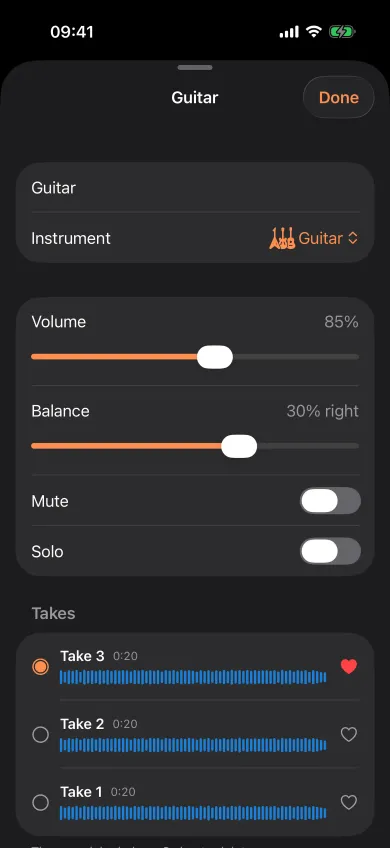
Tap a track for its volume, balance, mute and solo, and every take recorded on it. Choose the one that plays, heart the good ones, swipe to delete, and nudge a take into place.
- Recording again adds take 2, 3 and so on
- Quiet takes raised to a normal level when kept, if you like
- Bring in a recording or a backing track from the Files app
Ideas
A riff before there is a song for it.
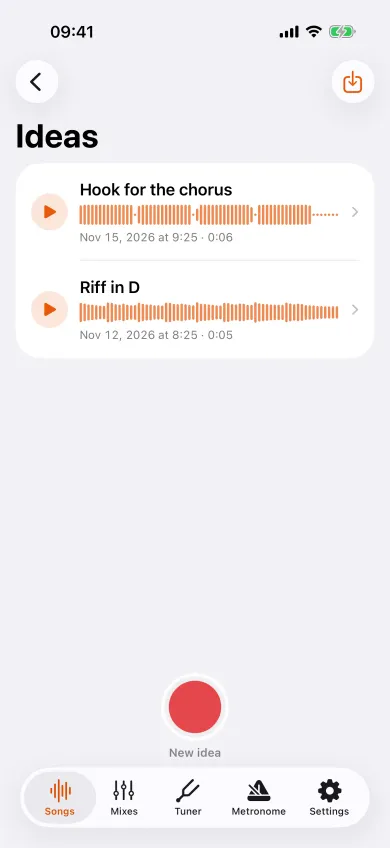
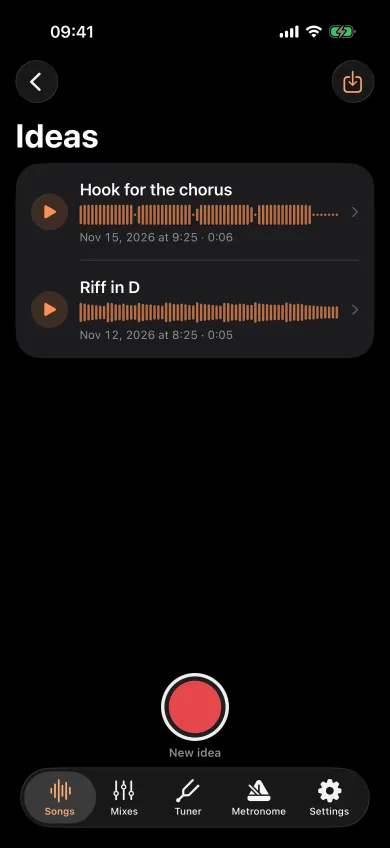
One button records a riff or a melody, full screen with a live waveform and no click, and goes on with the screen locked. Play it back, rename it, share it, or make it the first track of a new song.
- Kept on the phone first, then sent to the server's ideas
- Bring in many at once from Voice Memos through Files, dated from the recordings
- In bands, like songs
Settings
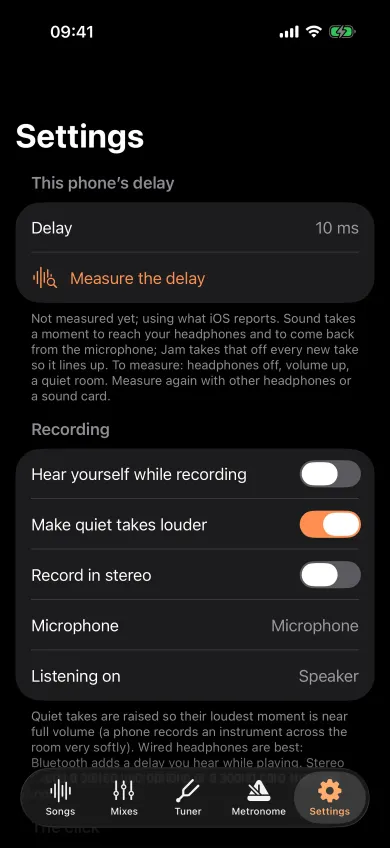
Measure the delay once.
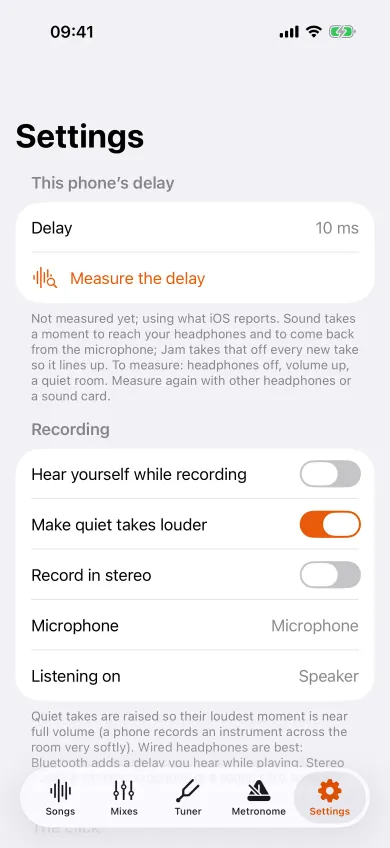
Sound takes a moment to reach your headphones and to come back from the microphone. Measure it once in Settings, with the phone listening to its own clicks, and Jam takes it off every new take so the layers line up.
- Hear yourself while recording, or not
- Record in mono or stereo, from the microphone you pick
- The click sound and its volume
And the rest of it
Records with the screen locked
Recording goes on in the background, and iOS's voice processing is off (measurement mode): no noise suppression, no echo cancelling, no automatic volume.
In time
A count-in, then the click on the song's beats, recording from the start of the bar where the playhead is.
Never lost
A take is saved on the phone first and uploaded when the server can be reached, so the rehearsal room without signal is fine.
Mix down on the phone
What you hear, mixed to one stereo WAV on the phone and kept under Mixes; share it or save it to Pocket Files.
A mixer per track
Volume, balance, mute and solo per track, live while it plays, and a warning when no headphones are in.
Sign in on your server's page
Pocket Core and passkeys in the system sheet; the phone's token stays in the Keychain.
How it connects
A client of your Pocket Jam server.
Sign in on the server's own page in the system sheet. Songs, tracks, takes, ideas and mixes are the same ones as in the browser, over the server's own API.
- Needs Pocket Jam 0.1.1 or newer; ideas need 0.1.5
- AVAudioEngine for playback, the click and recording; no third-party code
- Downloaded takes cached on the phone, so a song opens quickly the next time

More native apps
 Pocket LauncherMacA Raycast-style launcher for the Mac: your apps, every Pocket app, Pocket AI, tasks, money and dictation behind one shortcut.
 Pocket StudioMacA small DAW for the Mac: record, edit and mix, then play along with the tabs in Pocket Guitar.
 Pocket Files for iPhone and MacMac · iPhoneYour server's files in Finder and in the Files app, through Apple's File Provider. The Nextcloud client replacement.
 Pocket Hub for iPhone, iPad and MaciPhone · MacYour whole box on one home screen: every Pocket app you may use, opened inside the hub and signed in as you.
 Pocket AI for iPhoneiPhoneClaude Code and Codex on your server, from your phone: live threads, approvals, forks, worktrees and schedules.
 Pocket Voice for iPhoneiPhoneA recorder that never loses a memo: record on the phone, your server writes it out and finds the tasks, events and spending.
 Pocket Bookshelf for iPhoneiPhoneWhat you are reading and where you are in it, your library, thoughts and quotes, and a Pocket AI chat for every book.
 Pocket Remote for iPhoneiPhoneYour Mac's screen, a Windows PC or a Linux terminal over your tailnet, from the phone, with a real keyboard around it.
 Pocket Sphere for iPhoneiPhoneYour video library on the phone, and VR videos on a flat screen: look around, one eye, or a phone headset.