

Pocket Files for iPhone and Mac
v0.1.0 · iOS 18 or later · macOS 15 or later
Your server's files, where your files already are.
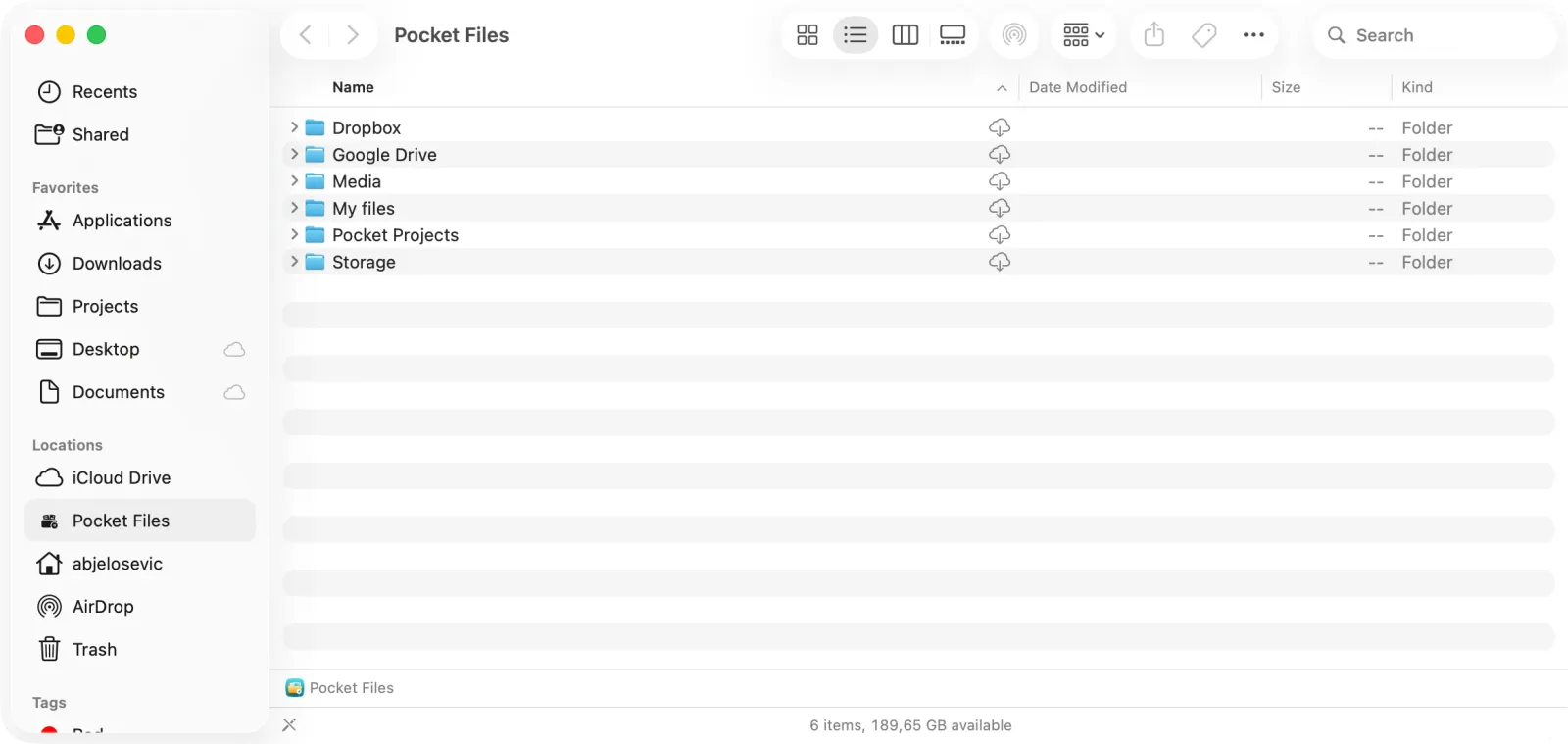
Pocket Files appears under Locations in Finder on the Mac and in the Files app on iPhone, with My files, every mount and every folder shared with you. Nothing is synced up front: a file downloads when you open it, so a 131 GB archive costs nothing until you need it.
- Native for Mac and iPhone
- Signs in on your own server
- Token in the Keychain
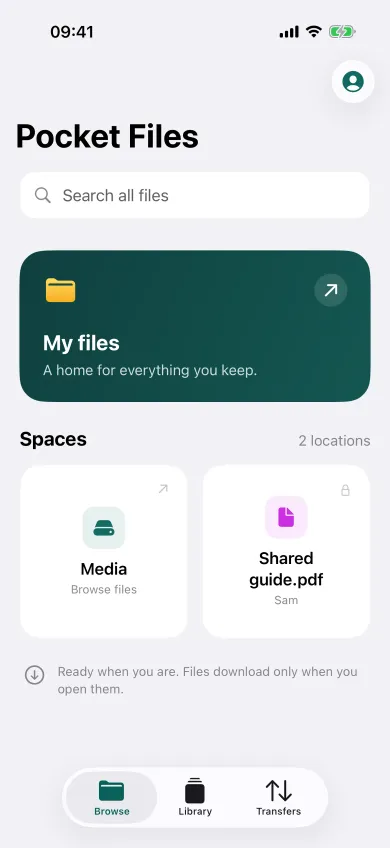
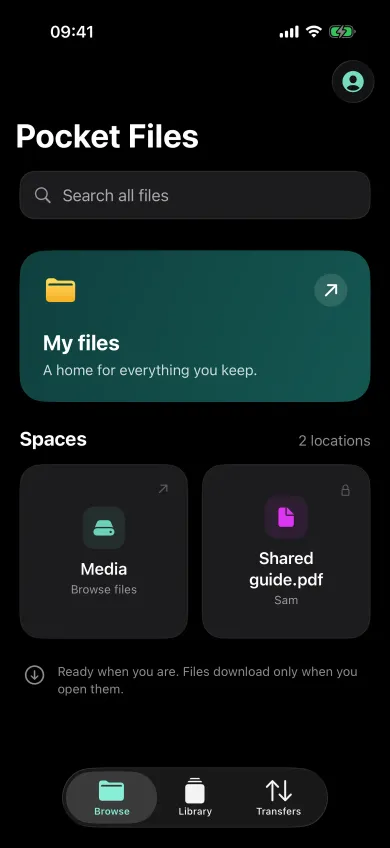
In Finder
A location in the sidebar, like iCloud Drive.
On the Mac, Pocket Files is a menu bar app with no Dock icon. It watches the server's change stamp every 20 seconds and tells Finder to refresh, so a file saved on the web shows up in the folder you have open.
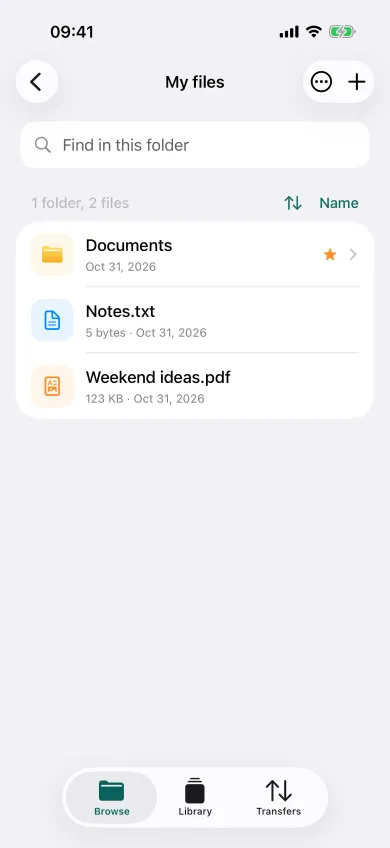
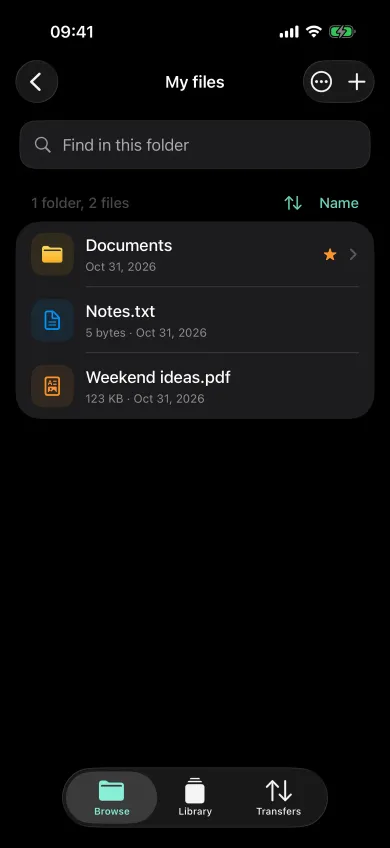
Browse
Every space, as folders.
My files, mounted drives and folders or single files shared with you, in a list or a grid. Create, rename, move between spaces and delete; deletes go to the owner's trash, except on mounted drives, where the app says it is permanent.
- Search across every file, or within the folder you are in
- Conflicts never merge: your edit is uploaded beside the server copy as a conflicted copy
- .DS_Store, ._ files and symlinks stay on the device
Library
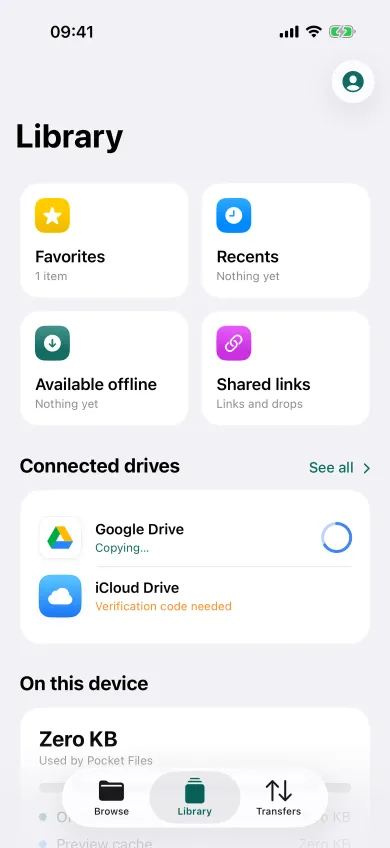
Favourites, offline copies and connected drives.
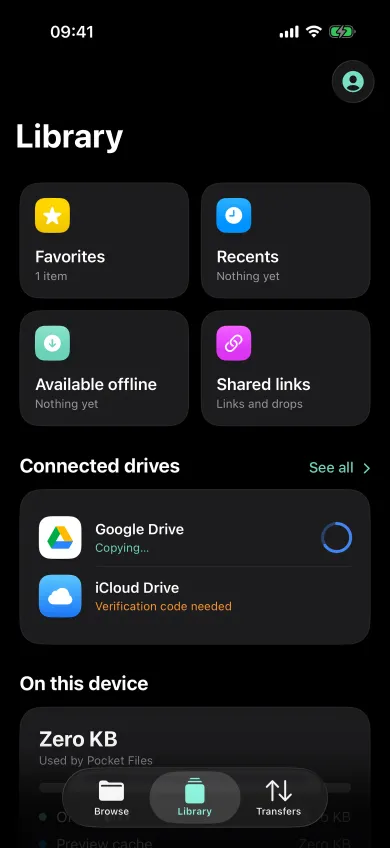
Library has the server's Favorites, this phone's Recents, everything kept offline, your share links and the Trash. Connected drives shows the server copying Google Drive or iCloud Drive, with progress, speed and the next scheduled copy.
- Keep a folder offline; it refreshes on launch, after changes and in the background
- Sync now, Stop and schedule edits for connected drives, natively
- Remove a download without touching the server copy
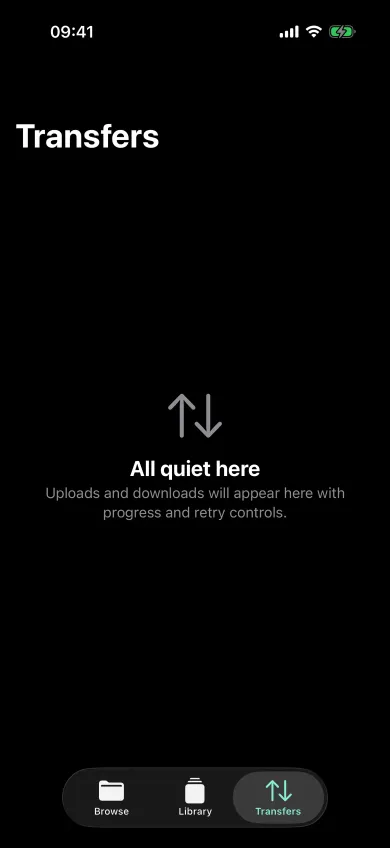
Transfers
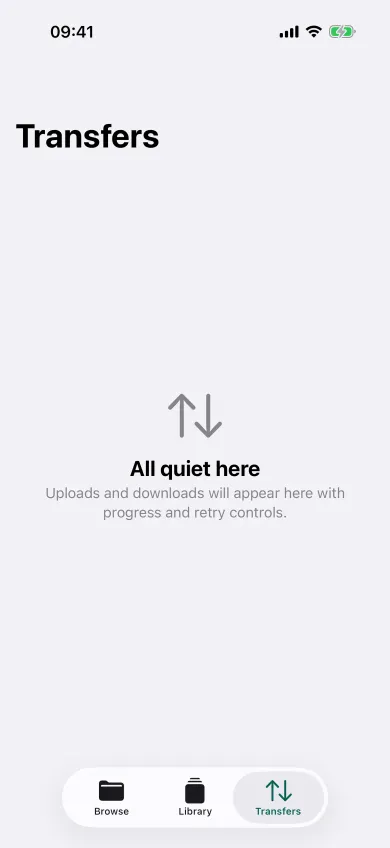
Uploads that survive the app closing.
Transfers run in a background session with a saved queue, so they continue through navigation and suspension. Interrupted ones can be retried, and reopening the app reconciles the queue.
- Share a file or folder to Viber, Messages, Mail or AirDrop as a real attachment
- Share links: live files or an uploaded copy, end-to-end encrypted in the web's exact format
- Expiry, download limits, history and revocation for every link
And the rest of it
Sign in once
The server's own sign-in page, Pocket Core or a local account, in a sheet. The session is traded for a per-device API token in the Keychain and the web session is wiped. Signing out revokes the token.
Nothing synced up front
Files download when opened and Keep Downloaded keeps a folder. Offline copies are per account, excluded from device backups and separate from the File Provider cache.
Renames that stick
The server addresses files by space and path; the extension keeps a small SQLite map of stable identifiers, so a rename or move carries everything under it.
No credentials handed out
Connecting a cloud drive opens the web page with its own session and OAuth state. No app token is put in a URL or given to a provider, and cloud originals are never changed.
How it connects
A client of your Pocket Files server.
Enter your Pocket Files address and sign in. On the Mac, run the app once and Pocket Files appears under Locations in Finder's sidebar; on iPhone it appears in the Files app and in the app's own Browse, Library and Transfers tabs.
- Built on Apple's File Provider framework, on both platforms
- Changes picked up from GET /api/v1/changes
- A token made on the web works too

More native apps
 Pocket LauncherMacA Raycast-style launcher for the Mac: your apps, every Pocket app, Pocket AI, tasks, money and dictation behind one shortcut.
 Pocket StudioMacA small DAW for the Mac: record, edit and mix, then play along with the tabs in Pocket Guitar.
 Pocket Hub for iPhone, iPad and MaciPhone · MacYour whole box on one home screen: every Pocket app you may use, opened inside the hub and signed in as you.
 Pocket AI for iPhoneiPhoneClaude Code and Codex on your server, from your phone: live threads, approvals, forks, worktrees and schedules.
 Pocket Voice for iPhoneiPhoneA recorder that never loses a memo: record on the phone, your server writes it out and finds the tasks, events and spending.
 Pocket Jam for iPhoneiPhoneRecord music layer by layer on the phone: a guitar, then the bass over it on headphones, lined up and kept even without signal.
 Pocket Bookshelf for iPhoneiPhoneWhat you are reading and where you are in it, your library, thoughts and quotes, and a Pocket AI chat for every book.
 Pocket Remote for iPhoneiPhoneYour Mac's screen, a Windows PC or a Linux terminal over your tailnet, from the phone, with a real keyboard around it.
 Pocket Sphere for iPhoneiPhoneYour video library on the phone, and VR videos on a flat screen: look around, one eye, or a phone headset.