

Pocket Bookshelf for iPhone
v0.1.0 · iOS 18 or later
Your books. Your thoughts.
The iPhone app for Pocket Bookshelf: what you are reading and where you are in it, your library, the lines worth keeping, and a Pocket AI chat for every book that knows your page and keeps what comes after it to itself.
- Native for iPhone
- Signs in on your own server
- Token in the Keychain
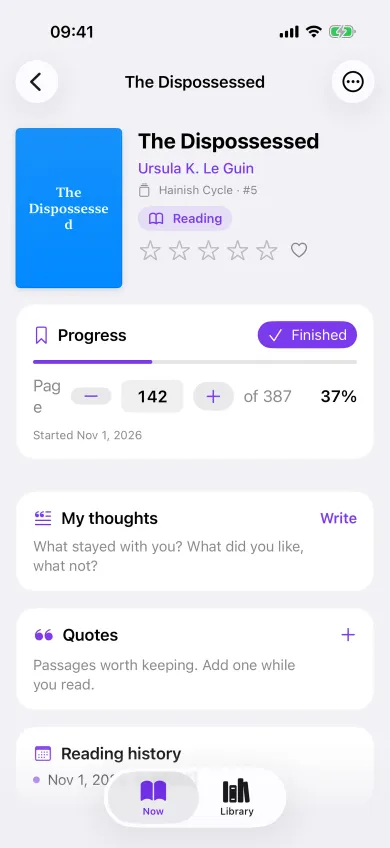
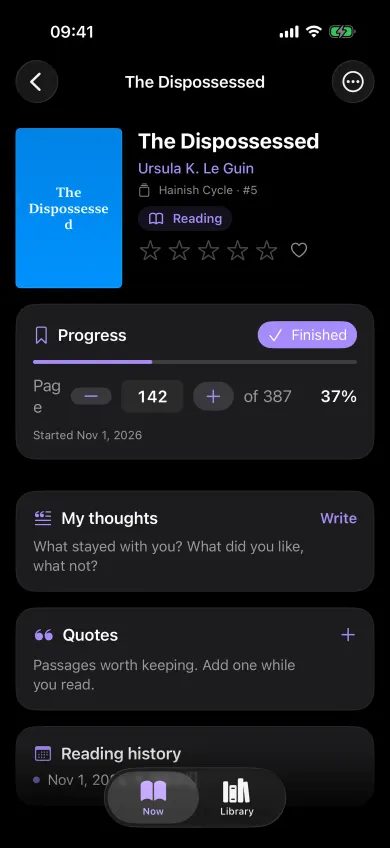
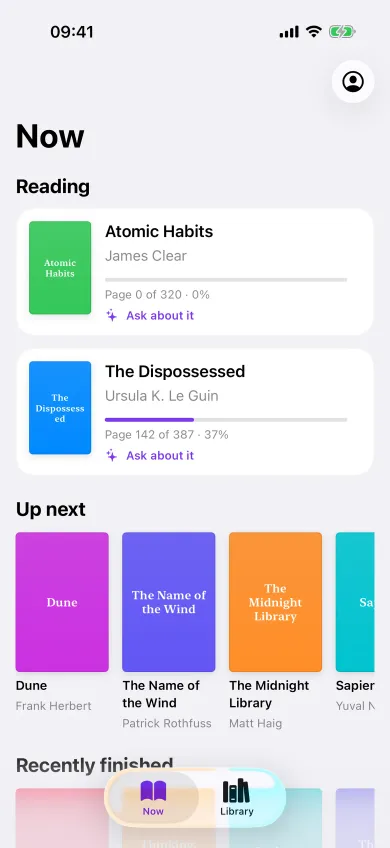
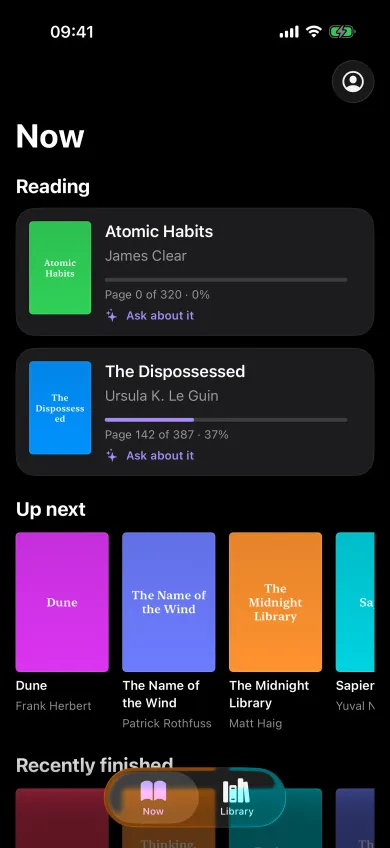
Now
Where you are, at a glance.
The books you are reading with their page and progress, what is up next in your queue and what you finished lately. Ask about it sits on every book in progress.
- Covers from Open Library and Google Books, set on the web
- Up next follows the order you planned on the web
- Half-star ratings and a favourite heart on every book
Library
Every book, by status.
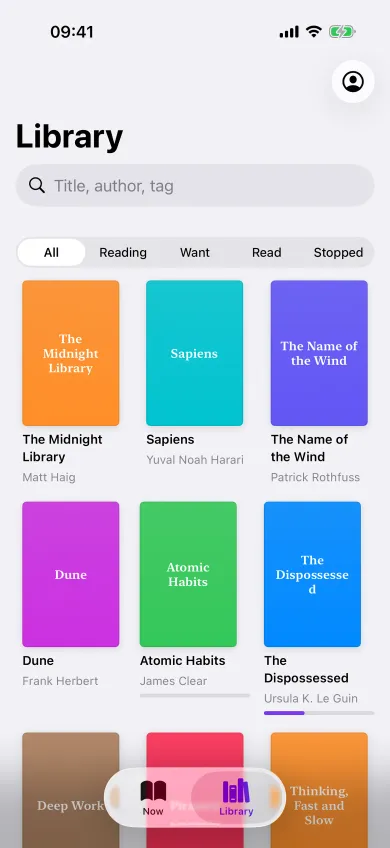
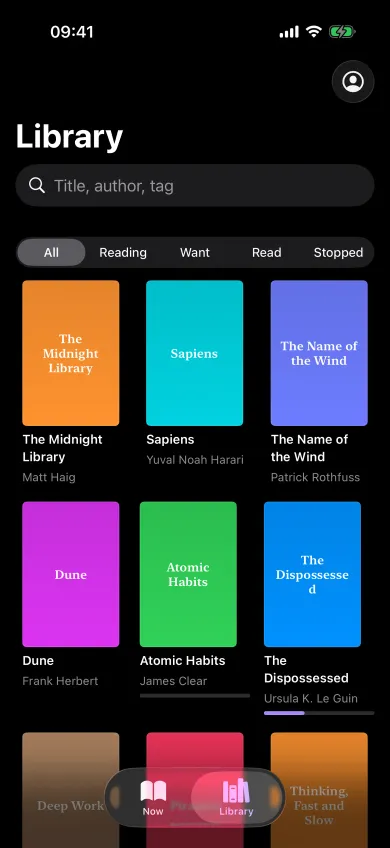
All your books as covers, filtered by reading, want, read or stopped, and searchable by title, author or tag.
- Progress bars under the books you are reading
- A tap opens the book
- Lenient decoding, so a newer server never blanks the screen
A book
The page, your thoughts and the quotes.
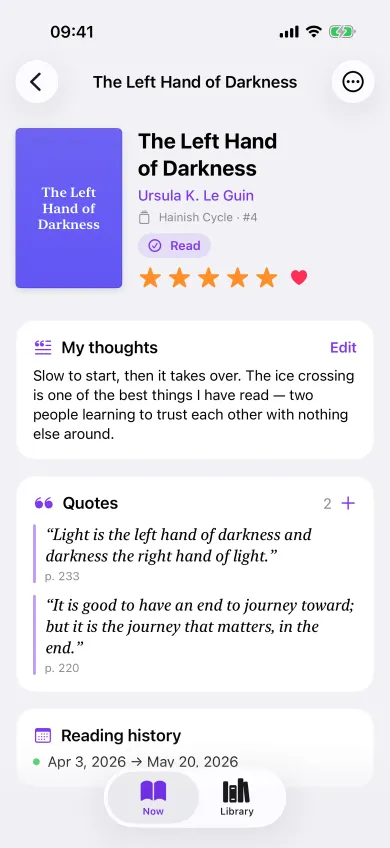
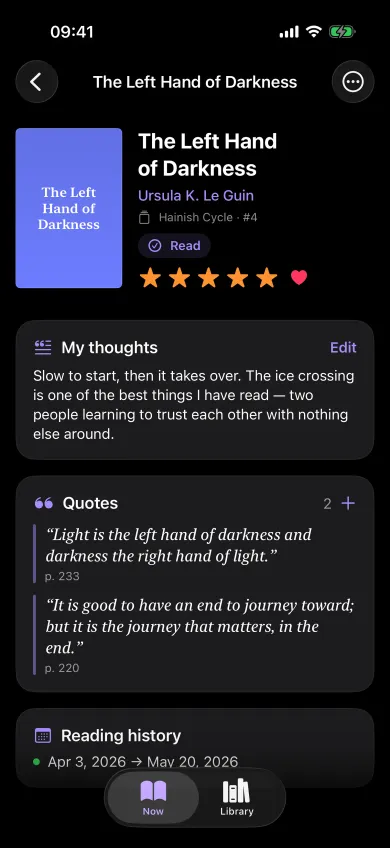
Status, half-star rating and favourite; the page with plus and minus or typed in; Finished with the date, a rating and a few words; your thoughts, quotes with their page, about the book and its reading history.
- Add, edit and delete quotes
- Series and number under the author
- Reading history from the first page to the last
And the rest of it
Ask about this book
Ready questions that fit where the book stands: Recap so far and Who's who while reading, Discuss the ending and Read next when done, Is it for me? before you start. Each one starts a Pocket AI chat that knows the book, your page, your thoughts and quotes, and keeps what comes after your page to itself.
Passkeys work
Sign-in happens in the system's sign-in sheet, where Safari's Pocket Core session and passkeys work, unlike in an app's web view. A one-time code comes back and is traded with PKCE for the phone's own token.
Its own token
Kept in the Keychain and revoked on sign-out. Or use an API token made under Settings → API tokens on the web.
Pocket AI, linked through Core
Chats start through the Pocket Bookshelf → Pocket AI link in Core, so the phone never holds a Pocket AI key.
How it connects
A client of your Pocket Bookshelf server.
Enter your server's address and allow the app in the sign-in sheet. Turn on the Pocket Bookshelf → Pocket AI link in Core → Links for the book chats.
- Swift 6 with strict concurrency, no third-party code
- The same /api/v1 as the web app
- Sign out revokes the token


More native apps
 Pocket LauncherMacA Raycast-style launcher for the Mac: your apps, every Pocket app, Pocket AI, tasks, money and dictation behind one shortcut.
 Pocket StudioMacA small DAW for the Mac: record, edit and mix, then play along with the tabs in Pocket Guitar.
 Pocket Files for iPhone and MacMac · iPhoneYour server's files in Finder and in the Files app, through Apple's File Provider. The Nextcloud client replacement.
 Pocket Hub for iPhone, iPad and MaciPhone · MacYour whole box on one home screen: every Pocket app you may use, opened inside the hub and signed in as you.
 Pocket AI for iPhoneiPhoneClaude Code and Codex on your server, from your phone: live threads, approvals, forks, worktrees and schedules.
 Pocket Voice for iPhoneiPhoneA recorder that never loses a memo: record on the phone, your server writes it out and finds the tasks, events and spending.
 Pocket Jam for iPhoneiPhoneRecord music layer by layer on the phone: a guitar, then the bass over it on headphones, lined up and kept even without signal.
 Pocket Remote for iPhoneiPhoneYour Mac's screen, a Windows PC or a Linux terminal over your tailnet, from the phone, with a real keyboard around it.
 Pocket Sphere for iPhoneiPhoneYour video library on the phone, and VR videos on a flat screen: look around, one eye, or a phone headset.