

Pocket Bookshelf
v0.16.6 · Self-hosted · MIT
Your reading life, in a notebook of your own.
Pocket Bookshelf is a private reading log: what you read, what you thought of it, the lines worth keeping and what to read next. Type a title, author or ISBN, and the details and cover come from Open Library and Google Books. No social network, no feed, just your shelf.
- Included in Pocket Box
- Sign in with Pocket Core
- Works with Open Library and Google Books and KOReader and Kindle
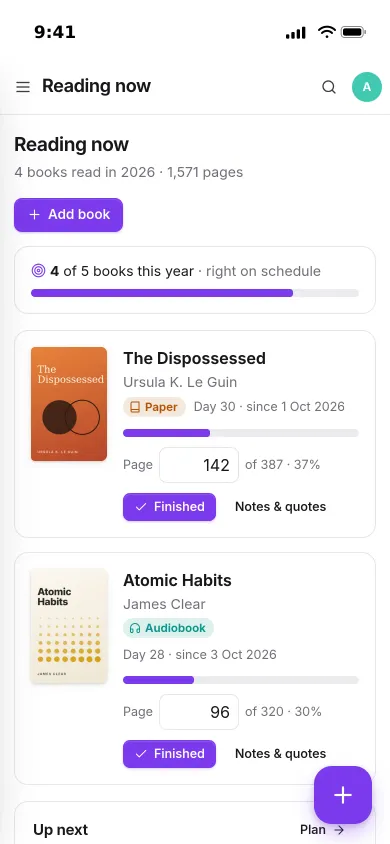
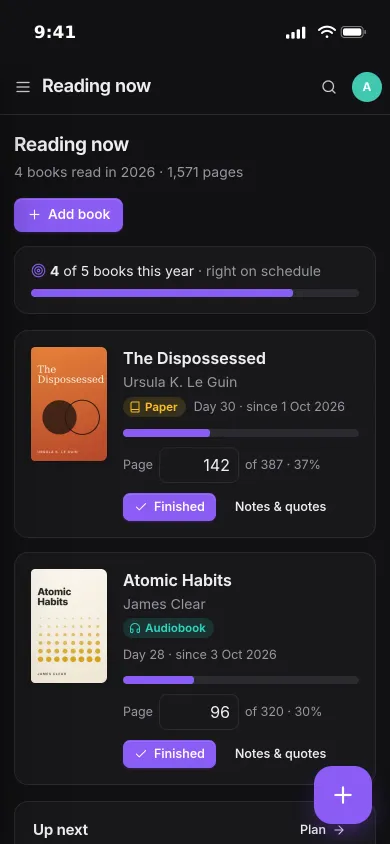
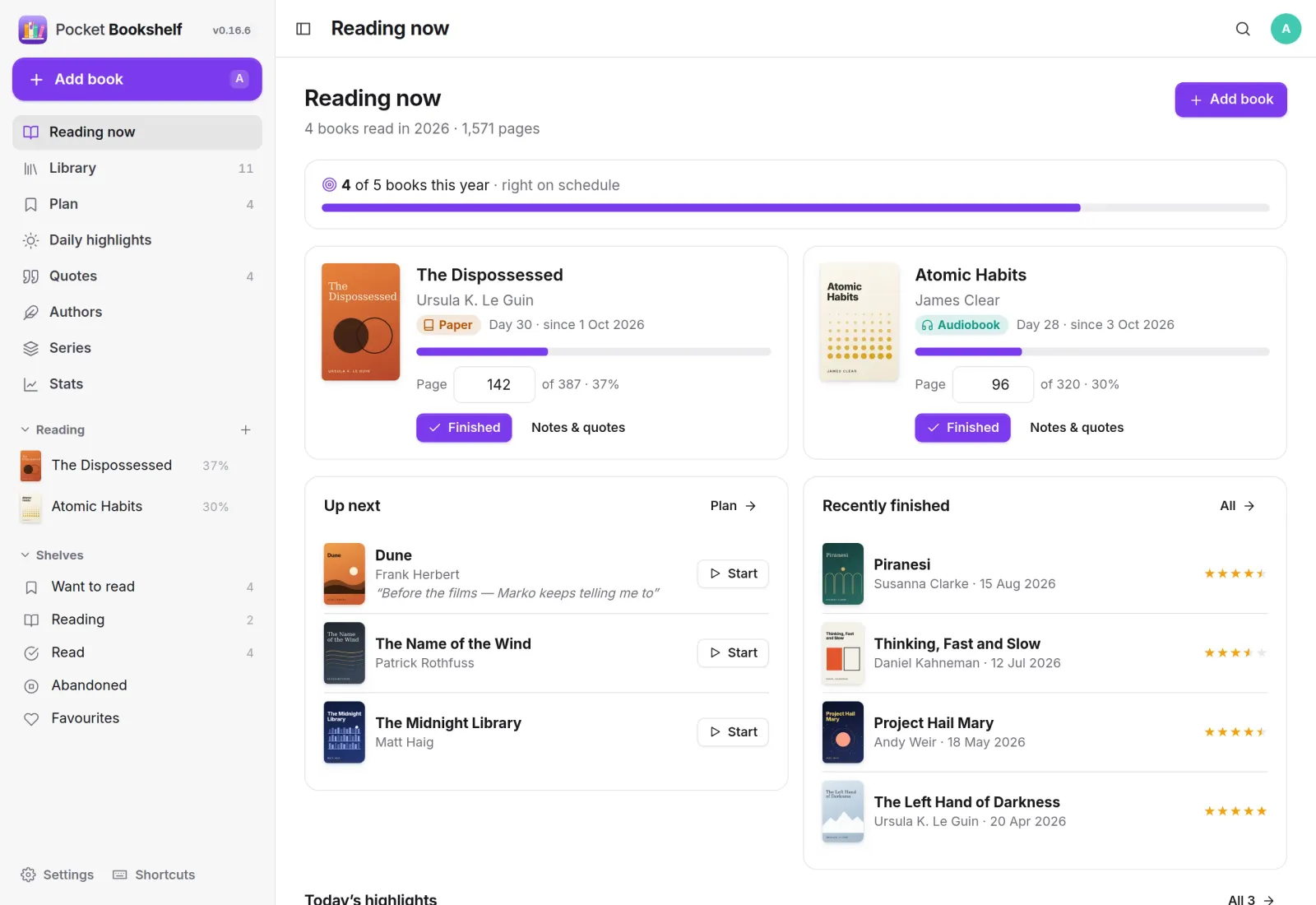
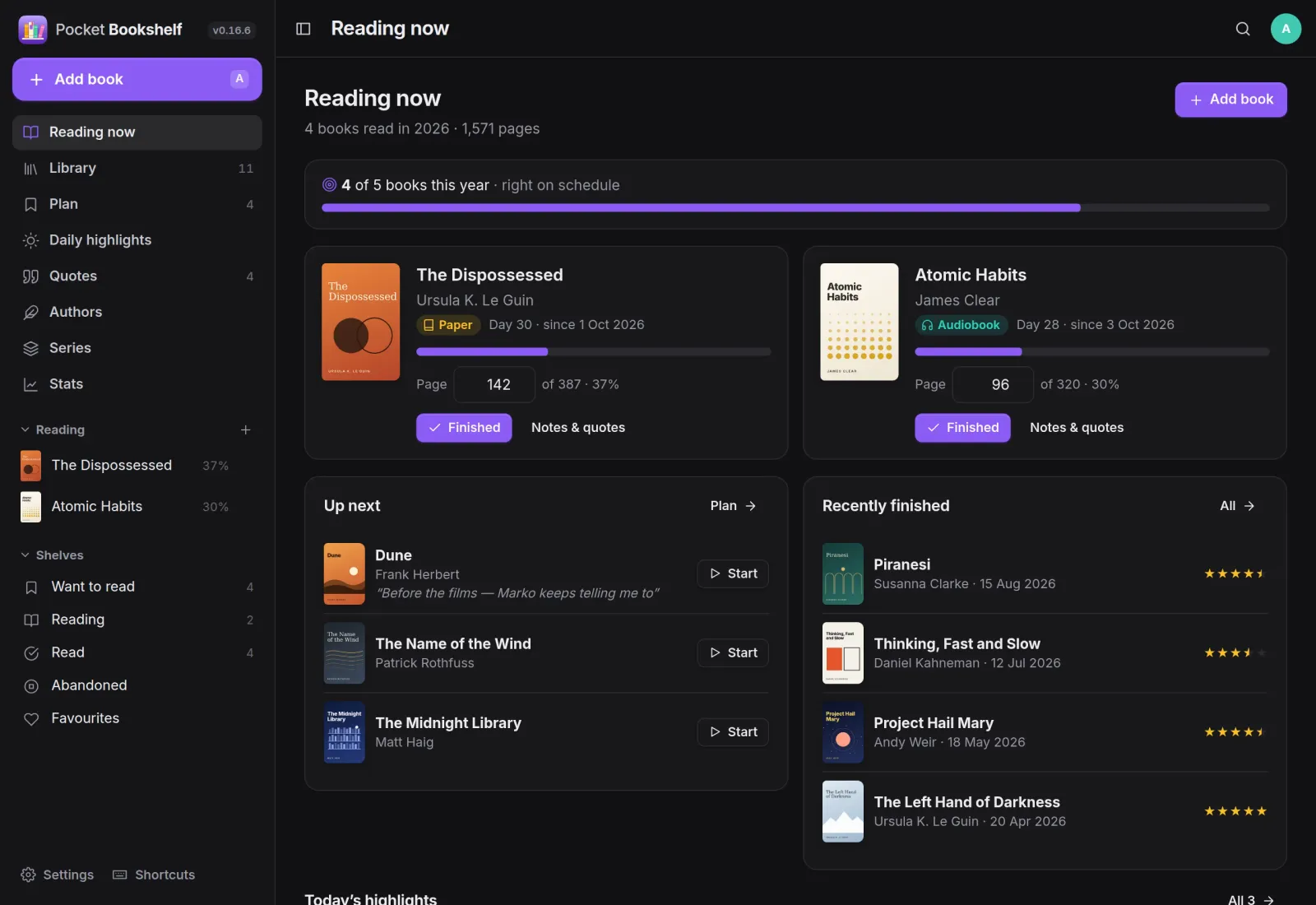
Reading now
Where you are, at a glance.
The home page shows your yearly goal and pace, the books you are reading with the page you are on, what is up next and what you finished recently. Type a new page number and the progress bar moves.
Your verdict
Say what you thought.
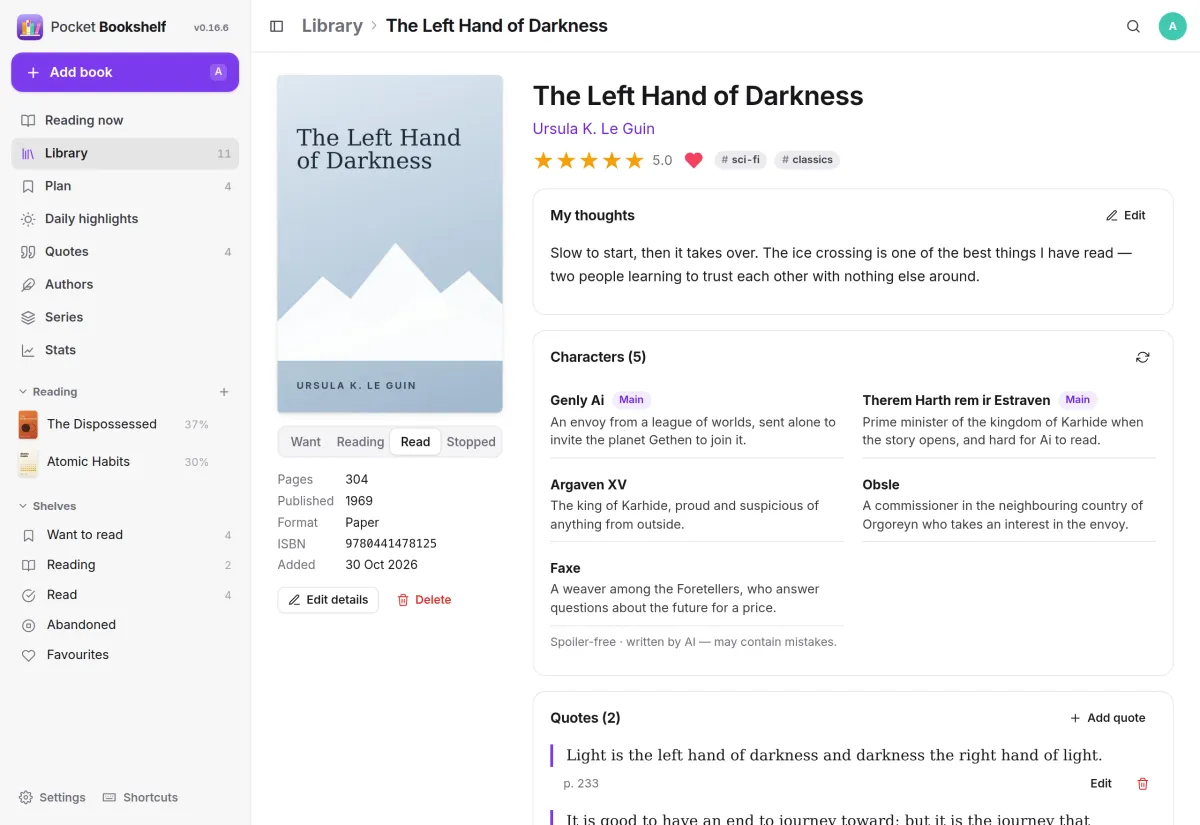
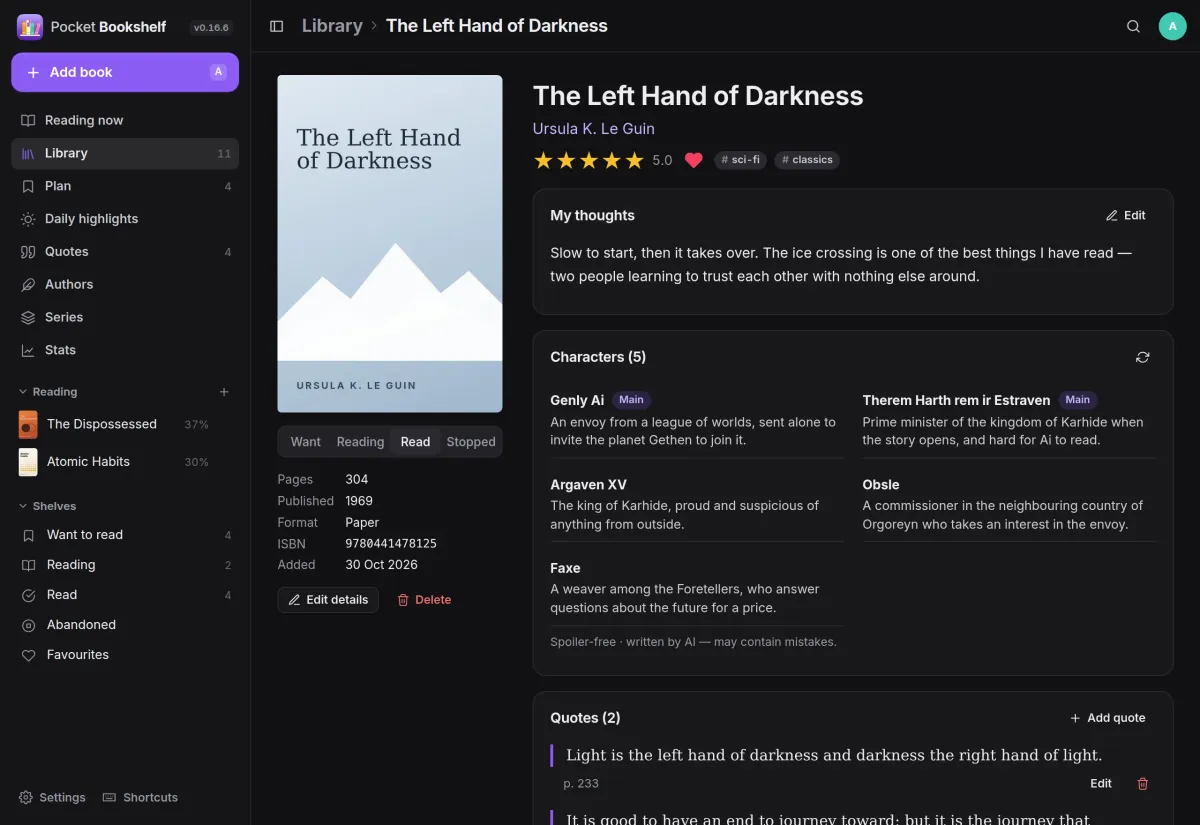
Every book has a half-star rating, your thoughts in your own words, tags, a favourite heart and the quotes you saved from it. Novels can also list their characters with short, spoiler-free notes.
- Half-star ratings from ½ to 5, and templates for your thoughts
- A Finished dialog asks for the date, rating and a few words in one go
- Every read is kept with its dates, and re-reads count again
Quotes
Keep the good lines.
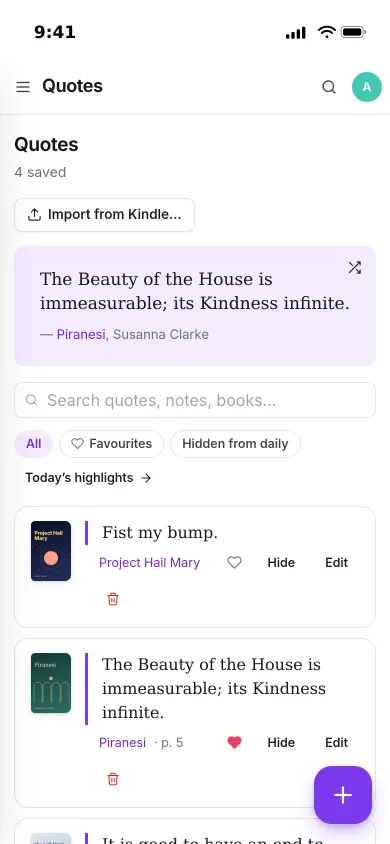
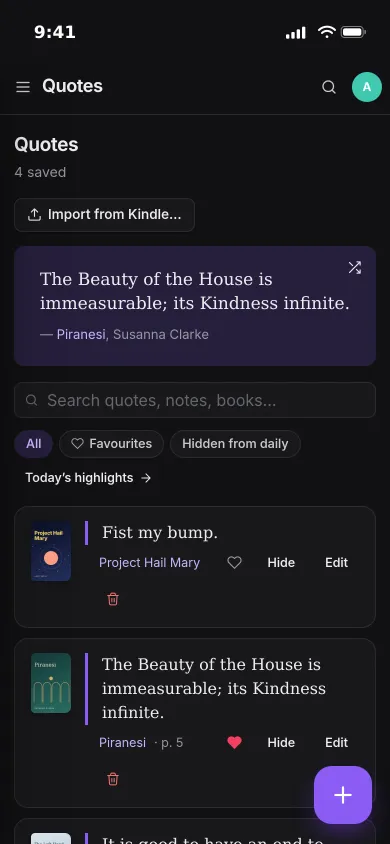
Save a quote with its page and a note, or import every Kindle highlight at once. Search them, mark favourites, and let a random one come back to you.
- Kindle highlights from My Clippings.txt, matched to your books
- Re-imports only add what is new
- Hide a quote from the daily pick without deleting it
Library
Every book on one shelf.
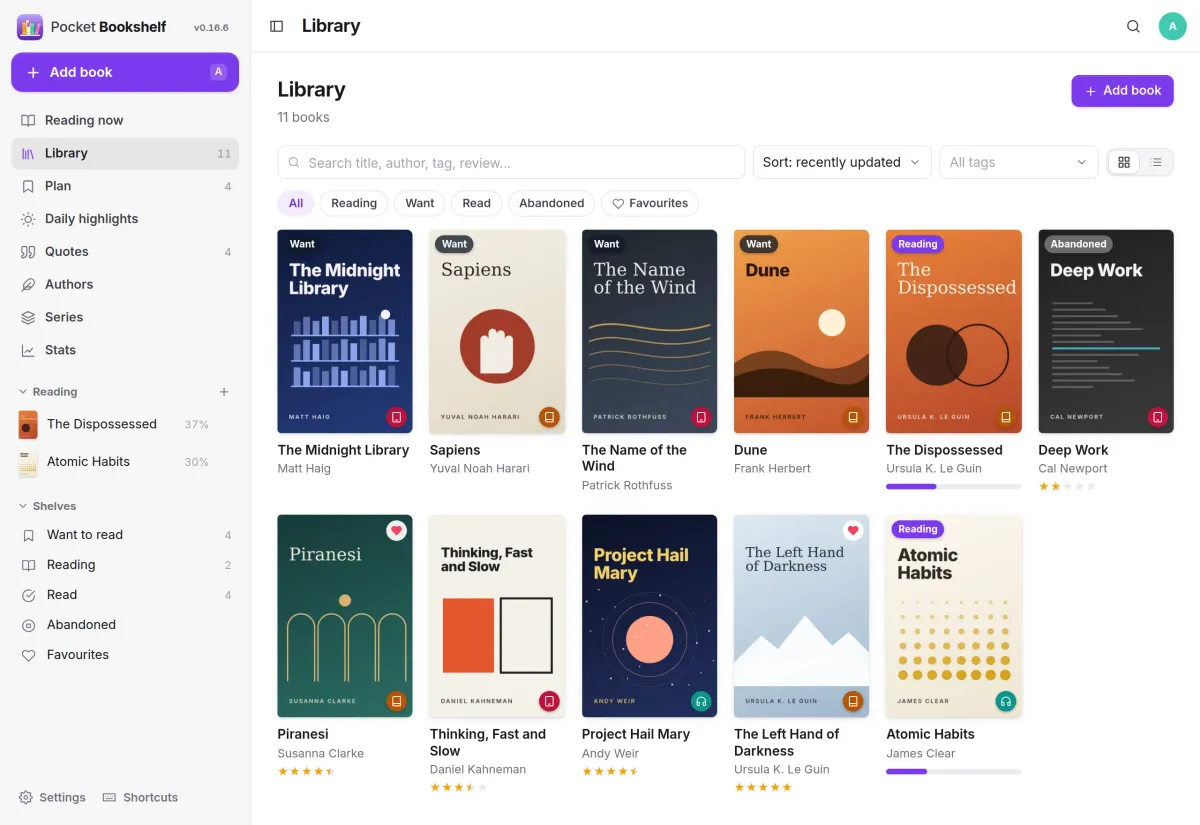
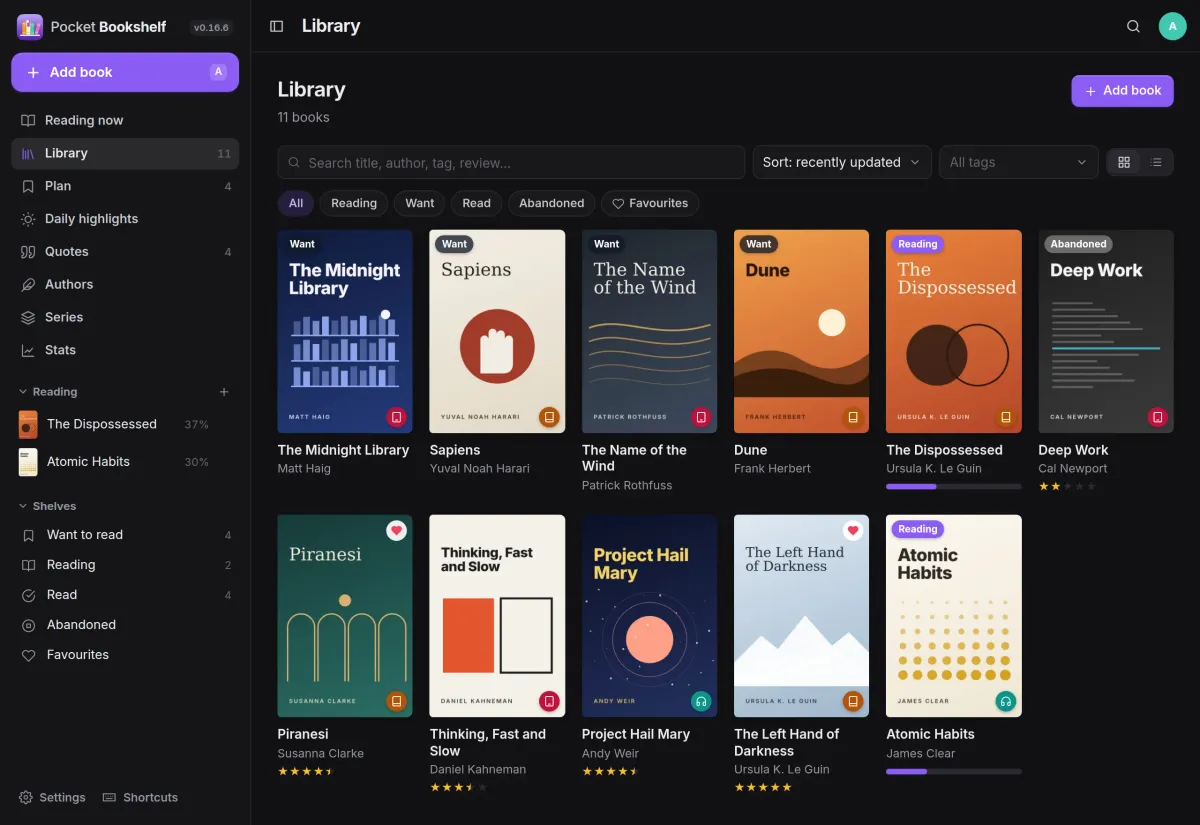
Your library as a cover grid or a list, with status, rating, format and favourites on each book. Filter by status or tag, sort it, and search titles, authors, tags and your own thoughts.
- Want to read, reading, read and abandoned
- Paper, e-book and audiobook, with covers stored next to your data
- Import your Goodreads or StoryGraph export
And the rest of it
A plan for what is next
Want-to-read books form a queue you can reorder, pencil in for a month and start with one tap. Note why you want to read it or who recommended it.
Author pages, filled in
Each author gets a short biography and photo from Open Library, how many of their books you read, your average rating and the rest of their bibliography.
Stats for every year
Books and pages per month, average rating, how your ratings spread, top authors and tags, formats and the longest book you finished.
Progress from your e-reader
Bookshelf is a KOReader sync server, so KOReader and CrossPoint readers can send your place here. A REST API with personal tokens covers widgets and iOS Shortcuts.
Install
One container, one volume.
Pocket Bookshelf is a single binary with the web app built in and one SQLite file, run as one container with a data volume on port 8080. Add -e DEMO_DATA=true -e AUTH_MODE=none to look around a sample shelf first.
On a Pocket Box it is already installed, and you sign in with Pocket Core.
docker run -d --name pocket-bookshelf -p 8080:8080 \
  -v ./data:/data -e TZ=Europe/Berlin \
  ghcr.io/abjelosevic88/pocket-homelab-bookshelf:latest
# open http://localhost:8080 and create your account
More in Media
 Pocket Watchv0.4.3Films and shows for the whole household on top of Jellyfin, with a watch history, watchlist and requests.
 Pocket Musicv0.4.2Your music library for the whole household on top of Navidrome, with daily mixes, lyrics and listening stats.
 Pocket Photosv0.4.1Your household's photos in one calm, private app on top of the Immich server you already run.
 Pocket Podcastsv0.4.3A podcast server that also turns YouTube channels into podcasts, with your place kept on every device.
 Pocket Audiobooksv1.4.3An audiobook library and player for the household, with chapters, bookmarks and your place kept everywhere.
 Pocket Libraryv0.1.2Every ebook, comic and manga you own in one place, with a browser reader and your place synced to KOReader.
 Pocket Readerv0.1.1Your feeds and read-later list in one calm place, with highlights, search and sync to your phone's RSS app.
 Pocket Radiov0.1.0Internet radio from around the world, plus radio channels made from your own music library.
 Pocket Requestsv0.7.1Ask for a film, a show or an album and follow it until it is ready to watch or listen to.
 Pocket Subtitlesv0.5.2Keeps your library's subtitles in sync with the audio, automatically, without ever making a file worse.
 Pocket Guitarv0.6.0Your guitar tabs and your practice in one place, with playback, loops, a speed trainer and a practice log.