

Pocket Photos
v0.4.1 · Self-hosted · MIT
Your family photos, calm and private.
Pocket Photos is a quiet, fast front end for the Immich server you already run. Immich keeps the originals, phone backup, faces and smart search; you get a library that feels like the photo app on your phone, with albums, memories and places. Each person brings their own library, and nobody else can browse it.
- Included in Pocket Box
- Sign in with Pocket Core
- Works with Immich and Nextcloud and Google Drive and OneDrive and Dropbox
Library
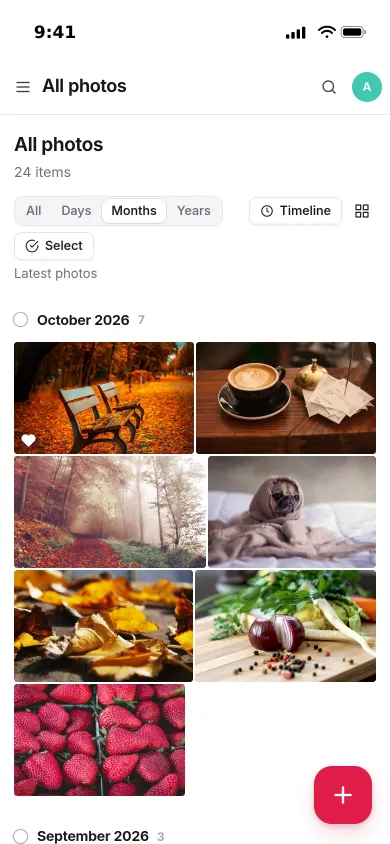
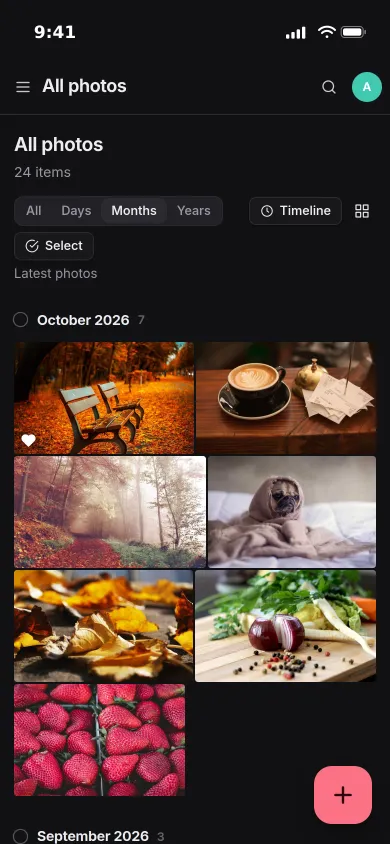
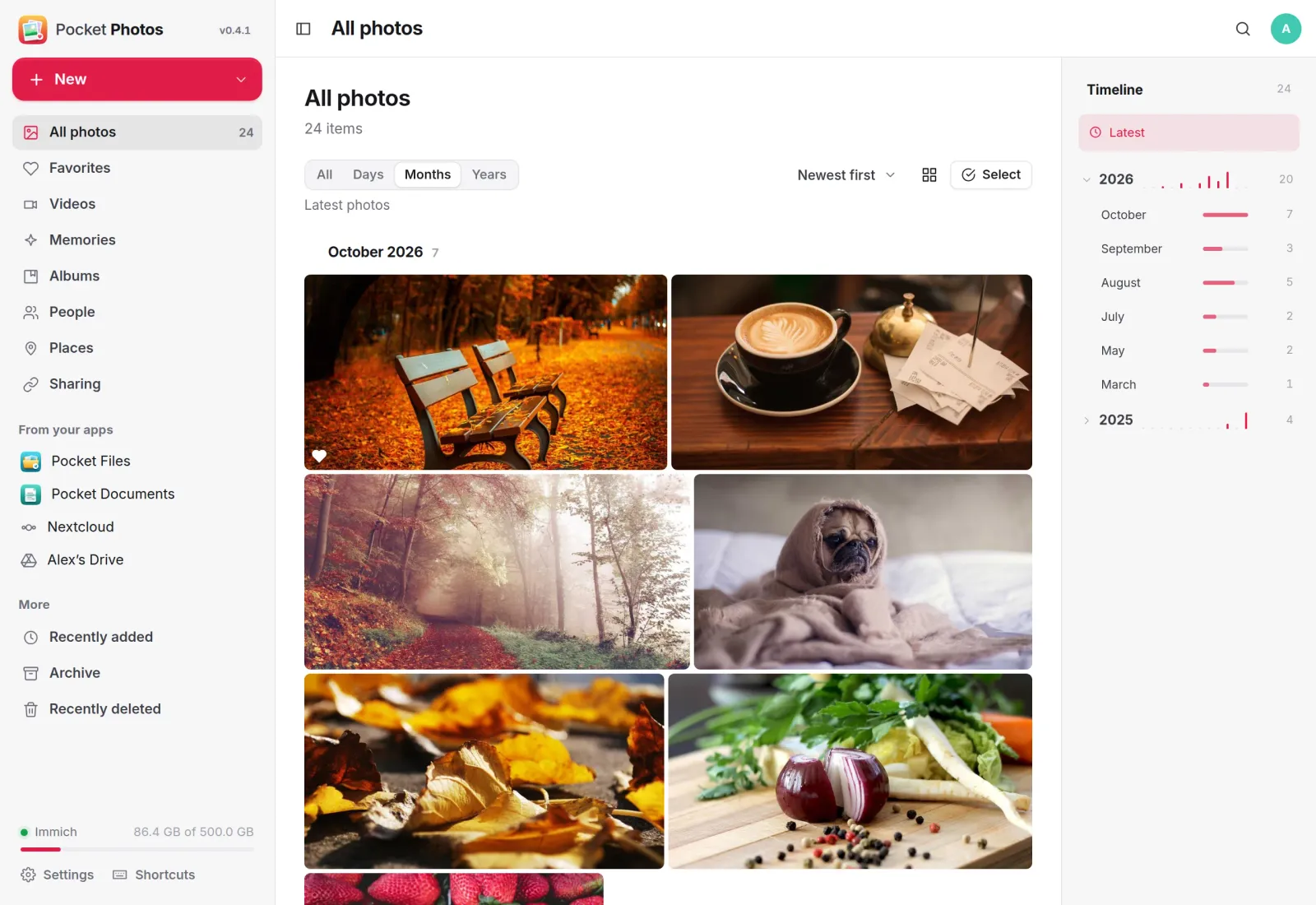
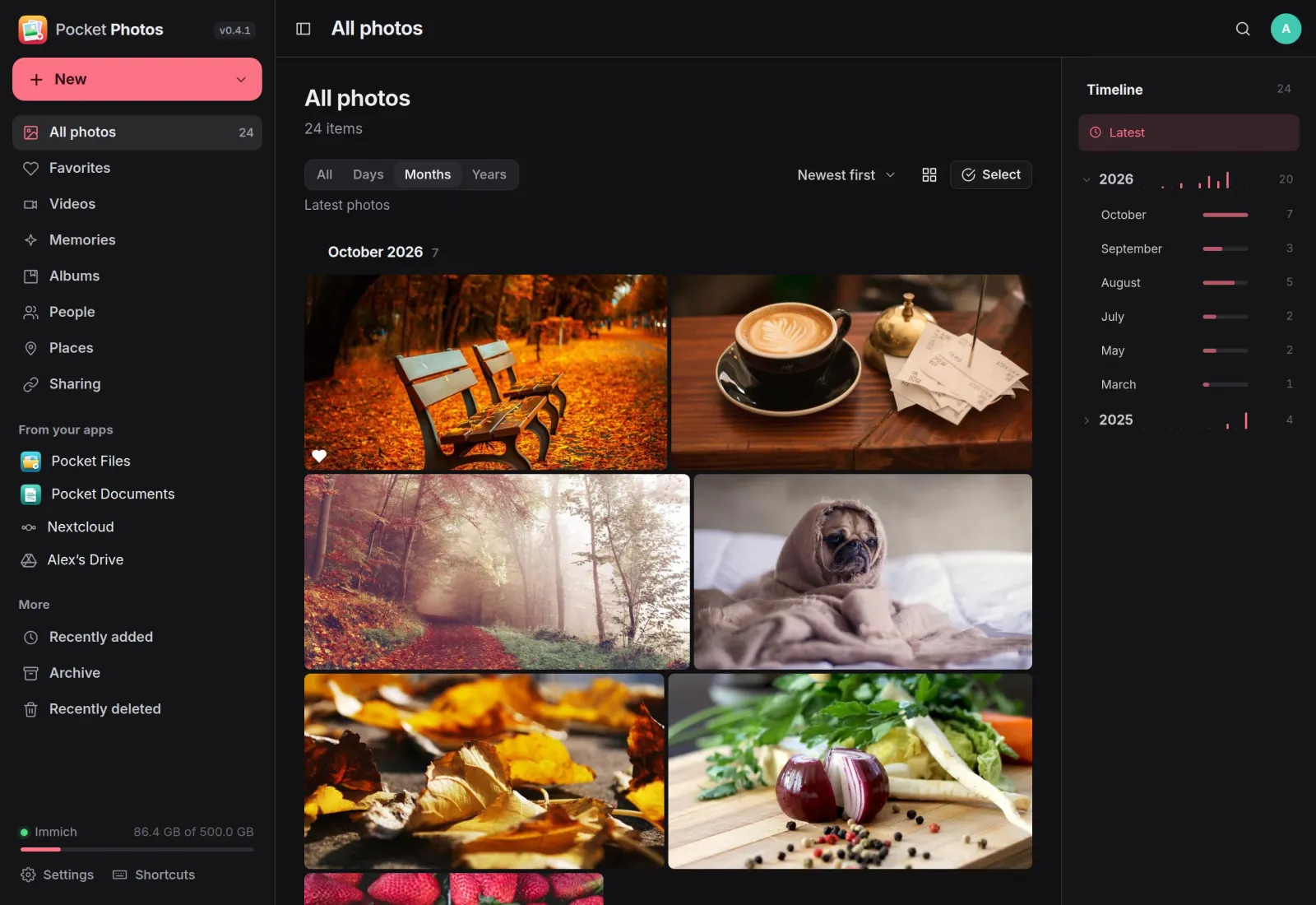
Every photo, by day, month or year.
All your photos and videos in one endless grid, grouped the way you like. The timeline on the right jumps straight to any month, and favourites, videos, recently added, archive and recently deleted are one click away.
Viewer
Every detail, one tap away.
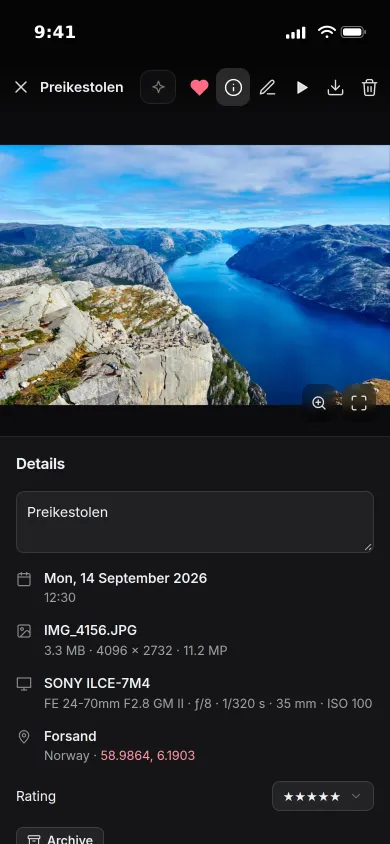
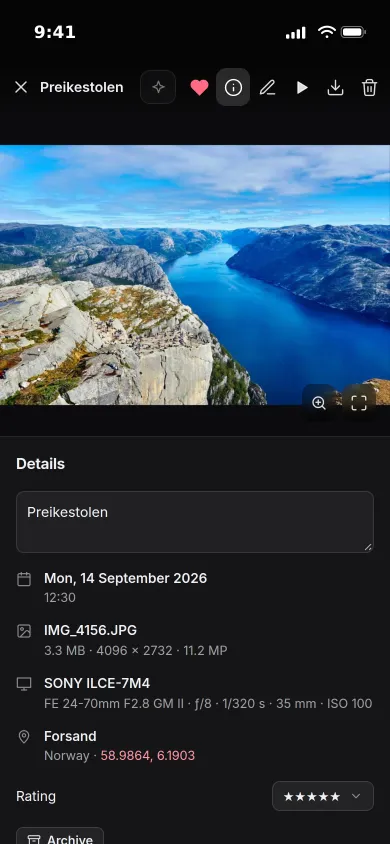
Open a photo full screen and swipe through. The details panel shows when and where it was taken, the camera and lens, and lets you add a description and stars.
- Tap to zoom, slideshow, videos and Live Photos
- Crop, rotate and mirror without losing the original
- Favourite, download, archive or delete from the same bar
Places
Your trips on a map.
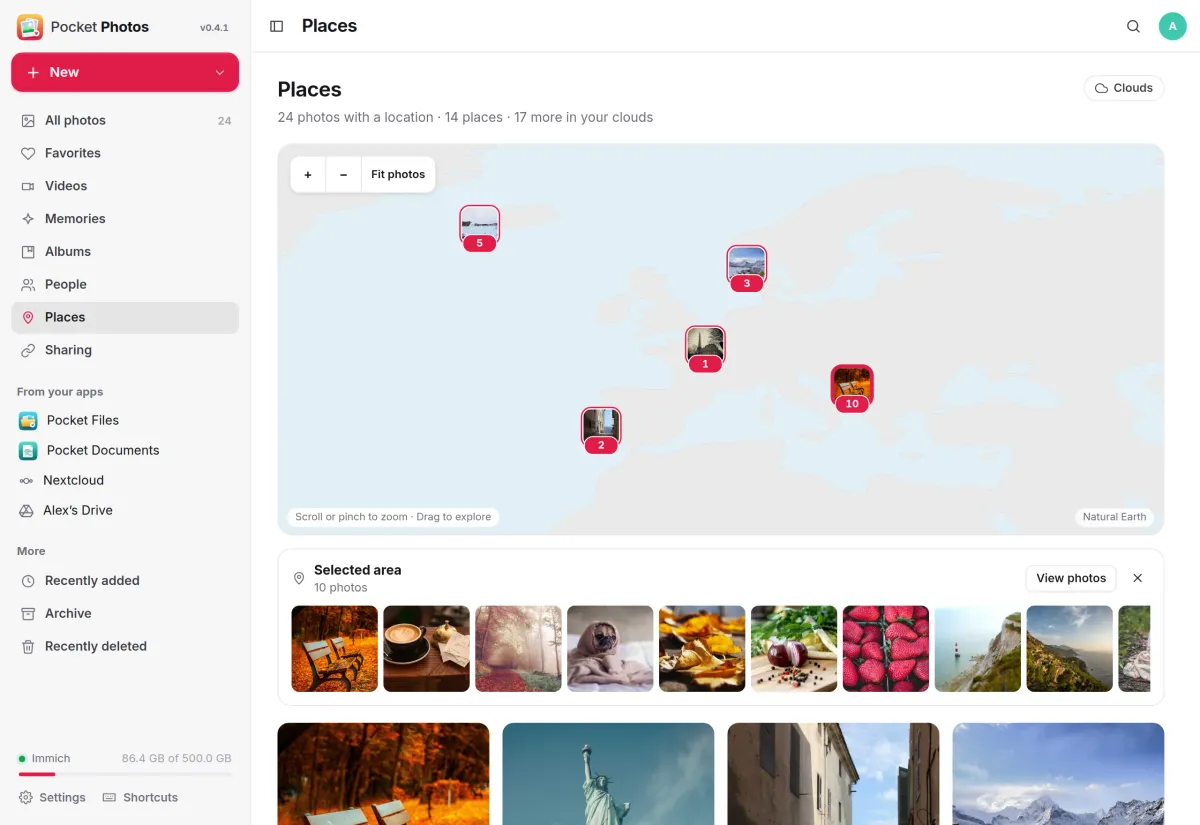
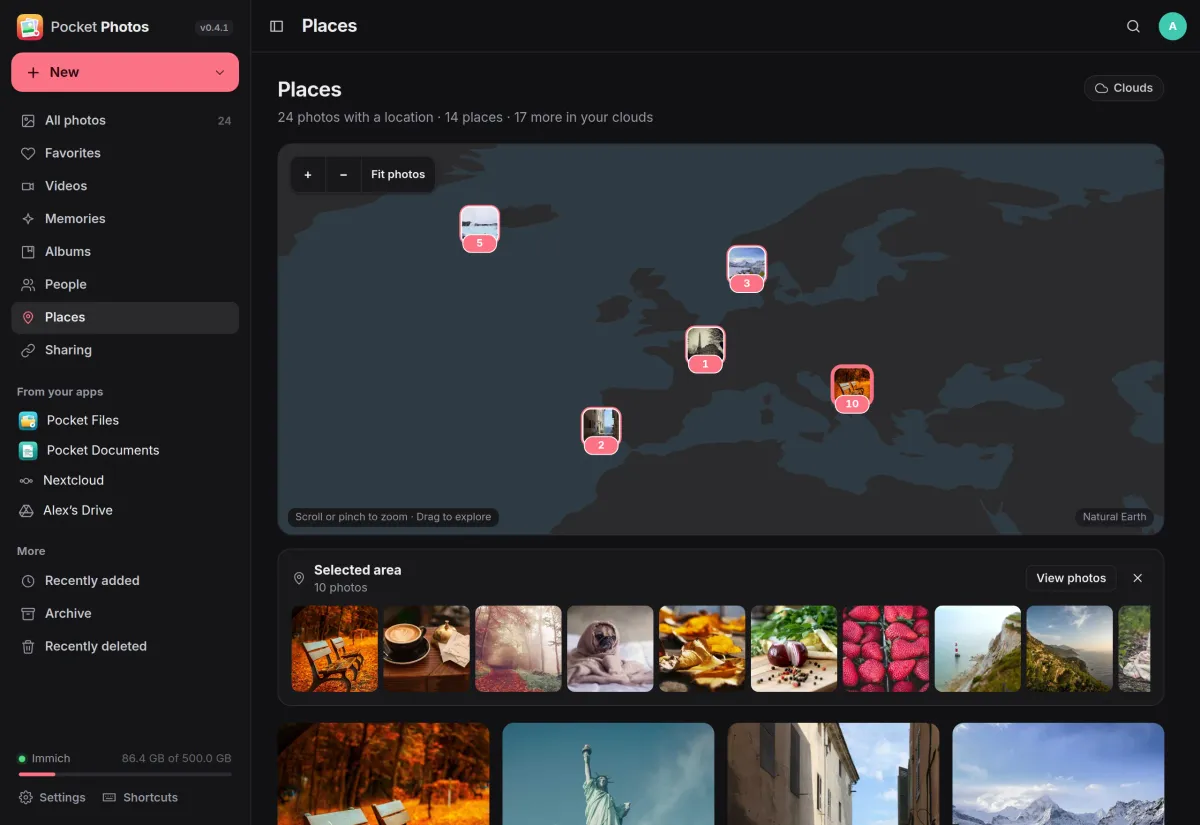
Every photo with a location appears on a world map that ships with the app, so no map tiles are fetched from anyone. Pick a spot to see the photos taken there.
- Zoom, drag and fit to all your photos
- Photos from your connected clouds can join the map
- Search in plain words, by file name or by text in the picture
Clouds
Review other clouds in place.
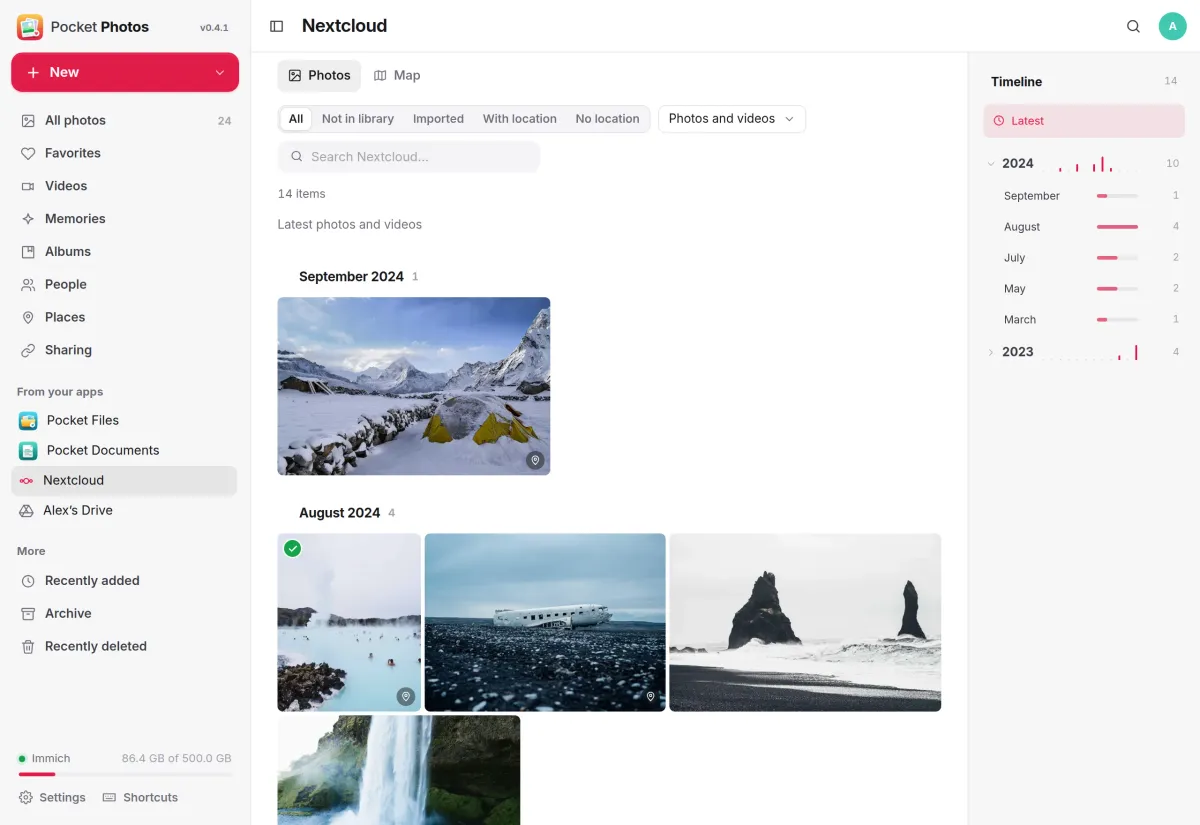
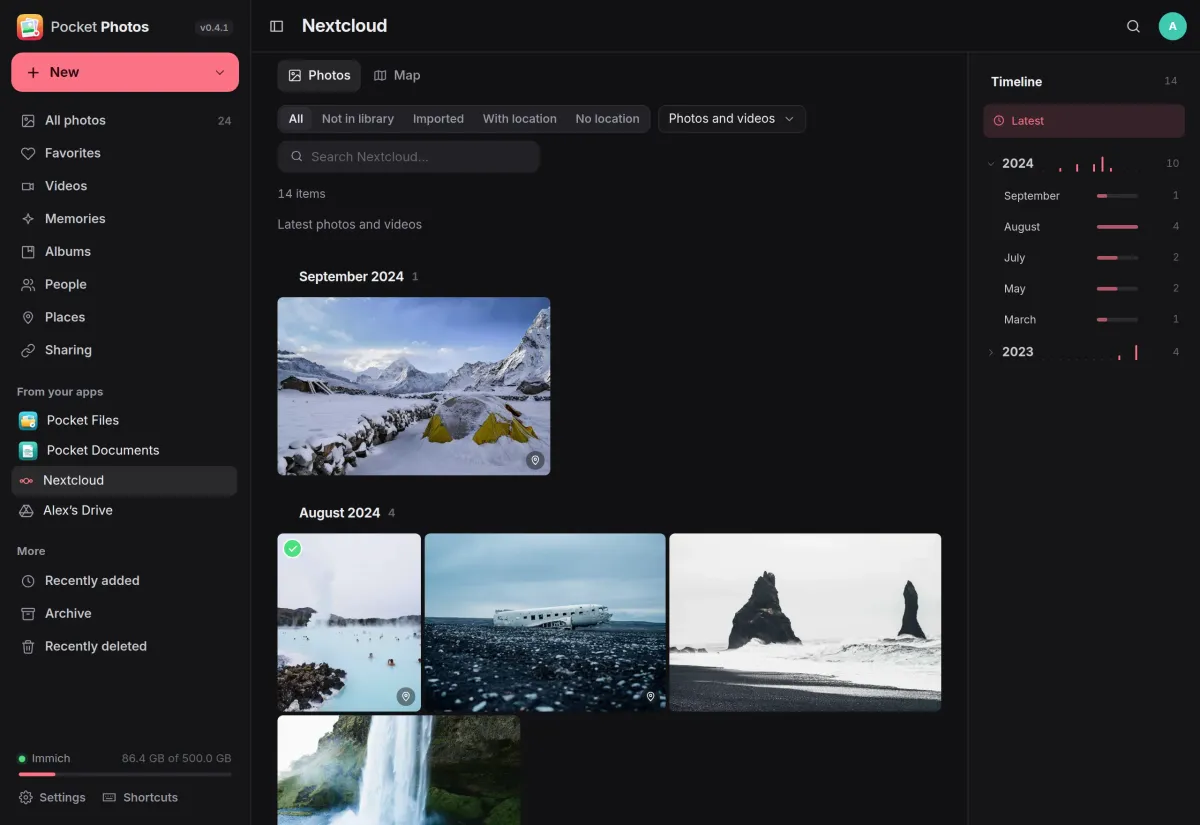
Connect Nextcloud, WebDAV, an S3 bucket, Google Drive, OneDrive or Dropbox. Photos indexes what is there by month, marks what is already in your library and what has a place, and imports only the ones you pick.
- Filter to photos not in your library yet, or without a location
- Clouds are only ever read, and new photos are picked up every few hours
- Each person connects their own; nobody else sees them
And the rest of it
Albums and sharing
Create, rename and delete albums and add a selection to them. Share a link with an expiry date, a password and download switches, and revoke it any time.
On this day
Memories bring back the photos taken on this day in earlier years, and people recognised by Immich can be named in place.
From your other Pocket apps
Browse the photos in Pocket Files and the scanned images in Pocket Documents and import the ones you pick. The source files stay where they are.
Upload and download
Drag photos and videos in with progress, retry and duplicate reporting, or download a selection as a zip. Phone backup stays with the Immich app.
Install
One container next to Immich.
Point Pocket Photos at your Immich server, open it, create the first account and connect your library under Settings. Its data folder holds only accounts and each person’s sealed Immich connection; Immich stays the home of your originals, so back it up on its own.
On a Pocket Box it is already installed: you sign in with Pocket Core, and Pocket Files, Pocket Documents and your Nextcloud appear with nothing to configure.
docker run -d --name pocket-photos -p 8080:8080 -v ./data:/data \
  -e BASE_URL=https://photos.example.com -e TZ=Europe/Berlin \
  -e IMMICH_URL=http://immich-server:2283 -e IMMICH_PUBLIC_URL=https://immich.example.com \
  ghcr.io/abjelosevic88/pocket-homelab-photos:latest
More in Media
 Pocket Watchv0.4.3Films and shows for the whole household on top of Jellyfin, with a watch history, watchlist and requests.
 Pocket Musicv0.4.2Your music library for the whole household on top of Navidrome, with daily mixes, lyrics and listening stats.
 Pocket Podcastsv0.4.3A podcast server that also turns YouTube channels into podcasts, with your place kept on every device.
 Pocket Audiobooksv1.4.3An audiobook library and player for the household, with chapters, bookmarks and your place kept everywhere.
 Pocket Libraryv0.1.2Every ebook, comic and manga you own in one place, with a browser reader and your place synced to KOReader.
 Pocket Bookshelfv0.16.6A private reading log: what you read, what you thought of it, the lines worth keeping and what to read next.
 Pocket Readerv0.1.1Your feeds and read-later list in one calm place, with highlights, search and sync to your phone's RSS app.
 Pocket Radiov0.1.0Internet radio from around the world, plus radio channels made from your own music library.
 Pocket Requestsv0.7.1Ask for a film, a show or an album and follow it until it is ready to watch or listen to.
 Pocket Subtitlesv0.5.2Keeps your library's subtitles in sync with the audio, automatically, without ever making a file worse.
 Pocket Guitarv0.6.0Your guitar tabs and your practice in one place, with playback, loops, a speed trainer and a practice log.