
Pocket Podcasts
v0.4.3 · Self-hosted · MIT
Your podcasts and YouTube, on your own server.
Pocket Podcasts keeps your subscriptions, plays them in the browser and remembers where you stopped on every device. It downloads episodes to your box, follows YouTube channels and playlists as audio podcasts with SponsorBlock, and publishes every subscription as an ordinary RSS feed.
- Included in Pocket Box
- Sign in with Pocket Core
- Works with YouTube and SponsorBlock and Podcast Index and Apple Podcasts and Overcast and AntennaPod
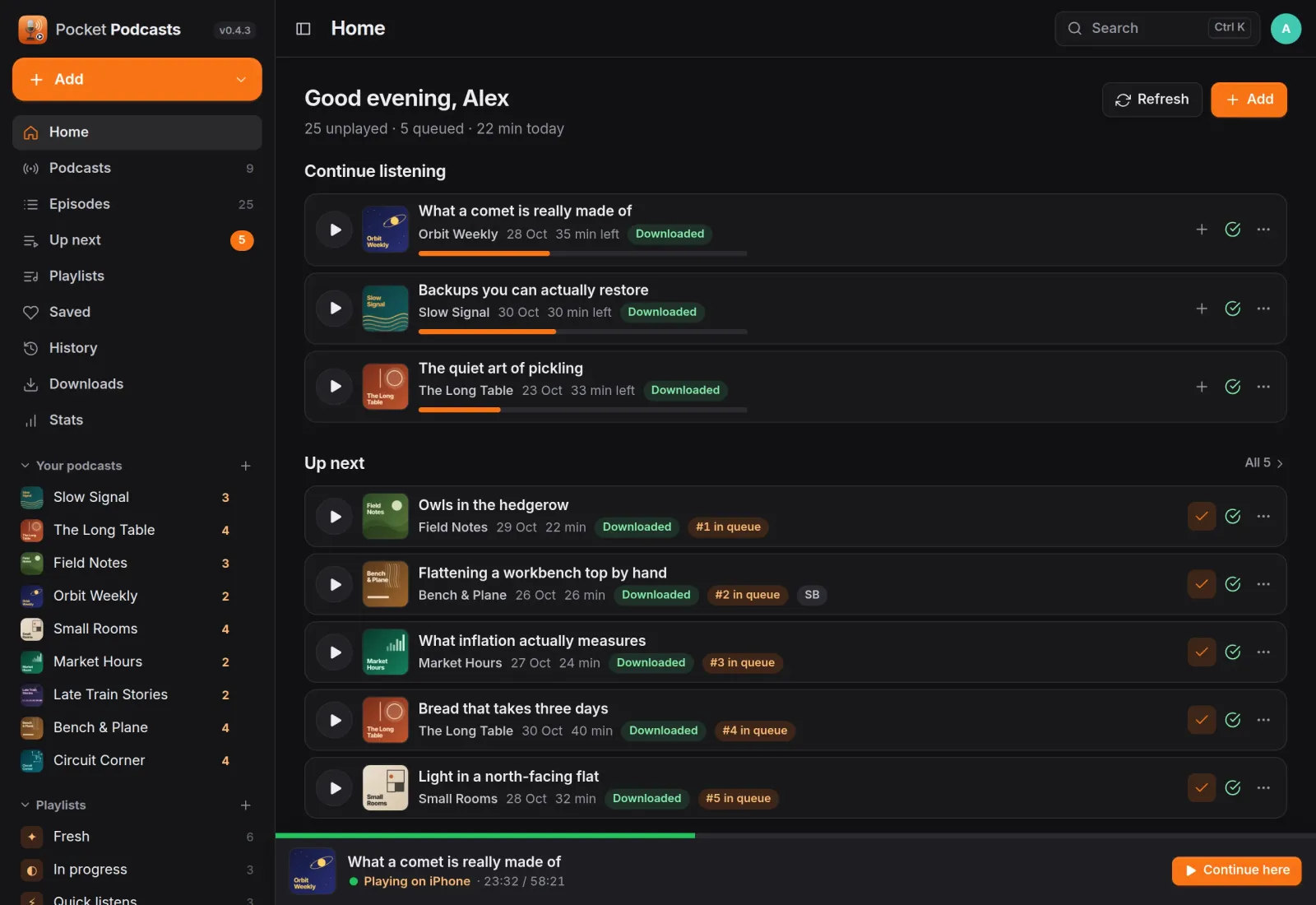
Home
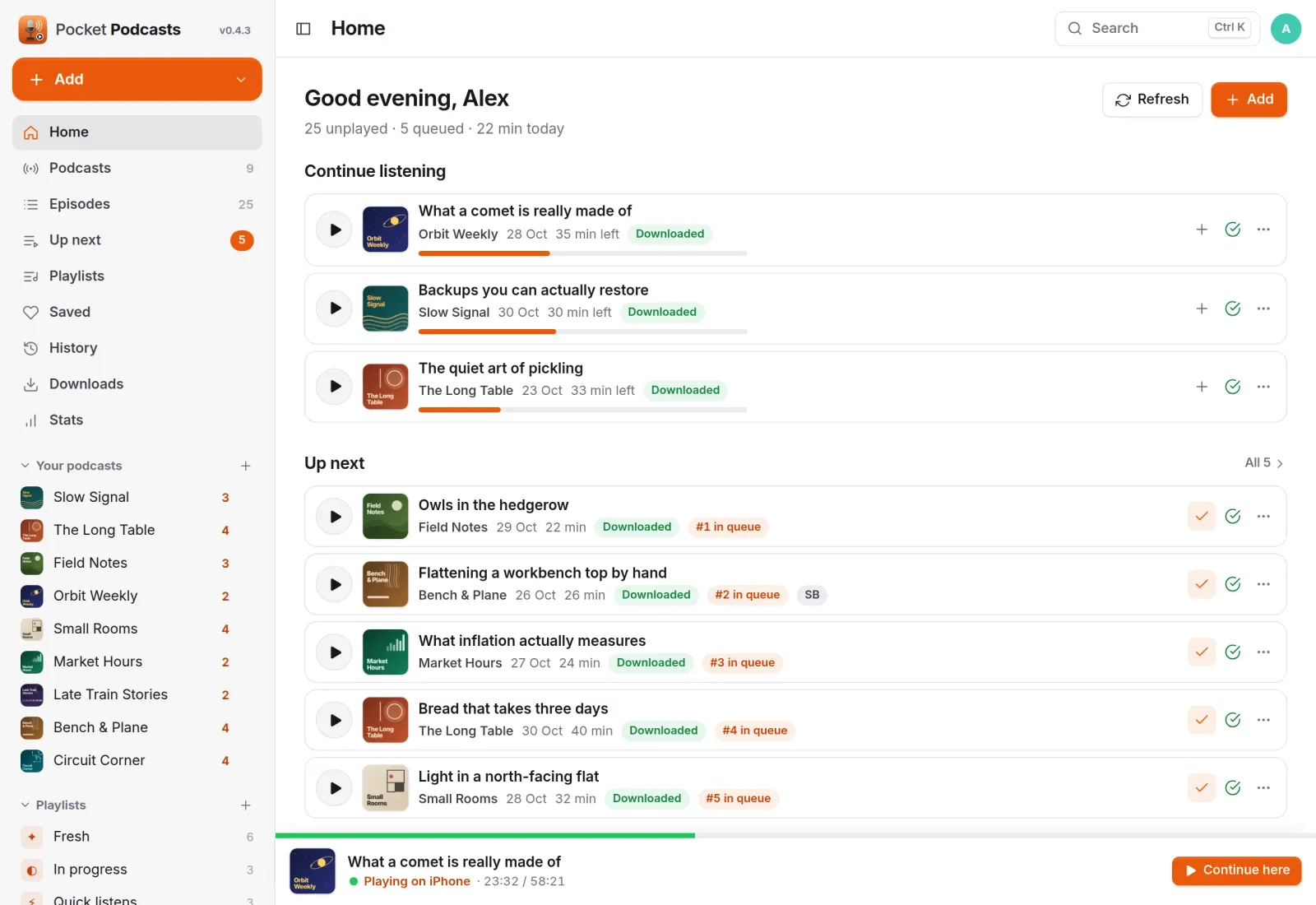
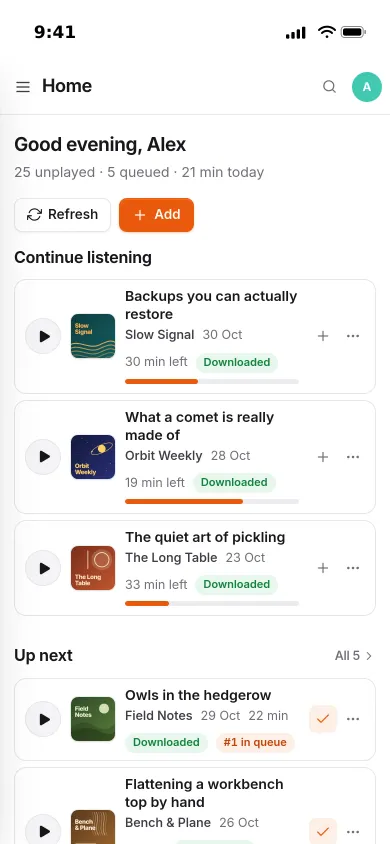
Everything you are listening to, on one page.
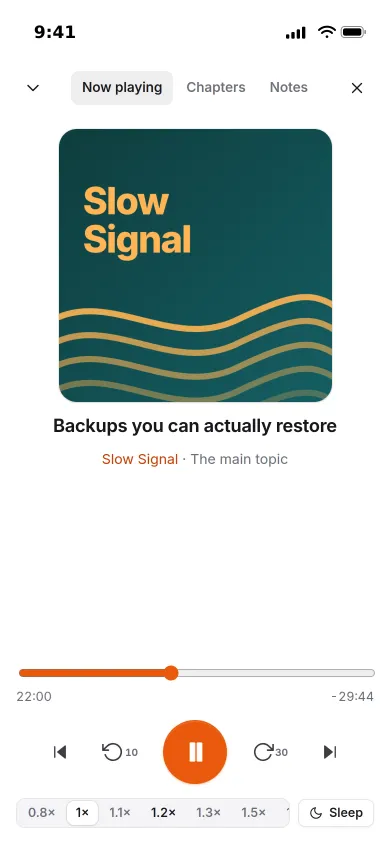
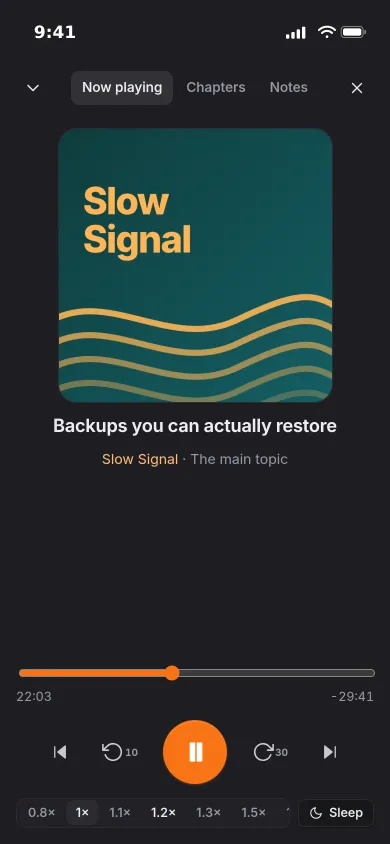
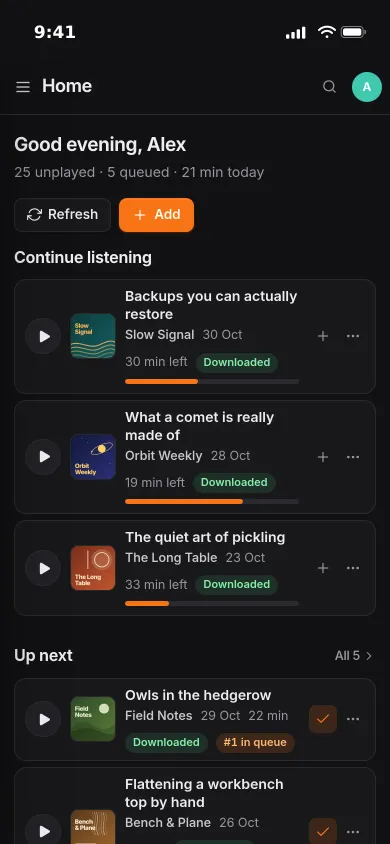
Continue listening, the up-next queue and new episodes from your subscriptions. When the iPhone app or another browser is playing, every open page shows it live, with Continue here to pick it up.
YouTube
YouTube channels, as podcasts.
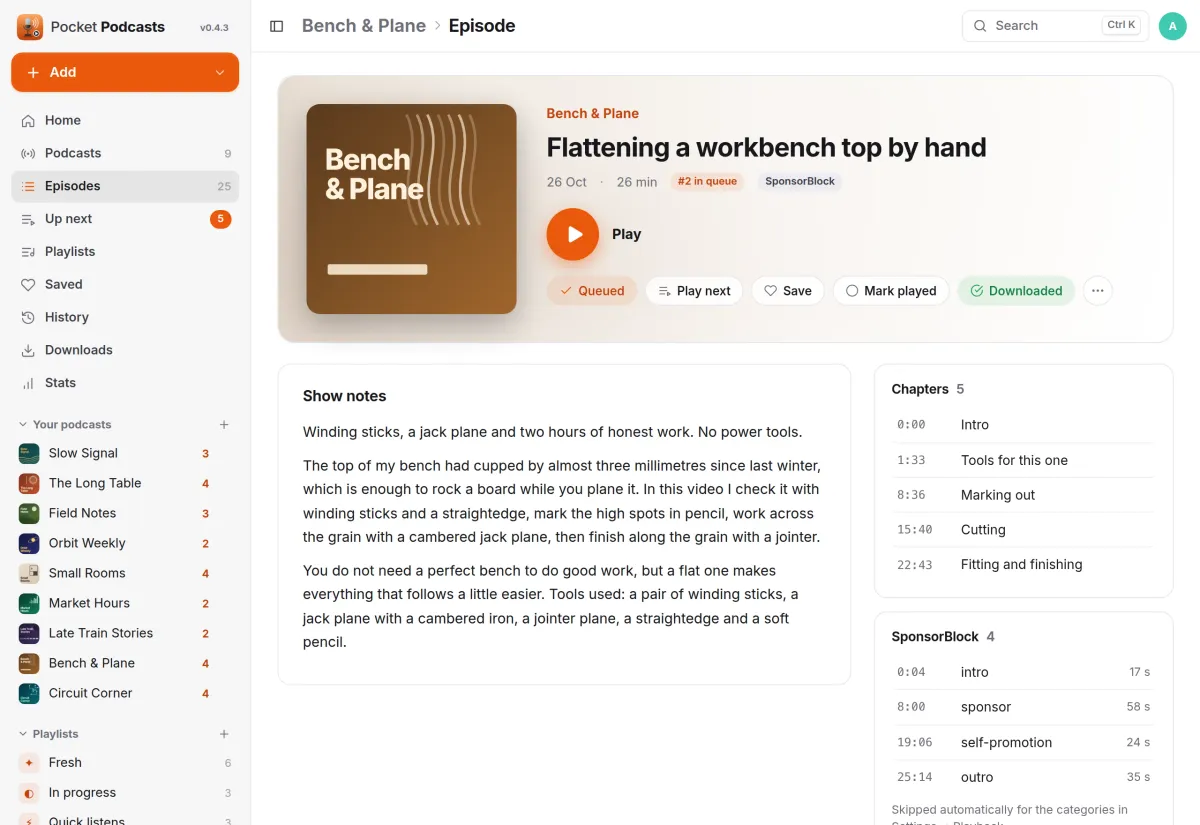
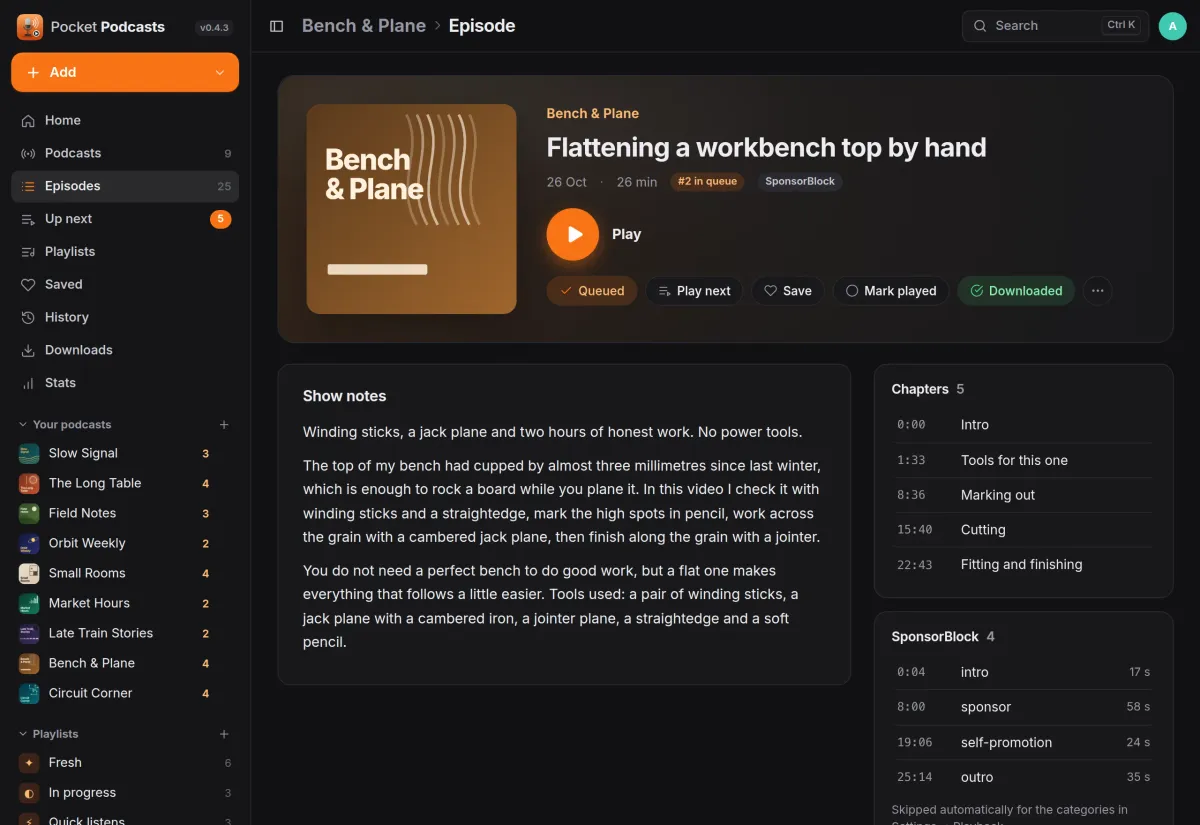
Follow a channel or playlist and the newest videos are downloaded as audio, then every new upload after that. SponsorBlock segments and chapters come with every video, and the player skips the categories you choose.
- Search YouTube, or paste a channel, a playlist or a single video
- Nothing is cut from the file: sponsors, intros and outros are skipped while playing
- A minimum length keeps Shorts out; title filter and retention per source
Listening
Pick up where you left off.
Progress is saved every few seconds, so your phone and your laptop each continue where the other stopped. Home puts the episodes you started and your up-next queue first.
- A reorderable queue, saved episodes and a full history
- Speed, skip, chapters, sleep timer and lock-screen controls
- Smart playlists such as Fresh, In progress and Quick listens
Public feeds
Every show, in any podcast app.
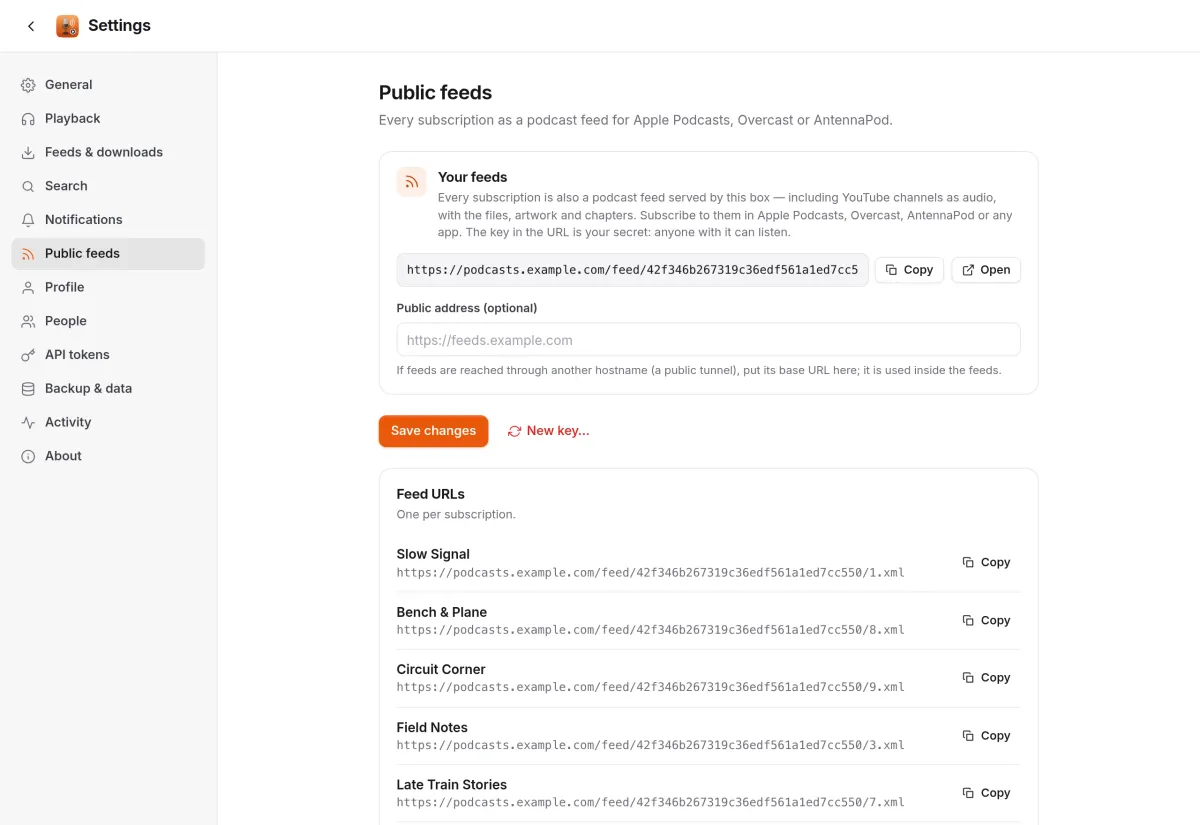
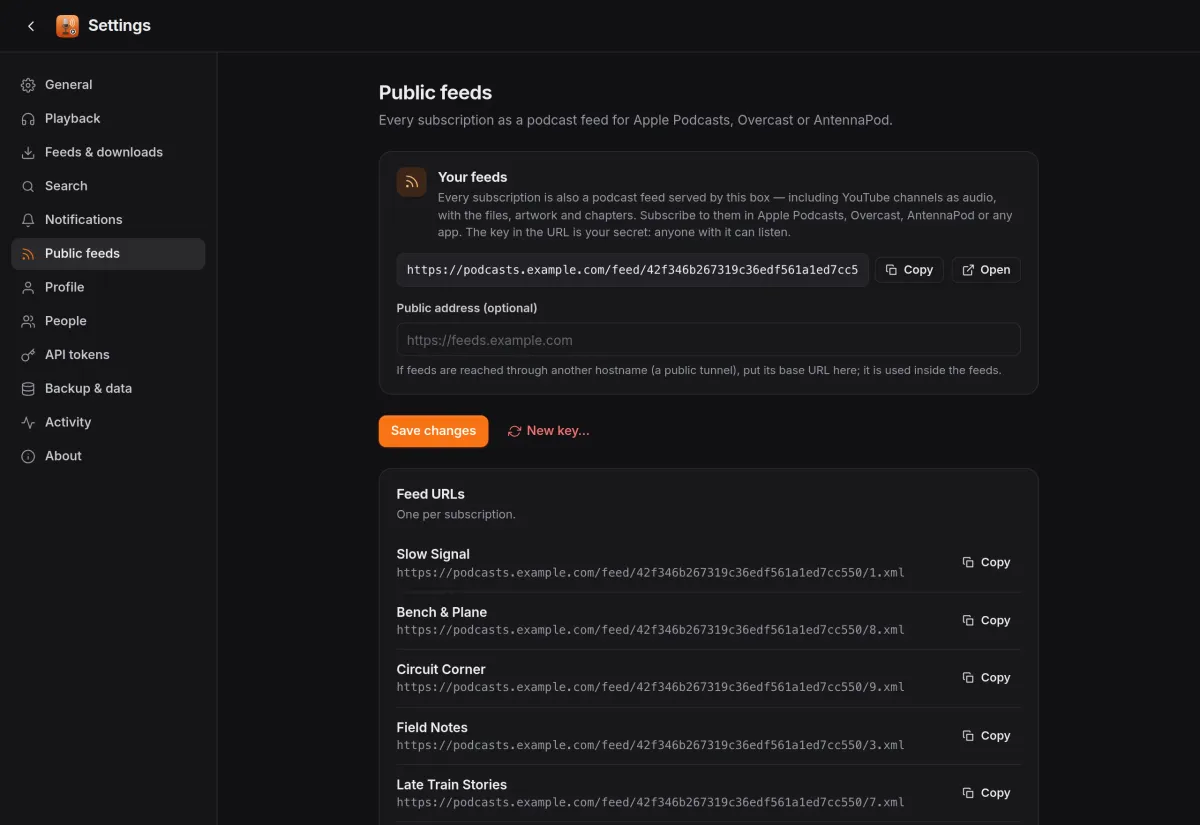
Each subscription is also an RSS feed served by your box, with the files, artwork and chapters. Subscribe to it in Apple Podcasts, Overcast or AntennaPod, YouTube channels included.
- One secret key per person, and a new one whenever you like
- YouTube feeds list what is on disk; podcast feeds list everything
- An optional public address for feeds reached through a tunnel
And the rest of it
One search for everything
Ctrl+K searches your podcasts and episodes, Apple's directory, Podcast Index and YouTube at once, with Follow, Get and Play right in the results.
Downloads that tidy up
Auto-download per podcast, retention in days and three retries for failed downloads. Saved and queued episodes are never removed.
Listening stats
Hours listened this week, month and year, streaks, time of day, day of week, and your top podcasts and episodes.
Strictly per person
Everyone in the household has their own subscriptions, files, queue, history and settings. Built-in login, a forward-auth proxy or OpenID Connect.
Install
One container, one volume.
The image ships yt-dlp, deno and ffmpeg for YouTube. Open it, create the first account (the admin) and add a podcast or a YouTube channel. Downloads, artwork and the SQLite database all live in the data folder.
Already installed on a Pocket Box. Coming from PinePods? An import script brings over your subscriptions, positions, saved episodes and queue.
services:
  pocket-podcasts:
    image: ghcr.io/abjelosevic88/pocket-homelab-podcasts:latest
    restart: unless-stopped
    ports: ["8080:8080"]
    environment:
      TZ: Europe/Berlin
      BASE_URL: https://podcasts.example.com
    volumes:
      - ./data:/data
More in Media
 Pocket Watchv0.4.3Films and shows for the whole household on top of Jellyfin, with a watch history, watchlist and requests.
 Pocket Musicv0.4.2Your music library for the whole household on top of Navidrome, with daily mixes, lyrics and listening stats.
 Pocket Photosv0.4.1Your household's photos in one calm, private app on top of the Immich server you already run.
 Pocket Audiobooksv1.4.3An audiobook library and player for the household, with chapters, bookmarks and your place kept everywhere.
 Pocket Libraryv0.1.2Every ebook, comic and manga you own in one place, with a browser reader and your place synced to KOReader.
 Pocket Bookshelfv0.16.6A private reading log: what you read, what you thought of it, the lines worth keeping and what to read next.
 Pocket Readerv0.1.1Your feeds and read-later list in one calm place, with highlights, search and sync to your phone's RSS app.
 Pocket Radiov0.1.0Internet radio from around the world, plus radio channels made from your own music library.
 Pocket Requestsv0.7.1Ask for a film, a show or an album and follow it until it is ready to watch or listen to.
 Pocket Subtitlesv0.5.2Keeps your library's subtitles in sync with the audio, automatically, without ever making a file worse.
 Pocket Guitarv0.6.0Your guitar tabs and your practice in one place, with playback, loops, a speed trainer and a practice log.