

Pocket Audiobooks
v1.4.3 · Self-hosted · MIT
Your audiobooks, right where you left off.
Pocket Audiobooks scans the audiobook folders you already have and turns them into a library for the whole household. Browse by author and series, listen with chapters, speed, bookmarks and a sleep timer, and keep your place between the browser, your phone and the Pocket Homelab app. No Audiobookshelf server needed.
- Included in Pocket Box
- Sign in with Pocket Core
Home
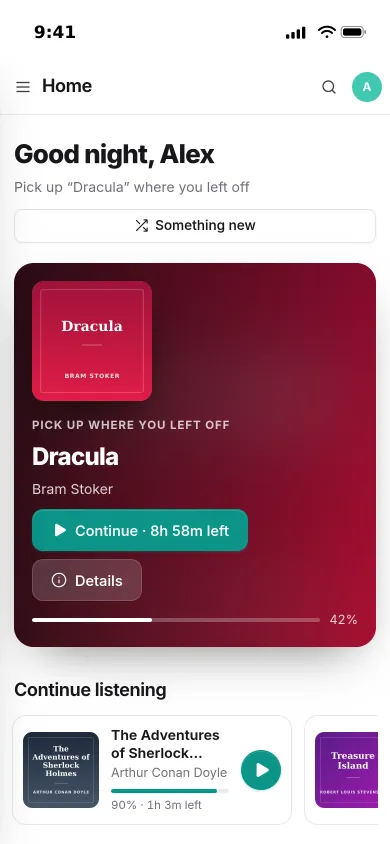
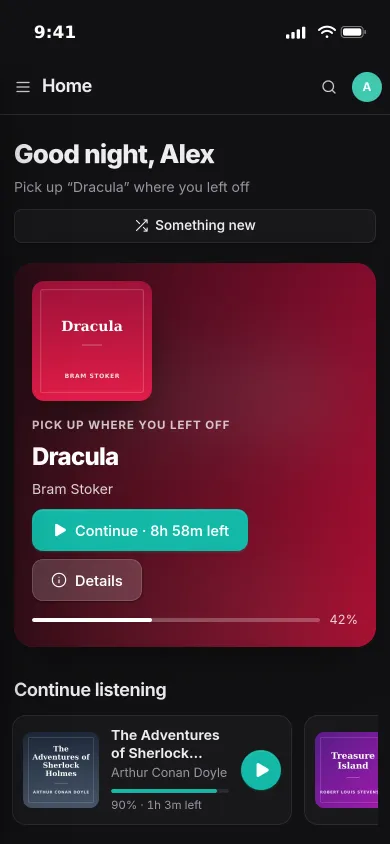
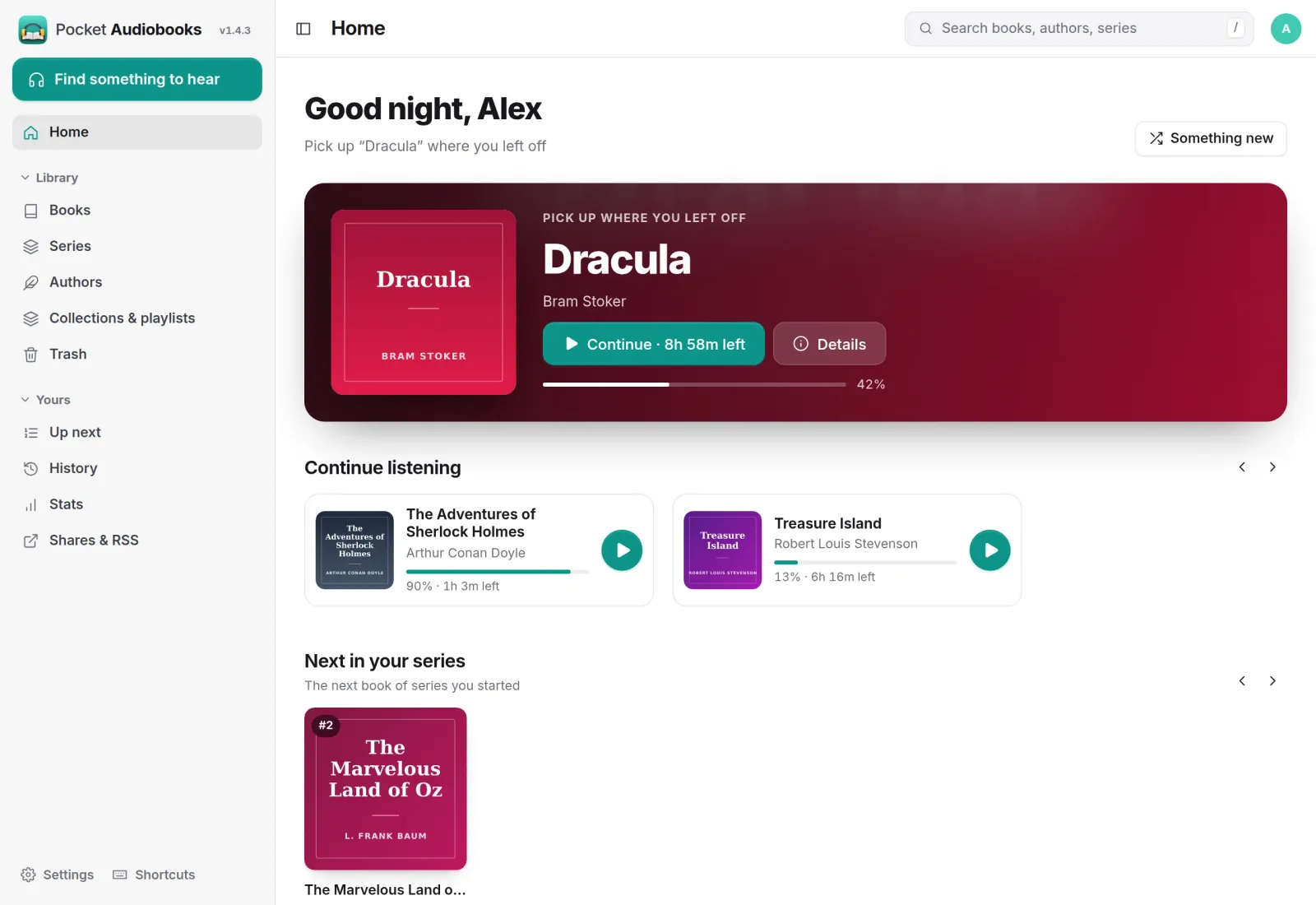
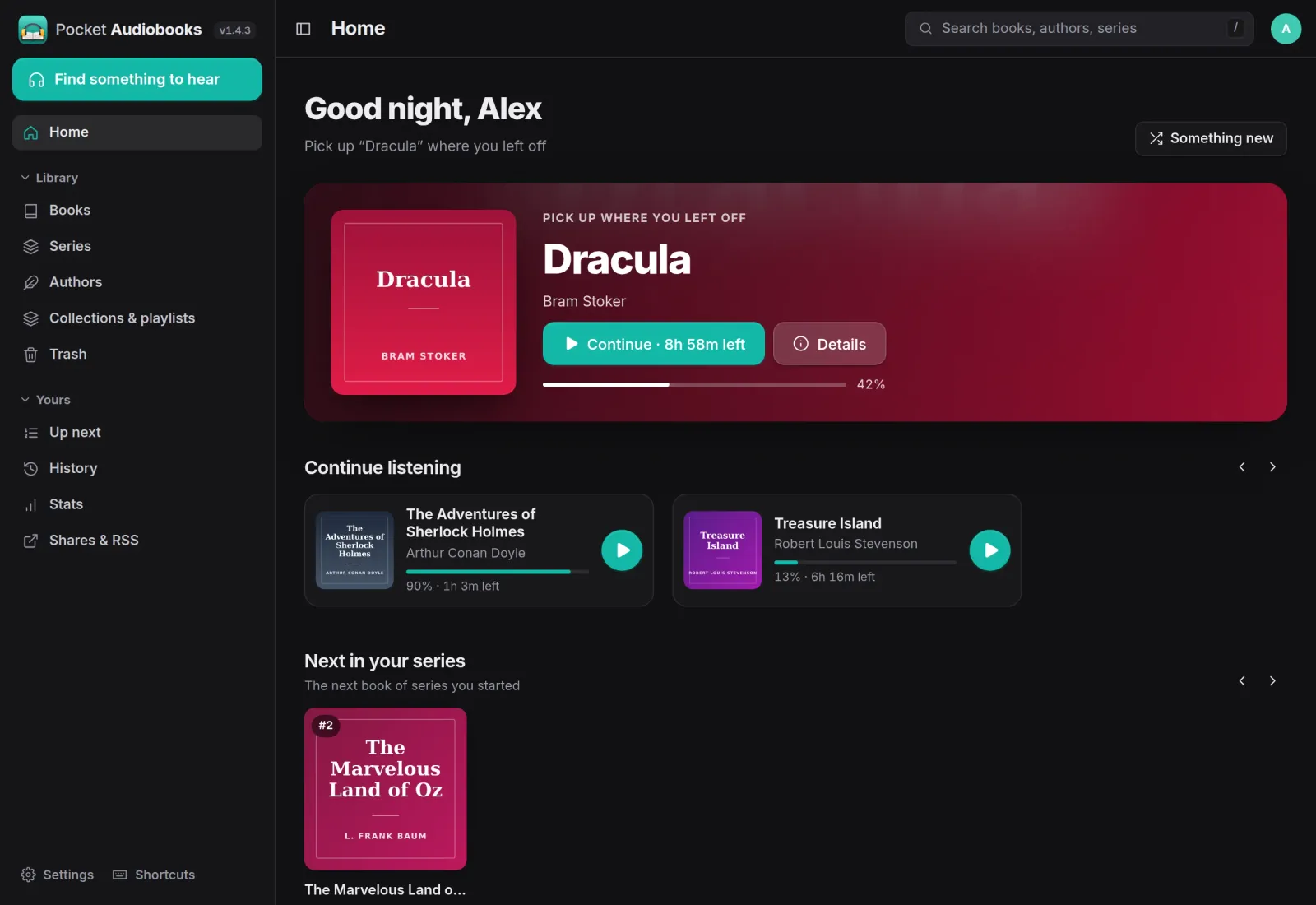
Pick up where you left off.
Home opens on the book you were last listening to, with the time left and a one-tap Continue. Other books in progress sit underneath, followed by the next book in each series you started.
Player
Made for long listening.
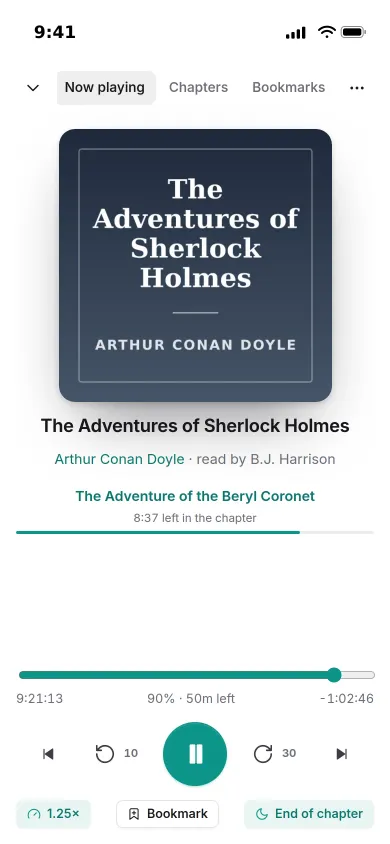
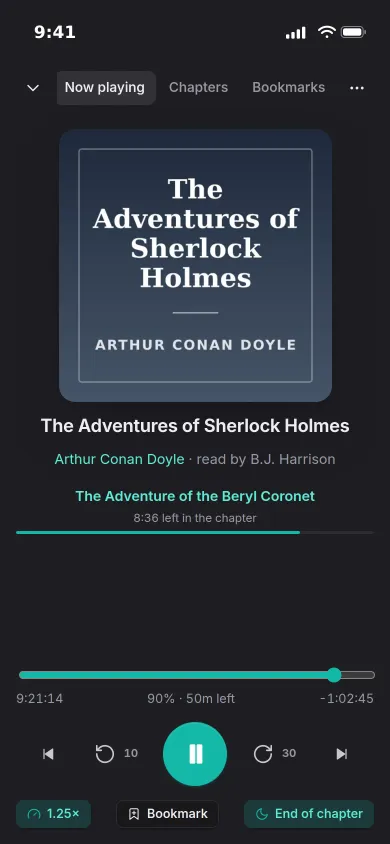
The player shows the current chapter and how long is left in it. Change the speed, set a sleep timer for some minutes or the end of the chapter, and bookmark a moment with one tap.
- Chapters, skip back and forward, and a speed for each book
- Your place is saved every 15 seconds and on pause
- Lock-screen controls and an Up next queue
Books
Everything about a book on one page.
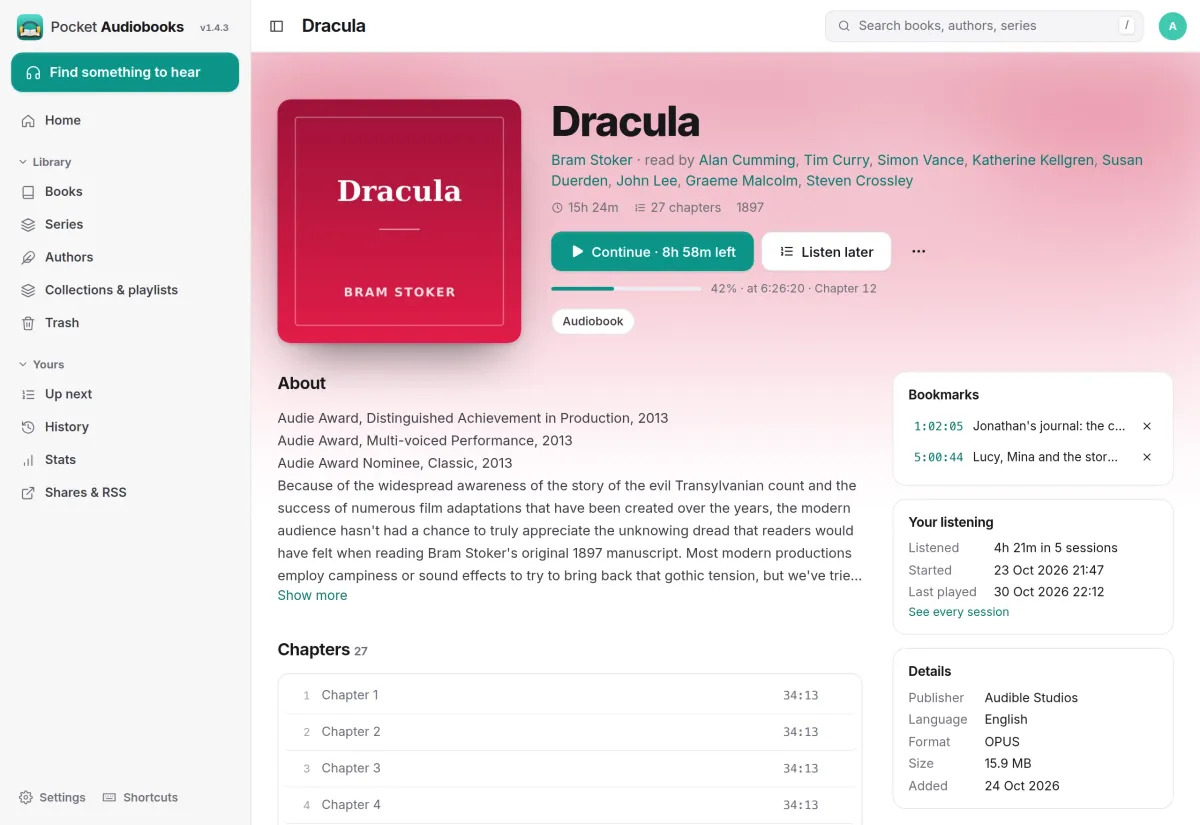
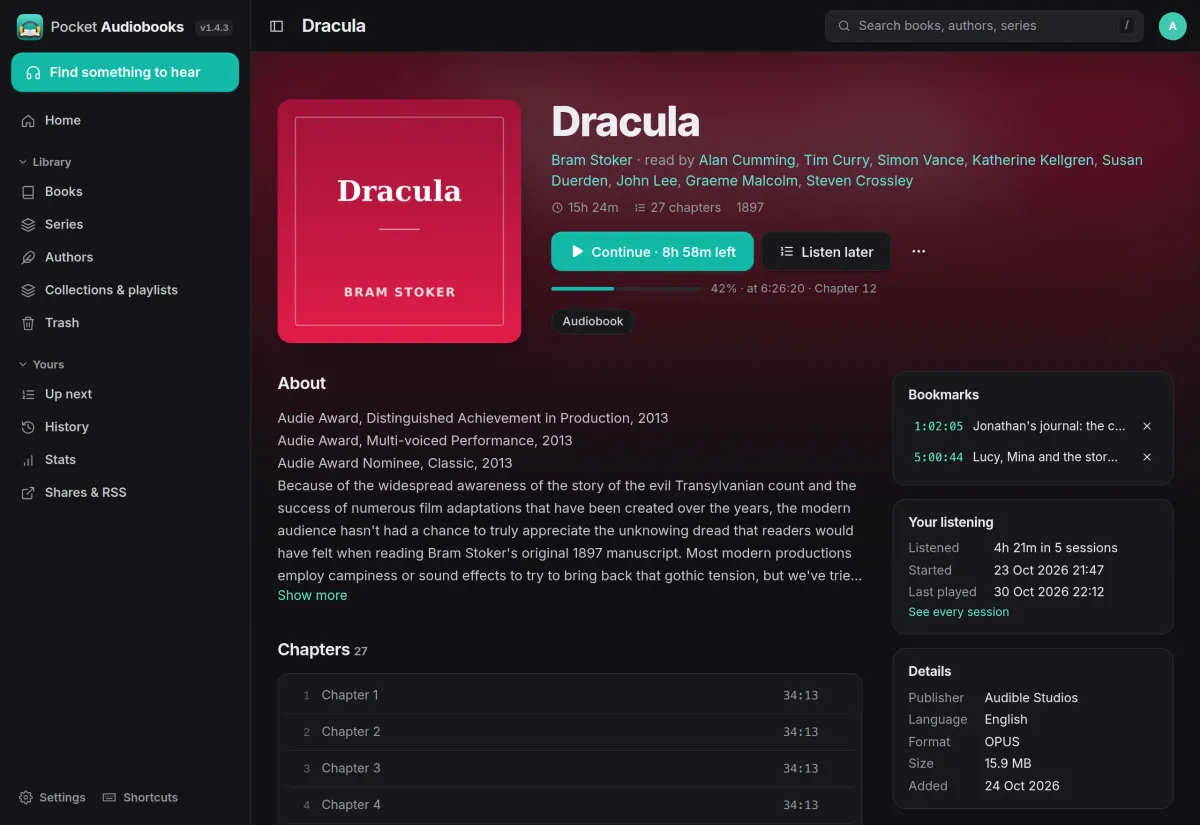
A book page shows your place, who reads it, the description, every chapter to jump to and your bookmarks. Your listening on the side says how long you have spent with it and when you last played it.
- Narrators, length, year and series at a glance
- Listen later adds a book to Up next
- Edit metadata, chapters and covers, or match on Audible or Open Library
Stats
See how much you listen.
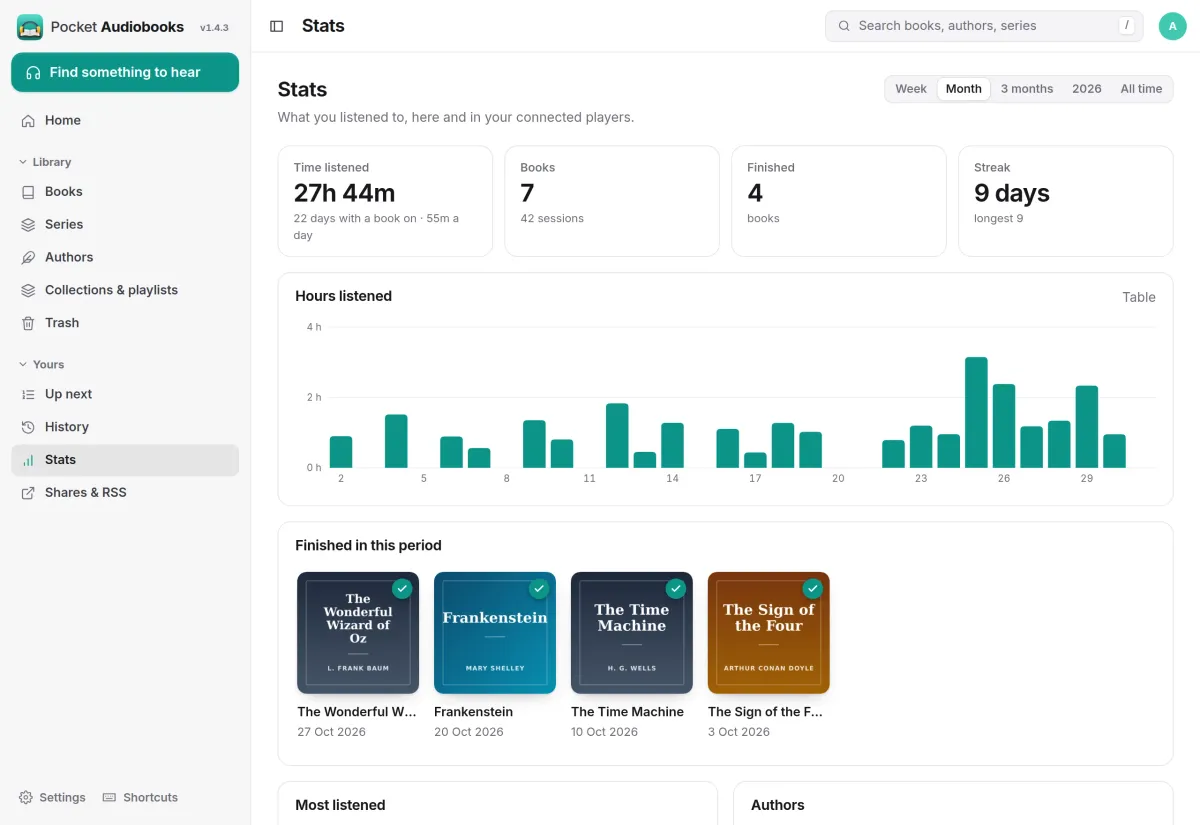
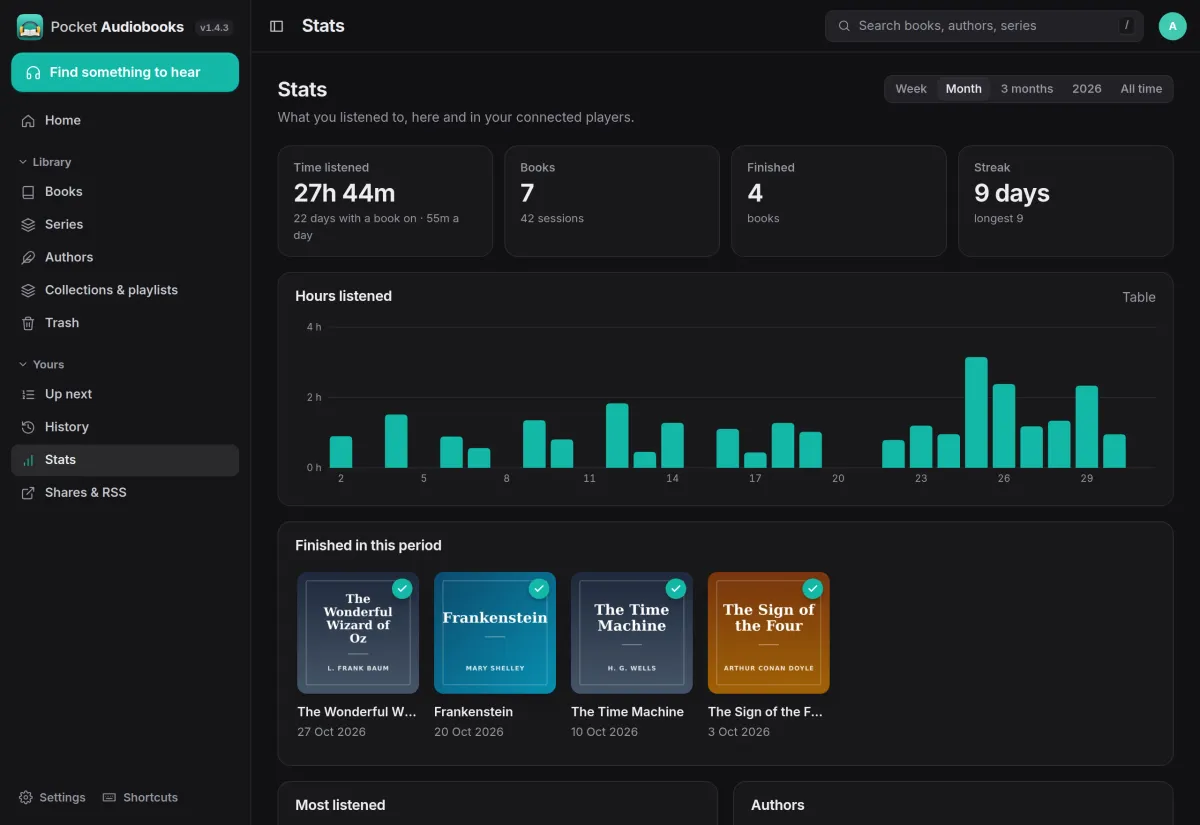
Stats count the time you listened, the books you started and finished, and your streak, for a week, a month, three months, a year or all time. History lists every listening session by day.
- Hours per day, most listened books and top authors
- Includes listening from connected players
- Finished books and weekly recaps can send you a notification
And the rest of it
Your files, scanned
Point it at your audiobook folders and it builds the library. Single files, multi-file books and CD or disc folders work, and periodic scans pick up new books.
Metadata and covers
Match books on Audible, Open Library, Google Books or a custom provider, one at a time or a whole library in the background, filling only empty fields unless you choose otherwise.
The Pocket Homelab app and other players
The Pocket Homelab app signs in through Pocket Core. A compatible API lets other audiobook players connect with a revocable app password.
Backups and moving in
Back up the app in one bundle and restore it with checksums verified. An import command brings over an Audiobookshelf library with its progress, bookmarks and history.
Install
One container and your audiobooks folder.
Pocket Audiobooks is a single container with its own SQLite database and FFmpeg. Mount your audiobooks folder, run docker compose up -d, create the first account and add /audiobooks under Settings, Libraries. The container runs as UID 1000, so give it access to both folders.
On a Pocket Box it is already installed and signs in through Pocket Core.
services:
  pocket-audiobooks:
    image: ghcr.io/abjelosevic88/pocket-homelab-audiobooks:latest
    restart: unless-stopped
    ports:
      - "8080:8080"
    environment:
      TZ: Europe/Berlin
      BASE_URL: https://audio.example.com
    volumes:
      - ./data:/data
      - ./audiobooks:/audiobooks
More in Media
 Pocket Watchv0.4.3Films and shows for the whole household on top of Jellyfin, with a watch history, watchlist and requests.
 Pocket Musicv0.4.2Your music library for the whole household on top of Navidrome, with daily mixes, lyrics and listening stats.
 Pocket Photosv0.4.1Your household's photos in one calm, private app on top of the Immich server you already run.
 Pocket Podcastsv0.4.3A podcast server that also turns YouTube channels into podcasts, with your place kept on every device.
 Pocket Libraryv0.1.2Every ebook, comic and manga you own in one place, with a browser reader and your place synced to KOReader.
 Pocket Bookshelfv0.16.6A private reading log: what you read, what you thought of it, the lines worth keeping and what to read next.
 Pocket Readerv0.1.1Your feeds and read-later list in one calm place, with highlights, search and sync to your phone's RSS app.
 Pocket Radiov0.1.0Internet radio from around the world, plus radio channels made from your own music library.
 Pocket Requestsv0.7.1Ask for a film, a show or an album and follow it until it is ready to watch or listen to.
 Pocket Subtitlesv0.5.2Keeps your library's subtitles in sync with the audio, automatically, without ever making a file worse.
 Pocket Guitarv0.6.0Your guitar tabs and your practice in one place, with playback, loops, a speed trainer and a practice log.