

Pocket Subtitles
v0.5.2 · Self-hosted · MIT
Every subtitle in sync with your own release.
Bazarr finds subtitles; Pocket Subtitles makes them fit. Every download is measured against the video’s own audio and re-timed when it is off, the library is checked again every night, and you can nudge any file by a few milliseconds yourself. A file that is already in sync is left alone.
- Included in Pocket Box
- Sign in with Pocket Core
- Works with Bazarr and Jellyfin and ffsubsync and alass
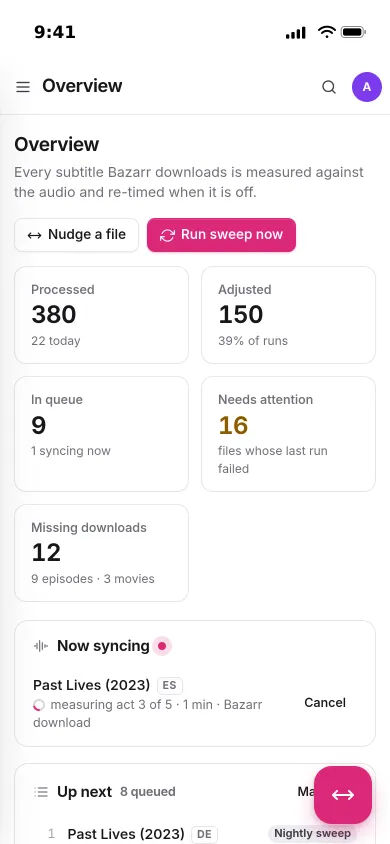
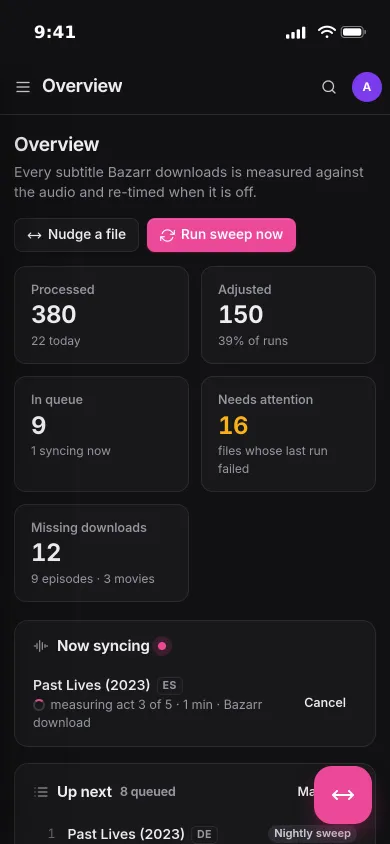
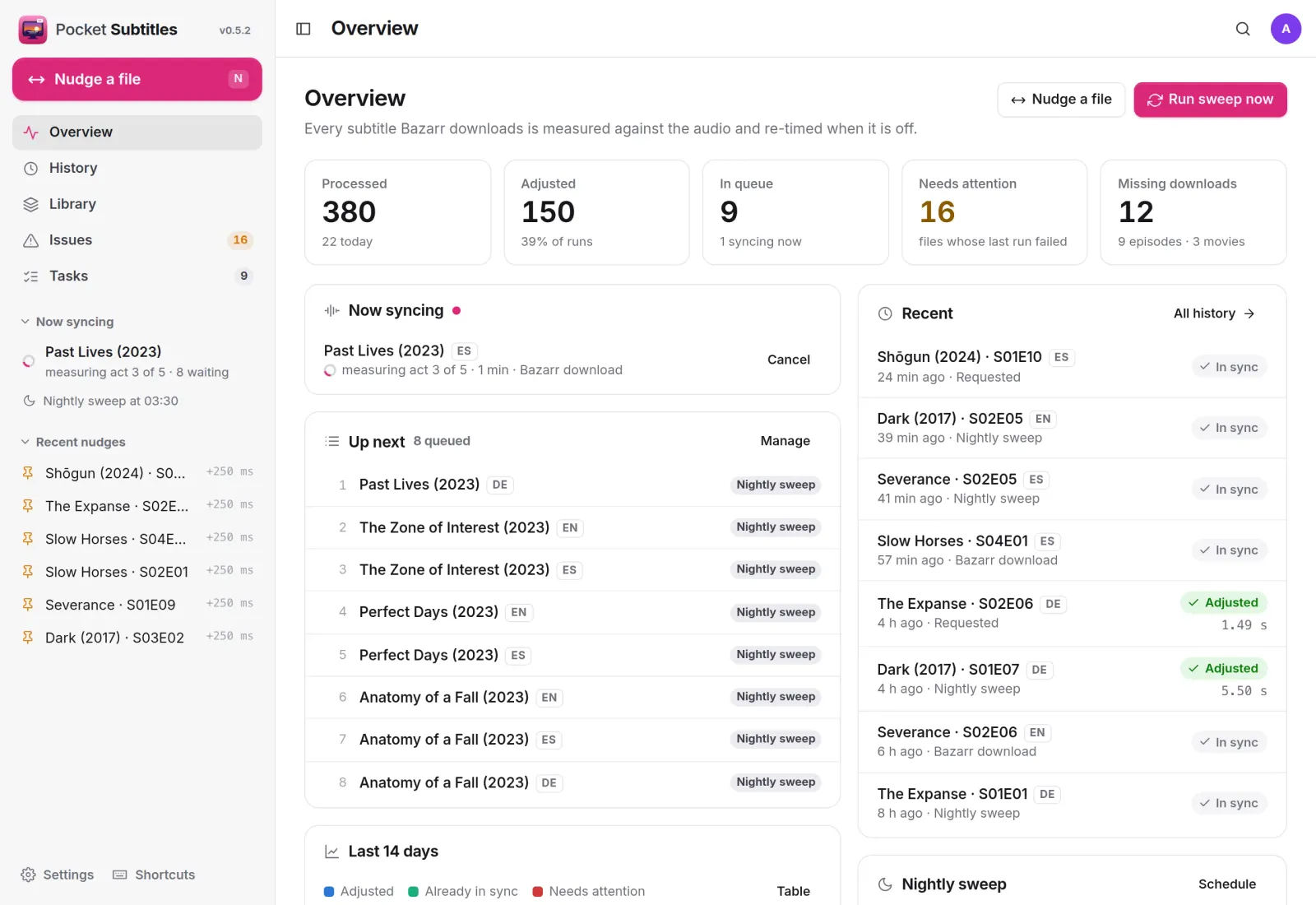
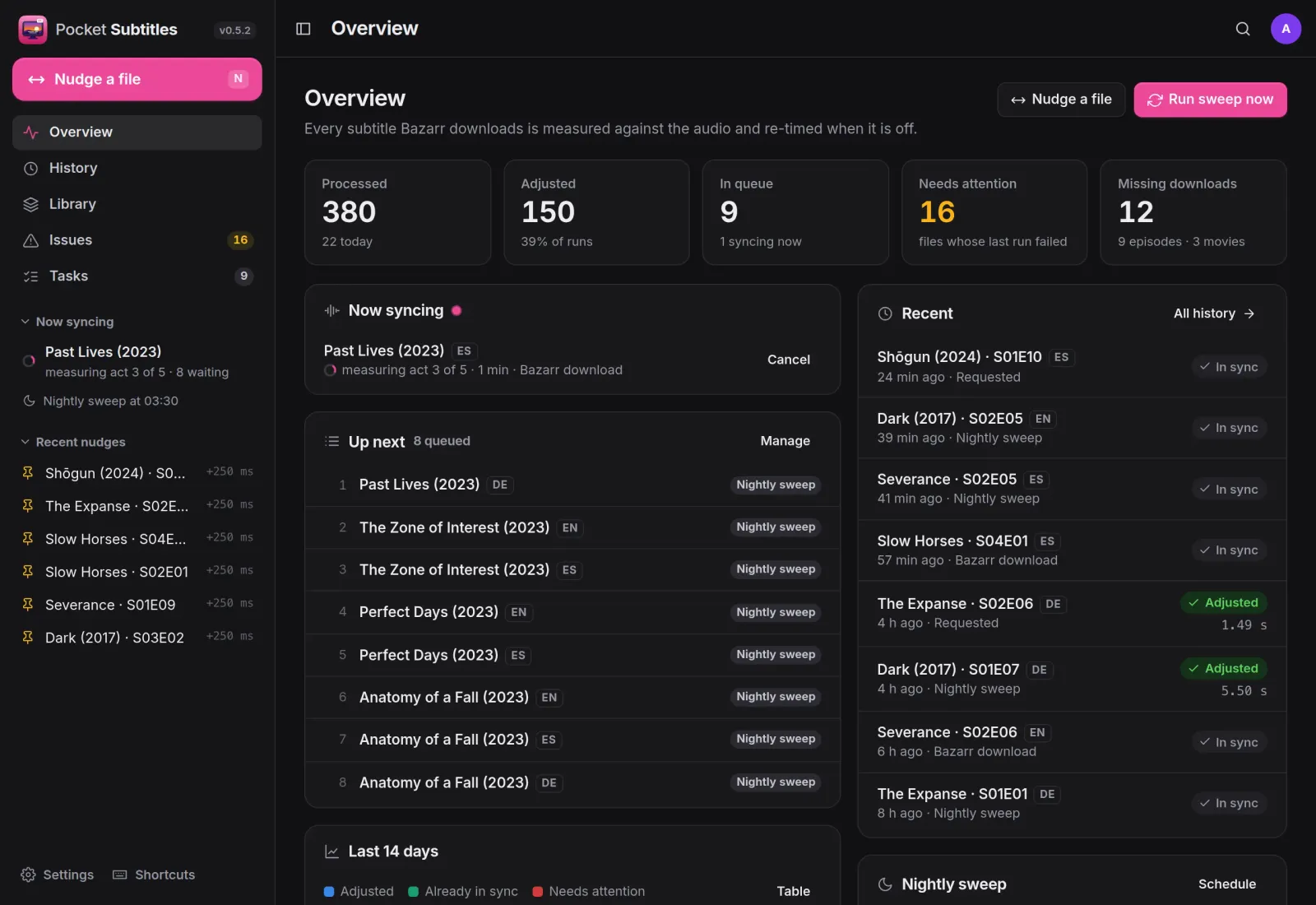
Overview
What is syncing, and what needs you.
The counts at a glance, the file being measured right now and at which stage, what is next in the queue and the latest verdicts. Bazarr hands every download over with one post-processing command.
Quality gates
Wrong subtitles are caught, not synced.
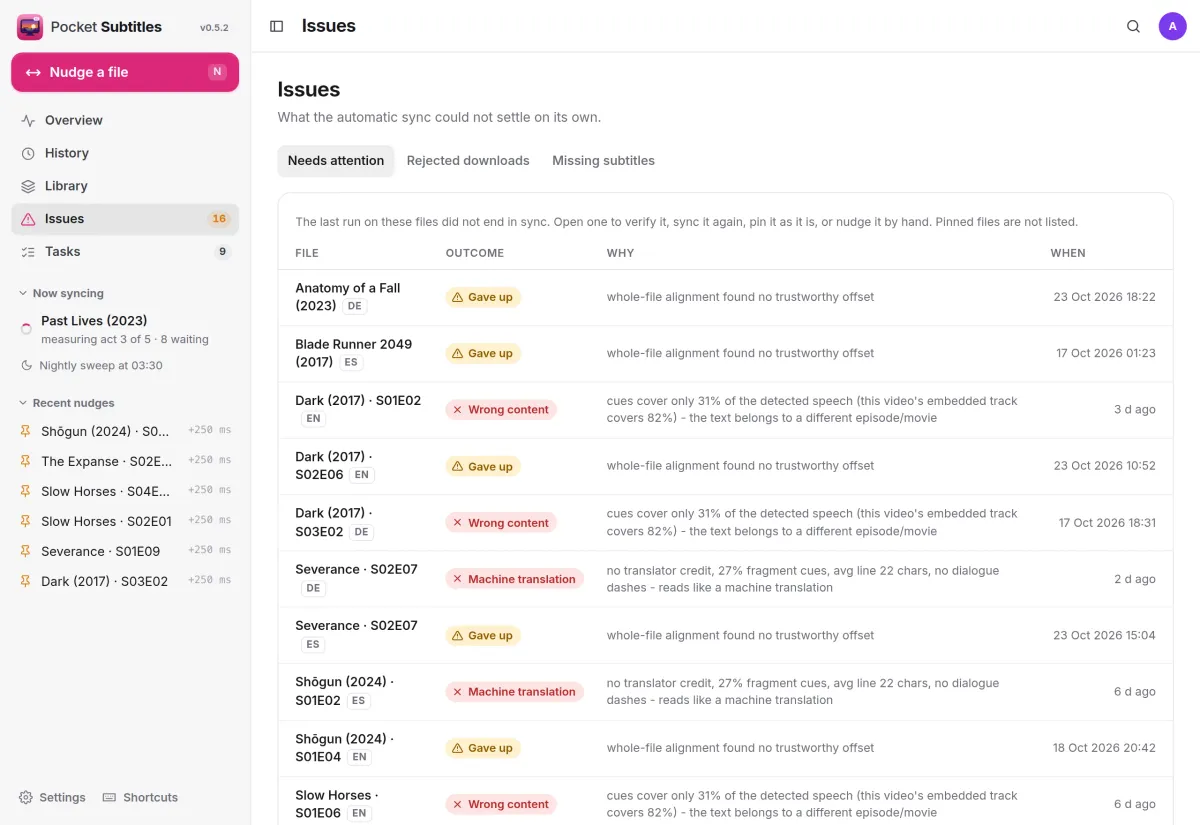
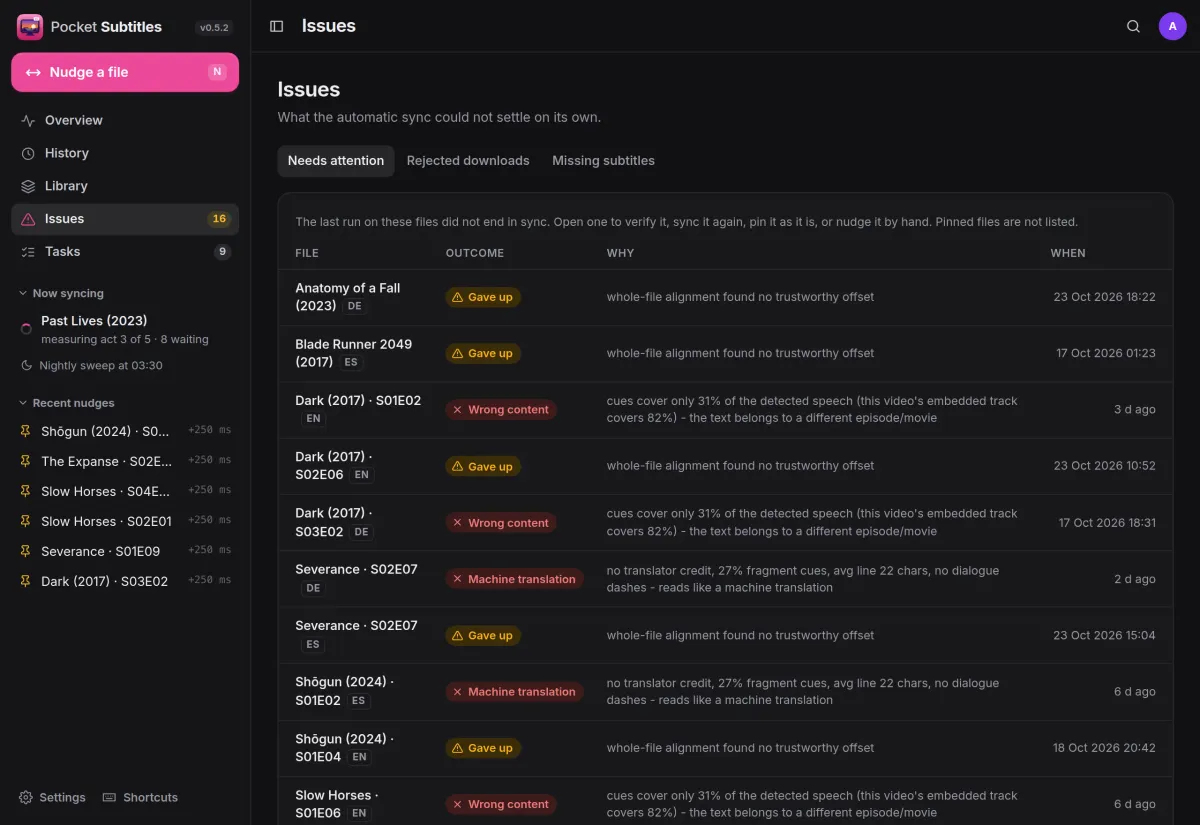
After alignment the cues have to sit on detected speech. A subtitle for another episode fails that check, and so does a download that reads like a machine translation. Issues lists each one with the engine’s reason.
- With Bazarr connected, a rejected upload is blacklisted and another one fetched
- Or move rejected files out, or just flag them
- Verify, sync again, pin as it is or nudge by hand
Nudge
Nudge any file by hand.
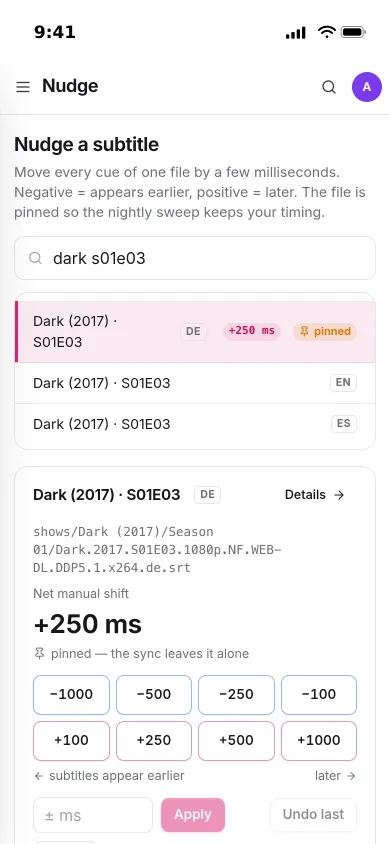
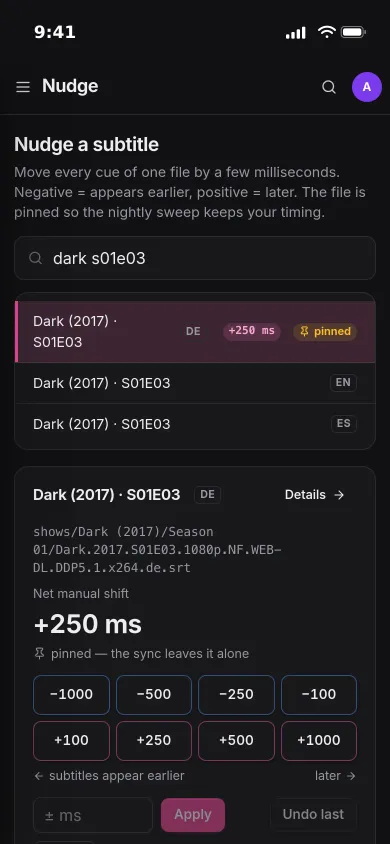
Search for a file, then shift every cue by a few milliseconds with the quick buttons or any value you type. The file is pinned, so the nightly sweep keeps your timing.
- Undo the last nudge, or unpin to hand it back to the automatic sync
- Jellyfin is told about the change straight away
- Also in the Pocket Homelab app for iPhone, iPad, Mac and Android
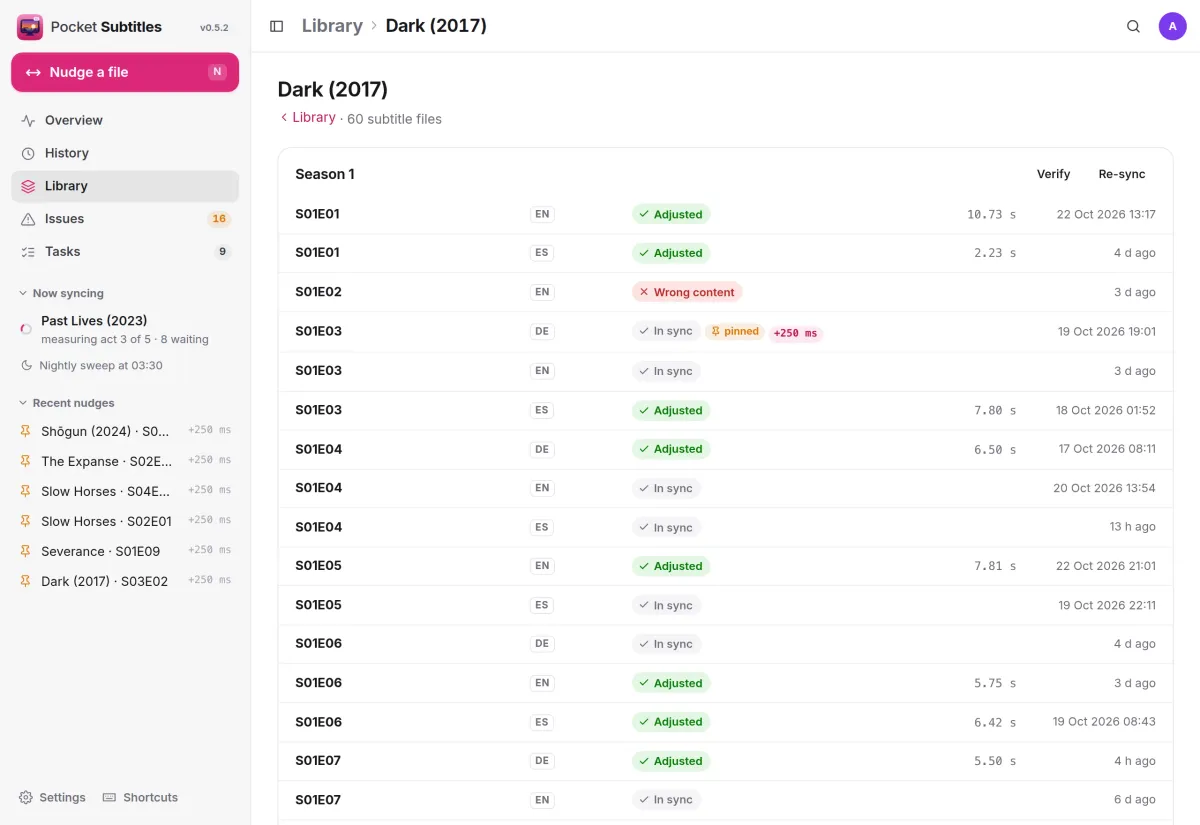
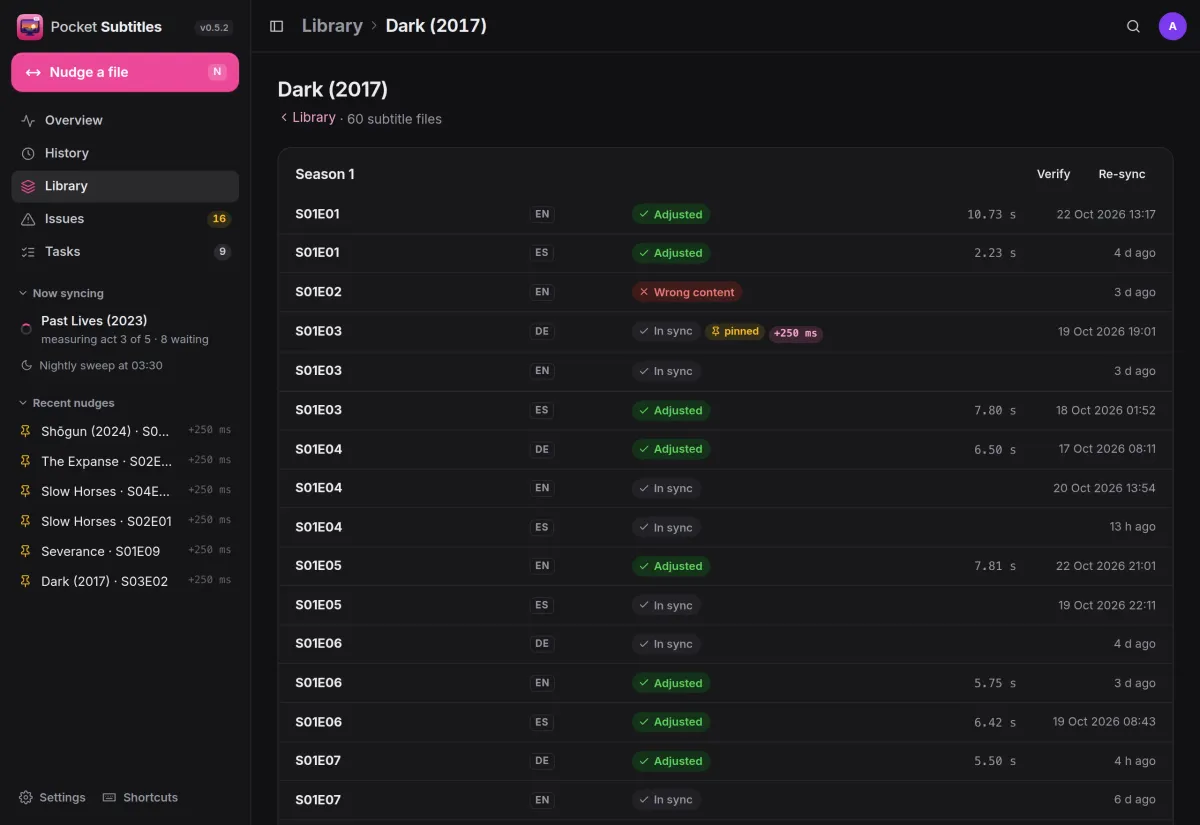
Library
Your library, season by season.
Every show and film with its subtitle files, the last verdict and how far each one moved. Verify a whole season against the audio, or sync it again, in one go.
- Per file: sync now, verify, pin, read the text, restore the original download
- Reset a season through Bazarr: download again, sync and verify
- The first original of every changed file is kept
And the rest of it
A nightly sweep
Every night it checks the files whose subtitle or video changed since their last verdict, including subtitles that never came through Bazarr, within a time budget.
Different cuts handled
When the embedded English track matches the audio, alignment to it follows inserted or missing scenes. Otherwise the audio is aligned act by act, each act checked against the whole file.
Every run on record
History keeps each run with its outcome, how far the file moved, the method, the content fit, the act-by-act offsets and the raw engine output.
Alerts and widgets
Notifications through Apprise, ntfy or a webhook, a Homepage-ready widget endpoint and Prometheus metrics.
Install
One container, engine included.
The sync engine (ffsubsync, alass and ffmpeg) is inside the image. Mount your library at the same path Bazarr sees it and start it. Then paste the command from Settings → Integrations into Bazarr’s custom post-processing and turn Bazarr’s own sync off.
On a Pocket Box it is already installed; connect Bazarr and Jellyfin under Settings → Integrations.
services:
  pocket-subtitles:
    image: ghcr.io/abjelosevic88/pocket-homelab-subtitles:latest
    restart: unless-stopped
    ports: ["8080:8080"]
    environment:
      TZ: Europe/Berlin                  # the nightly sweep runs on this clock
      MEDIA_DIRS: /media/shows,/media/movies
    volumes:
      - ./data:/data
      - /path/to/media:/media            # the same path Bazarr sees, read-write
    user: "1000:1000"                    # the owner of your media files
More in Media
 Pocket Watchv0.4.3Films and shows for the whole household on top of Jellyfin, with a watch history, watchlist and requests.
 Pocket Musicv0.4.2Your music library for the whole household on top of Navidrome, with daily mixes, lyrics and listening stats.
 Pocket Photosv0.4.1Your household's photos in one calm, private app on top of the Immich server you already run.
 Pocket Podcastsv0.4.3A podcast server that also turns YouTube channels into podcasts, with your place kept on every device.
 Pocket Audiobooksv1.4.3An audiobook library and player for the household, with chapters, bookmarks and your place kept everywhere.
 Pocket Libraryv0.1.2Every ebook, comic and manga you own in one place, with a browser reader and your place synced to KOReader.
 Pocket Bookshelfv0.16.6A private reading log: what you read, what you thought of it, the lines worth keeping and what to read next.
 Pocket Readerv0.1.1Your feeds and read-later list in one calm place, with highlights, search and sync to your phone's RSS app.
 Pocket Radiov0.1.0Internet radio from around the world, plus radio channels made from your own music library.
 Pocket Requestsv0.7.1Ask for a film, a show or an album and follow it until it is ready to watch or listen to.
 Pocket Guitarv0.6.0Your guitar tabs and your practice in one place, with playback, loops, a speed trainer and a practice log.