

Pocket Requests
v0.7.1 · Self-hosted · MIT
Ask for a film, a show or an album, and see where it is.
Pocket Requests is where your household asks for something to watch or listen to, and follows it until it is ready. Every request tells its story in plain words: looking for a copy, downloading with time left, moving into the library, ready, or stuck and why. Radarr, Sonarr and Lidarr stay the engines.
- Included in Pocket Box
- Sign in with Pocket Core
- Works with Radarr and Sonarr and Lidarr and Prowlarr and SABnzbd and Jellyfin and Jellyseerr
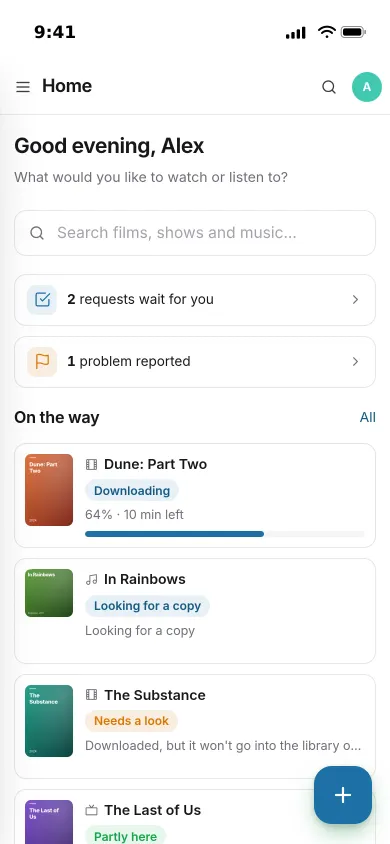
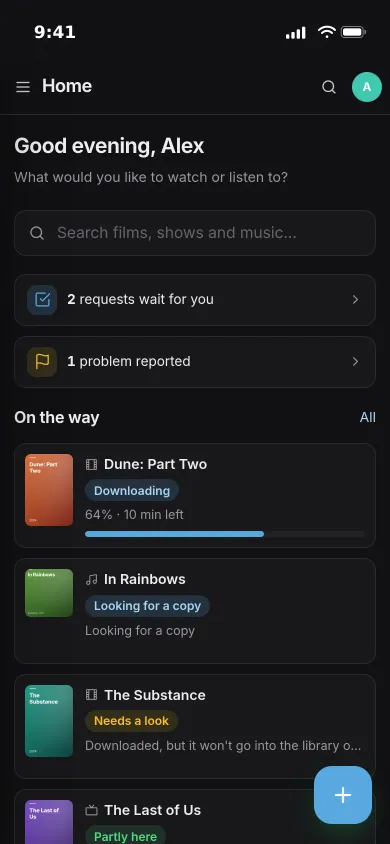
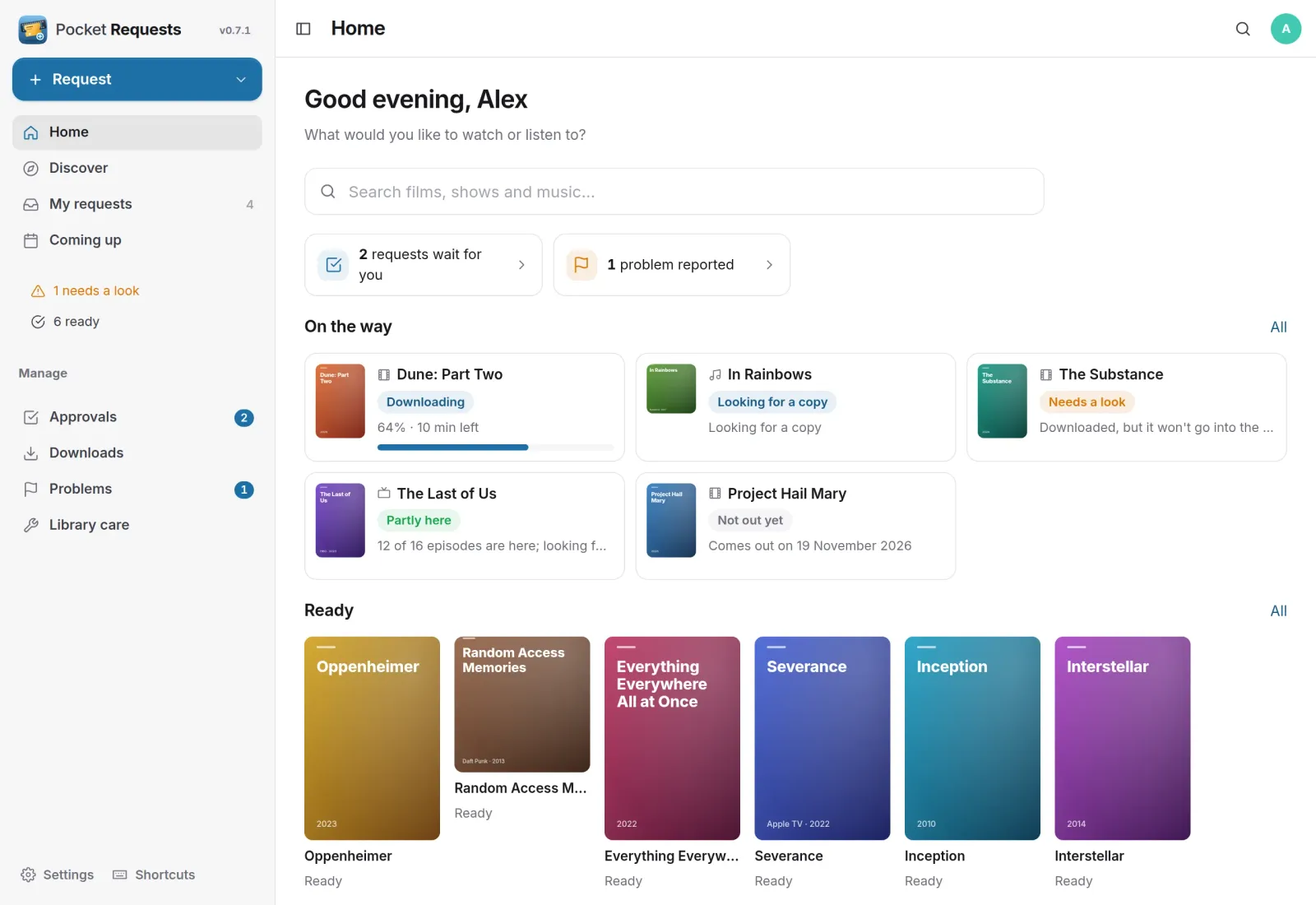
Home
What is on the way, and what just arrived.
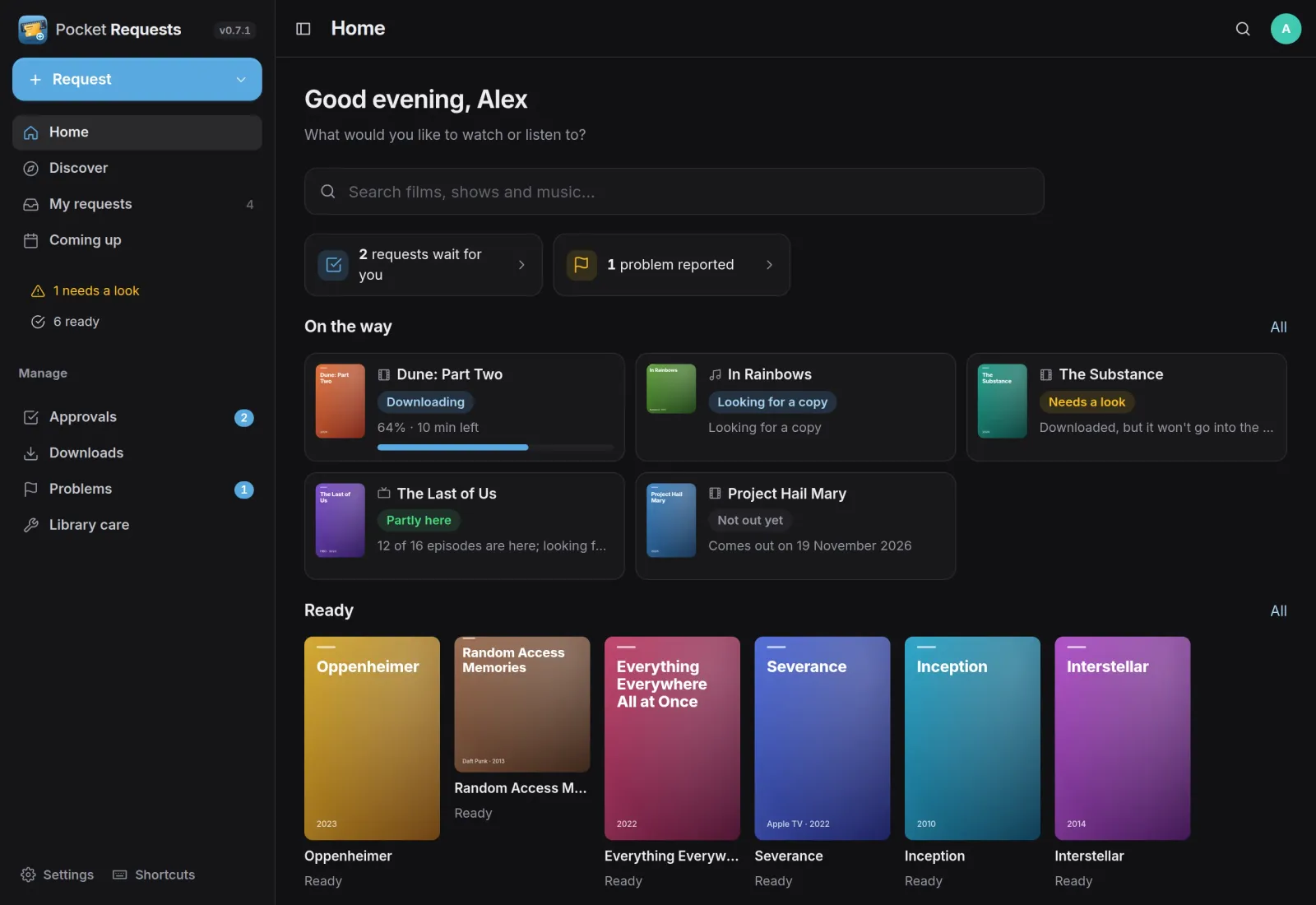
One search box for films, shows and music. Below it, what you asked for that is still on the way, with progress and time left, and the titles that are ready to watch or play.
Follow it
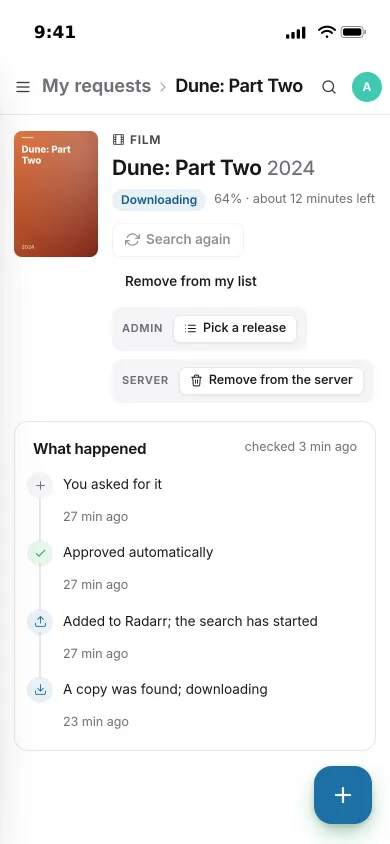
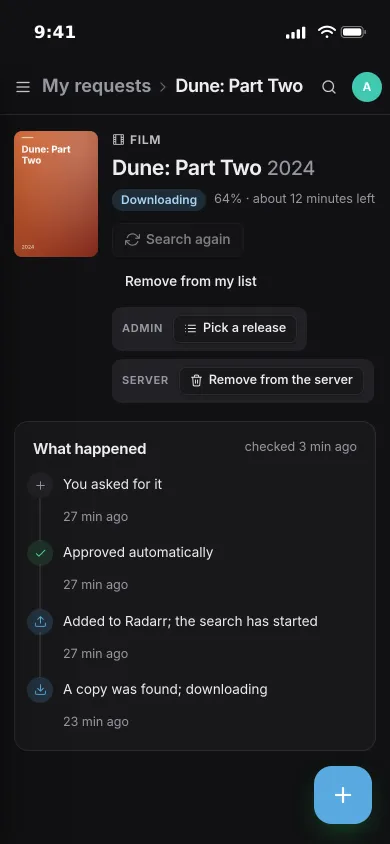
Every request tells its story.
Each request has a timeline of what happened, in words rather than log lines: asked, approved, sent to Radarr, a copy found, downloading, ready.
- Progress and time left while it downloads
- Partly here counts the episodes and tracks that arrived
- Needs a look says why, and admins can pick a release by hand
Approvals
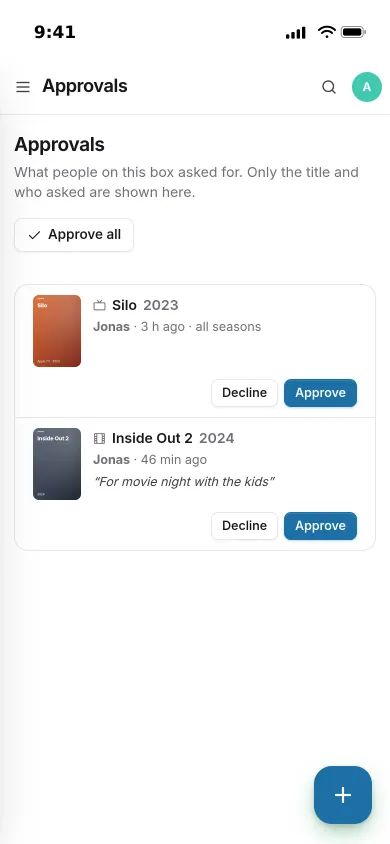
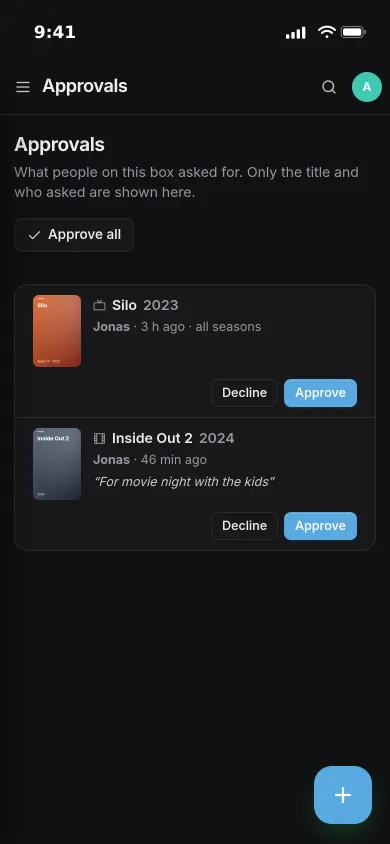
You decide what gets added.
Admins’ requests go straight through. Members’ requests can wait for an admin, with their note attached, or be approved automatically, per person.
- Approve or decline with a reason
- Weekly limits per person for films, shows and music
- Already here or already asked for is shown before anyone asks
Library care
Nothing quietly gets stuck.
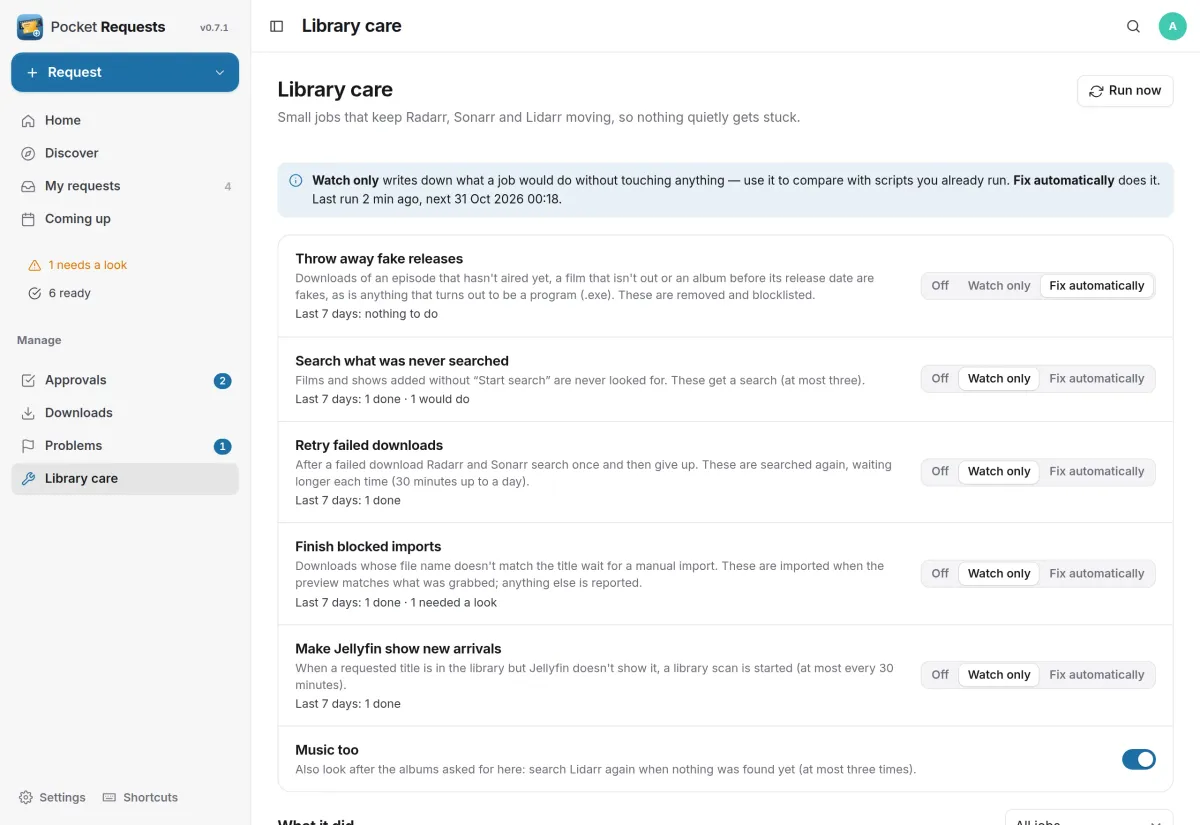
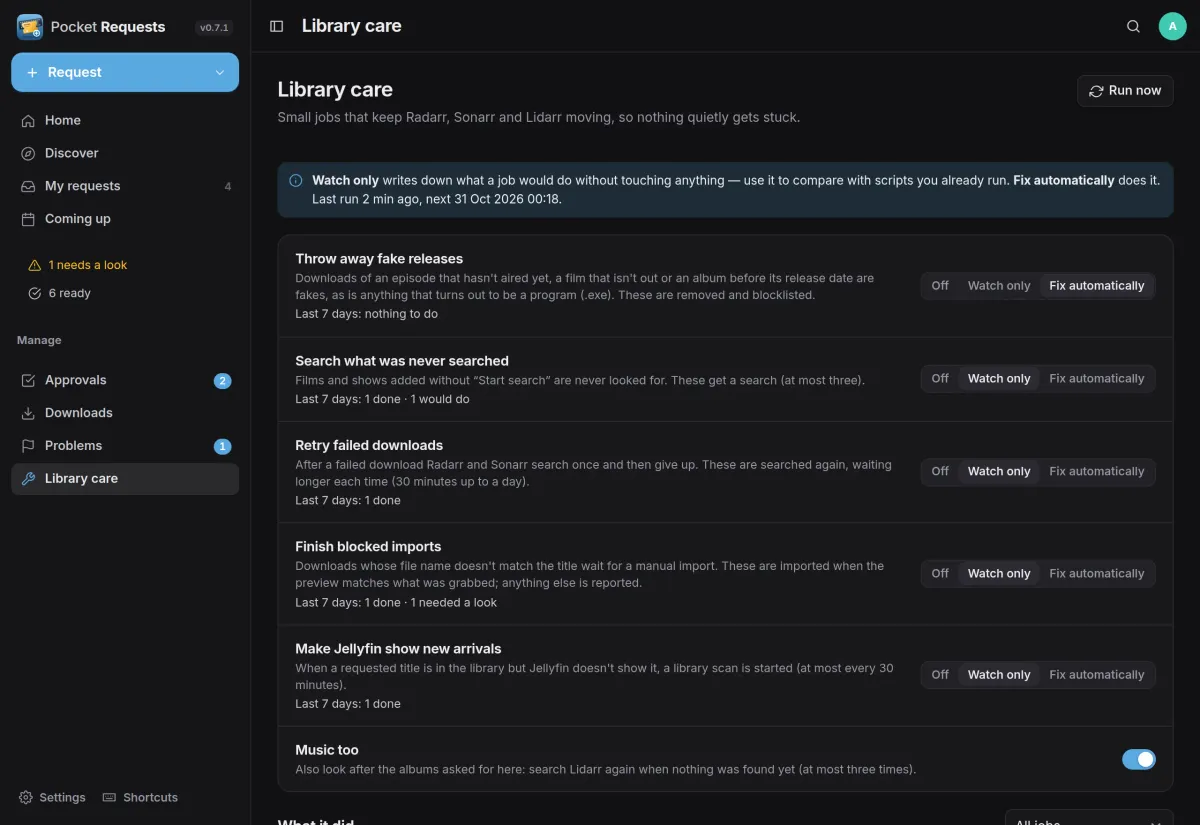
Small jobs look after the whole library, not only requests. Each one can be off, watch only, which writes down what it would do, or fix automatically, with a log of what it did.
- Searches titles that were added without a search
- Retries failed downloads and throws away fakes
- Finishes imports that Radarr and Sonarr won’t do on their own
And the rest of it
Music too
Artist pages with their whole discography marked with what is here, album pages with tracks and file quality, and one button for every studio album you don’t have.
Every download in one list
Radarr, Sonarr and Lidarr queues together, with warnings highlighted, SABnzbd’s speed and free space, and pause or resume.
A stand-in for Jellyseerr
Apps made for Jellyseerr keep working through the same API, and your Jellyseerr requests come over with their status and dates.
Told when it’s ready
Approved, ready or needs a look, and for admins new requests and problems, through Apprise, ntfy or a webhook.
Install
One container next to your arr apps.
Pocket Requests is a single Go binary with a SQLite file. Point it at Radarr and Sonarr, and add Lidarr, Prowlarr, SABnzbd and Jellyfin if you use them; services can also be set up later under Settings.
On a Pocket Box it is already installed, and the box’s Radarr, Sonarr, Lidarr, Prowlarr and Jellyfin logins come from Pocket Core.
docker run -d --name pocket-requests -p 8080:8080 -v ./data:/data \
  -e BASE_URL=https://requests.example.com -e SECURE_COOKIES=true \
  -e RADARR_URL=http://radarr:7878 -e RADARR_API_KEY=… \
  -e SONARR_URL=http://sonarr:8989 -e SONARR_API_KEY=… \
  ghcr.io/abjelosevic88/pocket-homelab-requests:latest
More in Media
 Pocket Watchv0.4.3Films and shows for the whole household on top of Jellyfin, with a watch history, watchlist and requests.
 Pocket Musicv0.4.2Your music library for the whole household on top of Navidrome, with daily mixes, lyrics and listening stats.
 Pocket Photosv0.4.1Your household's photos in one calm, private app on top of the Immich server you already run.
 Pocket Podcastsv0.4.3A podcast server that also turns YouTube channels into podcasts, with your place kept on every device.
 Pocket Audiobooksv1.4.3An audiobook library and player for the household, with chapters, bookmarks and your place kept everywhere.
 Pocket Libraryv0.1.2Every ebook, comic and manga you own in one place, with a browser reader and your place synced to KOReader.
 Pocket Bookshelfv0.16.6A private reading log: what you read, what you thought of it, the lines worth keeping and what to read next.
 Pocket Readerv0.1.1Your feeds and read-later list in one calm place, with highlights, search and sync to your phone's RSS app.
 Pocket Radiov0.1.0Internet radio from around the world, plus radio channels made from your own music library.
 Pocket Subtitlesv0.5.2Keeps your library's subtitles in sync with the audio, automatically, without ever making a file worse.
 Pocket Guitarv0.6.0Your guitar tabs and your practice in one place, with playback, loops, a speed trainer and a practice log.