

Pocket Watch
v0.4.3 · Self-hosted · MIT
Films and shows for the household, on top of Jellyfin.
Pocket Watch plays your Jellyfin library with each person’s own account and adds what a household needs around it: a watch history from every Jellyfin app, stats, a watchlist, requests that tell you when they arrive, and help choosing on a Friday evening. Keep the TV app or Infuse alongside, resume points and watched marks are shared.
- Included in Pocket Box
- Sign in with Pocket Core
- Works with Jellyfin and Jellyseerr and Sonarr and Radarr
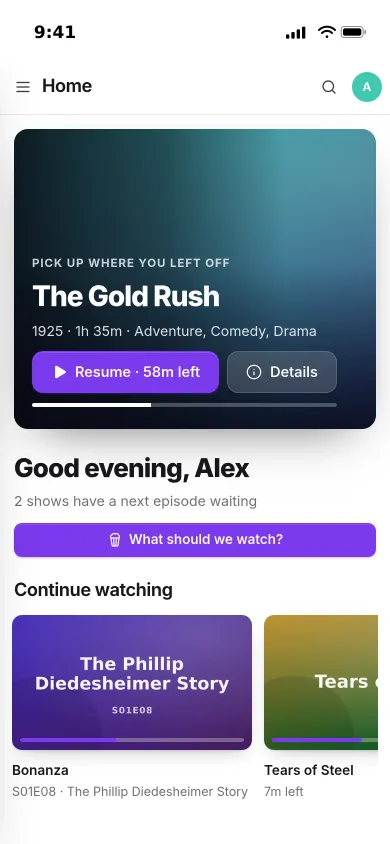
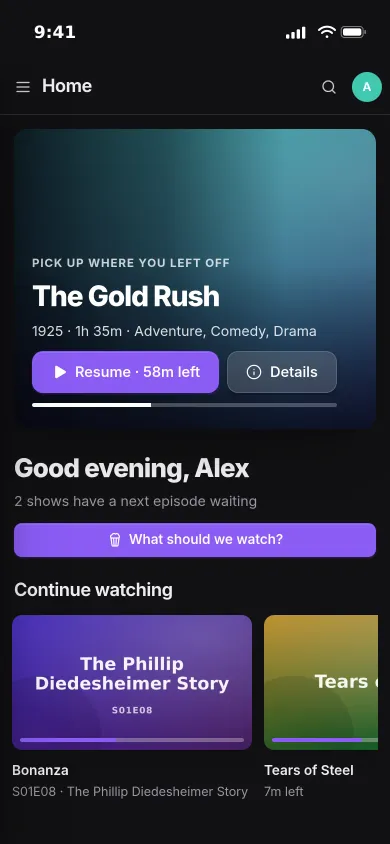
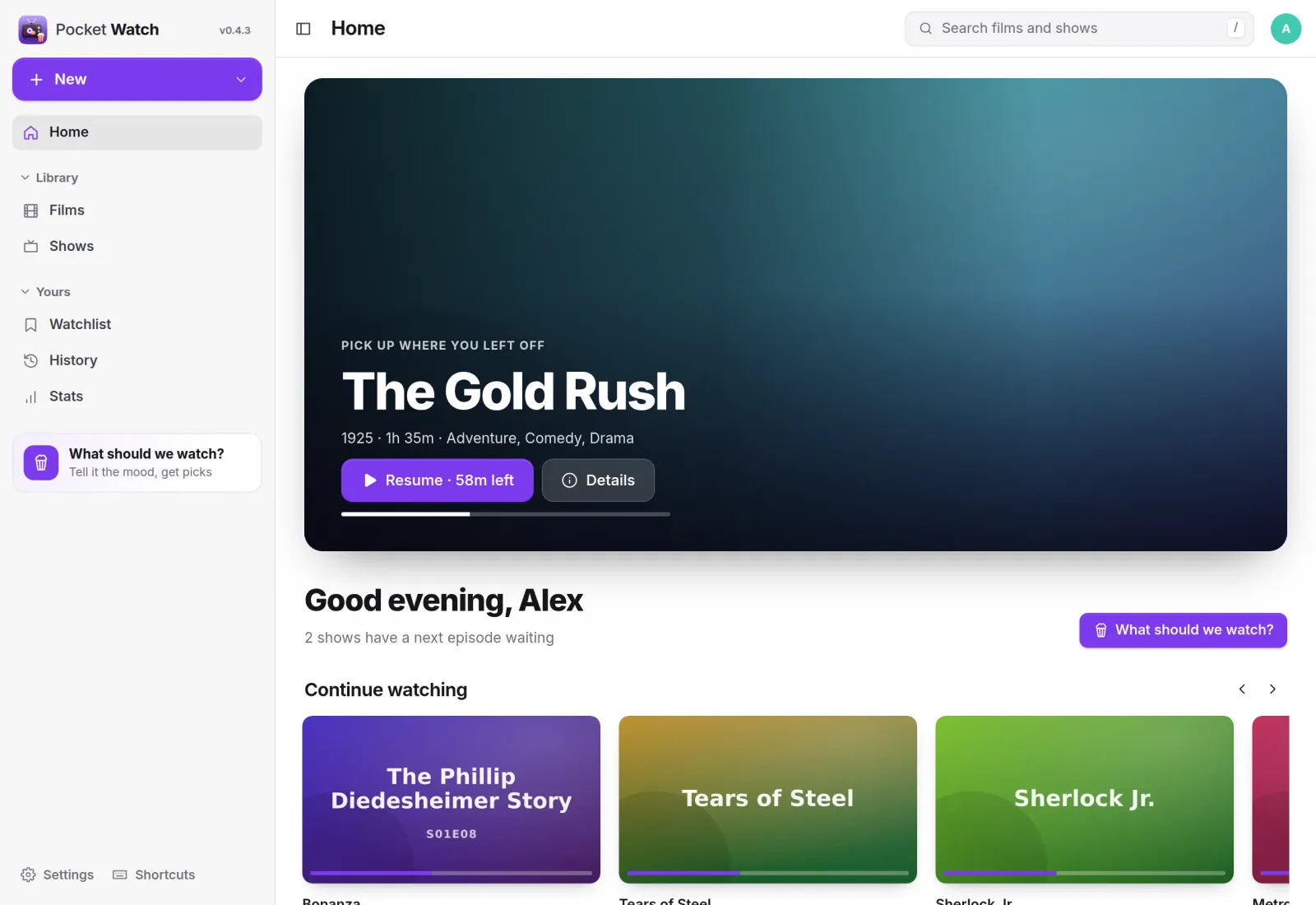
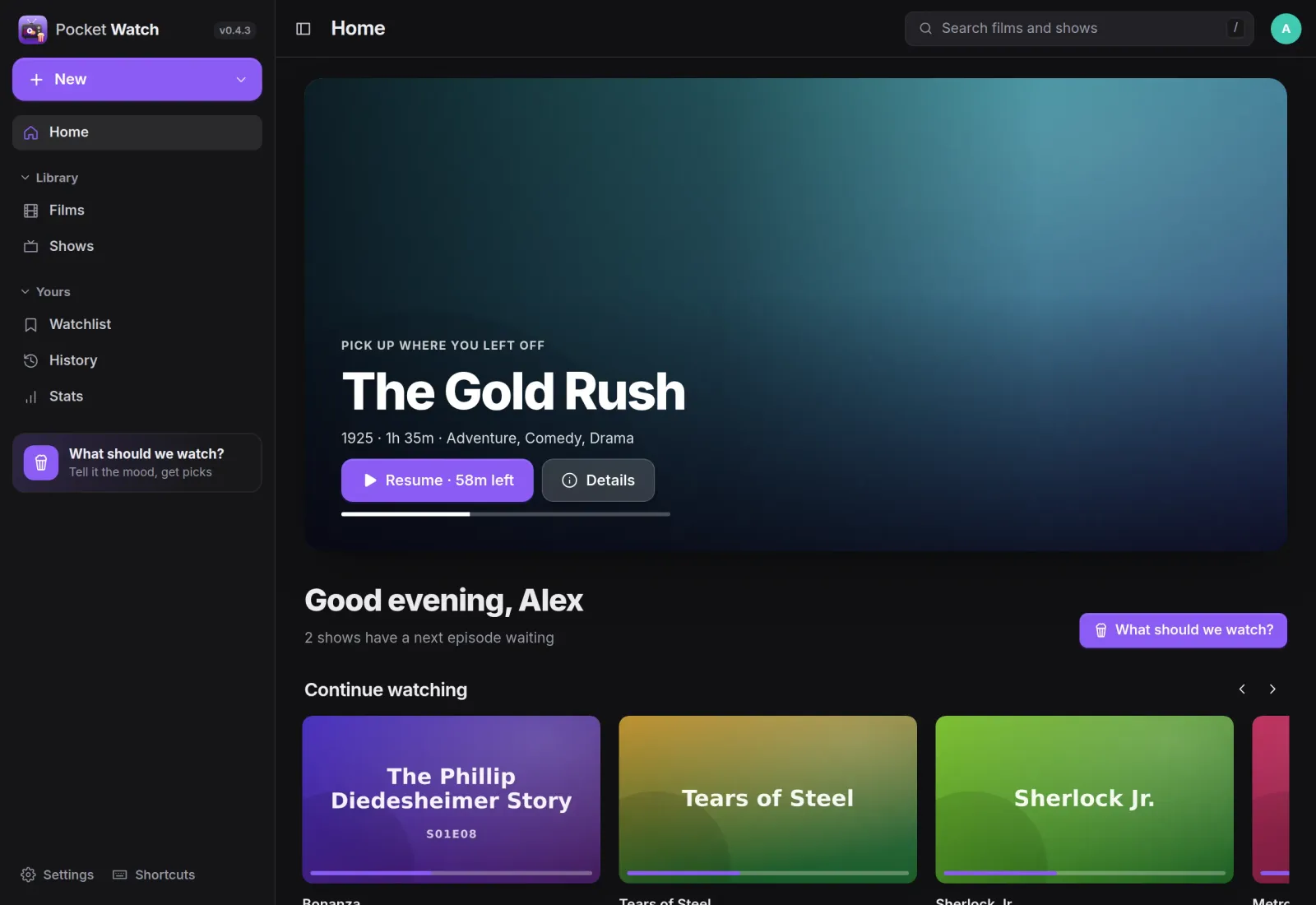
Home
Pick up where you left off.
Home opens on what you were watching, then the next episode of every show you are on, new episodes and films, picks from your own shelves for today, “because you watched” and what is leaving soon.
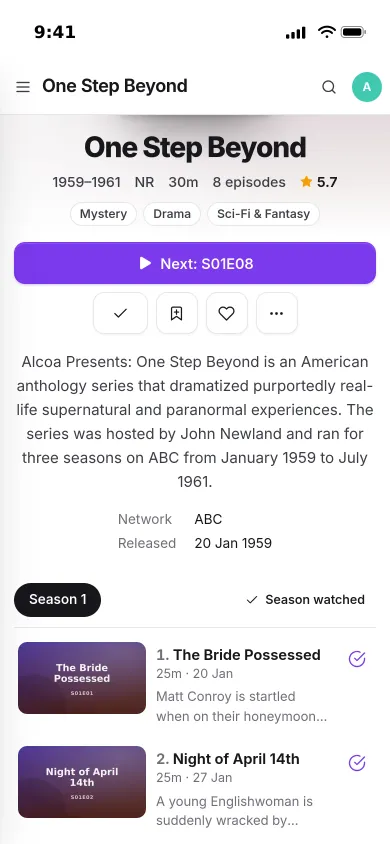
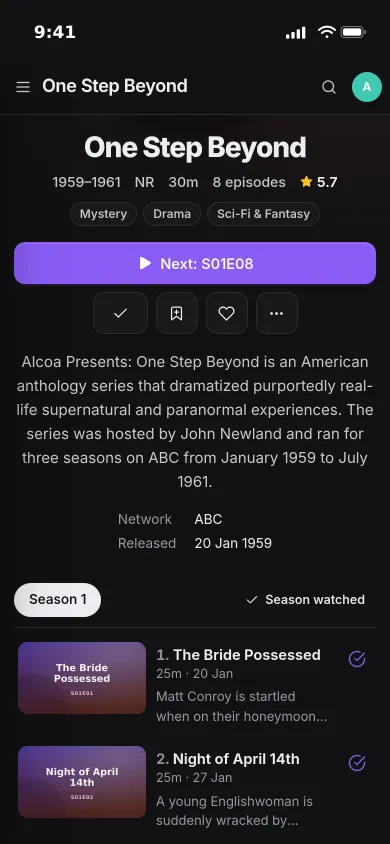
Shows
Every season, every episode.
A page for every show, with its seasons, episodes and the next one to play. Watched marks go back to Jellyfin as you, so the TV and the laptop always agree.
- Next episode one tap away, progress saved every ten seconds
- Pages for every film, season, episode and person, with cast and trailers
- Filter by unwatched, started, favourites, genre or decade
Tonight
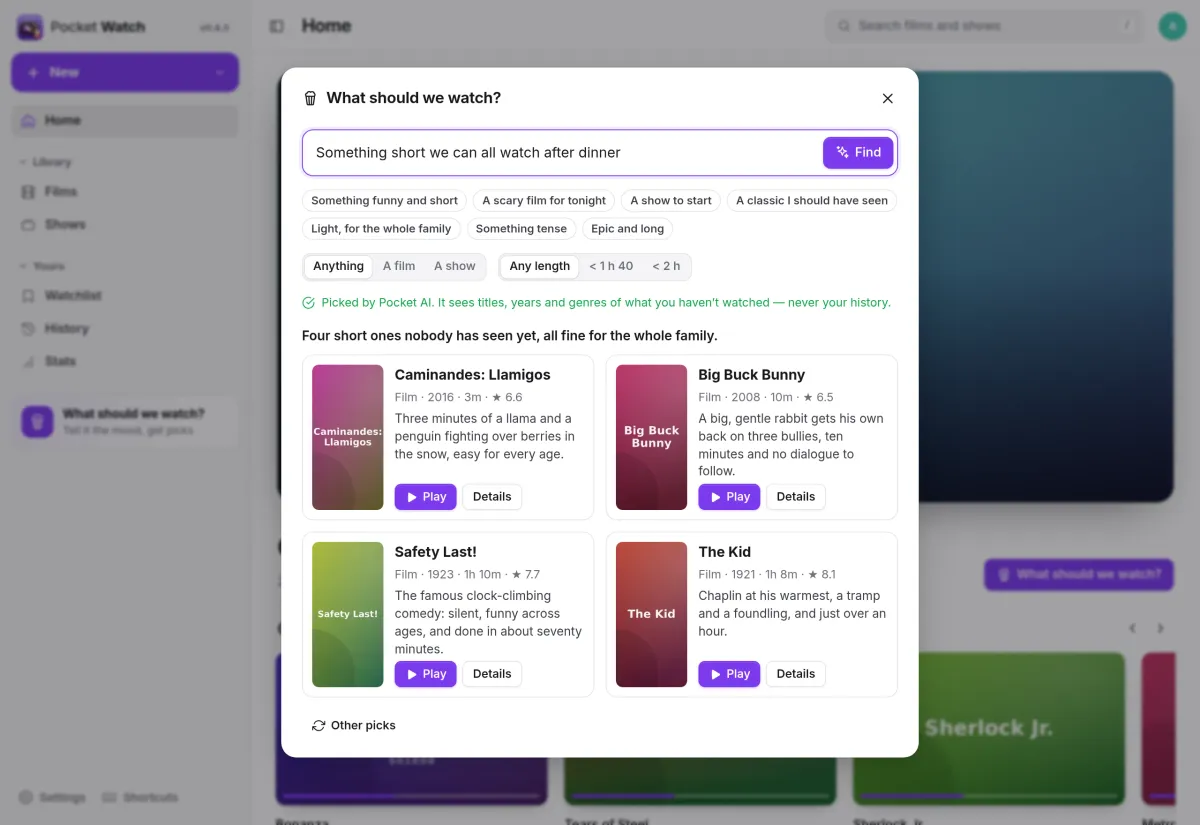
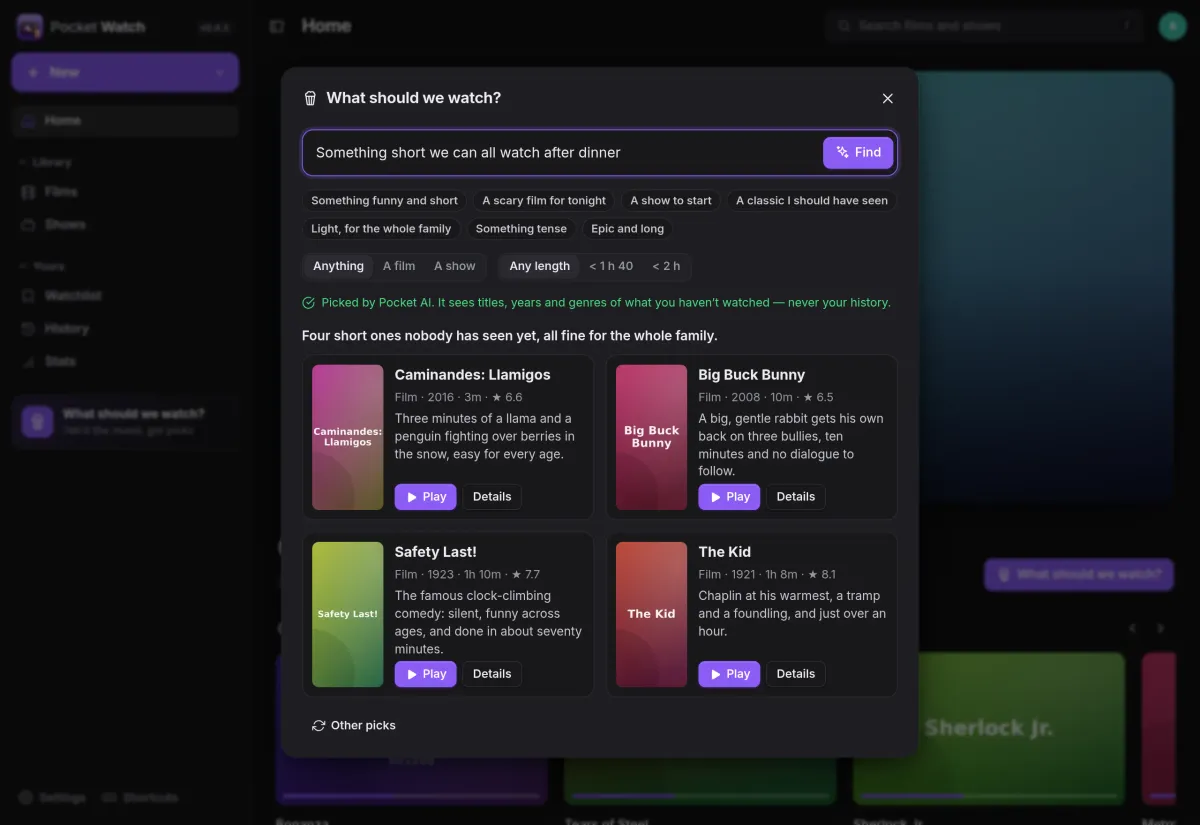
What should we watch?
Say what you are in the mood for and get picks from what nobody has seen yet. With Pocket AI or your own OpenAI-compatible key each pick comes with a line; without AI the words still choose genres, length and era.
- The AI sees only unwatched titles’ names, years, genres and lengths
- Narrow it to a film or a show, under 1 h 40 or under 2 h
- Play straight from a pick, or ask for other picks
History
Everything you watched, anywhere.
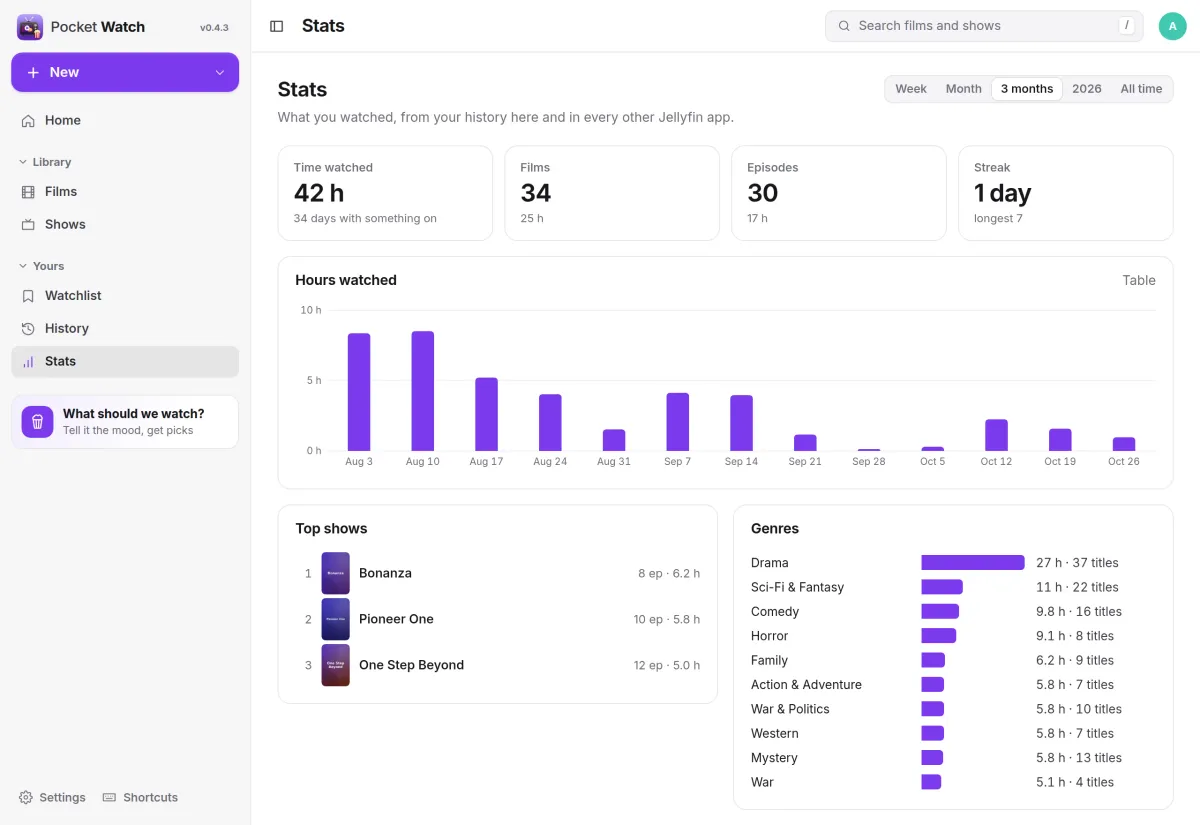
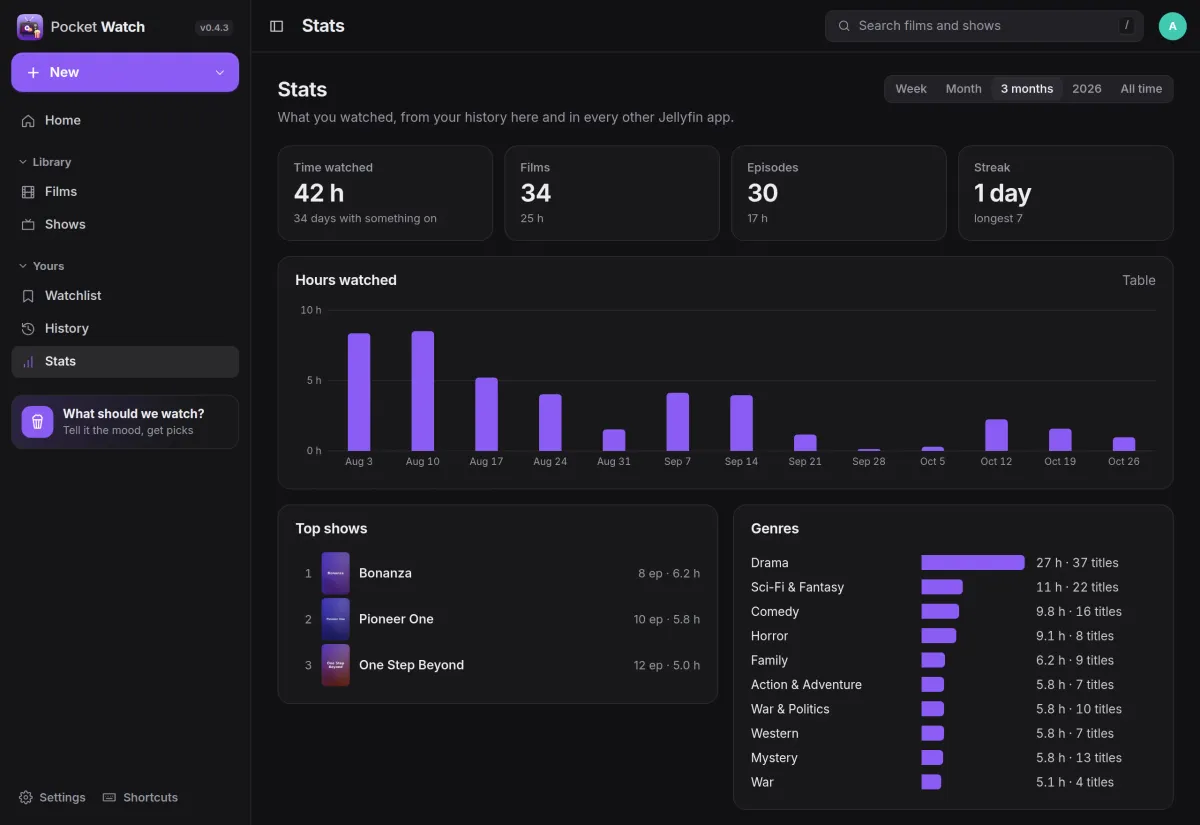
Pocket Watch keeps a history from its own player and from every other Jellyfin app, back to what you had finished before. Stats show time watched, films and episodes, top shows, genres and streaks.
- Week, month, three months, the year or all time
- A weekly recap if you want one
- Strictly yours: admins do not see anyone else’s watching
And the rest of it
A player that rarely transcodes
It plays the file as it is whenever the browser can and asks Jellyfin for HLS when it cannot. Audio and subtitle tracks, chapters, seek previews, skip intro and recap, and the next episode with a countdown.
Subtitles back in sync
Move subtitles earlier or later while you watch, remembered per title, and save the fix into the file for everyone through Pocket Subtitles.
Requests that tell you
With Jellyseerr, Sonarr and Radarr: discover and request films or chosen seasons as your own Jellyseerr user, get a push when they are ready, and see upcoming episodes day by day.
Plays in the Pocket Homelab app
Pocket Watch answers the Jellyfin API with your own Pocket Watch token, so the iPhone app plays your library without ever holding your Jellyfin login.
Install
One container next to Jellyfin.
Point it at your Jellyfin, open it and create the first account, then sign in to Jellyfin under Settings with a password or Quick Connect. An admin adds Jellyseerr, Sonarr and Radarr under Settings, Services.
On a Pocket Box it is already installed, and with Pocket Core each person’s Jellyfin login can come from Core.
docker run -d --name pocket-watch -p 8080:8080 -v ./data:/data \
  -e BASE_URL=https://watch.example.com -e SECURE_COOKIES=true \
  -e JELLYFIN_URL=http://jellyfin:8096 \
  ghcr.io/abjelosevic88/pocket-homelab-watch:latest
More in Media
 Pocket Musicv0.4.2Your music library for the whole household on top of Navidrome, with daily mixes, lyrics and listening stats.
 Pocket Photosv0.4.1Your household's photos in one calm, private app on top of the Immich server you already run.
 Pocket Podcastsv0.4.3A podcast server that also turns YouTube channels into podcasts, with your place kept on every device.
 Pocket Audiobooksv1.4.3An audiobook library and player for the household, with chapters, bookmarks and your place kept everywhere.
 Pocket Libraryv0.1.2Every ebook, comic and manga you own in one place, with a browser reader and your place synced to KOReader.
 Pocket Bookshelfv0.16.6A private reading log: what you read, what you thought of it, the lines worth keeping and what to read next.
 Pocket Readerv0.1.1Your feeds and read-later list in one calm place, with highlights, search and sync to your phone's RSS app.
 Pocket Radiov0.1.0Internet radio from around the world, plus radio channels made from your own music library.
 Pocket Requestsv0.7.1Ask for a film, a show or an album and follow it until it is ready to watch or listen to.
 Pocket Subtitlesv0.5.2Keeps your library's subtitles in sync with the audio, automatically, without ever making a file worse.
 Pocket Guitarv0.6.0Your guitar tabs and your practice in one place, with playback, loops, a speed trainer and a practice log.