

Pocket Alerts
v0.2.0 · Self-hosted · MIT
Every alert in one inbox, only what matters on your phone.
Pocket Alerts takes alerts the way Apprise, ntfy and webhooks already send them, so your server, scripts and apps need no changes. It counts repeats instead of pinging again, follows your rules, quiet hours and snoozes, and passes the rest on to Pushover, ntfy, Apprise or a webhook.
- Included in Pocket Box
- Sign in with Pocket Core
- Works with ntfy and Apprise and Pushover
Inbox
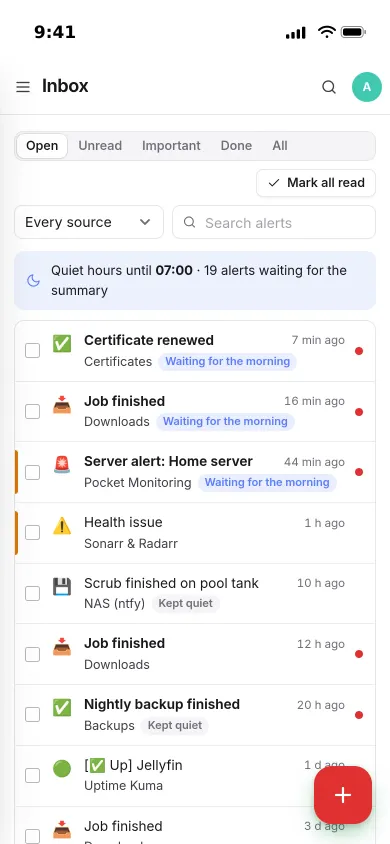
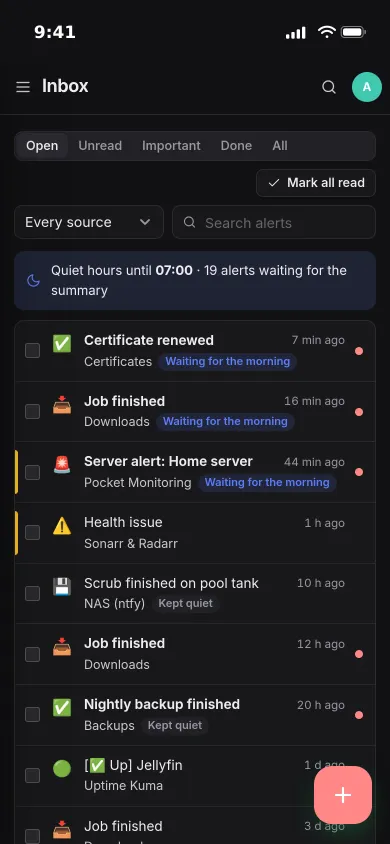
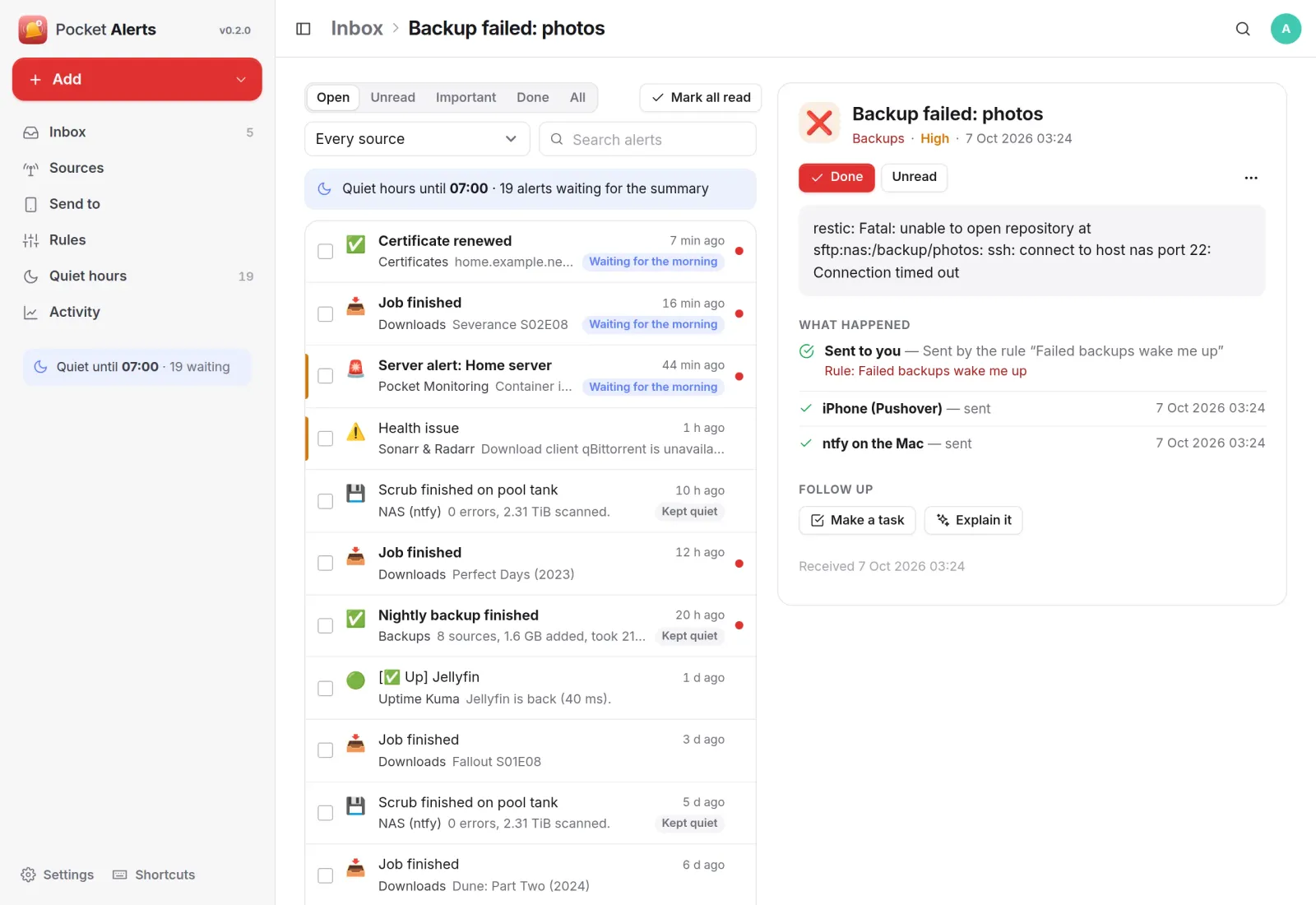
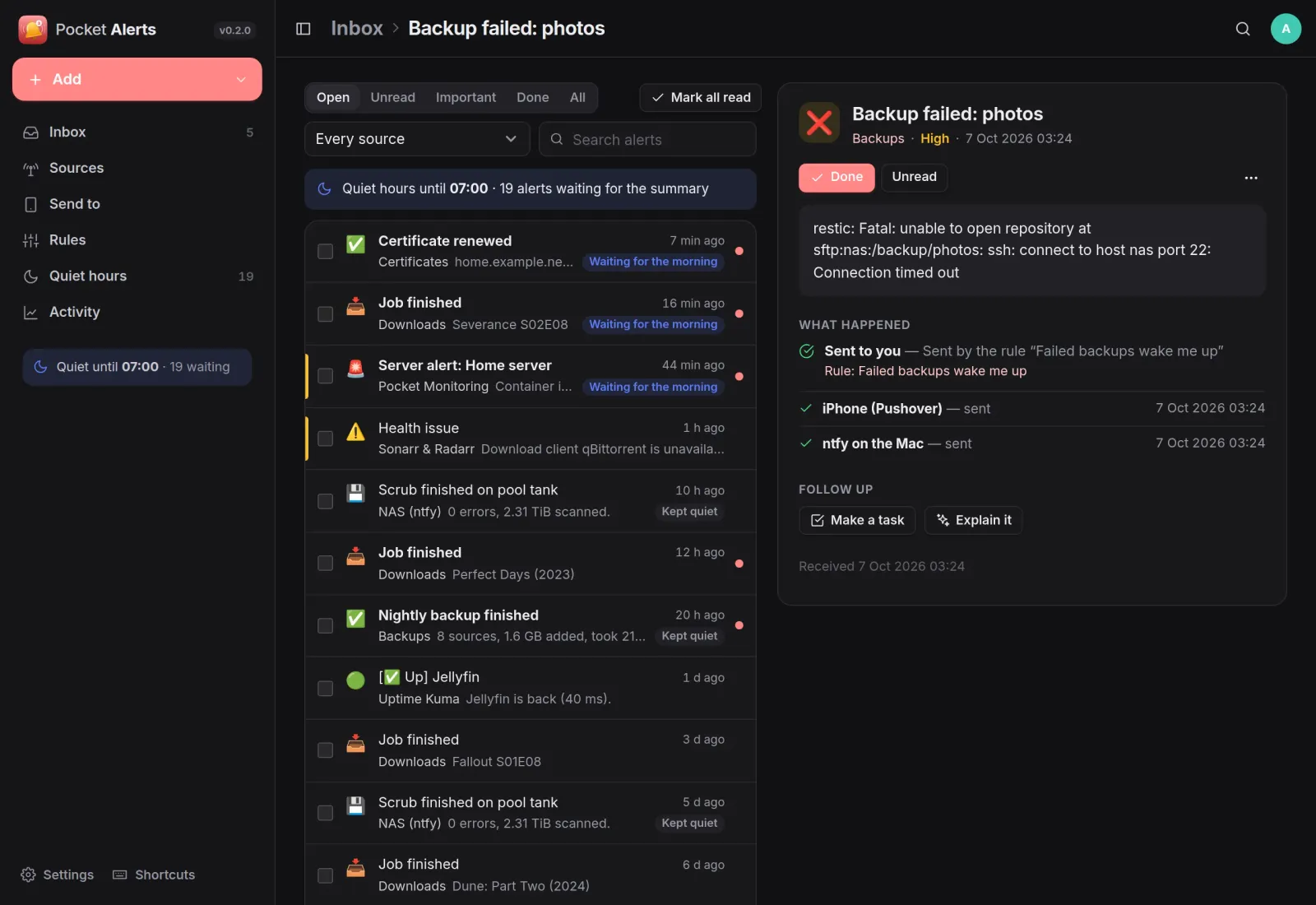
Every alert says what happened to it.
Open, unread, important and done, with search and live updates. Each alert shows which rule decided its fate and which channels got it, and can become a task or be explained in plain words.
Sources
Works with what already sends alerts.
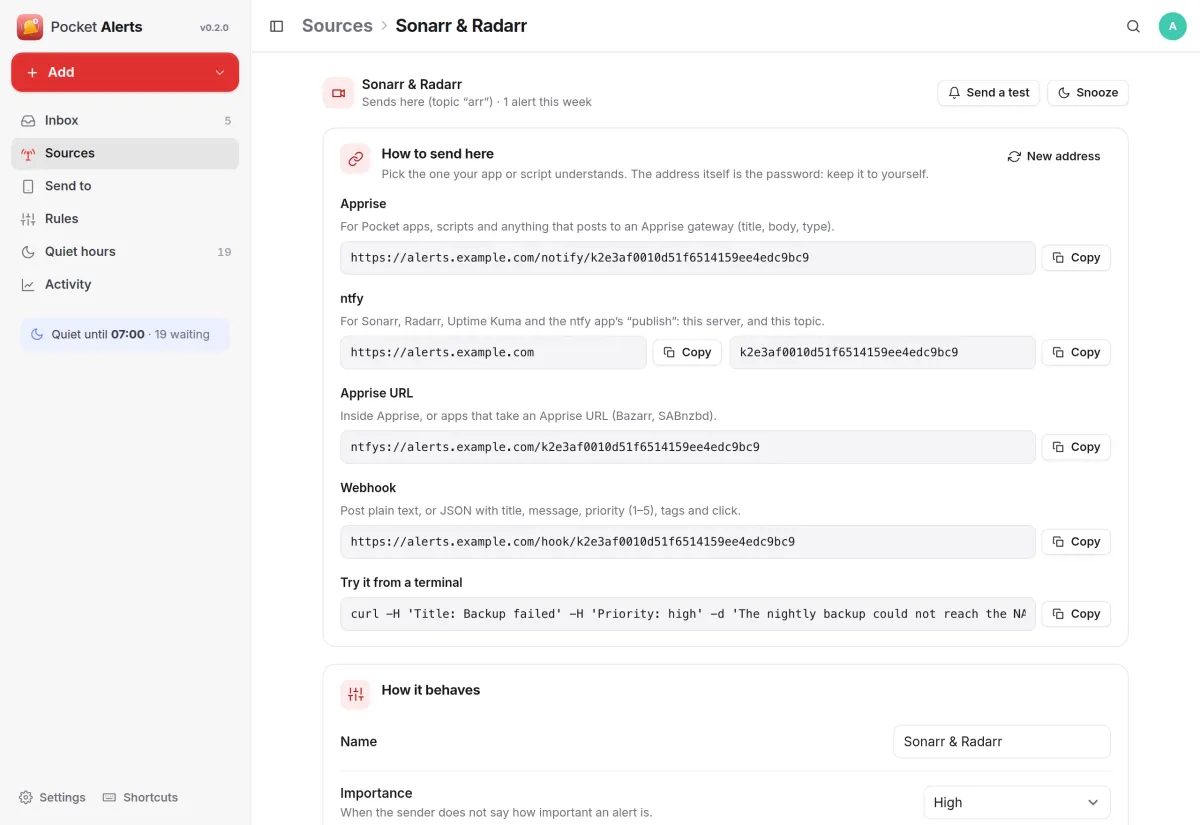
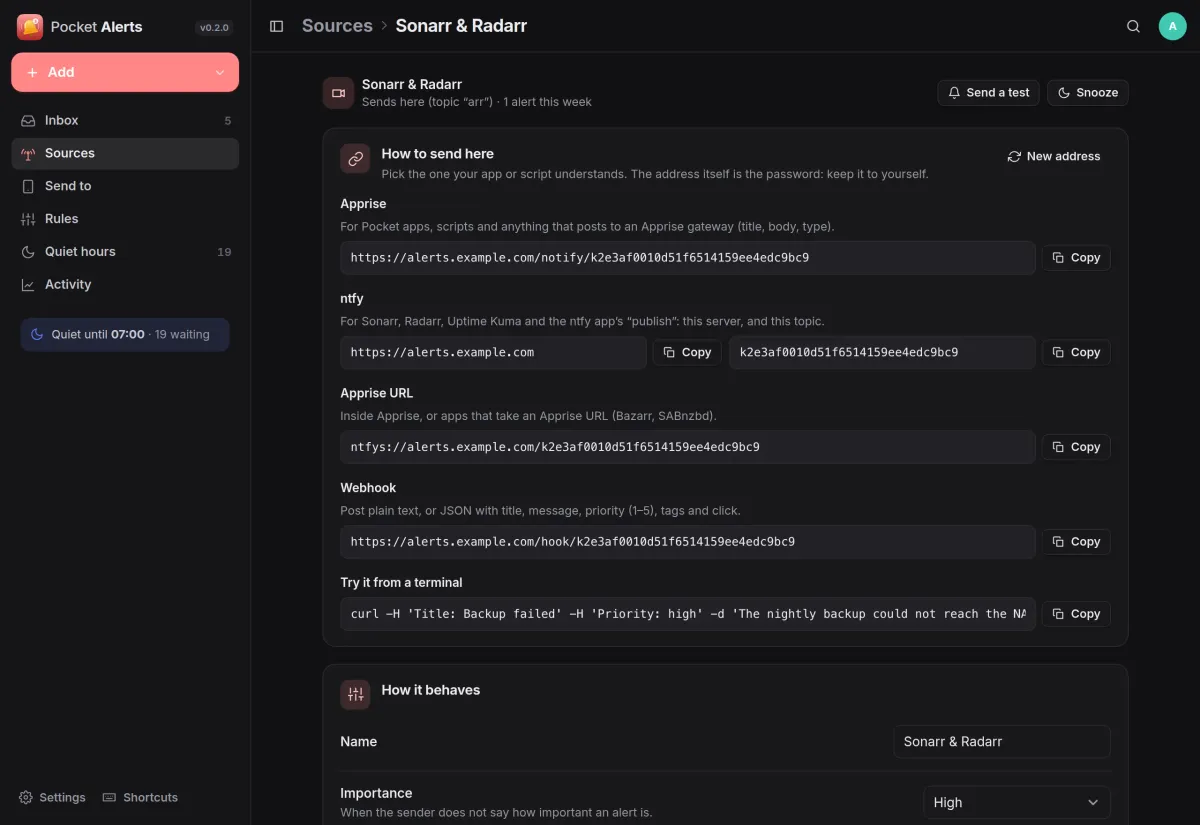
Each source gets one secret address that answers like an Apprise gateway, like an ntfy server and like a webhook. Paste it into Sonarr, Uptime Kuma, Bazarr or a script and you are done.
- Or follow topics on an ntfy server you already run
- Send a test, snooze a source, or mute it for good
- Alerts from other Pocket apps come in through Pocket Core
Quiet hours
Sleep through the small stuff.
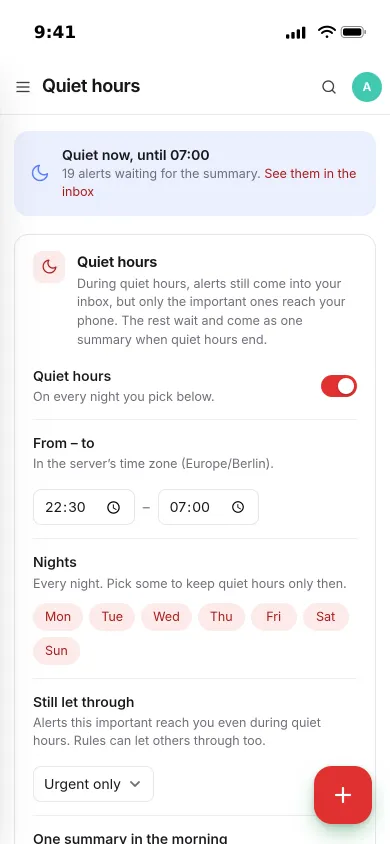
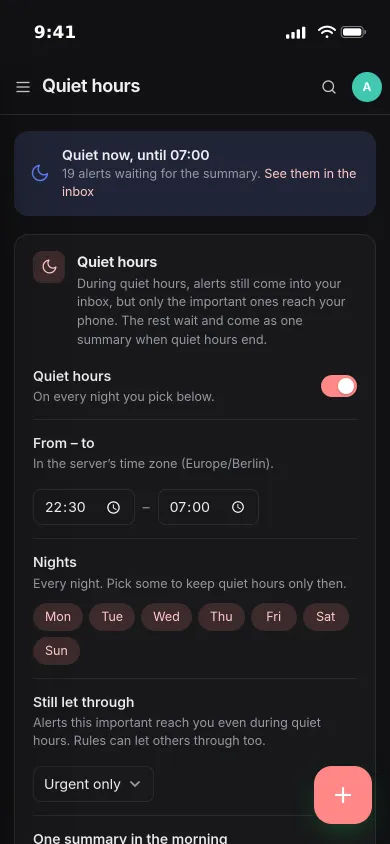
Pick the hours and the nights. Alerts still land in your inbox, only urgent ones reach your phone, and the rest arrive as one summary when quiet hours end.
- Choose how important an alert must be to get through
- The same alert again counts up on the open one and pings nobody
Rules
Rules you can check first.
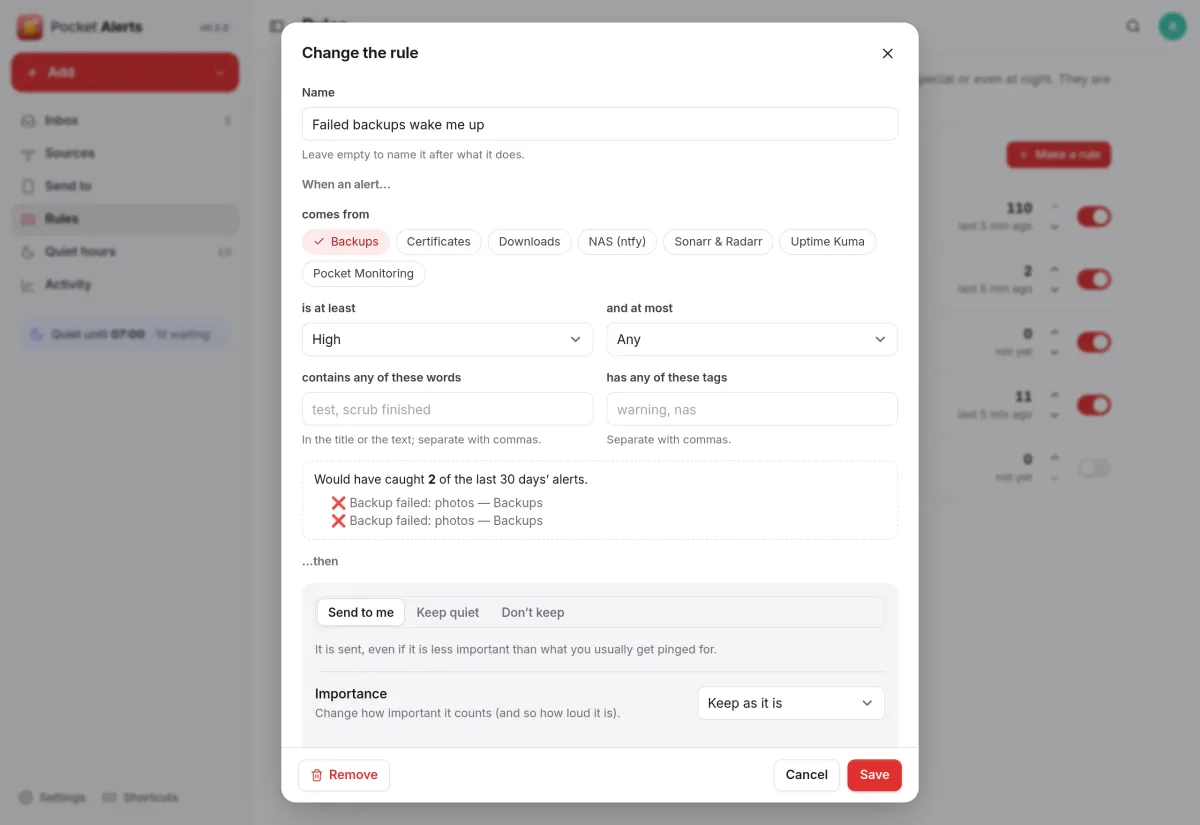
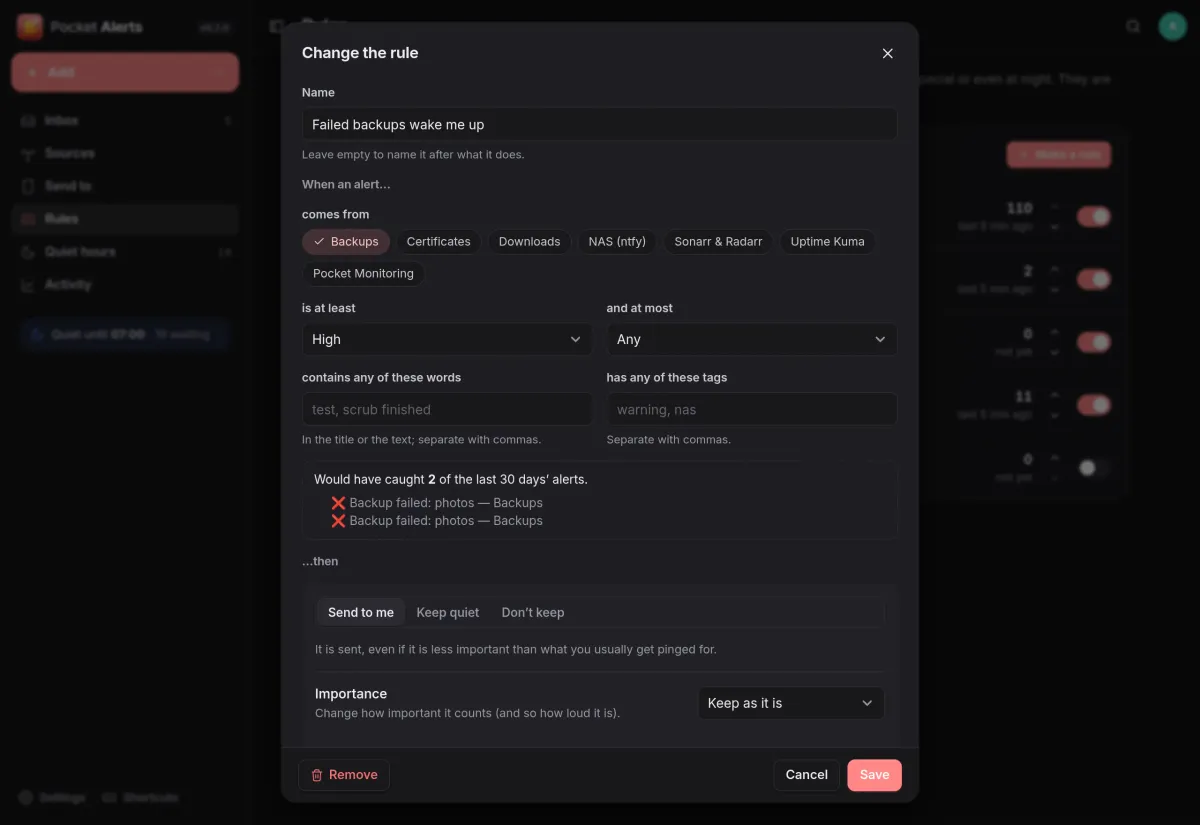
Rules are checked from the top: keep an alert quiet, don't keep it, or send it, to some channels only, with another importance, even at night. A preview shows what a rule would have caught in the last 30 days.
- Match on source, importance, words and tags
- “Keep alerts like this quiet” on any alert makes a rule for you
And the rest of it
Send it anywhere
Pushover, ntfy, any Apprise gateway (Telegram, Signal, email, Slack and more) or a webhook, each from an importance you choose.
Sends that are retried
Failed sends are tried again after 1, 5 and 15 minutes, and a channel that keeps failing tells you through another one.
Explain it, or make it a task
Have an alert explained in plain words with Pocket AI or your own OpenAI key, or turn it into a task in Pocket Tasks.
Everyone their own
Each person has their own sources, alerts, rules and channels, and admins see no one else's.
Install
One container, one volume.
Run the image, create the first account, add a source and copy its address into whatever sends alerts, then add your phone under Send to. Replacing an ntfy server or an Apprise gateway outright works too: give Pocket Alerts their ports and senders keep their addresses.
On a Pocket Box it is already installed and connected to Pocket Core.
docker run -d --name pocket-alerts -p 8080:8080 -v ./data:/data \
  -e BASE_URL=https://alerts.example.com -e SECURE_COOKIES=true \
  ghcr.io/abjelosevic88/pocket-homelab-alerts:latest
More in Platform
 Pocket Corev0.29.2The hub of your box: one sign-in for every app, one QR code to set up your phone, and apps that work together.
 Pocket Hubv0.6.1A personal home page for your box: your apps, today's tasks and meals, quick capture and widgets in one place.
 Pocket AIv0.42.3Claude Code and Codex on your own server, from any browser or phone, with approvals and scheduled checks.
 Pocket Flowsv0.1.1Automations for your server: when something happens, Flows sends a push, adds a task or calls a web address.