

Pocket AI
v0.42.3 · Self-hosted · MIT
Your coding agents, on your own server.
Pocket AI drives the Claude Code and Codex command-line tools already signed in on your server, so your subscriptions, settings, skills and MCP servers all apply. Start a task from the browser, watch the agent work, and approve what it wants to run from your phone.
- Included in Pocket Box
- Sign in with Pocket Core
- Works with Claude Code and Codex
Threads
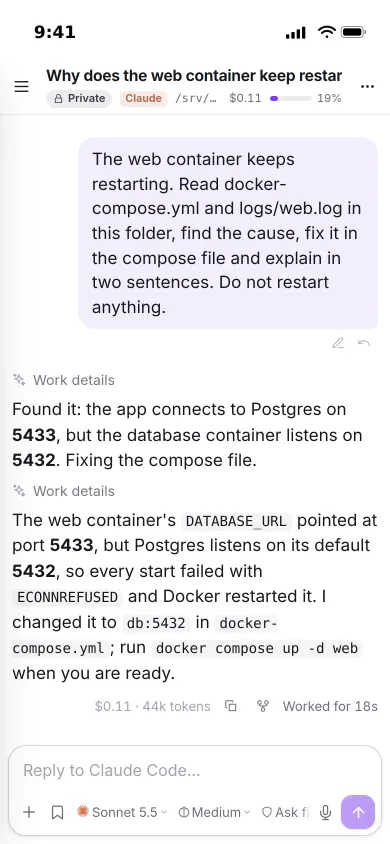
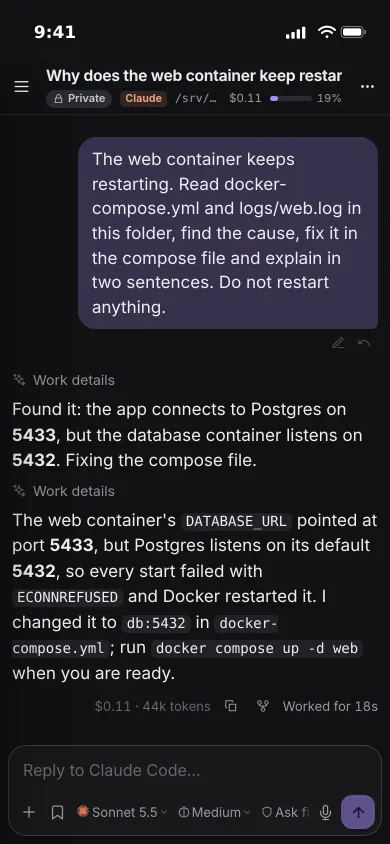
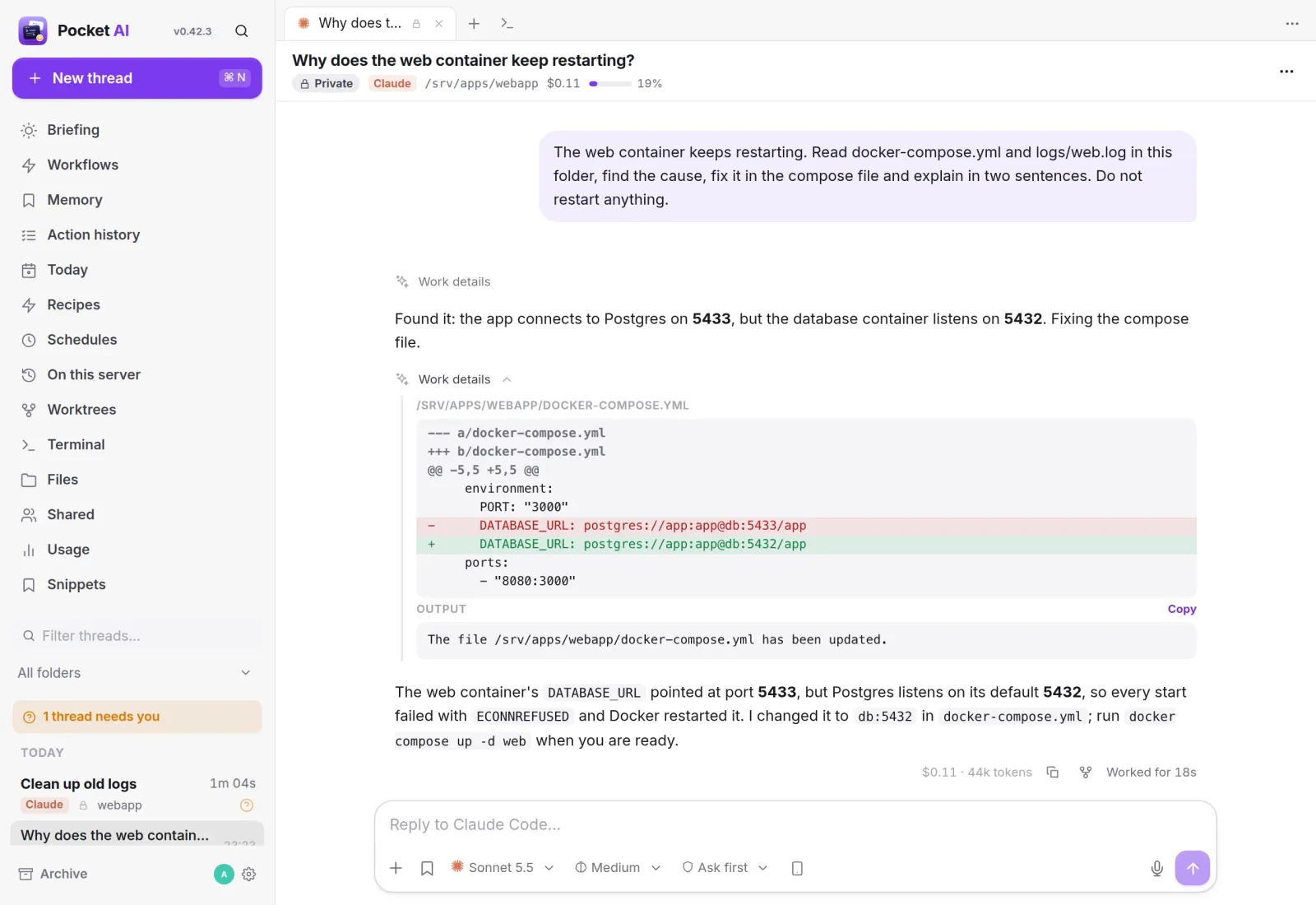
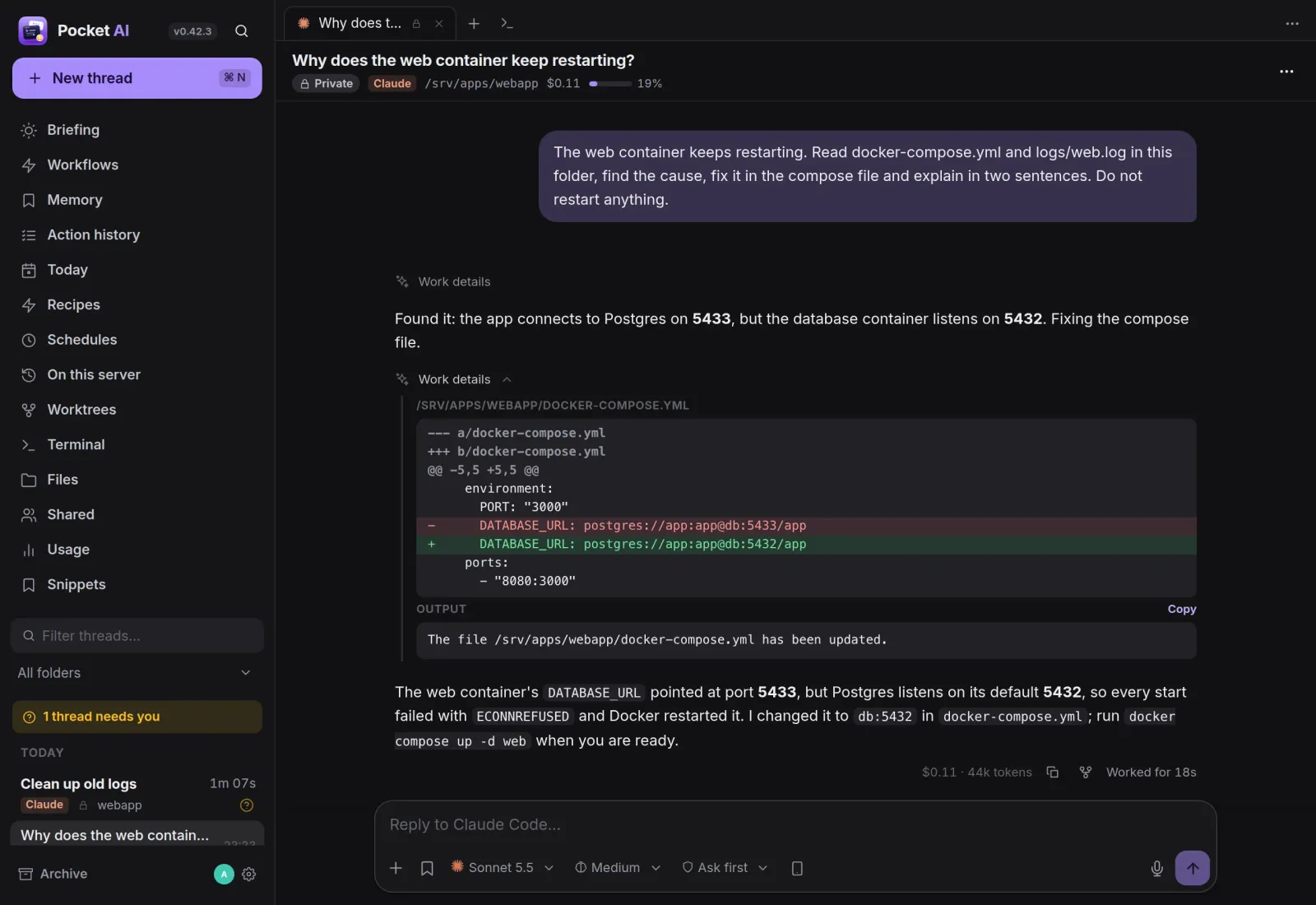
Watch it work. Read every change.
Every thread is a real CLI session. Text, tool calls, diffs and the agent’s to-do list stream in as it works, and the files it read stay one tap away.
Approvals
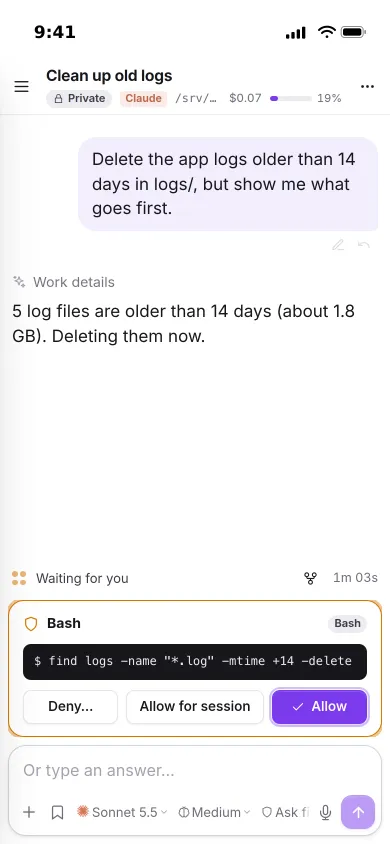
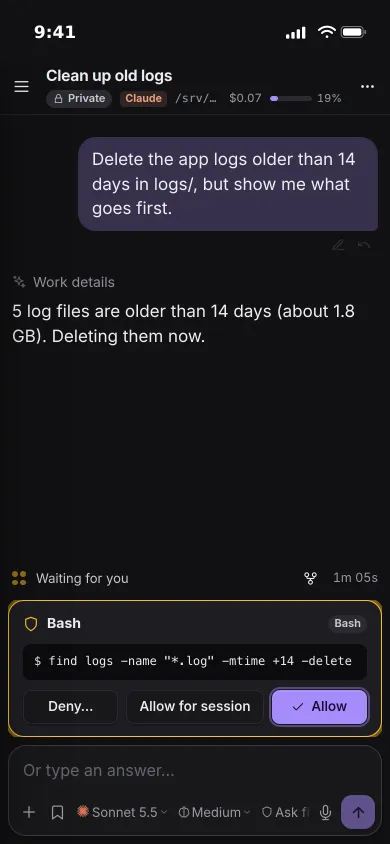
Approve from anywhere.
Permission requests, questions and plans appear as cards above the message box, with the exact command the agent wants to run.
- Allow once, allow for the session, or deny with a note
- A push notification when a turn is waiting for you
- Ask first, accept edits, plan or full access, changeable mid-thread
Schedules
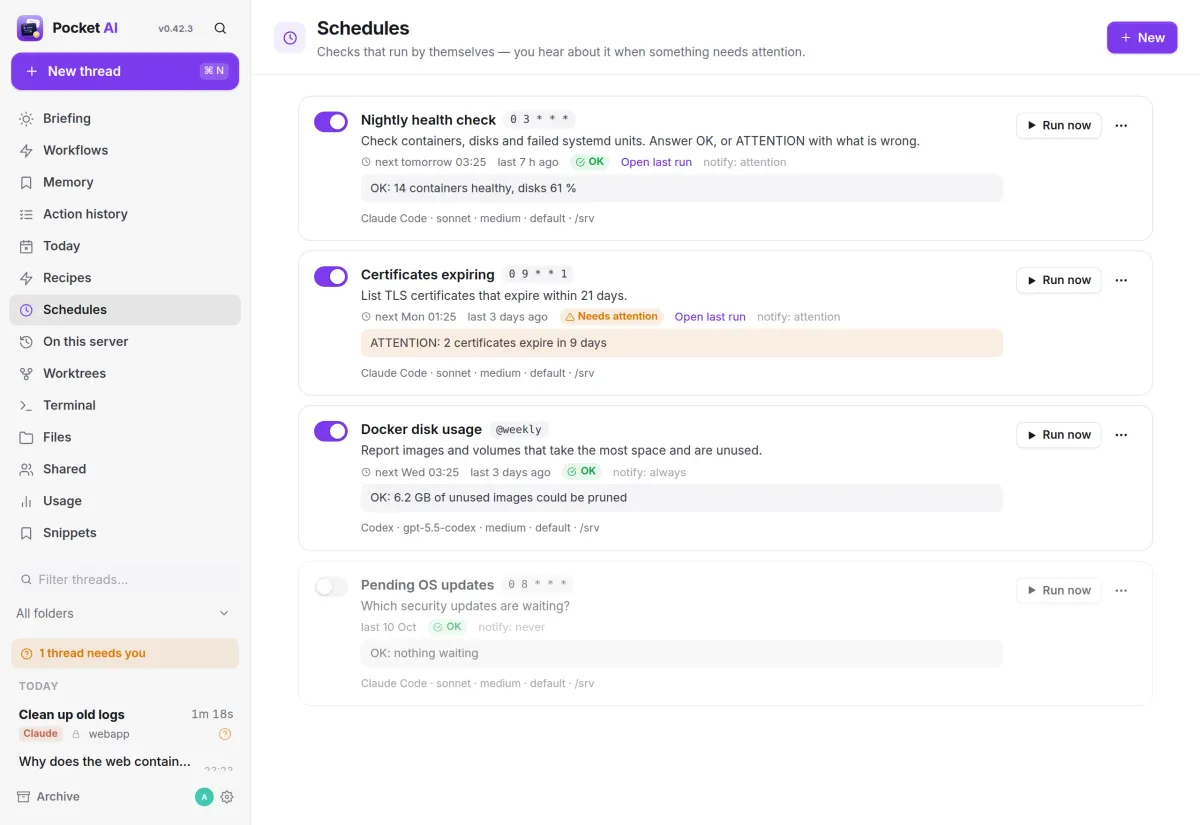
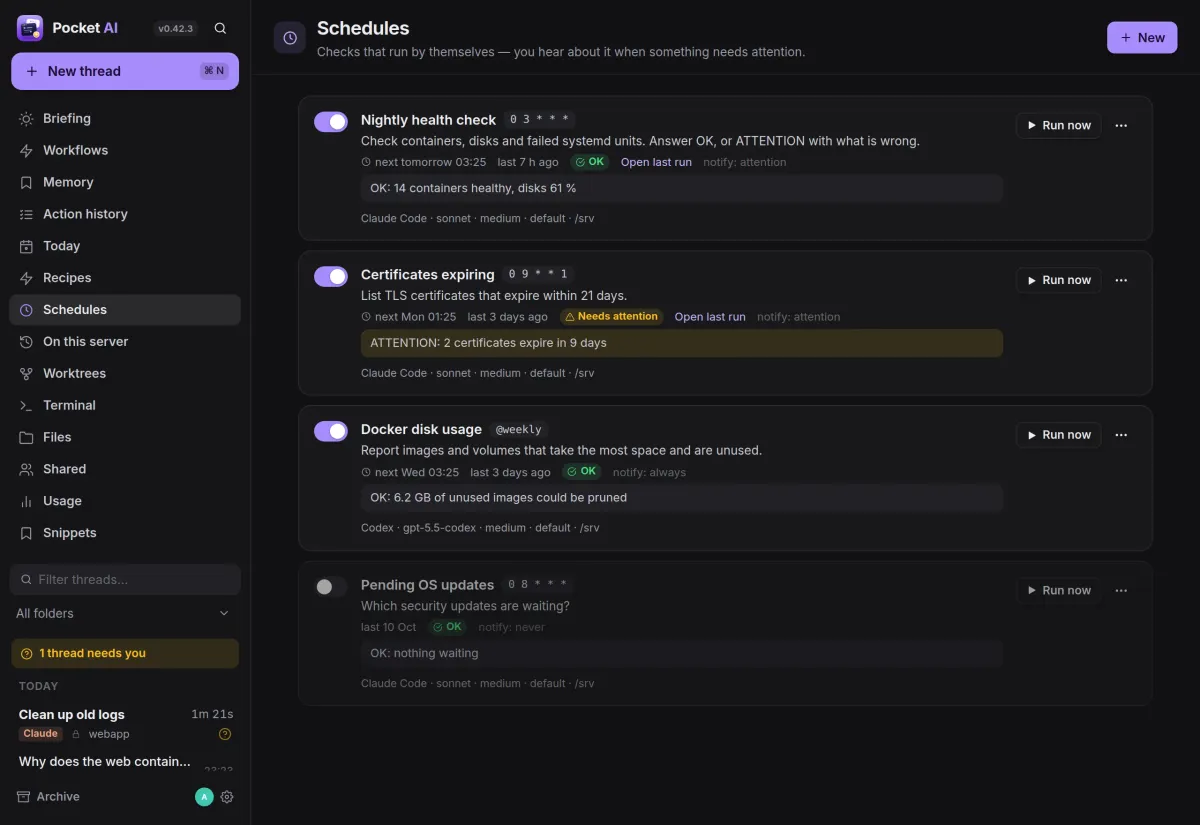
Checks that run themselves.
Save a prompt and let it run every few minutes, daily, weekly or on a cron line. The agent answers OK or ATTENTION, and you hear about it only when something needs you.
- Notify always, only on attention, or never
- Each run is a thread you can open and continue
- Claude Code or Codex, with its own model and folder
Start
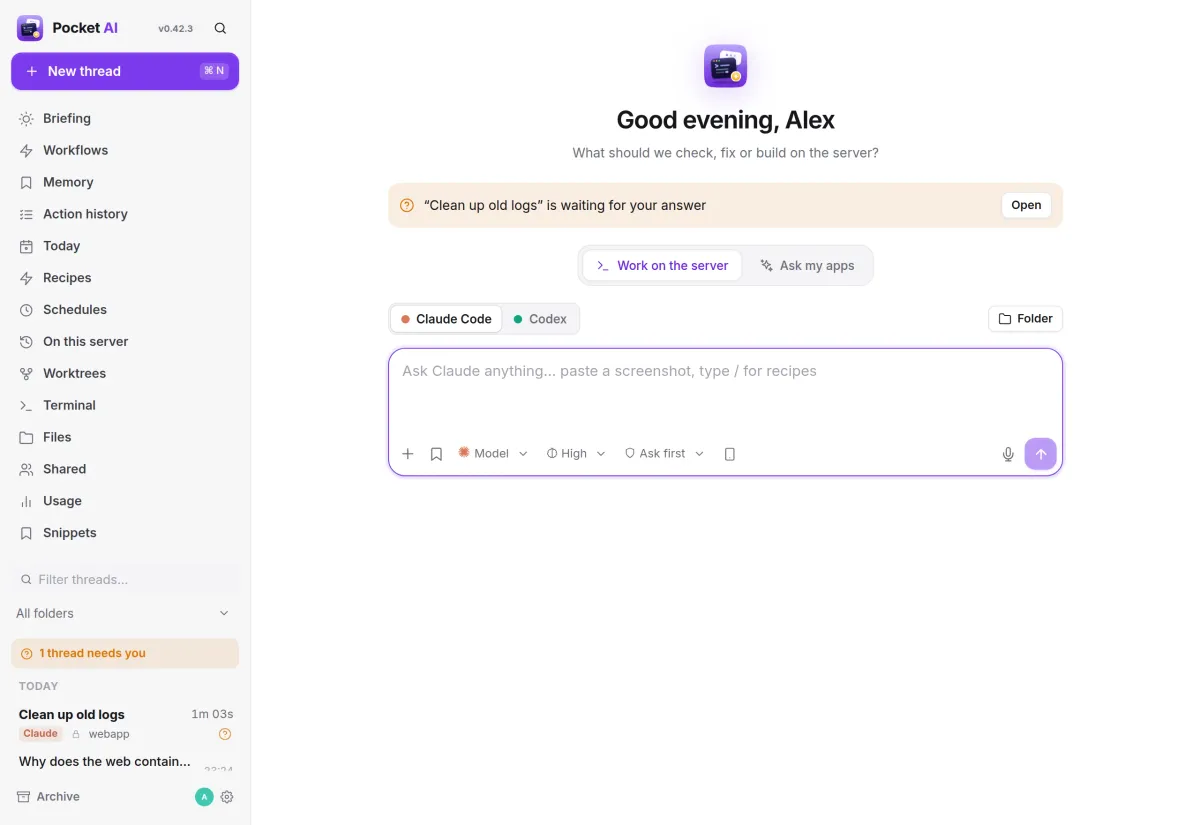
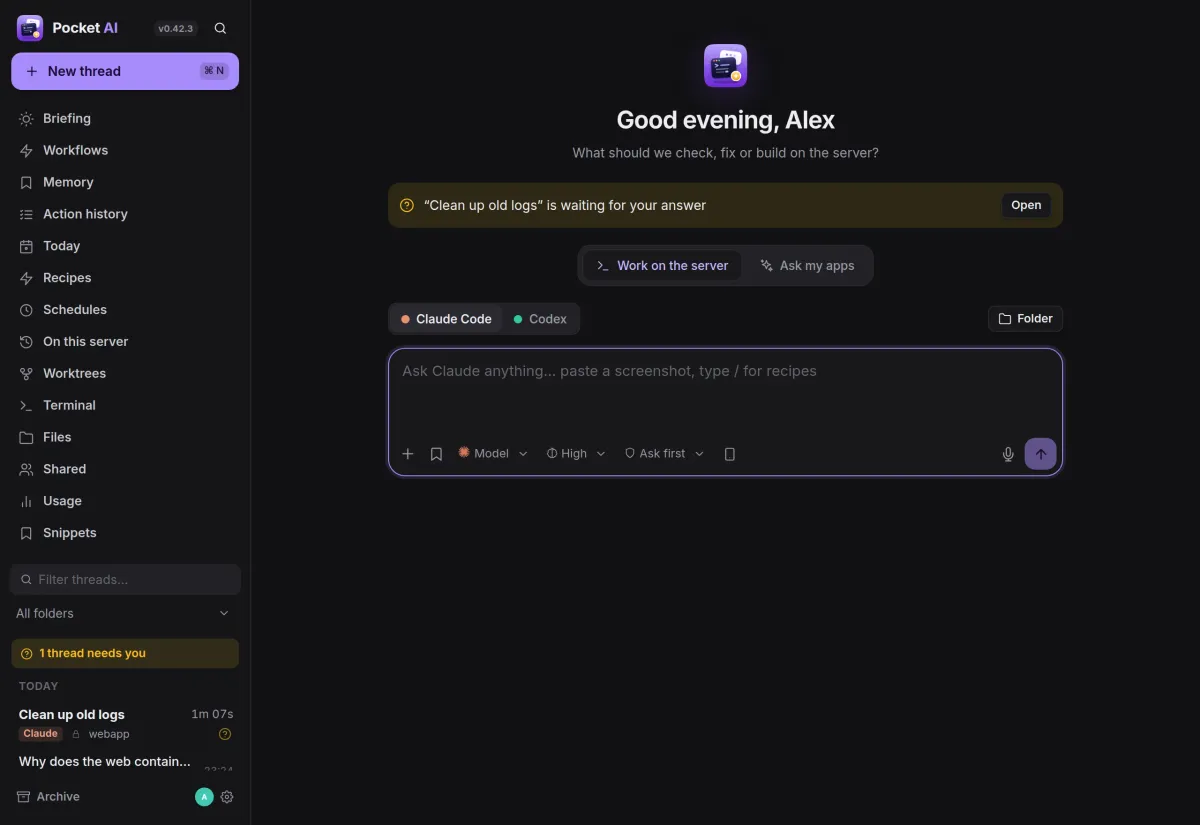
One box for every task.
Pick Claude Code or Codex, the folder, model, effort and mode, then type. Recipes with placeholders run your common checks in one tap, and threads waiting for you are pinned on top.
- Paste or drag in a screenshot, or use the iPhone camera
- Type / to run a recipe
- Ask my apps answers from your Pocket apps through Pocket Core
And the rest of it
Worktrees for parallel work
Switch on Worktree and the agent gets its own git branch and folder, so several agents can change one repository at once. Commit, merge, push and open a pull request from the thread.
Real, resumable sessions
Threads survive a restart. Sessions you started in a terminal are listed too, so you can open and continue them here.
Everyone in their own sandbox
Each person uses their own Claude or Codex login and works in their own folder, in a bubblewrap jail that sees that folder and nothing else.
Usage at a glance
Cost, tokens and how full the context is on every thread; usage per day and per provider, and your plan’s limits.
Install
Runs on the host, as you.
Pocket AI drives the CLIs of the user it runs as, with that user’s files, PATH and logins, so it runs on the host rather than in a container. Treat access to it like SSH access and keep it behind your reverse proxy on a private network.
On a Pocket Box it is already installed with Codex. Claude Code is unfree, so you add it yourself.
make all                       # web UI + binary
make install                   # → ~/.local/bin/pocket-ai
make service                   # systemd user unit
loginctl enable-linger $USER   # keep it running
More in Platform
 Pocket Corev0.29.2The hub of your box: one sign-in for every app, one QR code to set up your phone, and apps that work together.
 Pocket Hubv0.6.1A personal home page for your box: your apps, today's tasks and meals, quick capture and widgets in one place.
 Pocket Flowsv0.1.1Automations for your server: when something happens, Flows sends a push, adds a task or calls a web address.
 Pocket Alertsv0.2.0One inbox for every alert your server and apps send, with only what matters reaching your phone.