
Pocket Flows
v0.1.1 · Self-hosted · MIT
When something happens, your server does the rest.
Pocket Flows runs automations on your own server. A price drops, a document arrives, an invoice is paid, a time of day comes round or a webhook fires, and Flows sends a push, adds a task, records a transaction, calls a web address or asks AI. Every run is kept with what each step did.
- Included in Pocket Box
- Sign in with Pocket Core
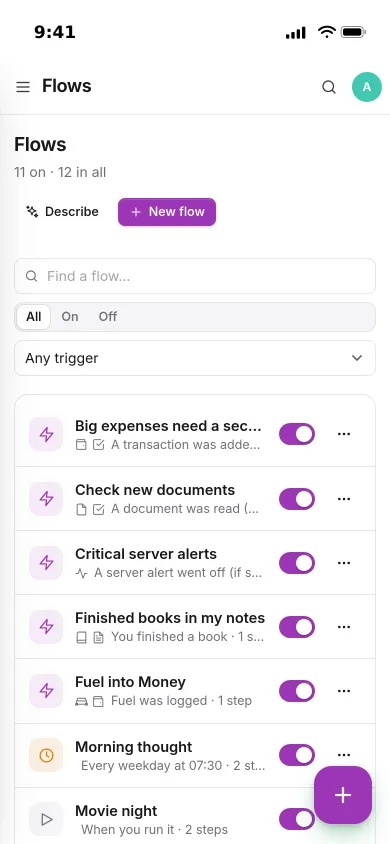
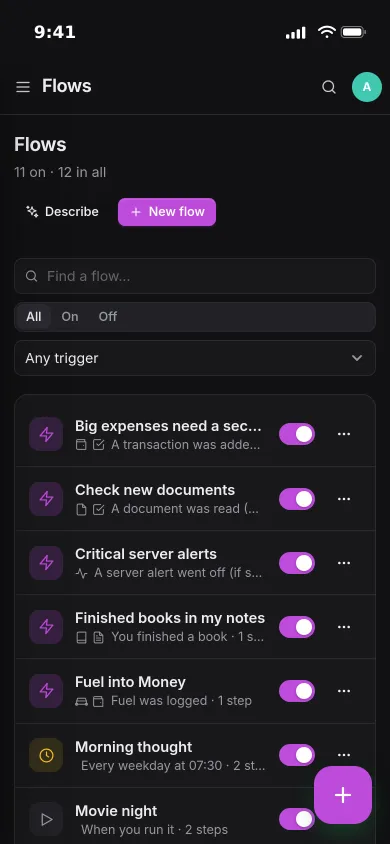
Overview
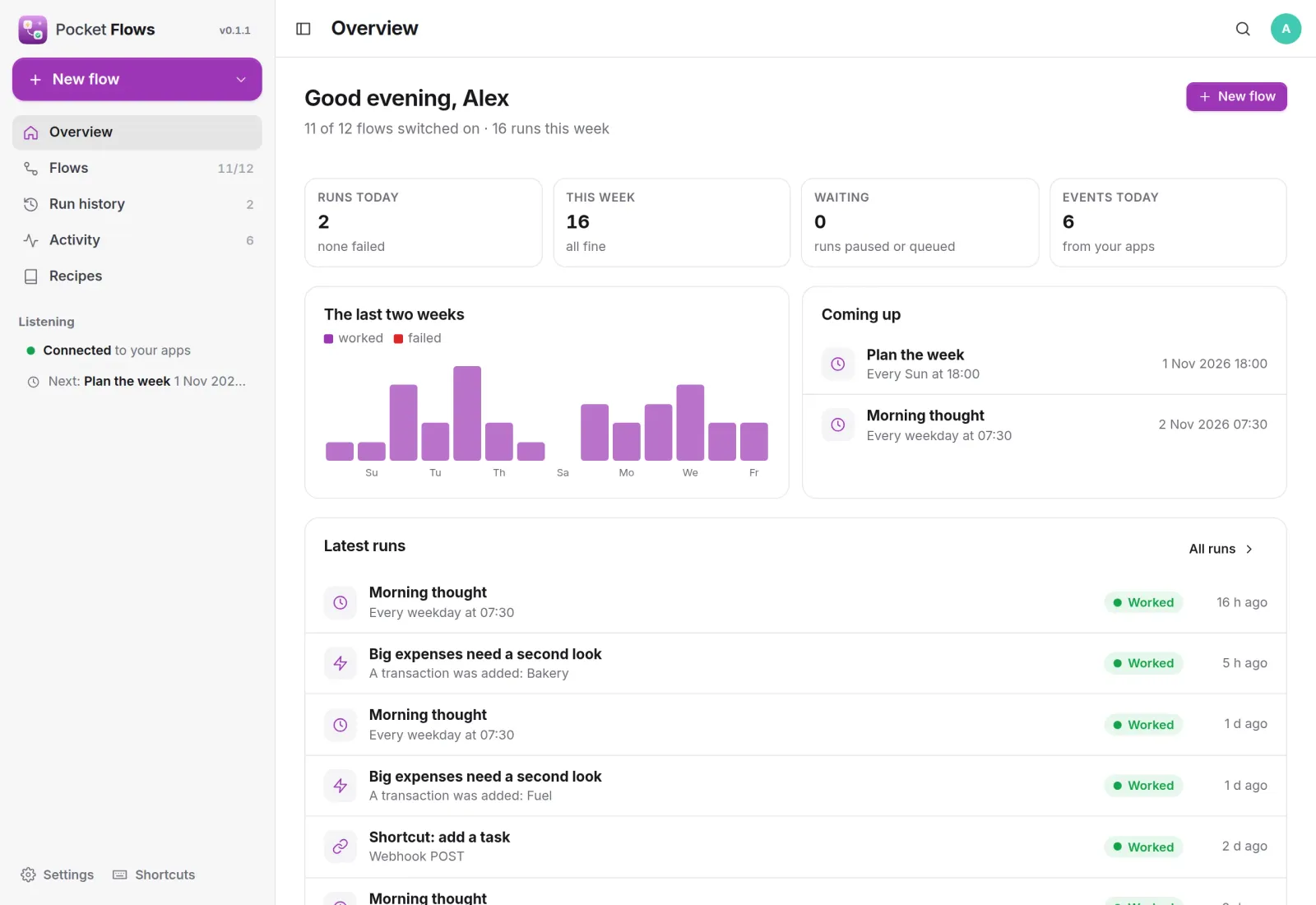
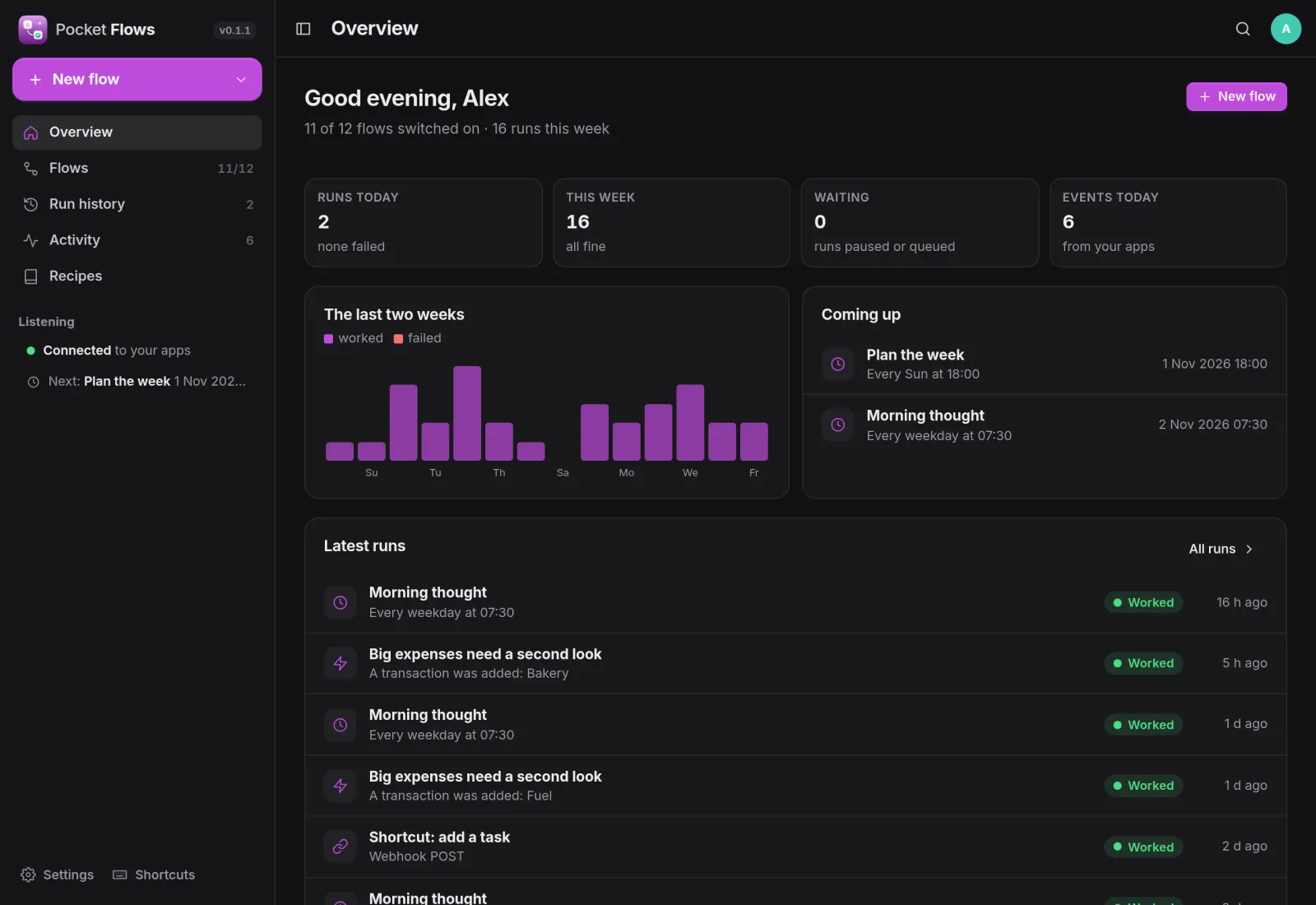
What ran, what is next, what needs you.
Runs today and this week, the last two weeks at a glance, what runs next and the latest runs. The sidebar shows whether Flows is listening to your apps.
Editor
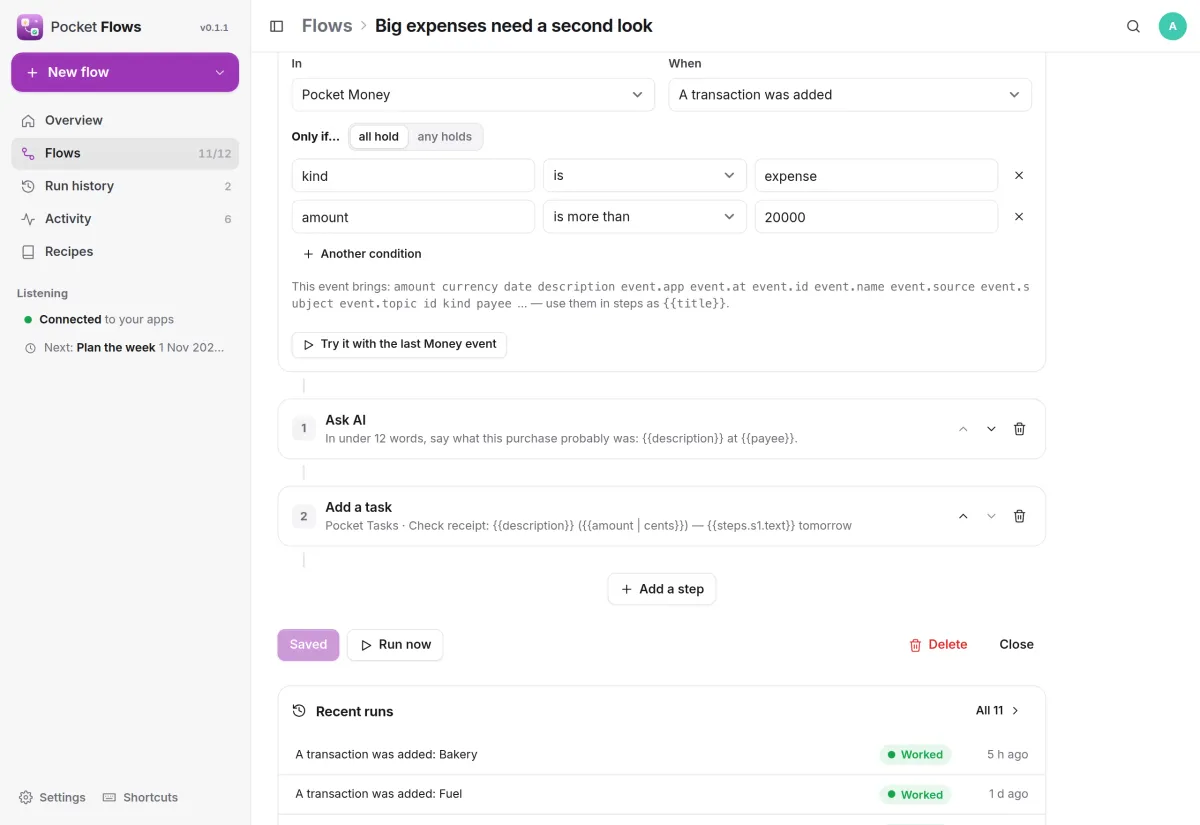
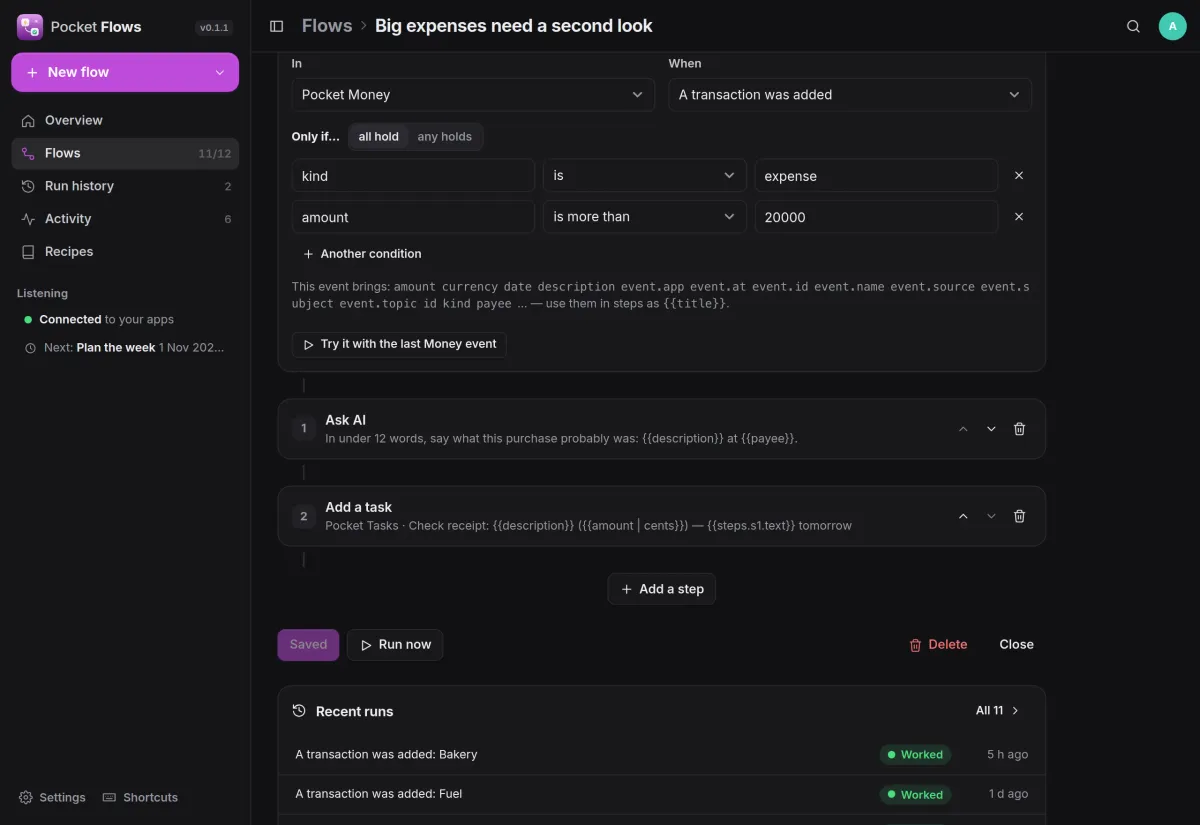
When this happens, do these steps.
Pick a trigger, add conditions on any field, then the steps. Here every expense over 200 in Pocket Money gets a short AI guess at what it was and becomes a task to check the receipt.
- Triggers: an event in a Pocket app, a schedule, a private webhook, or by hand
- Placeholders from the trigger and earlier steps, picked from a list
- Try a flow with the last real event before you switch it on
Runs
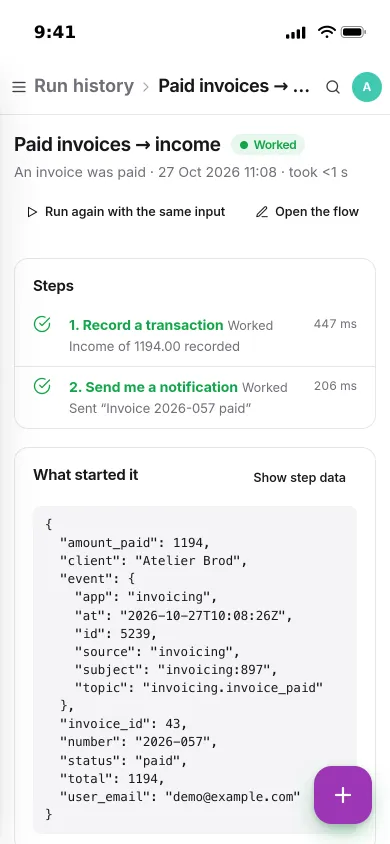
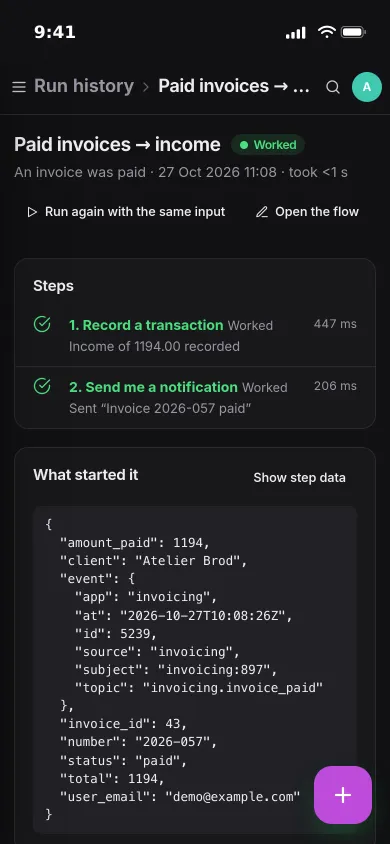
Every run, step by step.
Each run shows what started it and what every step did, with how long it took. A paid invoice was booked as income and a push went out, both in under a second.
- Steps that fail for a reason that may pass are retried after 1, 5 and 20 minutes
- A push when a flow fails, and another when it works again
- Run again with the same input, or retry from the step that failed
Recipes
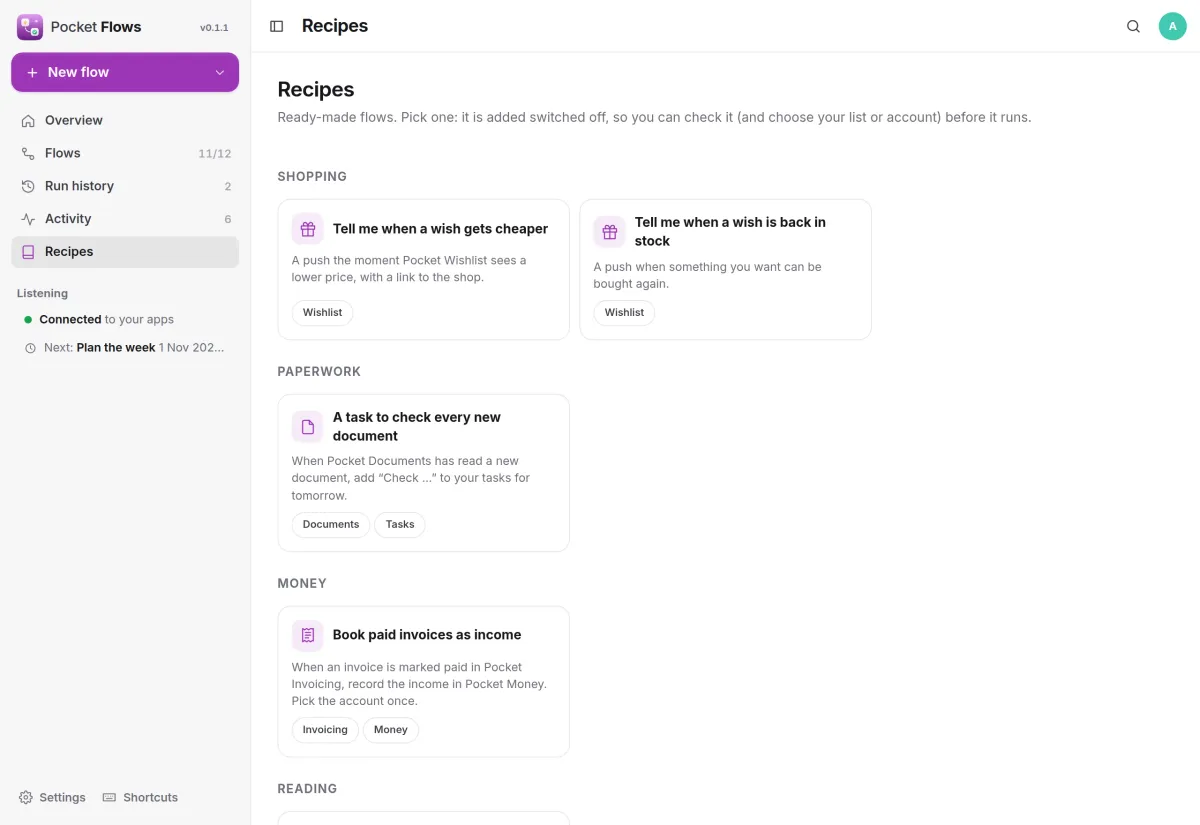
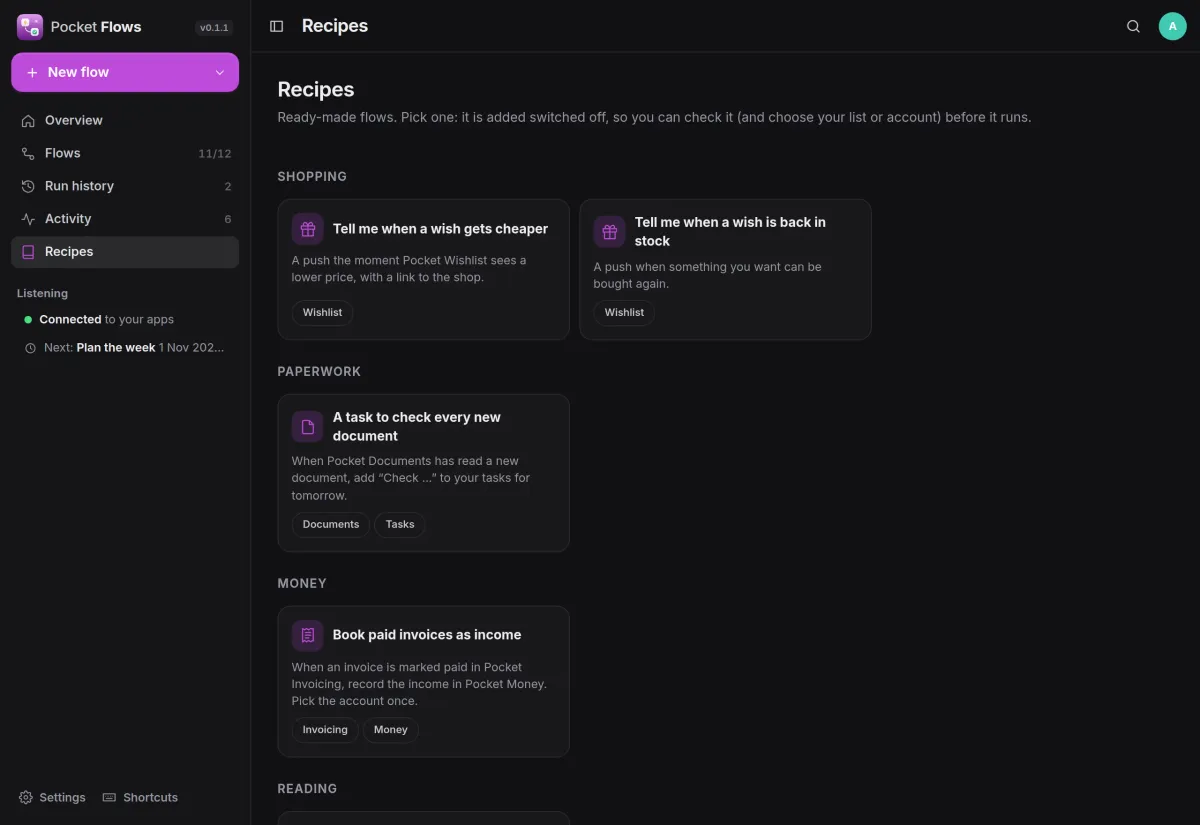
Start from a recipe.
Sixteen ready-made flows for price drops, new documents, paid invoices, finished books, server alerts and more. Each one is added switched off, so you can check it before it runs.
- Or describe a flow in a sentence and let AI draft it
- Import n8n workflow exports; what cannot carry over is listed
And the rest of it
Waits that survive restarts
A step can wait minutes or days. Runs are durable, so a restart or a 30-day wait picks up where it left off.
Activity from your apps
See what your Pocket apps told Flows in the last 30 days, and turn any of it into a flow in one click.
Notifications your way
Send to Apprise, ntfy or any webhook, or call a web address and use its answer in later steps.
Everyone their own
Each person has their own flows, runs, events and connections, and admins see no one else's. Members' web steps cannot reach the local network unless an admin allows it.
Install
One container, one volume.
Run the image, open it and create the first account. Schedules, webhooks and manual runs work on their own. With Pocket Core, Flows also hears events from your Pocket apps and acts in them for you, with nothing to paste.
On a Pocket Box it is already installed and connected to Pocket Core.
docker run -d --name pocket-flows -p 8080:8080 -v ./data:/data \
  -e BASE_URL=https://flows.example.com -e SECURE_COOKIES=true \
  ghcr.io/abjelosevic88/pocket-homelab-flows:latest
More in Platform
 Pocket Corev0.29.2The hub of your box: one sign-in for every app, one QR code to set up your phone, and apps that work together.
 Pocket Hubv0.6.1A personal home page for your box: your apps, today's tasks and meals, quick capture and widgets in one place.
 Pocket AIv0.42.3Claude Code and Codex on your own server, from any browser or phone, with approvals and scheduled checks.
 Pocket Alertsv0.2.0One inbox for every alert your server and apps send, with only what matters reaching your phone.