
Pocket Hub
v0.6.1 · Self-hosted · MIT
Your whole box, one home screen.
Pocket Hub is the front door of a Pocket Box. Sign in with Pocket Core and you see your apps, today's tasks, habits, meals and notes, and widgets you arrange yourself. Apps open inside the hub and keep their place while you move around.
- Included in Pocket Box
- Sign in with Pocket Core
- Works with Pocket Core
Home
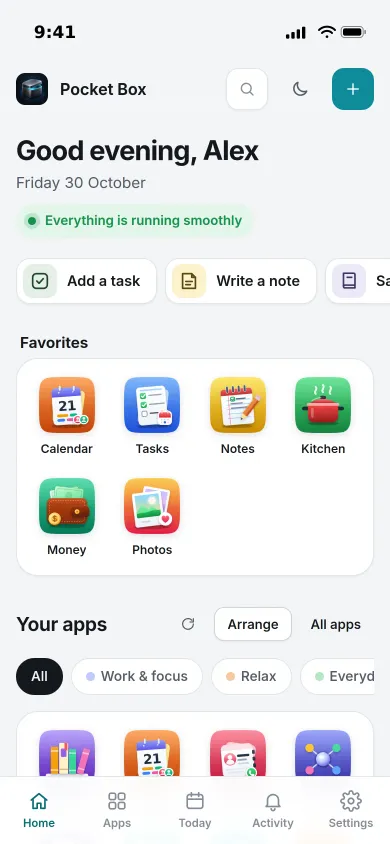
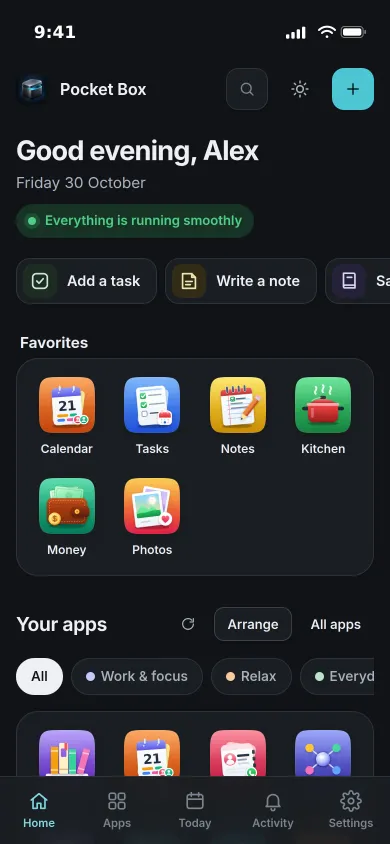
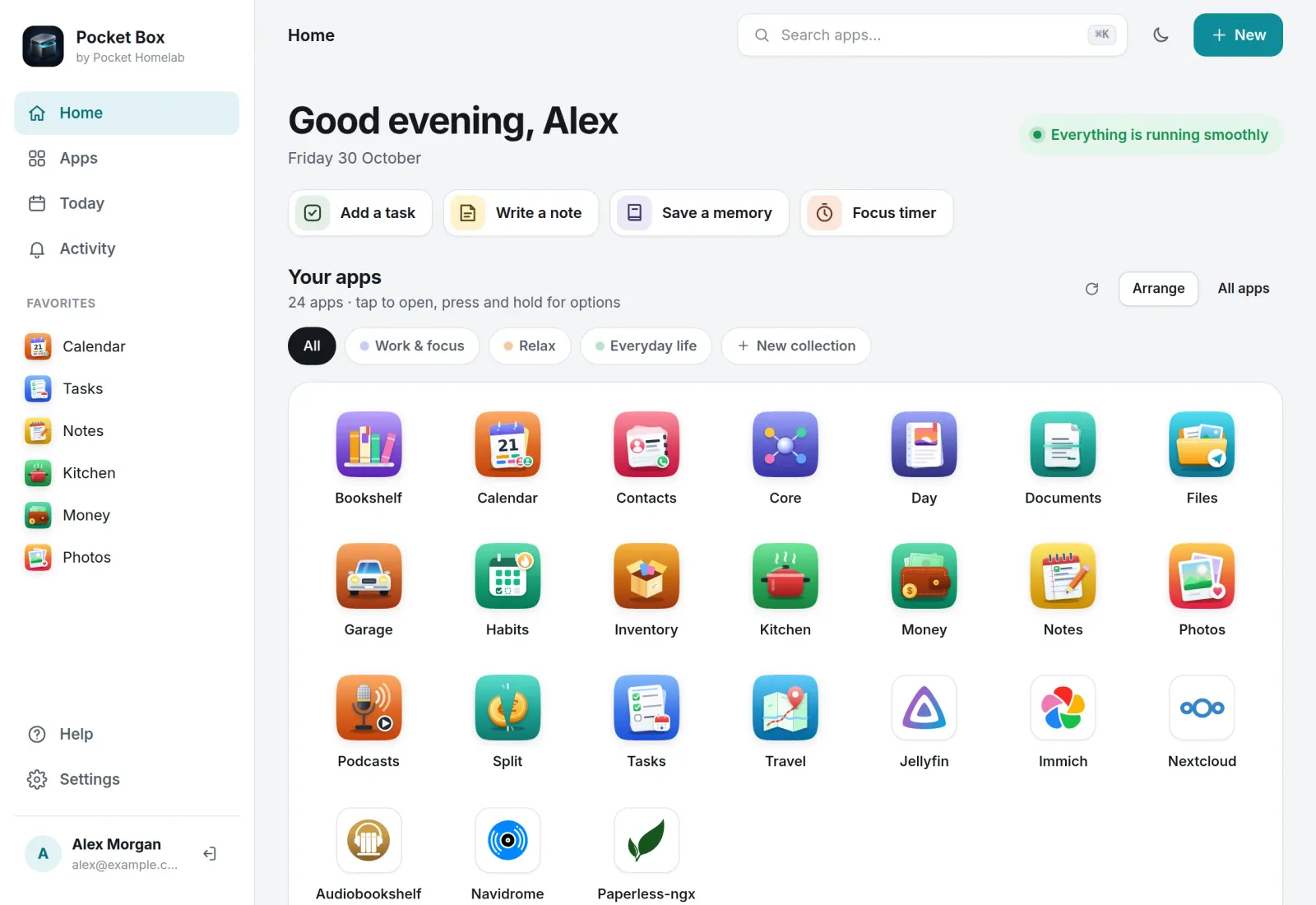
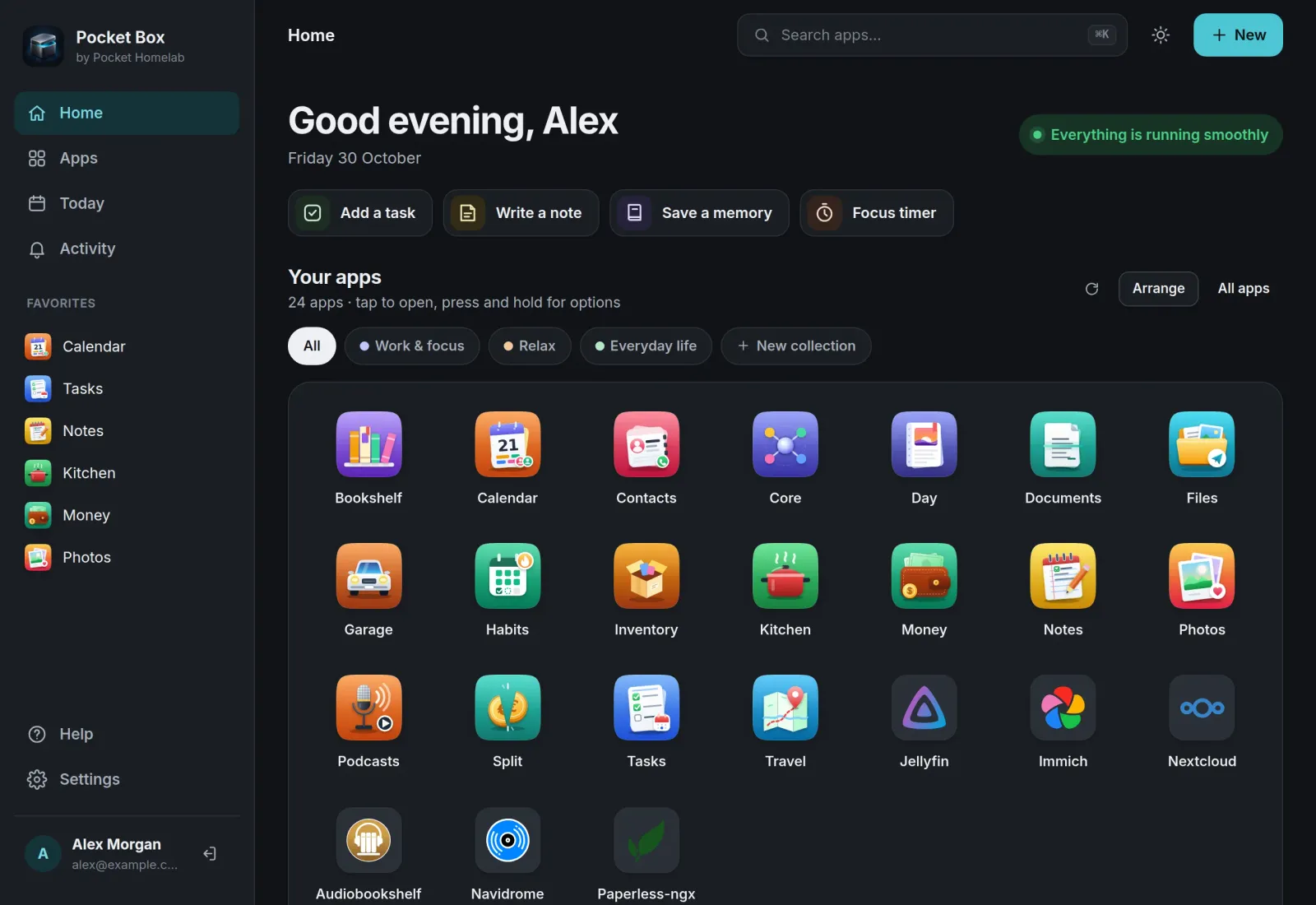
Every app you may use, in one place.
The hub has no app list of its own. It reads yours from Pocket Core, so each person sees exactly the Pocket apps and services they are allowed to use, with a health check for each.
Today
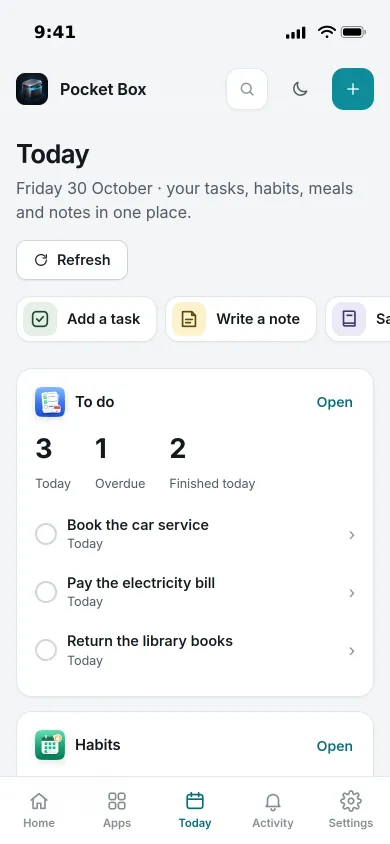
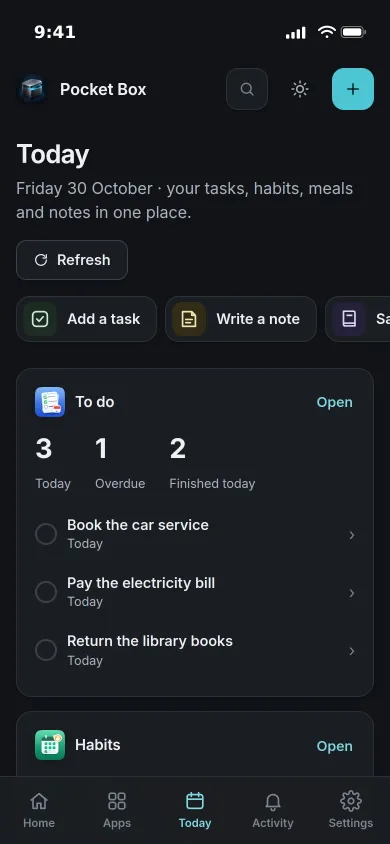
Your day, from all your apps.
Today gathers the tasks that are due, your habit check-ins, the meals you planned and your latest notes into one view. Tap an item and it opens in its app.
- Add a task, write a note or save a memory without leaving the page
- Each source refreshes on its own and says plainly when it is unavailable
- Unfinished drafts are kept while you move around the hub
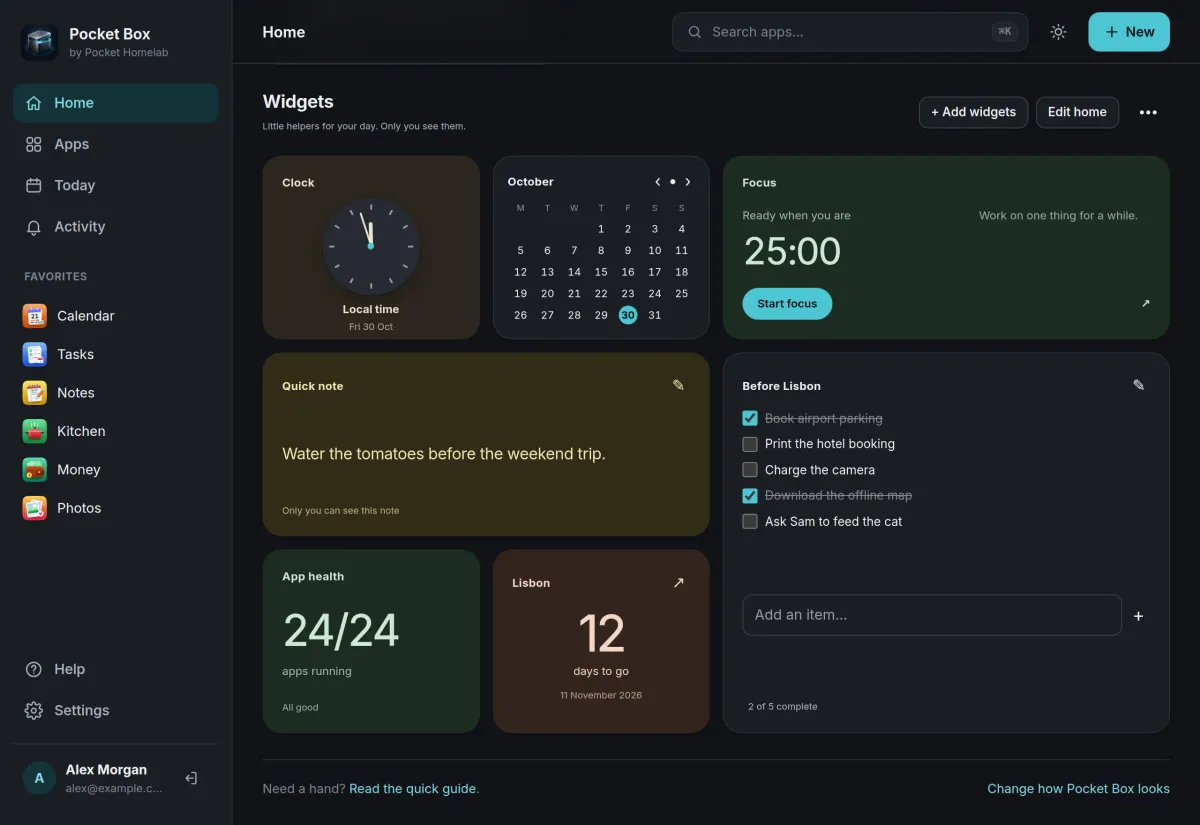
Widgets
A home that is yours.
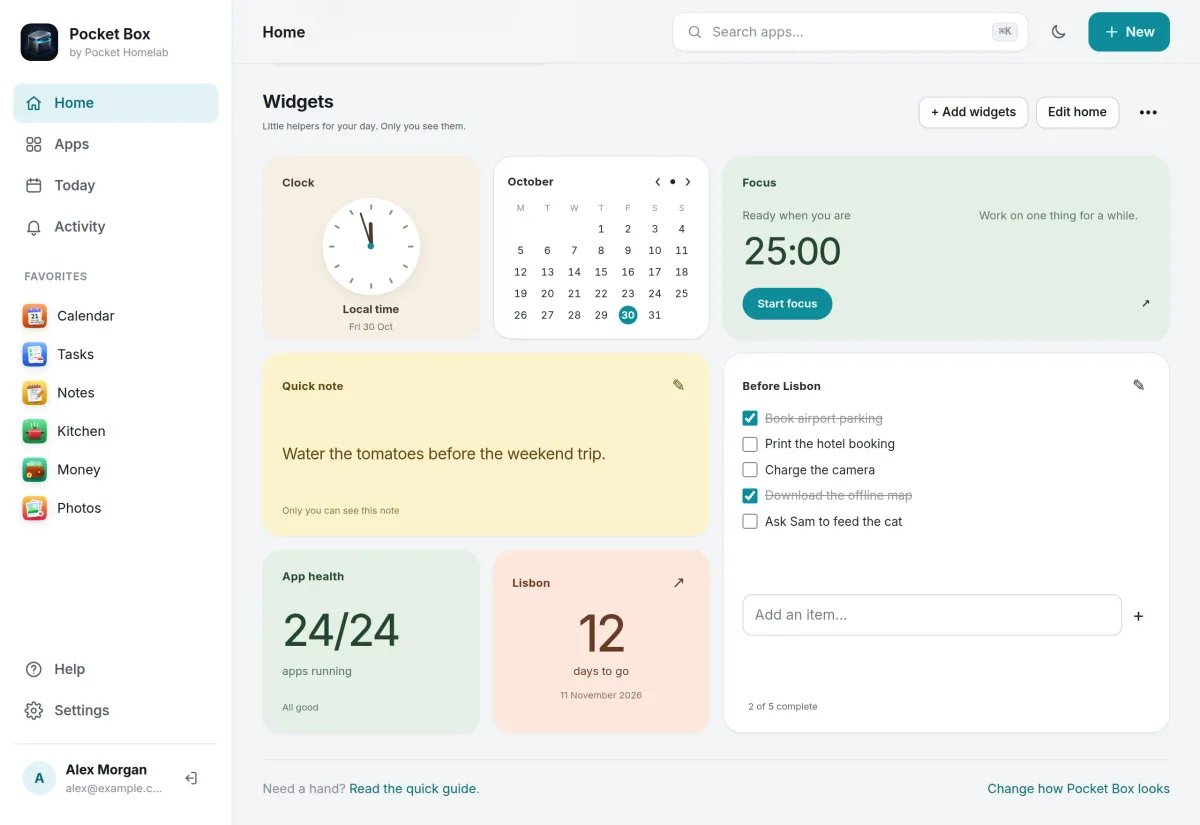
Pick from 19 widget types, such as a clock, calendar, focus timer, quick note, checklist, countdown or app health, and live ones for Tasks, Habits, Kitchen and Notes. Your layout and notes are saved to your account.
- Up to 24 widgets in small, medium or large
- Arrange them by touch, mouse or keyboard
- Remove one with undo, or bring back the starter set
Activity
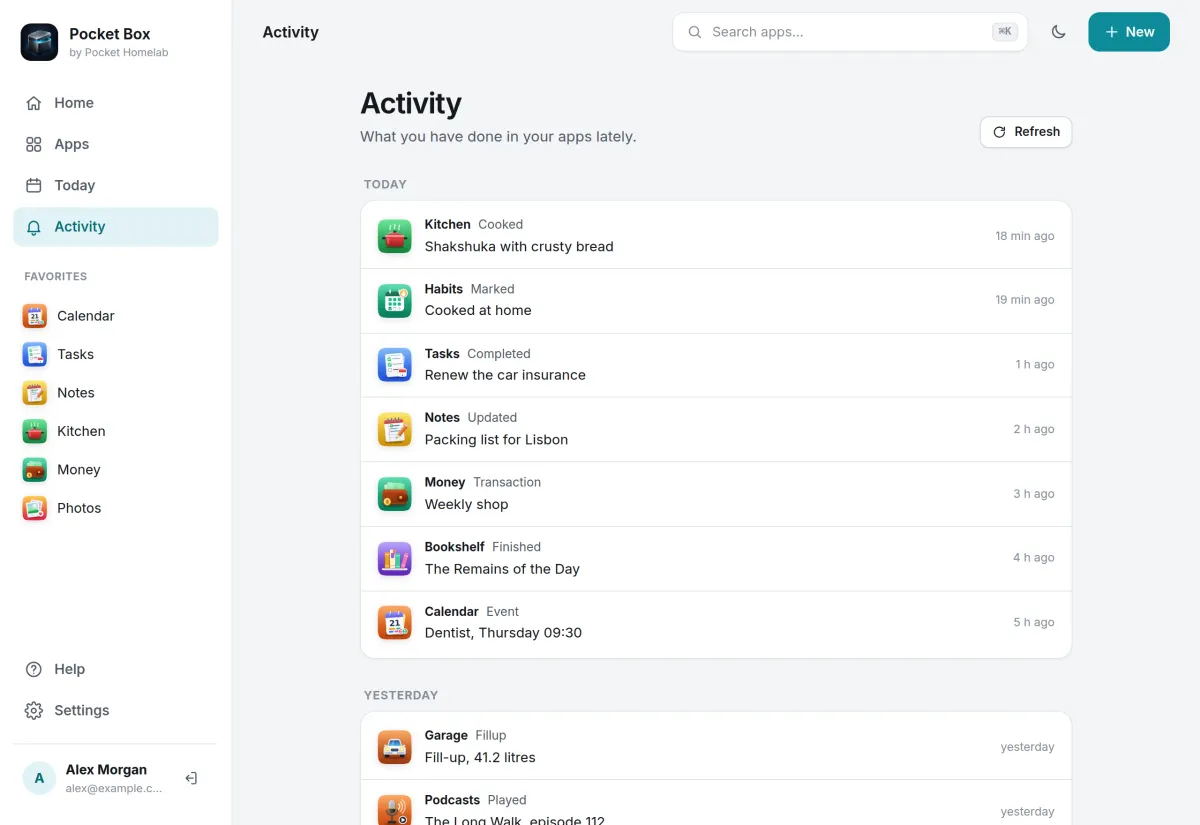
What you did, day by day.
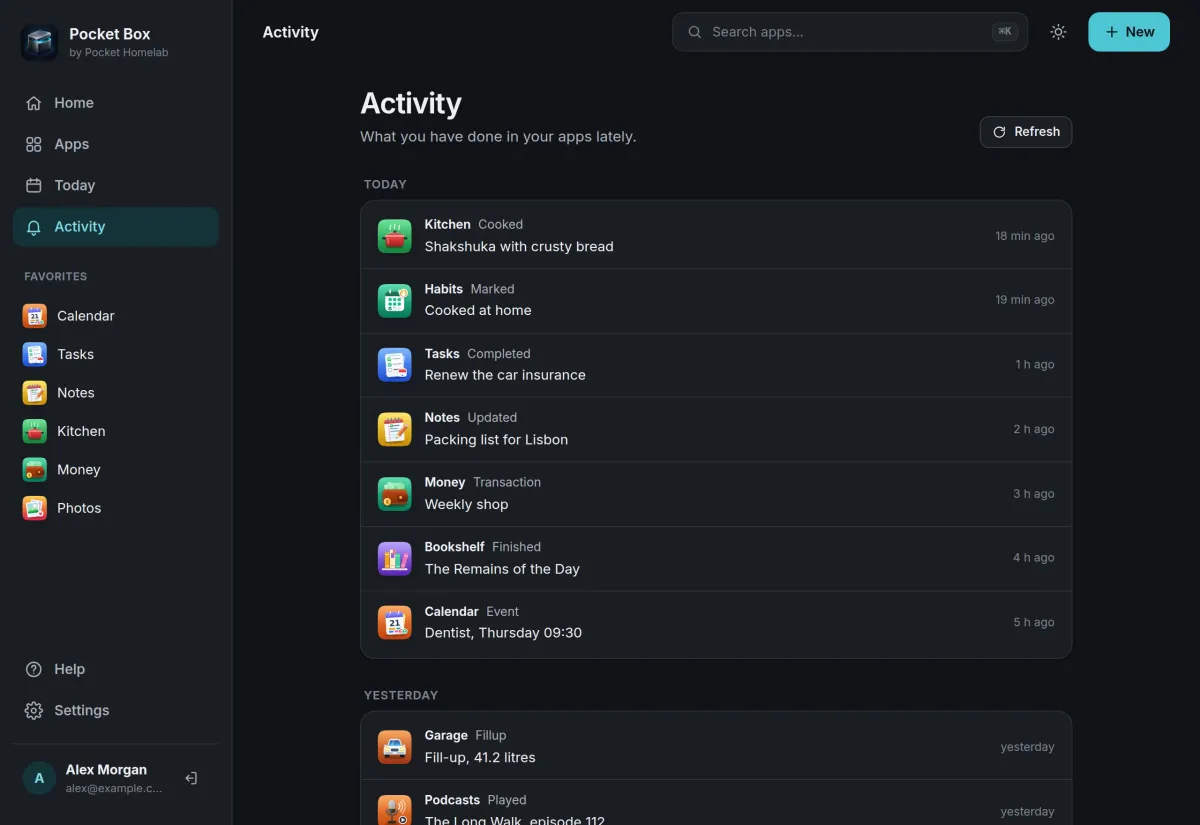
Activity lists what your apps recorded about you, like a recipe cooked, a task finished or a book read, grouped by day. Each person sees their own, and the admin can see the household's too.
- Read through Pocket Core links that anyone can switch off
- Events that name a person are shown only to that person
And the rest of it
Apps open inside the hub
Apps open as tabs with the hub's navigation around them, and keep their state while you go home or switch. Pocket apps sign you in as yourself.
Search by intent
Press Cmd+K and type an app or what you want to do, like plan dinner. Matching runs in your browser against your own apps.
Spaces and favourites
Save sets of apps for focus, downtime or everyday life, pin favourites to the sidebar, reorder apps and hide the ones you never open.
A focus room
Start a 15, 25 or 50 minute session, pause it, leave and come back to it later.
Install
Nothing of its own to set up.
The hub needs Pocket Core: give it the Core address and registration key, open it and press Sign in with Pocket Core. Everything you see after that comes from Core, so there is no app list to maintain.
On a Pocket Box it is already installed and connected to Pocket Core.
docker run -d --name pocket-hub -p 8080:8080 -v ./data:/data \
  -e BASE_URL=https://hub.example.com -e SECURE_COOKIES=true \
  -e CORE_URL=http://pocket-core:8080 -e CORE_REGISTRATION_KEY=pcreg_… \
  ghcr.io/abjelosevic88/pocket-homelab-hub:latest
More in Platform
 Pocket Corev0.29.2The hub of your box: one sign-in for every app, one QR code to set up your phone, and apps that work together.
 Pocket AIv0.42.3Claude Code and Codex on your own server, from any browser or phone, with approvals and scheduled checks.
 Pocket Flowsv0.1.1Automations for your server: when something happens, Flows sends a push, adds a task or calls a web address.
 Pocket Alertsv0.2.0One inbox for every alert your server and apps send, with only what matters reaching your phone.