

Pocket Reader
v0.1.1 · Self-hosted · MIT
Your feeds and your read-later list, in one calm place.
Pocket Reader follows websites, blogs, newspapers and YouTube channels, and keeps any page you save as a clean article without the noise around it. Highlight what matters, let rules sort new posts for you, and keep using the RSS app on your phone.
- Included in Pocket Box
- Sign in with Pocket Core
Feeds
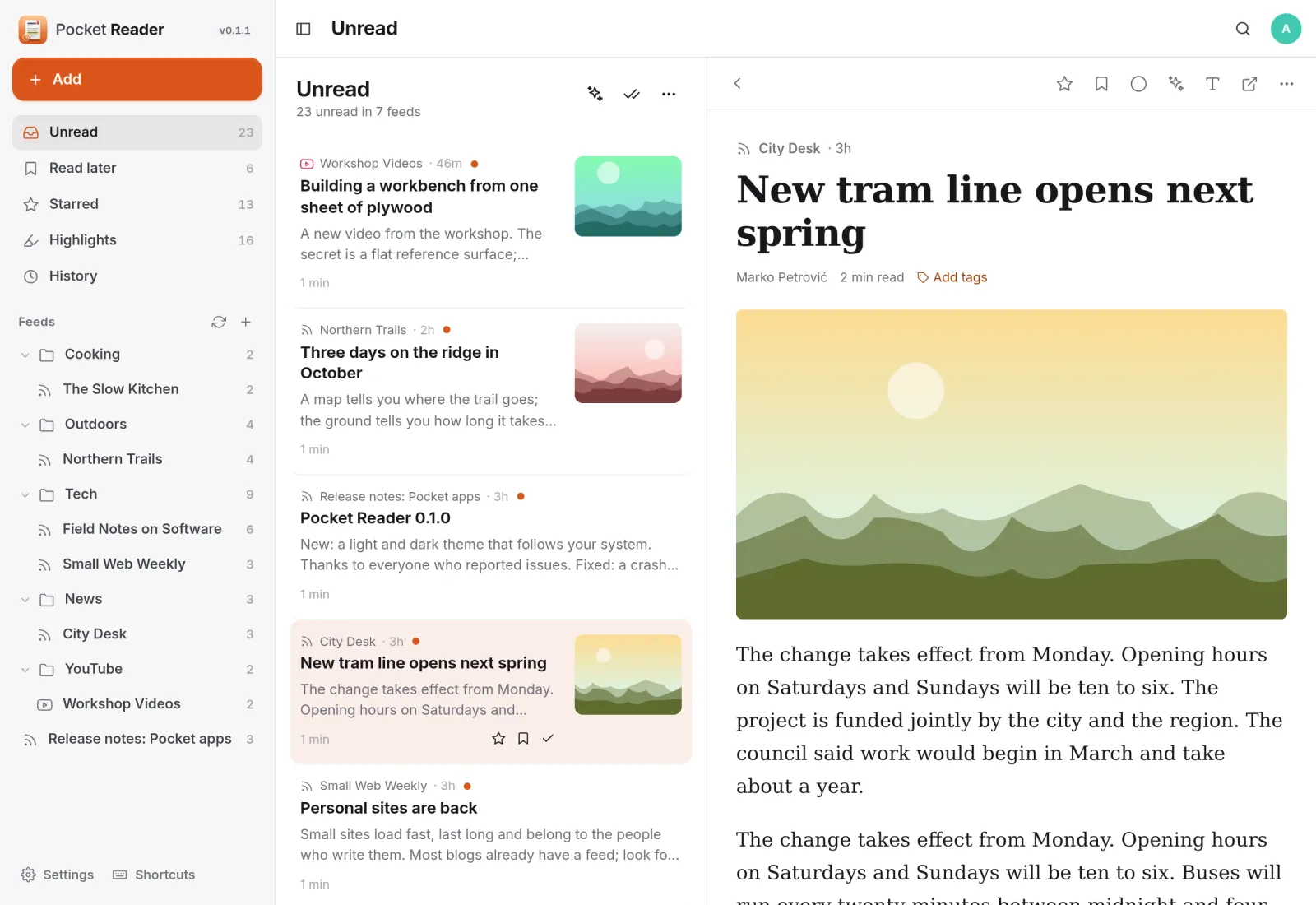
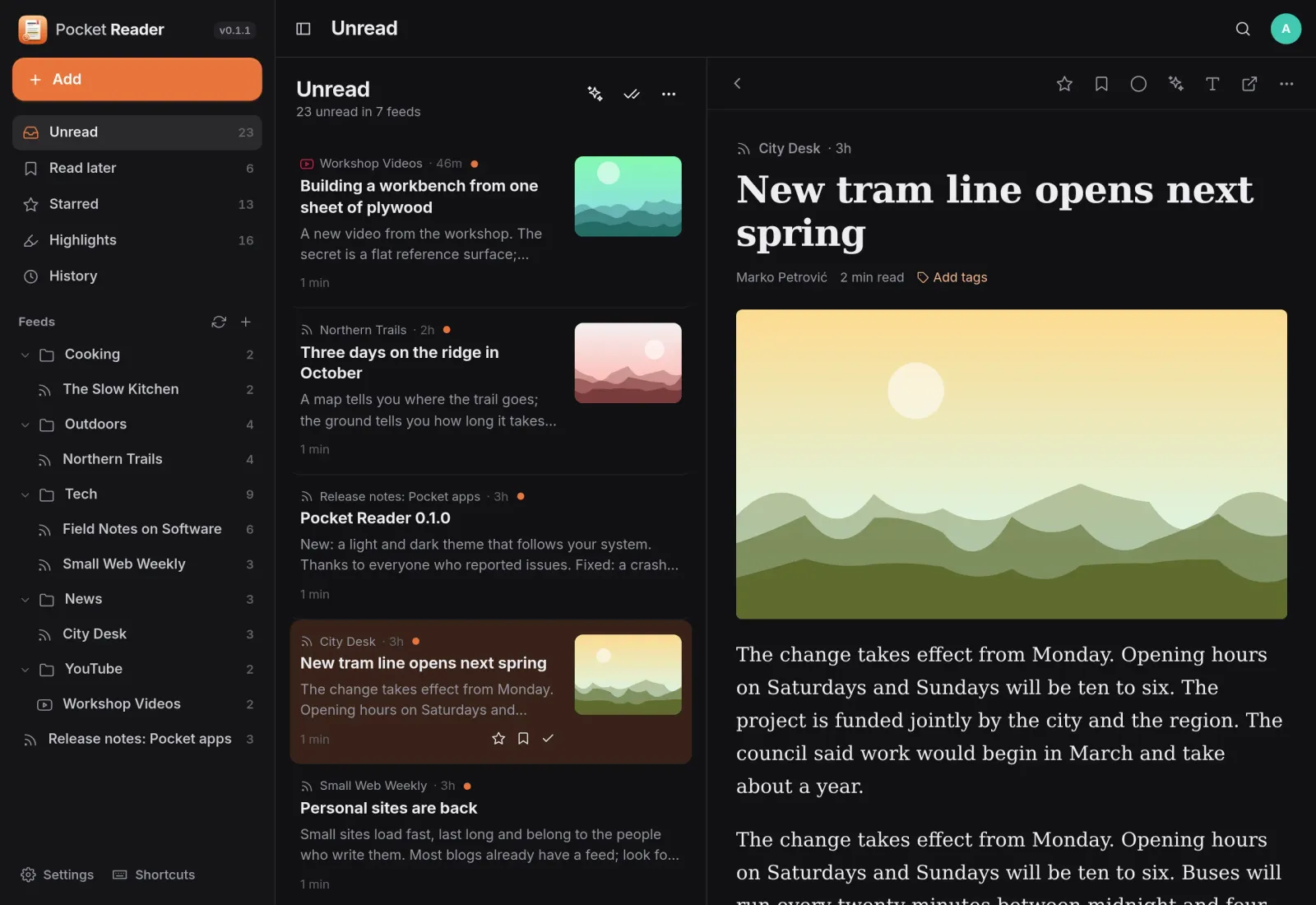
Everything new, beside the article.
Unread posts from every feed sit in one list, with your folders on the left and the post you are reading on the right. Paste a website and Reader finds its feed; a YouTube channel becomes a feed too.
Read later
Save it now, read it properly later.
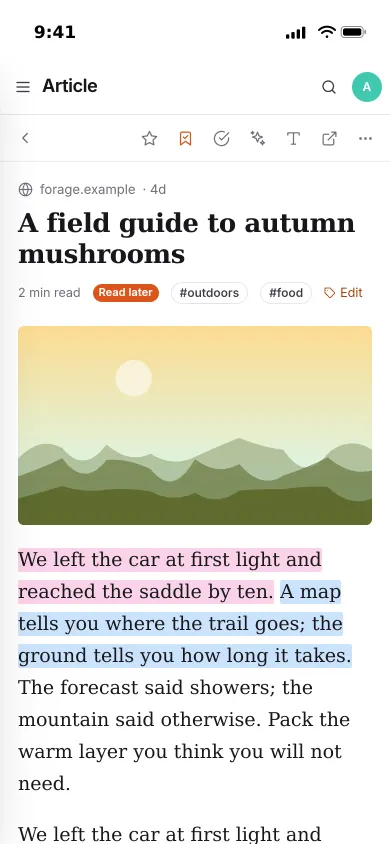
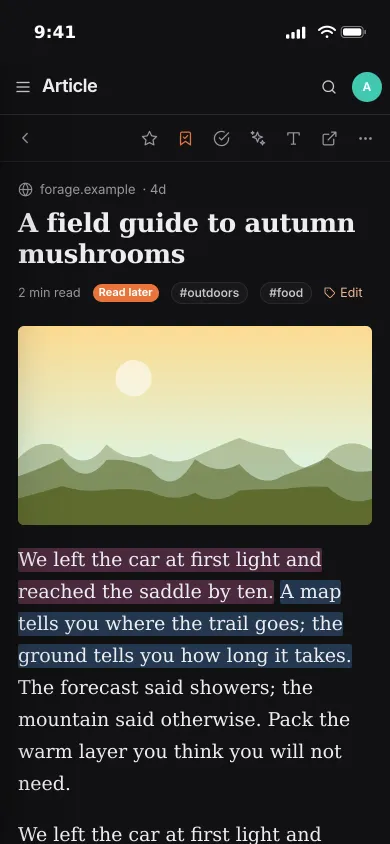
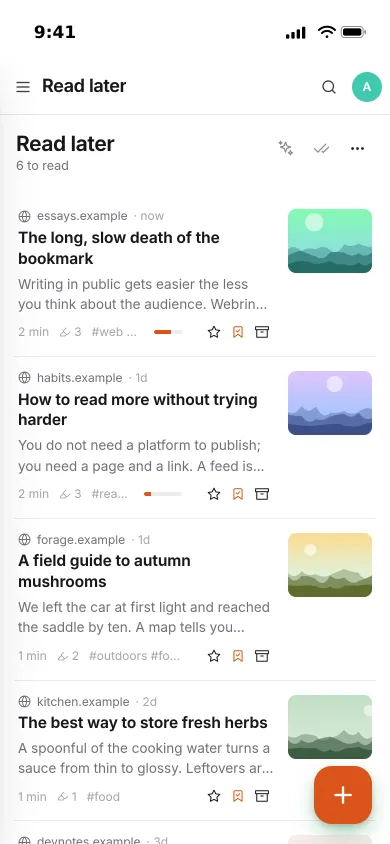
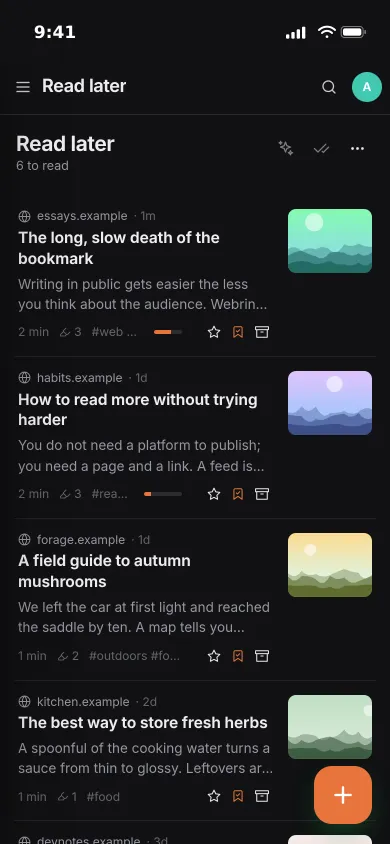
Save any page from the + button, a bookmarklet or your phone’s share sheet. Reader keeps a clean copy of the article and remembers how far you got.
- Reading progress, highlight count and tags on every saved page
- Finished articles move to the archive
- Serif or sans, size, width, and paper, sepia or night pages
Highlights
Keep the passages that matter.
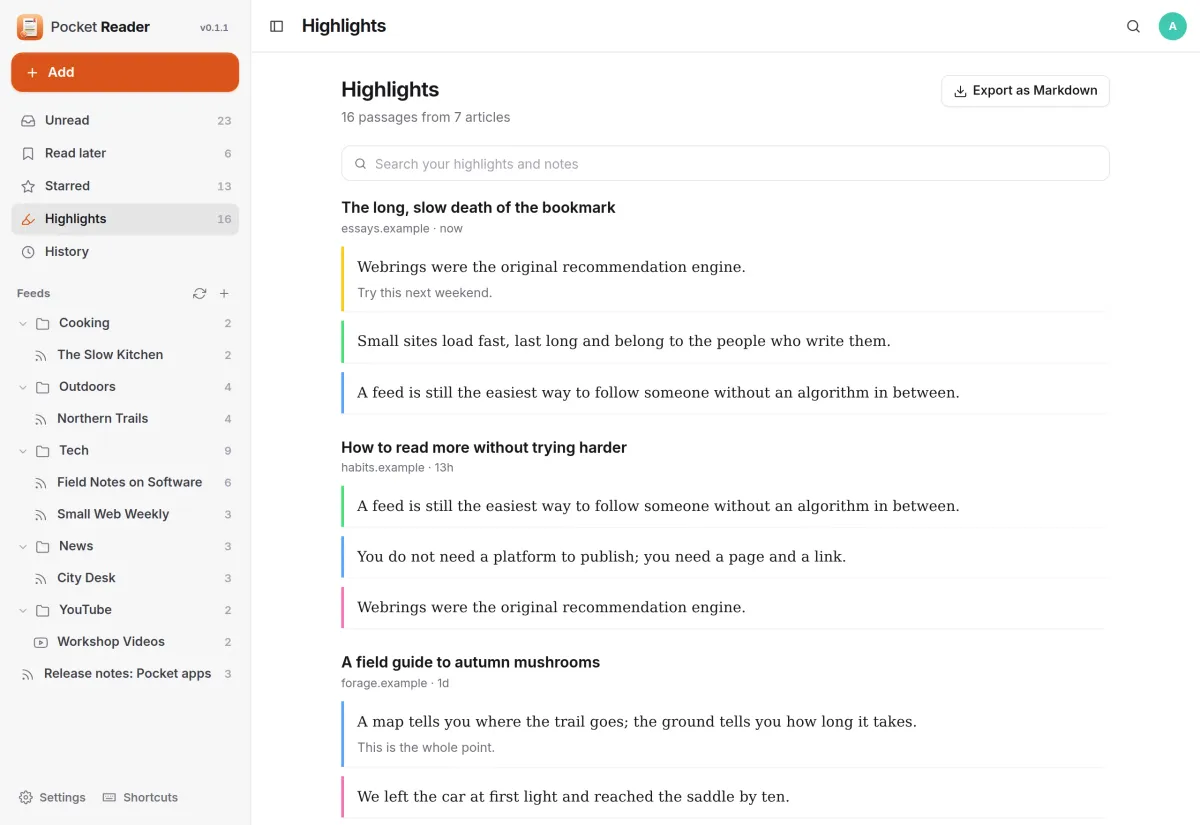
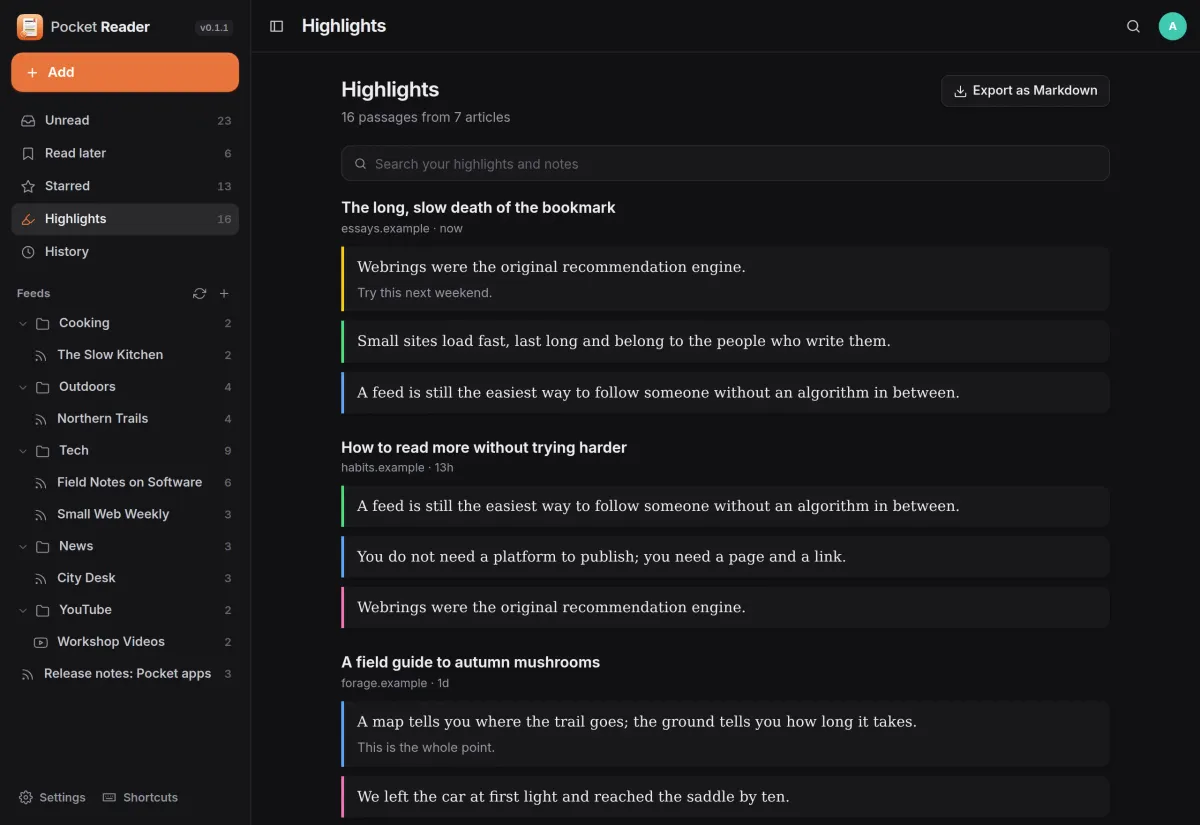
Select text, pick one of four colours and add a thought. Every highlight lands in one list, grouped by article, that you can search and export.
- Search your highlights and your notes
- Export everything as Markdown
- Or keep a note per article in Pocket Notes that updates itself
Rules
New posts, sorted for you.
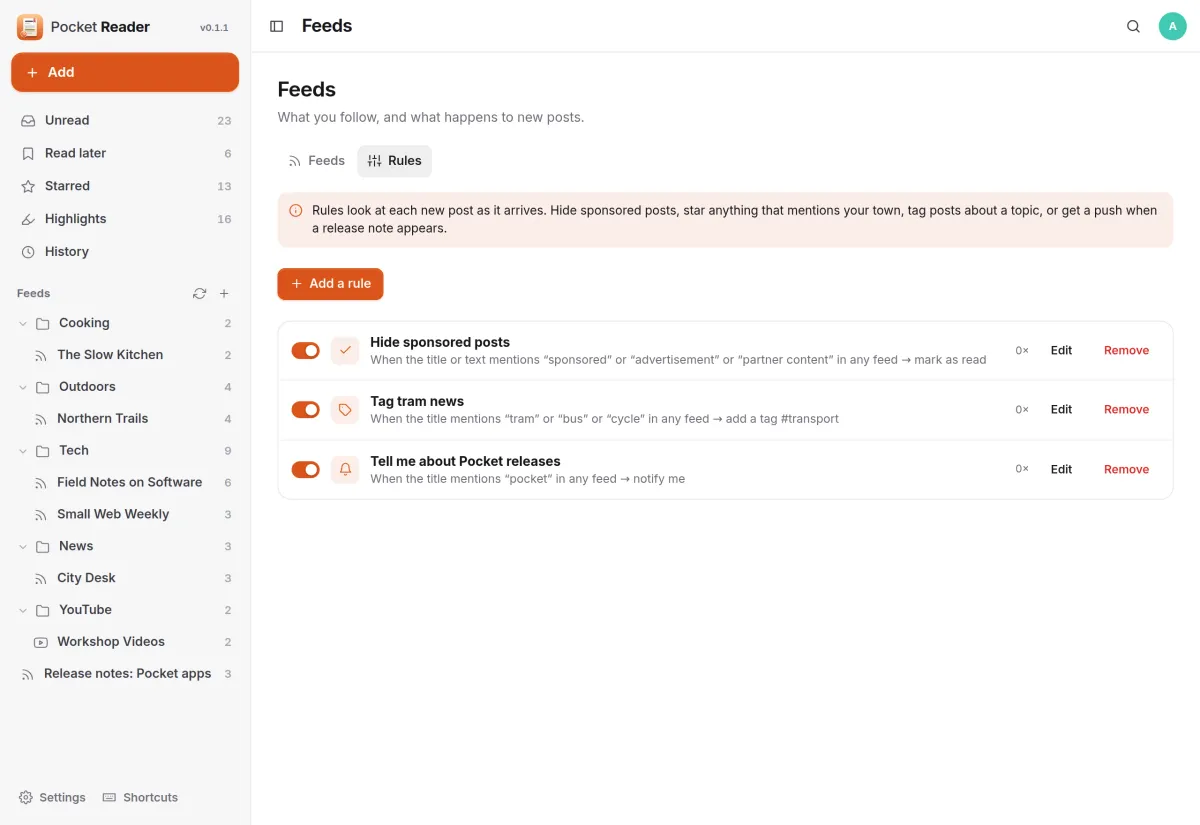
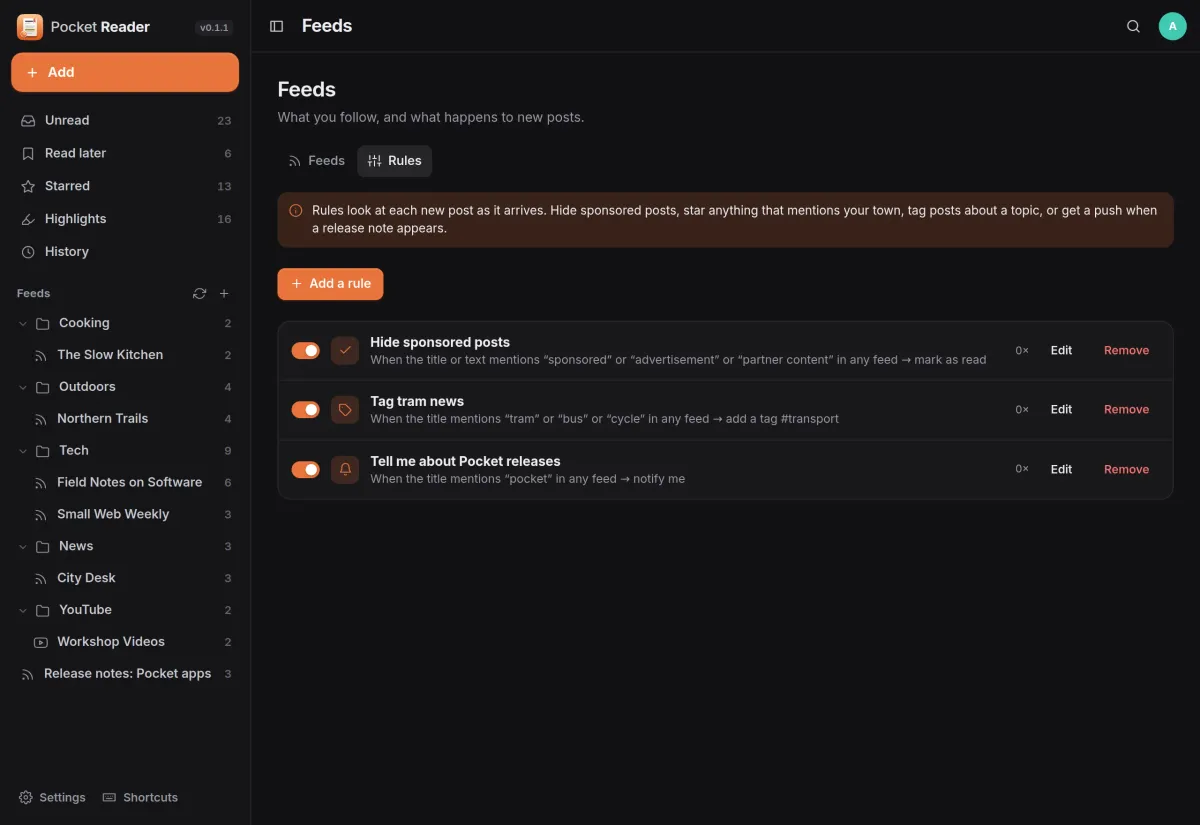
Rules look at each new post as it arrives. When the title, author, address or text mentions your words, Reader marks it read, stars it, saves it, tags it or tells you.
- Hide sponsored posts without unfollowing the site
- Try a rule on recent posts before you save it
- Notifications through Apprise, ntfy or a webhook
And the rest of it
Your phone’s RSS app keeps working
Reader speaks the Google Reader API, so Reeder, NetNewsWire, ReadKit, FeedMe, Fluent Reader and Read You sync feeds, folders, read and starred.
Search everything you read
Full-text search over every post you have read and every page you saved, plus tags.
Summaries when you want them
With Pocket AI or your own OpenAI-compatible key: a summary of any article, a catch-up briefing of what is unread, and tags for saved pages.
Moving in is one file
OPML from any reader, a Karakeep export, browser bookmarks, or a CSV from Pocket, Instapaper or Omnivore. OPML and a full JSON export go back out.
Install
One container, one volume.
Pocket Reader is a single Go binary with a SQLite file, shipped as one container with one volume for amd64, arm64 and armv7. Feeds on your own network, such as an RSS-Bridge, need FETCH_PRIVATE=true.
On a Pocket Box it is already installed, with sign-in through Pocket Core and highlights going to Pocket Notes.
docker run -d --name pocket-reader -p 8080:8080 -v ./data:/data \
  -e BASE_URL=https://reader.example.com -e SECURE_COOKIES=true \
  ghcr.io/abjelosevic88/pocket-homelab-reader:latest
More in Media
 Pocket Watchv0.4.3Films and shows for the whole household on top of Jellyfin, with a watch history, watchlist and requests.
 Pocket Musicv0.4.2Your music library for the whole household on top of Navidrome, with daily mixes, lyrics and listening stats.
 Pocket Photosv0.4.1Your household's photos in one calm, private app on top of the Immich server you already run.
 Pocket Podcastsv0.4.3A podcast server that also turns YouTube channels into podcasts, with your place kept on every device.
 Pocket Audiobooksv1.4.3An audiobook library and player for the household, with chapters, bookmarks and your place kept everywhere.
 Pocket Libraryv0.1.2Every ebook, comic and manga you own in one place, with a browser reader and your place synced to KOReader.
 Pocket Bookshelfv0.16.6A private reading log: what you read, what you thought of it, the lines worth keeping and what to read next.
 Pocket Radiov0.1.0Internet radio from around the world, plus radio channels made from your own music library.
 Pocket Requestsv0.7.1Ask for a film, a show or an album and follow it until it is ready to watch or listen to.
 Pocket Subtitlesv0.5.2Keeps your library's subtitles in sync with the audio, automatically, without ever making a file worse.
 Pocket Guitarv0.6.0Your guitar tabs and your practice in one place, with playback, loops, a speed trainer and a practice log.