

Pocket Files
v0.4.4 · Self-hosted · MIT
Your files, on your own server.
Pocket Files gives everyone in the household a private home folder, mounts the folders already on your server, and shares folders between people. Anything can leave the box as a link that is encrypted in your browser and expires when you say. One Go binary, one SQLite file, one volume.
- Included in Pocket Box
- Sign in with Pocket Core
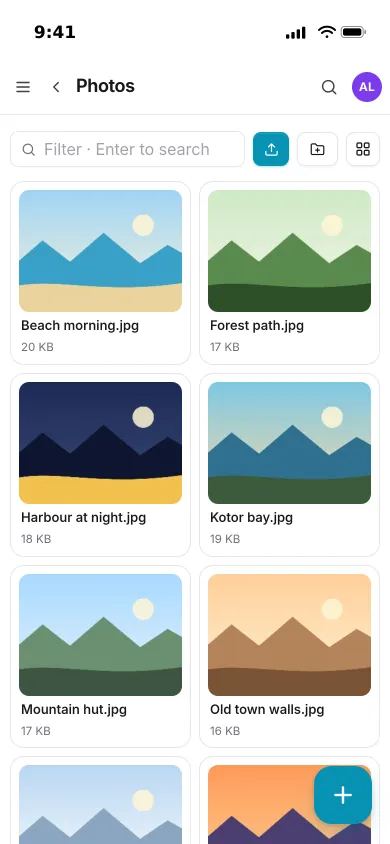
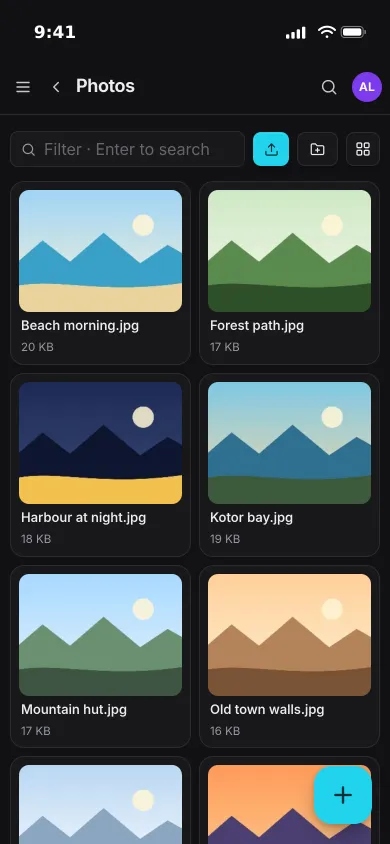
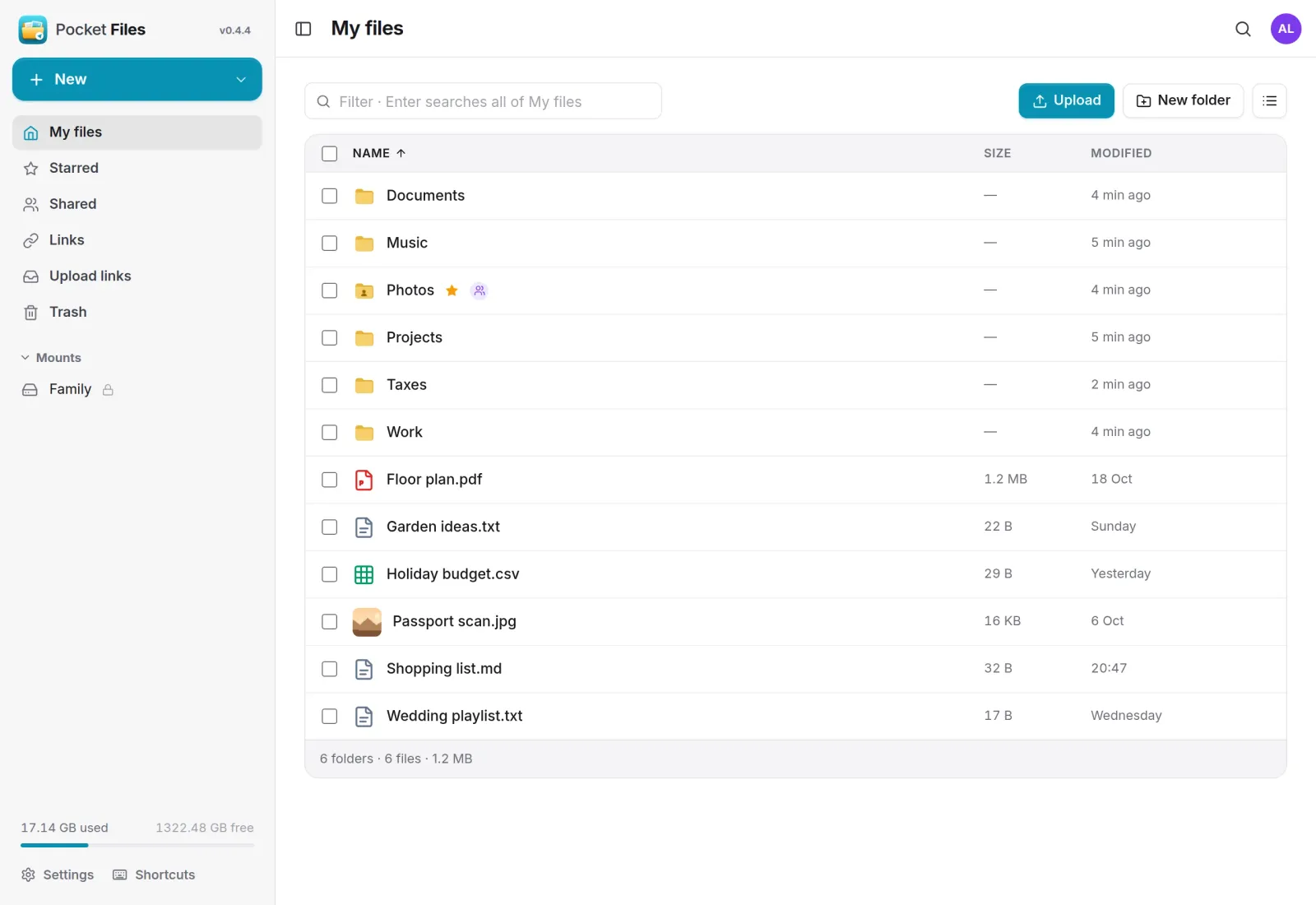
My files
A home folder nobody else can open.
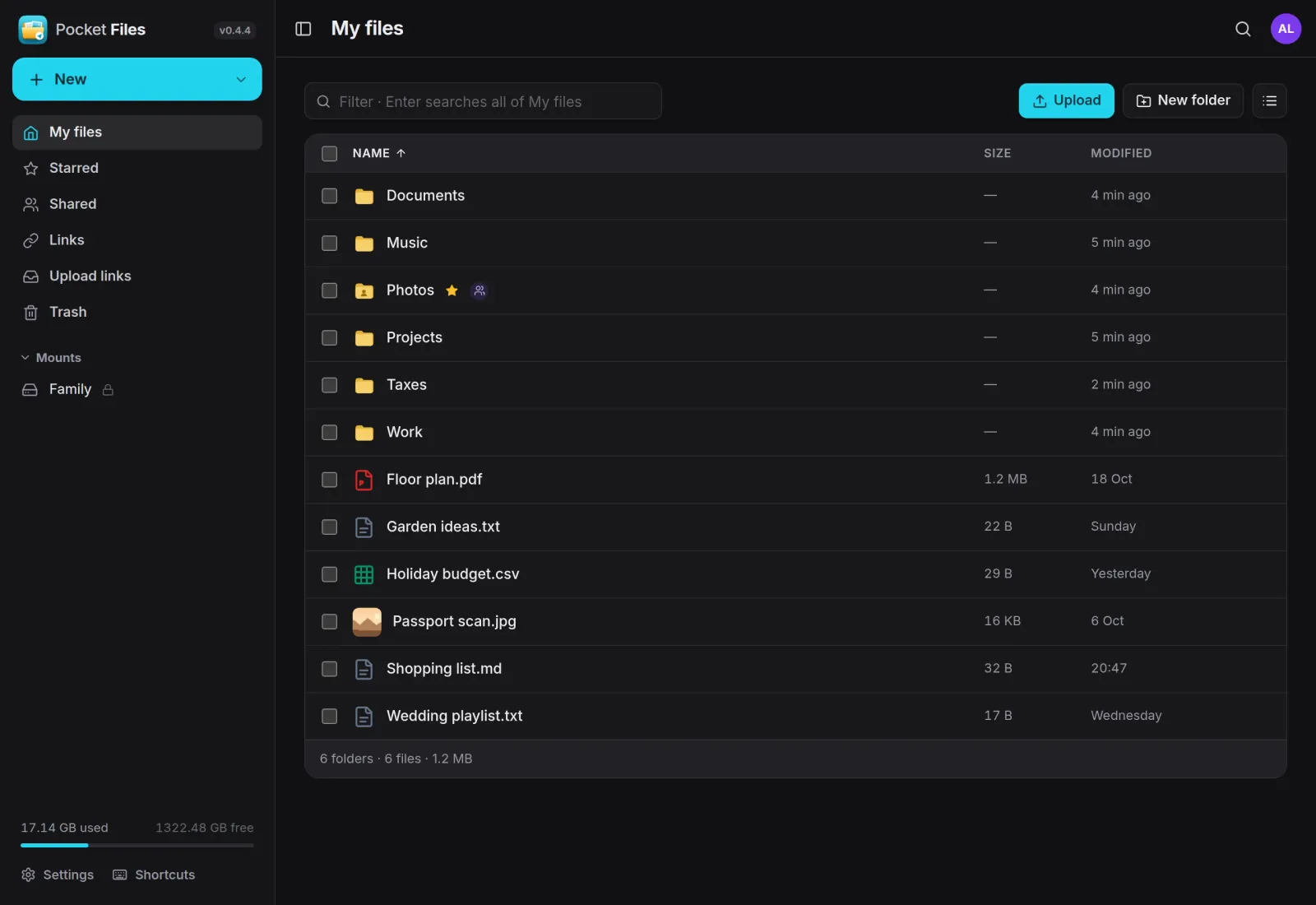
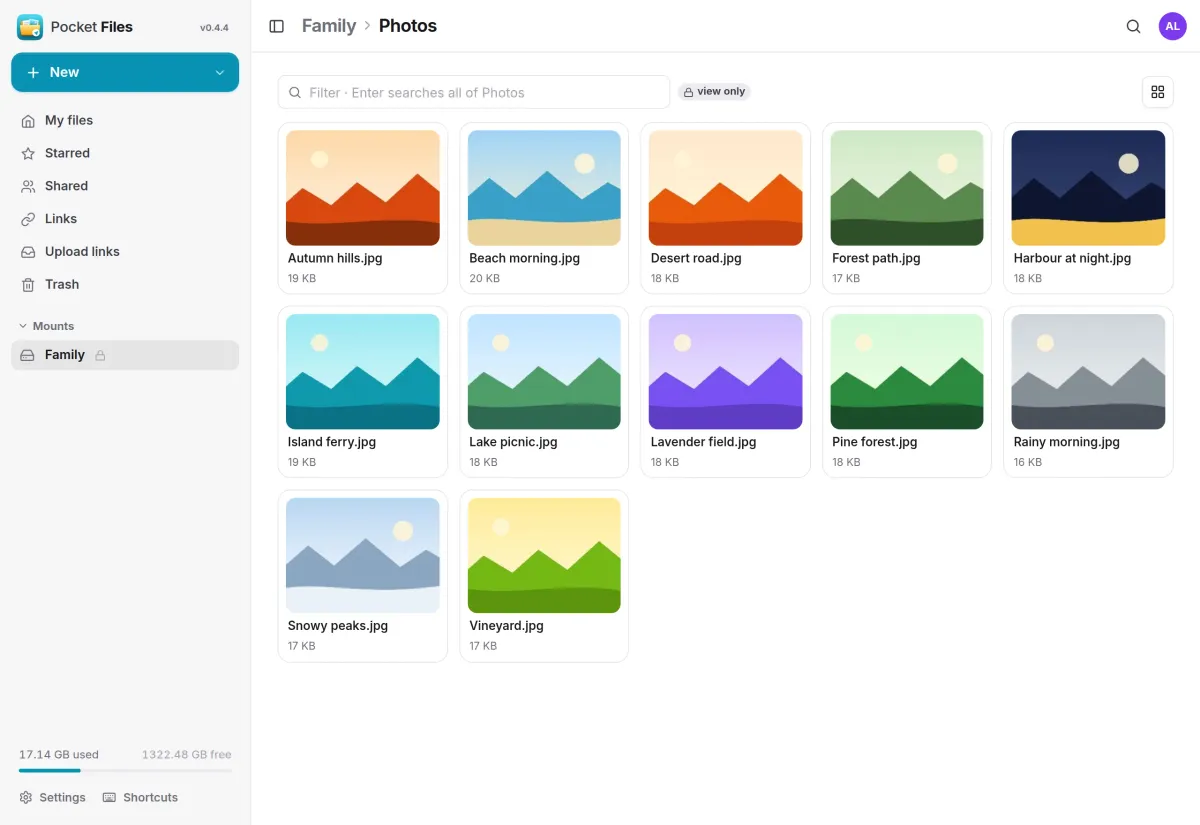
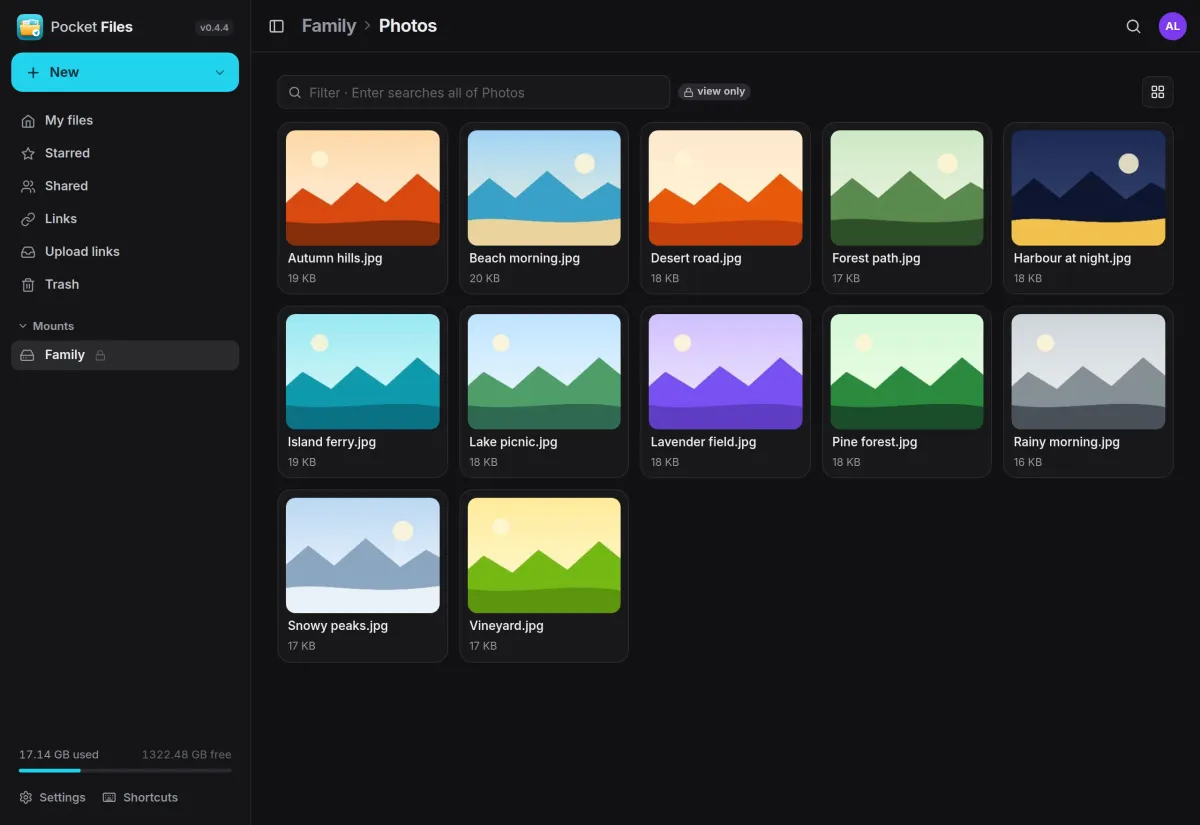
Folders and files with drag-and-drop upload, rename, move, copy, stars and a trash you can restore from. List or grid view, a filter and a deep search. Admins cannot open your home either.
Links
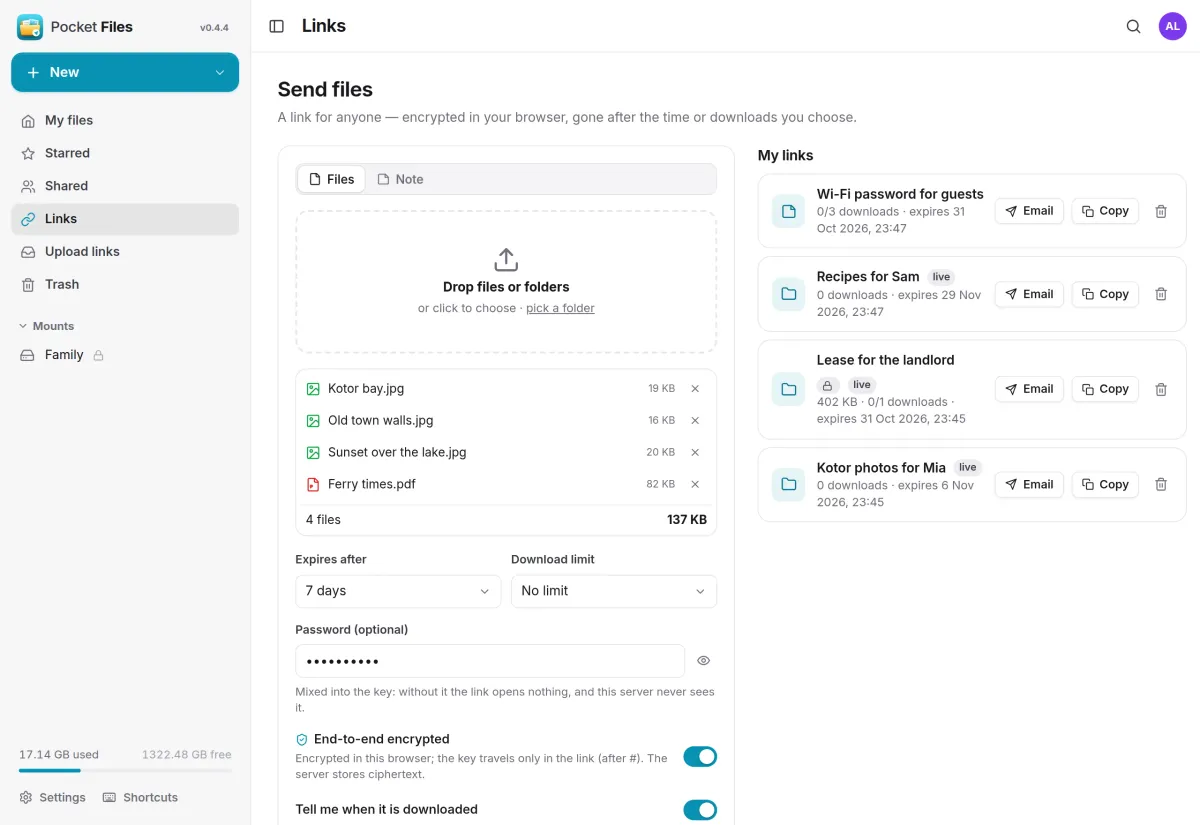
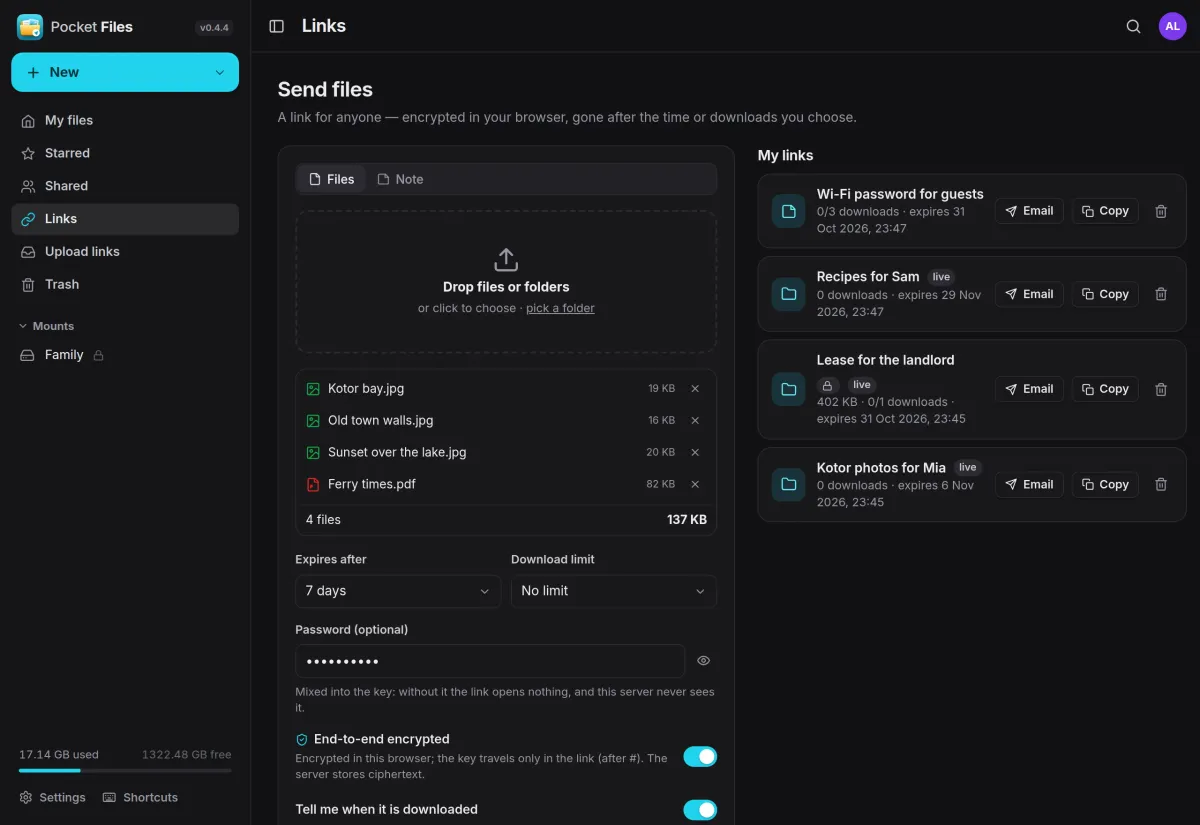
Send files that lock themselves.
Drop files or a whole folder, choose when the link expires and how many downloads it allows, and add a password if you like. Files are encrypted in your browser before they leave it.
- AES-256-GCM; the key lives only in the link, after the #
- Expiry from 5 minutes to 30 days, or one download and gone
- Email a link from your own address, and hear when it is used
Sharing
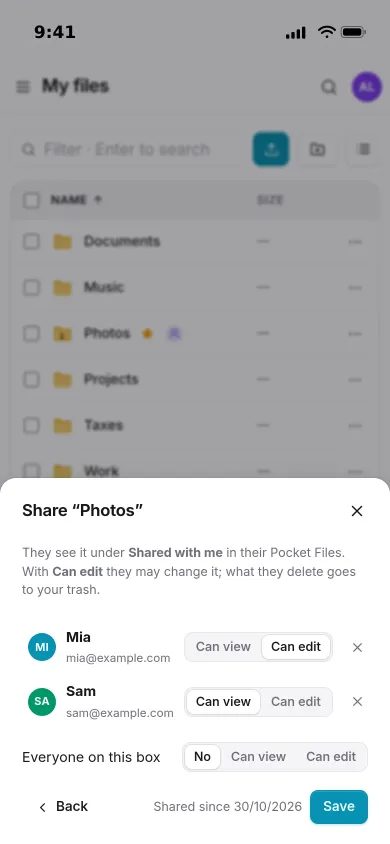
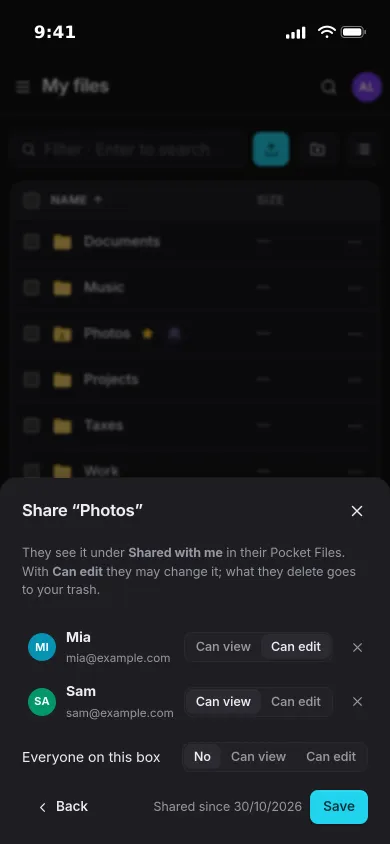
Share a folder with the people at home.
Pick who gets a folder and whether they can view or edit it. It shows up under Shared with me for them, and anything they delete lands in your trash, not theirs.
- Can view or can edit, per person or for everyone on the box
- Shared folders appear in their WebDAV drive too
- Or turn any file or folder into a live link for someone outside
Mounts
Folders already on the server, in the sidebar.
An admin picks a folder on the server, such as a media disk or a NAS share, and decides who sees it and whether they can change anything. Images get thumbnails like everything else.
- View or edit per person, or read-only for everyone
- Preview images, video, audio, PDFs and text in the page
- Download any selection or folder as a zip, streamed on the fly
And the rest of it
Upload links
Ask someone without an account for files. They drop them into the folder you chose and never see what is already there, with limits on count, size and time.
A drive for every other app
WebDAV at /dav/ for Finder, Windows, Files on iPhone and rclone. With Pocket Core, Pocket Office and Pocket Documents keep their files here.
Two doors
Keep the app private and put a second port online that serves only the share and upload pages. Everything else answers 404 there.
Know when things happen
Notifications through Apprise, ntfy or a webhook when a link is downloaded or someone uploads to you, plus app passwords for scripts.
Install
One container, two ports.
One container with a volume for its data. Open port 8080 and create the first account, which becomes the admin. Port 8081 serves only the share and upload pages, so that is the one to put behind a tunnel. To mount server folders, bind them in and list their parent in MOUNT_ROOTS.
On a Pocket Box it is already installed, with sign-in through Pocket Core.
docker run -d --name pocket-files -p 8080:8080 -p 8081:8081 \
  -e PUBLIC_PORT=8081 -e BASE_URL=https://files.example.com \
  -e PUBLIC_URL=https://send.example.com \
  -v pocket-files:/data ghcr.io/abjelosevic88/pocket-homelab-files:latest
# open http://localhost:8080 and create the first account
More in Notes, files and office
 Pocket Notesv0.8.3Markdown notes kept as plain files where you choose, with search, backlinks, tasks and history.
 Pocket Tasksv0.3.3Tasks with areas, lists and smart views, synced to Apple Reminders and other apps over CalDAV.
 Pocket Calendarv0.7.1A shared calendar for the household that syncs to every phone and pulls in iCloud, Google and Nextcloud.
 Pocket Contactsv0.2.2Everyone you know in one searchable place, synced to every phone over CardDAV.
 Pocket Mailv0.1.2All your email accounts in one calm inbox, with fast search, snooze, send later and undo send.
 Pocket Documentsv0.6.1Scans and paper files made searchable, tagged and filed for you. A lighter Paperless-ngx replacement.
 Pocket Officev0.6.4Open and edit Word, Excel and PowerPoint files in the browser, wherever they are stored.
 Pocket Drawv0.2.4Sketches, text diagrams and detailed diagrams in one place, with history and search.
 Pocket Clipsv0.2.3Clipboard history, text snippets and search shortcuts on your own server, searchable from every device.