

Pocket Clips
v0.2.3 · Self-hosted · MIT
Your clipboard history, snippets and quicklinks.
Pocket Clips keeps what you copy on your devices in one searchable history on your server: text, links, colours, images and files, each with the app and device it came from. Next to it live your text snippets with placeholders and your quicklinks, all found from one search box.
- Included in Pocket Box
- Sign in with Pocket Core
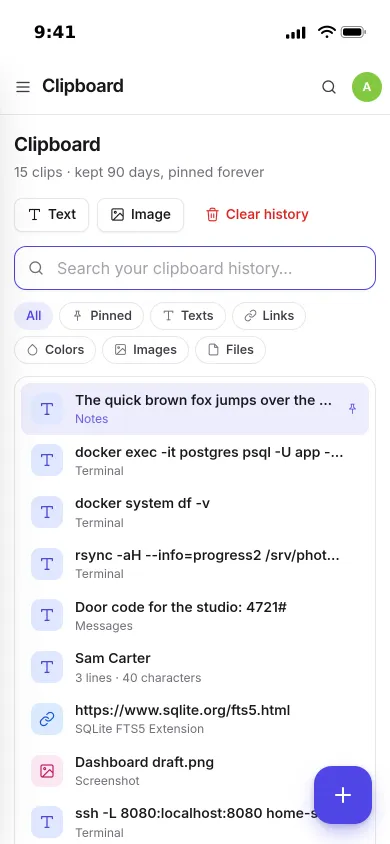
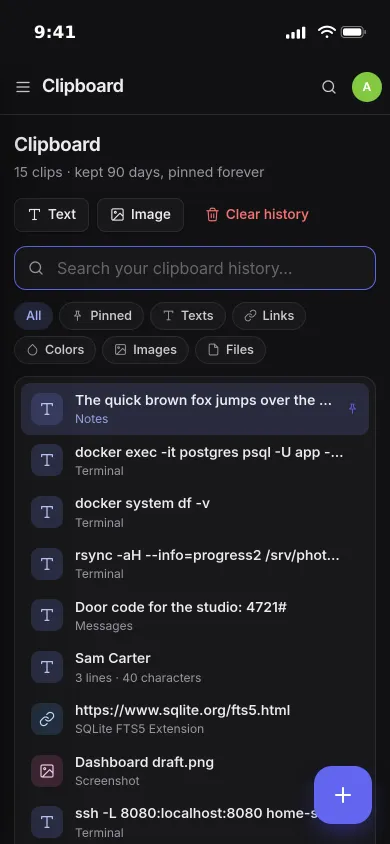
Search
One box finds everything.
Type a few letters and snippets, quicklinks and clips appear together, with the matching words highlighted. The arrow keys move, Enter copies.
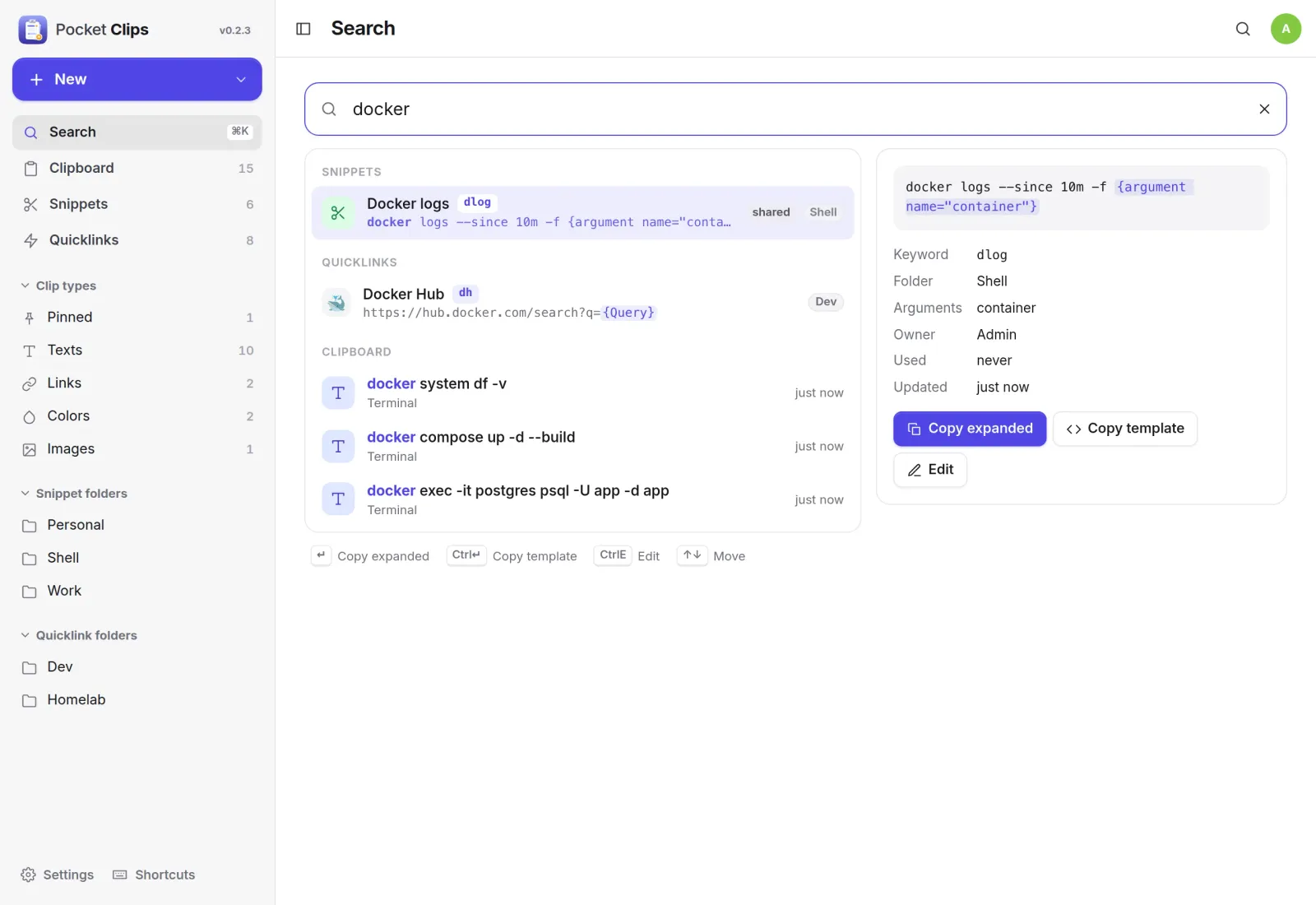
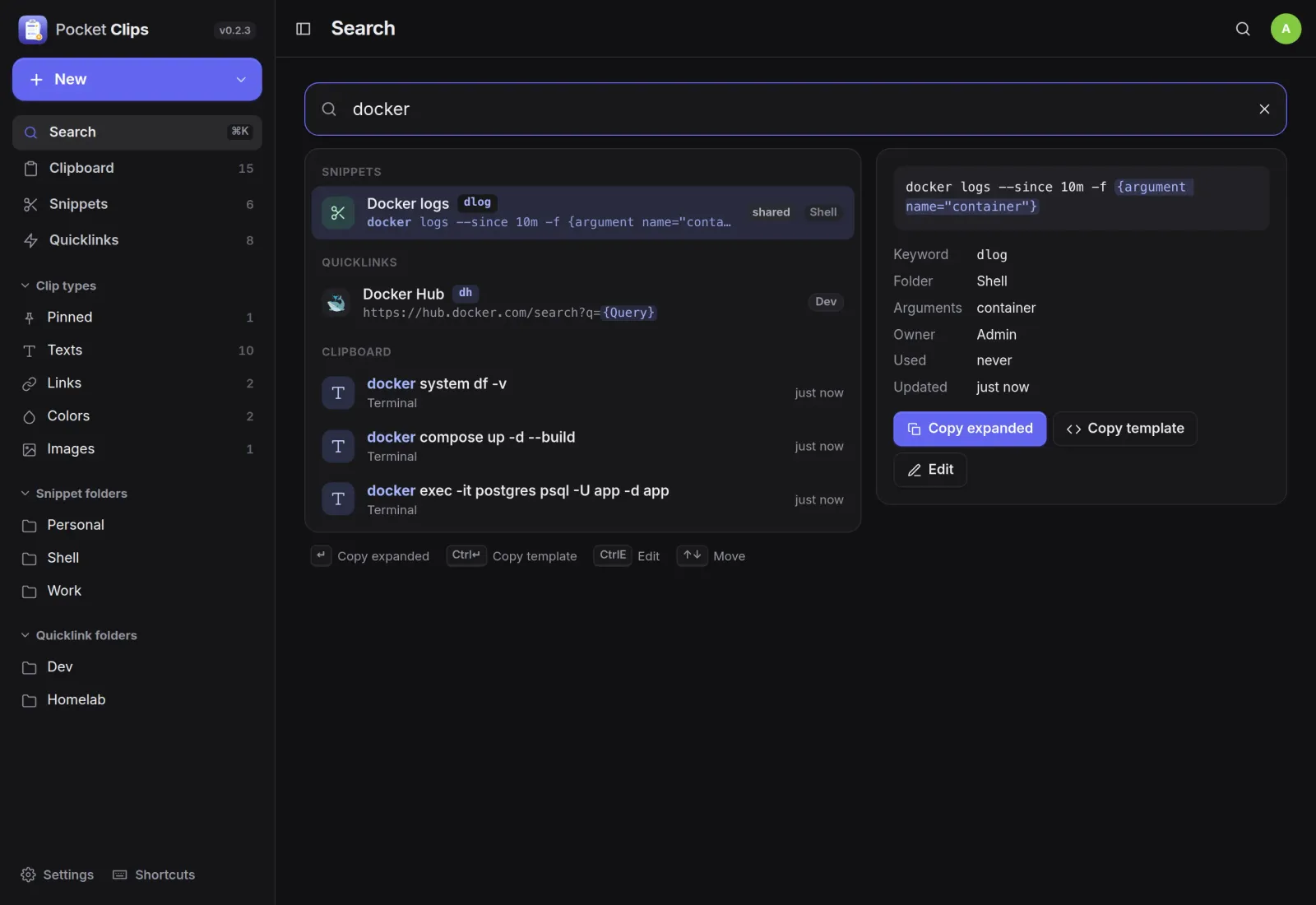
Clipboard
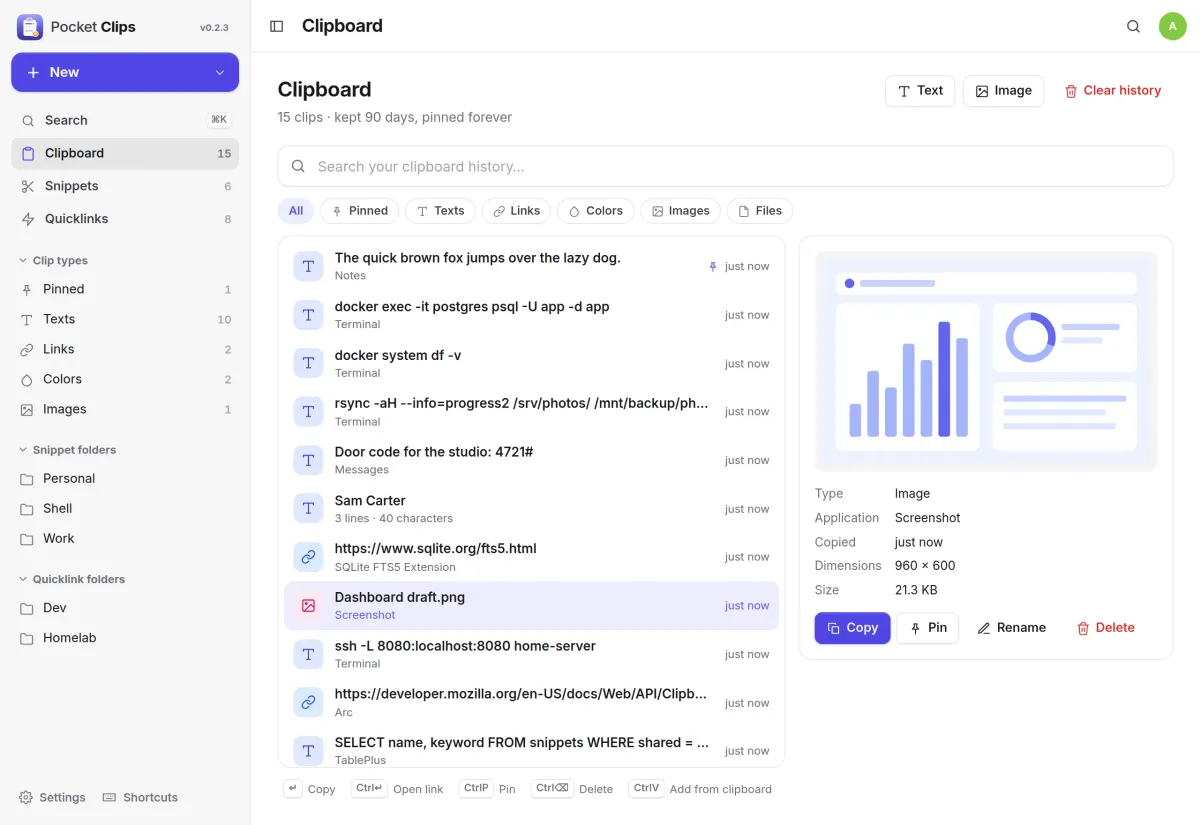
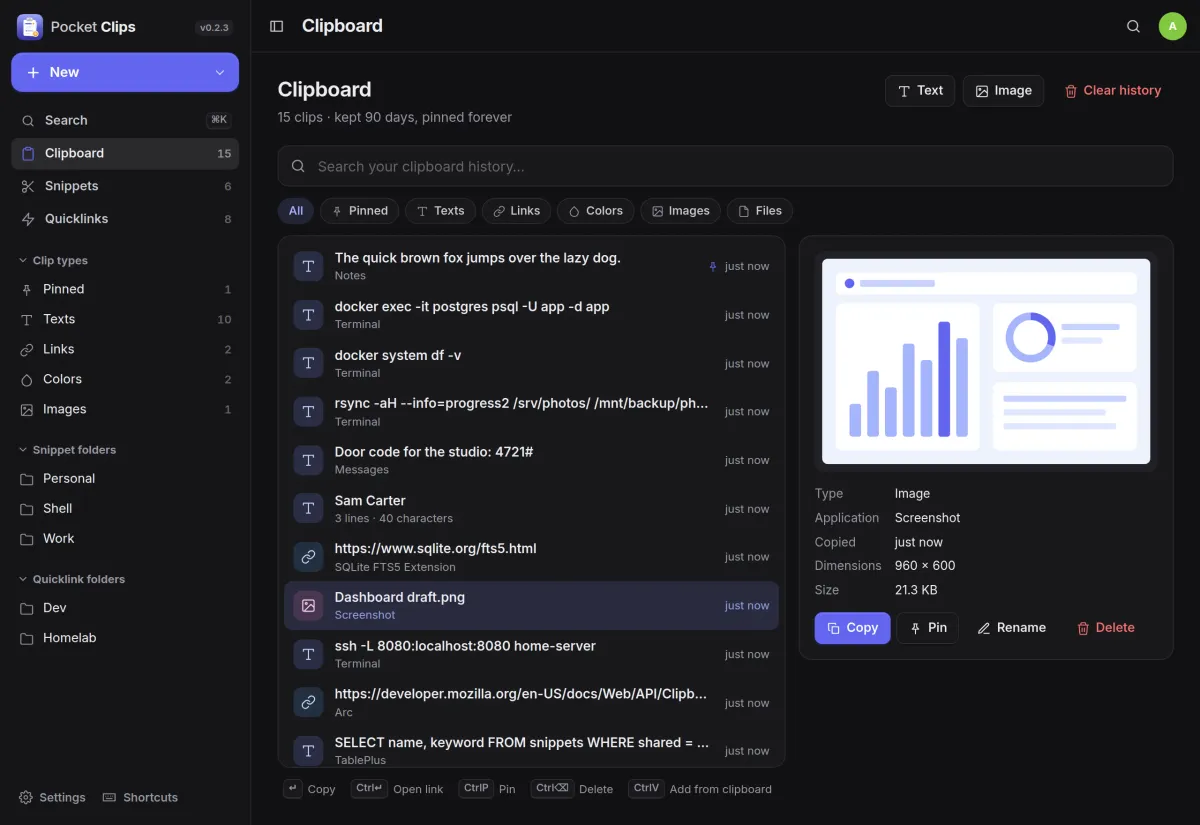
Everything you copied, kept.
Copy the same thing twice and it moves to the top instead of appearing again. Pin what you want to keep forever, filter by type, and open a clip to see where and when you copied it.
- Text, links, colours, images and files
- Keep clips from a week to forever, with a cap per person
- Watchers for macOS, Linux, Windows and an iOS Shortcut
Snippets
Text that fills itself in.
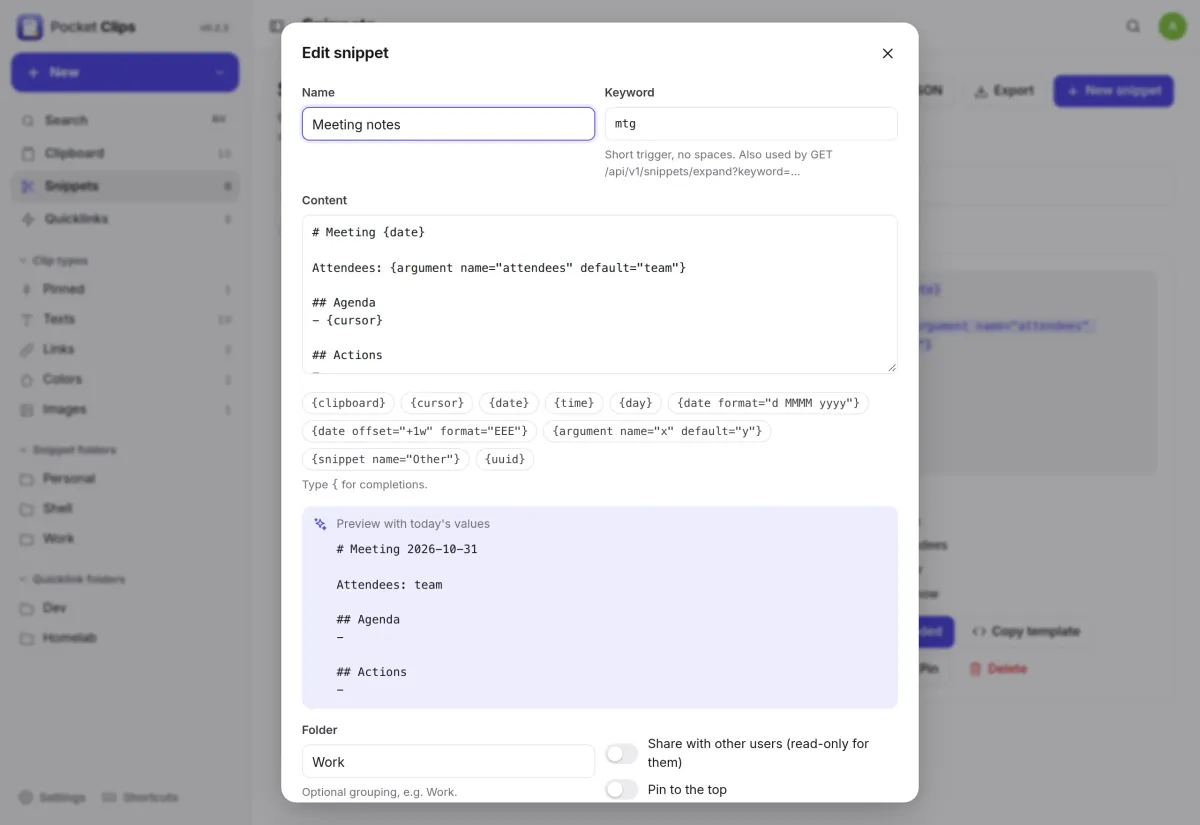
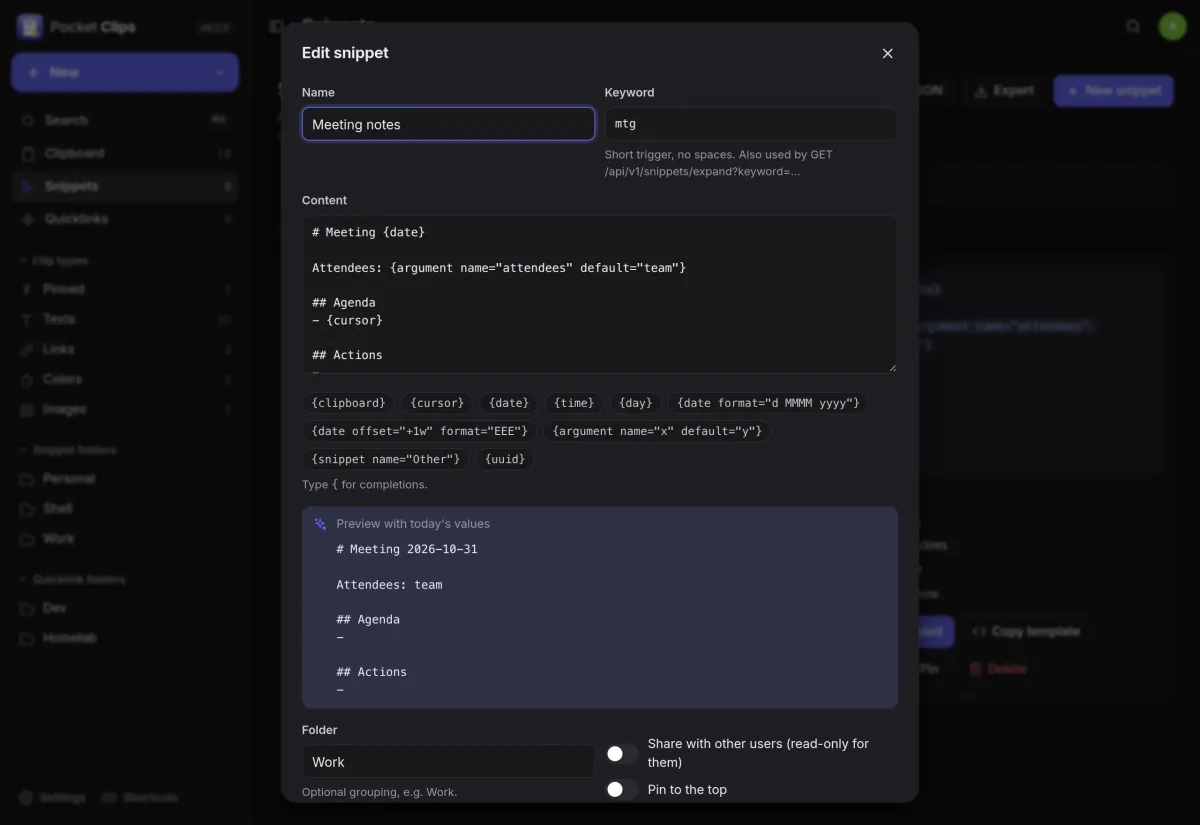
Write a snippet once with placeholders for the date, the time, your clipboard or a value to ask for, and see the result in a live preview before you save.
- {date}, {time}, {clipboard}, {cursor}, {uuid} and {argument}
- A keyword per snippet, expanded on the server for every client
- Share a snippet read-only with the others on your server
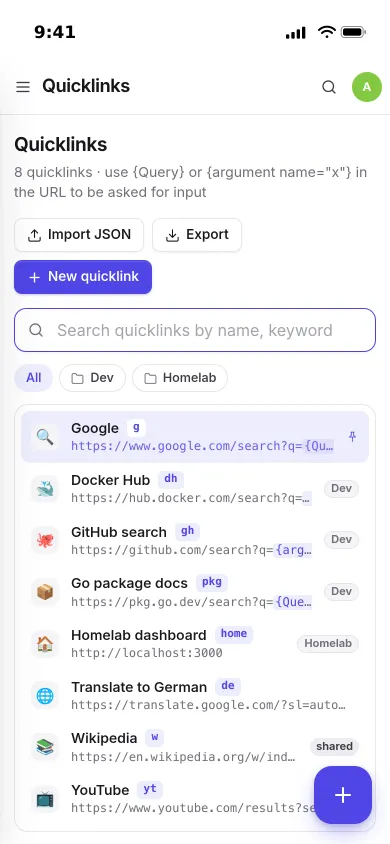
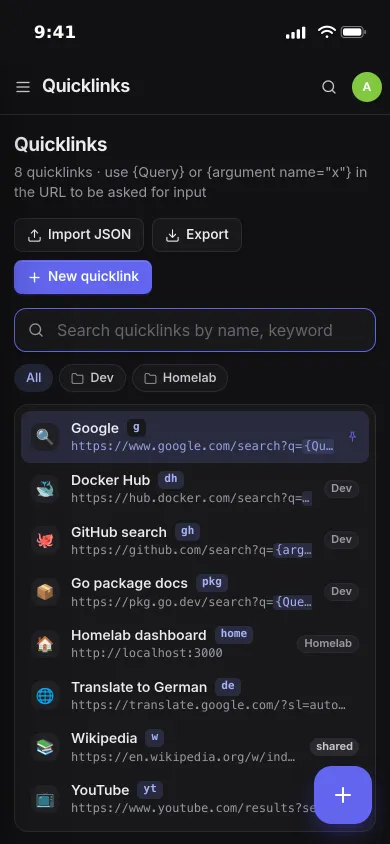
Quicklinks
Searches you run every day.
Save a link with {Query} in it, give it a keyword, and open it from Pocket Clips or straight from your browser's address bar.
- /go/<keyword>?q= works as a browser search engine
- Folders, pins and an emoji per link
And the rest of it
Keyboard first
⌘K to search, arrows to move, Enter to copy, and shortcuts to pin, delete or copy a snippet without filling it in.
An API for everything
Record a copy, expand a snippet into your clipboard or search everything with curl and a per-device API token.
Each person their own
Built-in accounts, your SSO proxy's header, or no login on a trusted network. Link titles can be turned off, so nothing leaves your server.
Import and back up
Import snippets and quicklinks from JSON, export them again, and back up the SQLite database from the app.
Install
One container, one volume.
Start it, create your account, then make an API token under Settings and start a watcher on each computer, or just paste into the Clipboard page.
On a Pocket Box it is already installed and linked to Pocket Core.
docker run -d --name pocket-clips -p 8080:8080 -v ./data:/data -e TZ=Europe/Berlin \
  ghcr.io/abjelosevic88/pocket-homelab-clips:latest
More in Notes, files and office
 Pocket Notesv0.8.3Markdown notes kept as plain files where you choose, with search, backlinks, tasks and history.
 Pocket Tasksv0.3.3Tasks with areas, lists and smart views, synced to Apple Reminders and other apps over CalDAV.
 Pocket Calendarv0.7.1A shared calendar for the household that syncs to every phone and pulls in iCloud, Google and Nextcloud.
 Pocket Contactsv0.2.2Everyone you know in one searchable place, synced to every phone over CardDAV.
 Pocket Mailv0.1.2All your email accounts in one calm inbox, with fast search, snooze, send later and undo send.
 Pocket Documentsv0.6.1Scans and paper files made searchable, tagged and filed for you. A lighter Paperless-ngx replacement.
 Pocket Filesv0.4.4Your files on your own server, with private folders, shares, a WebDAV drive and encrypted links that expire.
 Pocket Officev0.6.4Open and edit Word, Excel and PowerPoint files in the browser, wherever they are stored.
 Pocket Drawv0.2.4Sketches, text diagrams and detailed diagrams in one place, with history and search.