

Pocket Draw
v0.2.4 · Self-hosted · MIT
Sketches and diagrams, kept on your server.
Pocket Draw keeps three kinds of drawing in one library: hand-drawn sketches in Excalidraw, text diagrams in Mermaid, and draw.io diagrams. Each one saves by itself, keeps a history, shows up as a picture in the list, and can be found by the words written on it.
- Included in Pocket Box
- Sign in with Pocket Core
- Works with Excalidraw and Mermaid and draw.io
Library
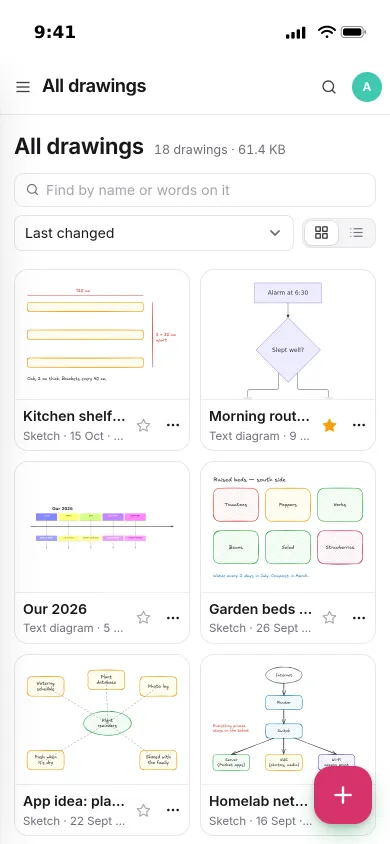
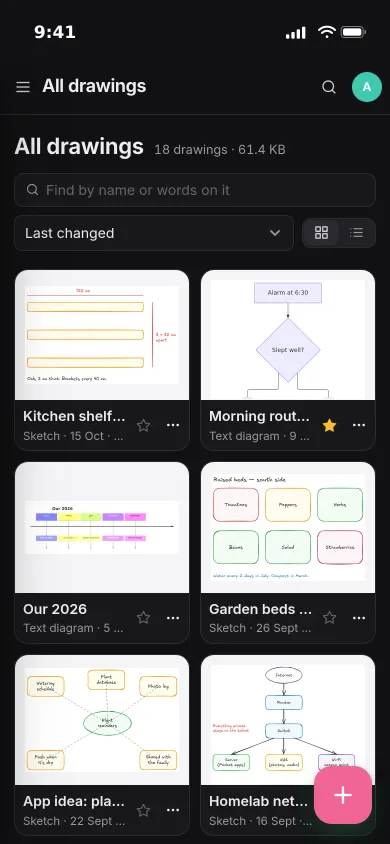
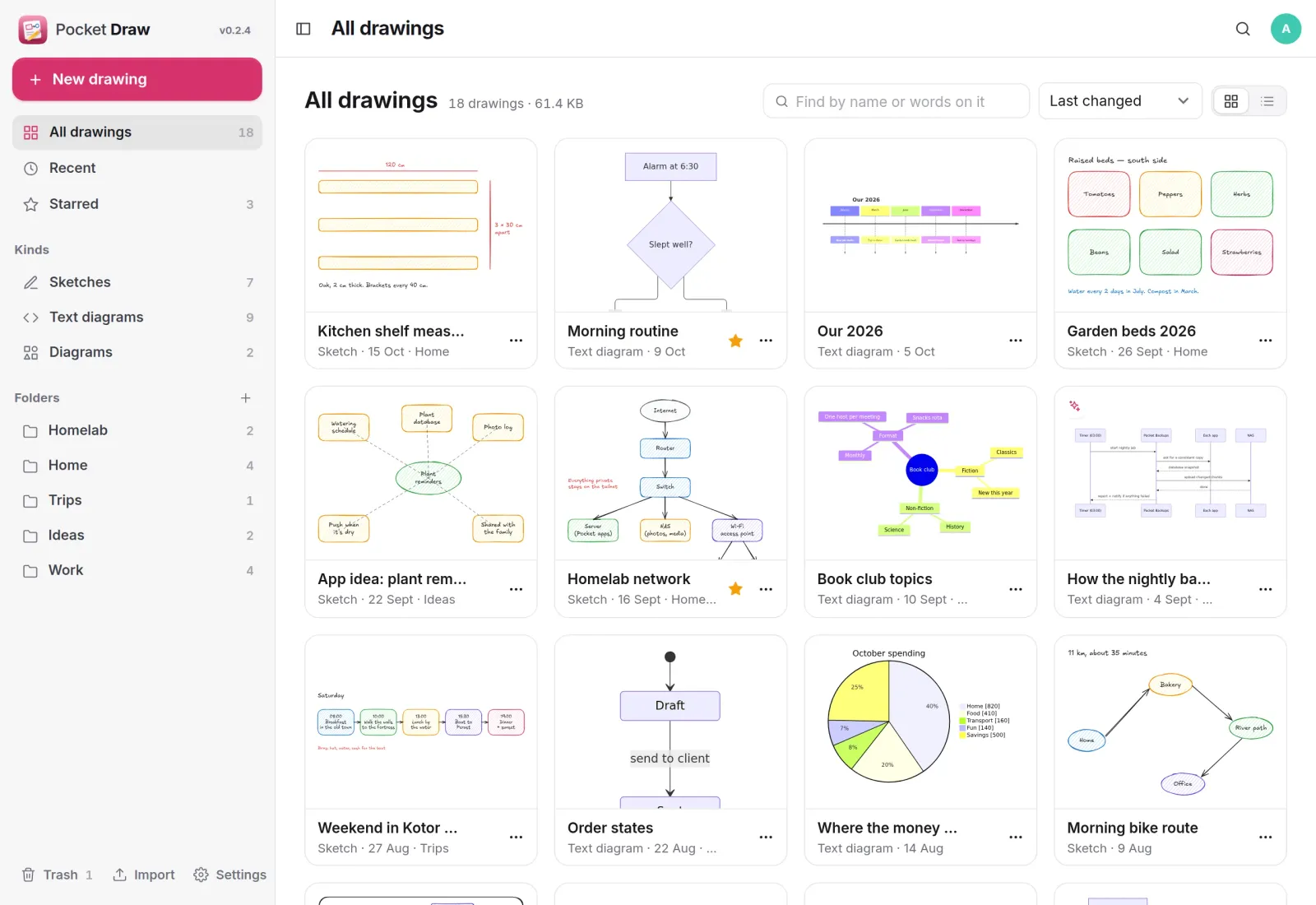
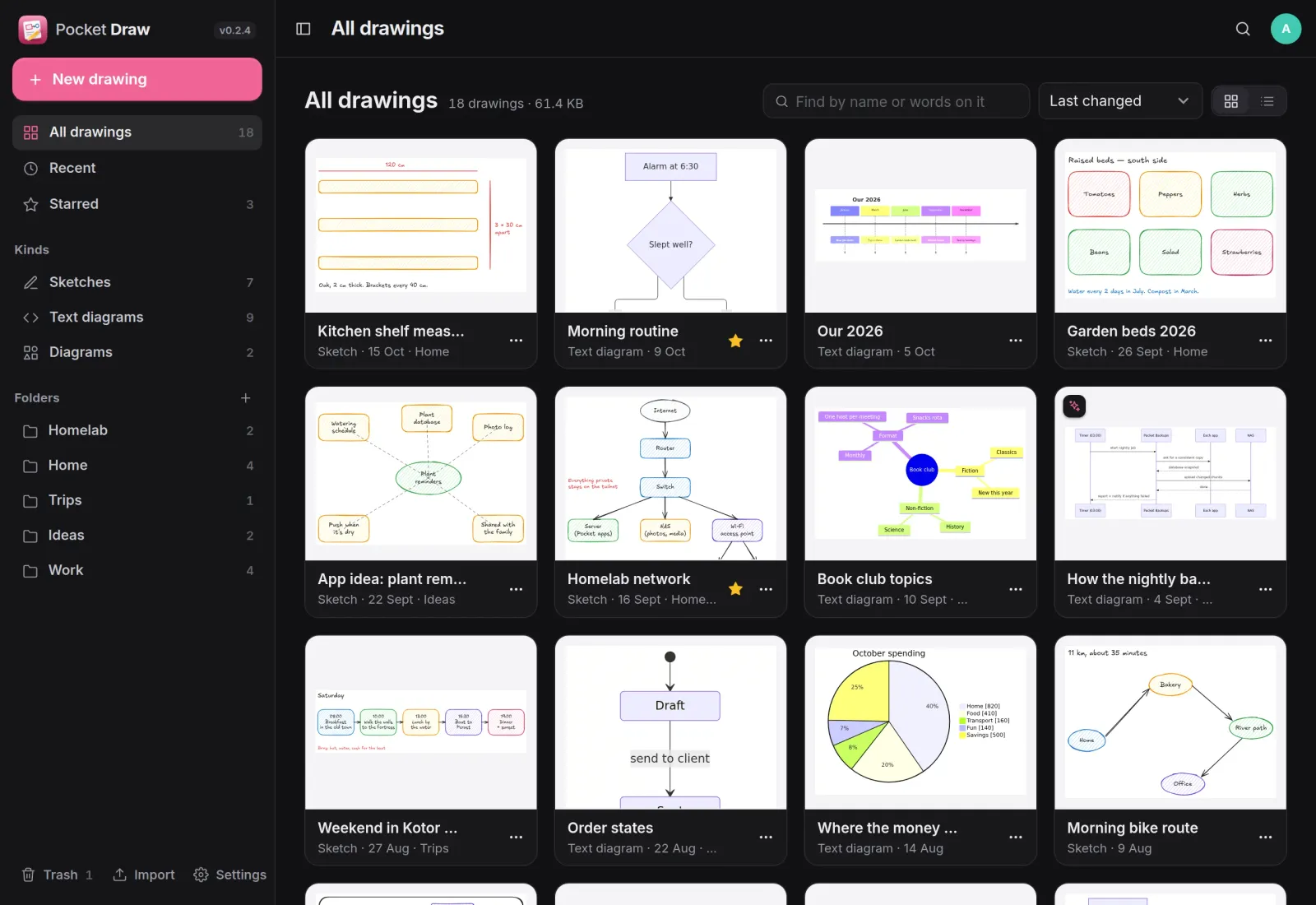
Every drawing, as a picture.
Sketches, text diagrams and diagrams sit side by side in folders, each with a picture of itself. Star the ones you use, sort by last changed, and search by name or by the words on the drawing.
Sketches
Draw it the way you would on paper.
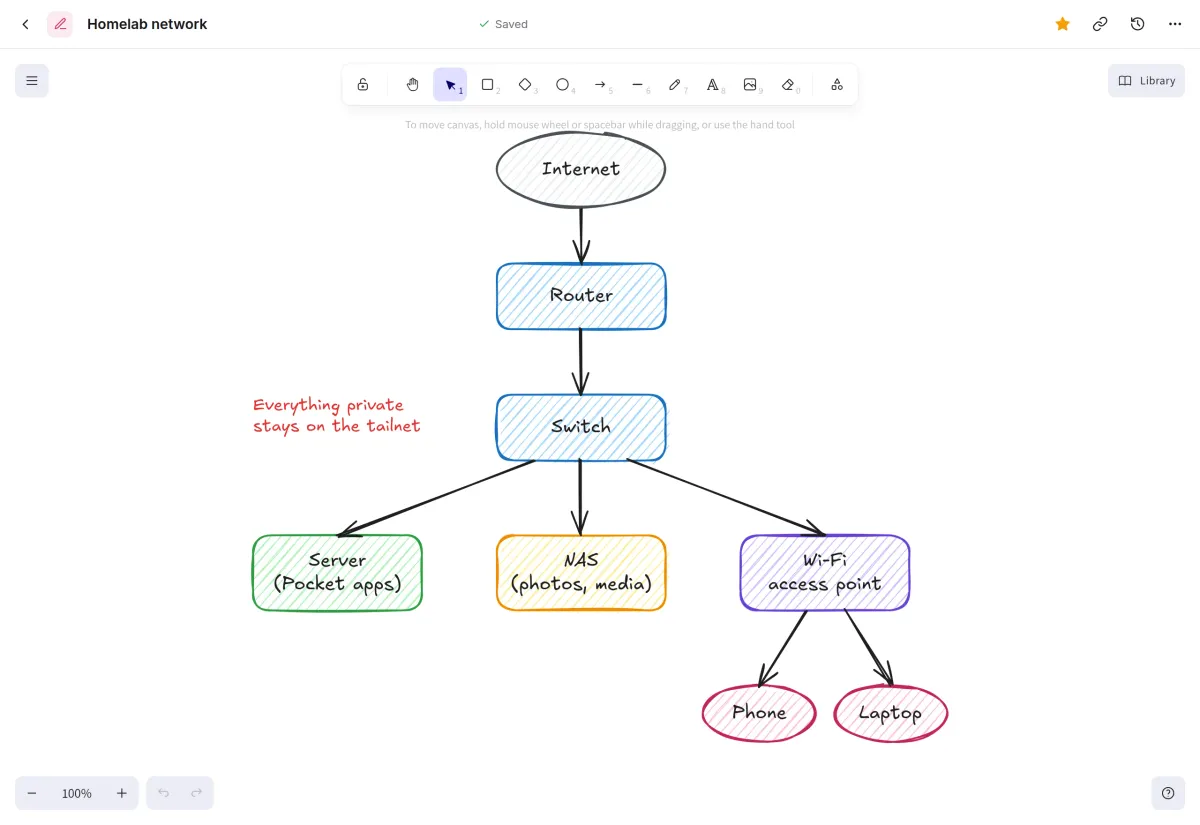
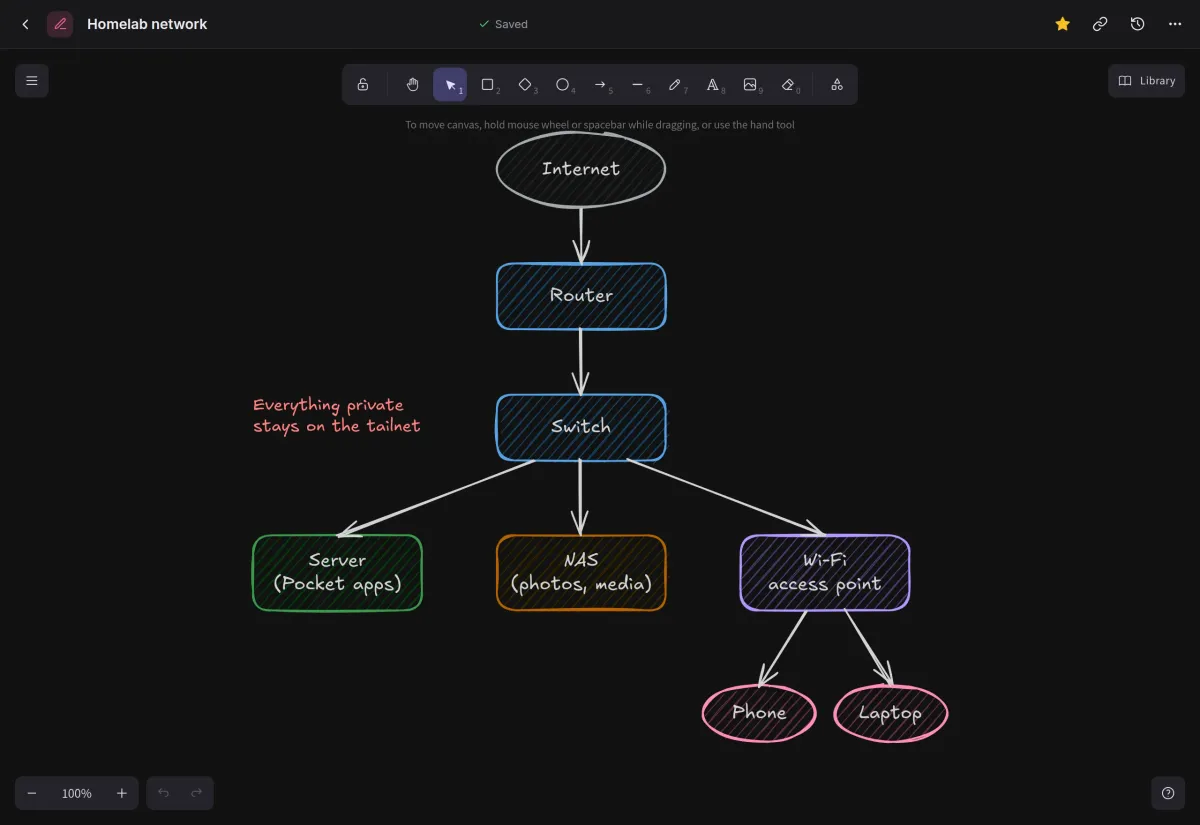
Excalidraw gives you boxes, arrows, handwriting and pictures with a hand-drawn look. It saves a moment after you stop, and a save never quietly overwrites a newer one from another tab.
- Excalidraw's fonts are served by the app, with no calls out
- Libraries of shapes, imported from .excalidrawlib files
- A version every ten minutes or so while you draw, to restore
Text diagrams
Write the diagram, watch it draw.
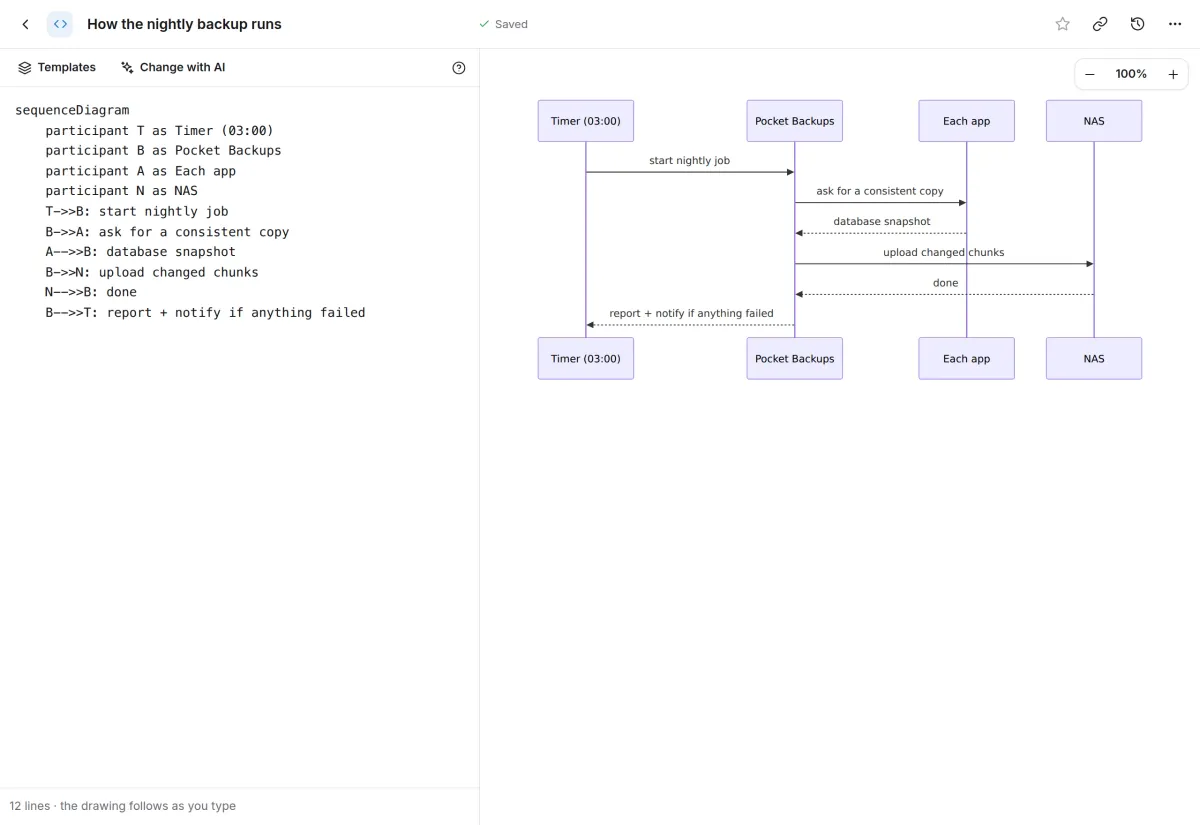
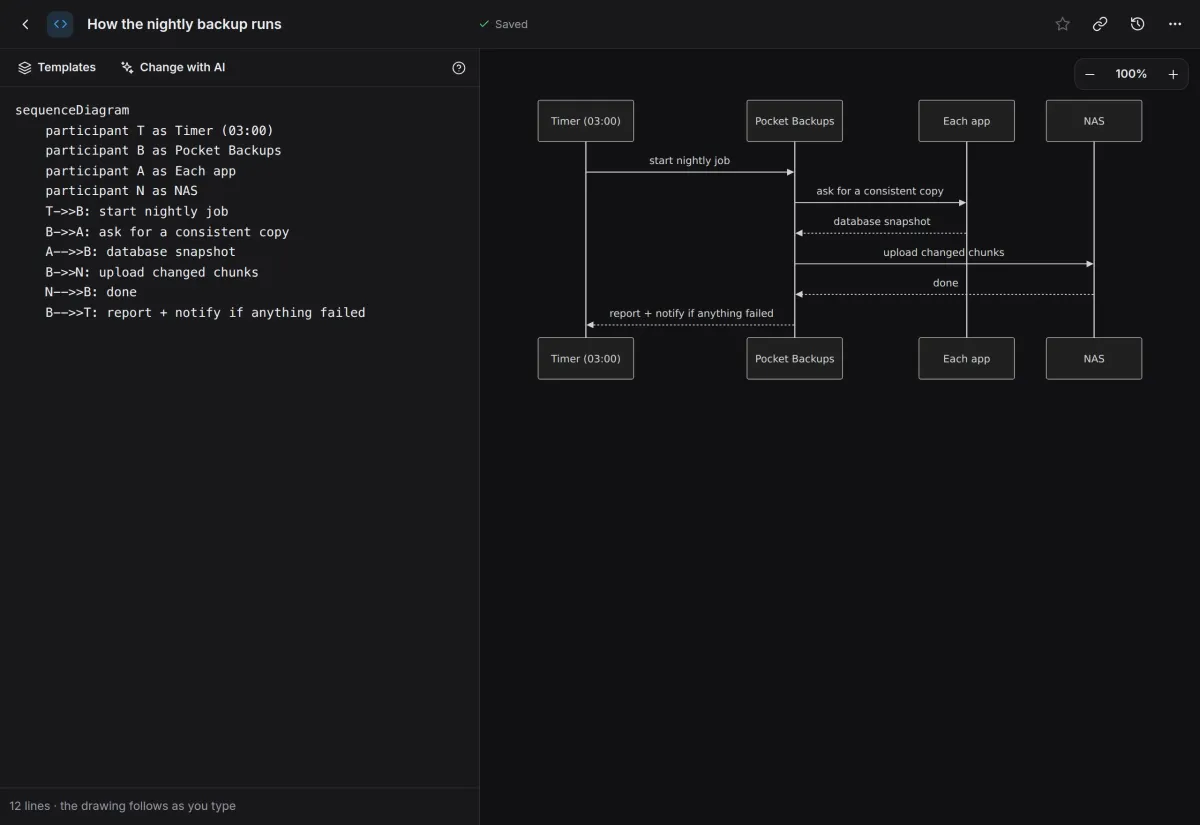
Type Mermaid on the left and the drawing follows on the right: flowcharts, sequence diagrams, mind maps, timelines, Gantt charts, pie charts and more. Start from a template, or ask AI to draw or change one.
- AI through Pocket AI or your own OpenAI-compatible key
- Import .mmd files, Markdown with mermaid blocks or Mermaid Live links
On your phone
Look things up on the go.
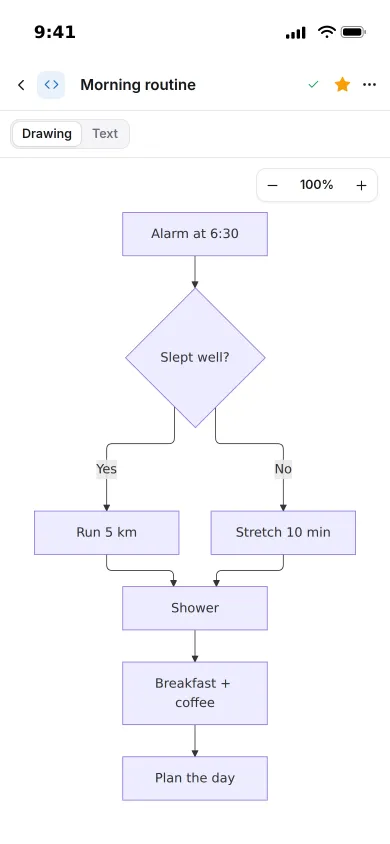
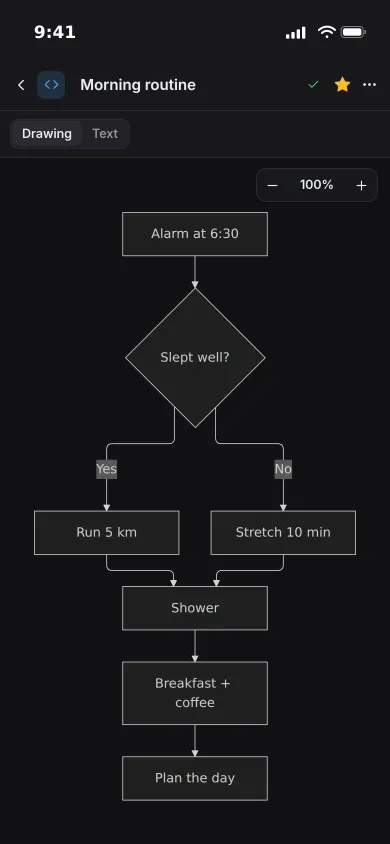
On a phone a text diagram opens on its drawing, with the text one tap away, so a plan or a flowchart is easy to check wherever you are.
- Download any drawing as SVG, PNG or its original file
- Copies in Pocket Files, kept up to date
And the rest of it
In your notes and issues
Put a drawing into a Pocket Notes note or a Pocket Projects issue and it shows there as a picture that follows your edits. Each drawing lists where it is used.
draw.io too
Open diagrams in your own jgraph/drawio container or diagrams.net. Without one, sketches and text diagrams work and the Diagram kind is greyed out.
Imports that just work
Drop in .excalidraw drawings, .drawio and .xml files, .mmd files or Markdown with Mermaid blocks, many at once. A full JSON export imports twice without duplicates.
Everyone their own
Each person has their own drawings, folders, library, settings and connections, and admins see no one else's.
Install
One container, one volume.
Run the image, open it, create the first account and start drawing. Point DRAWIO_URL at diagrams.net or your own draw.io container to open draw.io diagrams too.
On a Pocket Box it is already installed and linked to Pocket Core.
docker run -d --name pocket-draw -p 8080:8080 -v ./data:/data \
  -e BASE_URL=https://draw.example.com -e SECURE_COOKIES=true \
  -e DRAWIO_URL=https://embed.diagrams.net \
  ghcr.io/abjelosevic88/pocket-homelab-draw:latest
More in Notes, files and office
 Pocket Notesv0.8.3Markdown notes kept as plain files where you choose, with search, backlinks, tasks and history.
 Pocket Tasksv0.3.3Tasks with areas, lists and smart views, synced to Apple Reminders and other apps over CalDAV.
 Pocket Calendarv0.7.1A shared calendar for the household that syncs to every phone and pulls in iCloud, Google and Nextcloud.
 Pocket Contactsv0.2.2Everyone you know in one searchable place, synced to every phone over CardDAV.
 Pocket Mailv0.1.2All your email accounts in one calm inbox, with fast search, snooze, send later and undo send.
 Pocket Documentsv0.6.1Scans and paper files made searchable, tagged and filed for you. A lighter Paperless-ngx replacement.
 Pocket Filesv0.4.4Your files on your own server, with private folders, shares, a WebDAV drive and encrypted links that expire.
 Pocket Officev0.6.4Open and edit Word, Excel and PowerPoint files in the browser, wherever they are stored.
 Pocket Clipsv0.2.3Clipboard history, text snippets and search shortcuts on your own server, searchable from every device.