

Pocket Notes
v0.8.3 · Self-hosted · MIT
Markdown notes that stay plain files you own.
Pocket Notes is a notes server with a rich editor, full-text search, tags, backlinks, daily notes and a history of every change. Your notes stay ordinary .md files in folders: on the server, in Nextcloud or Pocket Files, on any WebDAV server, or in a folder you choose. It speaks the Nextcloud Notes API, so those apps work with it too.
- Included in Pocket Box
- Sign in with Pocket Core
- Works with Nextcloud Notes and WebDAV
Writing
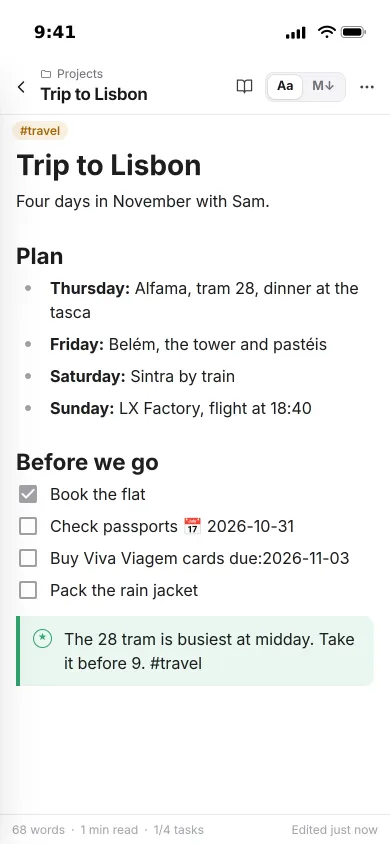
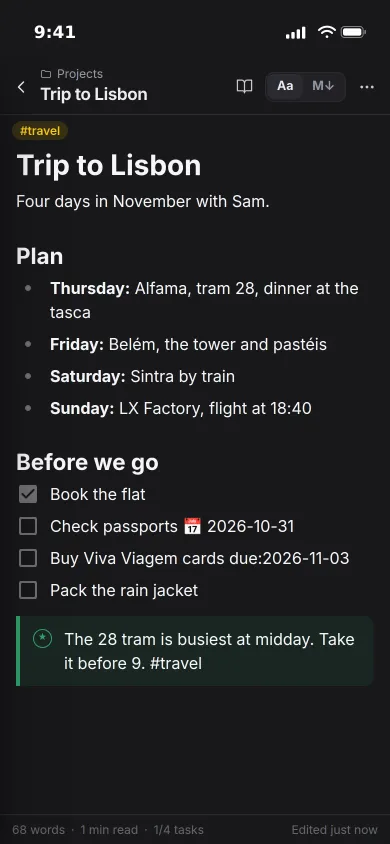
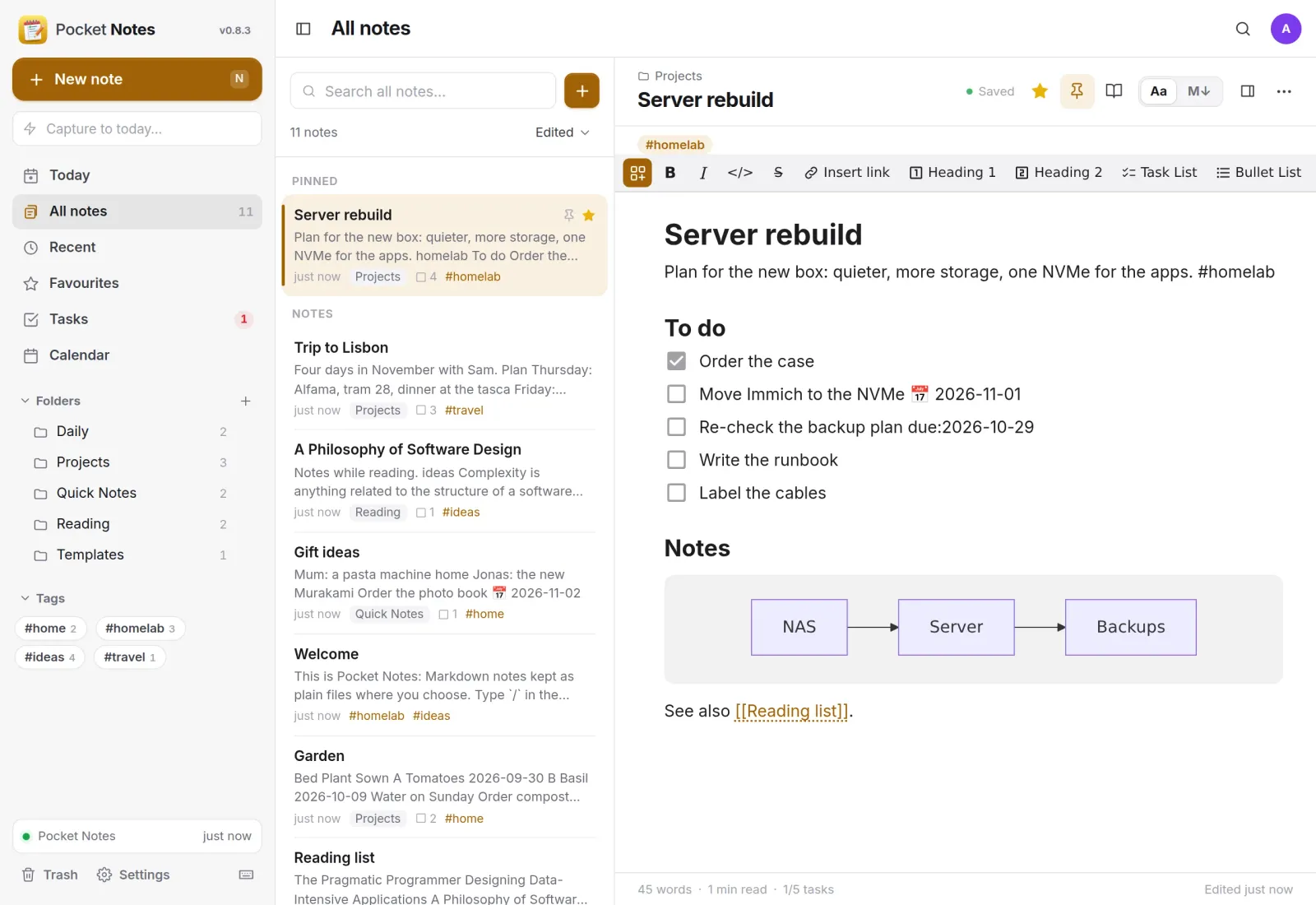
Edit as it reads, keep it as Markdown.
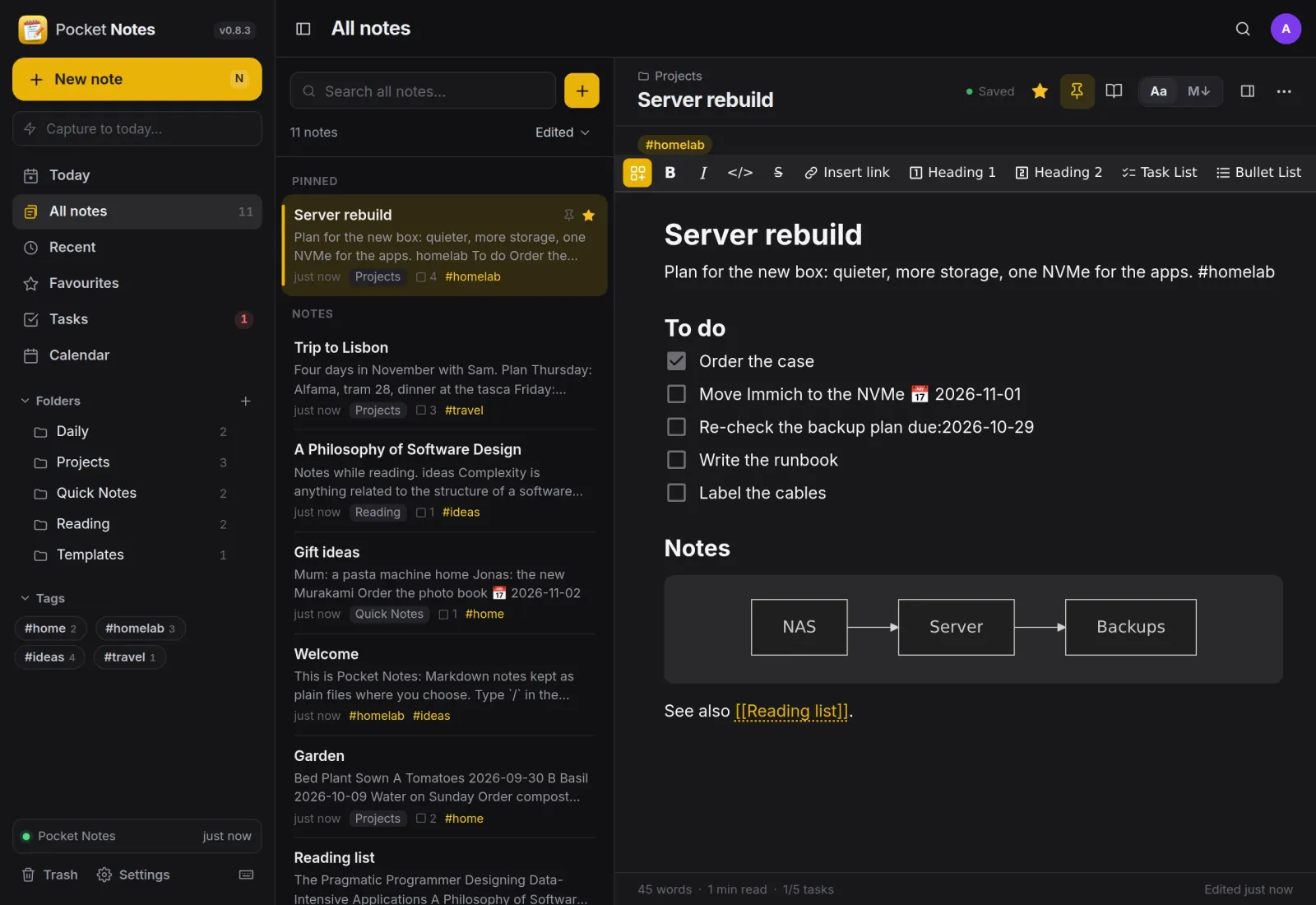
Folders, tags and pinned notes on the left, the note on the right. Tasks, headings and Mermaid diagrams render as you type, and the plain Markdown source is one click away.
Blocks
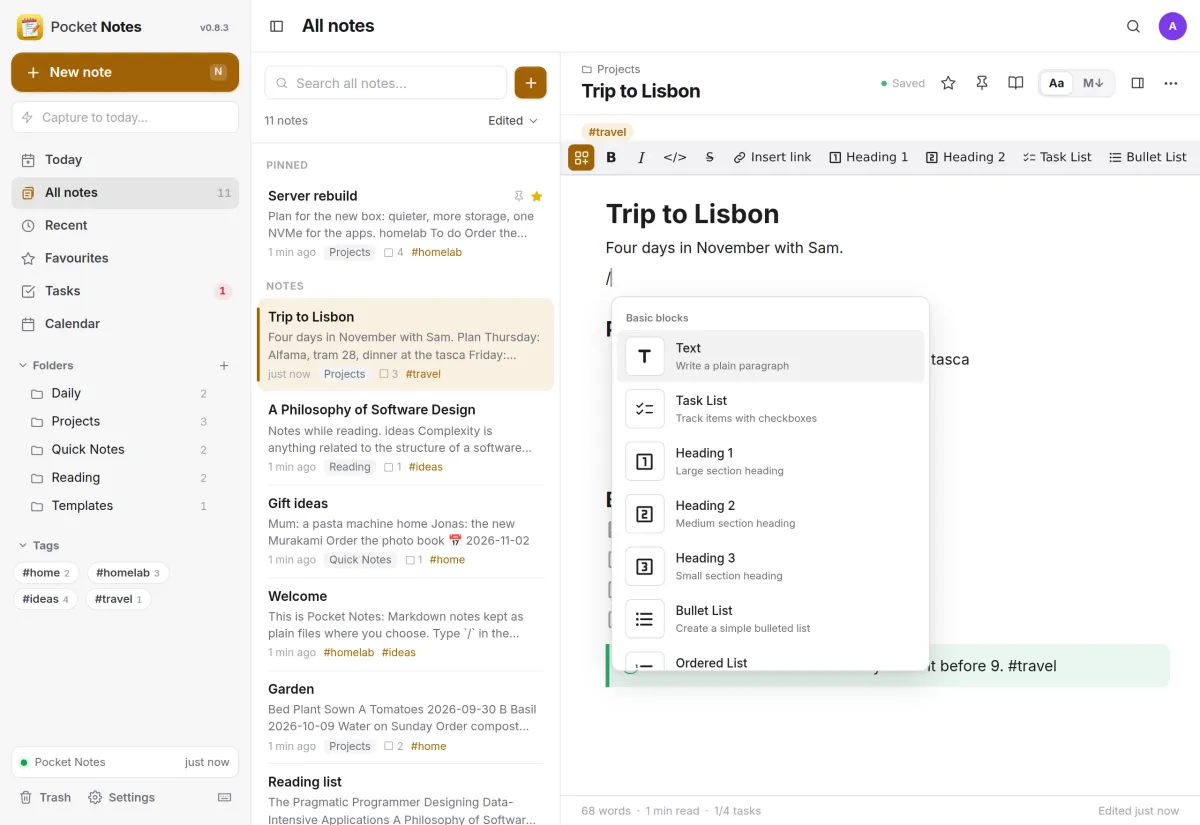
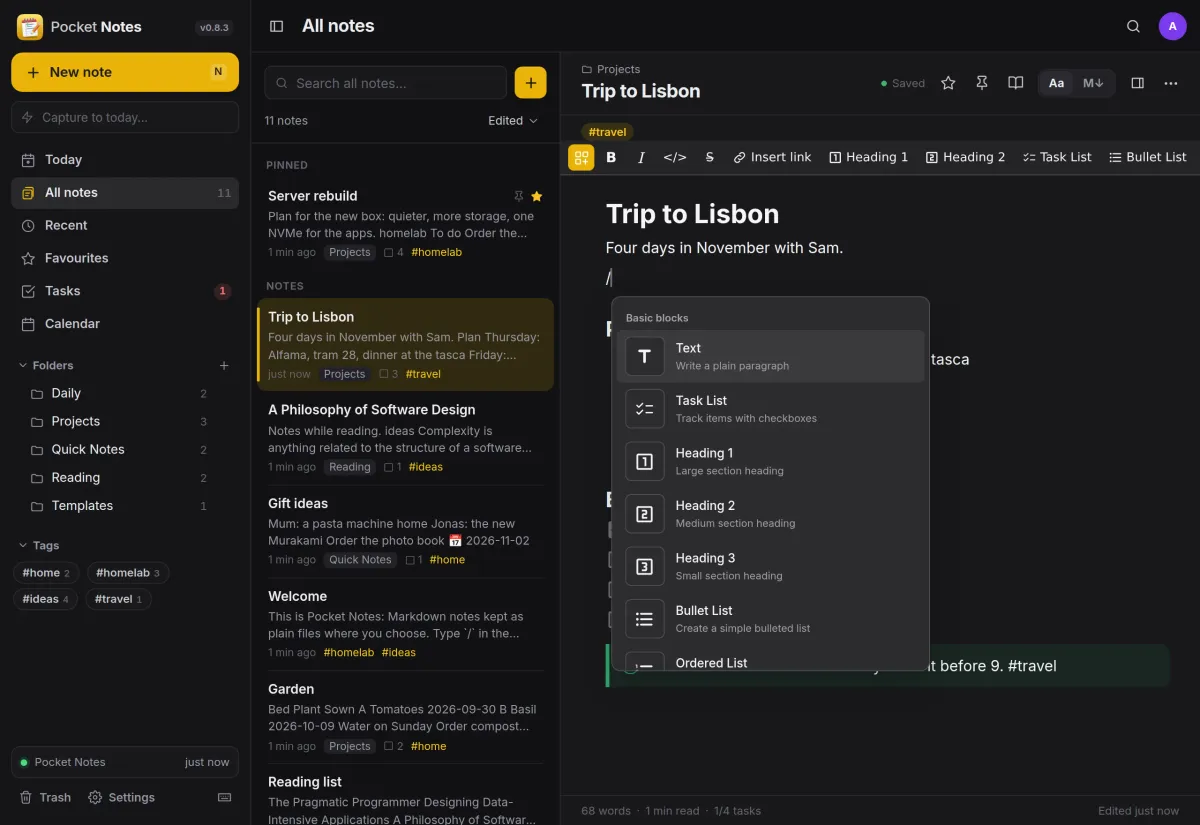
Type / for anything.
A slash at the start of a line opens every block the editor knows, from task lists and headings to tables, code, callouts and diagrams.
- Code in 20 languages, formulas, footnotes and a table of contents
- [[ links another note, with backlinks on every note
- Templates and dates like @today
Tasks
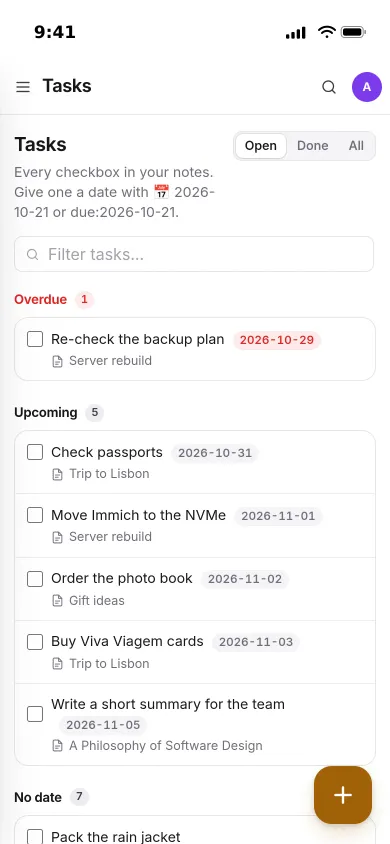
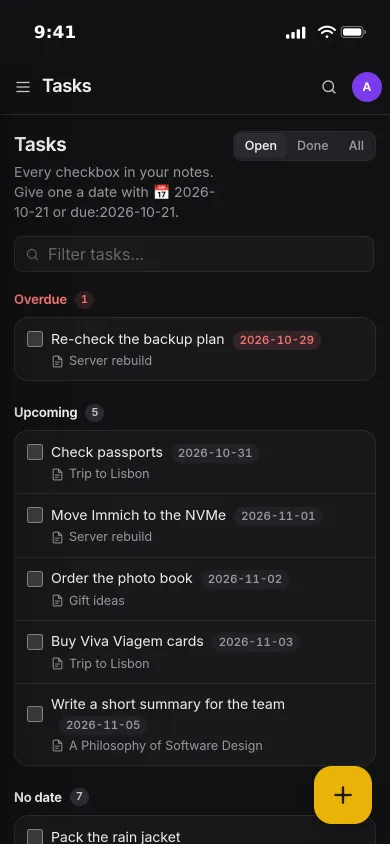
Every checkbox in one list.
Tasks from all your notes are gathered by due date: overdue, upcoming and no date. Tick one off here and it is ticked in its note.
- Give a task a date with 📅 2026-11-03 or due:2026-11-03
- Each task links back to the note it came from
History
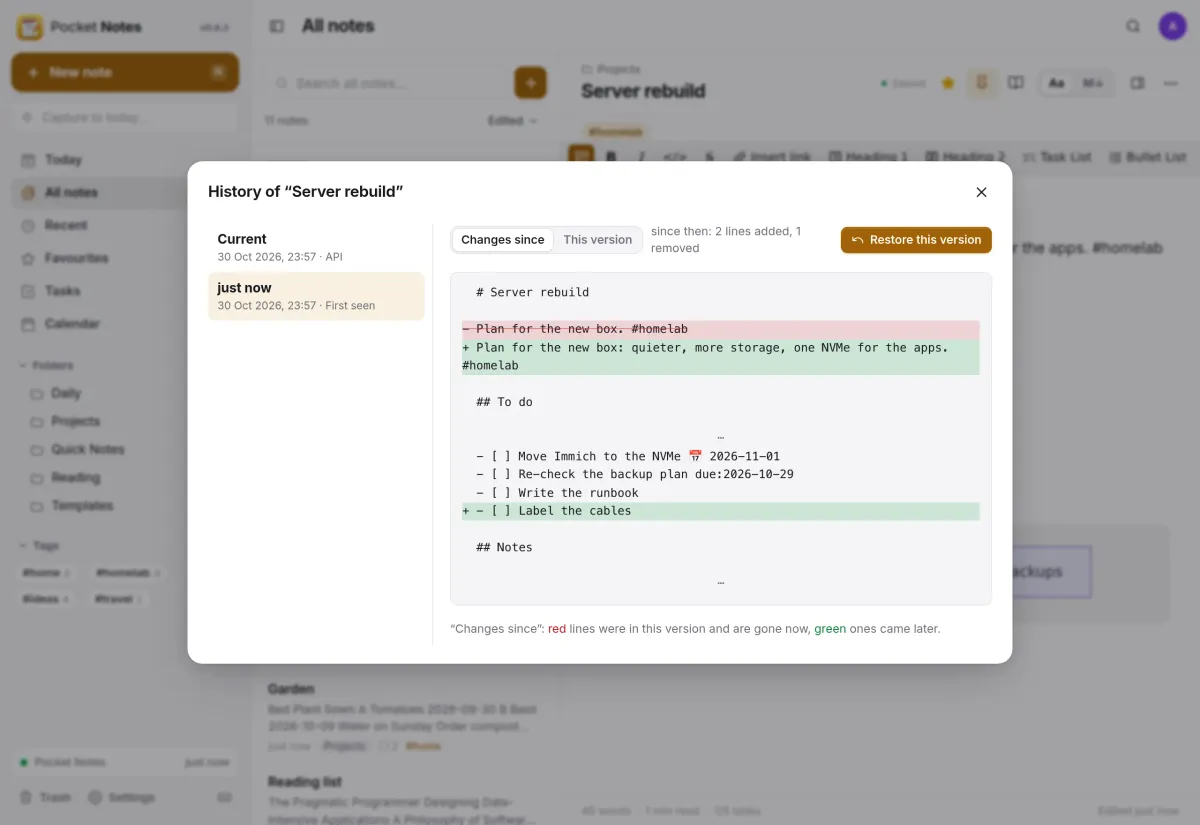
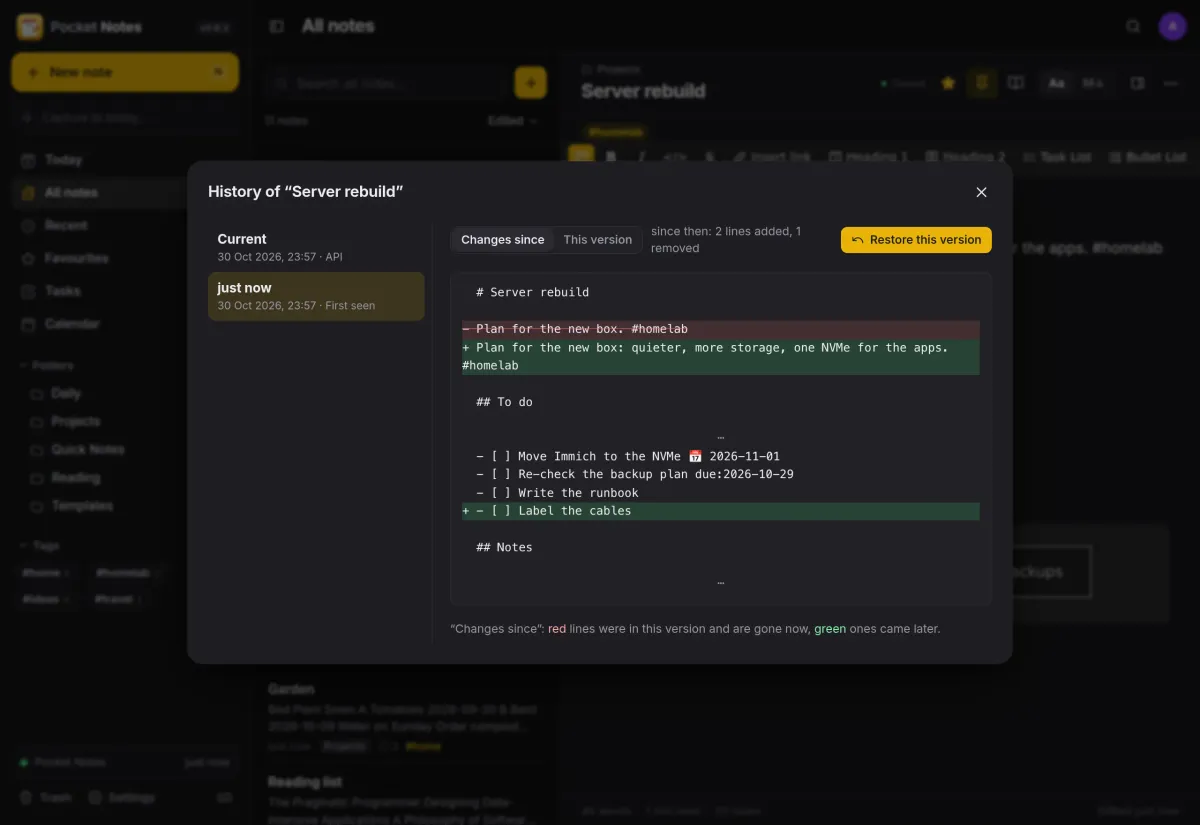
Every change, from any device.
Each saved state of a note is kept, whether it was written here, in Nextcloud Notes or in a text editor. See what changed since then and restore it in one click.
- A trash that keeps deleted notes for 30 days
- A save never overwrites someone else's edit, you choose
And the rest of it
Find it again
Full-text search with tag:, in:, is:fav, has:tasks and phrases, accents ignored. ⌘K finds a note by title as you type.
Daily notes and capture
A daily note in your own folder and format, a calendar of them, and quick capture into today's note from the sidebar, a Shortcut, Raycast or curl.
Reaches into your homelab
The / menu links photos from Immich, documents, contacts, drawings and Forgejo issues, and writes blocks from what your services know.
Share and export
Share a note as a read-only public link, with an end date if you like. Print to PDF, download .md or the whole folder as a zip, or import from Obsidian, Bear or Joplin.
Install
One container, one volume.
Start it, create the first account, then choose where your notes live in Settings, Storage. To keep using Nextcloud Notes alongside, pick Nextcloud and the folder Nextcloud Notes uses.
On a Pocket Box it is already installed and linked to Pocket Core.
services:
  pocket-notes:
    image: ghcr.io/abjelosevic88/pocket-homelab-notes:latest
    restart: unless-stopped
    ports: ["8080:8080"]
    environment:
      TZ: Europe/Berlin
      BASE_URL: https://notes.example.com
      SECURE_COOKIES: "true"
    volumes:
      - ./data:/data
More in Notes, files and office
 Pocket Tasksv0.3.3Tasks with areas, lists and smart views, synced to Apple Reminders and other apps over CalDAV.
 Pocket Calendarv0.7.1A shared calendar for the household that syncs to every phone and pulls in iCloud, Google and Nextcloud.
 Pocket Contactsv0.2.2Everyone you know in one searchable place, synced to every phone over CardDAV.
 Pocket Mailv0.1.2All your email accounts in one calm inbox, with fast search, snooze, send later and undo send.
 Pocket Documentsv0.6.1Scans and paper files made searchable, tagged and filed for you. A lighter Paperless-ngx replacement.
 Pocket Filesv0.4.4Your files on your own server, with private folders, shares, a WebDAV drive and encrypted links that expire.
 Pocket Officev0.6.4Open and edit Word, Excel and PowerPoint files in the browser, wherever they are stored.
 Pocket Drawv0.2.4Sketches, text diagrams and detailed diagrams in one place, with history and search.
 Pocket Clipsv0.2.3Clipboard history, text snippets and search shortcuts on your own server, searchable from every device.