

Pocket Mail
v0.1.2 · Self-hosted · MIT
All your email accounts, in one calm inbox.
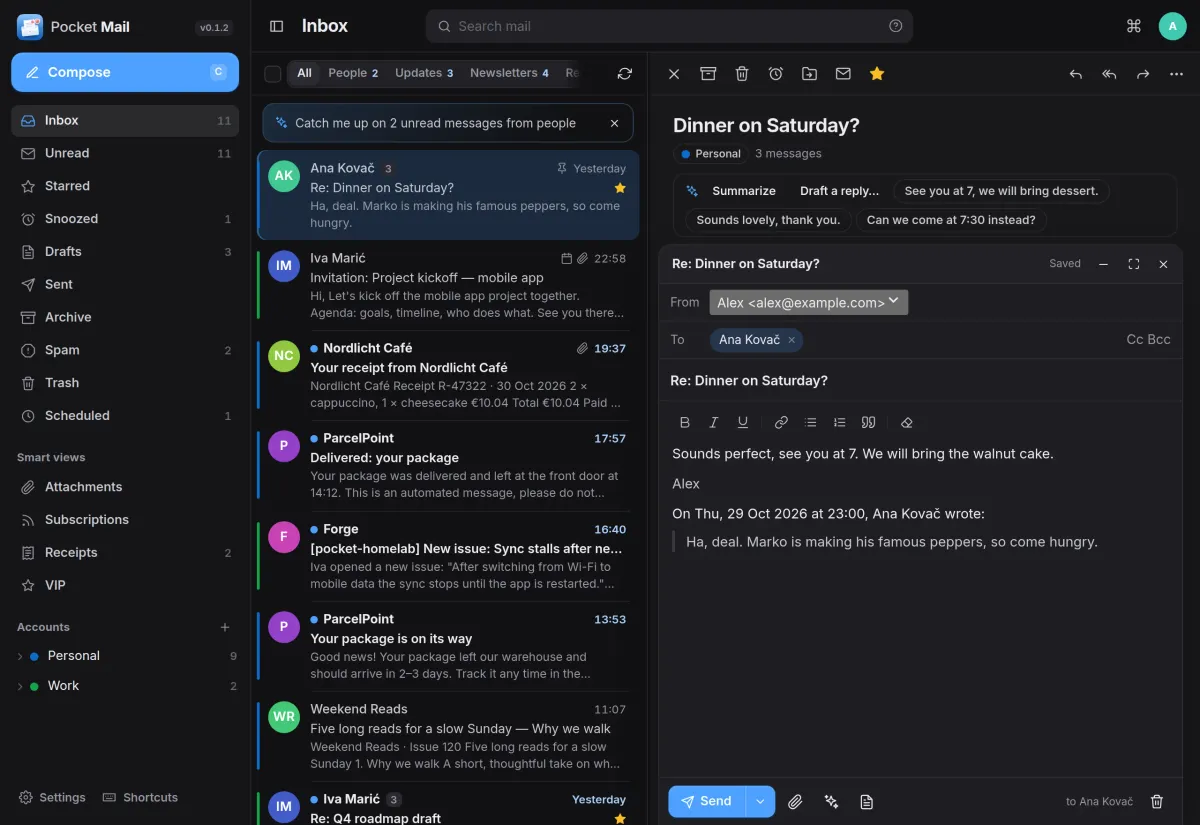
Pocket Mail is a web mail client for the accounts you already have. Type your address and it finds the servers; Gmail and Outlook can sign in with Google or Microsoft. Conversations read like a chat, the inbox sorts itself into people, updates, newsletters and receipts, and your mail stays with your provider.
- Included in Pocket Box
- Sign in with Pocket Core
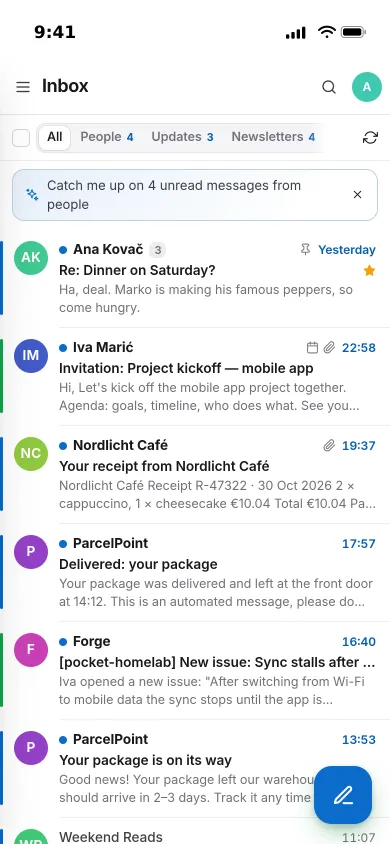
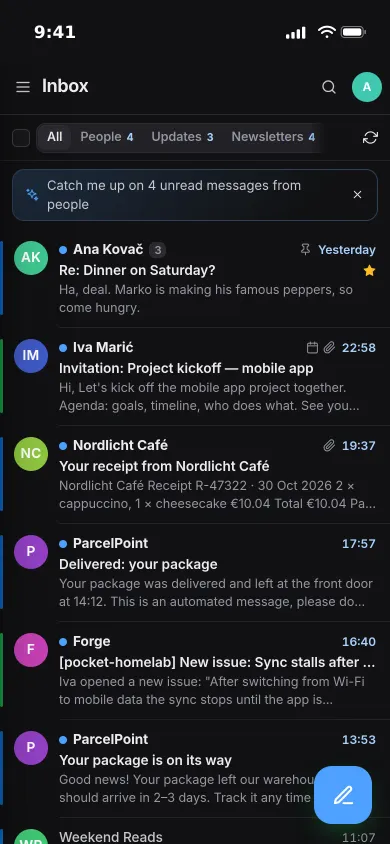
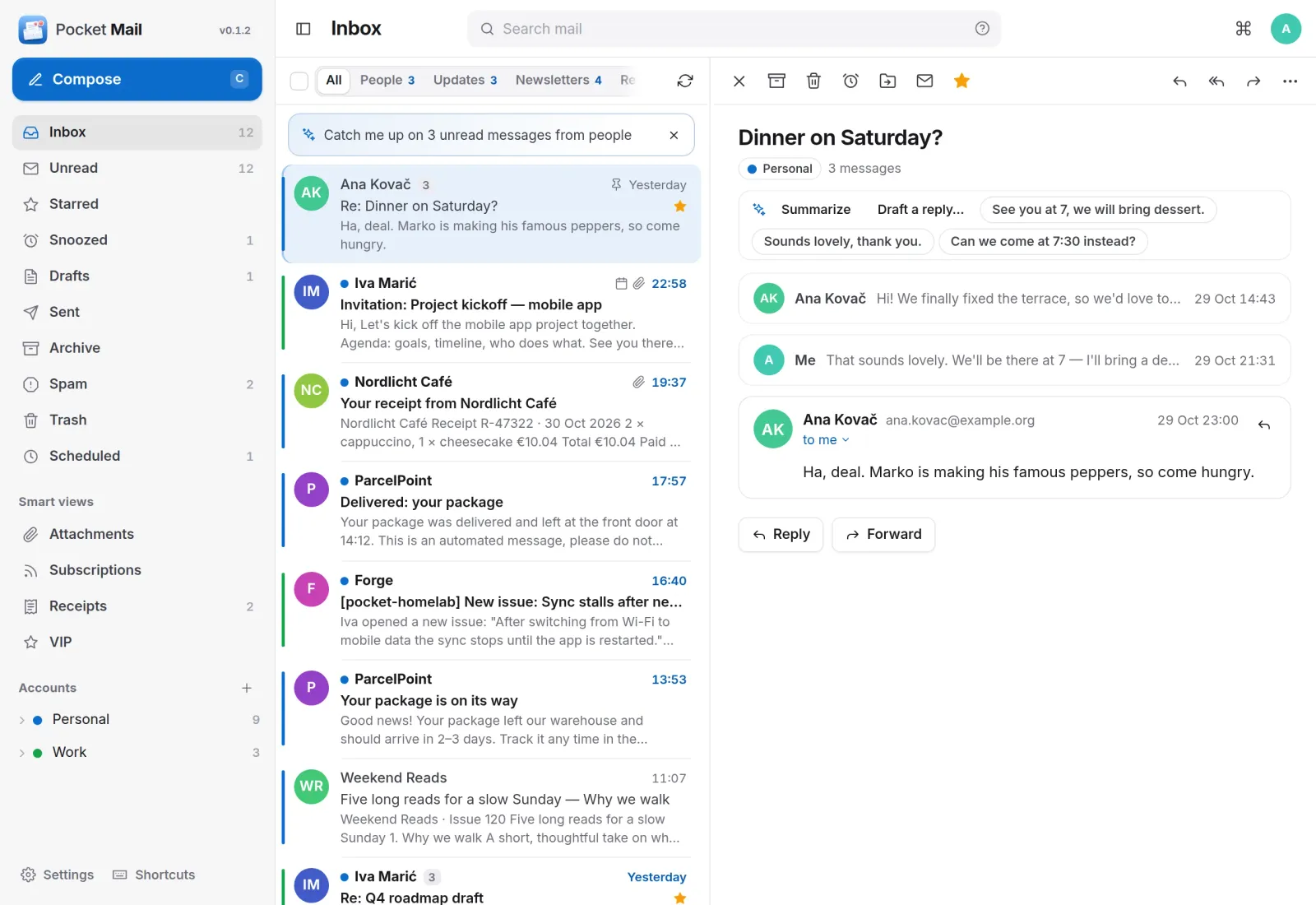
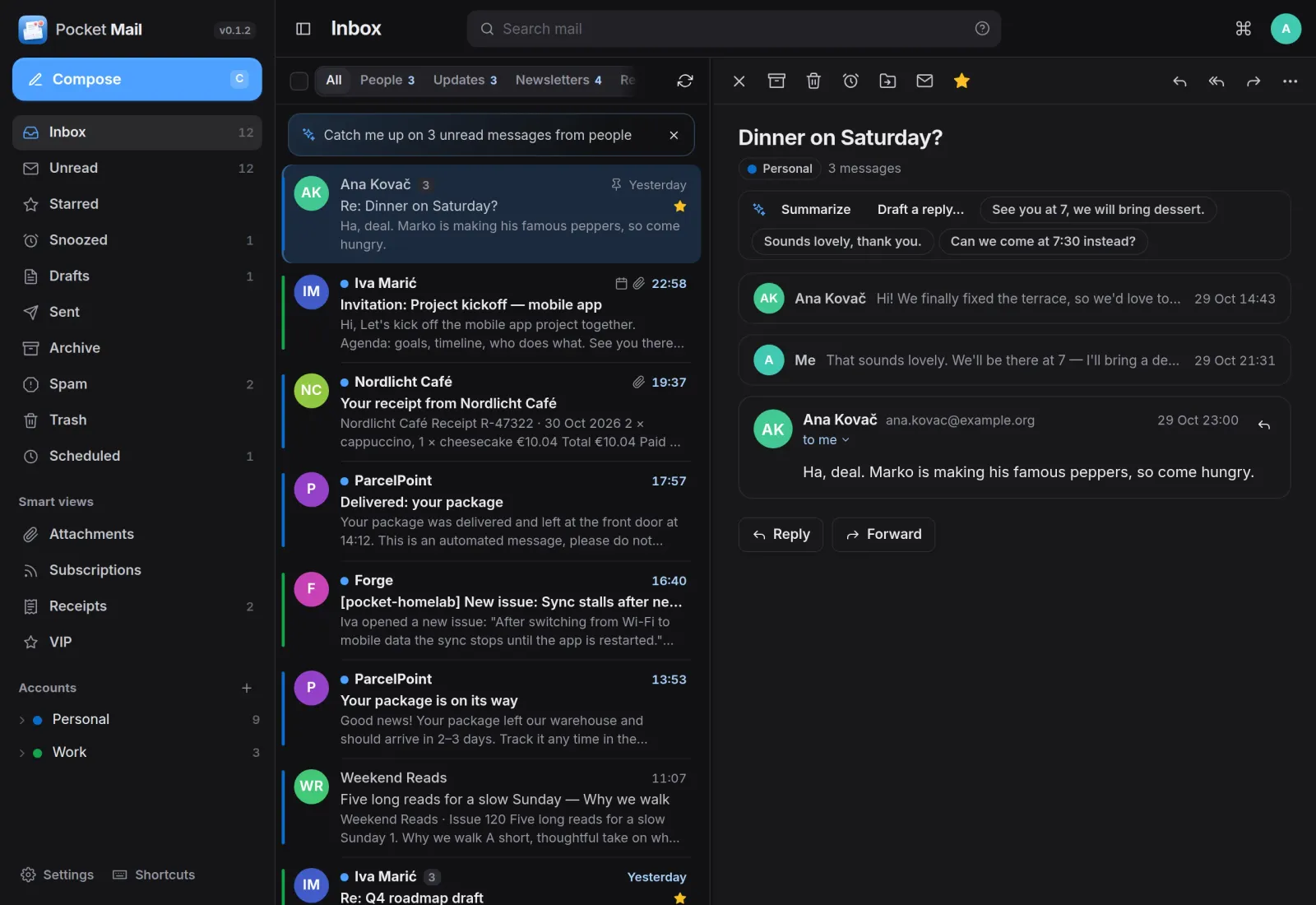
Inbox
Conversations, not piles of replies.
A whole exchange opens as one conversation, with earlier messages folded away. Pocket AI can summarise a thread or suggest three short replies, and the inbox offers to catch you up on what came in.
Your apps
Invitations land in your calendar.
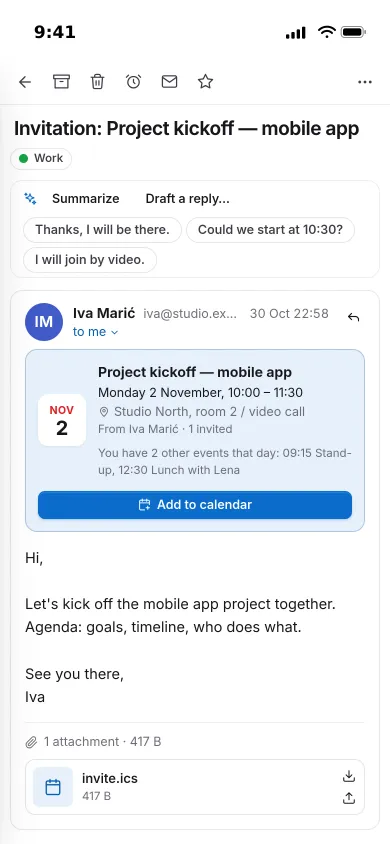
An invitation shows as a card with the date, place and organiser, what else is on that day, and a button that adds it to Pocket Calendar.
- Save attachments to Pocket Documents, Files or Immich
- Turn an email into a Pocket Tasks task or a Pocket Notes note
- Record a receipt in Pocket Money, add a sender to Pocket Contacts

Subscriptions
Leave the newsletters you never read.
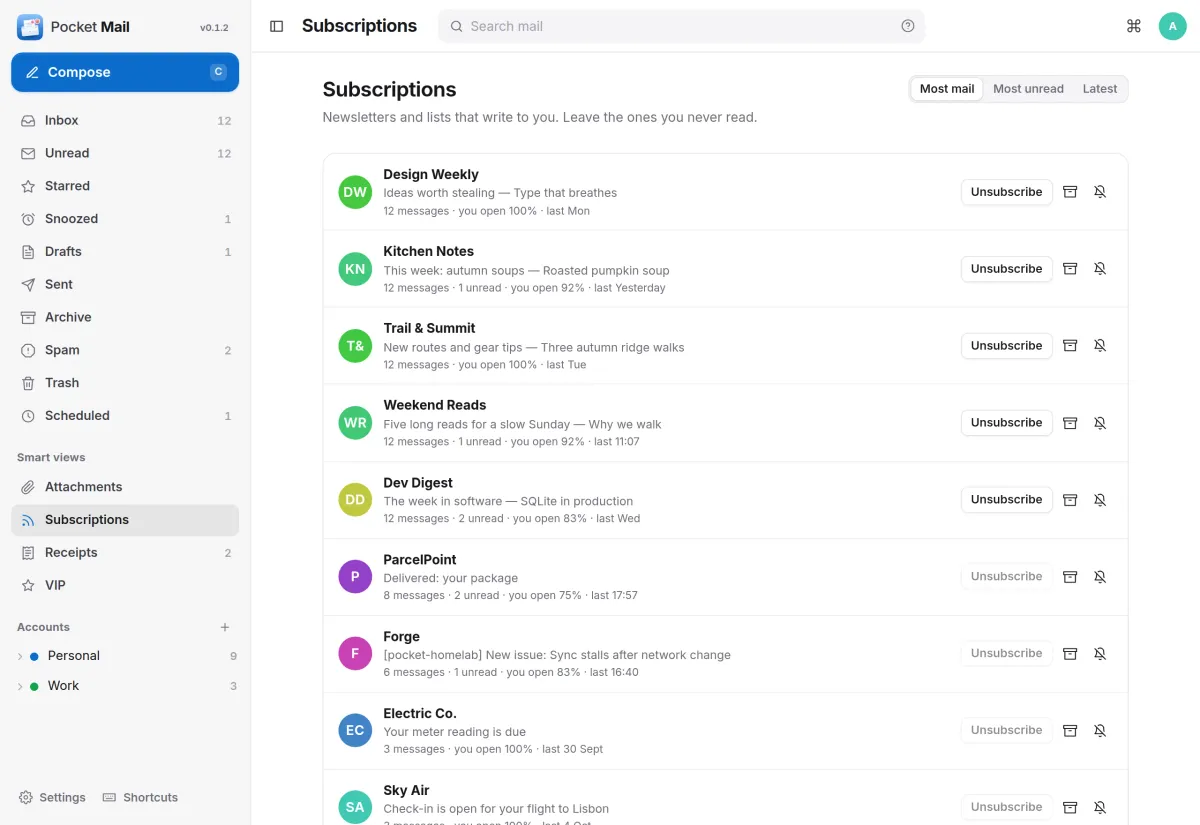
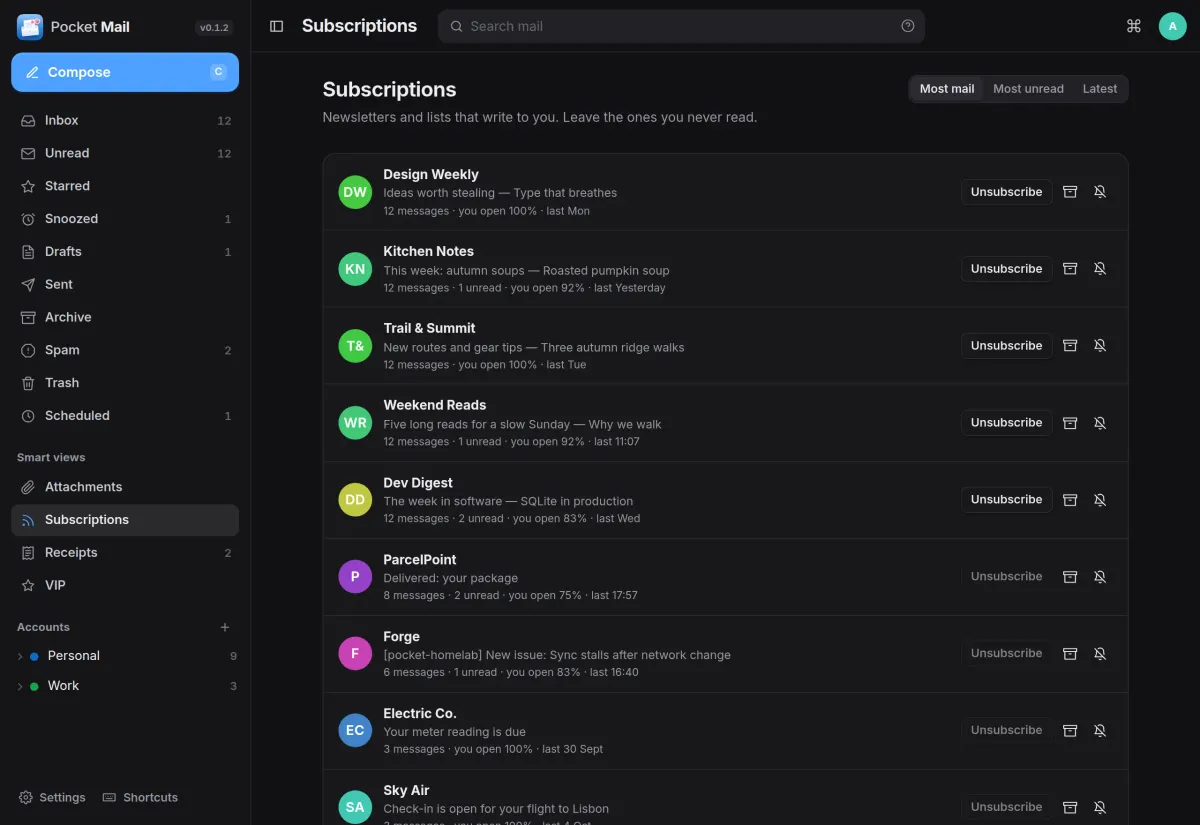
Every newsletter and mailing list on one page, with how much each sends and how often you open it. Unsubscribe in one click, archive everything from a sender, or mute it.
- One-click unsubscribe, or an unsubscribe email sent for you
- Rules that file, mark, star or save attachments as mail arrives
- Mark VIPs and mute noisy senders
Writing
Reply without leaving the thread.
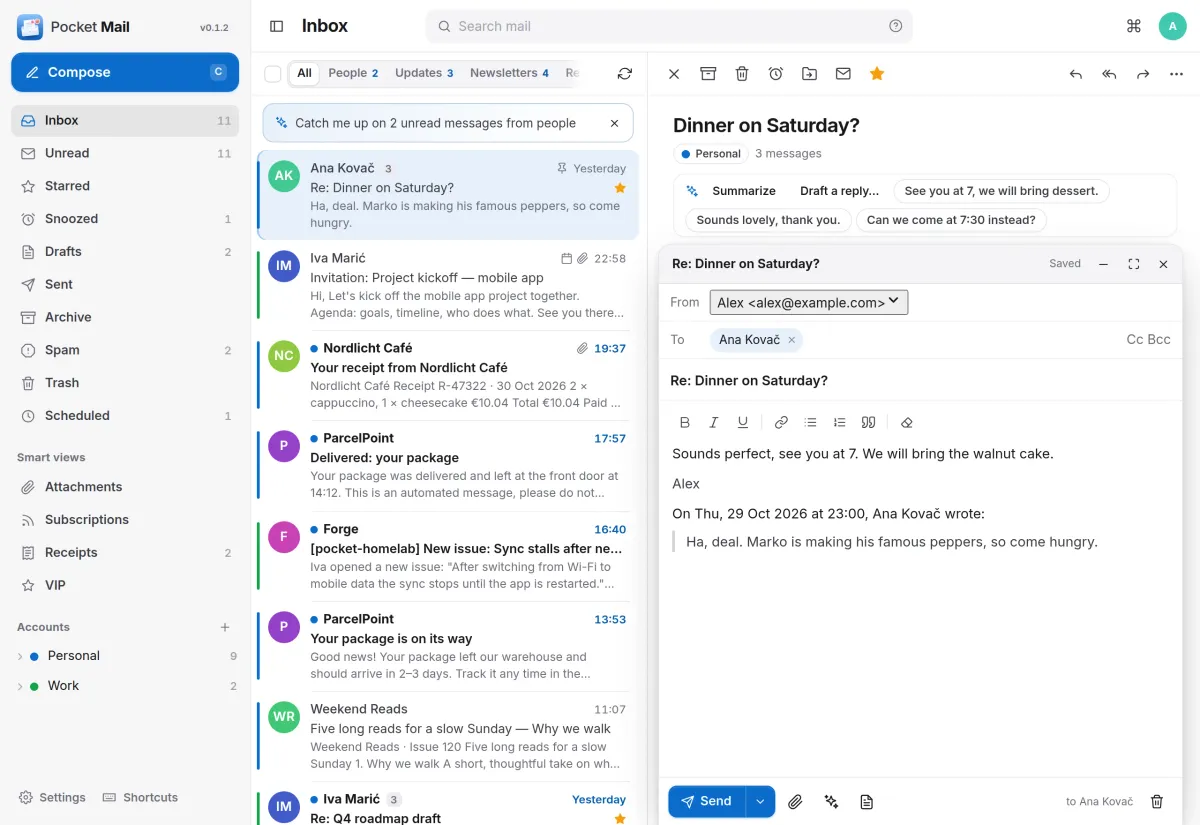
The reply opens beside the conversation with the right account, the recipient and the quoted message already filled in. Drafts save as you type.
- Address suggestions from Pocket Contacts and people you write to
- Signatures per account, templates, send later and undo send
- A reminder when you mention an attachment but forgot it
And the rest of it
Search that finds it
Words in subjects, names and text with accents ignored, plus from:, to:, has:attachment, is:unread, before:, newer_than:7d and filename:.
Safe reading
Messages are cleaned before they are shown, tracking images and remote content stay blocked until you allow them, and risky attachments are only downloaded.
Snooze and pin
Snooze a message until later today, tomorrow or next week, and pin the ones you need on top. New mail arrives live without the list jumping.
Everyone their own
Each person has their own accounts, mail and settings, and admins see no one else's. Passwords and tokens are sealed with a key only your server has.
Install
One container, one volume.
Run the image, open it, create the first account and add your mail. Pocket Mail keeps a copy of the recent months for speed and search, and every change goes back to your mail server, so your phone sees the same thing. Back up the data folder, including secret.key.
On a Pocket Box it is already installed and linked to Pocket Core.
docker run -d --name pocket-mail -p 8080:8080 -v ./data:/data \
  -e BASE_URL=https://mail.example.com -e SECURE_COOKIES=true \
  ghcr.io/abjelosevic88/pocket-homelab-email:latest
More in Notes, files and office
 Pocket Notesv0.8.3Markdown notes kept as plain files where you choose, with search, backlinks, tasks and history.
 Pocket Tasksv0.3.3Tasks with areas, lists and smart views, synced to Apple Reminders and other apps over CalDAV.
 Pocket Calendarv0.7.1A shared calendar for the household that syncs to every phone and pulls in iCloud, Google and Nextcloud.
 Pocket Contactsv0.2.2Everyone you know in one searchable place, synced to every phone over CardDAV.
 Pocket Documentsv0.6.1Scans and paper files made searchable, tagged and filed for you. A lighter Paperless-ngx replacement.
 Pocket Filesv0.4.4Your files on your own server, with private folders, shares, a WebDAV drive and encrypted links that expire.
 Pocket Officev0.6.4Open and edit Word, Excel and PowerPoint files in the browser, wherever they are stored.
 Pocket Drawv0.2.4Sketches, text diagrams and detailed diagrams in one place, with history and search.
 Pocket Clipsv0.2.3Clipboard history, text snippets and search shortcuts on your own server, searchable from every device.