
Pocket Office
v0.6.4 · Self-hosted · MIT
Word, Excel and PowerPoint, wherever your files live.
Pocket Office opens and edits documents, spreadsheets and presentations in the browser, straight from the folder on your box, your Nextcloud, Pocket Documents, Pocket Files or any WebDAV server. ONLYOFFICE Document Server draws the editor; Pocket Office brings the places, the file browser, new files and safe saving back to where each file came from.
- Included in Pocket Box
- Sign in with Pocket Core
- Works with ONLYOFFICE Document Server and Collabora Online and Nextcloud and WebDAV
Editor
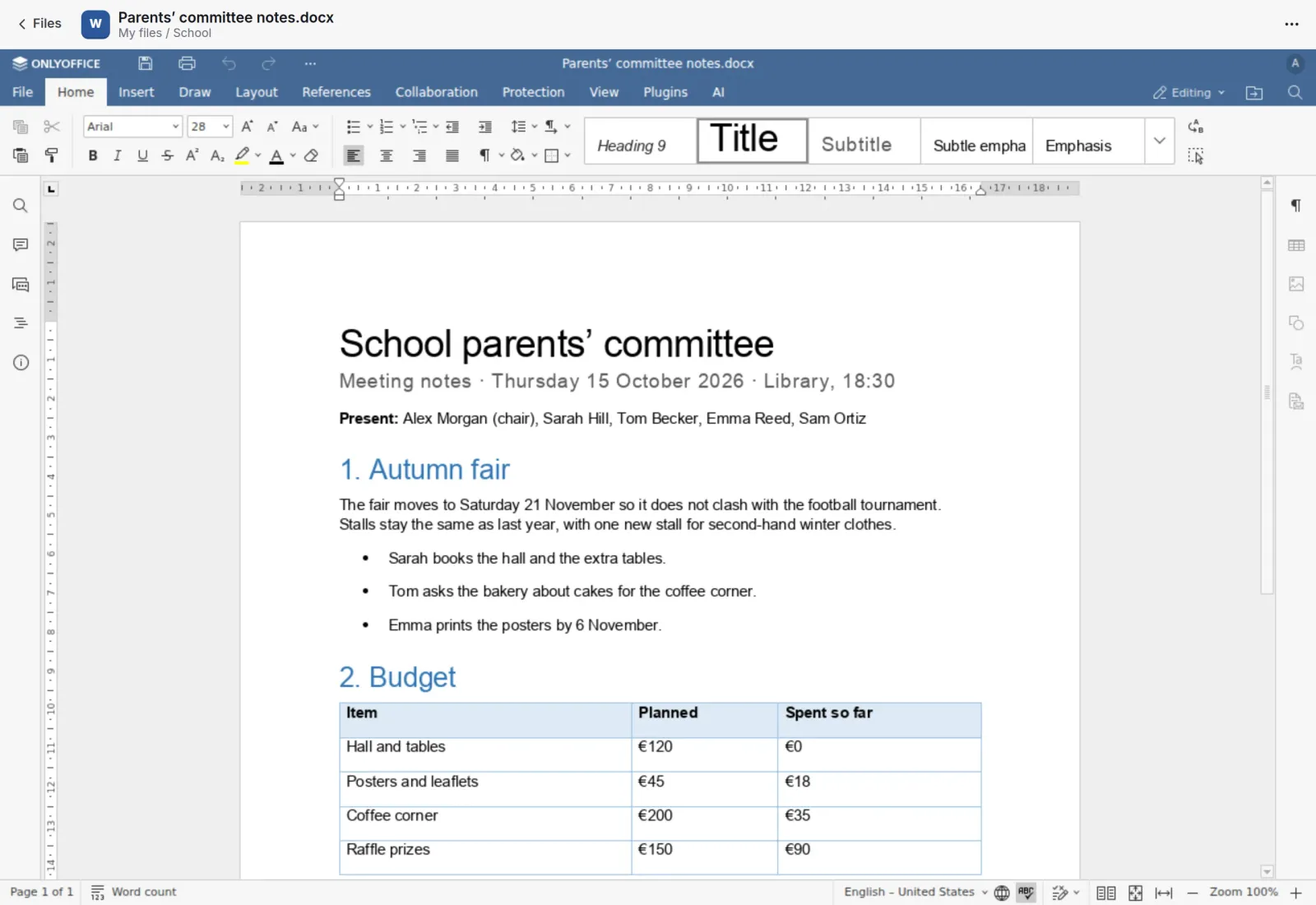
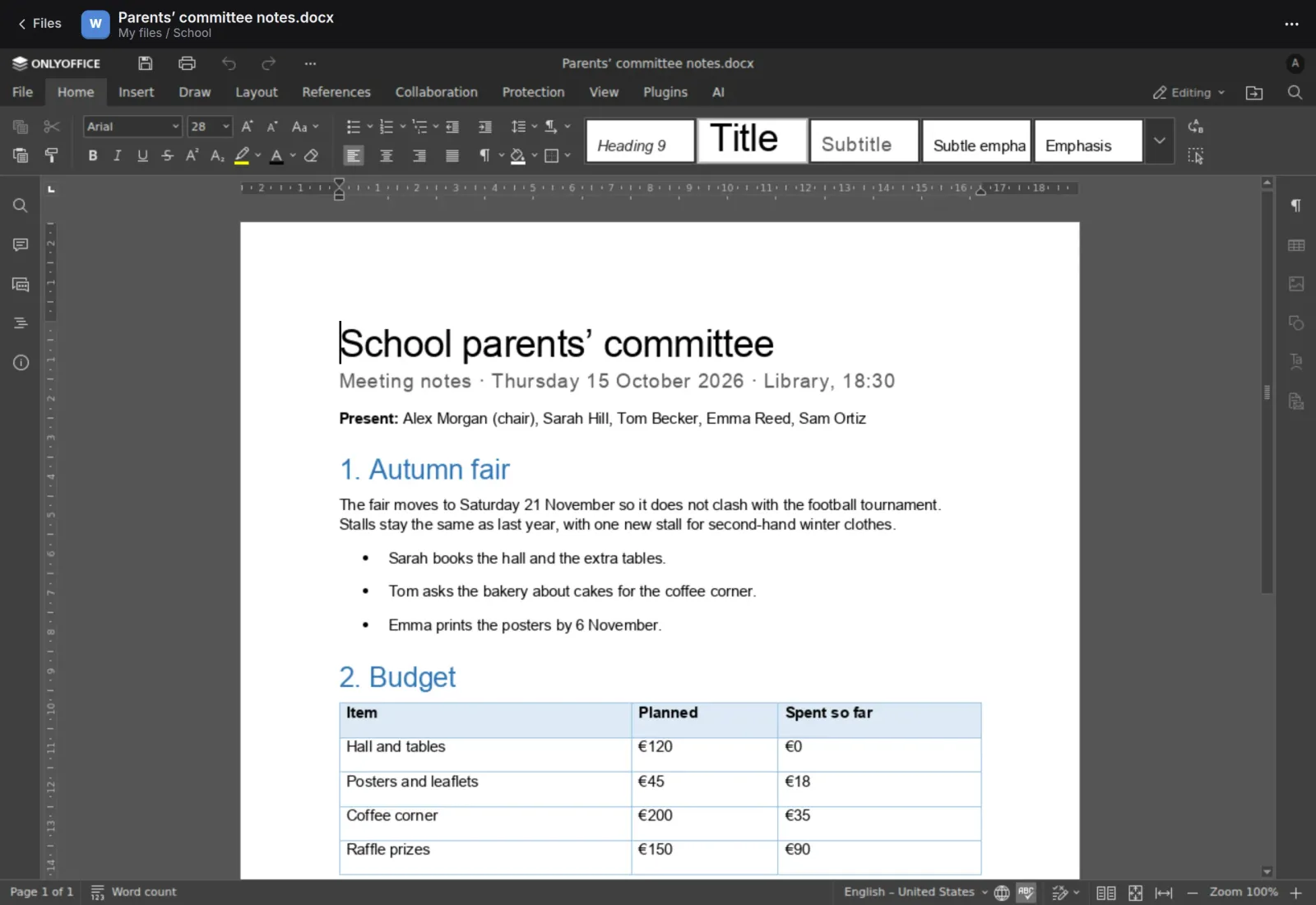
The full editor, in a browser tab.
A Word document opens in ONLYOFFICE with its styles, tables and lists intact. Changes save while you type and go back to the place the file came from when you close it.
Spreadsheets
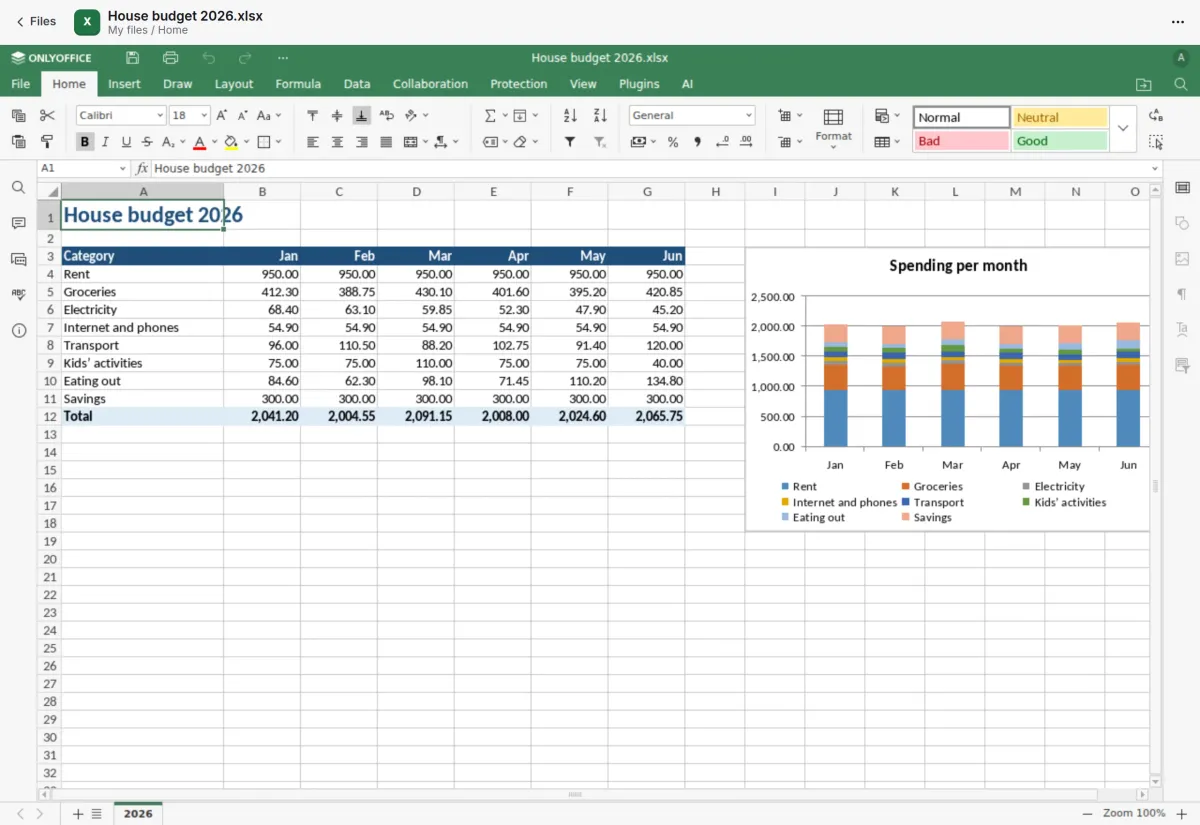
Sheets with formulas and charts.
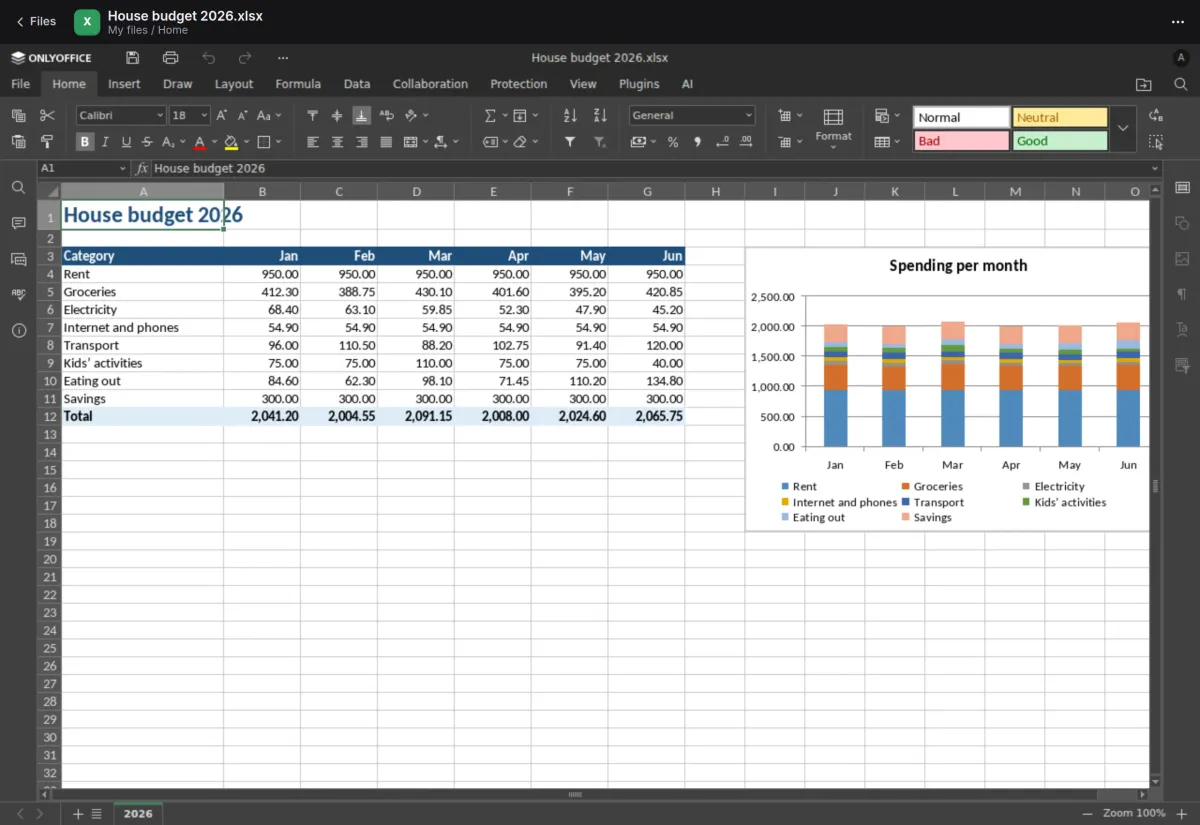
A household budget opens with its formatting, sum formulas and a stacked chart, ready to edit. Two people opening the same file share one live session, with comments and chat.
- Saves are guarded: if the file changed meanwhile, your edit is kept as a conflict copy
- Download as PDF, PDF/A, ODF and more, whatever Document Server converts to
- Older formats open in the viewer with Edit a copy one click away
On your phone
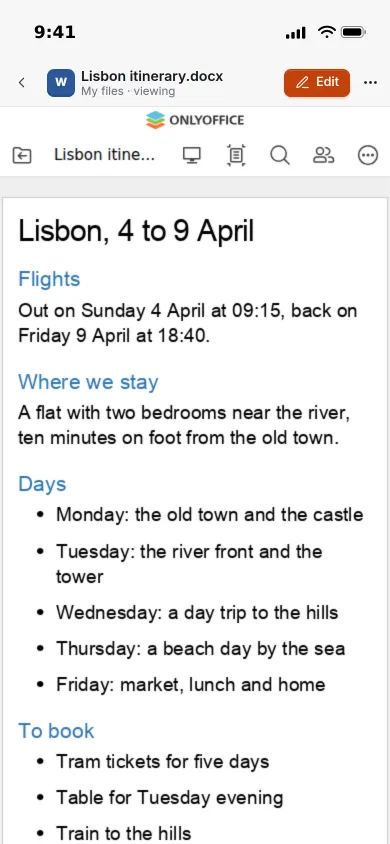
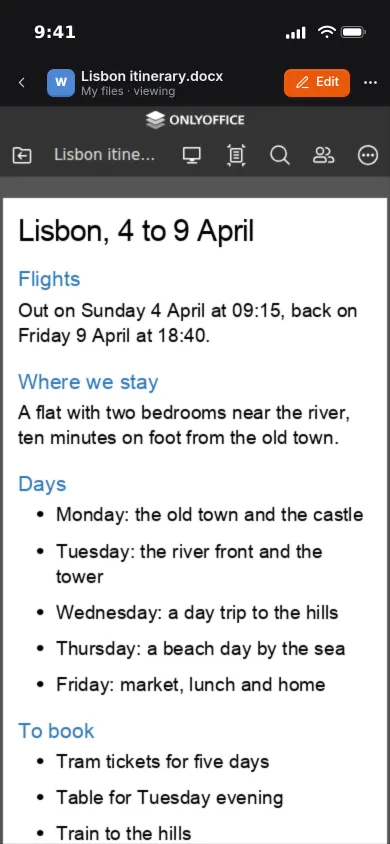
Read on the phone, edit when you need to.
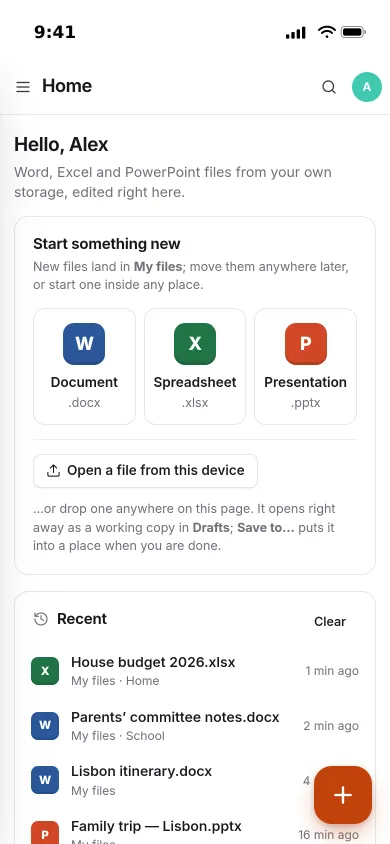
On a phone, files open in Document Server’s mobile viewer, sized for the screen. The Edit button opens the full editor on the phone when you need to change something.
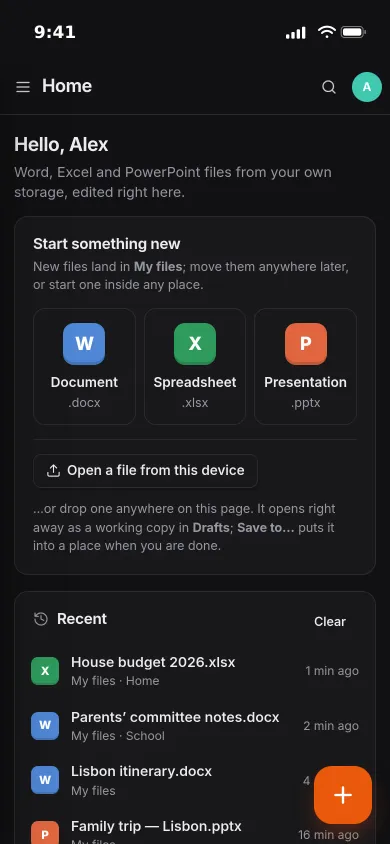
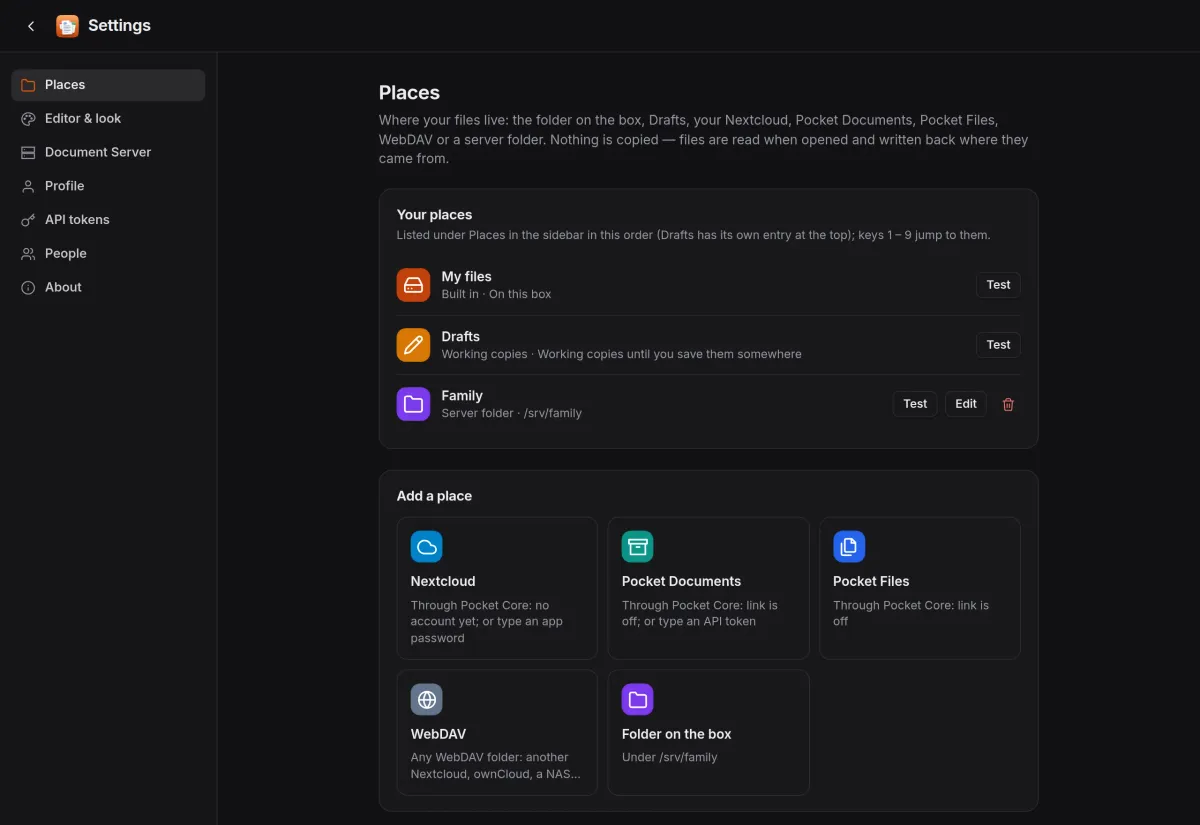
- Light and dark theme, passed on to the editor
- Find a file by name across every place
- Drop a file in and it opens at once as a working copy in Drafts
Places
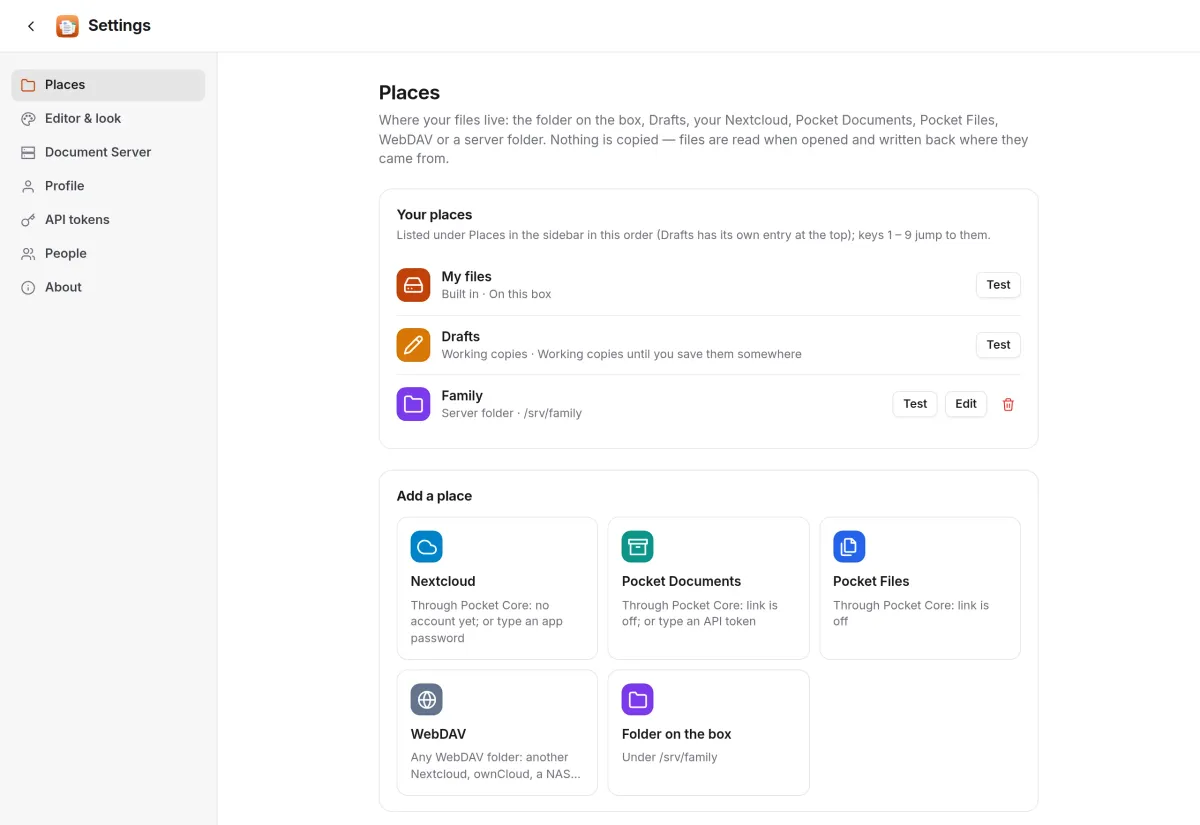
Your files stay where they are.
Each person adds their own places: a folder on the box, their Nextcloud, their Pocket Documents archive or Pocket Files, any WebDAV server, or a server folder the admin offers. Nothing is copied.
- With Pocket Core, Nextcloud and Pocket apps connect without typing a password
- Upload, new folders, rename, move, duplicate and delete in the file browser
- Everything is per person: places, recent files and tokens
And the rest of it
Two editing engines
ONLYOFFICE Document Server by default, Collabora Online as an option. Each person picks a default, and any open file can switch engines.
Drafts until you save
A file dropped from your device opens as a working copy in Drafts, autosaved there. Save to… moves it into the place and folder you choose.
Send for review
Any file can go to Pocket Review as a PDF with a link back. Files in review carry a badge in the list and in the editor.
An API of its own
A JSON API with bearer tokens, a dashboard endpoint for a Homepage widget, health checks and metrics.
Install
Two containers: the app and Document Server.
Pocket Office needs an ONLYOFFICE Document Server, and the two must reach each other: browsers load the editor from Document Server, and Document Server fetches and saves files through Pocket Office. The compose file starts both. Already run Document Server for Nextcloud? Point Pocket Office at it and reuse its secret.
On a Pocket Box it is already installed, together with Document Server.
services:
  office:
    image: ghcr.io/abjelosevic88/pocket-homelab-office:latest
    ports: ["8080:8080"]
    environment:
      BASE_URL: https://office.example.com
      ONLYOFFICE_URL: https://onlyoffice.example.com
      ONLYOFFICE_INTERNAL_URL: http://onlyoffice:80
      ONLYOFFICE_JWT_SECRET: ${ONLYOFFICE_JWT_SECRET}
      CALLBACK_URL: http://office:8080
    volumes: ["./data:/data"]
  onlyoffice:
    image: onlyoffice/documentserver:9.4.0.1
    ports: ["8081:80"]
    environment:
      JWT_ENABLED: "true"
      JWT_SECRET: ${ONLYOFFICE_JWT_SECRET}
      JWT_HEADER: AuthorizationJwt
      ALLOW_PRIVATE_IP_ADDRESS: "true"
More in Notes, files and office
 Pocket Notesv0.8.3Markdown notes kept as plain files where you choose, with search, backlinks, tasks and history.
 Pocket Tasksv0.3.3Tasks with areas, lists and smart views, synced to Apple Reminders and other apps over CalDAV.
 Pocket Calendarv0.7.1A shared calendar for the household that syncs to every phone and pulls in iCloud, Google and Nextcloud.
 Pocket Contactsv0.2.2Everyone you know in one searchable place, synced to every phone over CardDAV.
 Pocket Mailv0.1.2All your email accounts in one calm inbox, with fast search, snooze, send later and undo send.
 Pocket Documentsv0.6.1Scans and paper files made searchable, tagged and filed for you. A lighter Paperless-ngx replacement.
 Pocket Filesv0.4.4Your files on your own server, with private folders, shares, a WebDAV drive and encrypted links that expire.
 Pocket Drawv0.2.4Sketches, text diagrams and detailed diagrams in one place, with history and search.
 Pocket Clipsv0.2.3Clipboard history, text snippets and search shortcuts on your own server, searchable from every device.