

Pocket Games
v0.4.0 · Self-hosted · MIT
Your retro games. Play them anywhere.
Pocket Games keeps your retro game library on your own server: upload games or paste a link, play them in the browser with saves that follow you, and let RomM apps on a handheld download them. Covers and descriptions come on their own — a RomM replacement that also plays.
Install Games with Pocket Core in one command:
curl -fsSL https://pockethomelab.com/install.sh | sh -s -- --apps gamesOn any Linux machine or a Mac. Already running Pocket Core? Apps → Install app → Games. Add more apps to the line →
- Included in Pocket Box
- Sign in with Pocket Core
- Works with RomM apps and EmulatorJS and Pocket Day and Pocket Flows
Home
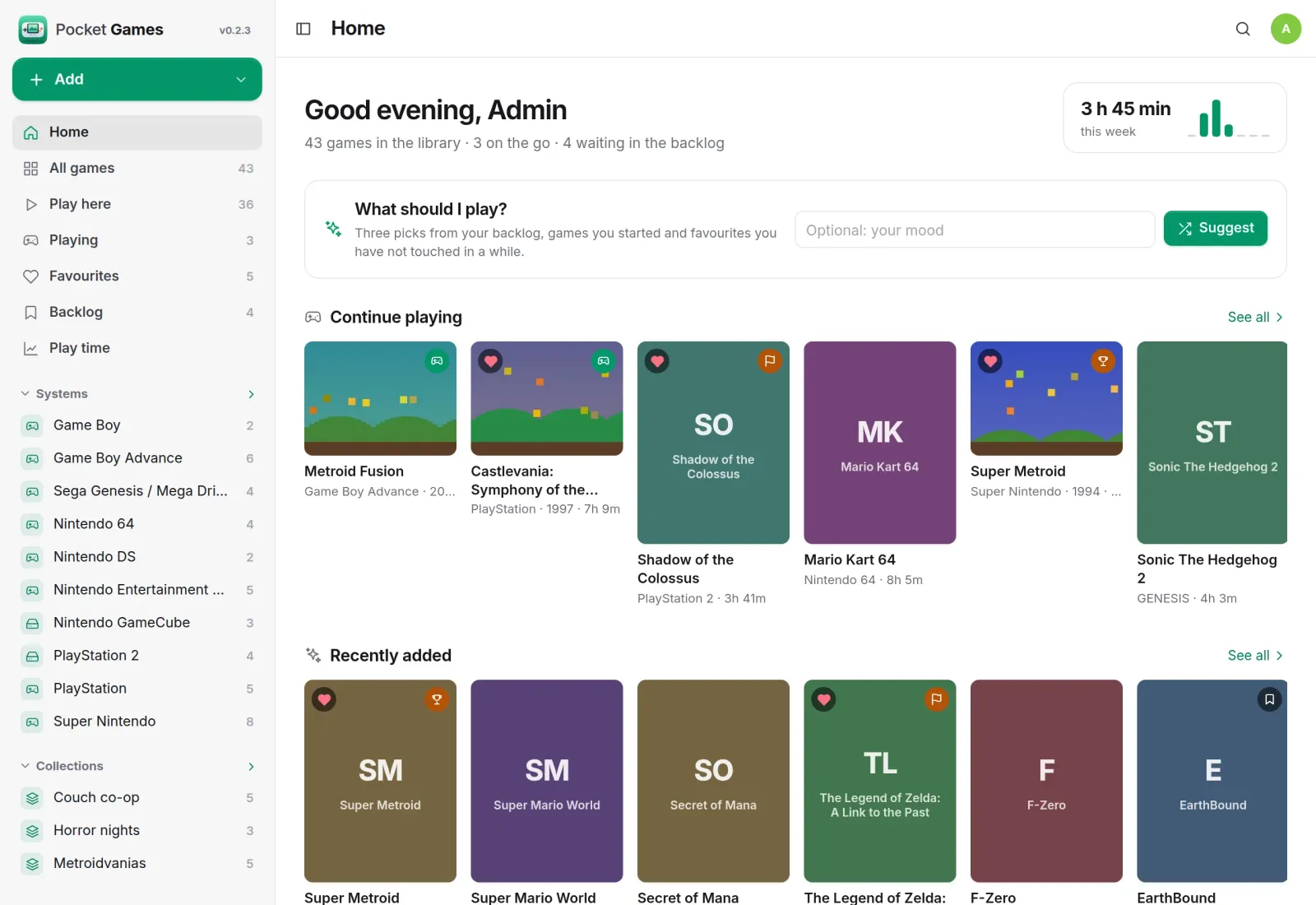
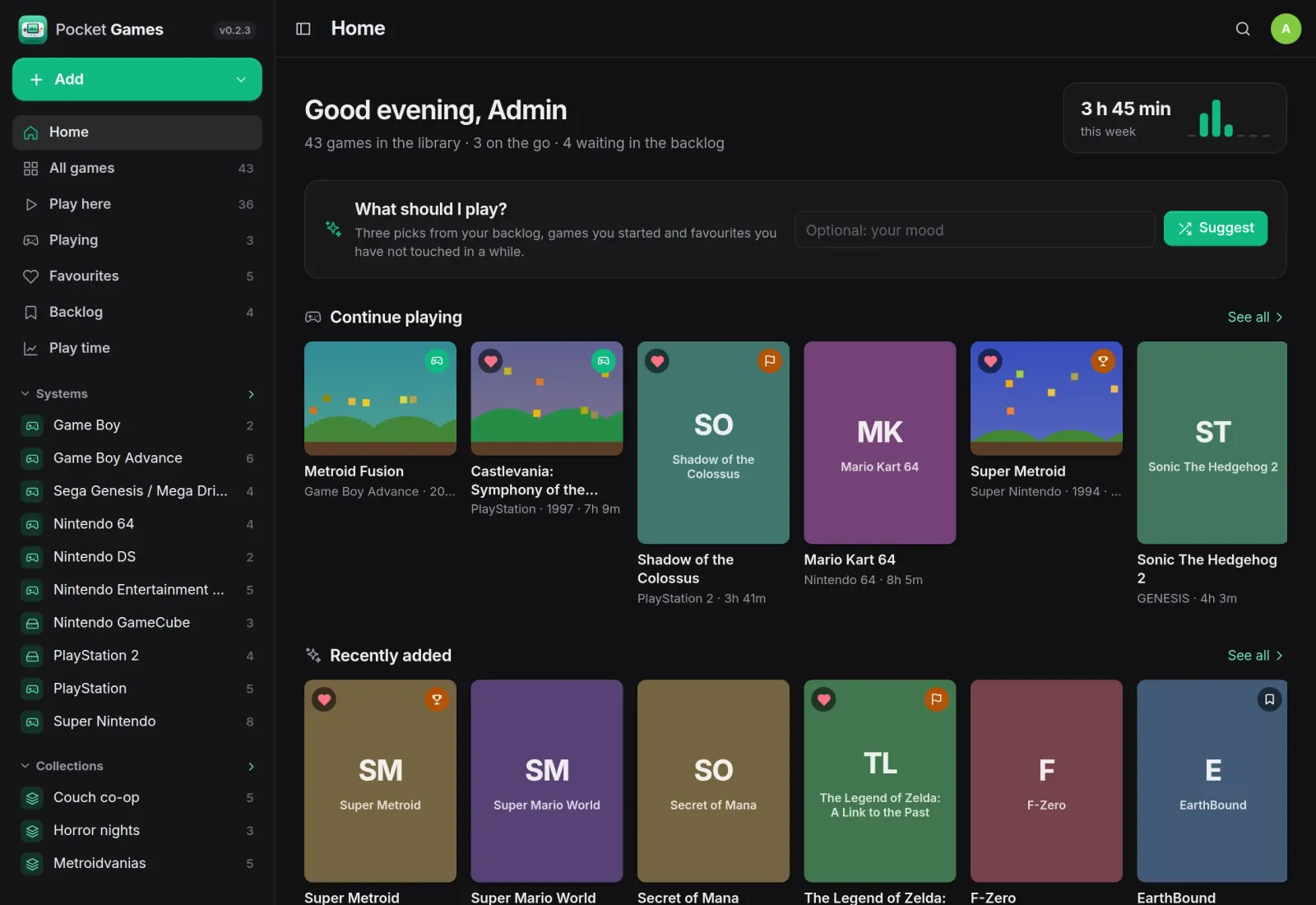
Pick up where you left off.
Continue playing, recently added, favourites and the backlog in rows of covers, the week's play time at a glance, and three suggestions when you can't decide.
Play
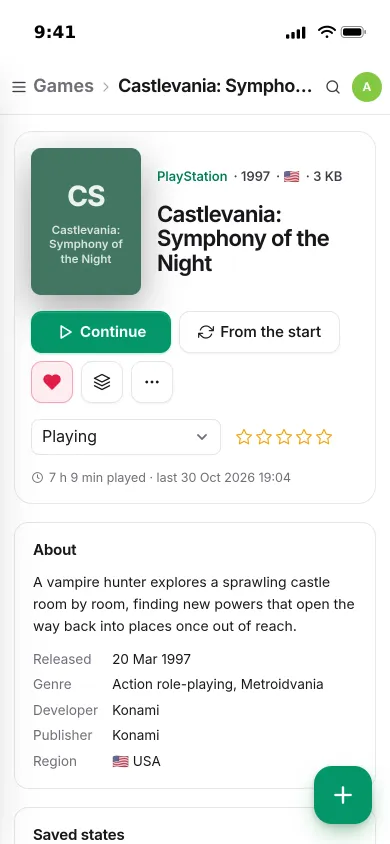
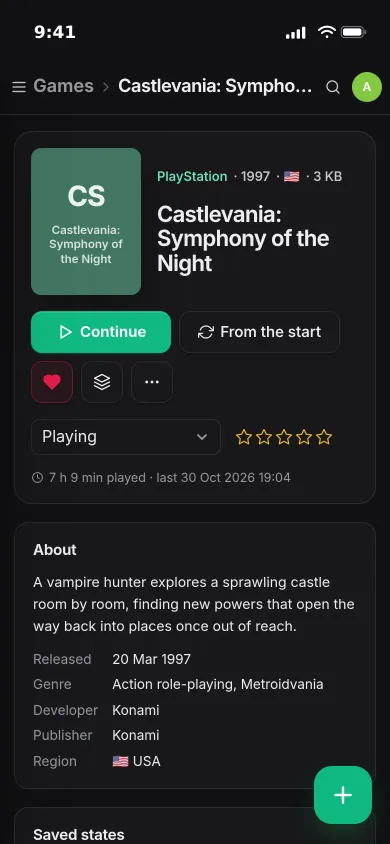
A game, one click away.
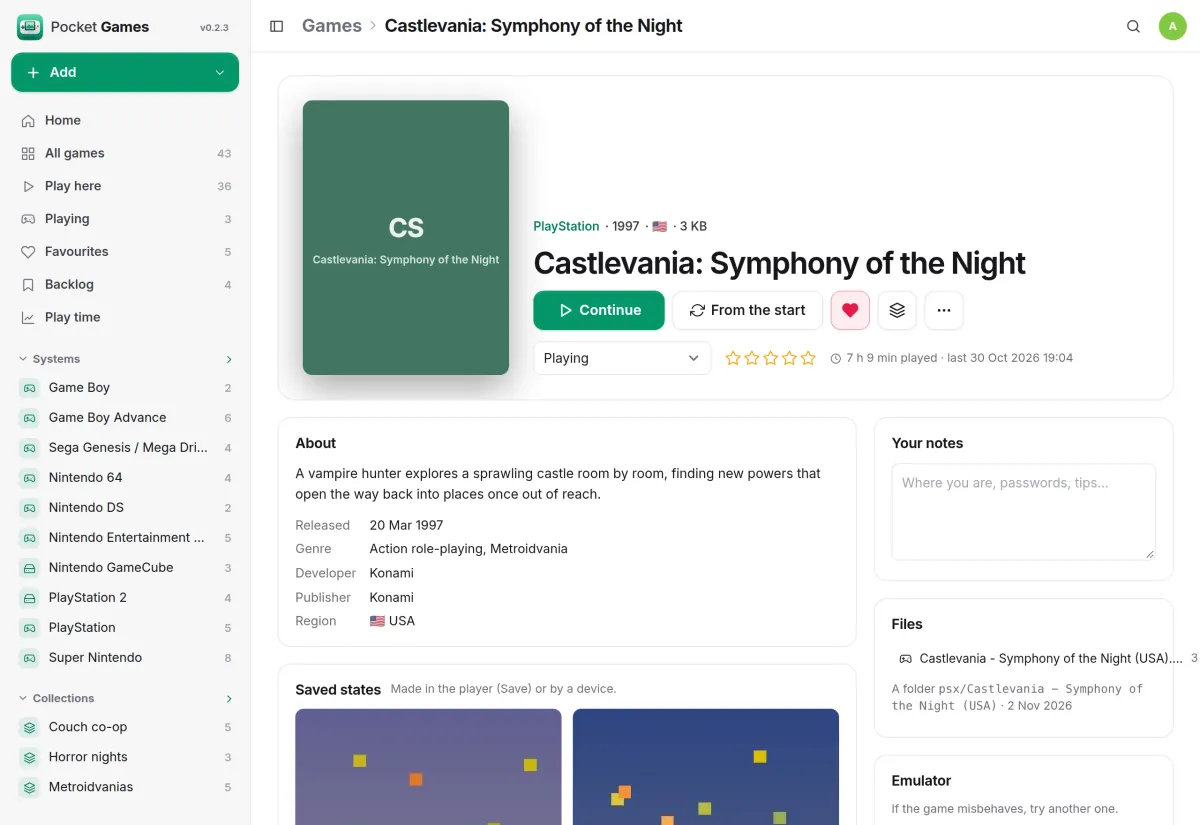
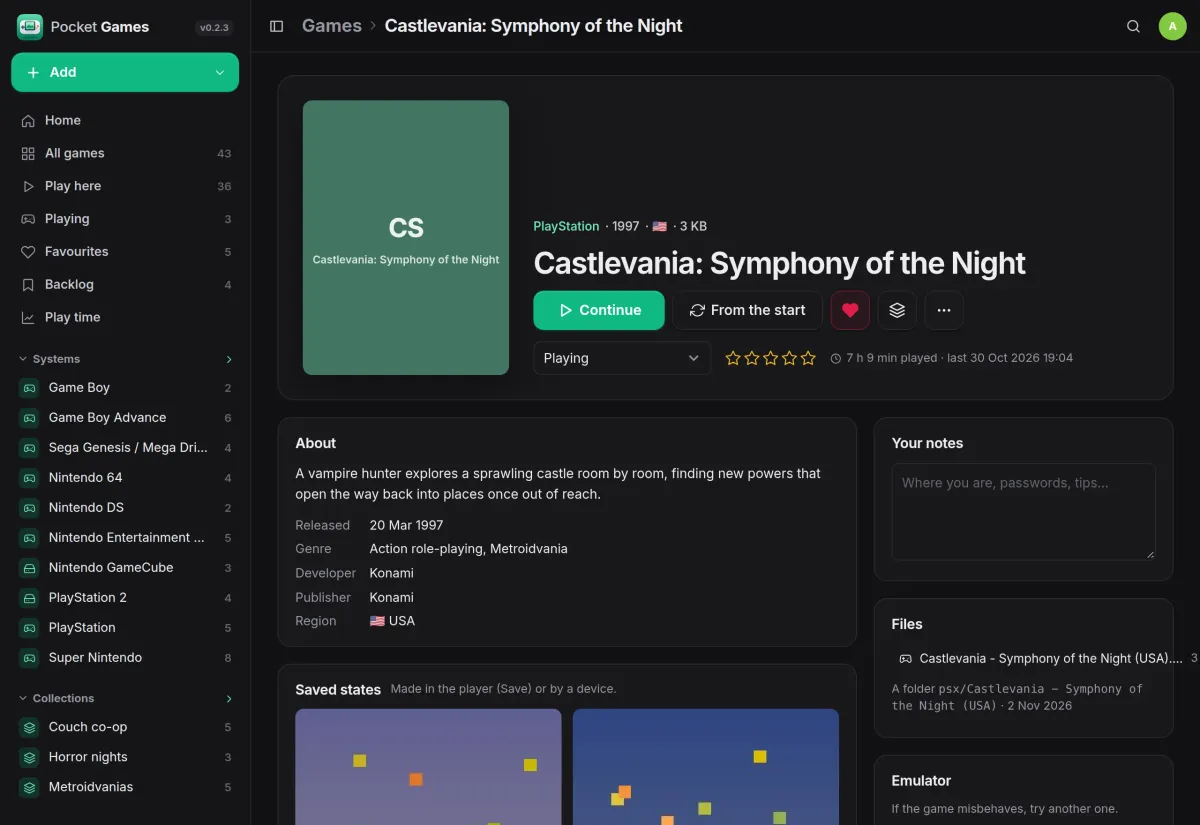
Each game has its facts, your status, rating and notes, your saved states with a picture of each, and its play history. Play opens the emulator in a tab and continues from the moment you left.
- Saves and states kept on the server, for every device
- BIOS files checked against known good dumps
- Choose another emulator when a game misbehaves
Library
Every system, one library.
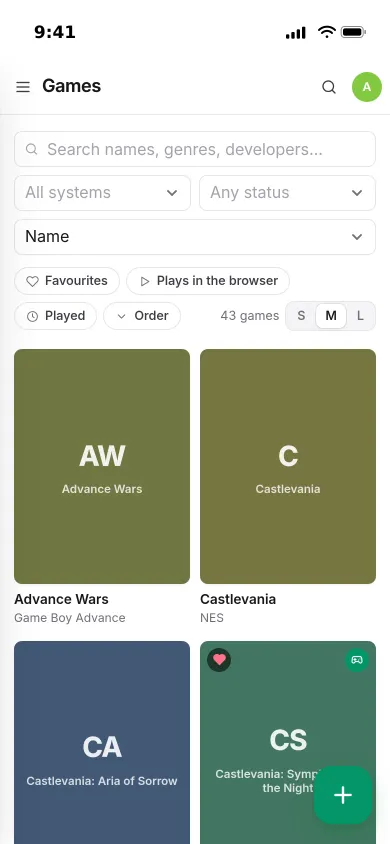
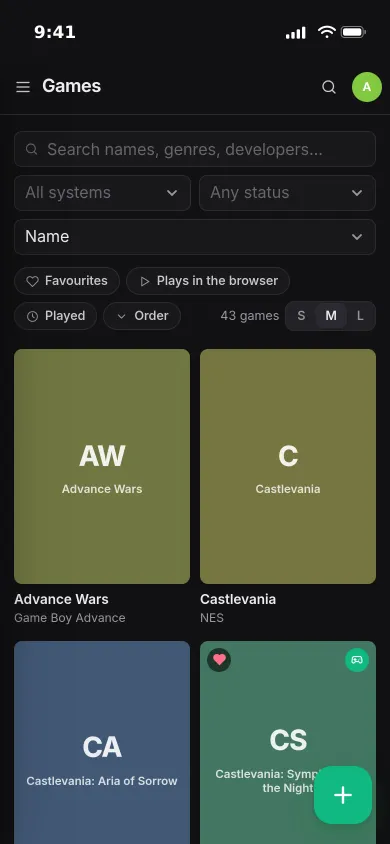
Search names, genres and developers, filter by system, status or what plays in the browser, and sort by what you played last or most. Systems and your own collections are a tap away.
- Favourites, backlog, playing, finished
- Collections only you see
- Play time by day, game and system
Handhelds
Your handheld speaks to it.
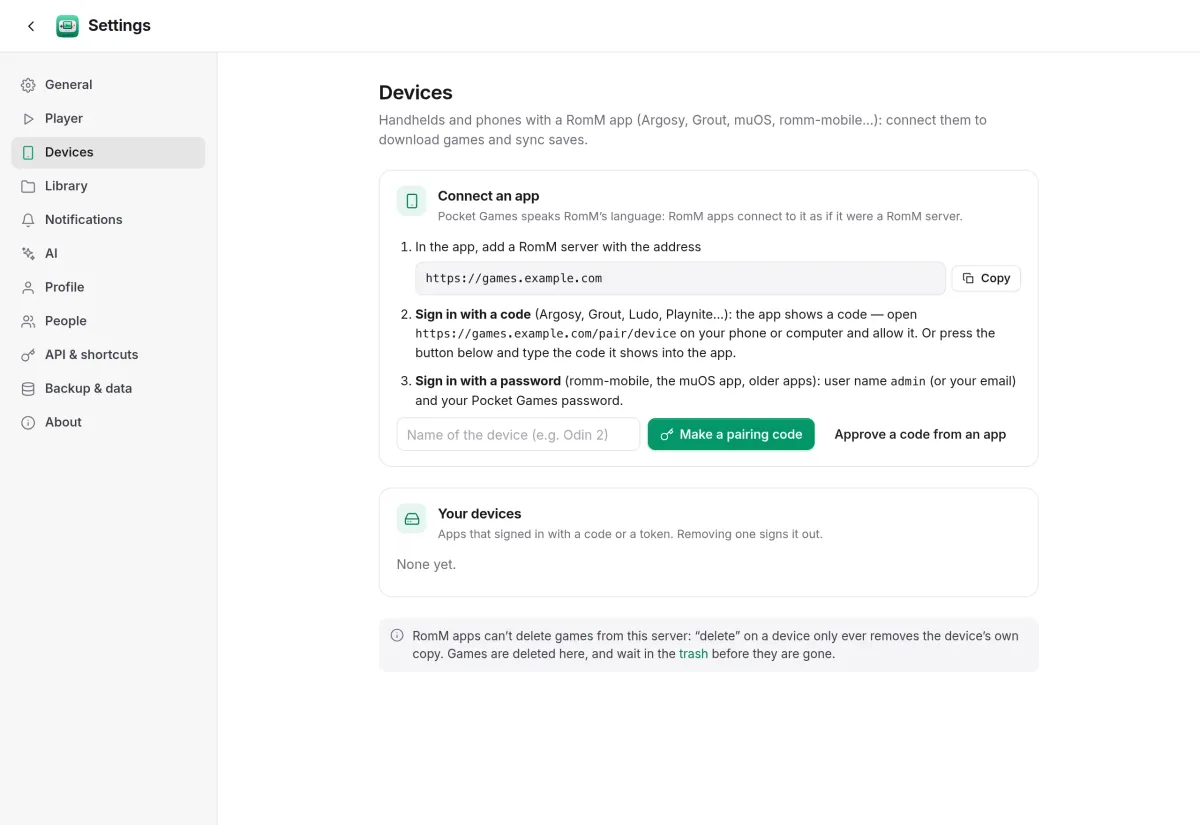
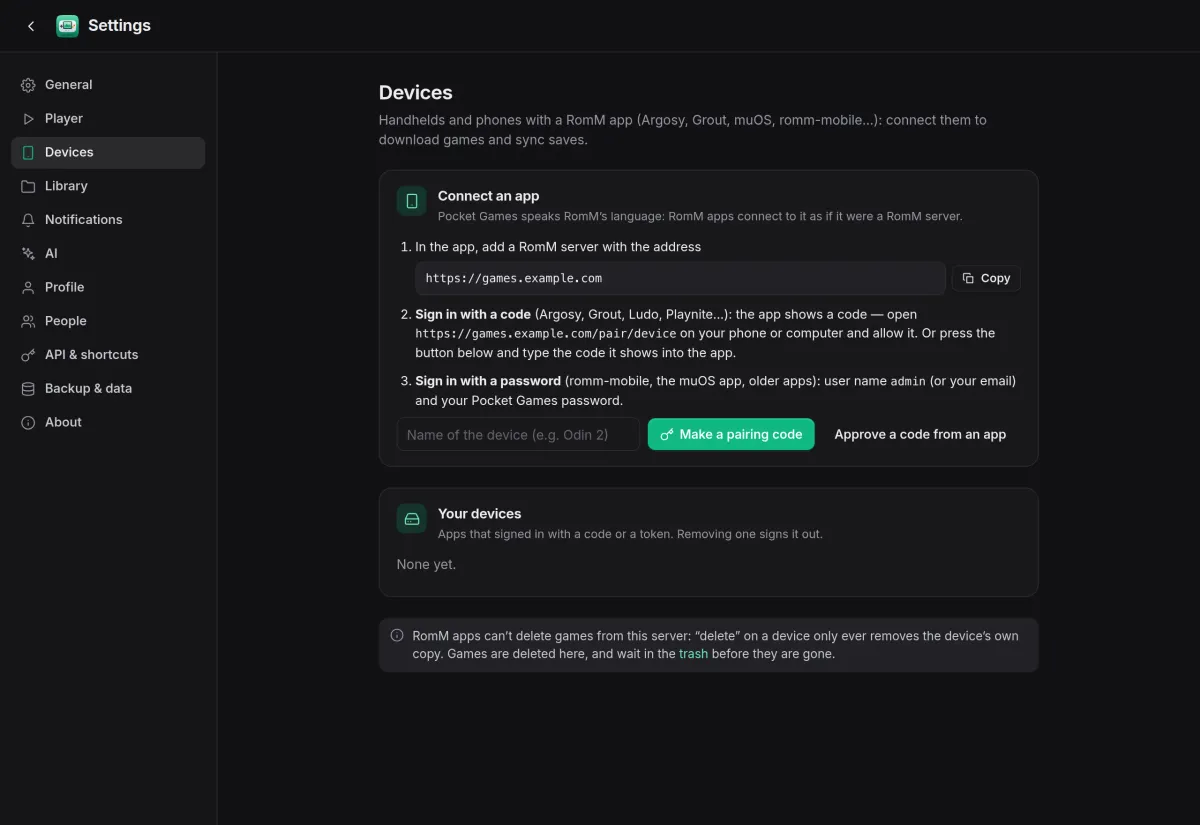
RomM apps connect to Pocket Games as if it were a RomM server. Pair one with a code, then browse, download with resume, and keep saves and play time in sync.
- Argosy, Grout, the muOS app, romm-mobile and more
- Multi-disc games come with a playlist
- Apps can't delete games from the server
And the rest of it
Bring it over from RomM
Favourites, statuses, ratings, collections, saves and states come along, matched by system and file name — the library folder stays where it is.
Works with Pocket Day and Flows
A finished sitting, a new game and a finished game are events: Pocket Day writes what you played into your journal, and flows can react.
What should I play?
Three picks from your own games for your mood or the time you have, by Pocket AI or your own key — or from your backlog and unfinished games without AI.
Hard to lose a game
Deleted games wait in a trash folder for 30 days, files that disappear keep their saves and play time, and RomM apps can't delete anything.
Install
One container, two folders.
Run the image with a data folder and your game library (one folder per system, RomM's layout works as is) and open it on port 8080.
Already installed on a Pocket Box, with sign-in, Pocket AI and app links through Pocket Core.
The easiest way is the one command above. To run it on its own with Docker:
docker run -d --name pocket-games -p 8080:8080 \
  -v ./data:/data -v ./library:/library \
  -e BASE_URL=https://games.example.com -e SECURE_COOKIES=true \
  ghcr.io/abjelosevic88/pocket-homelab-games:latest
More in Media
 Pocket Watchv0.9.0Films and shows for the whole household on top of Jellyfin, with a watch history, watchlist and requests.
 Pocket Musicv0.10.0Your music library for the whole household on top of Navidrome, with daily mixes, lyrics and listening stats.
 Pocket Photosv0.8.0Your household's photos in one calm, private app on top of the Immich server you already run.
 Pocket Podcastsv0.6.0A podcast server that also turns YouTube channels into podcasts, with your place kept on every device.
 Pocket Audiobooksv1.8.0An audiobook library and player for the household, with chapters, bookmarks and your place kept everywhere.
 Pocket Libraryv0.13.1Every ebook, comic and manga you own in one place, with a browser reader and your place synced to KOReader.
 Pocket Bookshelfv0.25.0A private reading log: what you read, what you thought of it, the lines worth keeping and what to read next.
 Pocket Readerv0.3.0Your feeds and read-later list in one calm place, with highlights, search and sync to your phone's RSS app.
 Pocket Radiov0.3.0Internet radio from around the world, plus radio channels made from your own music library.
 Pocket Requestsv0.12.0Ask for a film, a show or an album and follow it until it is ready to watch or listen to.
 Pocket Subtitlesv0.6.2Keeps your library's subtitles in sync with the audio, automatically, without ever making a file worse.
 Pocket Guitarv0.8.0Your guitar tabs and your practice in one place, with playback, loops, a speed trainer and a practice log.
 Pocket Spherev0.6.0Your video library with a VR player in the browser, previews, lookups that name your files, and downloads from a link.
 Pocket Photo Labv0.3.1A picture editor on your own server: crop, fix the light and colour, add text, blur faces, remove backgrounds and save a copy, with the original never changed.
 Pocket Karaokev0.2.0Karaoke at home: songs from your files, YouTube or Pocket Music with the words lighting up, in any key, and nights where guests pick songs on their phones.
 Pocket Jamv0.9.0Record music one layer at a time: a guitar, then the bass over it on headphones, then the voice, all lined up, every take kept, mixed down to one file.
 Pocket Game Builderv0.2.0Make small games without code: draw levels on a grid, give things looks and behaviours, write rules as sentences, then share a link anyone can play.
 Pocket Puzzlecraftv0.3.0Make crosswords, sudoku, word searches, quizzes and more, each checked for one fair answer, then print them or share a link; plus escape rooms and treasure hunts.
 Pocket Questv0.3.0Run your fifth-edition tabletop games: character sheets built by the rules, campaigns with game nights, fights with an initiative tracker, fair dice and the rules built in.