

Pocket Errors
v0.4.0 · Self-hosted · MIT
Know what broke, and where.
Pocket Errors tracks the errors in your apps and websites: what broke, where in the code, how often, for how many people and since which release. Any Sentry SDK sends to it unchanged, a website needs one script line, and it reads this box's containers for panics. One Go binary, one SQLite file.
Install Errors with Pocket Core in one command:
curl -fsSL https://pockethomelab.com/install.sh | sh -s -- --apps errorsOn any Linux machine or a Mac. Already running Pocket Core? Apps → Install app → Errors. Add more apps to the line →
- Included in Pocket Box
- Sign in with Pocket Core
- Works with Pocket Alerts and Pocket Projects and Pocket Tasks and Pocket AI and Pocket Search and Pocket Day and Pocket Flows
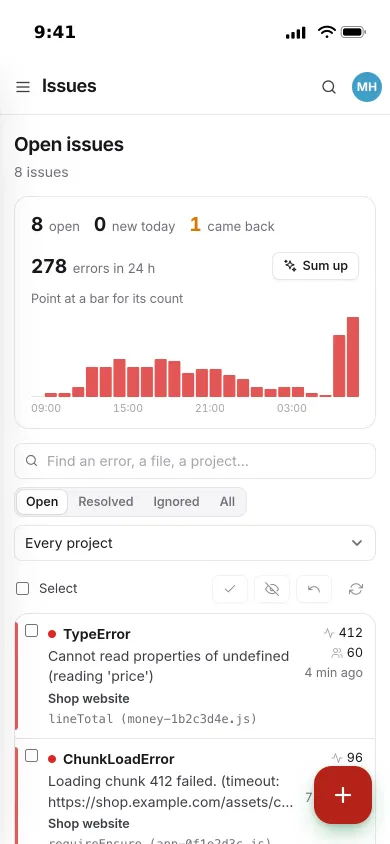
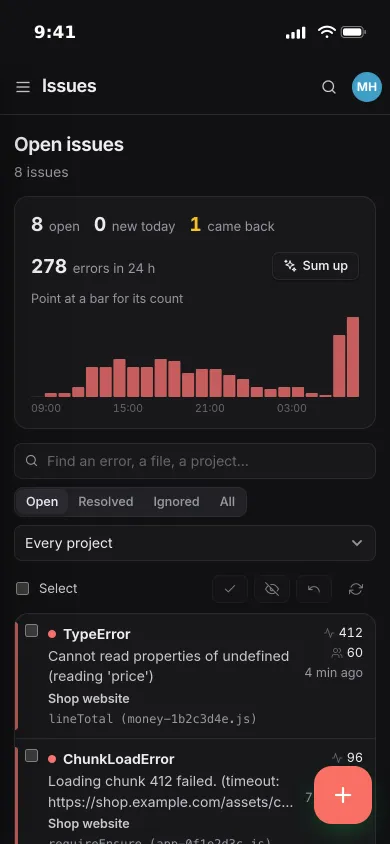
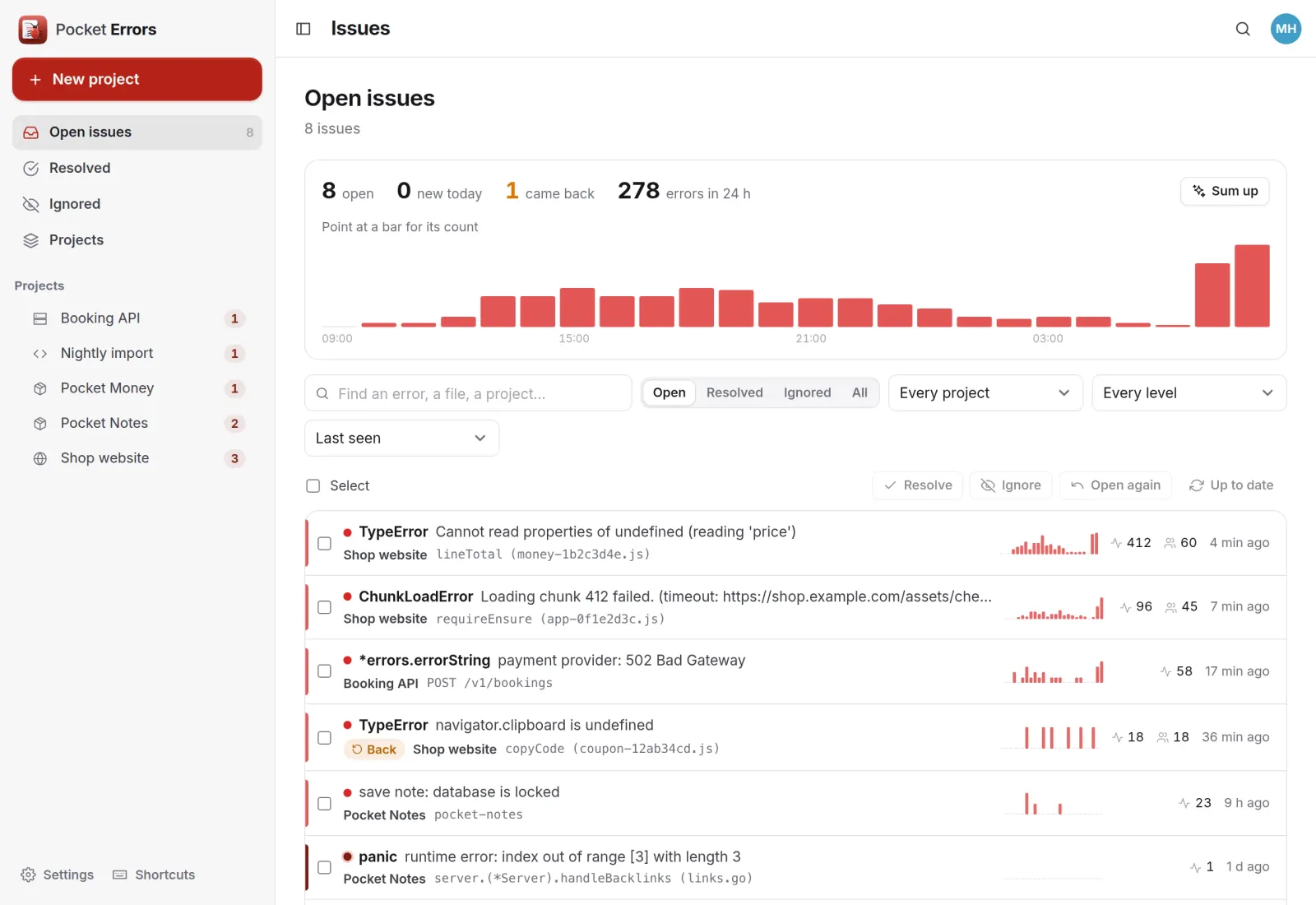
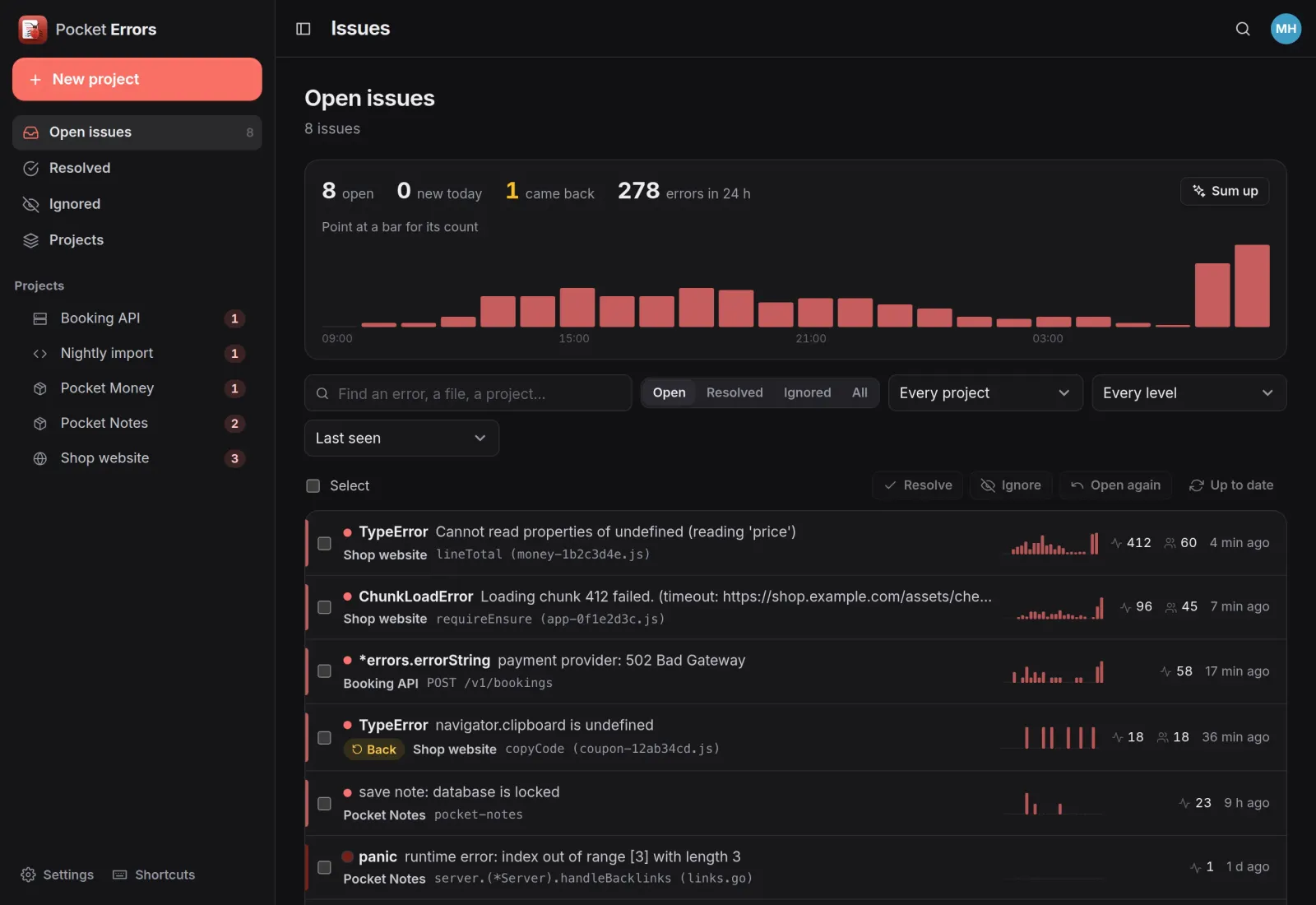
Open issues
The inbox of what is broken.
The last 24 hours by hour, then every open issue with its project, where in the code it happened, how often, for how many people and when. Find one by error, file or project; resolve or ignore several at once.
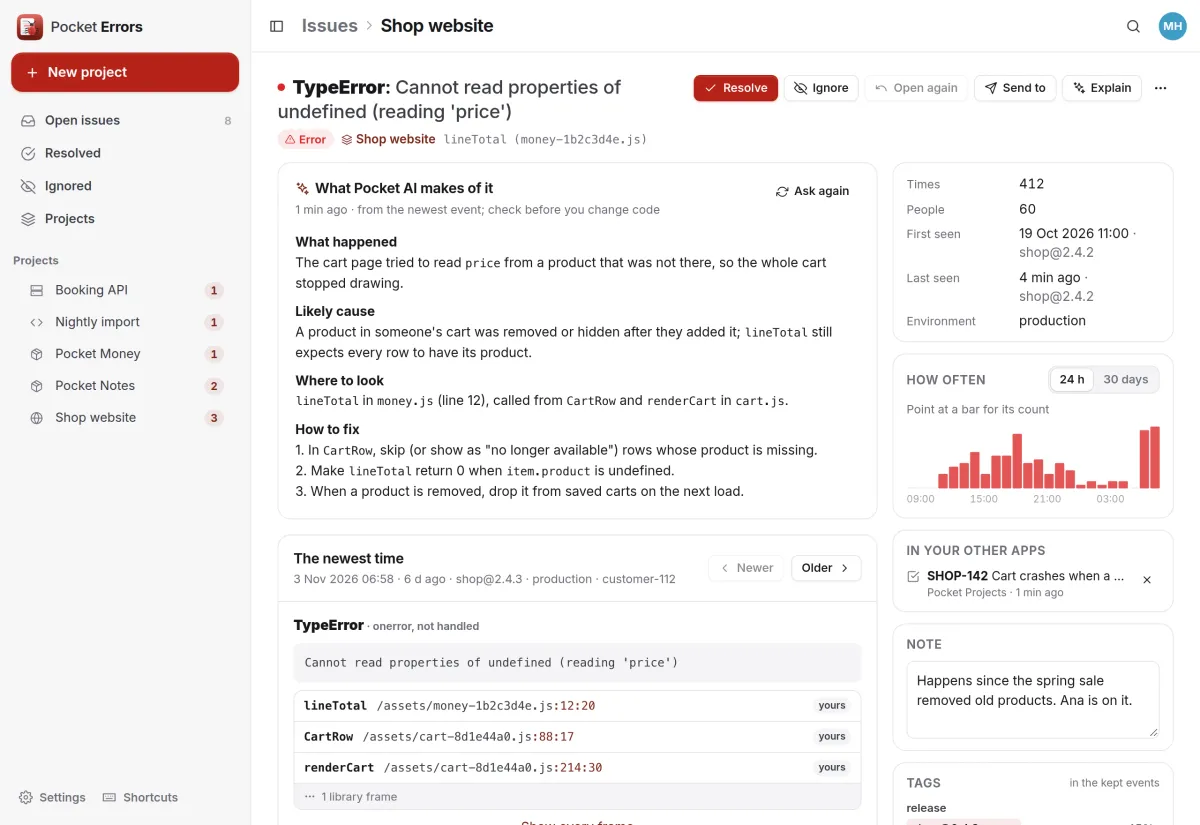
An issue
What went wrong, and how to fix it.
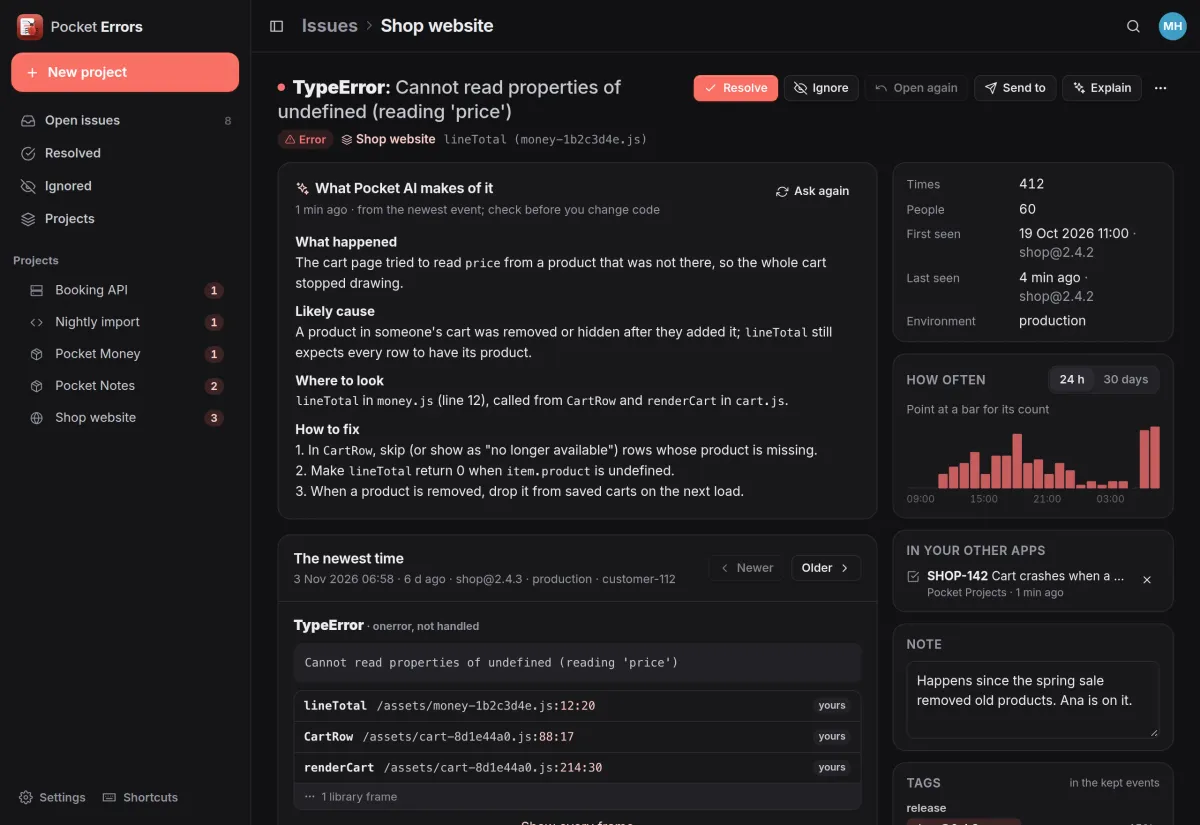
Press Explain and Pocket AI says what happened, the likely cause, where to look and how to fix it. Beside it: how often in the last 24 hours or 30 days, the releases, tags with how they spread and a note for whoever looks at it.
- Your own frames first, the library ones folded
- “Send to” Pocket Projects or Pocket Tasks
- Resolved and back again: marked back
Containers
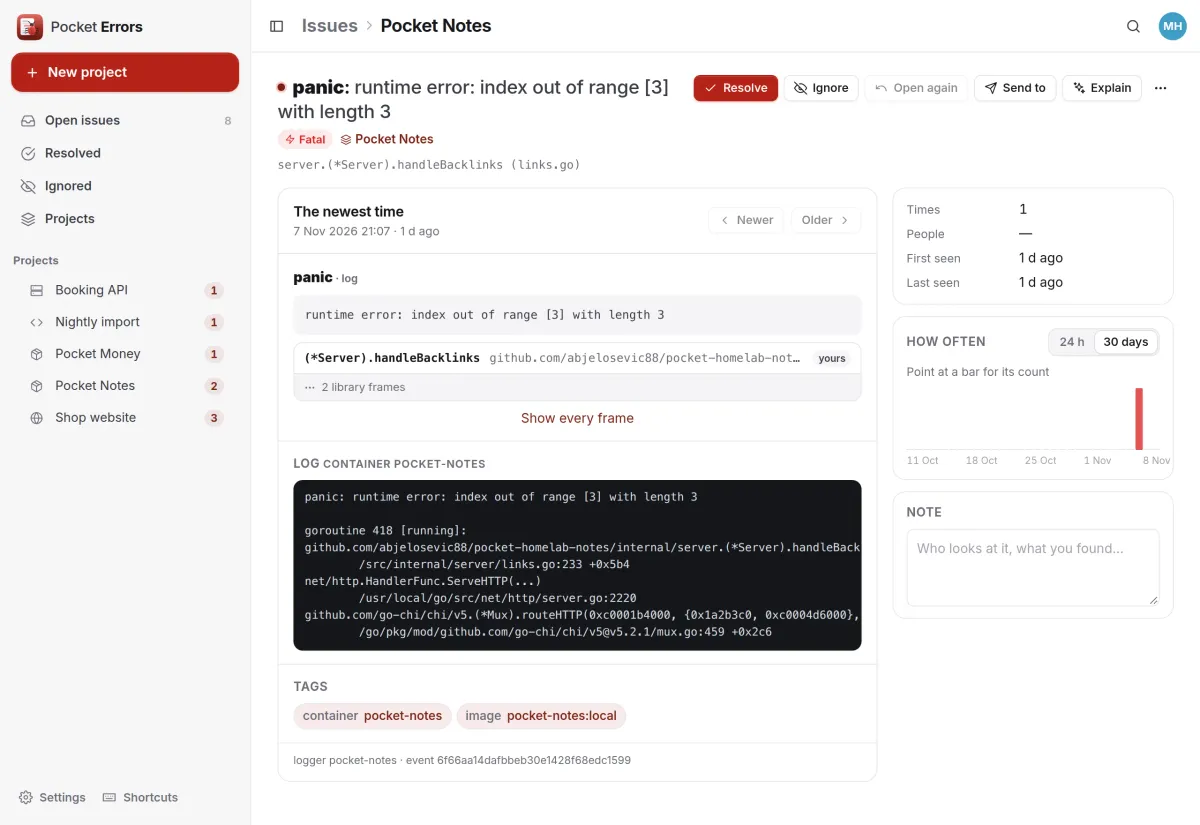
Panics from this box's logs.
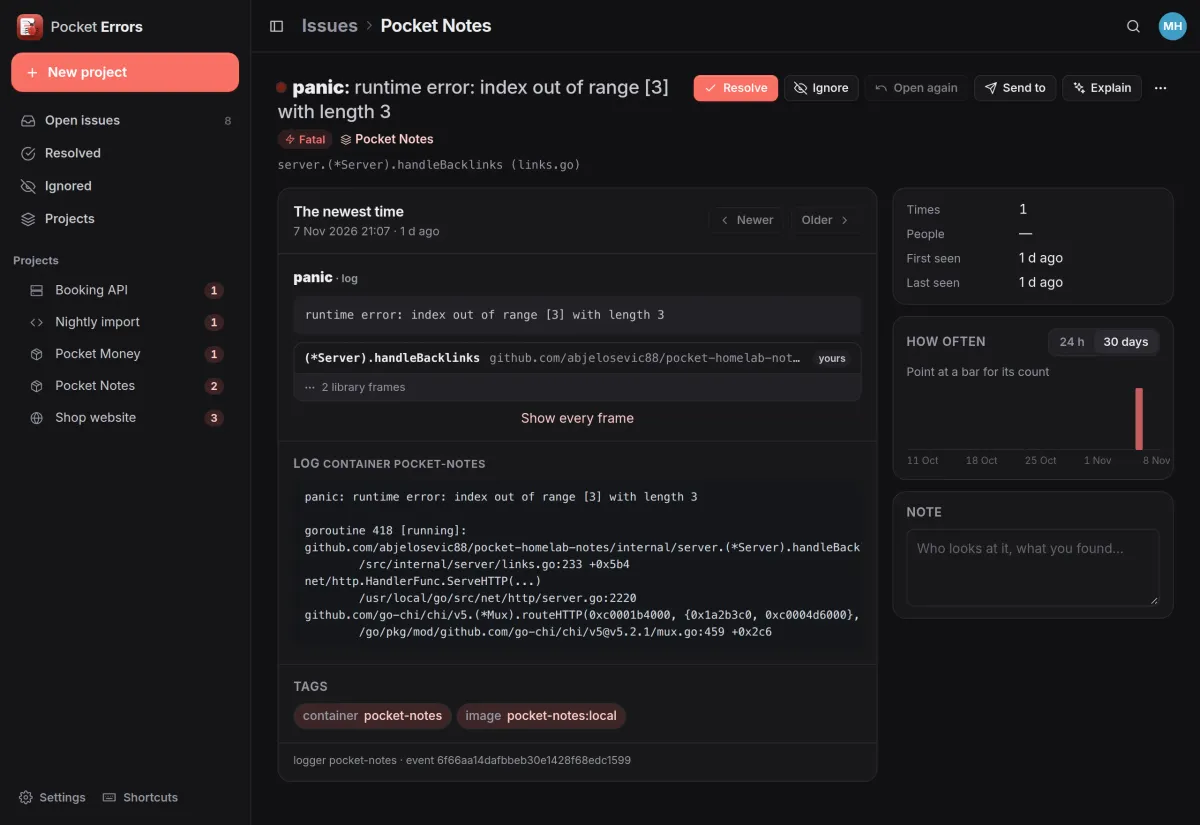
With the Docker socket mounted read-only, the logs of the pocket-* containers, or the names you pick, are read every 15 seconds for error lines, JSON logs, Go panics and Python tracebacks. Each container gets its project.
- Every Pocket app's server errors, nothing to change
- The log lines kept with the event
- Admins only
On the phone
The stack in your pocket.
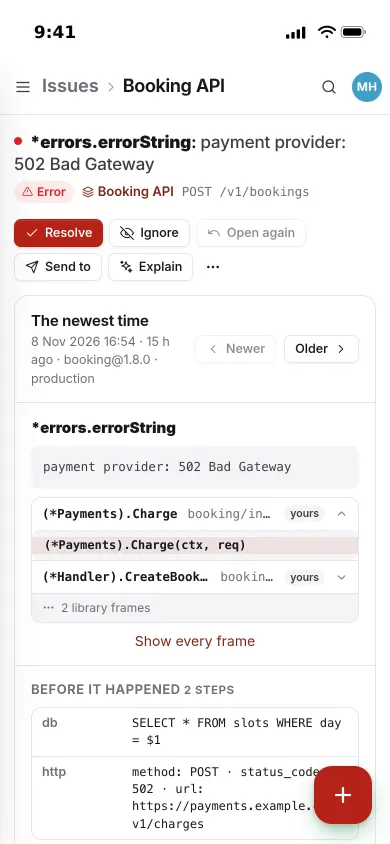
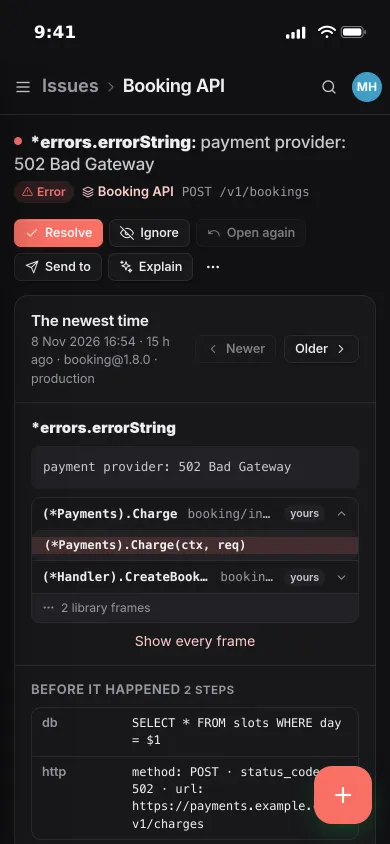
Each event with the stack and the code around the line, the steps before it, the request, the app's user, browser and OS. Resolve, ignore for an hour, a day, a week, a month or for good, or send it on.
- Event by event, newer and older
- Light and dark follow the system
Projects
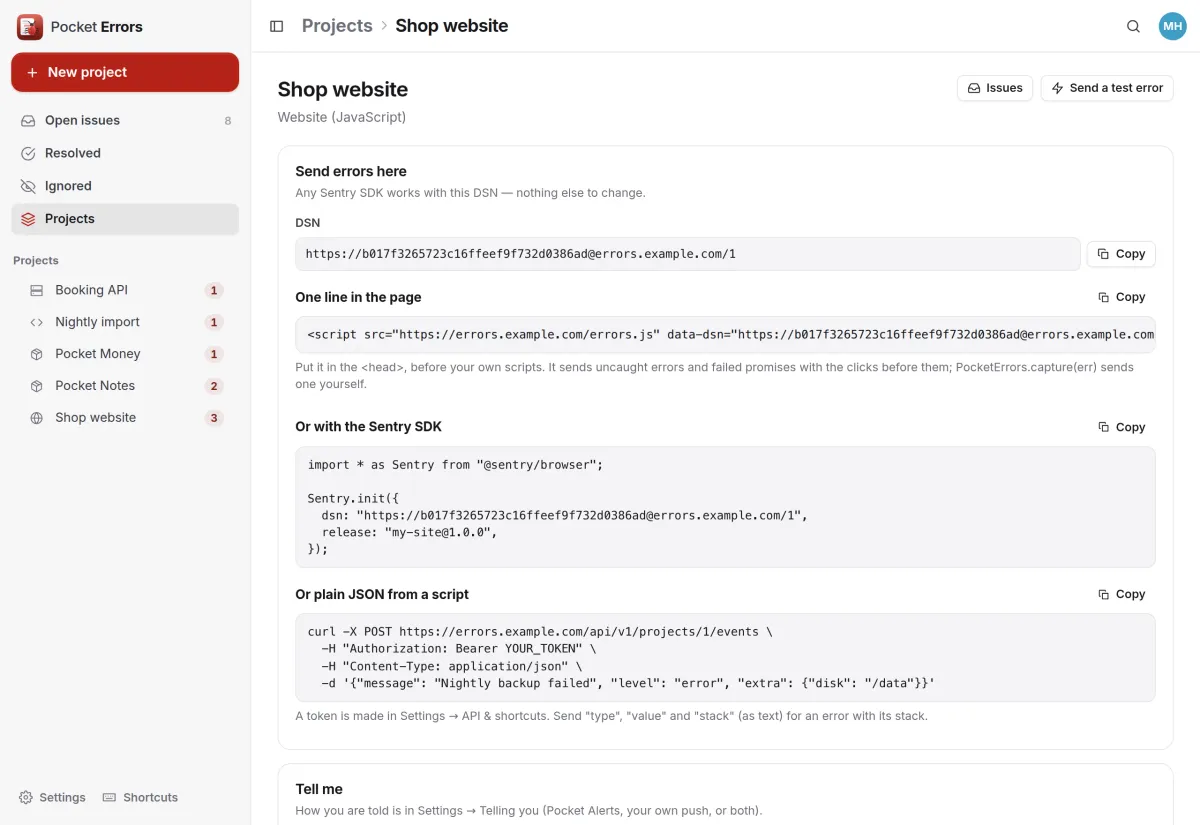
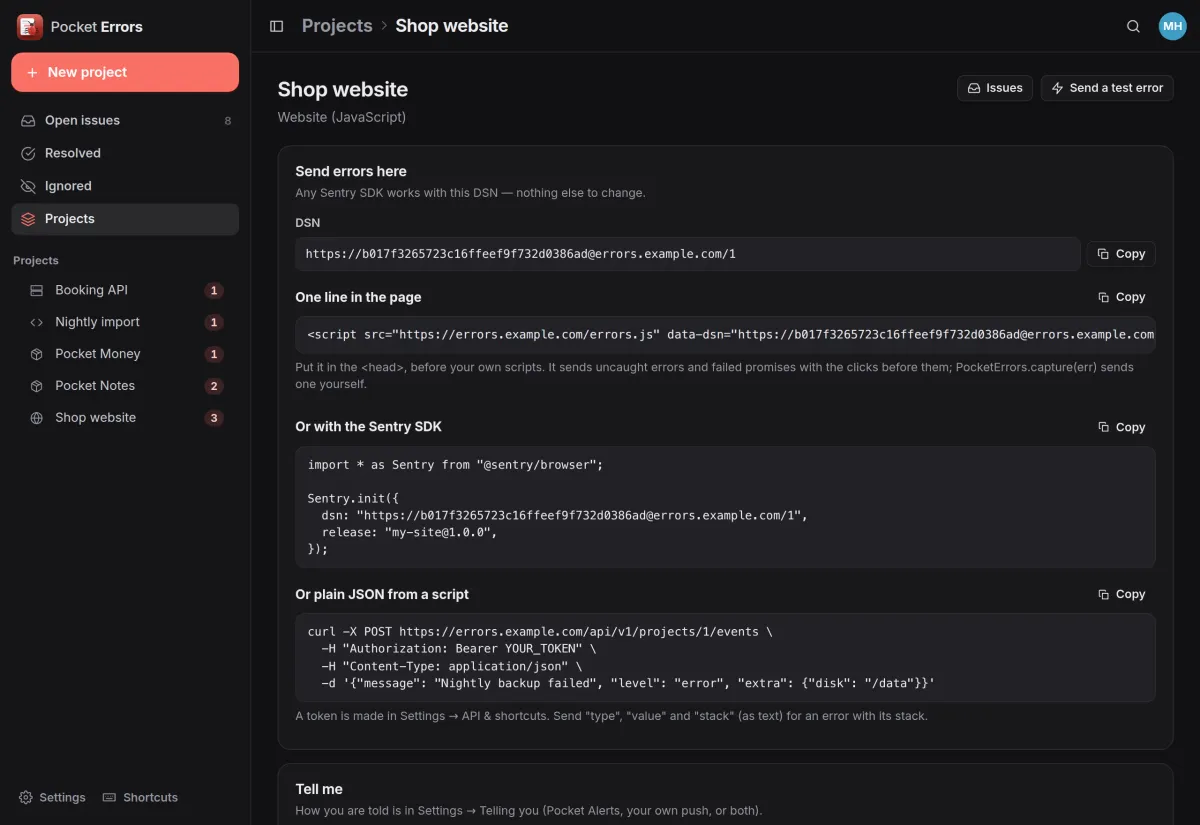
Swap the DSN, change nothing else.
Each project has its DSN for any Sentry SDK, browser, Go, Python or Node, the one script line for a website without an SDK, and a curl line to send plain JSON from a script. Send a test error to see it arrive.
- /store/ and /envelope/ as Sentry SDKs send them
- What to be told about, per project
- At most 30 pushes an hour
And the rest of it
Told when it matters
A new issue, one that came back or one happening a lot, per project, through Pocket Alerts with your rules and quiet hours, or your own ntfy or Apprise push.
Safe to keep
Passwords, tokens, cookies and keys are filtered out before anything is stored, and the app users' addresses too. Events are kept 30 days or as long as you choose; counts stay.
One issue per problem
The same error type in the same code, or the same message with its numbers, ids and quoted values left out, is one issue. Your own fingerprint wins.
Ask Pocket AI
“What broke today?”: Pocket AI answers from your errors, and Sum up puts the last 24 hours in a few sentences.
Everyone their own
Each person has their own projects and errors on one box. Admins manage accounts but see no one else's errors.
Install
One container, one folder.
Run the image with a data folder and open it on port 8080. Create the first account, make a project and paste its line. Add -v /var/run/docker.sock:/var/run/docker.sock:ro to have this box's containers read.
Already installed on a Pocket Box, with sign-in through Pocket Core and the Ask panel on Pocket AI.
The easiest way is the one command above. To run it on its own with Docker:
docker run -d --name pocket-errors -p 8080:8080 -v ./data:/data \
  -e BASE_URL=https://errors.example.com -e SECURE_COOKIES=true \
  ghcr.io/abjelosevic88/pocket-homelab-errors:latest
More in The server
 Pocket Monitoringv0.8.0Watch your server and other machines live, with a year of history and phone alerts when something goes wrong.
 Pocket Lookoutv0.4.0Watches web pages for you and says, in one sentence, what changed and whether it matters.
 Pocket Backupsv0.4.0Back up the whole server, copy it off-site, and get a plain answer to whether everything is safe.
 Pocket Networkv0.2.0Every device on your home network in one readable list, with alerts when something new joins.
 Pocket Camerasv0.4.0Your security cameras on your own server: every camera live, what they saw in one sentence from AI, recordings by day, and an alert on your phone only when it matters.
 Pocket Remotev0.6.3Your own computers from a phone or a browser: a Mac, a Windows PC or a Linux terminal over your tailnet, with Wake-on-LAN, file transfers and a log of every session.
 Pocket Devicesv0.3.0Self-hosted home for your own hardware: add a device, connect it with a token and change its settings from a web UI. Starts with an ESP32 NTP clock (alarm, chime, outdoor temperature): every setting with proper controls, desired vs reported, commands, live status and history.