
Pocket Monitoring
v0.4.1 · Self-hosted · MIT
Every machine you own, at a glance.
Pocket Monitoring reads the server it runs on straight from /proc, /sys and the Docker socket, and your other machines through a small agent or Glances. CPU, memory, disks, temperatures, processes, containers, scheduled jobs and your internet speed, live and as history, with alerts on your phone when something runs hot, fills up, crashes or goes offline.
- Included in Pocket Box
- Sign in with Pocket Core
- Works with Docker and Glances and Speedtest CLI and Apprise and ntfy
History
Live, the last day, or the last year.
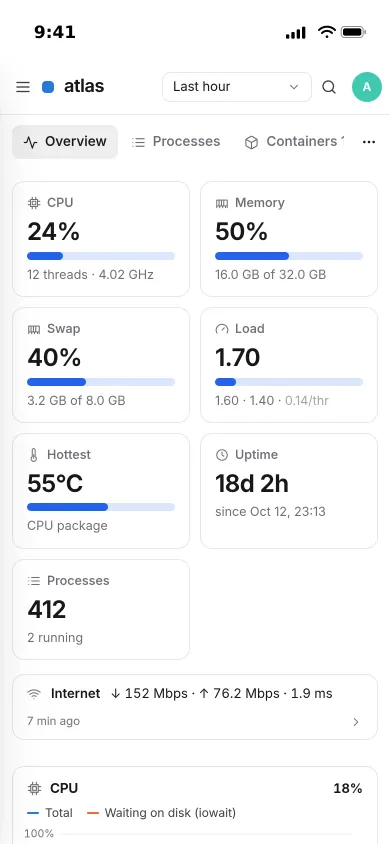
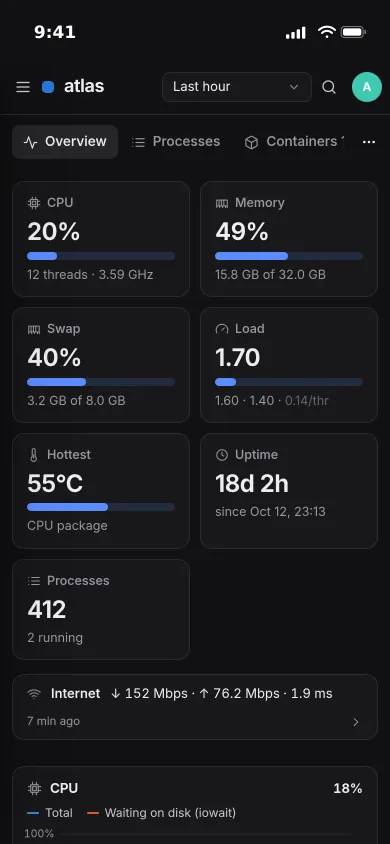
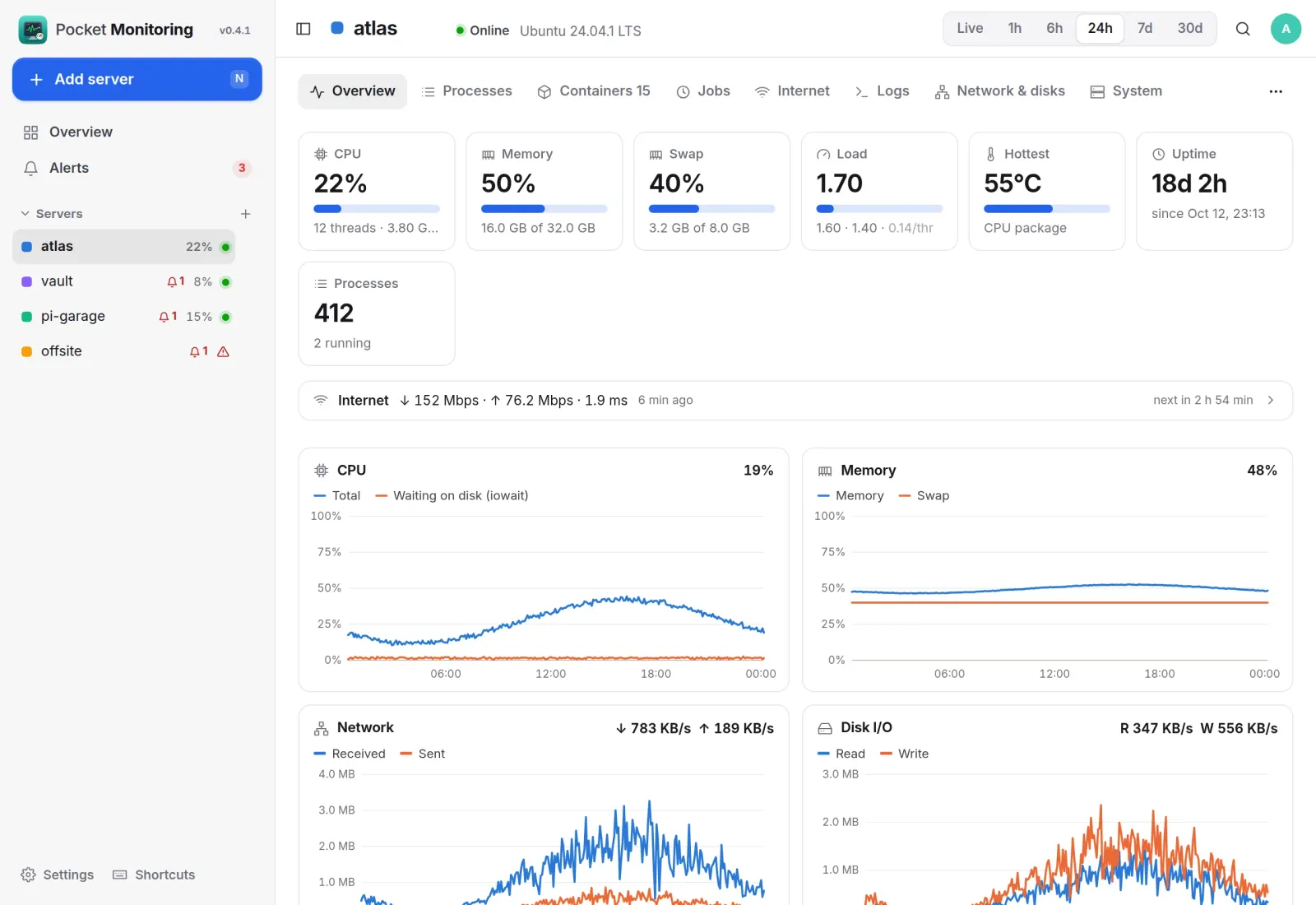
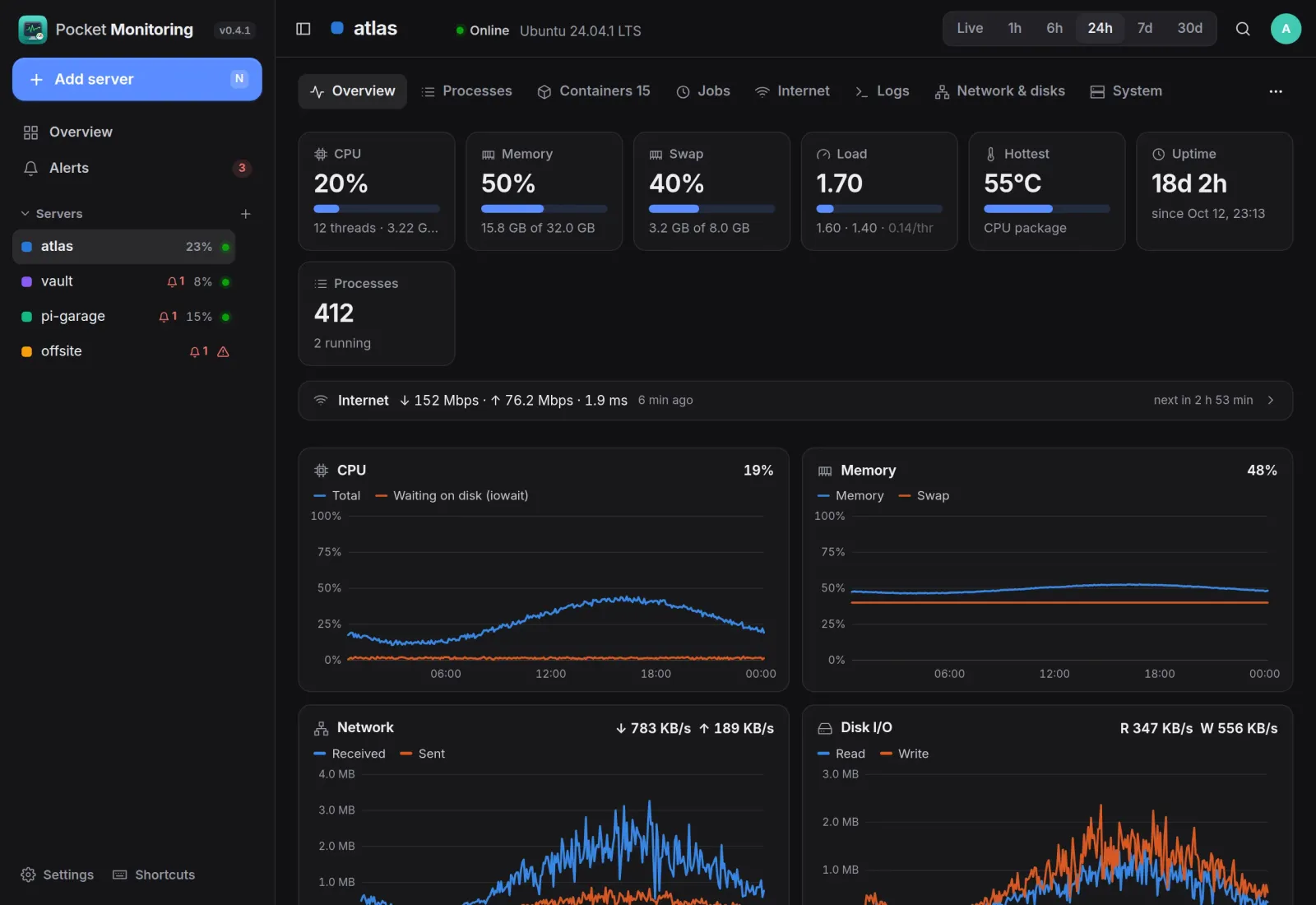
Every server gets headline tiles and charts for CPU and I/O wait, memory and swap, network, disk throughput, every temperature sensor and load. Live is a reading every five seconds; minute history is kept for a week and quarter-hour averages for a year.
Overview
All your servers on one page.
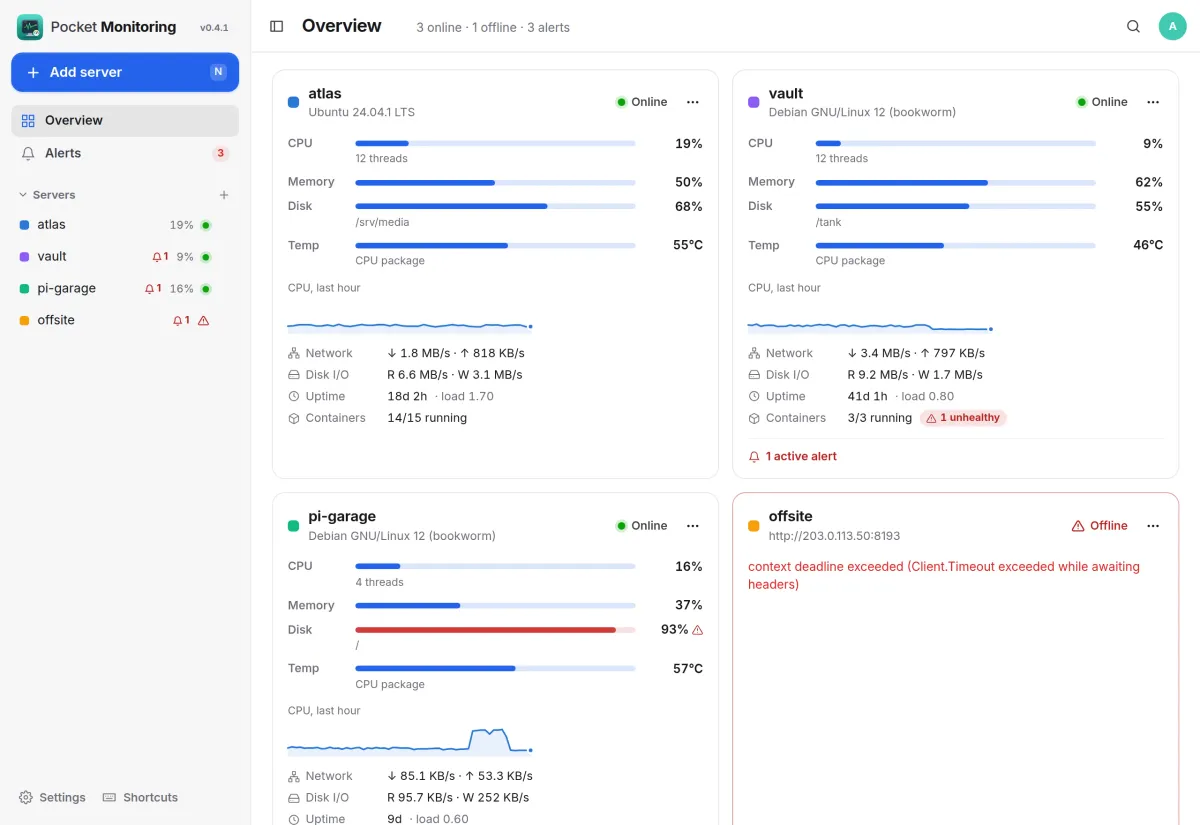
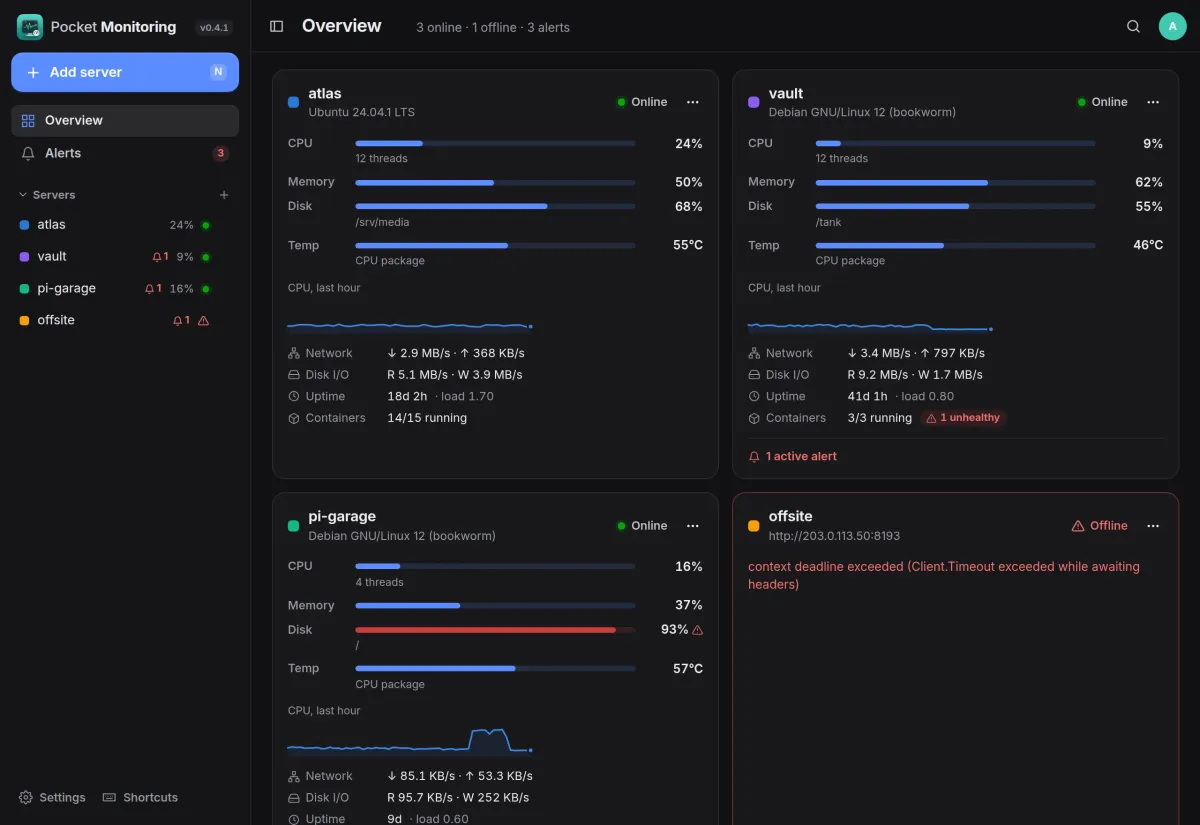
One card per machine with CPU, memory, the fullest disk and the hottest sensor, an hour of CPU, traffic, uptime and containers. A full disk turns red, and a machine that stops answering says why.
- The server it runs on is there from the start
- Other Linux machines through the agent, or any Glances 4 server
- Share a server with someone and they see it read-only
Alerts
Hear about it when it matters.
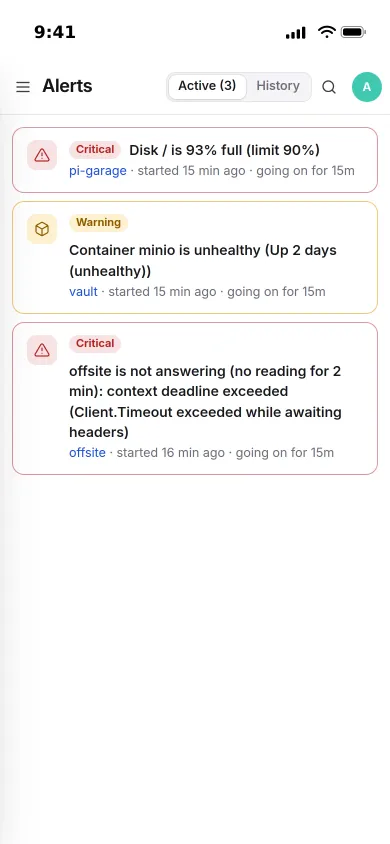
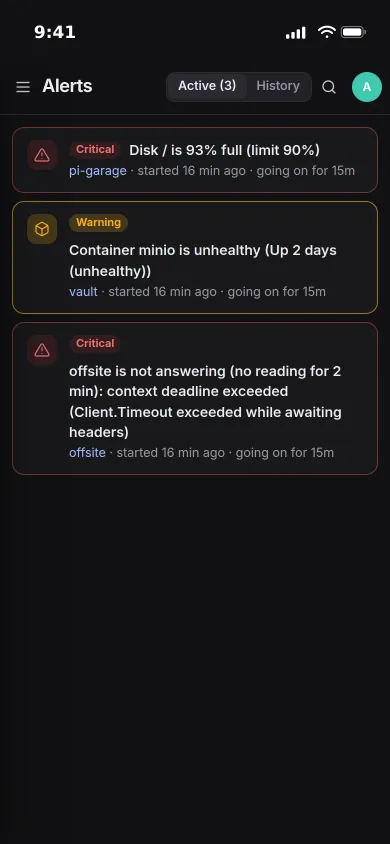
Each server comes with sensible rules: offline, CPU, memory, disk and temperature limits, unhealthy or crashed containers, degraded RAID and failed scheduled jobs. An alert opens when the condition has held long enough and closes on its own.
- Sent through Apprise, ntfy or a webhook, at the start and at the end
- Change the limits, add rules for one mount, sensor or container
- A container you stop on purpose is not counted as a crash
Internet
Is the line as fast as you pay for?
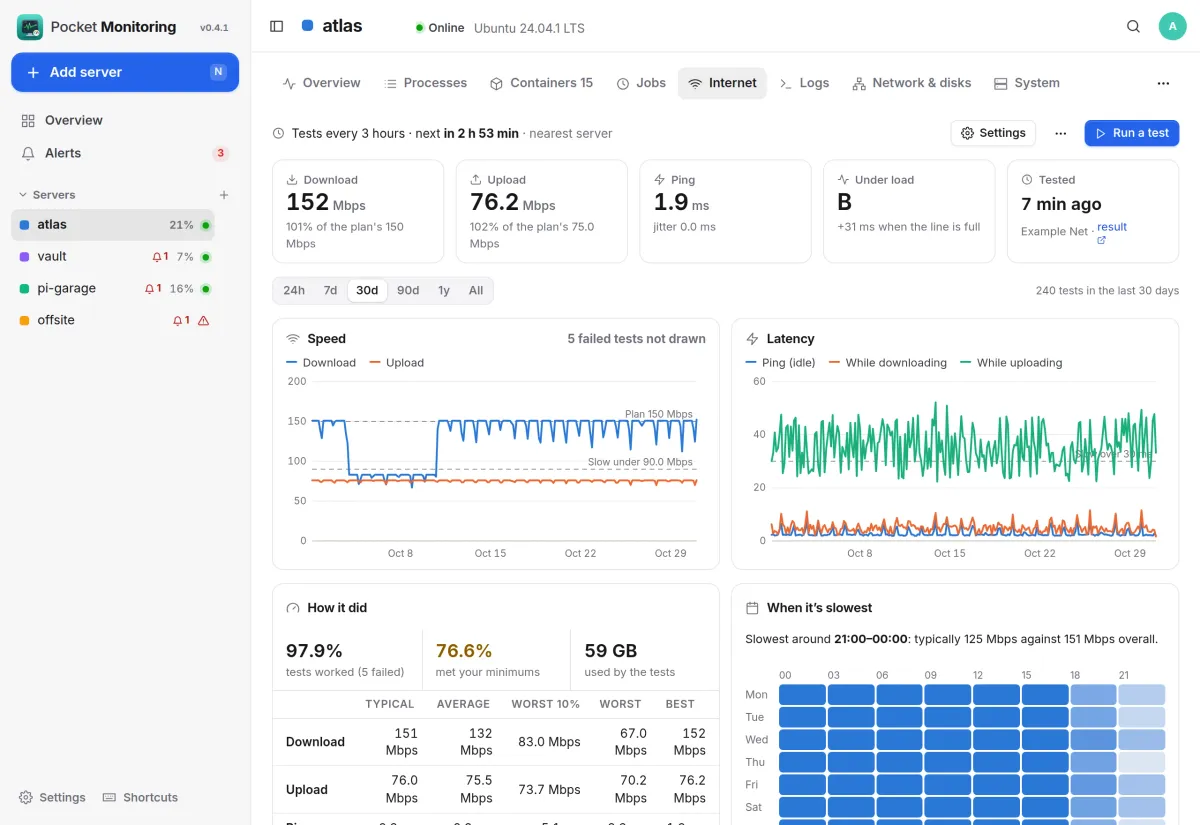
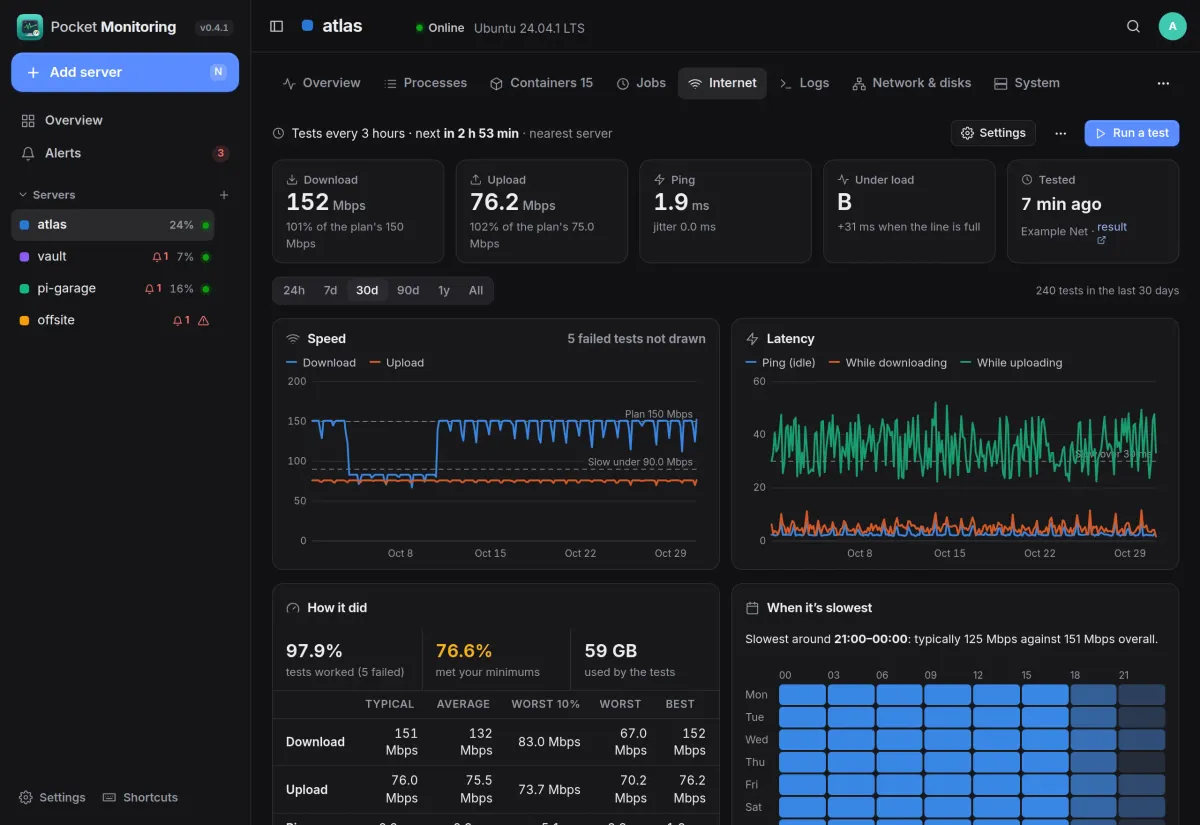
Scheduled speed tests with Ookla's Speedtest CLI, which the image ships. Download, upload, ping, jitter and latency under load, graded A+ to F, against what your plan promises, with history and a map of when in the week it is slowest.
- Every 15 minutes to once a day, or a test by hand with a live view
- Typical, worst 10 % and how often the minimums were met
- Imports a Speedtest Tracker database, exports CSV
And the rest of it
Scheduled jobs
Every systemd timer with its schedule in words, last run, last line of output, next run and the week's failures. Run one now, pause it, or read each run's log.
Container logs
Any container's log, or all of them merged by time. Follow new lines live, filter, show errors only, and download. Only the server's owner can read them.
Processes and containers
The busiest and biggest processes with the container they run in, and every container with health, CPU, memory against its limit, restarts and ports.
Works with Pocket Core
Sign in with Pocket Core, use paired phones, publish alerts as events, and let other Pocket apps read your servers' status through an app link.
Install
One container, one volume.
Run it with host PID and host networking so it sees every process and the real network interfaces, the host's root mounted read-only for file systems, and the Docker socket for containers. Open it, create the first account, and this server is already there.
On a Pocket Box it is already installed. Your other machines run the same image as a small agent.
services:
  pocket-monitoring:
    image: ghcr.io/abjelosevic88/pocket-homelab-monitoring:latest
    restart: unless-stopped
    pid: host            # see every process on the box
    network_mode: host   # see the real network interfaces
    group_add: ["988"]   # your docker group's id
    environment:
      PORT: "8080"
      BASE_URL: https://monitoring.example.com
    volumes:
      - ./data:/data
      - /:/host/root:ro,rslave
      - /var/run/docker.sock:/var/run/docker.sock:ro