
Pocket Backups
v0.3.0 · Self-hosted · MIT
Backups for the whole box, and a plain answer.
Pocket Backups dumps your databases consistently, snapshots your folders with restic and copies them on to a NAS, a cloud or an offline USB disk. Any file from any night comes back in two clicks, a coverage check notices the app you forgot, and the overview tells you in one sentence whether everything is safe.
- Included in Pocket Box
- Sign in with Pocket Core
- Works with restic and rclone and Backrest
Runs
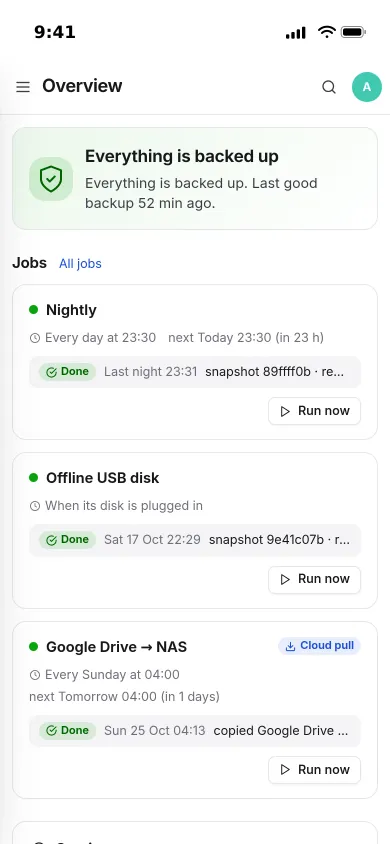
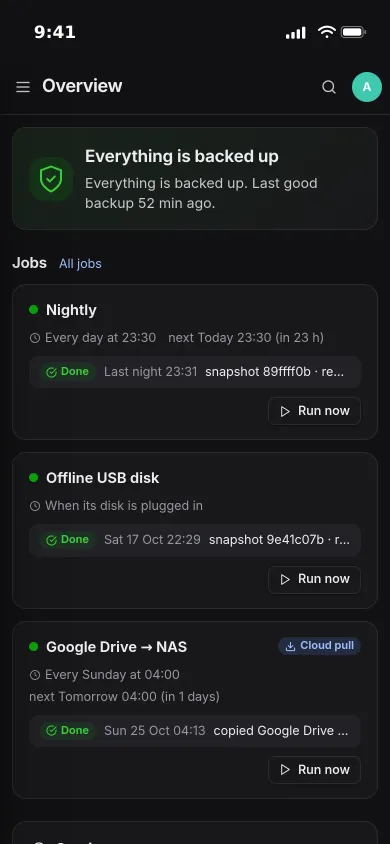
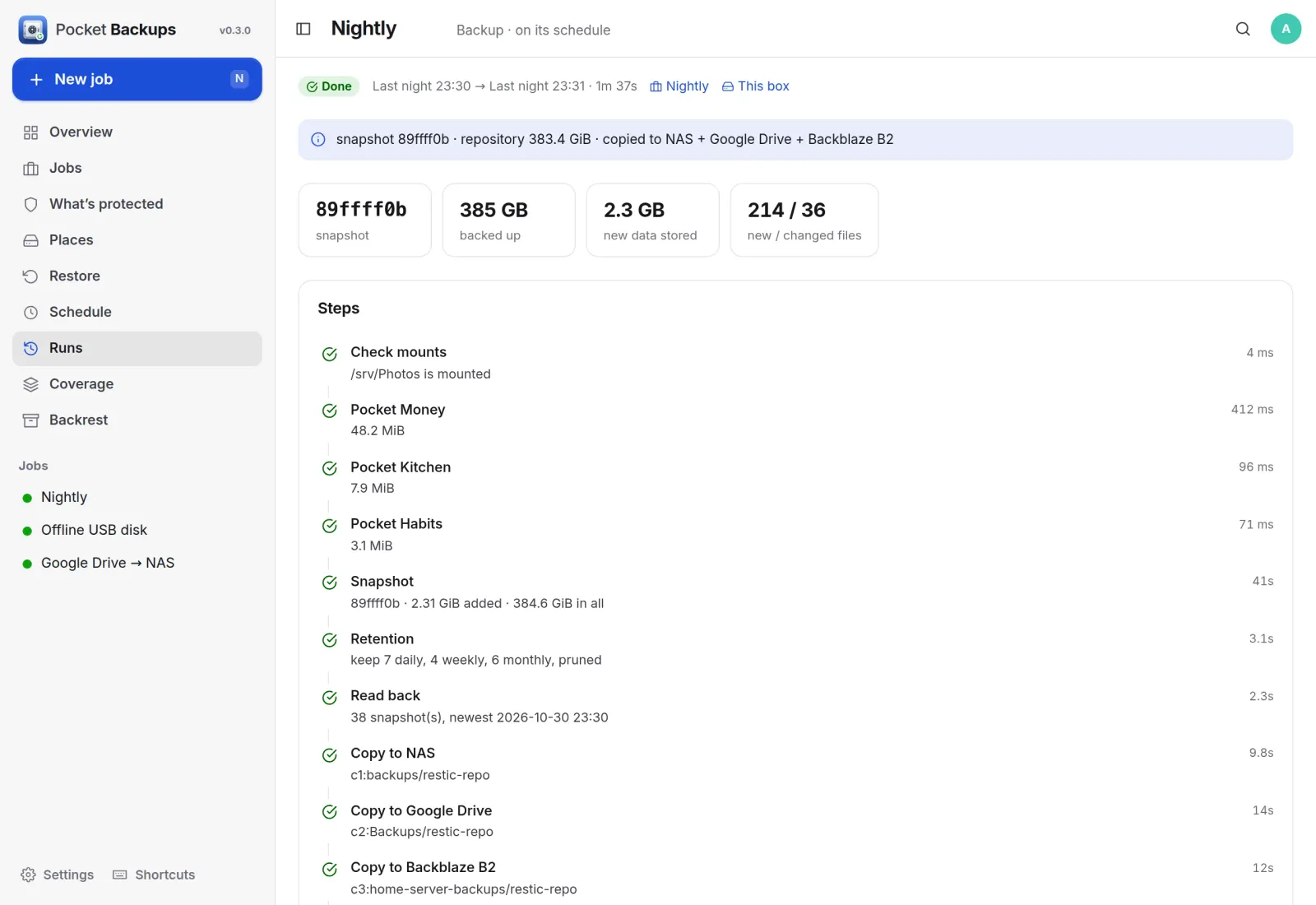
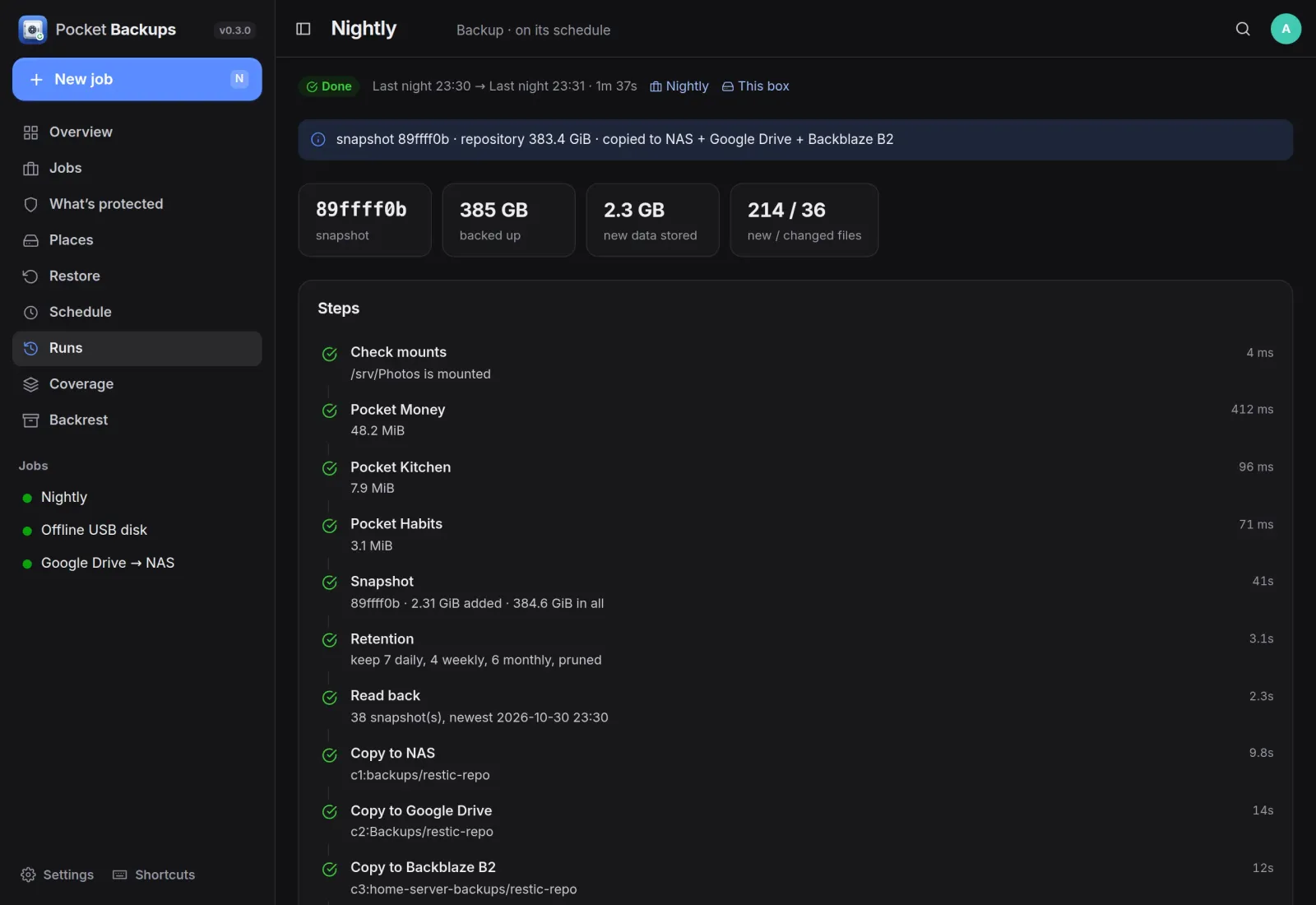
Every step of every night.
Each run lists what it did, in order: the database dumps, the snapshot, retention, a read-back and every copy, with sizes and timings, and the full log underneath.
Restore
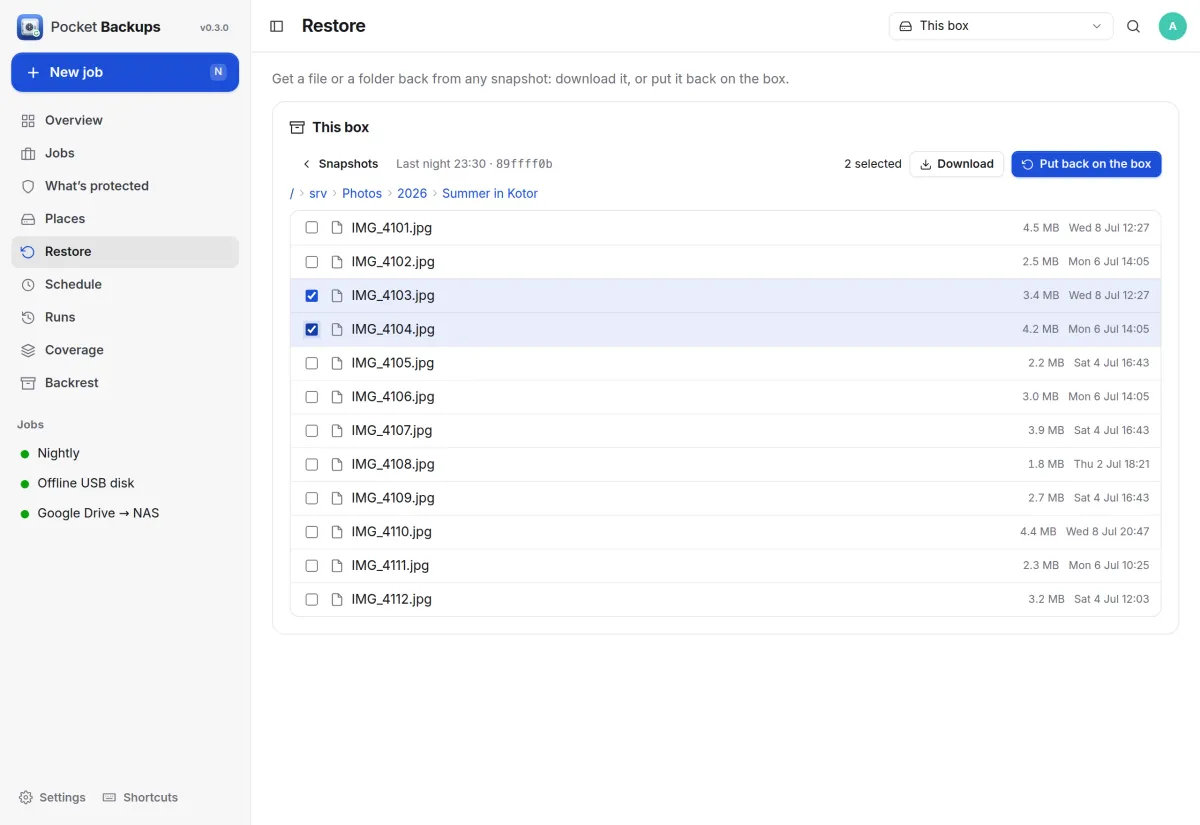
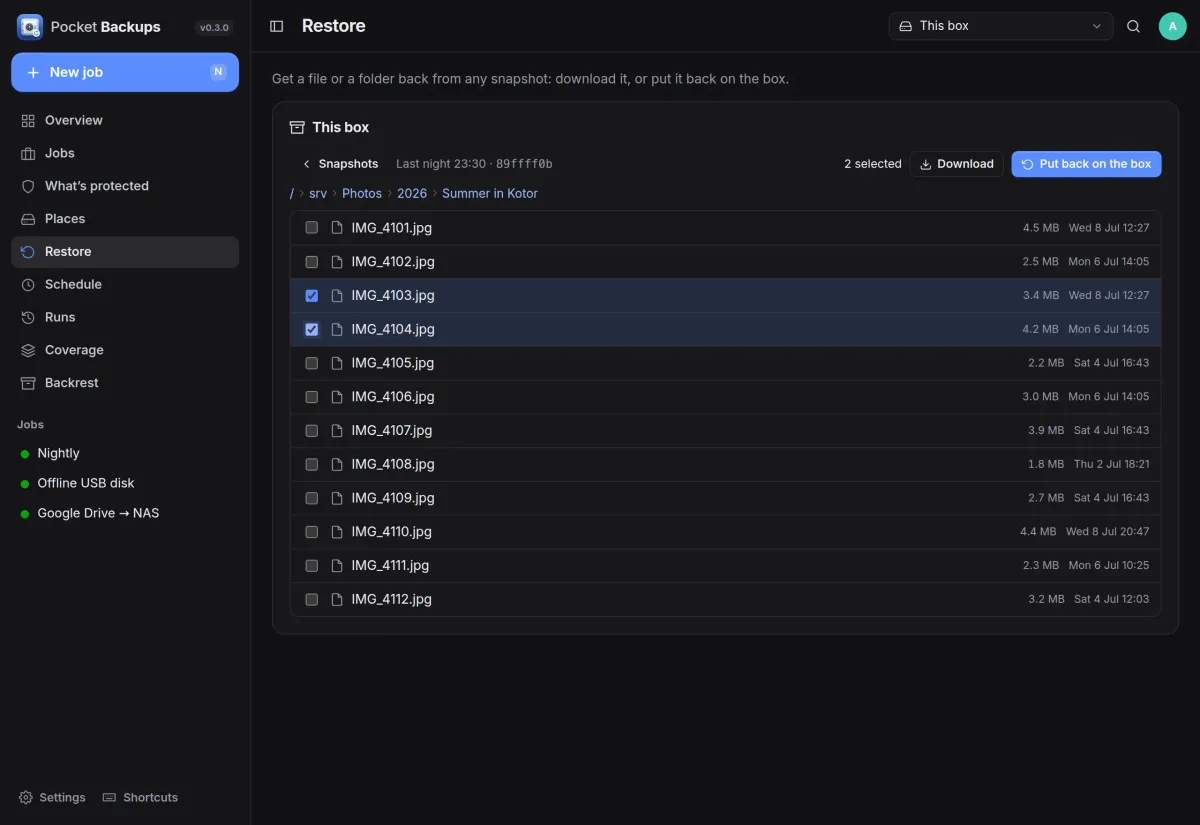
Any file from any night.
Pick a snapshot, browse it like a folder, tick what you need, then download it or put it back on the box.
- Download a single file, or a whole folder as a zip
- Put files back where they were, or somewhere new
Coverage
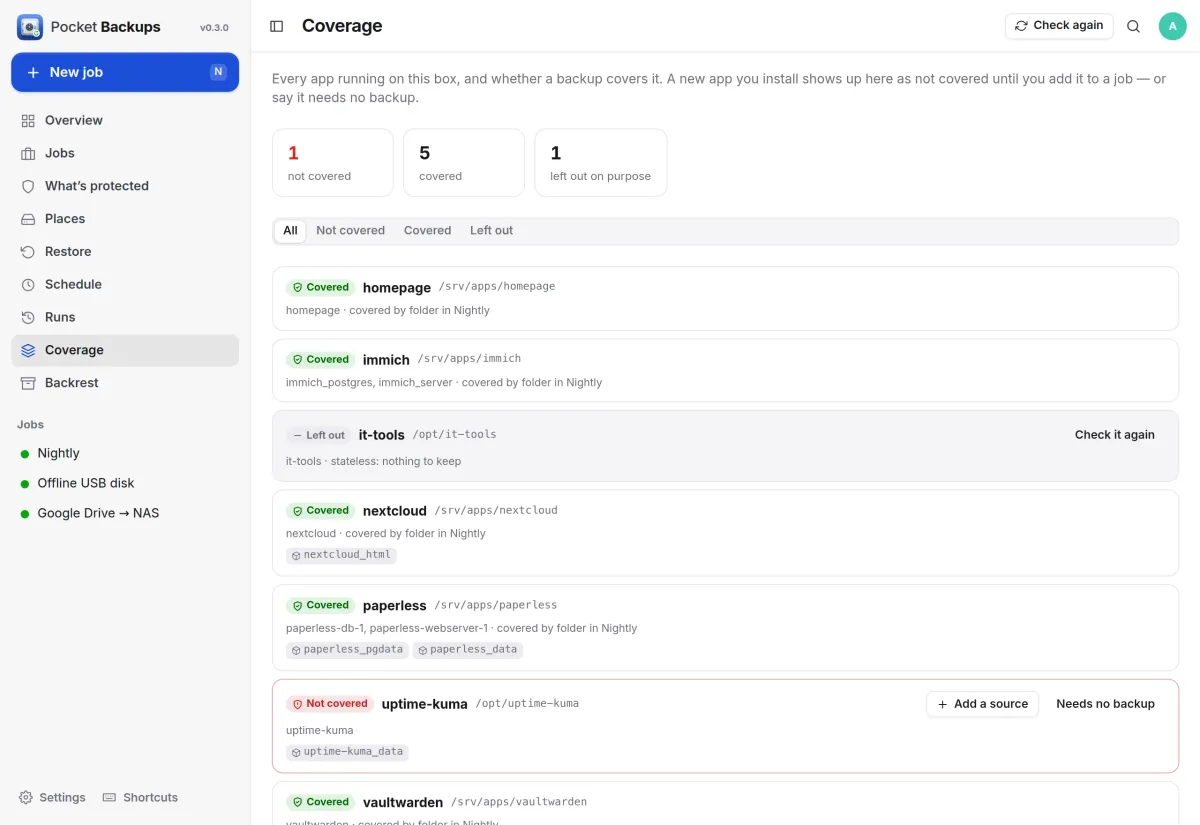
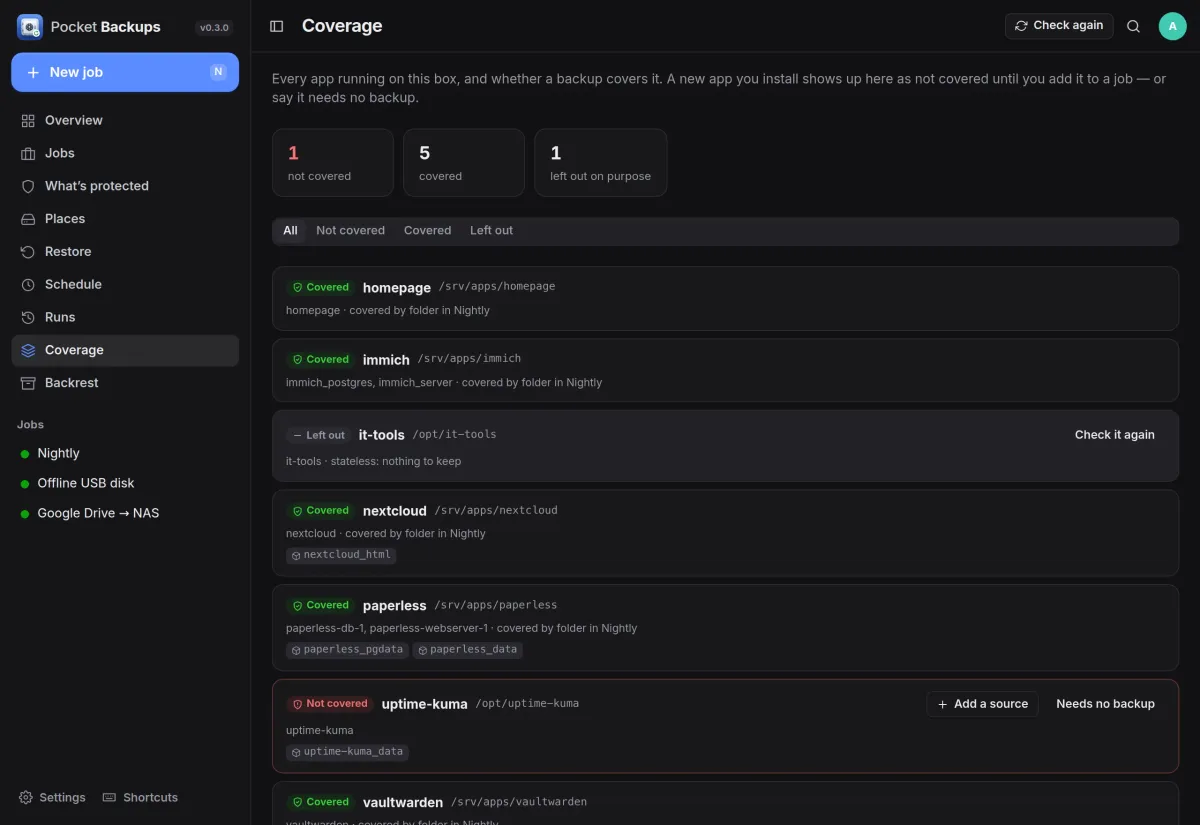
It notices the app you forgot.
Every running container is checked against your backups. A new app shows up as not covered until you add it to a job, or say it needs no backup.
- Add a source straight from the app's row
- Leave stateless apps out on purpose, with a reason
- Discover suggests database containers, SQLite files and volumes
Offline disk
Plug it in, and it backs up.
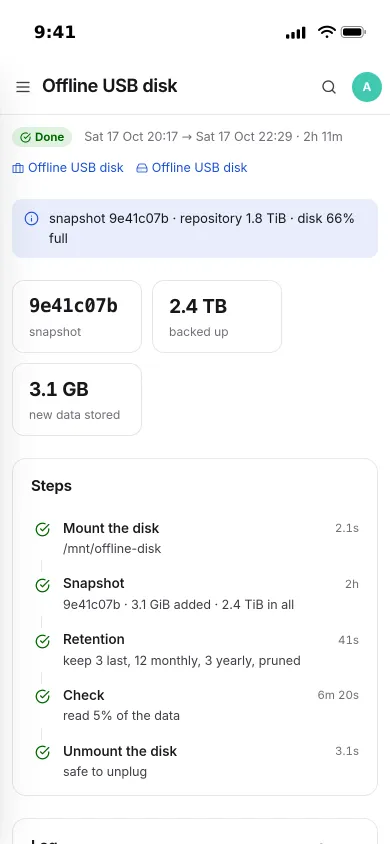
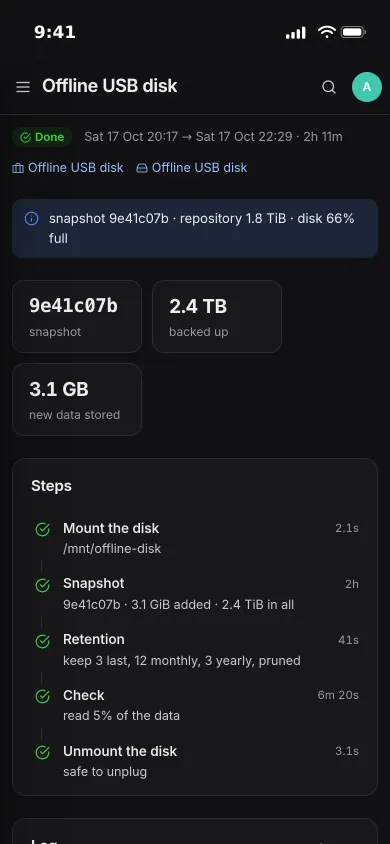
An offline USB disk is mounted for the backup, checked, unmounted and powered down afterwards. With Run when plugged in, plugging it in is all it takes, and you are told when it is safe to unplug.
- Its own retention, such as 3 last, 12 monthly and 3 yearly
- Reads back part of the data after each backup
- Shows how full the disk is
And the rest of it
Databases, dumped properly
SQLite through an online snapshot, PostgreSQL and MariaDB dumped inside their own containers. A failed dump never replaces last night's good copy.
Copies wherever you like
Mirror the repository to a NAS over SFTP, Google Drive, OneDrive, Dropbox, Backblaze B2, S3 or Pocket Files. A failed check pauses the copies so a damaged repository never overwrites a good one.
One schedule page
Every backup, cloud pull, check and prune that runs on its own, and what comes up next.
Keep Backrest, or move off it
Import Backrest's repositories and plans and let them call Pocket Backups around each snapshot, or take the plans over in one step. The restic repositories stay as they are.
Hear about it
Notifications through Apprise, ntfy or a webhook for failures and warnings, and a heartbeat URL so silence is noticed too.
Install
One container, restic and rclone inside.
Mount what you want to back up: read-only is enough for backing up, read-write lets you restore in place. The Docker socket is for database dumps and the coverage check. Open it and create the first account.
On a Pocket Box it is already installed.
docker run -d --name pocket-backups -p 8080:8080 -v ./data:/data \
  -v /var/run/docker.sock:/var/run/docker.sock --group-add "$(getent group docker | cut -d: -f3)" \
  -v /srv:/srv:ro -e BASE_URL=https://backups.example.com -e SECURE_COOKIES=true \
  ghcr.io/abjelosevic88/pocket-homelab-backups:latest