
Pocket Network
v0.1.2 · Self-hosted · MIT
Every device on your network, in a list you can read.
Pocket Network scans your home network in pure Go, with ARP plus mDNS, NetBIOS and reverse-DNS names, and adds what a scan cannot see from Tailscale, AdGuard Home, an OpenWrt router and small agents on networks behind other routers. New devices wait for a quick review, and you hear about it when a watched one goes offline.
- Included in Pocket Box
- Sign in with Pocket Core
- Works with Tailscale and AdGuard Home and OpenWrt and NetAlertX
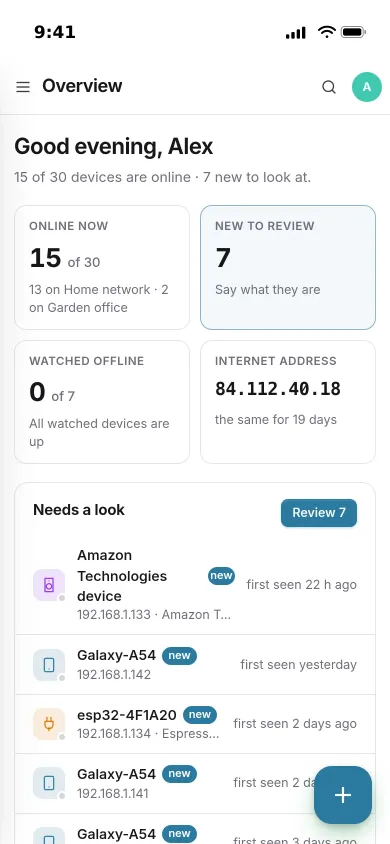
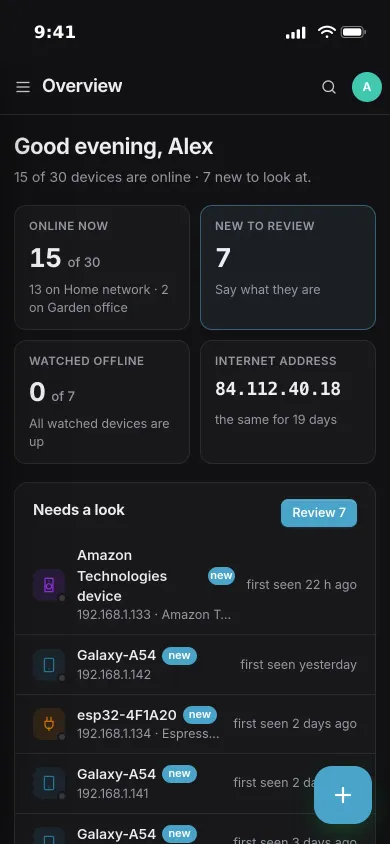
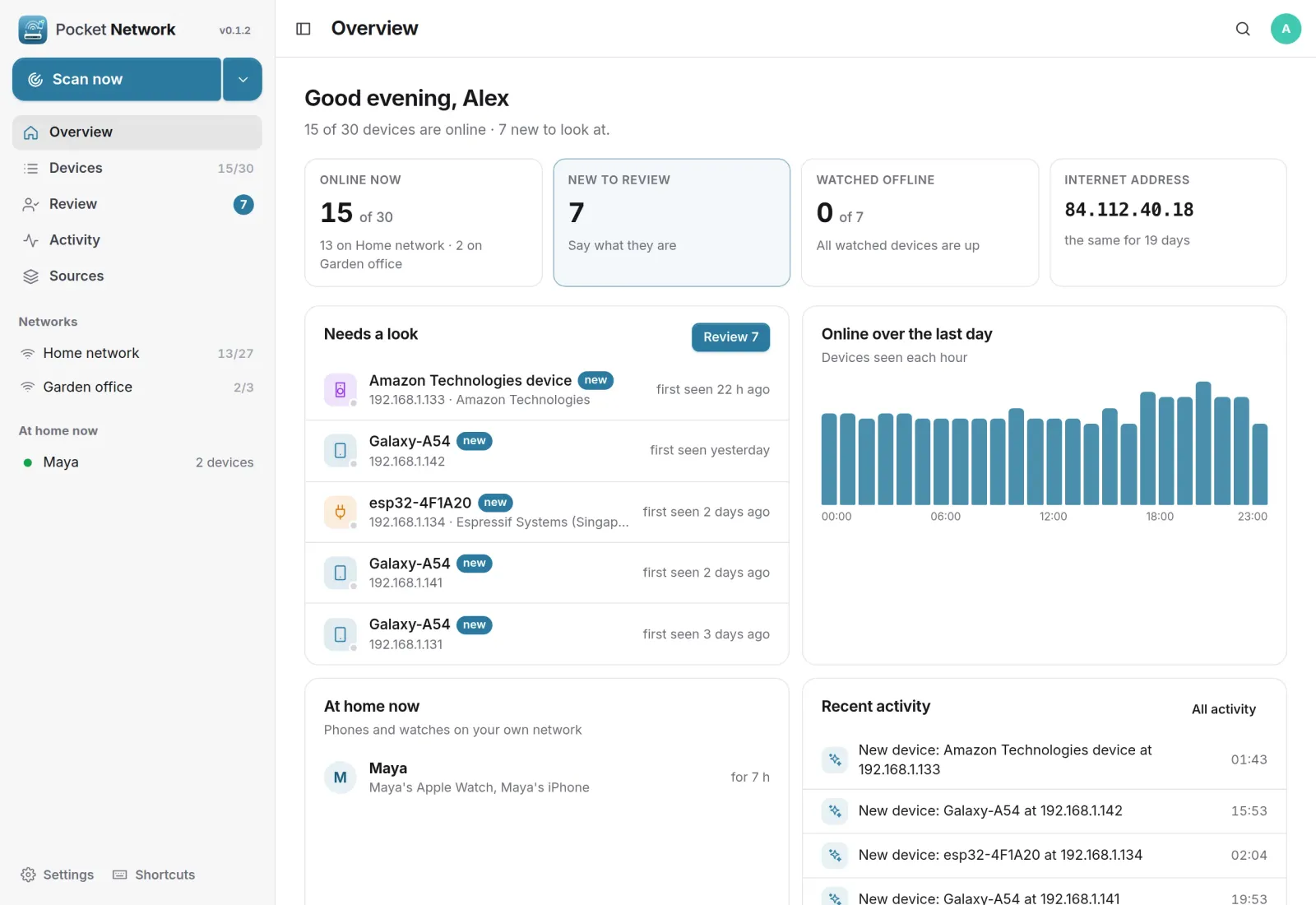
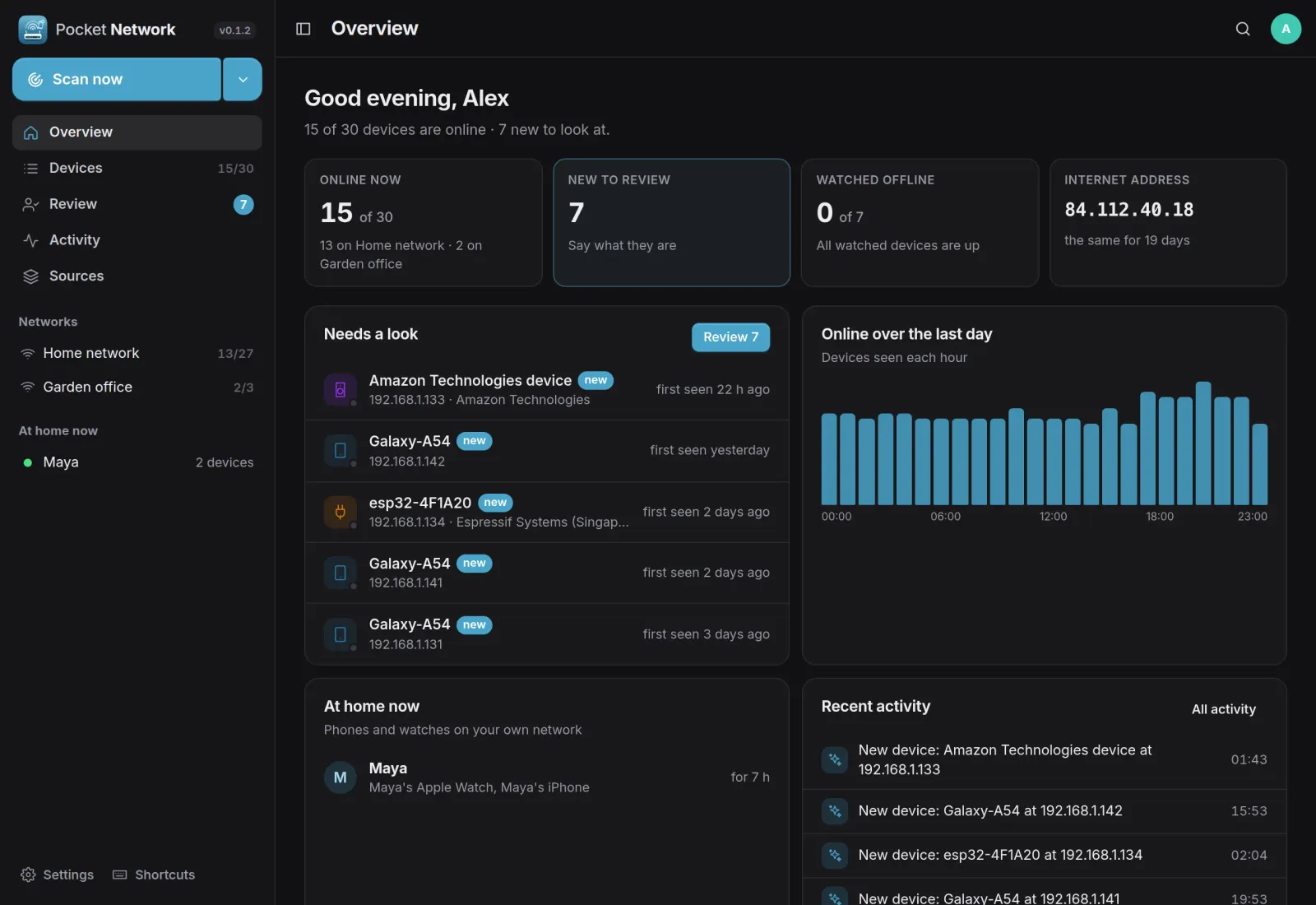
Overview
What is on the network right now.
Devices online per network, new devices to look at, watched devices that are down, your public internet address and when it changed, who is home, devices online over the last day and recent activity.
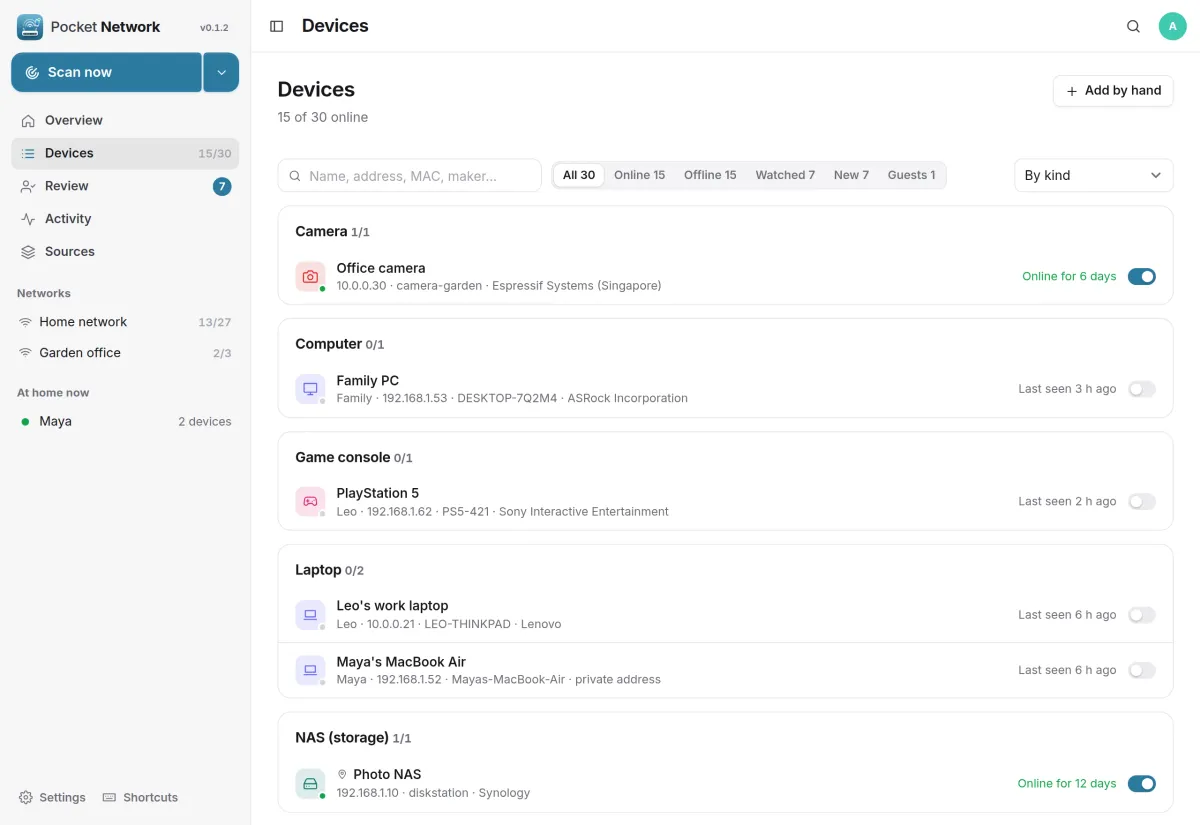
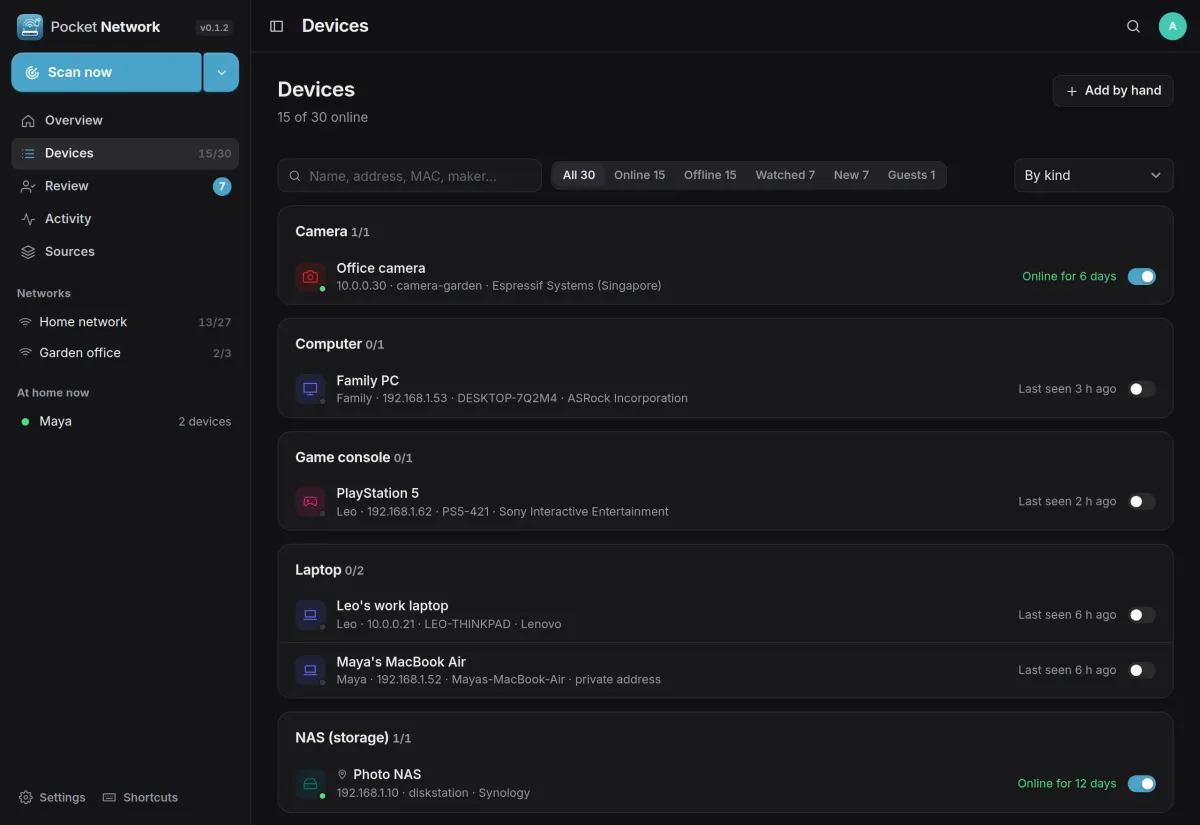
Devices
Names, not just addresses.
Every device with its name, owner, address and maker, grouped by kind, owner, place or network. The maker comes from an embedded list of MAC address vendors, and the switch on each row watches it.
- Search by name, address, MAC address or maker
- Online, offline, watched, new and guests in one tap
- Add a device by hand when a scan cannot see it
Review
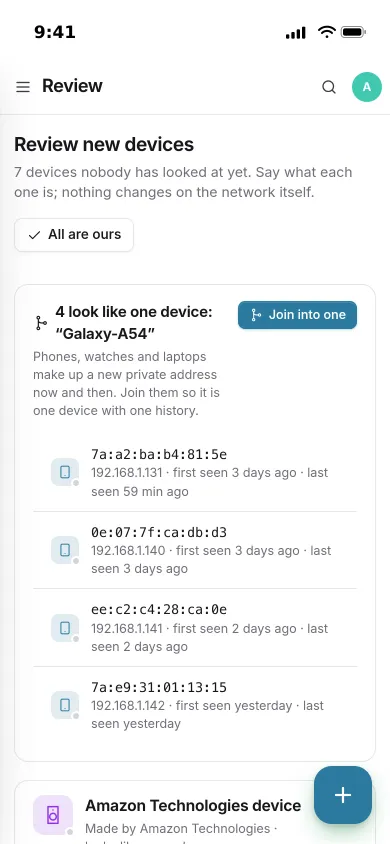
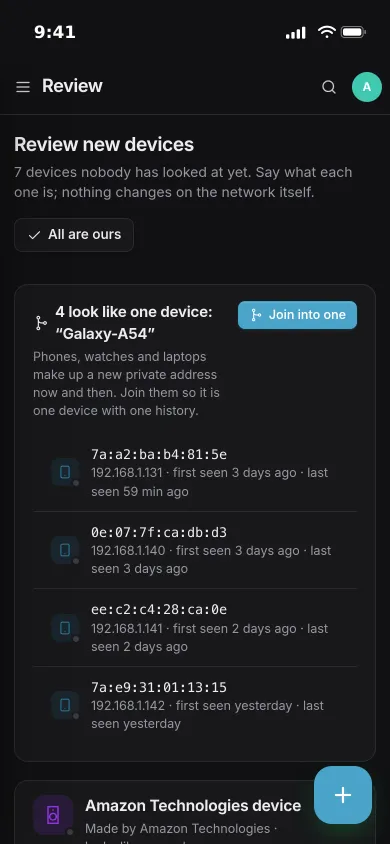
Is this yours?
New devices wait until you say what they are: yours, a guest's, or ignore it. Phones, watches and laptops make up new private addresses now and then, so look-alikes are grouped to join into one device with one history.
- A guest's device raises no alerts and is forgotten after a while away
- A new address with a name you already have joins that device
- An AI can guess what an unknown device is
One device
When it was online, and how it is known.
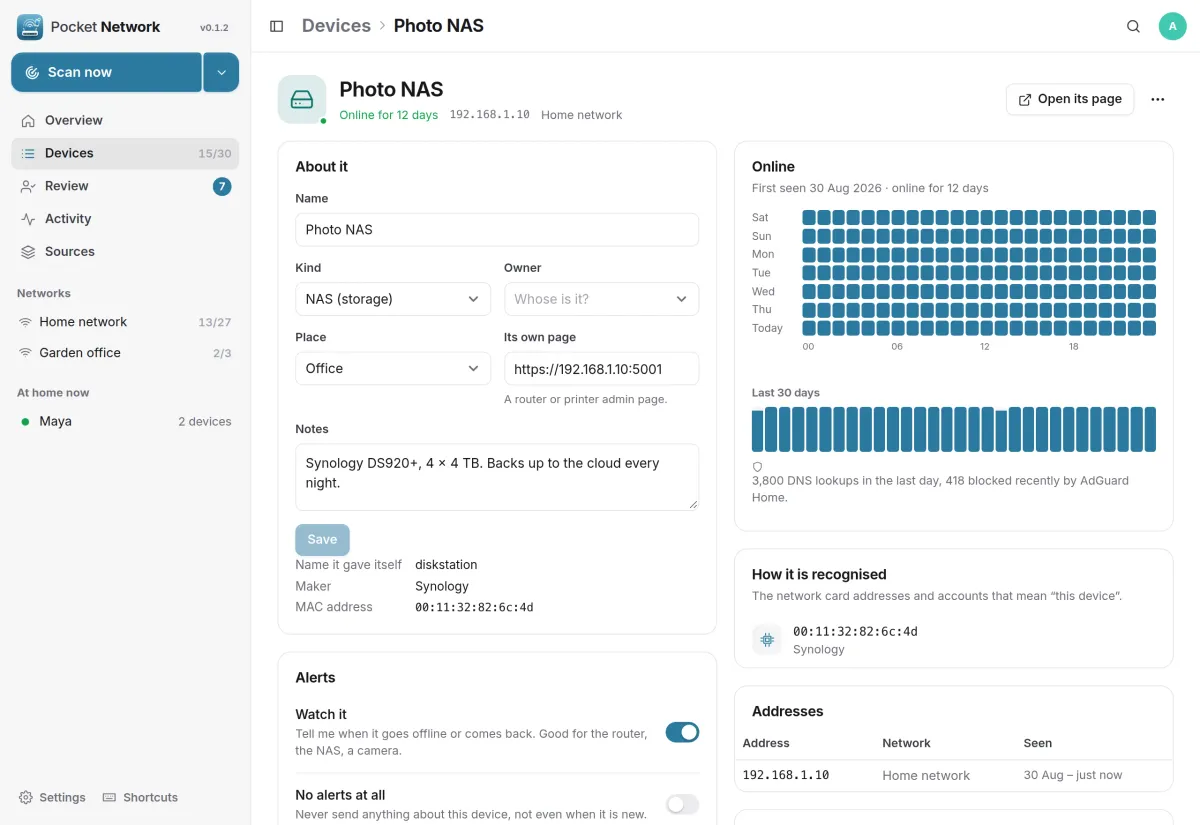
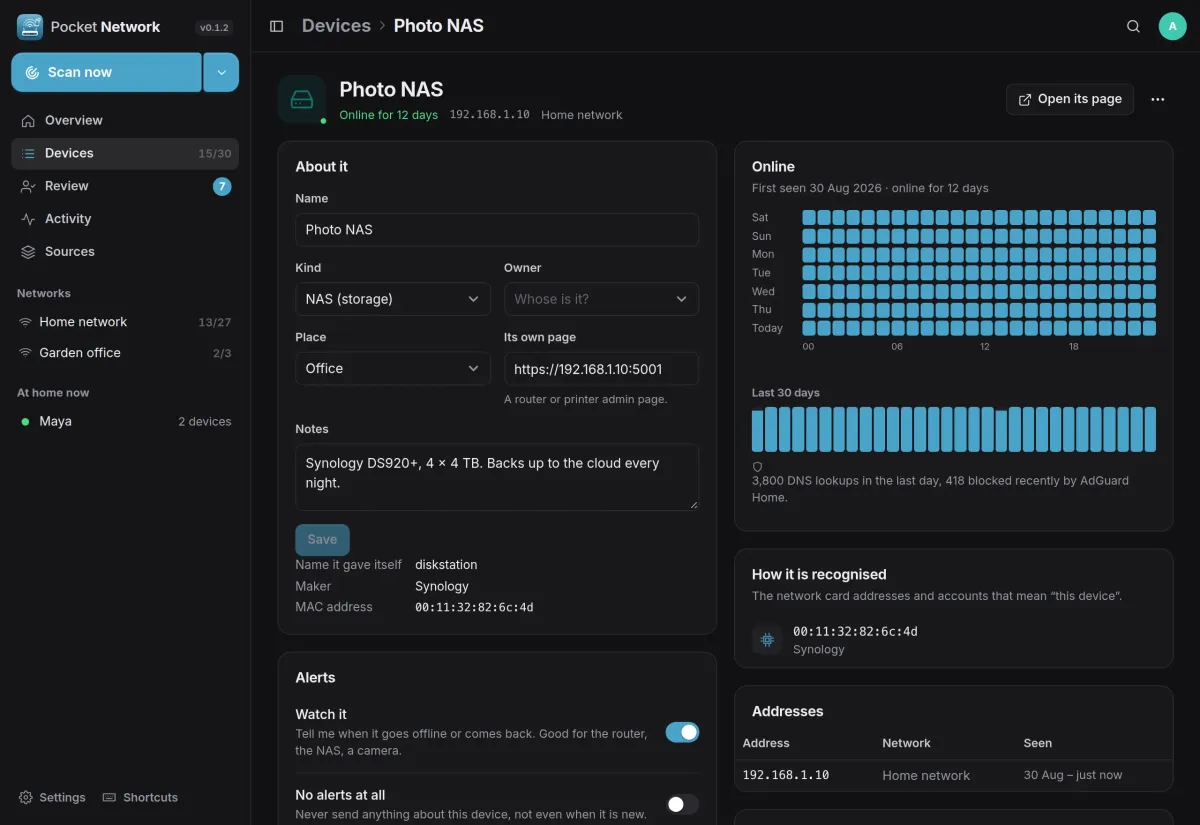
Each device has its name, kind, owner, place, its own admin page and notes, a week of online hours and the last 30 days, the addresses it used and the network cards that mean this device.
- Watch it to hear when it goes offline or comes back
- Wake-on-LAN and a check of which common services it answers on
- Its item in Pocket Inventory and its server in Pocket Monitoring
And the rest of it
Alerts that stay calm
A new device, a watched one going offline or coming back, a new internet address, a failing source. Through Apprise, ntfy or a webhook, gathered into one message and held during quiet hours.
More than one network
A scan of this server's network, an agent behind another router, Tailscale peers at home or away, AdGuard Home client names and an OpenWrt router's leases and Wi-Fi clients.
Moving over from NetAlertX
Upload its devices.csv and names, owners, types, notes, favourites and alert settings come along. Importing again only fills in what is empty.
Everyone their own
Each person has their own devices, sources and alerts, and admins see no one else's. Only admins can scan the server's own networks.
Install
Host networking, one volume.
Scanning a LAN needs host networking, because a bridged container only sees its own Docker network, and NET_RAW for the fast ARP sweep. Create the first account and a scan of the server's network starts by itself, plus Tailscale when its socket is mounted.
On a Pocket Box it is already installed. A network behind another router gets an agent from Sources, Add, Agent.
docker run -d --name pocket-network --network host --cap-add NET_RAW \
  -v ./data:/data -e PORT=8080 -e BASE_URL=https://network.example.com \
  -v /var/run/tailscale/tailscaled.sock:/var/run/tailscale/tailscaled.sock:ro \
  ghcr.io/abjelosevic88/pocket-homelab-network:latest