

Pocket Lookout
v0.4.0 · Self-hosted · MIT
Stop reloading the page. Lookout tells you what changed.
Pocket Lookout watches web pages on your own server: a whole page, a part you tap, a shop's price or a value in an API. It ignores the noise, writes one sentence about every change, and only pushes you when it matters to you — like changedetection.io, with the hard parts done for you.
Install Lookout with Pocket Core in one command:
curl -fsSL https://pockethomelab.com/install.sh | sh -s -- --apps lookoutOn any Linux machine or a Mac. Already running Pocket Core? Apps → Install app → Lookout. Add more apps to the line →
- Included in Pocket Box
- Sign in with Pocket Core
- Works with changedetection.io and Pocket Flows and Pocket Reader
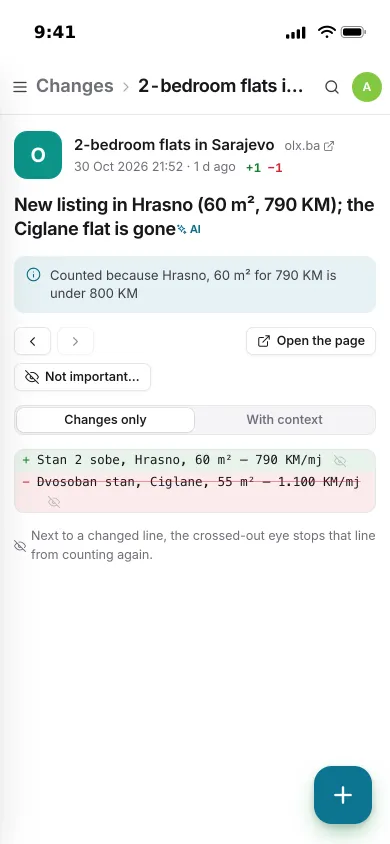
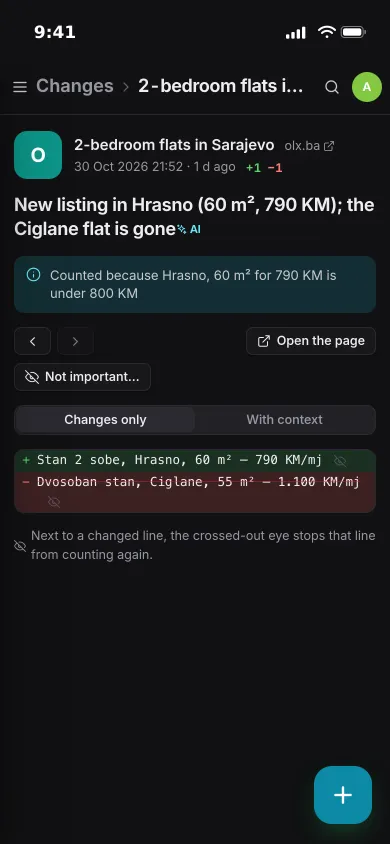
Watches
Every page you care about, in one list.
New changes first, each with its one-line summary. See at a glance which pages are failing or paused, filter by tag, check everything now, or select a few and act on them together.
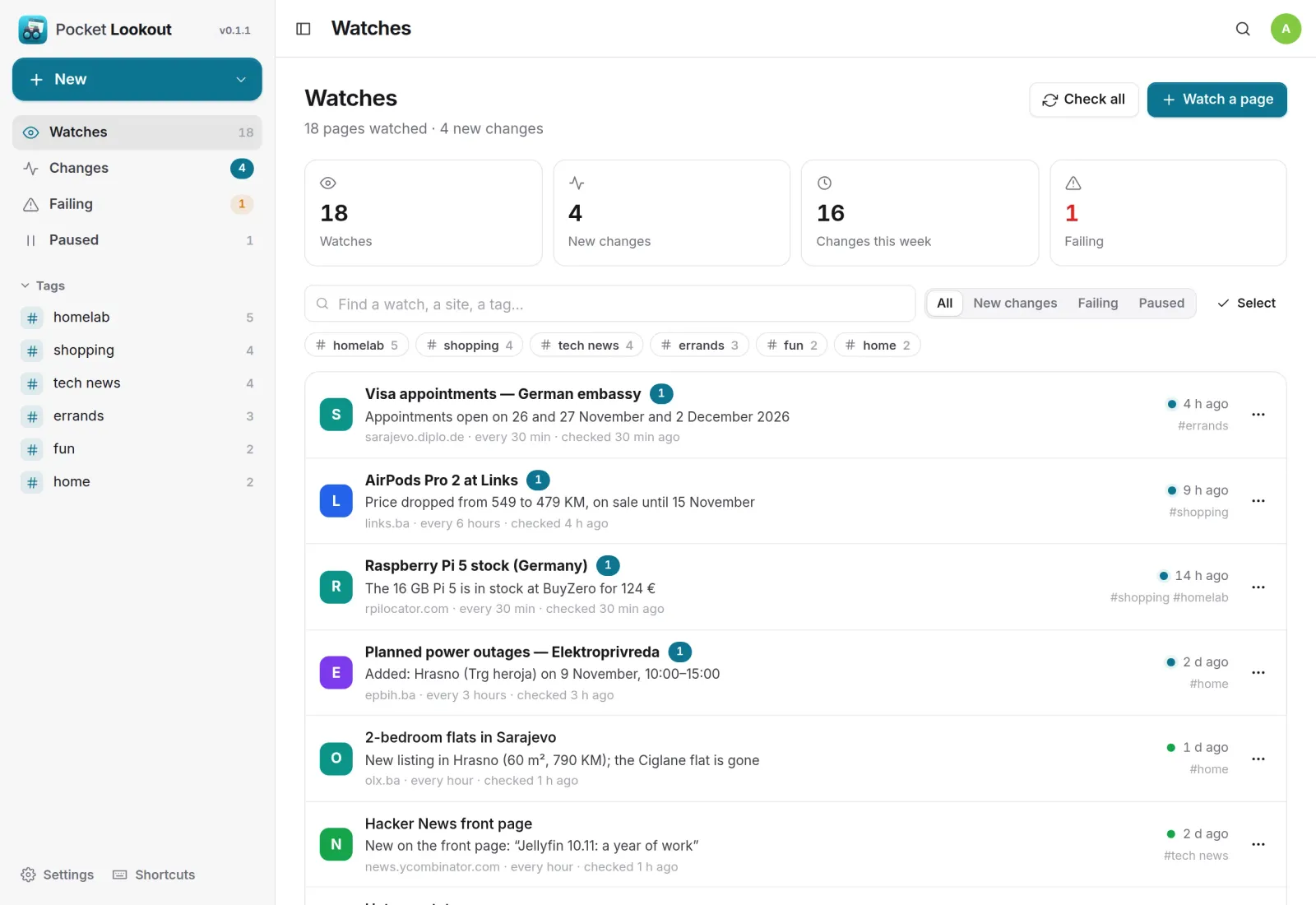
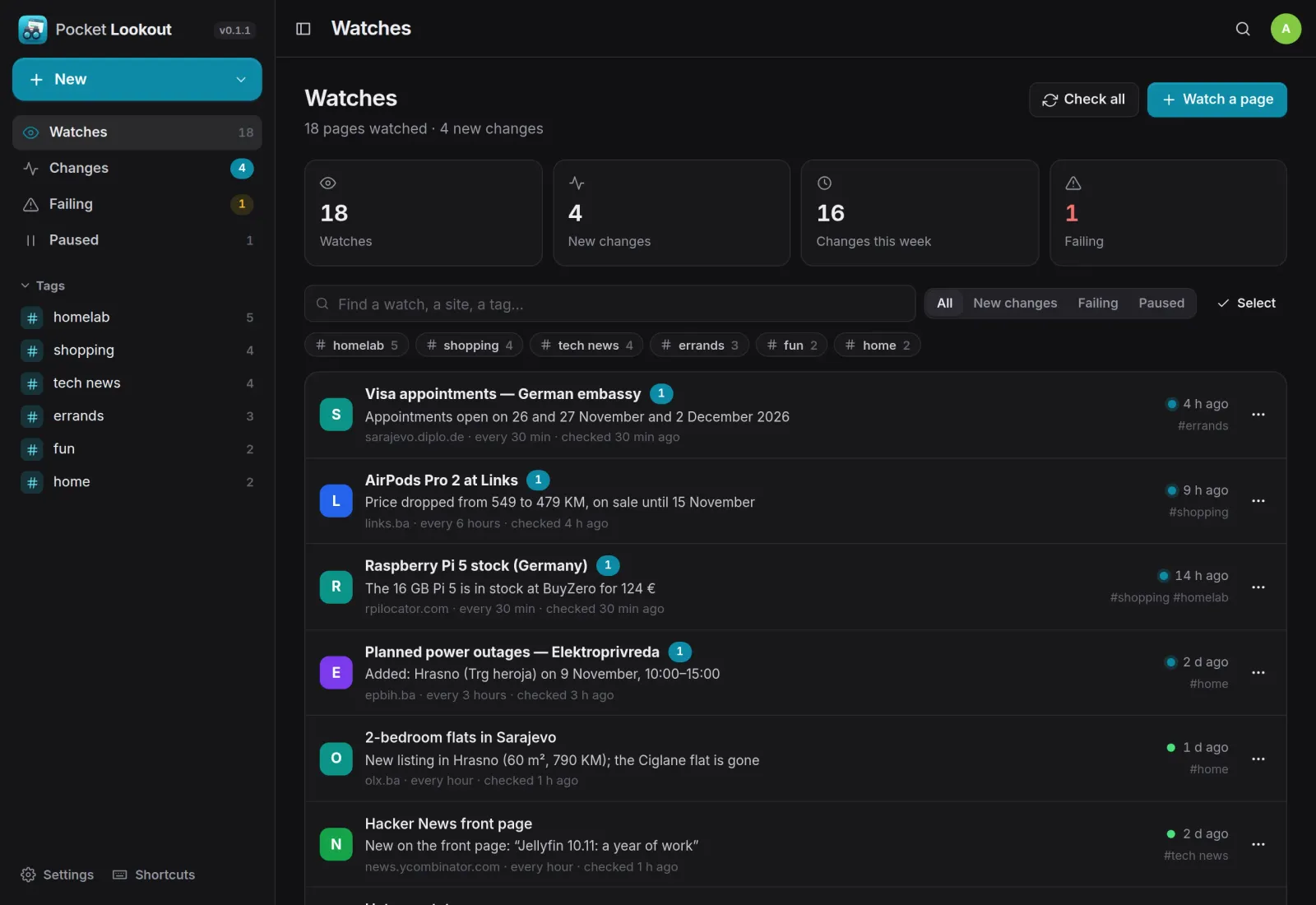
Changes
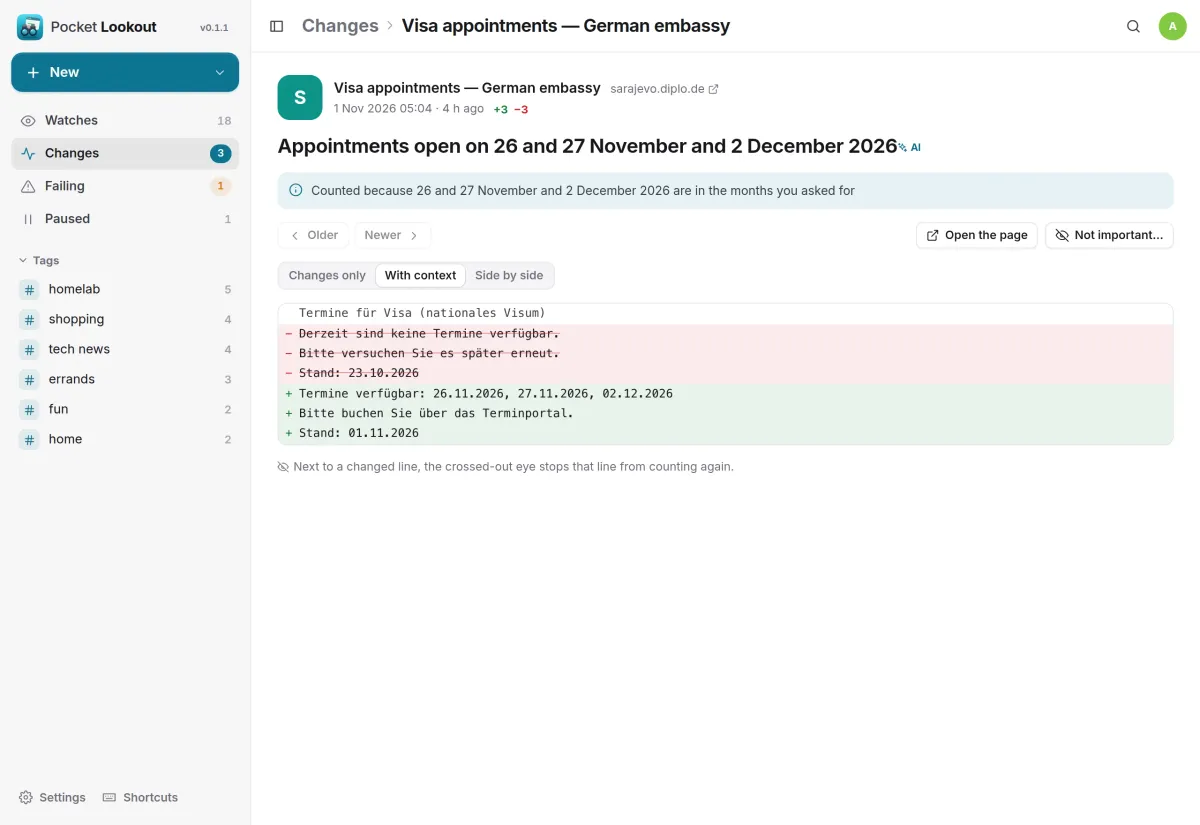
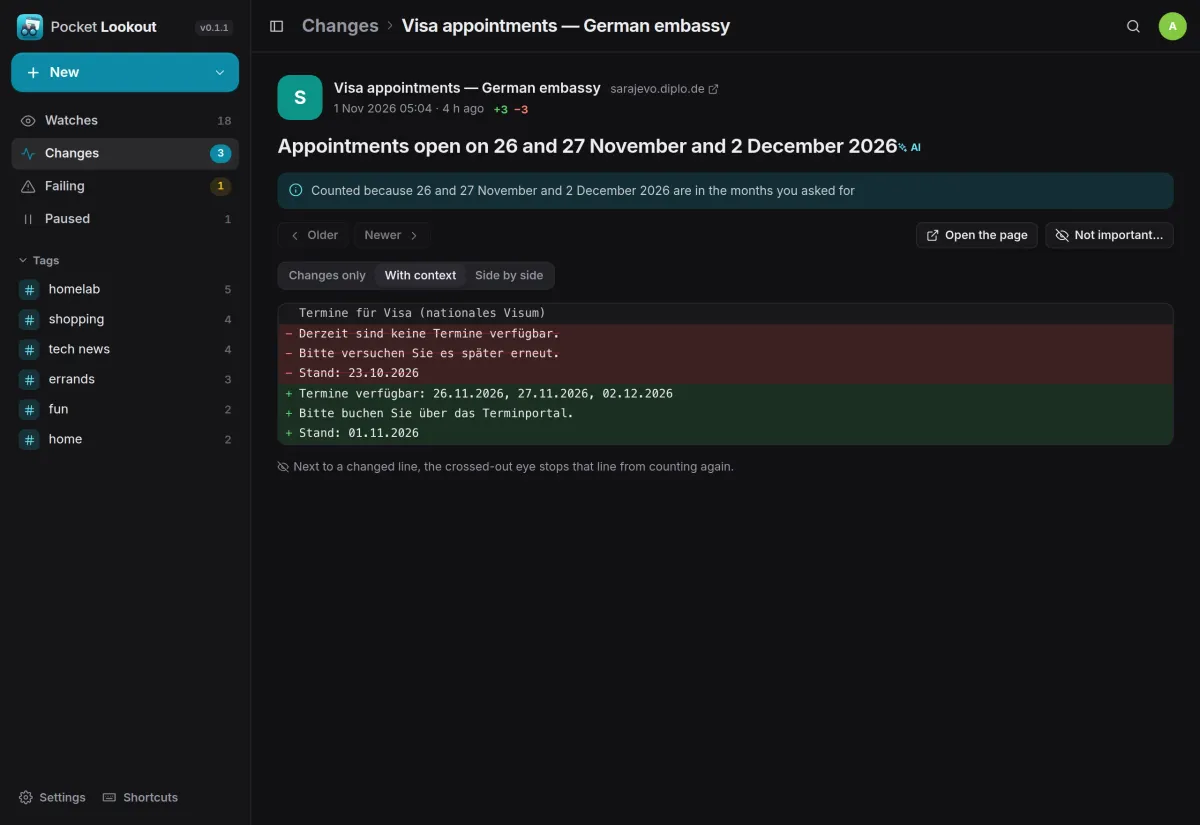
One sentence, then the details.
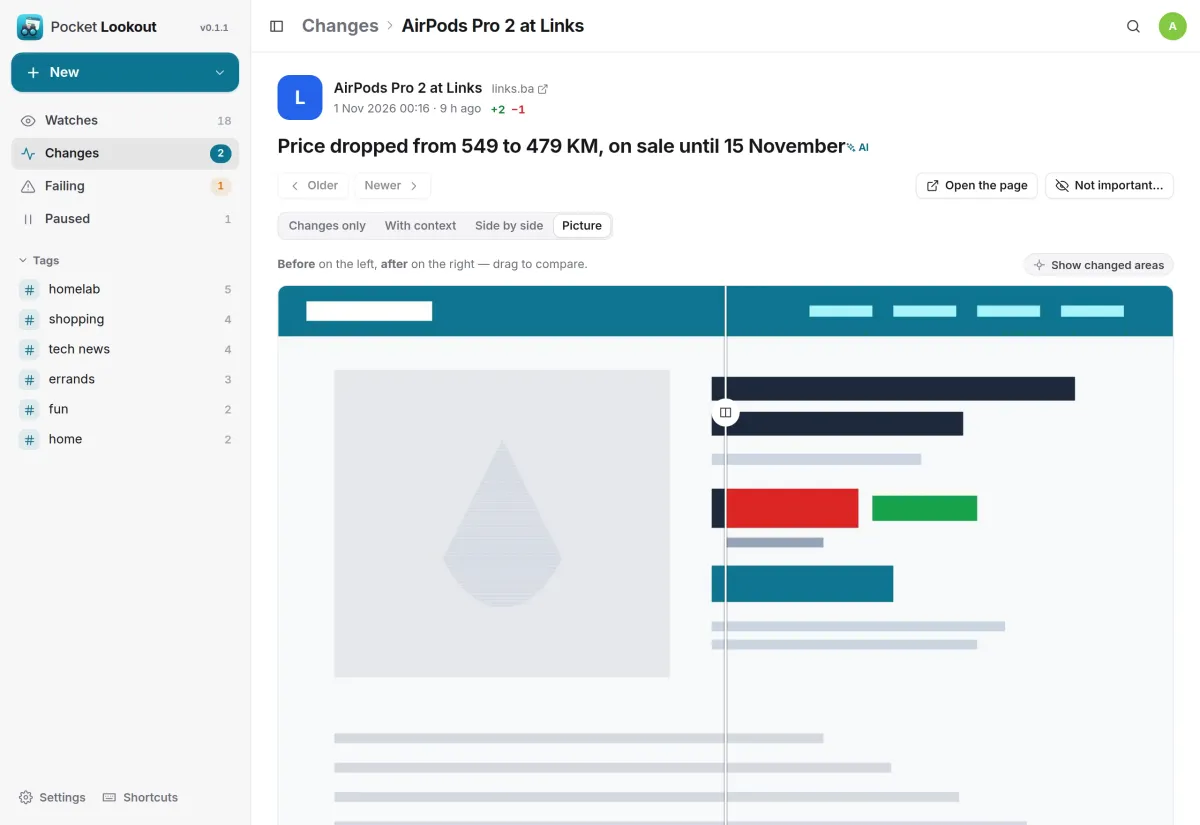
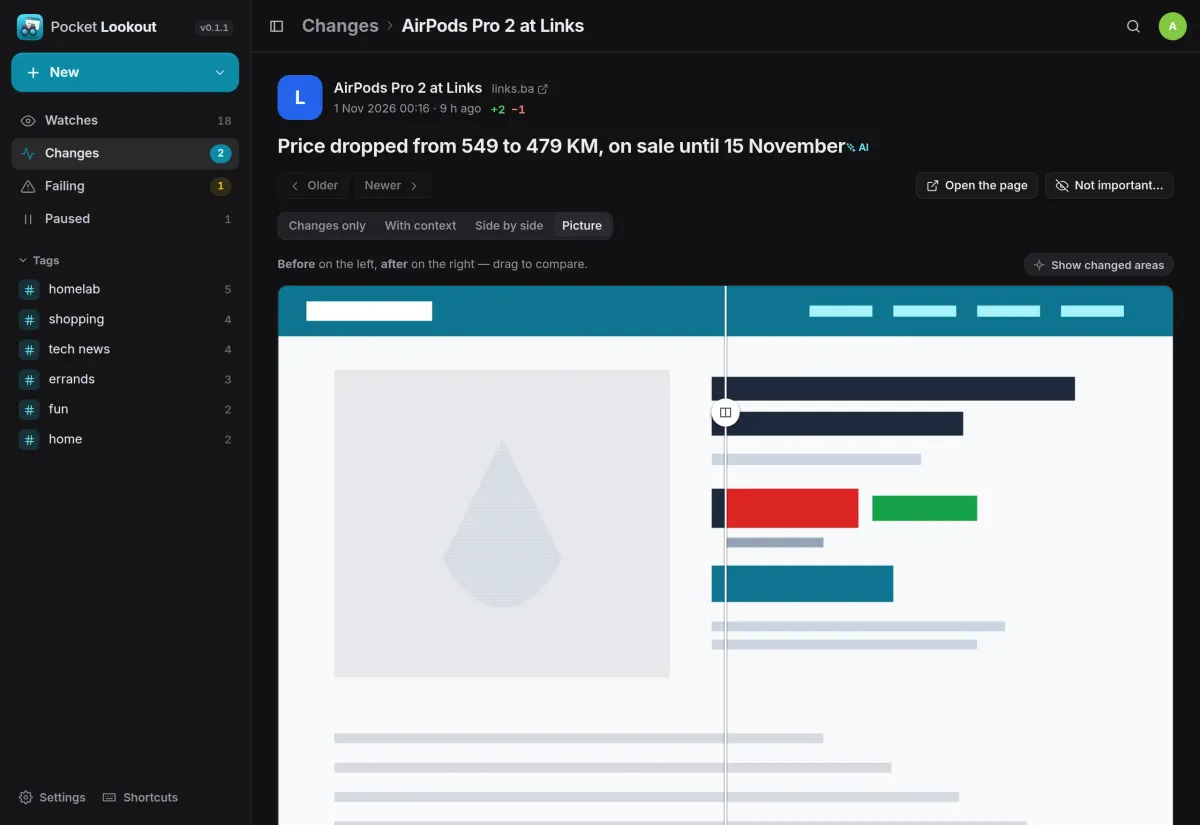
Every change gets a plain summary and the reason it counted. Below it, the lines that came and went, with context or side by side, and a tap to never count a line again.
- Conditions in plain words, checked by Pocket AI
- "Only when a changed line mentions…" with words or patterns
- Dates, times and view counters never count
Inbox
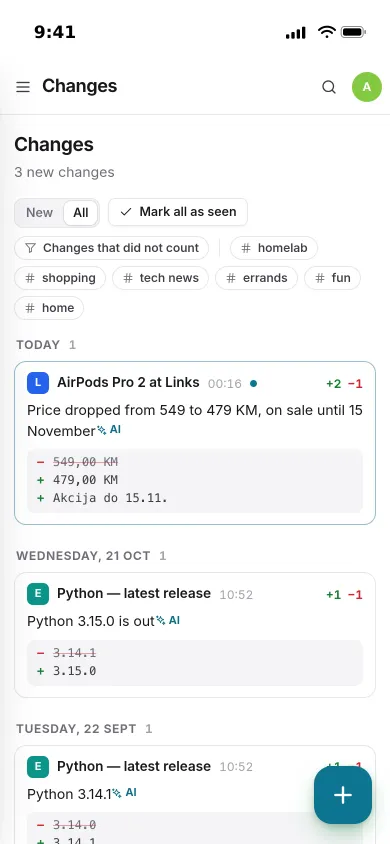
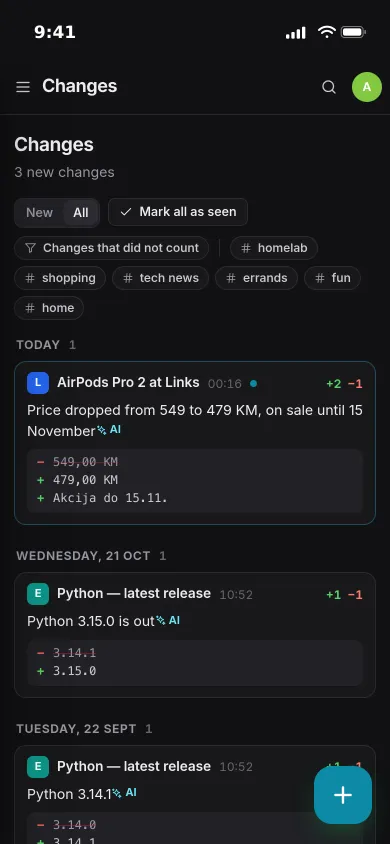
Everything that changed, by day.
Changes from all your pages, newest first, with the first changed lines right there. Mark them seen as you go, or let one daily summary push cover the quiet watches.
- A push right away, in the daily summary, or not at all
- An RSS feed for all changes and one per watch
- A push when a page keeps failing, and when it works again
Pictures
Slide between before and after.
Pages that need JavaScript are read with a headless browser, which can keep a picture of every check. Drag the slider to compare, with the areas that changed outlined.
- Plain pages are read the fast way; the browser only when needed
- Pick a part by tapping it, or use CSS selectors and JSON paths
And the rest of it
Bring your changedetection.io watches
Import its backup zip with addresses, titles, tags, CSS filters, ignore and trigger text, intervals and browser use, or paste a plain list of links.
Works with Pocket Flows
Every change that counts is an event other Pocket apps can act on: turn it into a task, a calendar entry or anything a flow can do.
AI when you want it
Summaries and conditions use Pocket AI or your own OpenAI-compatible key. Without one, changes still get a plain summary and every change counts.
Everyone their own
Each person has their own watches, settings and feed. Pages on your own network stay off-limits unless an admin allows them.
Install
One container, one volume, one browser.
Run the image with a data folder and open it on port 8080. Add the optional headless browser container for pages that need JavaScript and for page pictures.
Already installed on a Pocket Box, with sign-in, Pocket AI and app links through Pocket Core.
The easiest way is the one command above. To run it on its own with Docker:
docker run -d --name pocket-lookout -p 8080:8080 -v ./data:/data \
  -e BASE_URL=https://lookout.example.com -e SECURE_COOKIES=true \
  ghcr.io/abjelosevic88/pocket-homelab-lookout:latest
More in The server
 Pocket Monitoringv0.8.0Watch your server and other machines live, with a year of history and phone alerts when something goes wrong.
 Pocket Errorsv0.4.0Error tracking for your apps and websites on your own server: what broke, where in the code, how often and since which release. Any Sentry SDK sends to it unchanged.
 Pocket Backupsv0.4.0Back up the whole server, copy it off-site, and get a plain answer to whether everything is safe.
 Pocket Networkv0.2.0Every device on your home network in one readable list, with alerts when something new joins.
 Pocket Camerasv0.4.0Your security cameras on your own server: every camera live, what they saw in one sentence from AI, recordings by day, and an alert on your phone only when it matters.
 Pocket Remotev0.6.3Your own computers from a phone or a browser: a Mac, a Windows PC or a Linux terminal over your tailnet, with Wake-on-LAN, file transfers and a log of every session.
 Pocket Devicesv0.3.0Self-hosted home for your own hardware: add a device, connect it with a token and change its settings from a web UI. Starts with an ESP32 NTP clock (alarm, chime, outdoor temperature): every setting with proper controls, desired vs reported, commands, live status and history.