

Pocket Remote
v0.6.3 · Self-hosted · MIT
Your own computers, from your phone.
Pocket Remote opens your Mac's screen, a Windows PC or a Linux terminal in the browser, over your tailnet, with nothing to install on the phone and nothing opened to the internet. Wake a computer, move files to and from it, and keep a log of every session. Apache Guacamole's guacd does the remote desktop work. One Go binary, one SQLite file.
Install Remote with Pocket Core in one command:
curl -fsSL https://pockethomelab.com/install.sh | sh -s -- --apps remoteOn any Linux machine or a Mac. Already running Pocket Core? Apps → Install app → Remote. Add more apps to the line →
- Included in Pocket Box
- Sign in with Pocket Core
- Works with Pocket Files and Pocket AI and Pocket Day
- Pocket Remote for iPhone
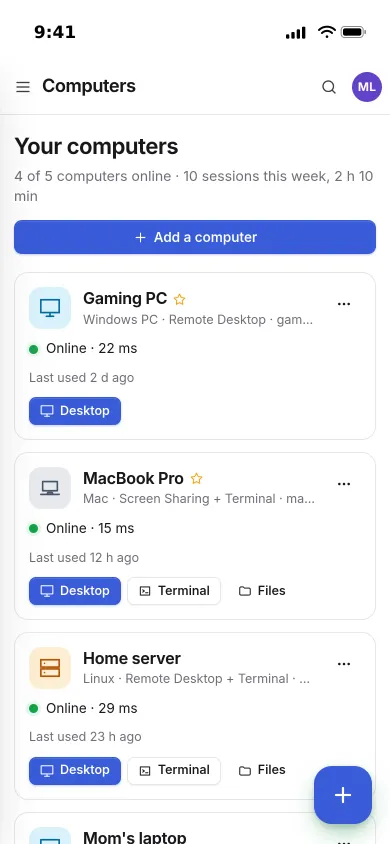
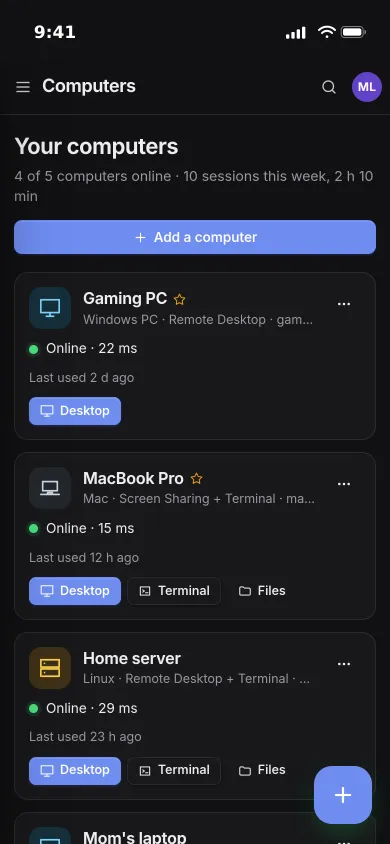
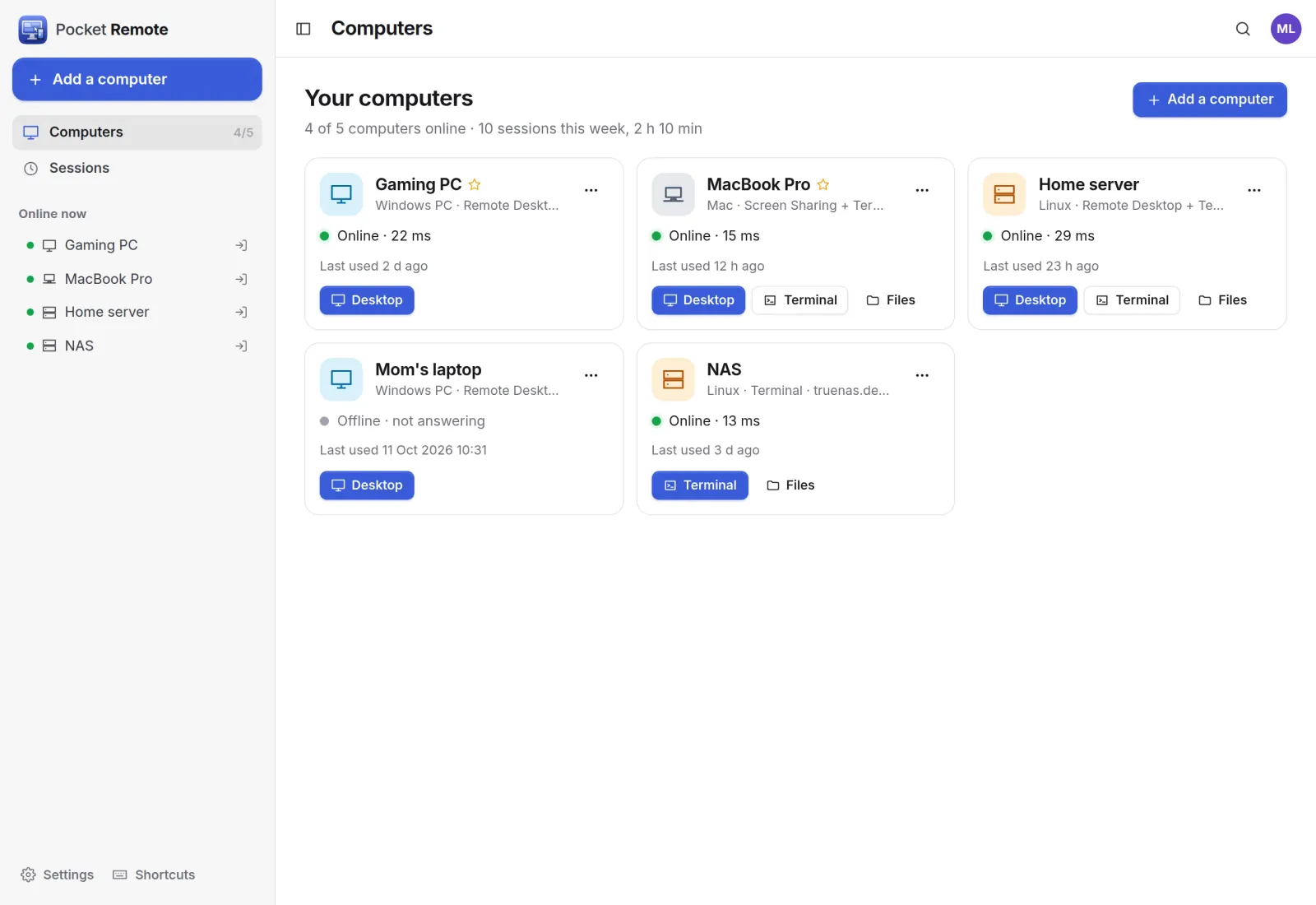
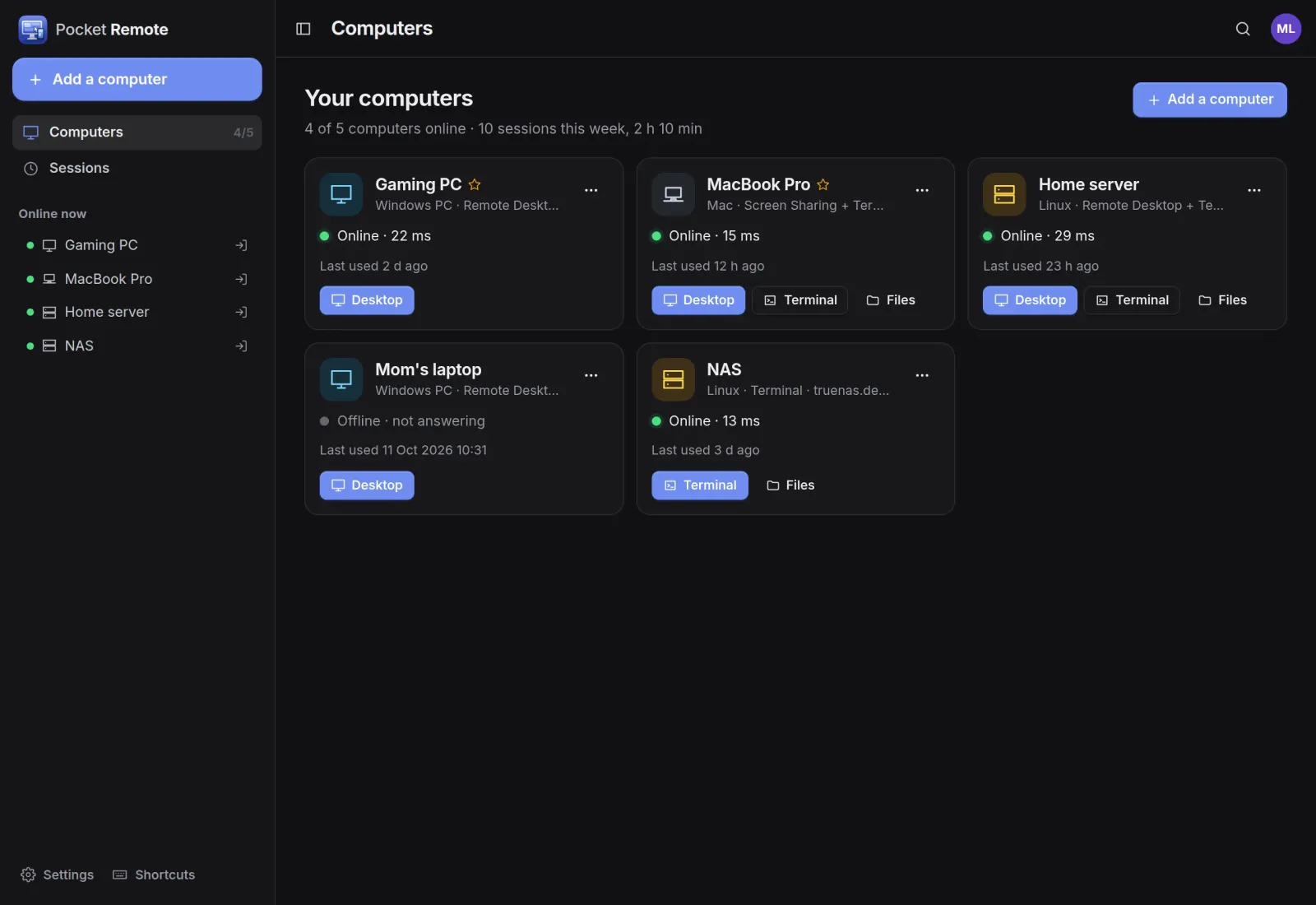
Computers
Which ones are on, and how to get in.
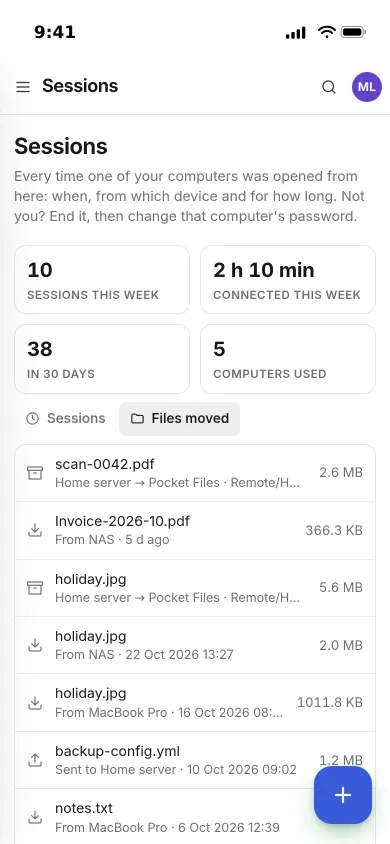
Every computer with whether it is online and its latency, or why not, checked every minute. Desktop, Terminal and Files open it the ways that work; the side bar lists what is online now.
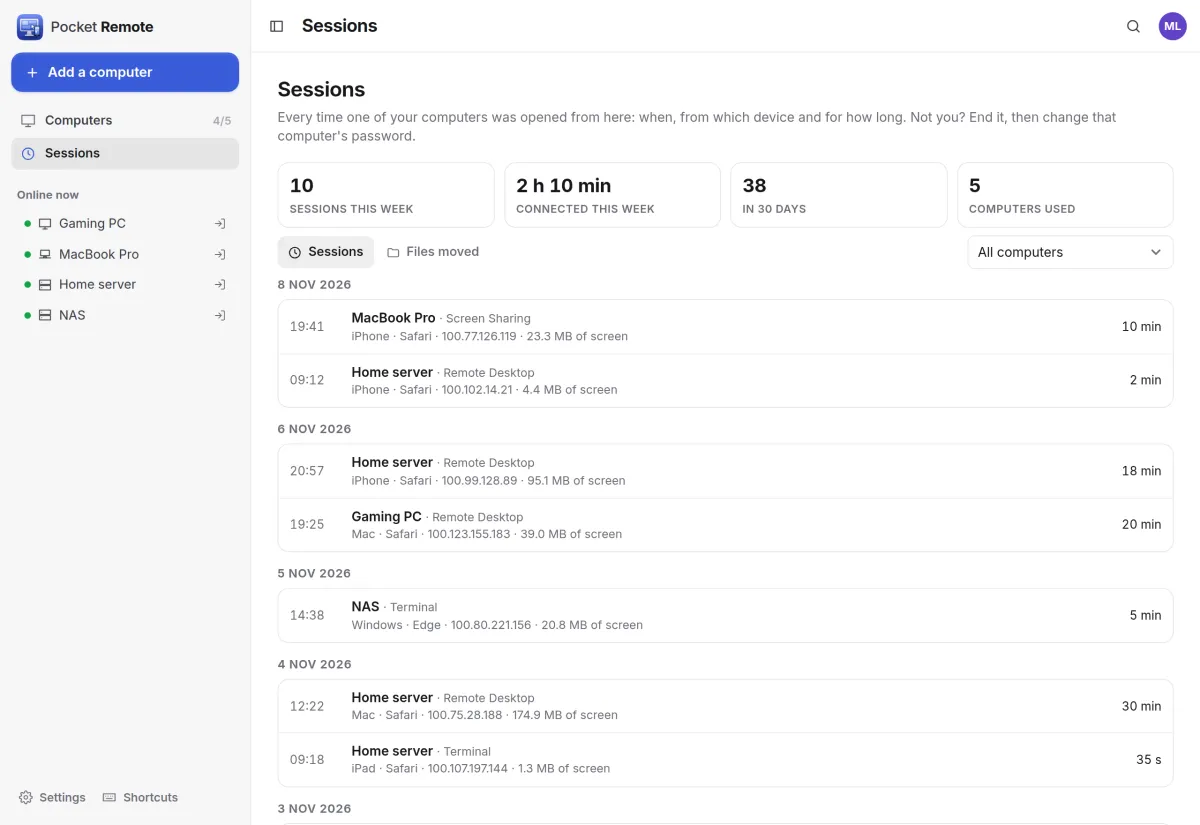
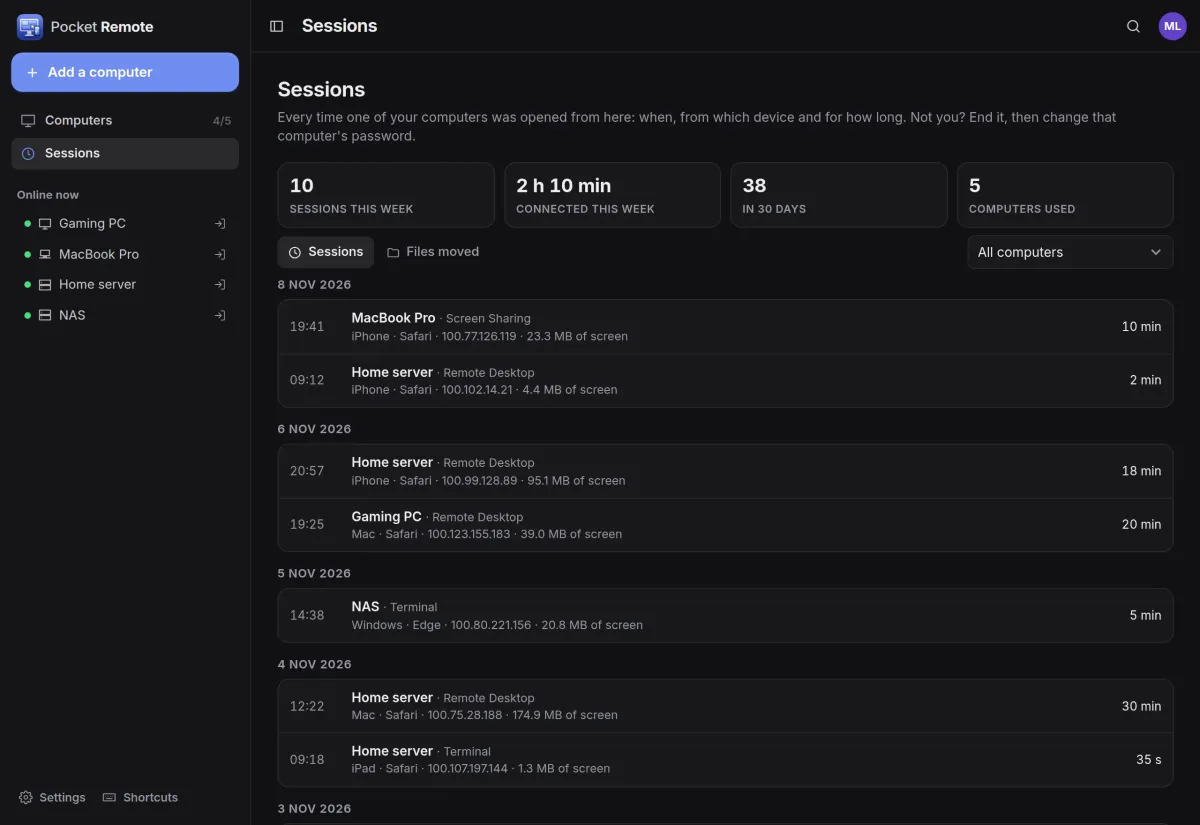
Sessions
Every session, logged.
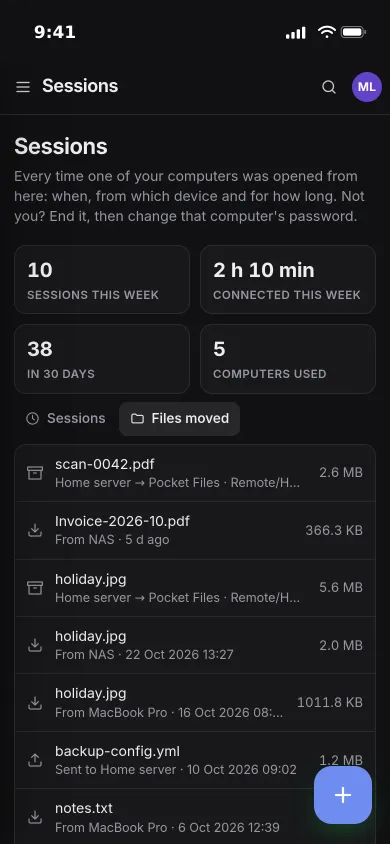
Which computer, from which device and address, for how long and how much screen it sent. A message goes out whenever a session opens, and an open session can be ended from another device.
- Sessions this week and in the last 30 days
- Filtered by computer
- Not you? End it, then change the password
Adding a computer
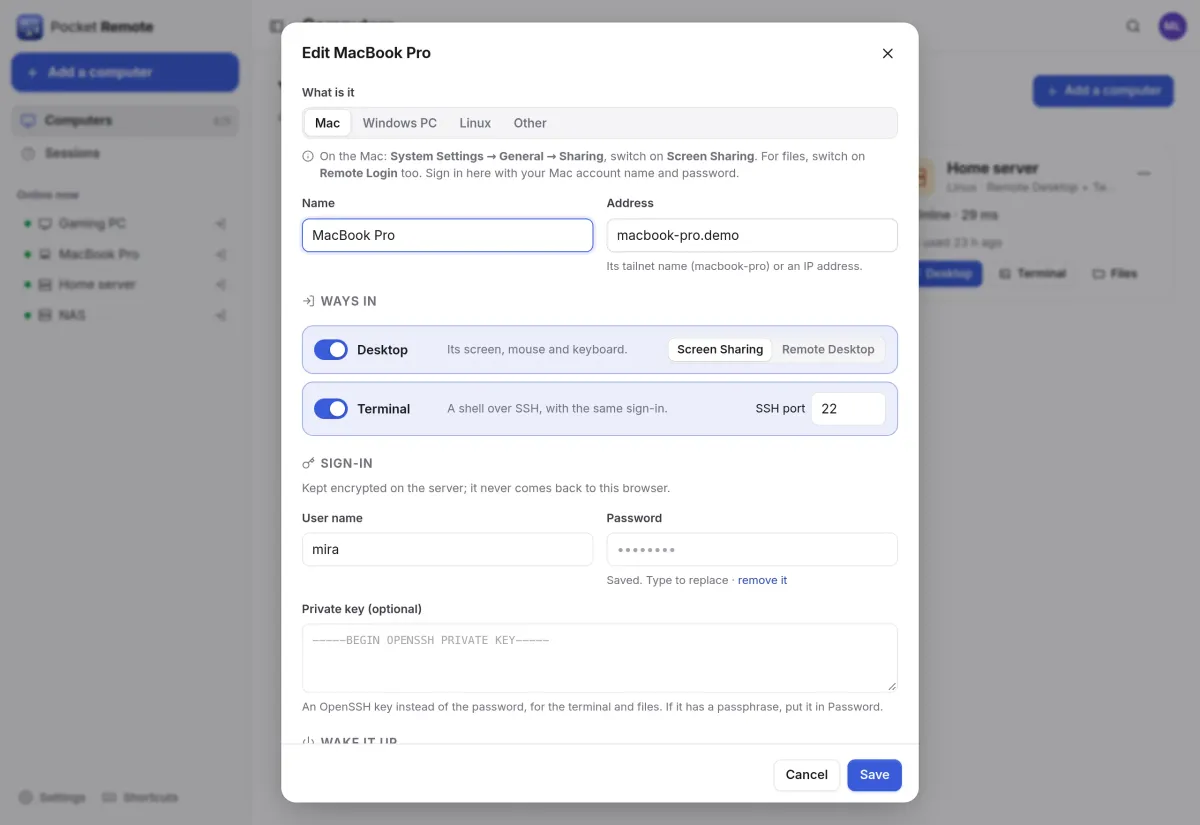
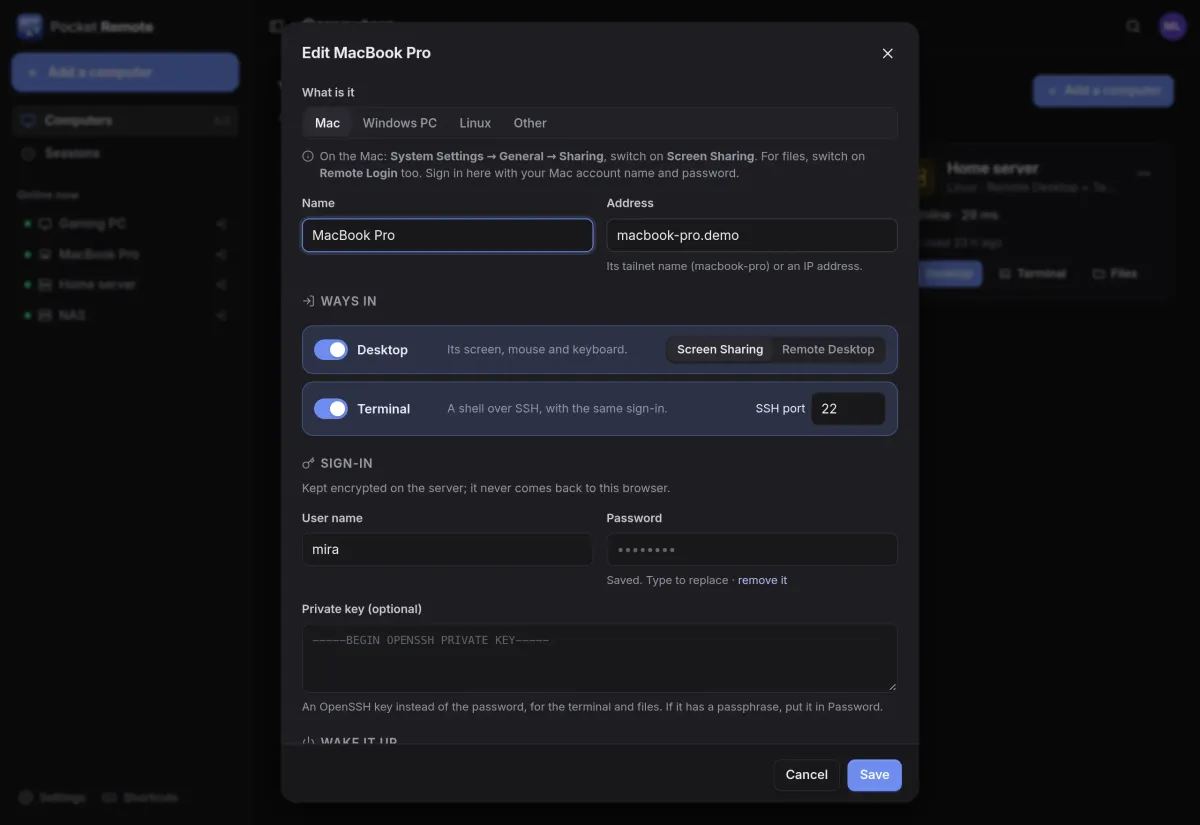
Ways in, and how to sign in.
Say what it is and the form says what to switch on: Screen Sharing on a Mac, Remote Desktop on Windows. Desktop and Terminal are switched on one by one; the password or SSH key is sealed on the server.
- Picked from your tailnet instead of typed in
- Wake-on-LAN with its network card address
- Files over SFTP with the same sign-in
Files
Files to and from it.
Browse a computer's files over SFTP, download one here, send one there or save it straight into your Pocket Files. Every file moved is listed with where it went.
- Into Pocket Files without passing through the phone
- Its SSH identity checked every time
On a phone
A PIN, and a finger as a trackpad.
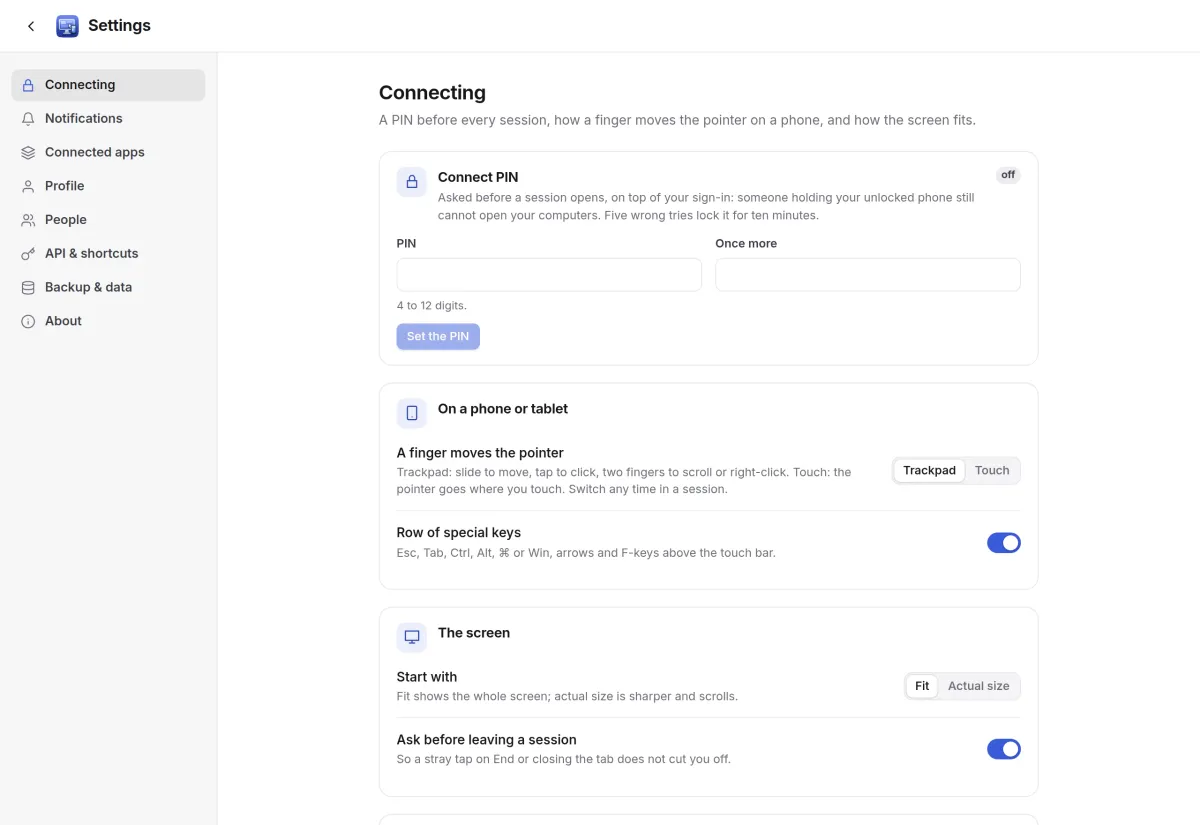
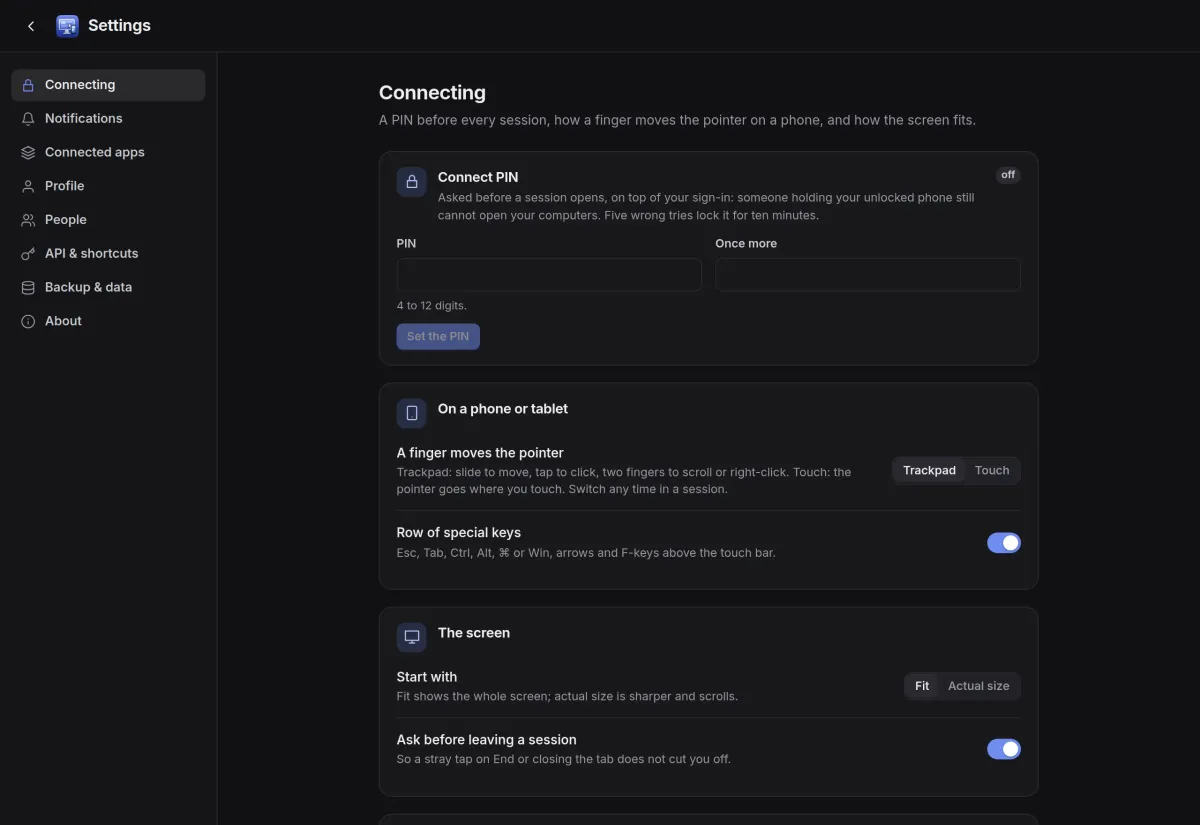
A connect PIN, asked before every session on top of your sign-in, locks for ten minutes after five wrong tries. On a phone a finger works as a trackpad or touches directly, with a row of special keys above the touch bar.
- Esc, Tab, Ctrl, Alt, ⌘ or Win, arrows and F-keys
- Zoom that follows the pointer
- The screen fitted or at actual size
And the rest of it
Wake-on-LAN
Wake a sleeping computer from your phone; its card shows it coming up. Host networking lets the wake-up reach your home network.
Sealed passwords
Passwords and keys are sealed with AES-256-GCM and never sent to a browser; each session needs a one-time ticket. Back up data/remote.key with the database.
A message when one opens
A push whenever a session opens, through Apprise, ntfy or a webhook. End any open session from another device.
Seen from your other apps
Pocket AI and Pocket Day see your computers and the session log; other apps can wake one (“wake my PC”). No link ever reaches a session, files or a password.
Apache Guacamole inside
The remote desktop work, VNC, RDP and SSH, is done by Apache Guacamole's guacd, listening on 127.0.0.1 next to the app.
Everyone their own
Everything is per person; admins manage accounts but see no one else's computers.
Install
The app and guacd, host networking.
The docker-compose.yml file starts Pocket Remote and guacd with host networking, so Wake-on-LAN reaches your home network and guacd stays on 127.0.0.1. Open it on port 8080, create the first account and add a computer. The Tailscale socket lets you add computers from your tailnet.
Already installed on a Pocket Box, with guacd running on the box, sign-in through Pocket Core and the Ask panel on Pocket AI.
The easiest way is the one command above. To run it on its own with Docker:
services:
  pocket-remote:
    image: ghcr.io/abjelosevic88/pocket-homelab-remote:latest
    network_mode: host
    environment:
      BASE_URL: https://remote.example.com
      GUACD_ADDR: 127.0.0.1:4822
    volumes:
      - ./data:/data
      - /var/run/tailscale/tailscaled.sock:/var/run/tailscale/tailscaled.sock
  guacd:
    build: ./deploy/guacd   # guacd 1.5.5
    network_mode: host
    command: ["/opt/guacamole/sbin/guacd", "-b", "127.0.0.1", "-l", "4822", "-f"]
More in The server
 Pocket Monitoringv0.8.0Watch your server and other machines live, with a year of history and phone alerts when something goes wrong.
 Pocket Lookoutv0.4.0Watches web pages for you and says, in one sentence, what changed and whether it matters.
 Pocket Errorsv0.4.0Error tracking for your apps and websites on your own server: what broke, where in the code, how often and since which release. Any Sentry SDK sends to it unchanged.
 Pocket Backupsv0.4.0Back up the whole server, copy it off-site, and get a plain answer to whether everything is safe.
 Pocket Networkv0.2.0Every device on your home network in one readable list, with alerts when something new joins.
 Pocket Camerasv0.4.0Your security cameras on your own server: every camera live, what they saw in one sentence from AI, recordings by day, and an alert on your phone only when it matters.
 Pocket Devicesv0.3.0Self-hosted home for your own hardware: add a device, connect it with a token and change its settings from a web UI. Starts with an ESP32 NTP clock (alarm, chime, outdoor temperature): every setting with proper controls, desired vs reported, commands, live status and history.