

Pocket Vault
Your passwords, cards, notes and identities on your own server, in the official Bitwarden apps, encrypted on your devices so the server never sees a password.
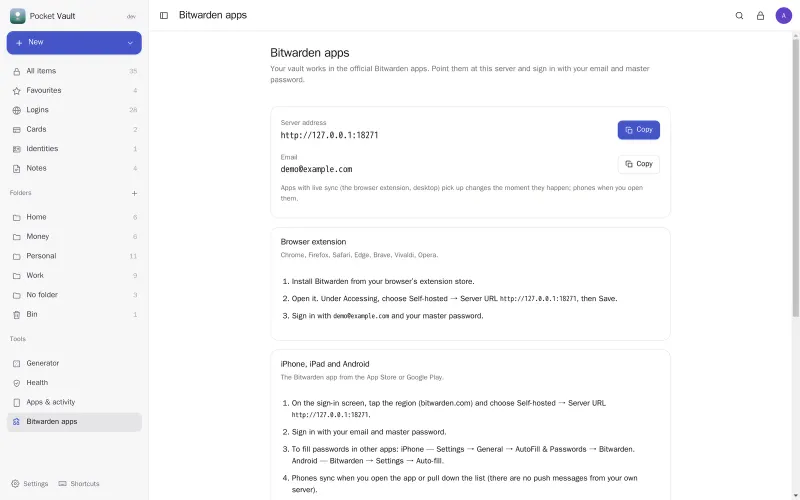
Pocket Vault is a password manager that works with the Bitwarden browser extension, phone apps, desktop app and command line: choose self-hosted, enter your address and sign in. Everything is encrypted on your devices with your master password, so the server keeps only text it cannot read. It has its own web vault with authenticator codes, a generator and a health check, and moves a whole Vaultwarden server over in one step.
- v0.2.0
- On Pocket Box
- Instead of Vaultwarden, Bitwarden
- MIT licence
Install Vault with Pocket Core in one command:
curl -fsSL https://pockethomelab.com/install.sh | sh -s -- --apps vaultOn any Linux machine or a Mac. Already running Pocket Core? Apps → Install app → Vault. Add more apps to the line →
What Vault does
The Bitwarden apps
Browser extension, iPhone, iPad, Android, desktop and the bw command line, with live sync: change something on your phone and the extension updates at once.
Only you can open it
Encrypted on the device with a key made from your master password. An admin cannot open anyone's vault, and neither can someone with a stolen backup. Each person has their own.
Everything in one place
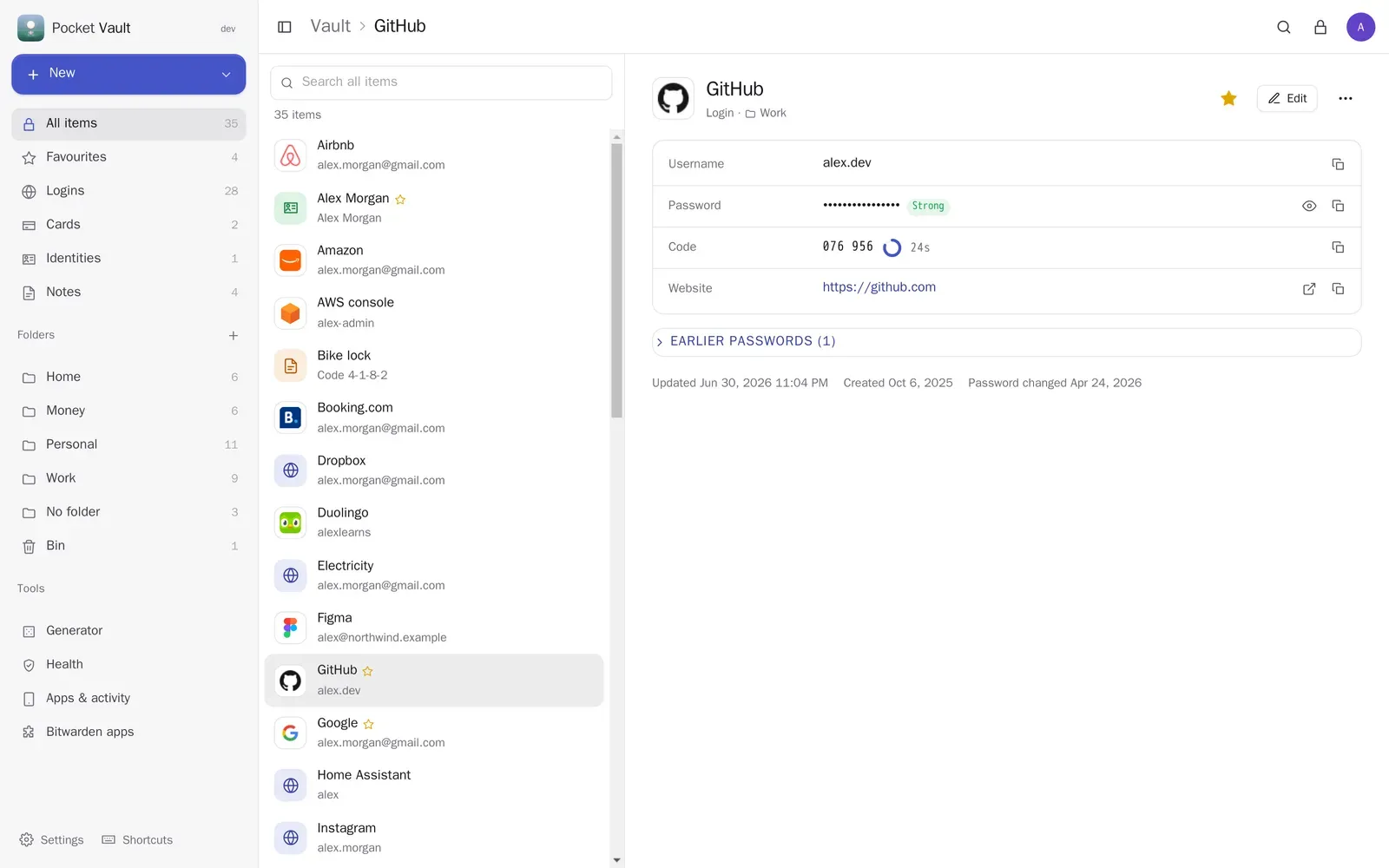
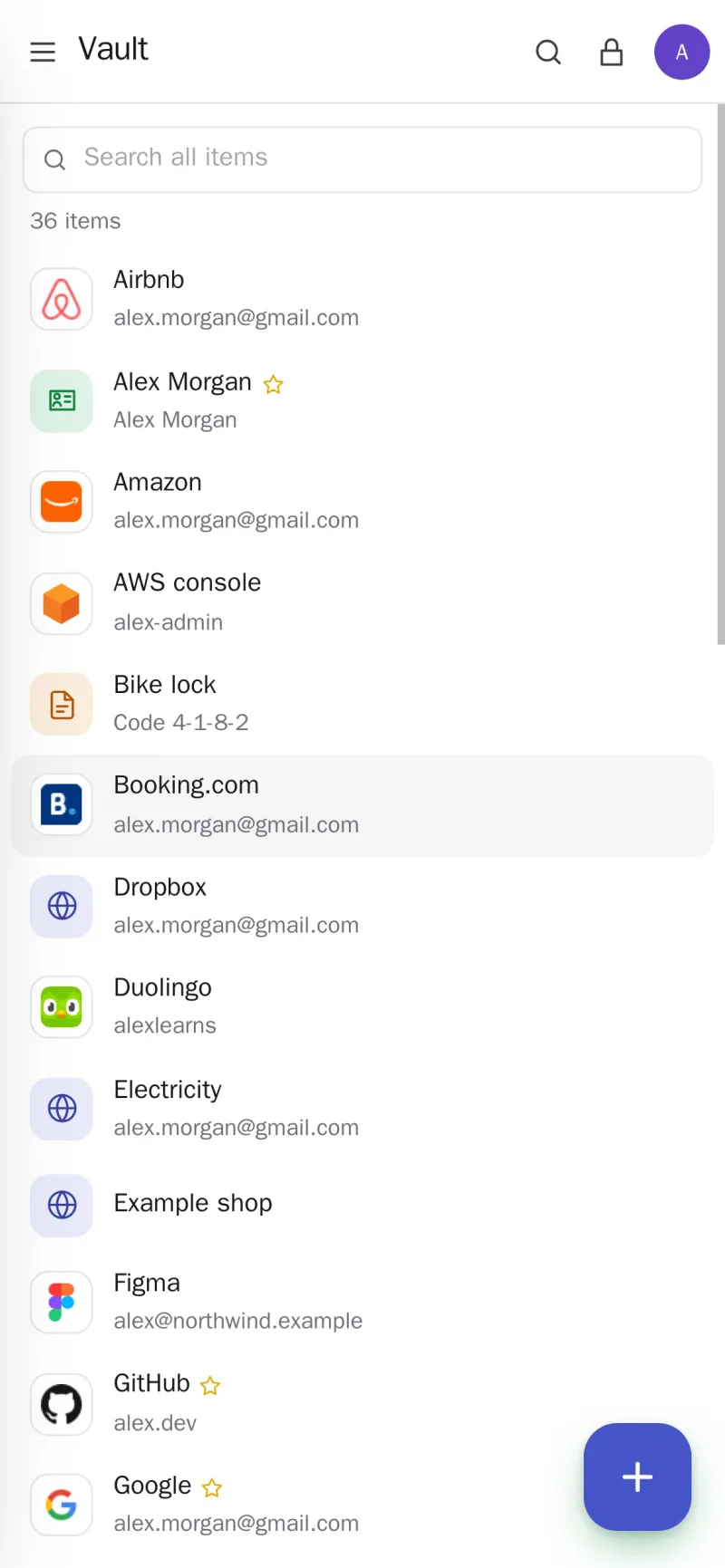
Logins with passkeys, cards, identities, notes and SSH keys, with folders, favourites, custom fields, password history, an archive and a bin.
A web vault of its own
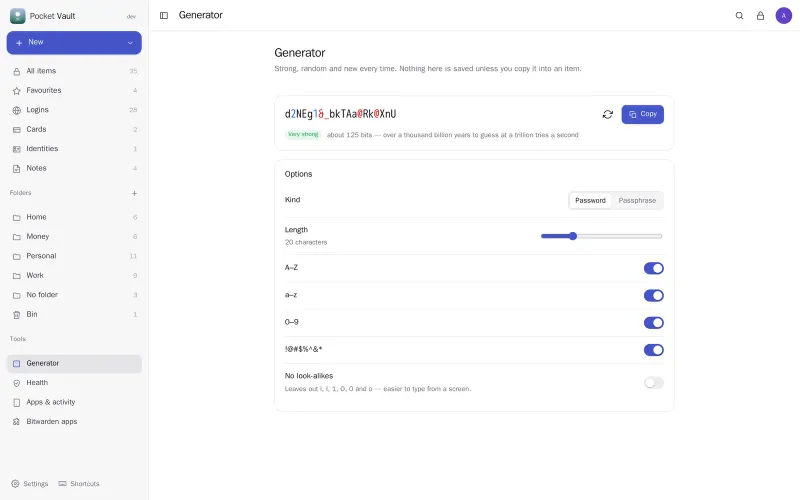
Search and folders, live authenticator codes, copy buttons that clear the clipboard after a while, a password and passphrase generator, keyboard shortcuts, auto-lock, light and dark.
Password health
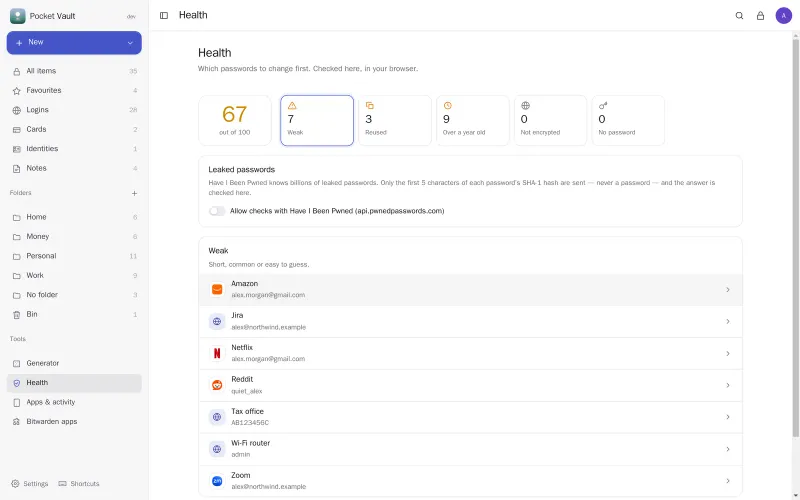
A score and the lists of leaked, weak, reused, old and plain-http passwords. Leak checks send only five characters of a hash.
Unlock with a passkey
Touch ID, Face ID, Windows Hello, your phone or a security key instead of typing the master password, and signed in and unlocked with one tap.
Security you can see
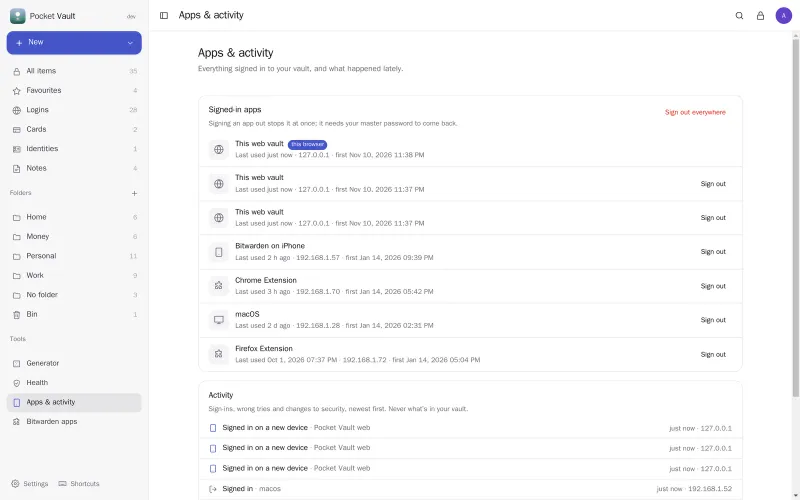
Two-step login with an authenticator app, every signed-in app with its last use, sign one or all of them out, and a message for new devices, wrong tries and security changes.
Moves over from Vaultwarden
One step brings every account across, and the apps stay signed in. Imports from Bitwarden and browser exports too, and exports in Bitwarden's encrypted or readable JSON.
Works with your other apps
Sign in with Pocket Core, alerts through Pocket Alerts, and a card's expiry date to Pocket Renewals with only the title, holder, date and last four digits. There is deliberately no AI inside the vault.
Run it yourself
One Go binary with the web interface built in and one SQLite file. Install it with Docker or from a release; the repository README has the steps and every setting.
Sign in with Pocket Core
Connect it to Pocket Core and your household signs in with one account. Each person sees only their own data, and other Pocket apps can work with it on your behalf.
Included in Pocket Box
On a Pocket Box it is already installed and waiting at vault.pocket.local, with HTTPS and nightly updates.
More in Platform
 Pocket Corev0.50.0The hub of your box: one sign-in for every app, one QR code to set up your phone, and apps that work together.
 Pocket Hubv0.9.0A personal home page for your box: your apps, today's tasks and meals, quick capture and widgets in one place.
 Pocket AIv0.125.1Claude Code and Codex on your own server, from any browser or phone, with approvals and scheduled checks.
 Pocket Flowsv0.9.0Automations for your server: when something happens, Flows sends a push, adds a task or calls a web address.
 Pocket Alertsv0.5.0One inbox for every alert your server and apps send, with only what matters reaching your phone.
 Pocket Searchv0.25.0Private web search through your own server, with your Pocket apps in the same results.
 Pocket Movev0.1.8Moving in and out of your Pocket apps: Google Takeout, Evernote, Notion, iCloud in; one archive of open files out. Go + SQLite,