

Pocket Search
v0.25.0 · Self-hosted · MIT
Search the web privately. And everything you keep.
Pocket Search sends your searches through your own server to the engines you choose, and searches your Pocket apps at the same time. Pin, raise, lower or hide sites, jump anywhere with bangs, read pages without trackers and send a result to Reader, Notes or Tasks with one tap.
Install Search with Pocket Core in one command:
curl -fsSL https://pockethomelab.com/install.sh | sh -s -- --apps searchOn any Linux machine or a Mac. Already running Pocket Core? Apps → Install app → Search. Add more apps to the line →
- Included in Pocket Box
- Sign in with Pocket Core
- Works with SearXNG and Pocket Notes and Pocket Reader and Pocket Tasks and Pocket AI
- Pocket Launcher
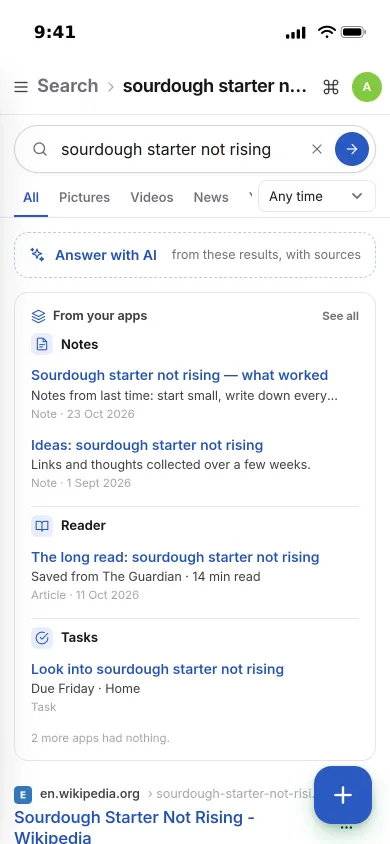
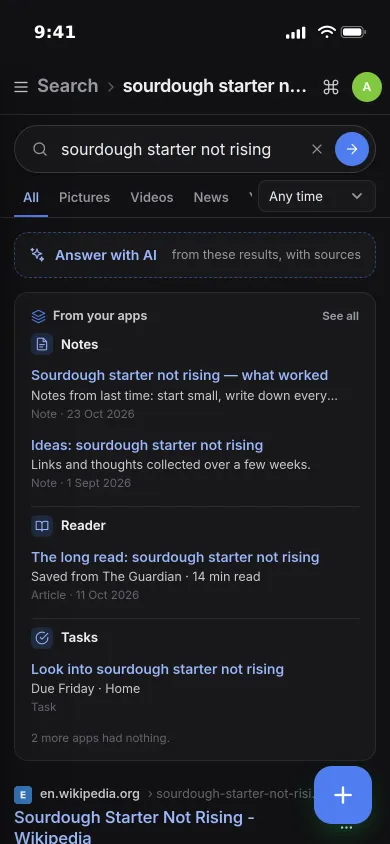
Results
Your rules, your apps, one page.
Pinned and raised sites first, hidden ones gone. An AI answer with numbered sources and the matches from your own apps sit beside the web results, and every result has a menu to read it, send it or change its site's rule.
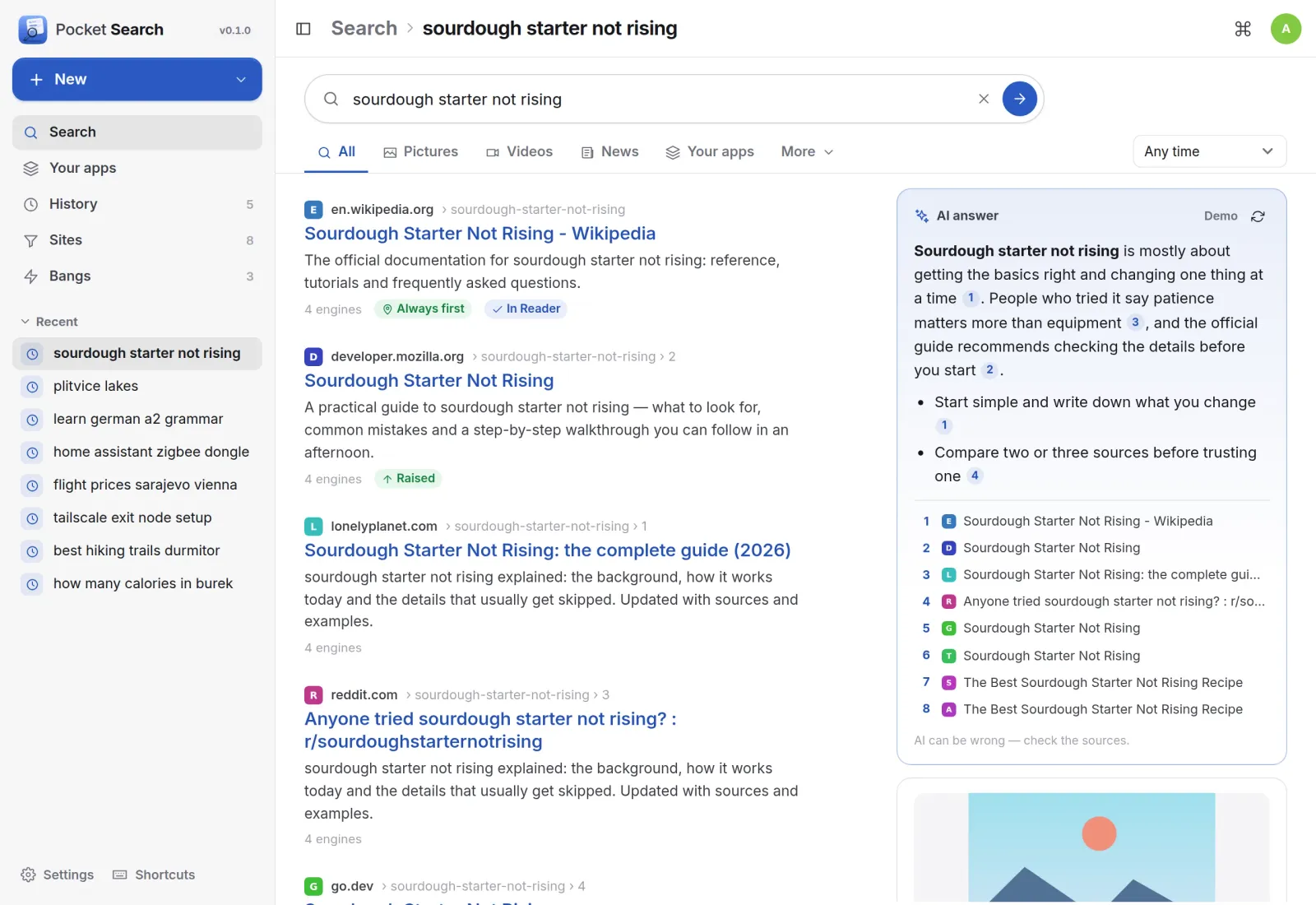
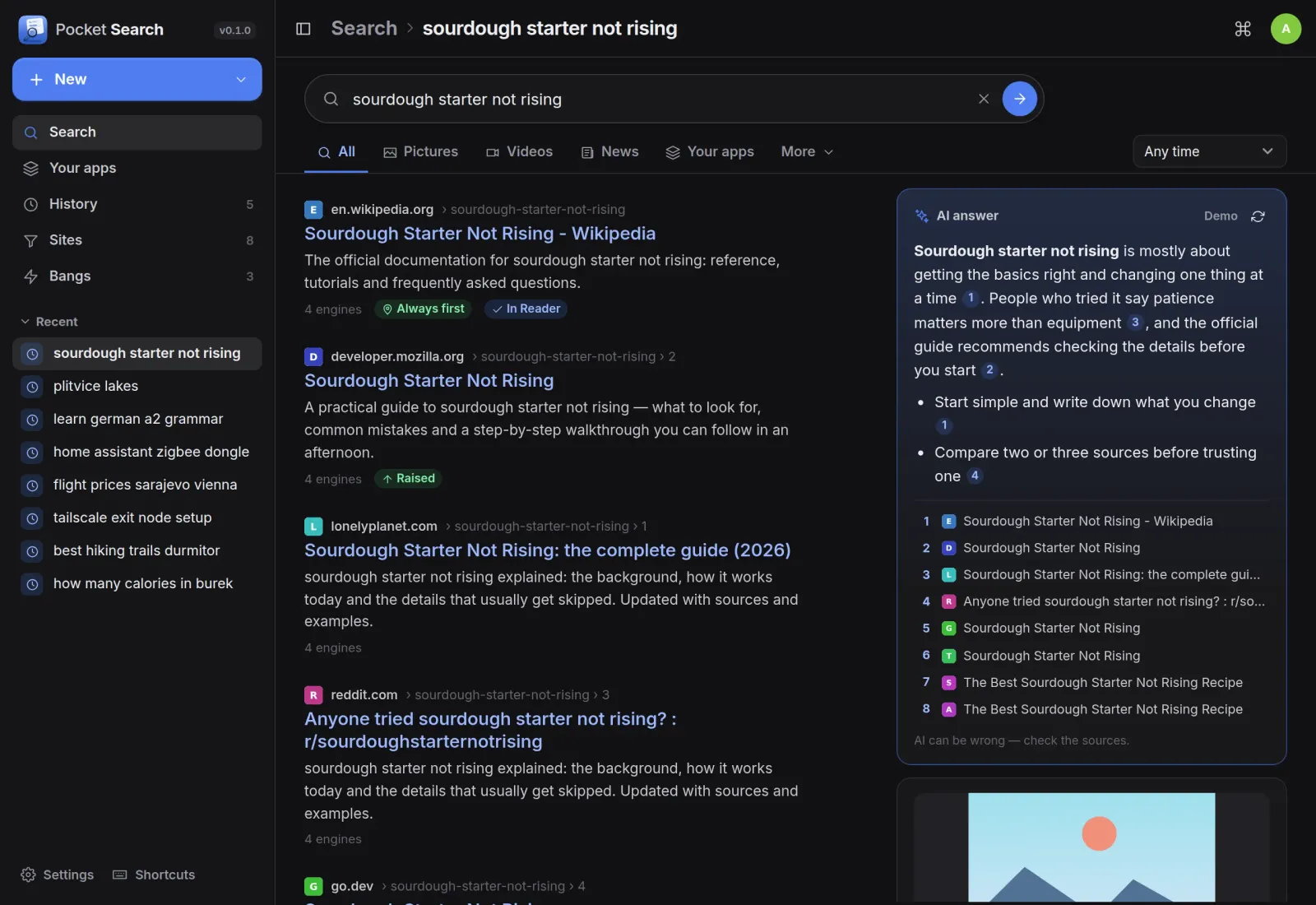
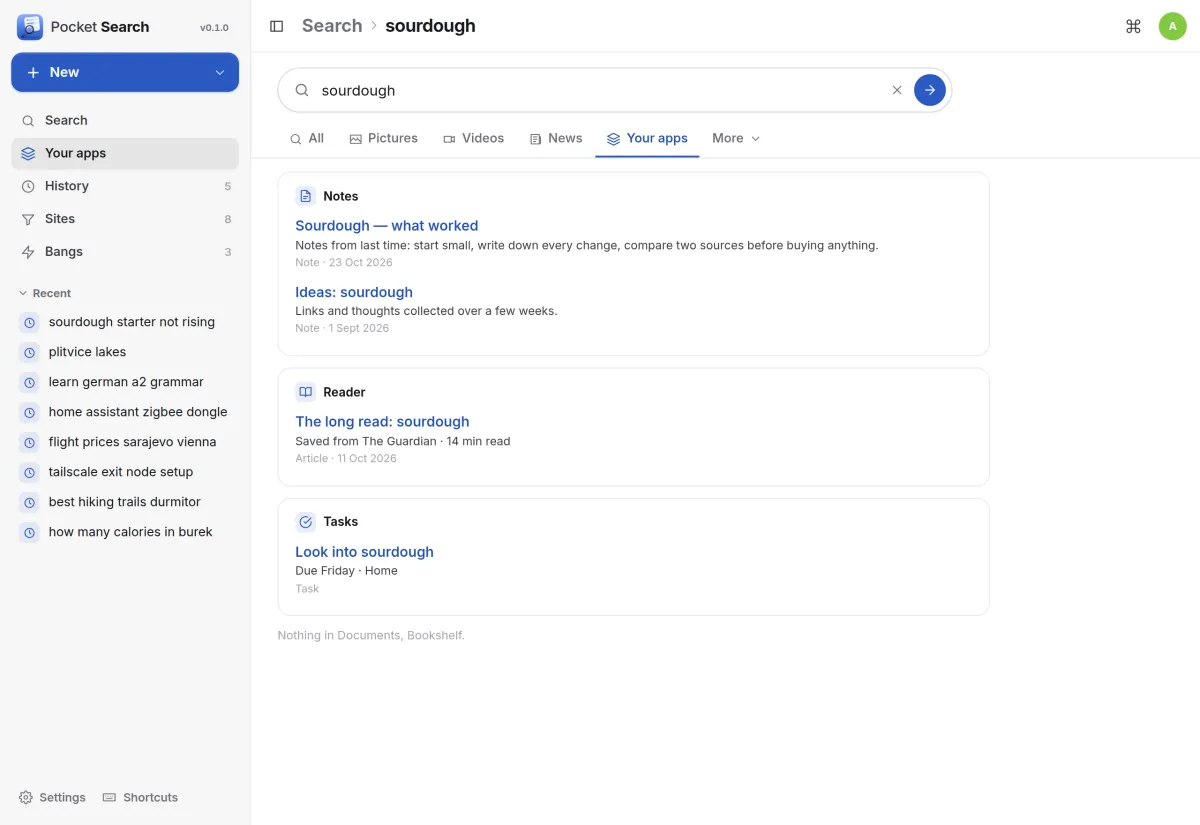
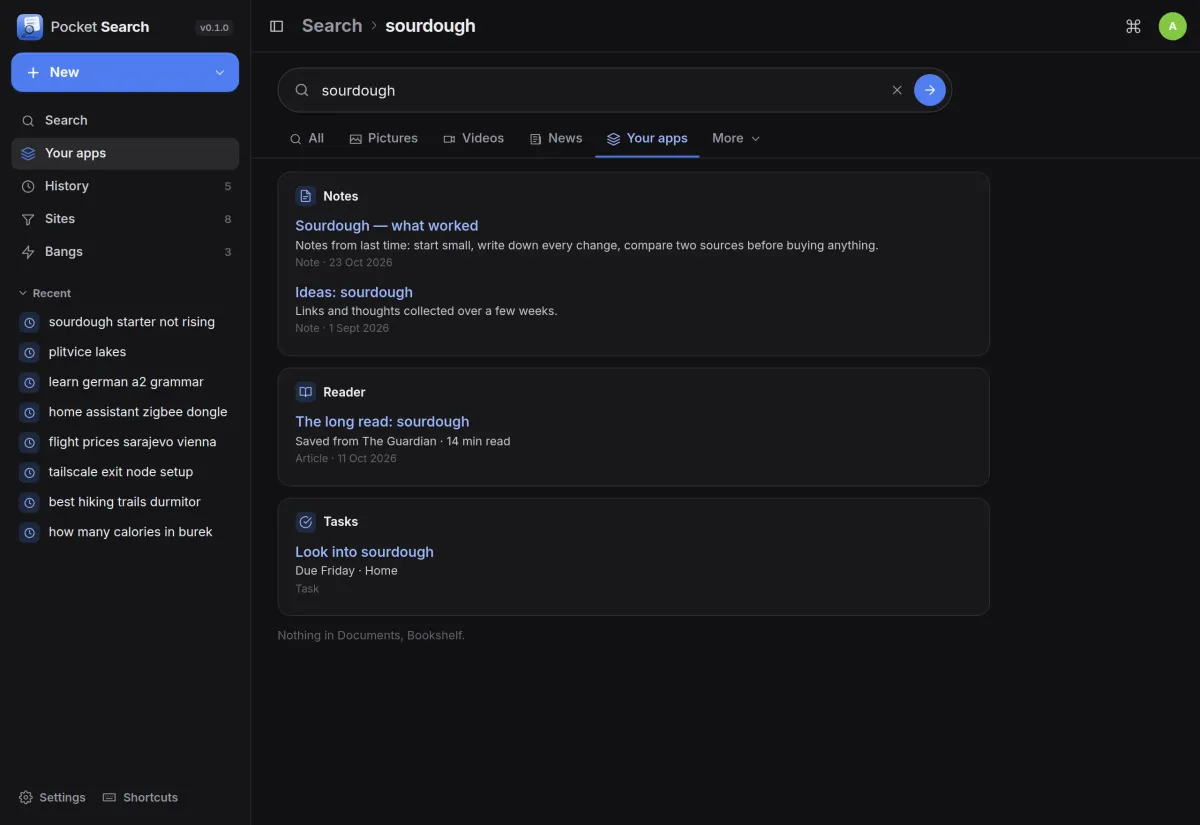
Your apps
Everything you saved, searched at once.
Notes, Reader, Tasks, Documents, Calendar, Contacts, Mail, Projects, Boards, Bookshelf, Library, Guitar, Draw, Travel and more answer in a few seconds, each match a tap from its page in the app.
- Through Pocket Core, nothing to paste
- !notes, !mail, !docs search one app
- Each app can be left out of the results
Reading view
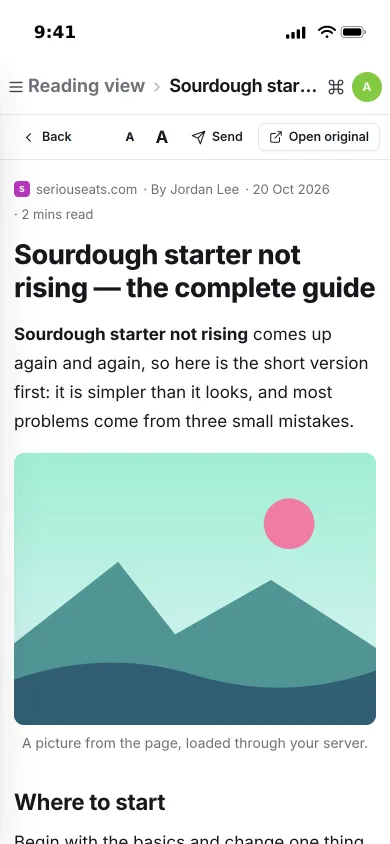
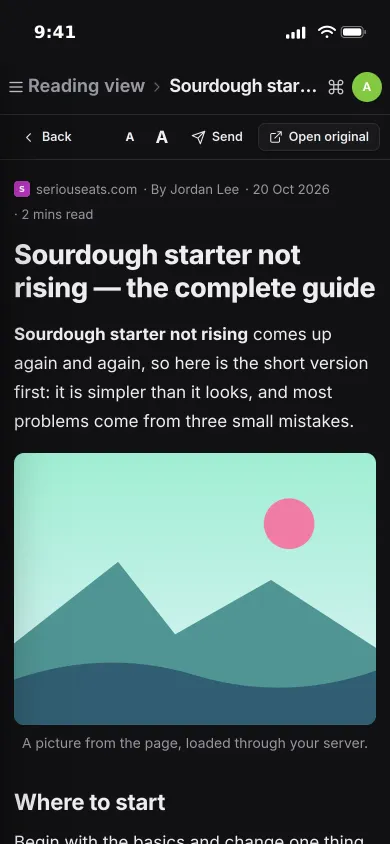
Pages without the noise.
Open any result as clean text. Your server fetches the page and sends you only the article and its pictures; scripts, adverts and trackers stay out, and the site never sees your device.
- Text size you choose
- Send it to Reader or Notes from the toolbar
- Players and embeds are left out and counted
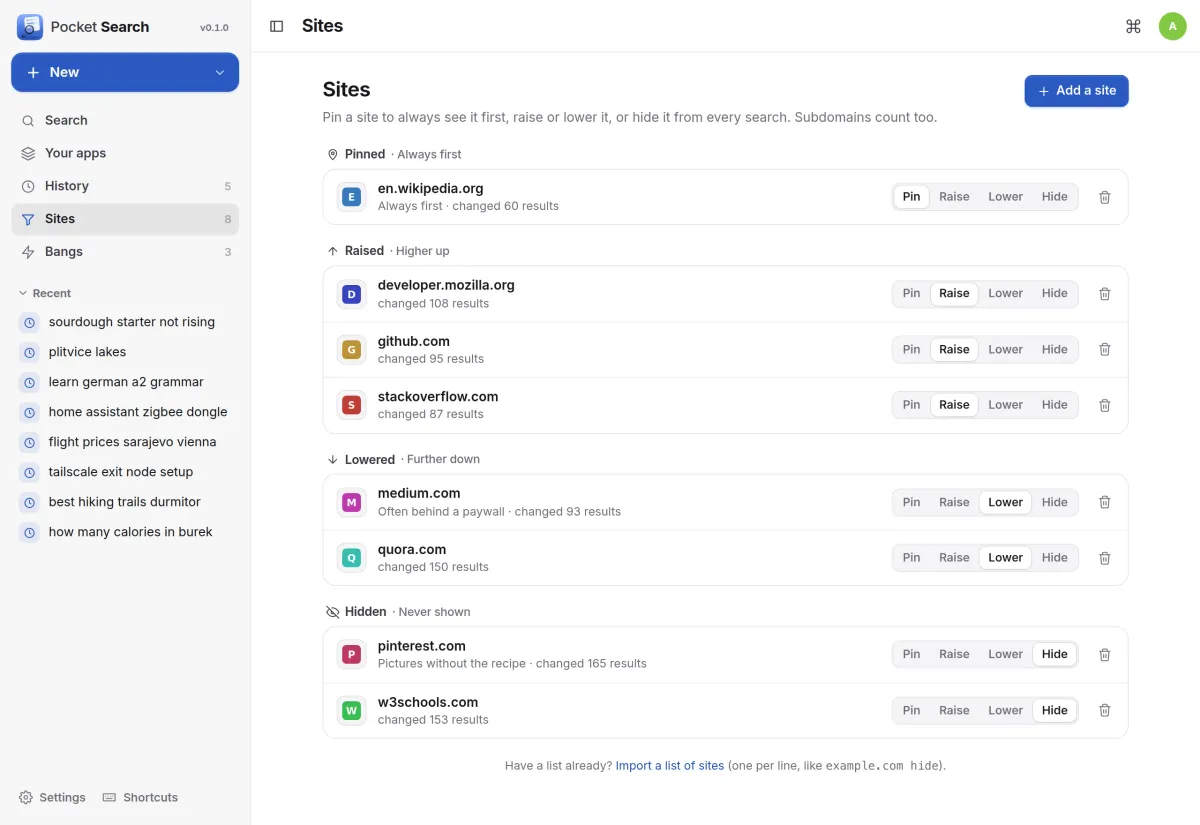
Sites
Decide what you see.
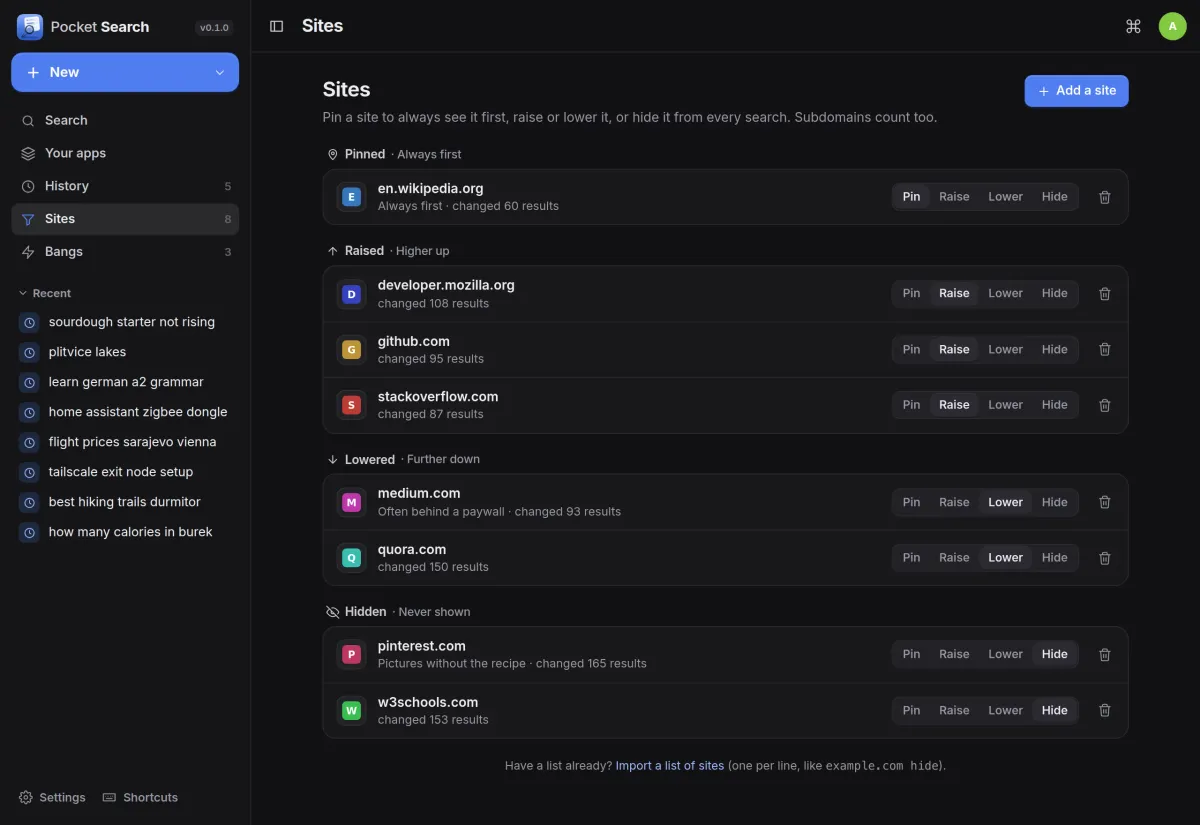
Pin a site to always come first, raise the ones you trust, lower the ones behind paywalls, and hide the ones you never want again. Rules apply to every search and count what they changed.
- Subdomains count too
- Import a plain list of sites
- Everyone has their own rules
And the rest of it
Bangs everywhere
About 60 bangs built in plus your own, from the app or straight from the browser's address bar, where they jump before the page even loads.
AI answers with sources
A short answer from the first results and the top three pages, every claim numbered to its source. Off, on a button, or automatic.
One tap to the right app
Read later in Reader, keep it as a note, add a task, watch it with Lookout or add it to your Wishlist. The result remembers where it went.
History you control
Kept per person, paused with one switch, cleared by the hour, day or week, and forgotten after 90 days unless you choose otherwise.
Install
One compose file, the engine included.
Download the compose file and start it: the app and its own SearXNG come up together. The engine has no port of its own and nothing to configure; already running SearXNG? Point the app at it instead.
Already installed on a Pocket Box, with sign-in, Pocket AI and your apps in the results through Pocket Core.
The easiest way is the one command above. To run it on its own with Docker:
curl -O https://raw.githubusercontent.com/abjelosevic88/pocket-homelab-search/main/docker-compose.yml
docker compose up -d
More in Platform
 Pocket Corev0.50.0The hub of your box: one sign-in for every app, one QR code to set up your phone, and apps that work together.
 Pocket Hubv0.9.0A personal home page for your box: your apps, today's tasks and meals, quick capture and widgets in one place.
 Pocket AIv0.125.1Claude Code and Codex on your own server, from any browser or phone, with approvals and scheduled checks.
 Pocket Flowsv0.9.0Automations for your server: when something happens, Flows sends a push, adds a task or calls a web address.
 Pocket Alertsv0.5.0One inbox for every alert your server and apps send, with only what matters reaching your phone.
 Pocket Vaultv0.2.0Your passwords, cards, notes and identities on your own server, in the official Bitwarden apps, encrypted on your devices so the server never sees a password.
 Pocket Movev0.1.8Moving in and out of your Pocket apps: Google Takeout, Evernote, Notion, iCloud in; one archive of open files out. Go + SQLite,