

Pocket Sign
v0.3.0 · Self-hosted · MIT
Get it signed, on your own server.
Pocket Sign sends a PDF to people to sign, or lets you sign one yourself. They sign from a link on any phone without an account; you see who opened it and who signed, reminders go out on their own, and everyone gets back a sealed PDF with a certificate of who signed when. One Go binary, one SQLite file.
- Included in Pocket Box
- Sign in with Pocket Core
- Works with Pocket Contacts and Pocket Mail and Pocket Documents and Pocket Files and Pocket Tasks and Pocket Invoicing and Pocket AI
Overview
What waits for whom.
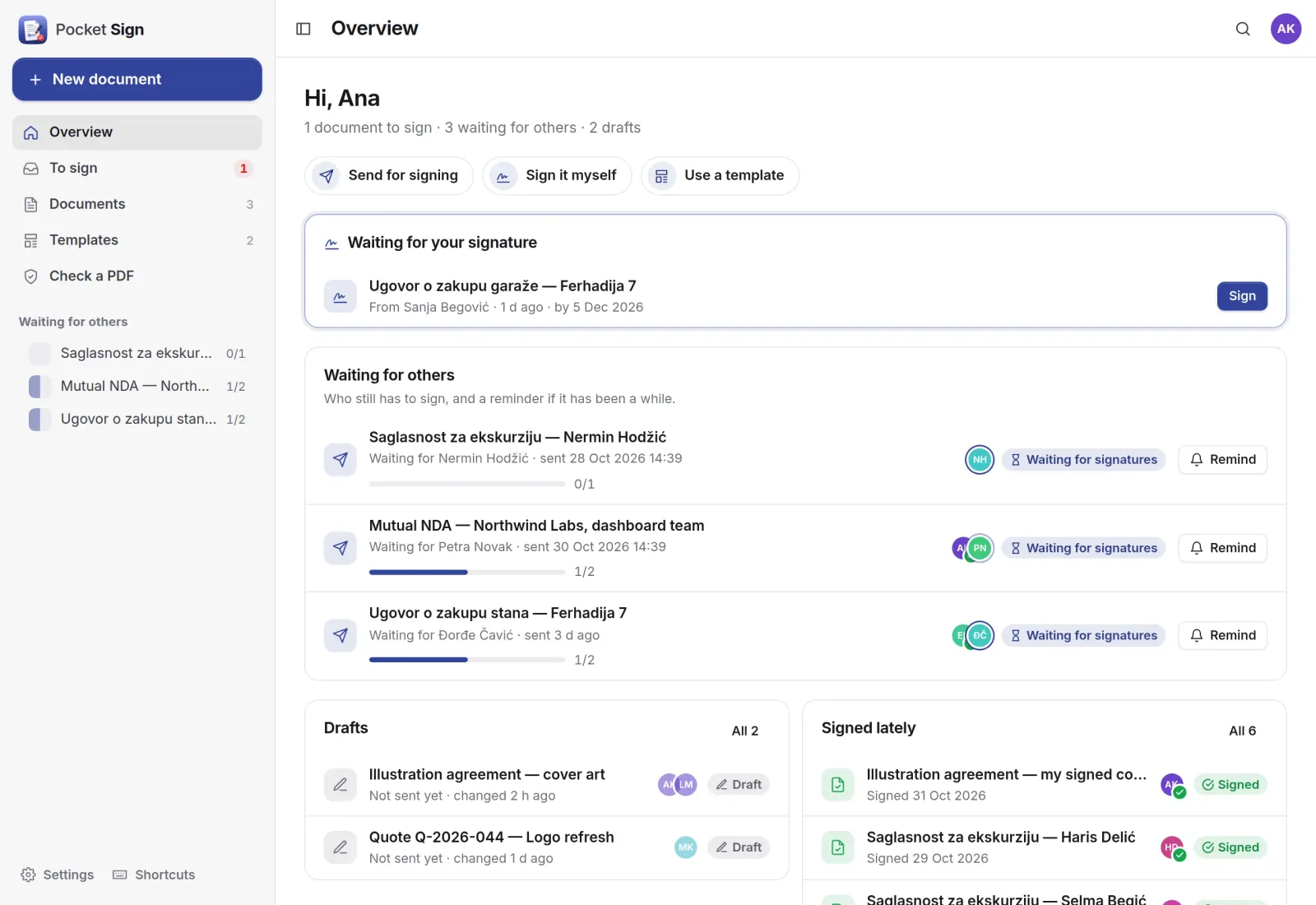
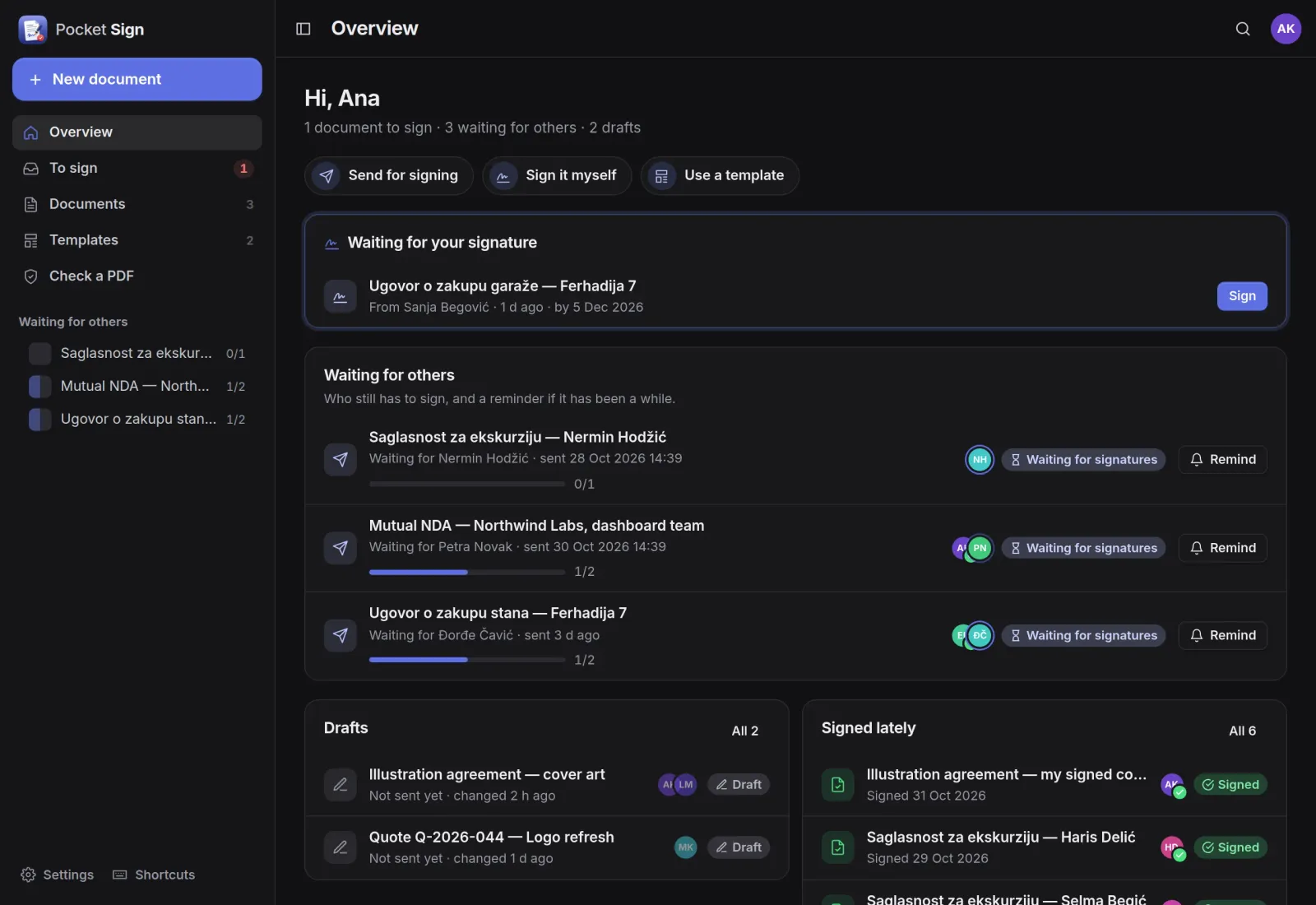
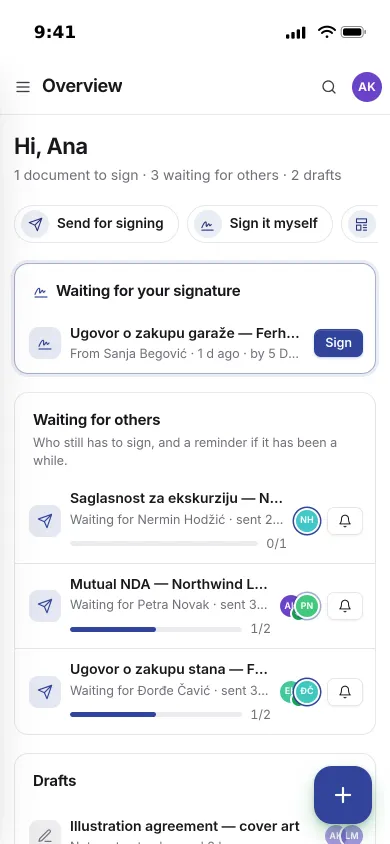
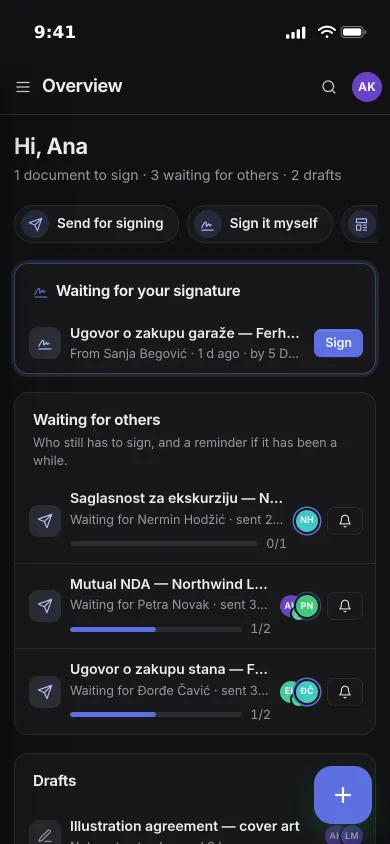
What waits for your signature comes first, sent to you by someone on this box. Below: what waits for others with how far each one is and a reminder button, your drafts and what was signed lately.
Boxes
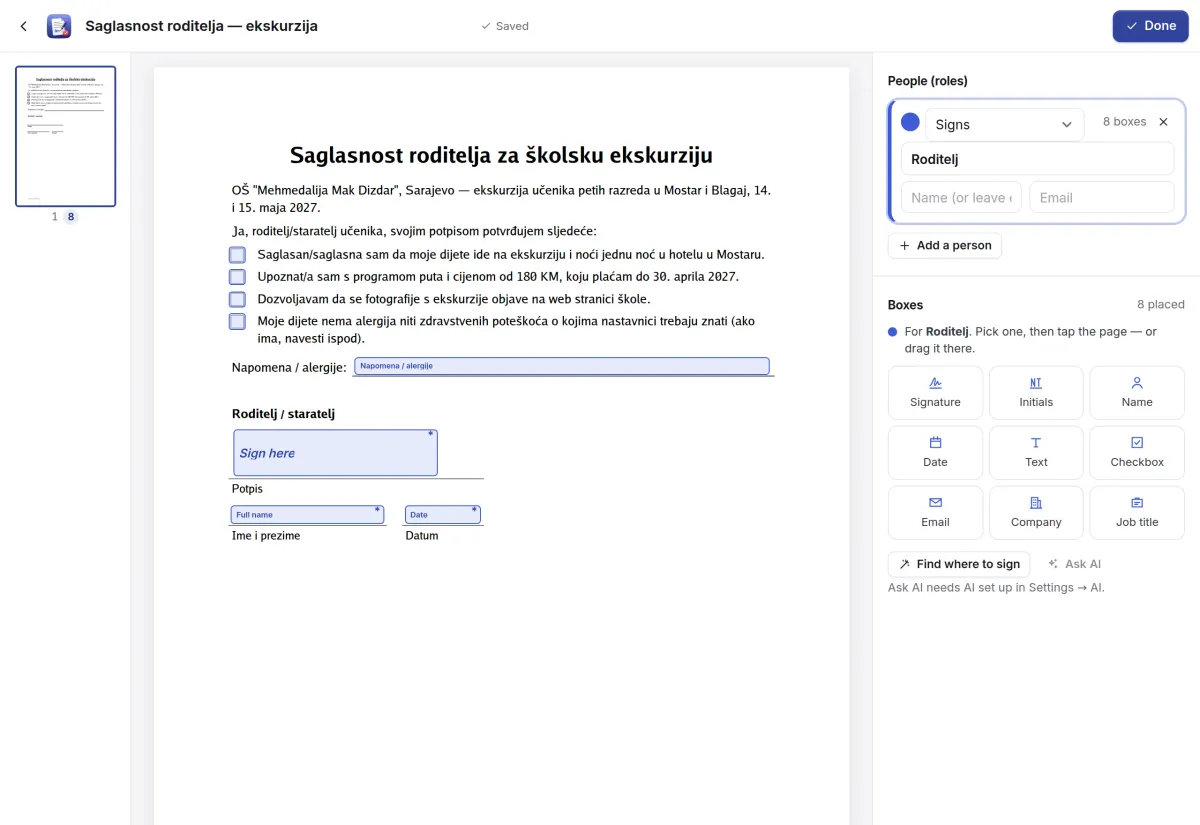
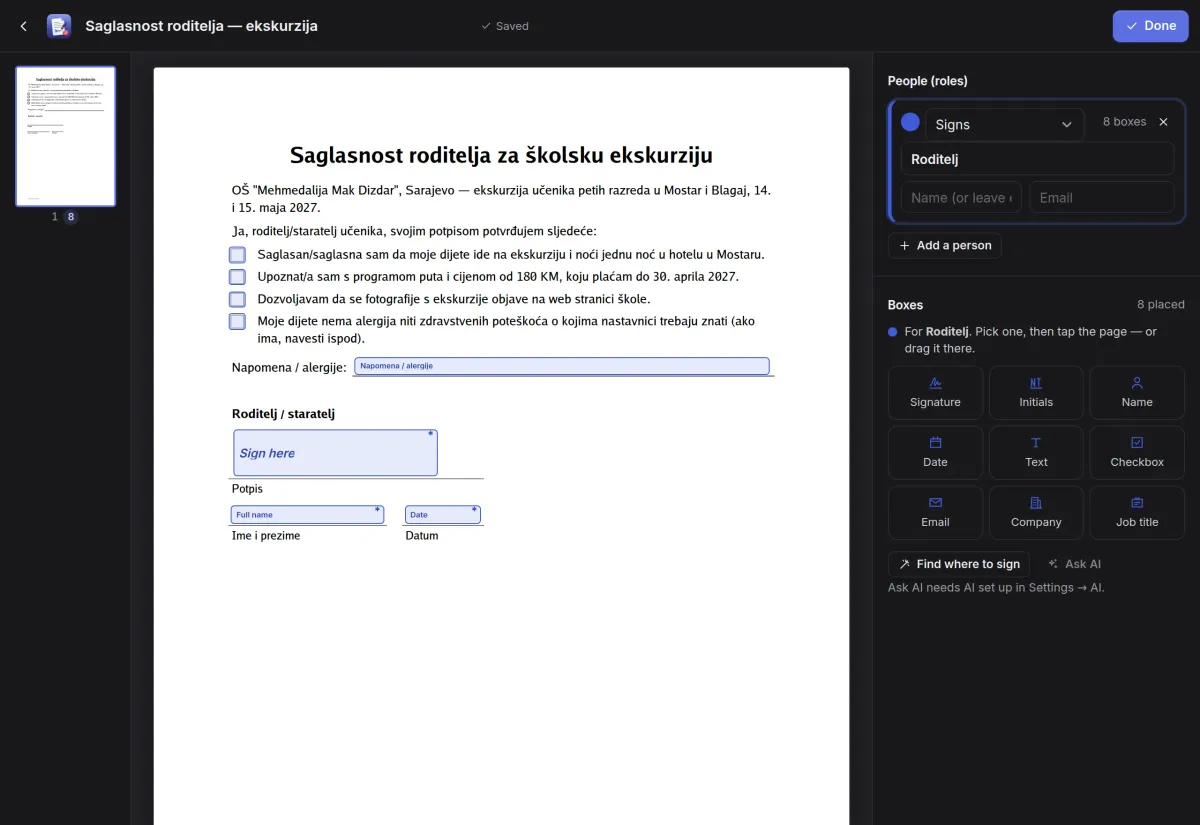
Who signs where, on the page.
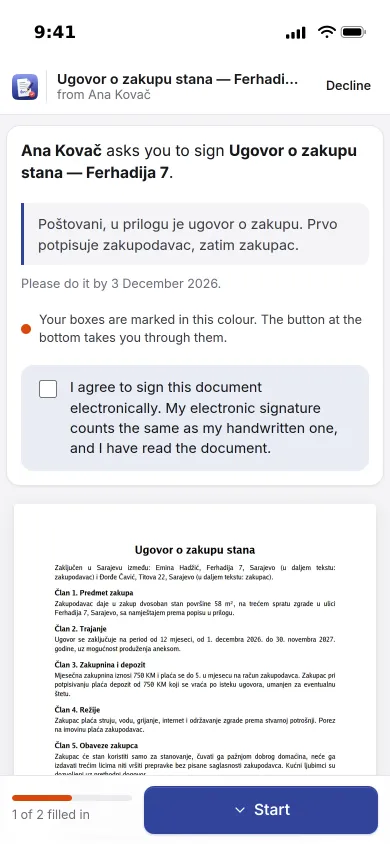
Put the boxes on the pages themselves: signature, initials, date, name, text or a tick, each in the colour of the person who fills it in. “Find where to sign” places them for you, and a template keeps them for next time.
- Signs, approves, reads it or gets a copy
- Everyone at once or one after another
- Templates with a public link anyone can sign
Follow-up
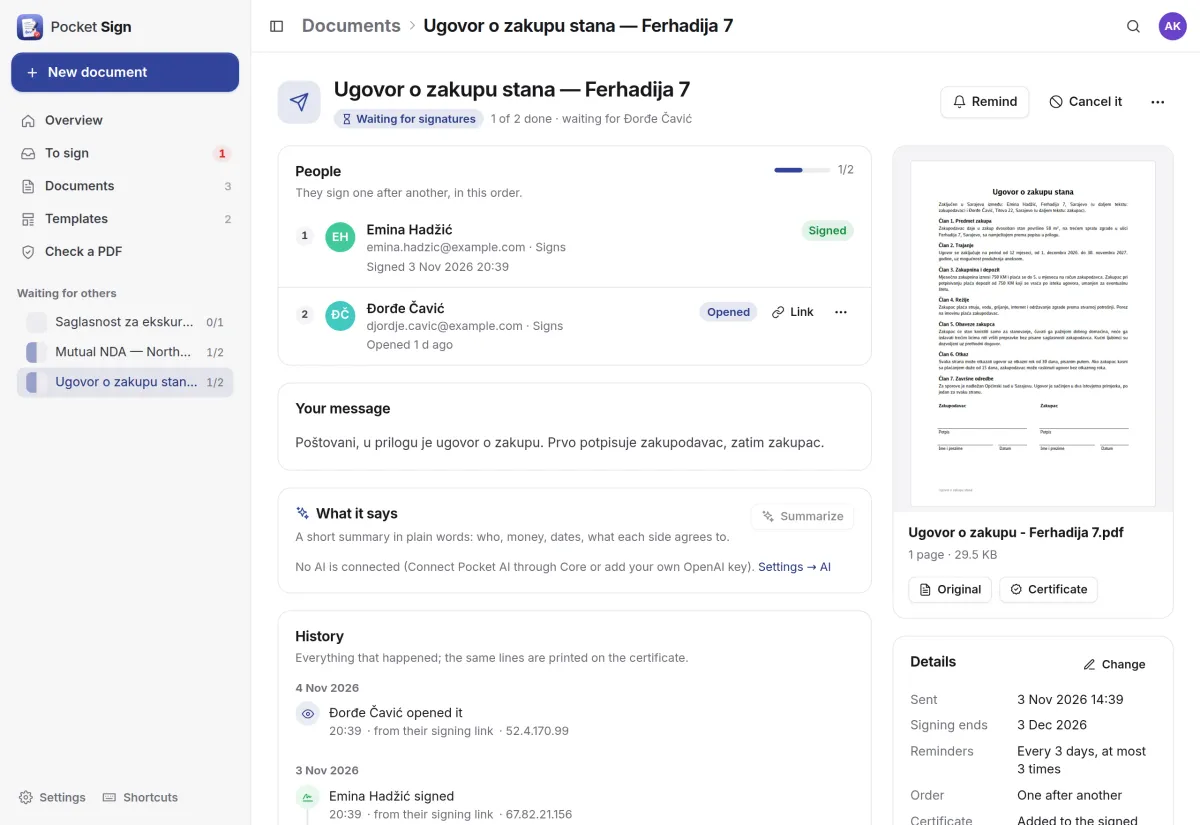
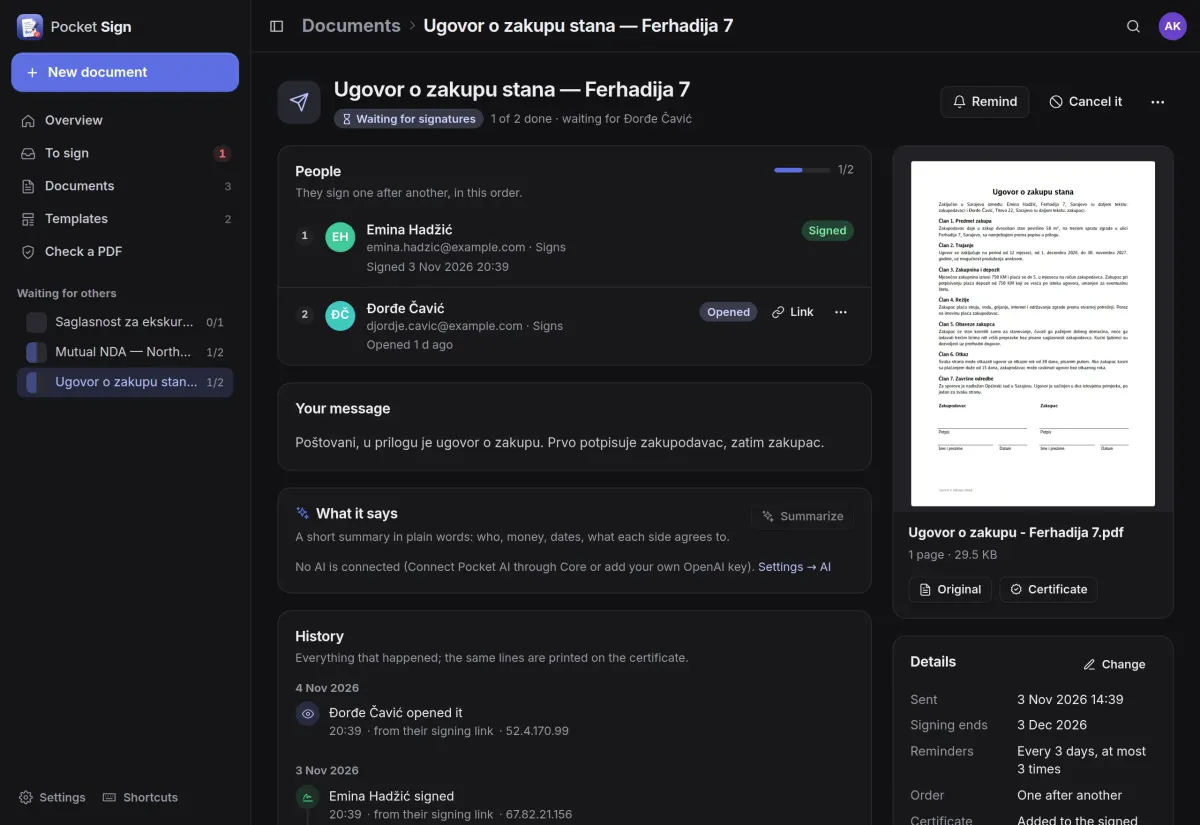
Who opened it, who signed.
Each document shows every person with where they are, their link, the message you sent and the whole history. Reminders go out every few days by themselves, and a push tells you when someone signs or declines.
- Remind, resend, copy or reset a link
- An expiry date and an access code
- A plain-language summary from your AI
On the phone
Send and sign from the phone.
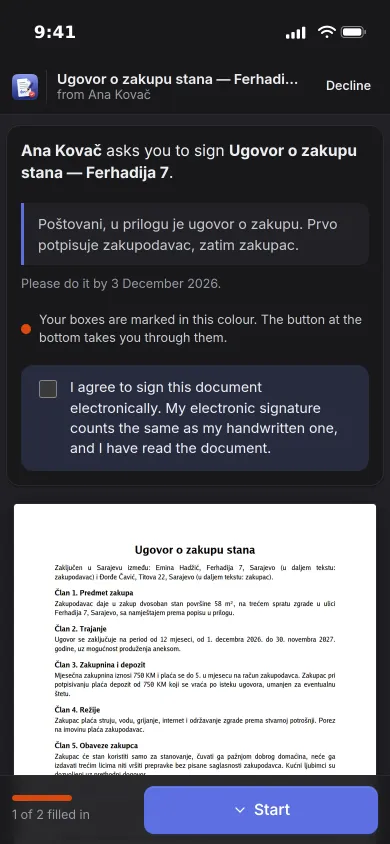
Send a PDF from the + button, see what waits for others and sign what waits for you, in the app or from a link. A signature is drawn with a finger, typed in a handwriting style or uploaded.
- No account needed to sign
- Your saved signature and initials
- Decline with a reason
Documents
Sealed when it is done.
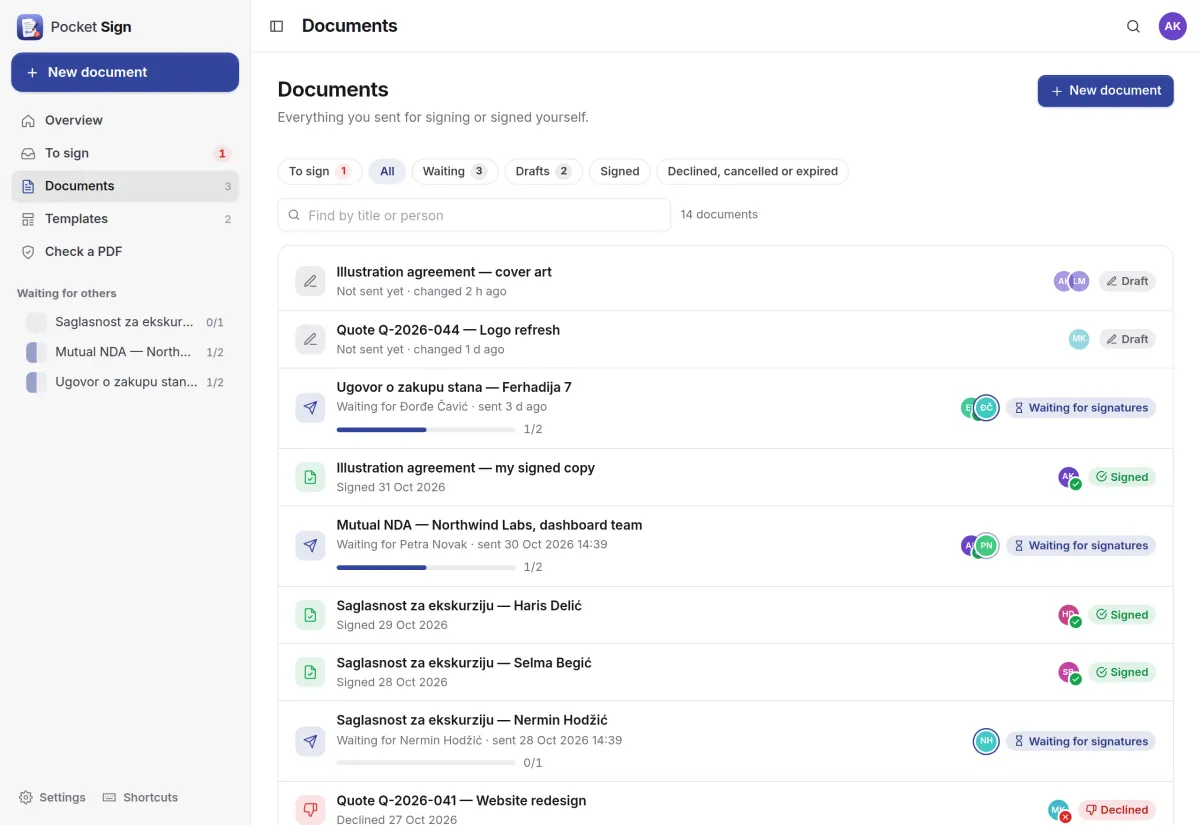
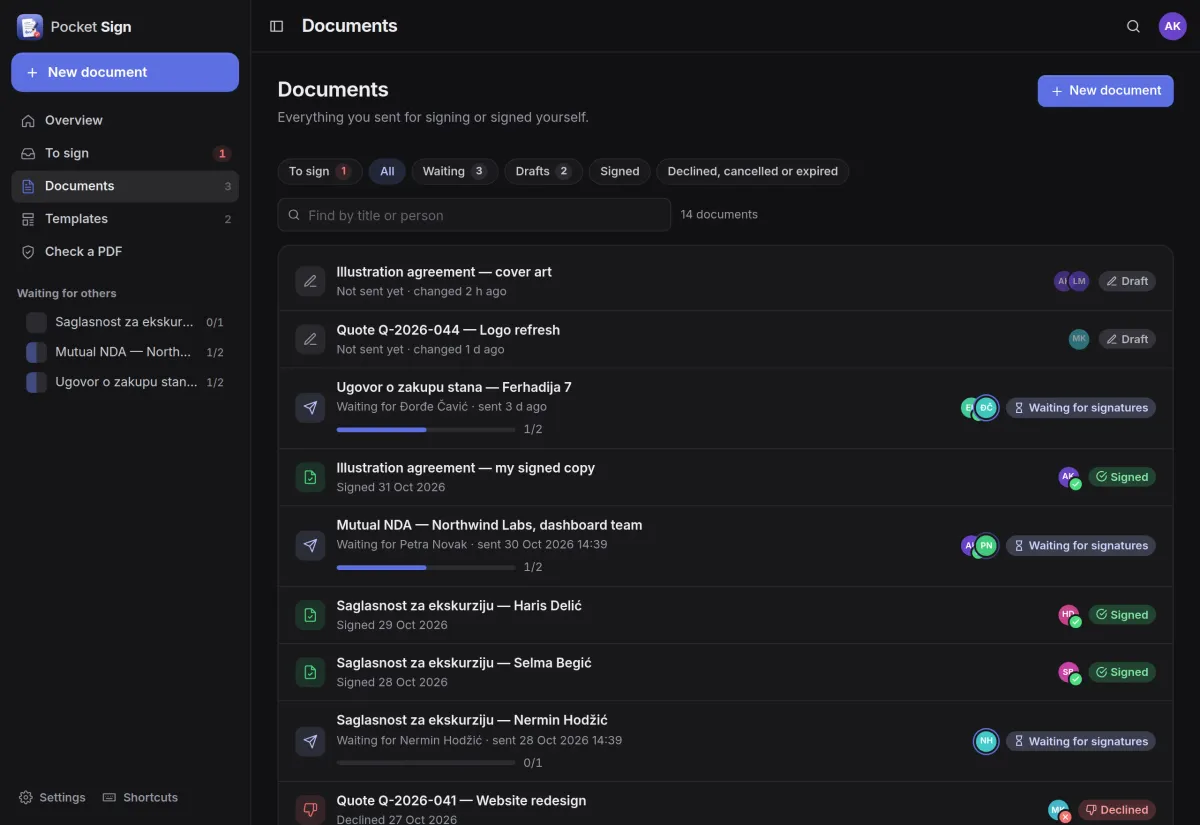
Every box is stamped into the pages, certificate pages say who signed when, from where and how they were identified, and a digital seal lets any PDF reader show whether anything changed since.
- Check whether a PDF is exactly one signed here
- Your own certificate if you have one
- Export as JSON with the PDFs, or CSV
And the rest of it
From your mailbox
Invitations, reminders and the signed PDF go out from your own mailbox in Pocket Mail, or your own email server. Or copy the links and share them yourself.
Where your PDFs live
Start from a PDF in Pocket Documents, Pocket Files or Pocket Invoicing, and file the signed copy back there by itself.
Ask Pocket AI
“What waits for my signature?” or “send the NDA template to Jonas”: Pocket AI reads and sends documents for you, and the morning briefing lists them.
Everyone their own
Each person has their own documents, signatures, settings and connections. Admins manage accounts but see no one else's documents.
Install
One container, one folder.
Run the image with a data folder and open it on port 8080. Create the first account and upload a PDF; pick Pocket Mail or your own email server under Settings. Set PUBLIC_PORT to publish only the signing pages to people outside your network.
Already installed on a Pocket Box, with sign-in through Pocket Core and the Ask panel on Pocket AI.
docker run -d --name pocket-sign -p 8080:8080 -v ./data:/data \
  -e BASE_URL=https://sign.example.com -e SECURE_COOKIES=true \
  ghcr.io/abjelosevic88/pocket-homelab-sign:latest
More in Notes, files and office
 Pocket Notesv0.17.0Markdown notes kept as plain files where you choose, with search, backlinks, tasks and history.
 Pocket Voicev0.10.0Voice memos written out on your own server, tidied up by AI, with the tasks, appointments and spending you mentioned one tap from your other apps.
 Pocket Tasksv0.8.0Tasks with areas, lists and smart views, synced to Apple Reminders and other apps over CalDAV.
 Pocket Boardsv0.2.0Trello-style boards, lists and cards for plans, chores and projects, on your own or shared with your household.
 Pocket Calendarv0.9.0A shared calendar for the household that syncs to every phone and pulls in iCloud, Google and Nextcloud.
 Pocket Contactsv0.9.0Everyone you know in one searchable place, synced to every phone over CardDAV.
 Pocket Mailv0.5.0All your email accounts in one calm inbox, with fast search, snooze, send later and undo send.
 Pocket Chatv0.3.0Private chat for your household and friends on your own server: groups, polls, shared to-do lists and cards from your apps, with a catch-up only you see.
 Pocket Documentsv0.10.0Scans and paper files made searchable, tagged and filed for you. A lighter Paperless-ngx replacement.
 Pocket Filesv0.15.0Your files on your own server, with private folders, shares, a WebDAV drive and encrypted links that expire.
 Pocket Officev0.9.0Open and edit Word, Excel and PowerPoint files in the browser, wherever they are stored.
 Pocket Drawv0.5.0Sketches, text diagrams and detailed diagrams in one place, with history and search.
 Pocket Clipsv0.4.0Clipboard history, text snippets and search shortcuts on your own server, searchable from every device.
 Pocket Blogv0.2.0Your own blog without any programming: pick a look, write in an editor that shows the post as it will read, and publish to fast pages with no trackers.
 Pocket Forumv0.2.0Forums for your family, club, team or community: topics and replies, questions with an accepted answer, events with who is coming, private or public, with real moderation.
 Pocket Slidesv0.3.0Make and give presentations from your own server: reusable layouts and themes, speaker notes, a presenter screen on your phone, and live polls and questions from the audience.