

Pocket Map
v0.3.0 · Self-hosted · MIT
Everywhere you have been, on one map.
Pocket Map puts everything with a place on one map: journeys, stops, places, trails, trips, photos, payments and fuel stops from your other Pocket apps, each a layer you switch on, for any stretch of time. Add your own spots and lines, bring in GPX, KML and GeoJSON, keep saved views and see it all day by day. One Go binary, one SQLite file.
Install Map with Pocket Core in one command:
curl -fsSL https://pockethomelab.com/install.sh | sh -s -- --apps mapOn any Linux machine or a Mac. Already running Pocket Core? Apps → Install app → Map. Add more apps to the line →
- Included in Pocket Box
- Sign in with Pocket Core
- Works with Pocket Movement and Pocket Places and Pocket Trails and Pocket Travel and Pocket Money and Pocket Garage and Pocket League and Pocket Weather and Pocket Day and Pocket Search and Pocket AI and Pocket Flows
Map
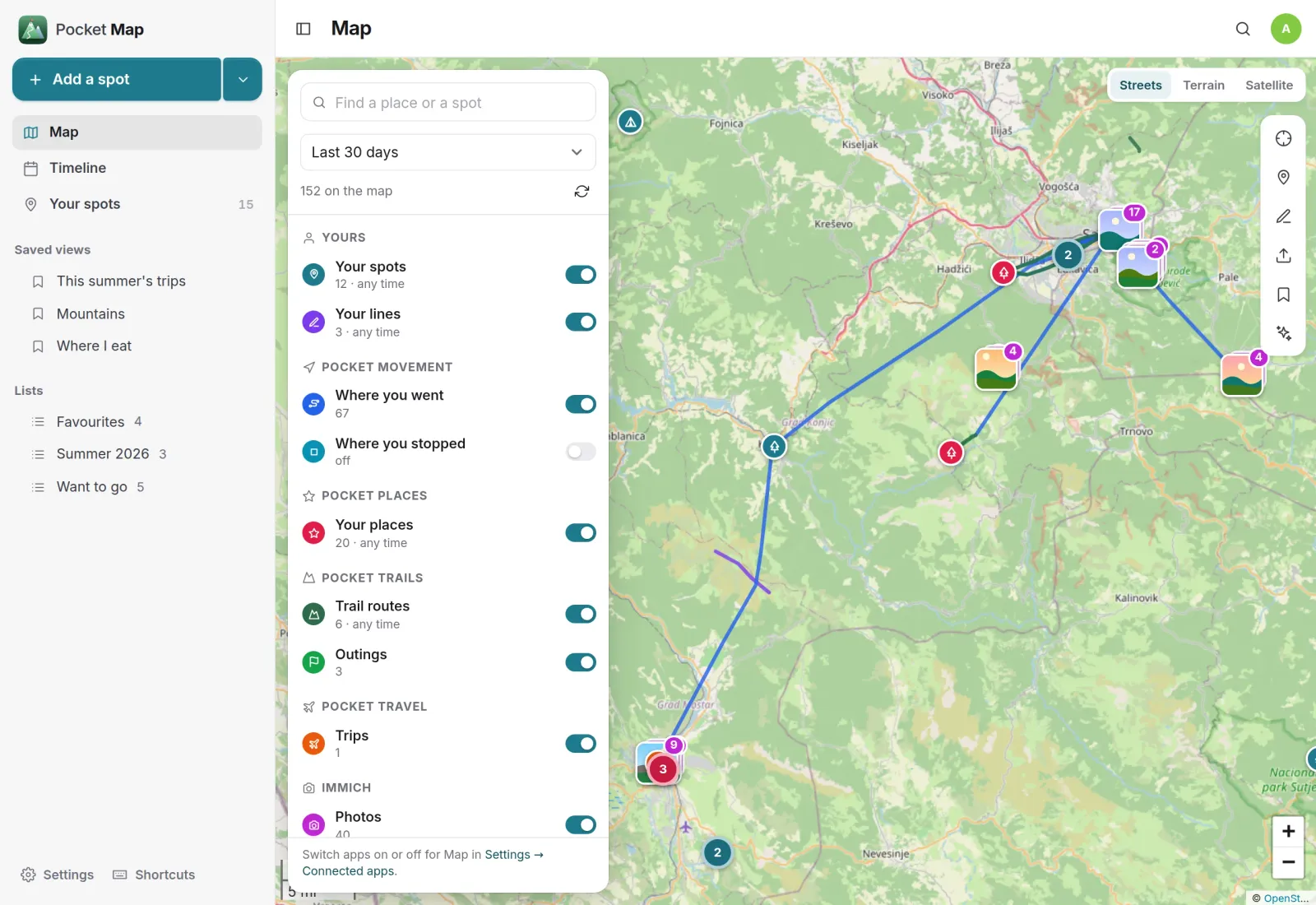
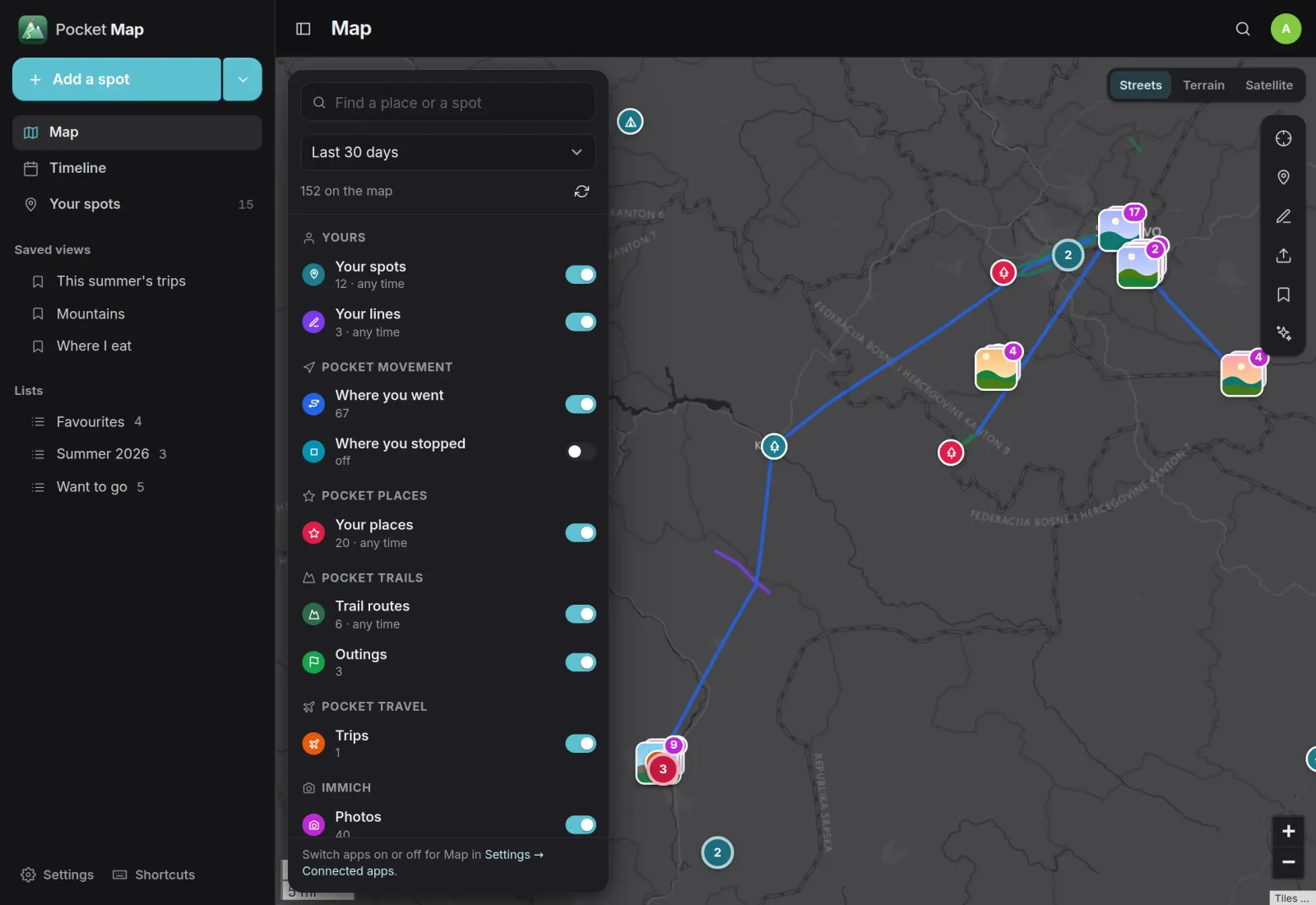
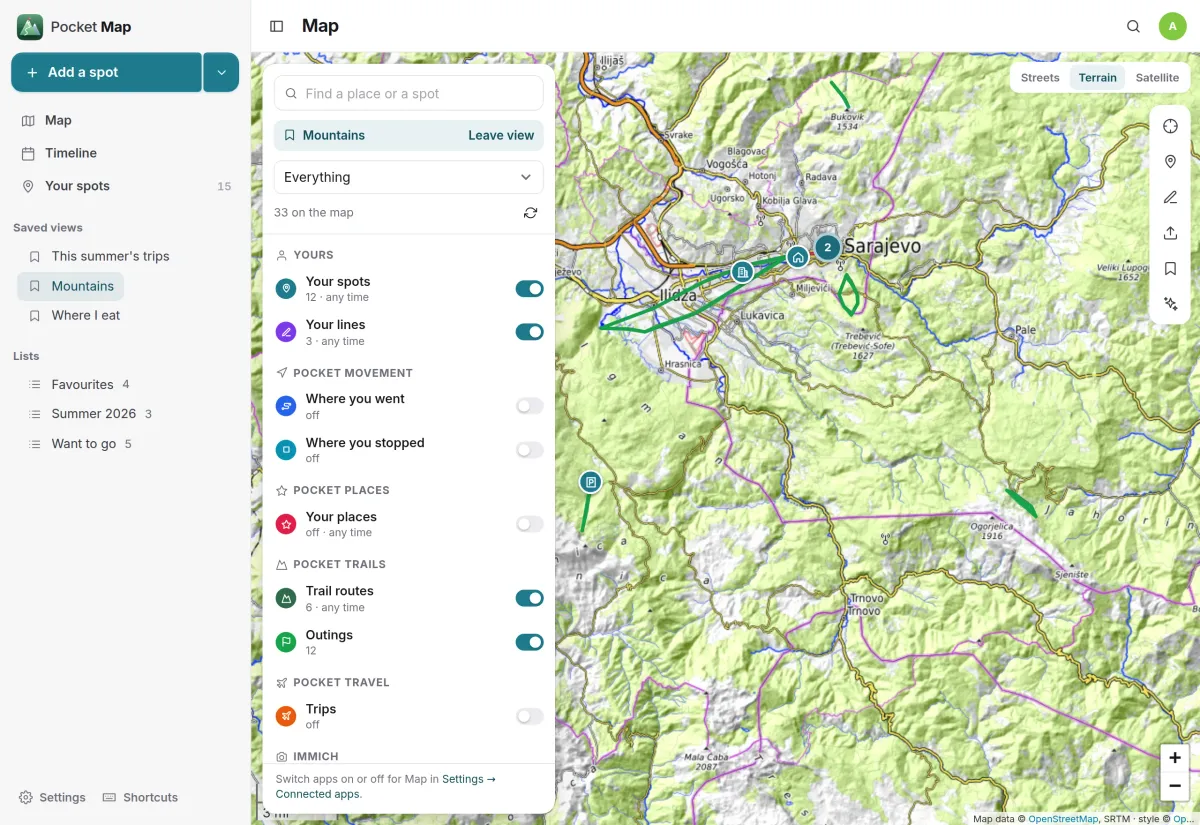
Every layer by app, each with a switch.
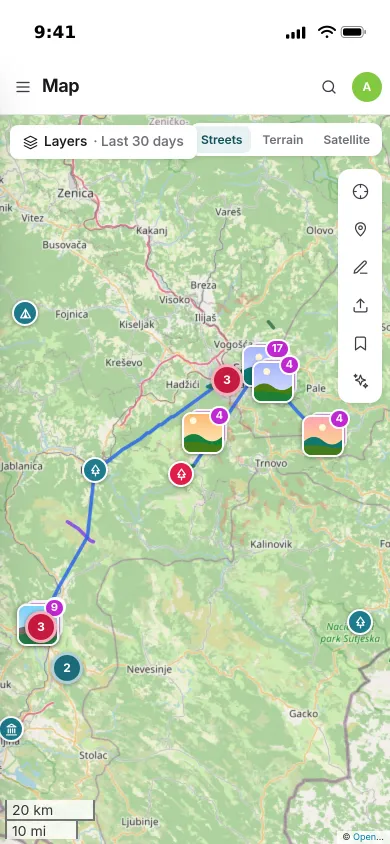
The layers by app, each with its switch and how many things it shows for the time you picked; journeys as lines, photos as small pictures, pins close together as one number. Tap anything for the facts, the day and Open in its own app.
Saved views
Your mountains, one tap away.
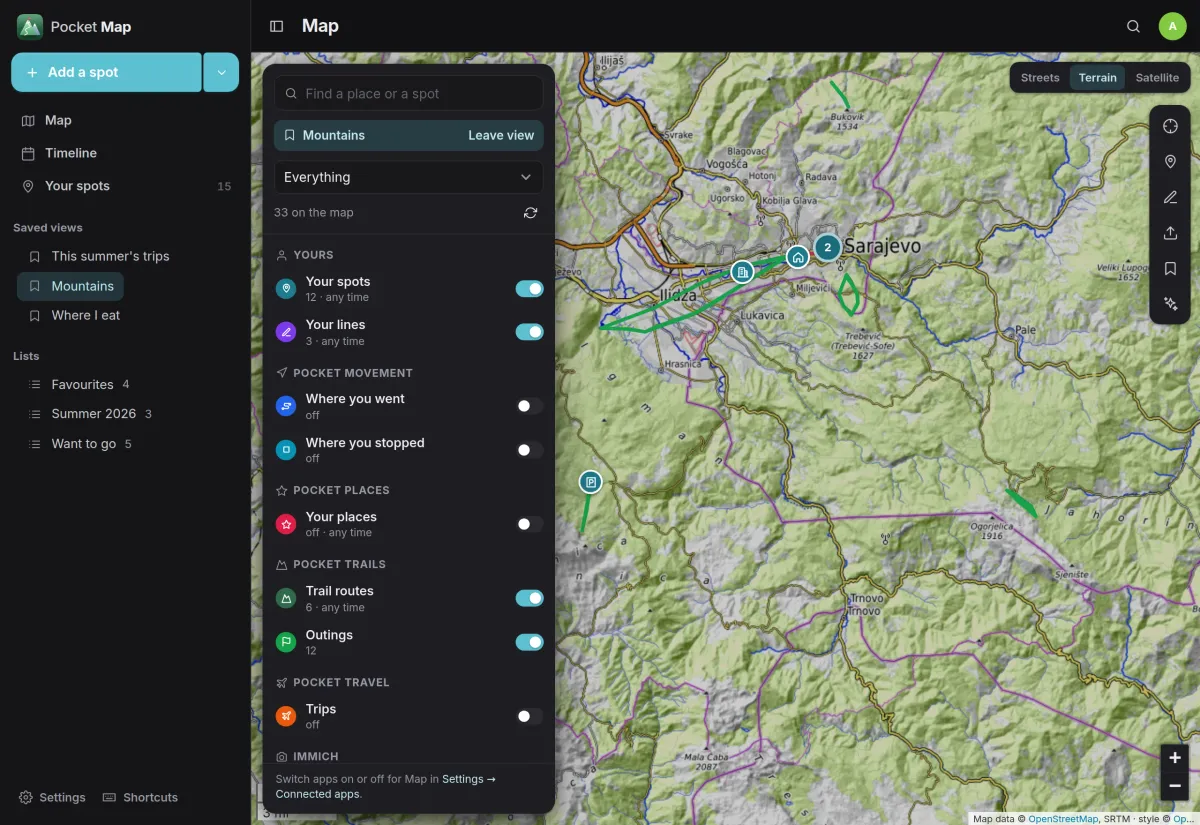
A saved view keeps the layers, the time and the place. “Mountains” shows the trail routes and outings from Pocket Trails with your own spots and lines, everything you ever did, here on the terrain map.
- Streets, terrain or satellite
- Saved views sit in the sidebar
- Things without a day stay on whatever the time
On the phone
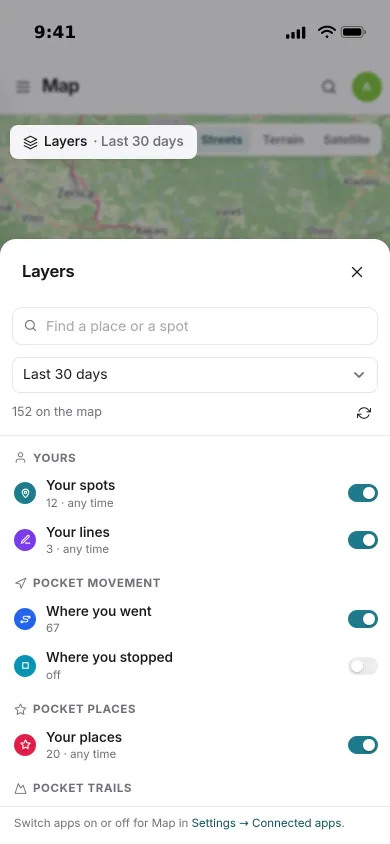
The layers in a sheet.
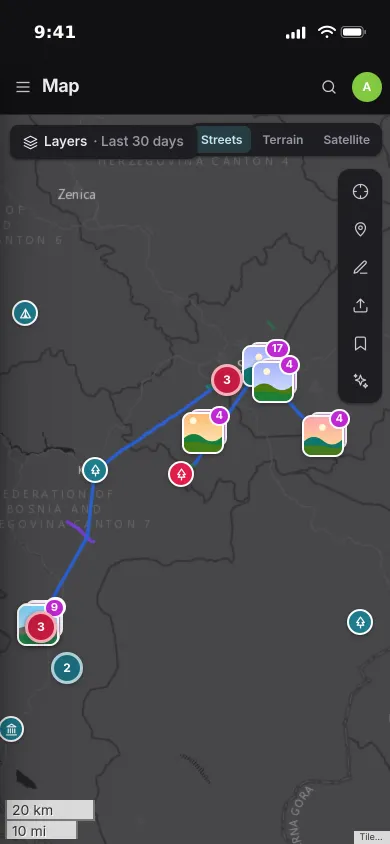
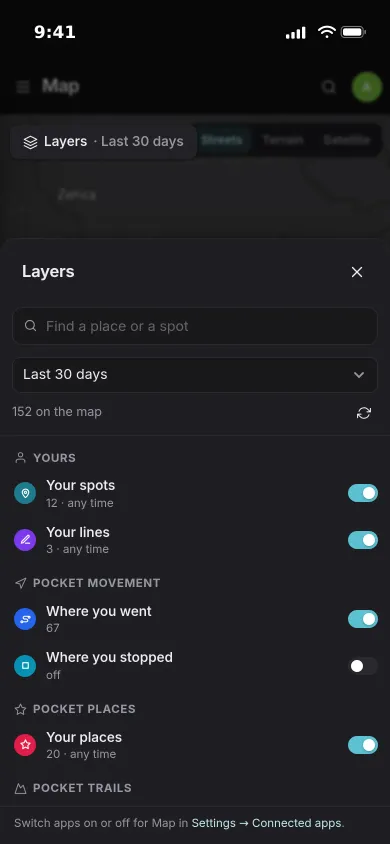
On the phone the map is full screen with the tools on the side, and the layers open in a sheet, each with its switch and how many things it shows. An app that is not there, or not switched on for you, is greyed with what to do.
- Today, 7 days, 30 days, 3 months, this year or any days
- Search your spots and any place on OpenStreetMap
Timeline
The same layers, day by day.
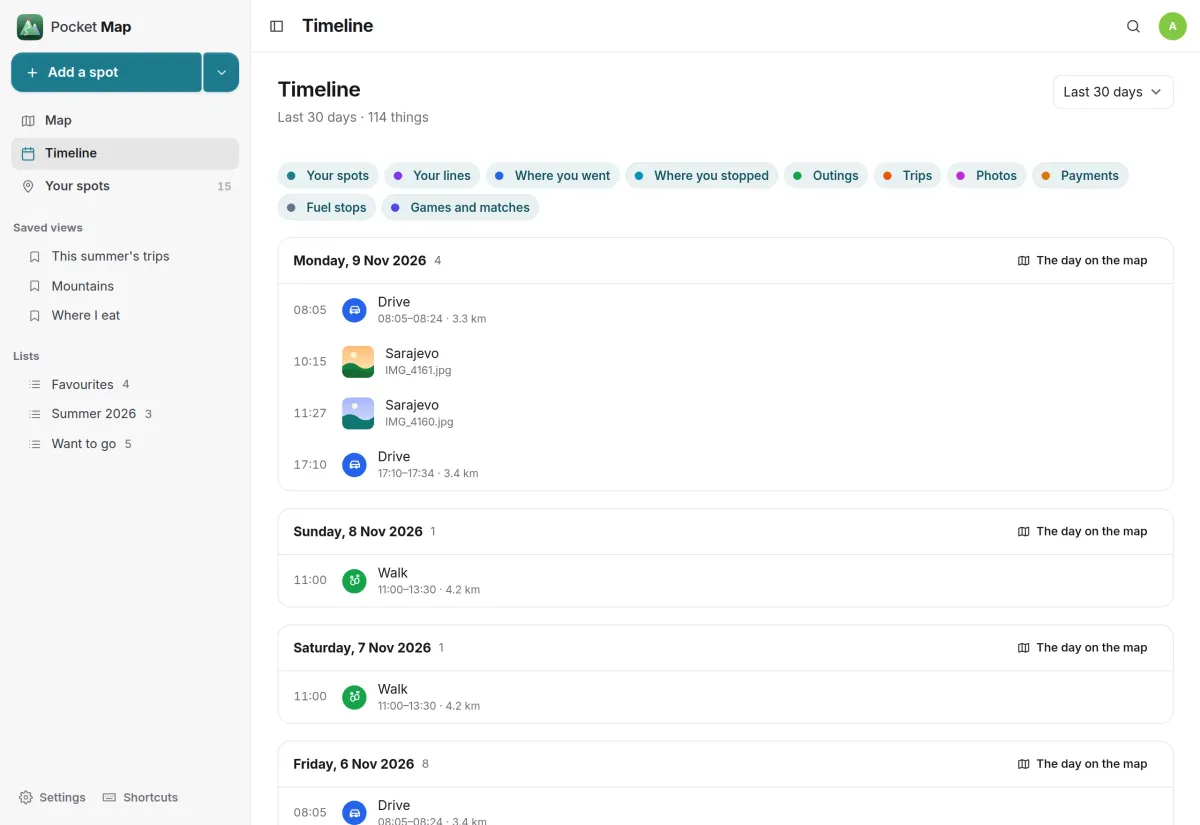
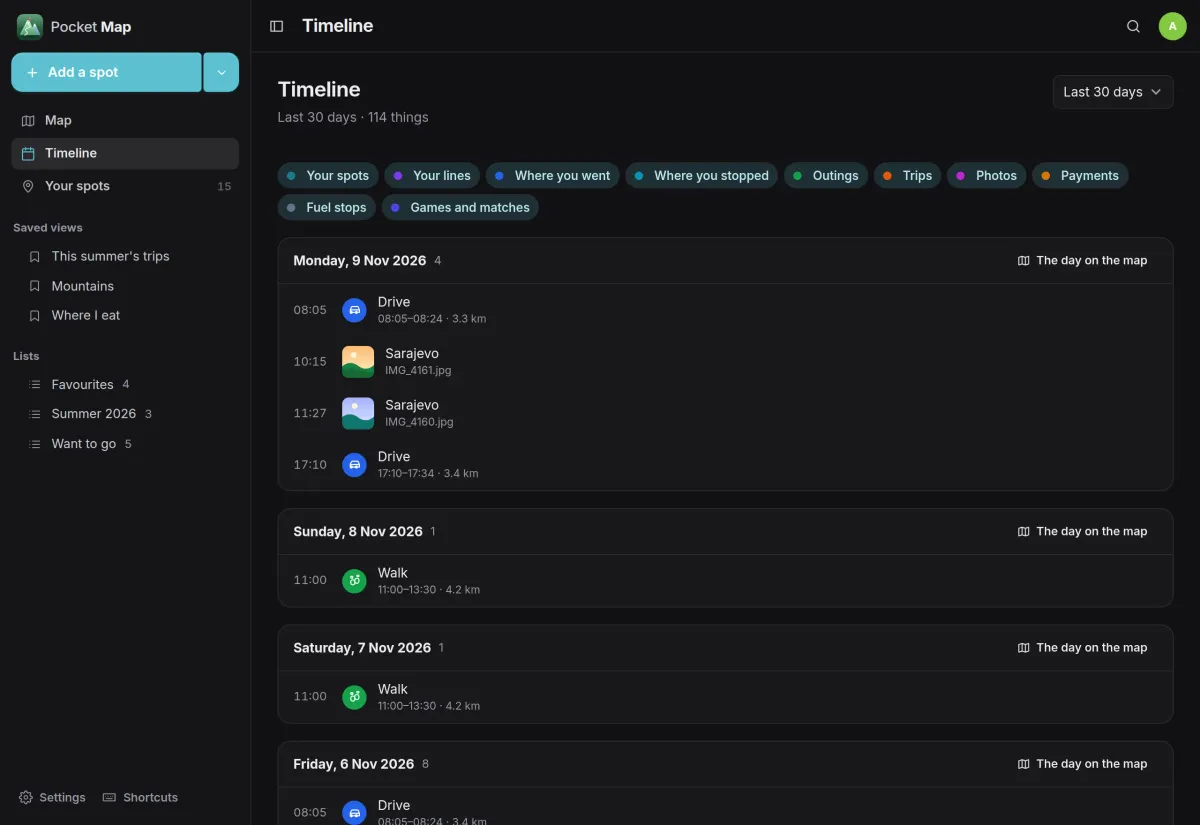
Every day with what happened and when: drives and walks, photos, outings, trips, payments and fuel stops. Pick the layers at the top, and any day opens on the map.
- “The day on the map” for any day
- Pocket Day can show a day on the map too
Your spots
Your own spots and lines.
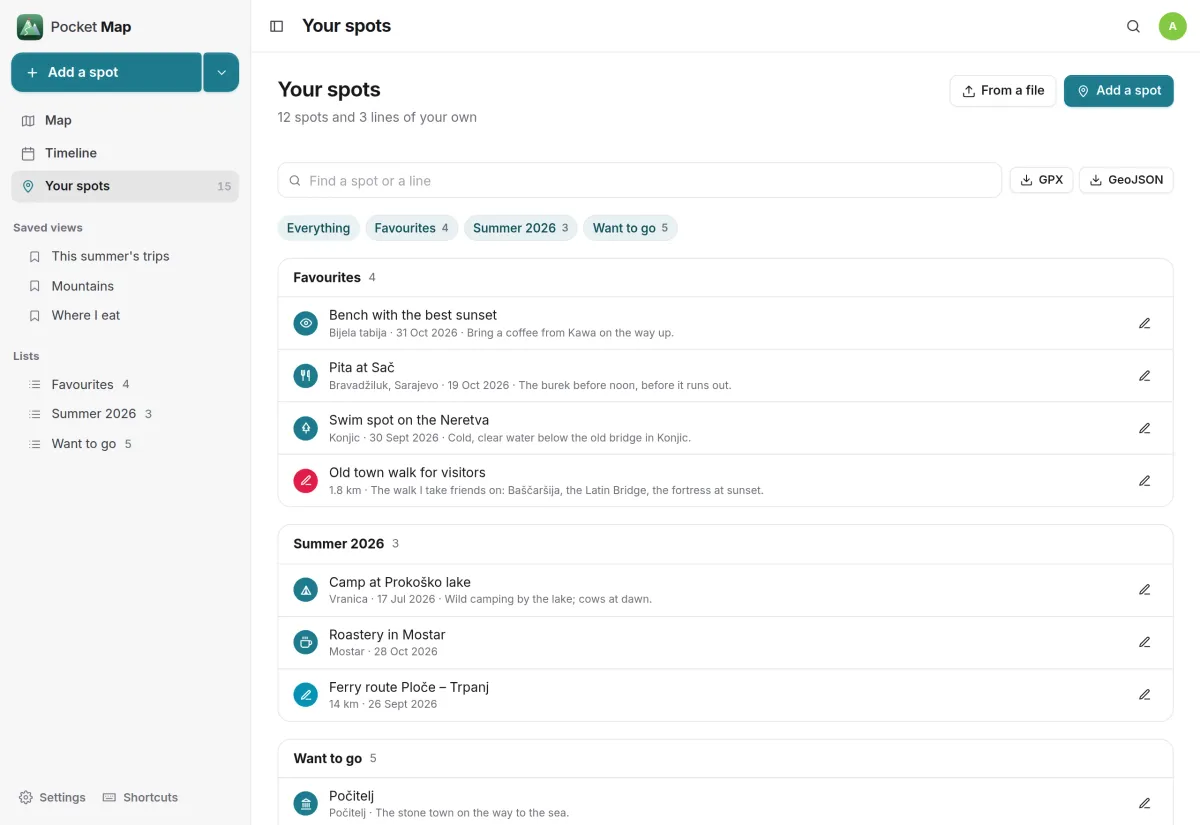
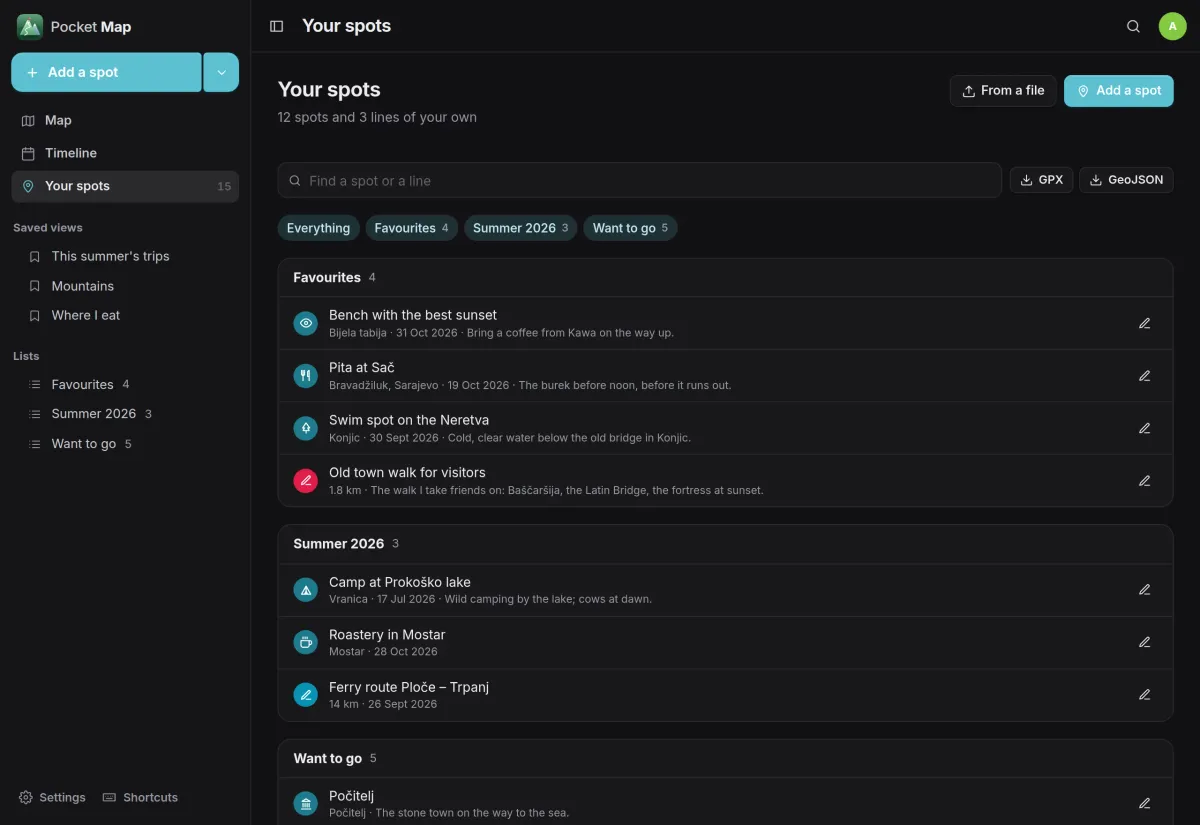
Tap the map to pin a spot and it gets the name of what is there, or draw a line point by point. Keep them in lists like “Want to go” or “Summer 2026”, with a note and the day.
- GPX, KML, TCX and GeoJSON in; the same file twice changes nothing
- GPX and GeoJSON out, per list
- Send a spot to Pocket Places
And the rest of it
Photos where you took them
Photos from Immich, a Pocket Core service, as small pictures where they were taken. Tap one for the picture and the day.
Search
Your spots and lines, what the map showed lately, and any place on OpenStreetMap. Online search can be switched off per person.
Ask Pocket AI
Only when you press ✦: a few sentences about the time the map shows. Pocket AI can also answer “where was I in May?”
Everyone their own
Each person has their own map, spots and connections on one box. Admins see no one else's map.
Install
One container, one folder.
Run the image with a data folder and open it on port 8080. Create the first account and add a spot or bring in a file. With Pocket Core the layers come from your Pocket apps with nothing to paste; without it each app can be connected with a URL and a token.
Already installed on a Pocket Box, with sign-in through Pocket Core and the layers from your other Pocket apps.
The easiest way is the one command above. To run it on its own with Docker:
docker run -d --name pocket-map -p 8080:8080 -v ./data:/data \
  -e BASE_URL=https://map.example.com -e SECURE_COOKIES=true \
  ghcr.io/abjelosevic88/pocket-homelab-map:latest
More in Everyday life
 Pocket Dayv0.51.1A journal that fills itself in from the other apps on your server, with room for your own words.
 Pocket Familyv0.2.0The whole household in one place: who picks up the children today, the family's week, chores in turns with stars, shared shopping lists and letters from school read for you.
 Pocket Habitsv0.6.0A habit tracker based on the one-page bullet-journal spread: a month grid, a few scores and one good thing a day.
 Pocket Healthv0.8.0Everything your iPhone and watch record about your health, kept on your own server with goals and trends.
 Pocket Fitnessv0.2.0Your training log: workouts set by set with a rest timer, routines on a weekly plan, personal records and progress per exercise and muscle.
 Pocket Nutritionv0.3.0Your food diary: meals with calories, protein, carbs and fat, water, goals worked out for you, barcodes and a meal described in a sentence.
 Pocket Petsv0.3.0Look after your pets: each one's papers, vet and food, care that comes back with a reminder, a health log with what it cost, and weight over time.
 Pocket Wardrobev0.3.0Your clothes in one place: what goes with what for your style, today's outfit for the weather and your calendar, the laundry, packing, and what is worth buying.
 Pocket Movementv0.5.0Your location history kept at home: where you went, how and how far, and the countries you have visited.
 Pocket Placesv0.3.0The places you love and the ones you want to try: restaurants, cafés, bars, museums and viewpoints on a list and a map, with every visit and what it cost.
 Pocket Trailsv0.3.0Plan hikes, walks, runs and rides: routes on a topographic map with the climb and the time, the weather on the day, what to pack, a back-by time that tells someone, and how it went.
 Pocket Stillv0.4.0Guided breathing and meditation on your own server, with a journal that shows what actually calms you.
 Pocket Kitchenv0.7.0Recipes, a weekly meal plan, the shopping list and the pantry in one place on your own server.
 Pocket Travelv0.15.0Plan a trip, track what it really costs, and see where you went and what you photographed, on one page.
 Pocket Translatev0.3.0Translate text, photos, documents and conversations on your own server, with Pocket AI or an offline engine, and keep a phrasebook, a glossary and your history.
 Pocket Weatherv0.5.0The weather for your places: now, 48 hours and ten days, air and pollen, warnings with your own limits, advice for your plans and a diary of every day.
 Pocket Leaguev0.5.0Sport with friends: a group for each sport you play, the next game planned or voted on, who's in with a waiting list, fair teams, and a table with ratings and form.
 Pocket Learnv0.3.0Flashcards with spaced repetition that show each card just before you would forget it.
 Pocket Horoscopev0.5.0Birth charts, a daily horoscope and compatibility, worked out from where the planets really are.
 Pocket Capsulev0.2.0Time capsules you keep yourself: letters, photos, recordings and guesses sealed until a day you choose, hidden from everyone, you included, until it opens.
 Pocket Skyv0.8.0Your night sky: whether tonight will be clear and dark, what is up and when, a star map that follows your phone, satellites, comets and eclipses, and a log of what you saw.
 Pocket Mathv0.3.0Sums written the way you think them, with units, money, percentages and dates, plus graphs, geometry, data, ready calculations for home and money, and practice for children.