
Pocket Kitchen
v0.5.3 · Self-hosted · MIT
Recipes and a meal plan that write the shopping list.
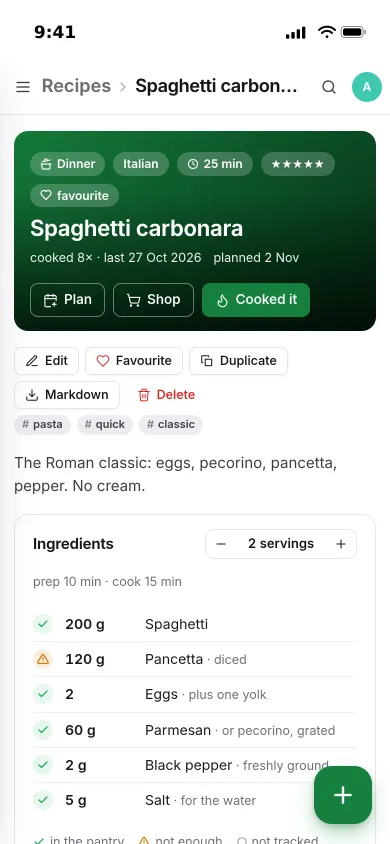
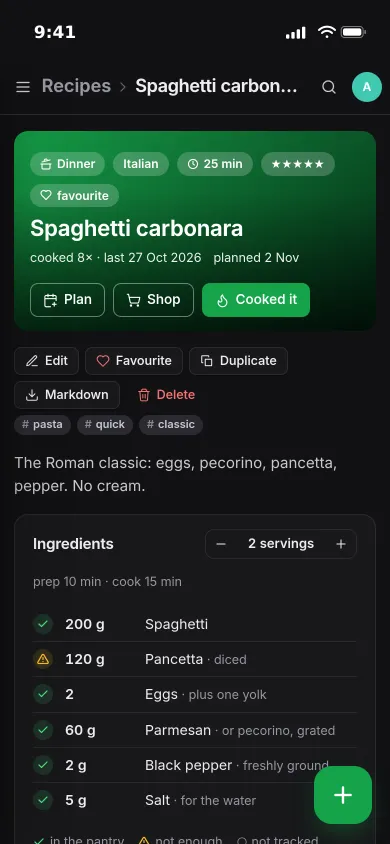
Pocket Kitchen keeps your recipes, the week's meals, the shopping list and the pantry in one place. Paste a link to import a recipe, scale the servings while you cook, and see at a glance which ingredients the shelf already covers.
- Included in Pocket Box
- Sign in with Pocket Core
- Works with Pocket Inventory and Pocket Split and Pocket Habits and Open Food Facts
Home
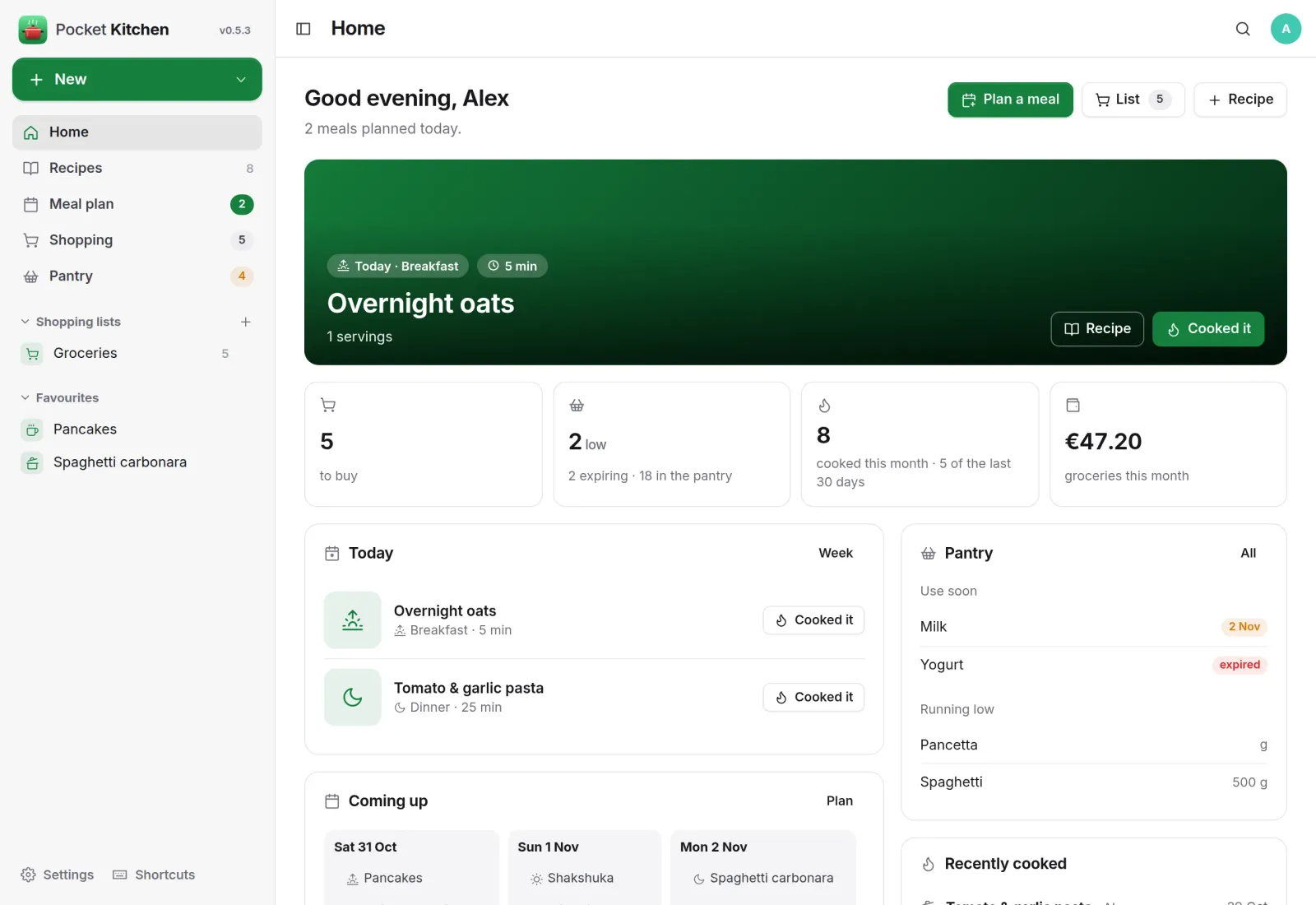
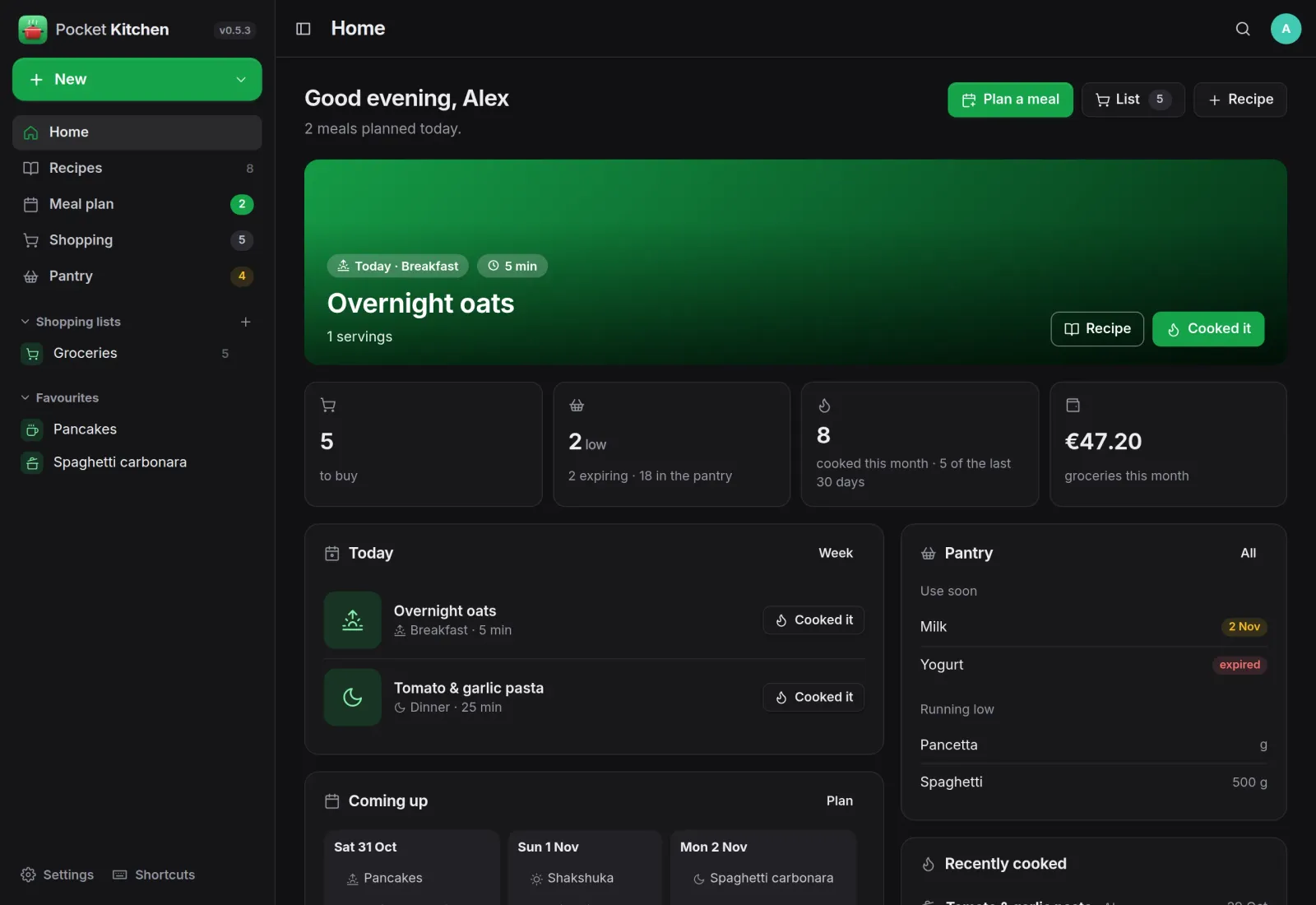
Today's meals and what to use up.
The next planned meal with a Cooked it button, what is left to buy, pantry items that are running low or about to expire, and the days coming up, all on one page.
Meal plan
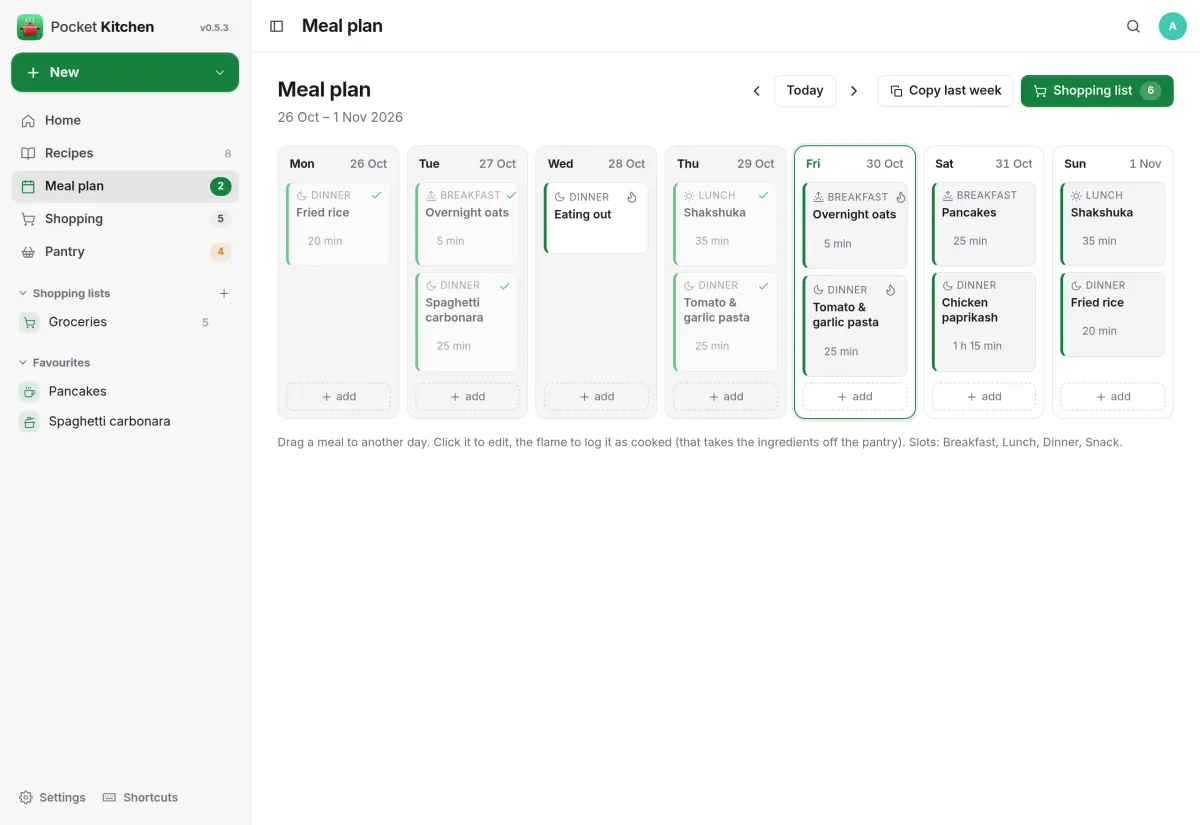
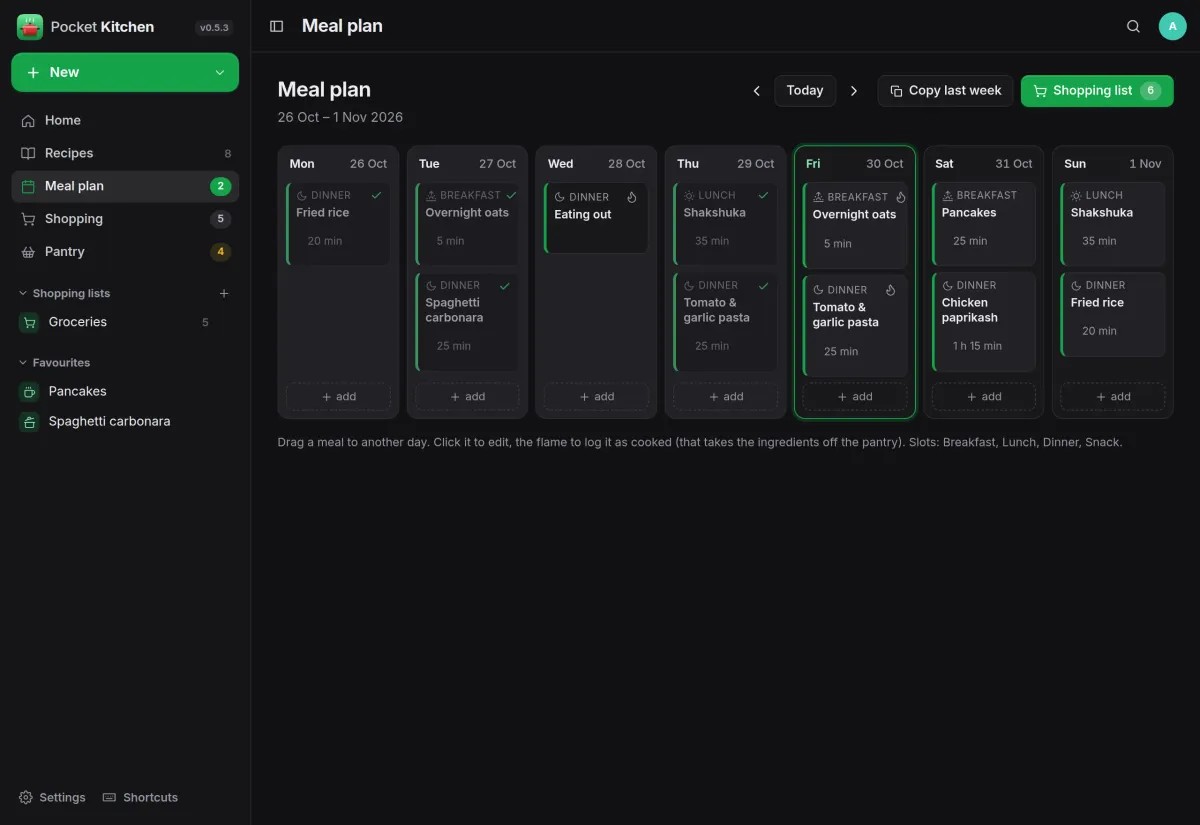
A week you can drag around.
Breakfast, lunch, dinner and snack slots for every day, filled with a recipe or plain text such as eating out. Drag meals between days, copy last week, and tick off what you cooked.
- Shopping list from the plan scales every recipe and merges the lines
- Skips or reduces what the pantry already holds
- Cooked it takes the ingredients off the shelf
Shopping
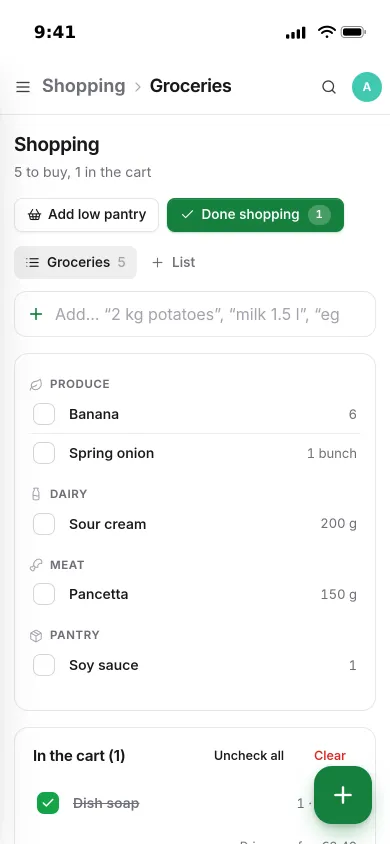
A list that ends at the checkout.
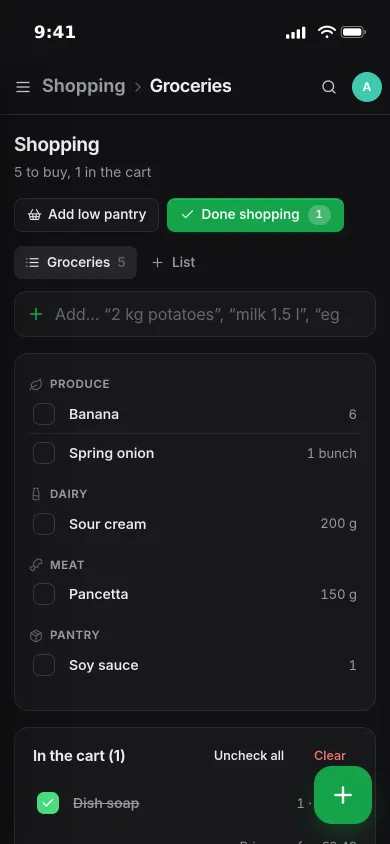
Lines are grouped by aisle, and quick-add understands “2 kg potatoes” or “milk 1.5 l”. Done shopping puts what you bought into the pantry and records the spend.
- Add every low pantry item in one go
- Several lists, optional prices and a purchase history
- The receipt can go to Pocket Split as a shared expense
Pantry
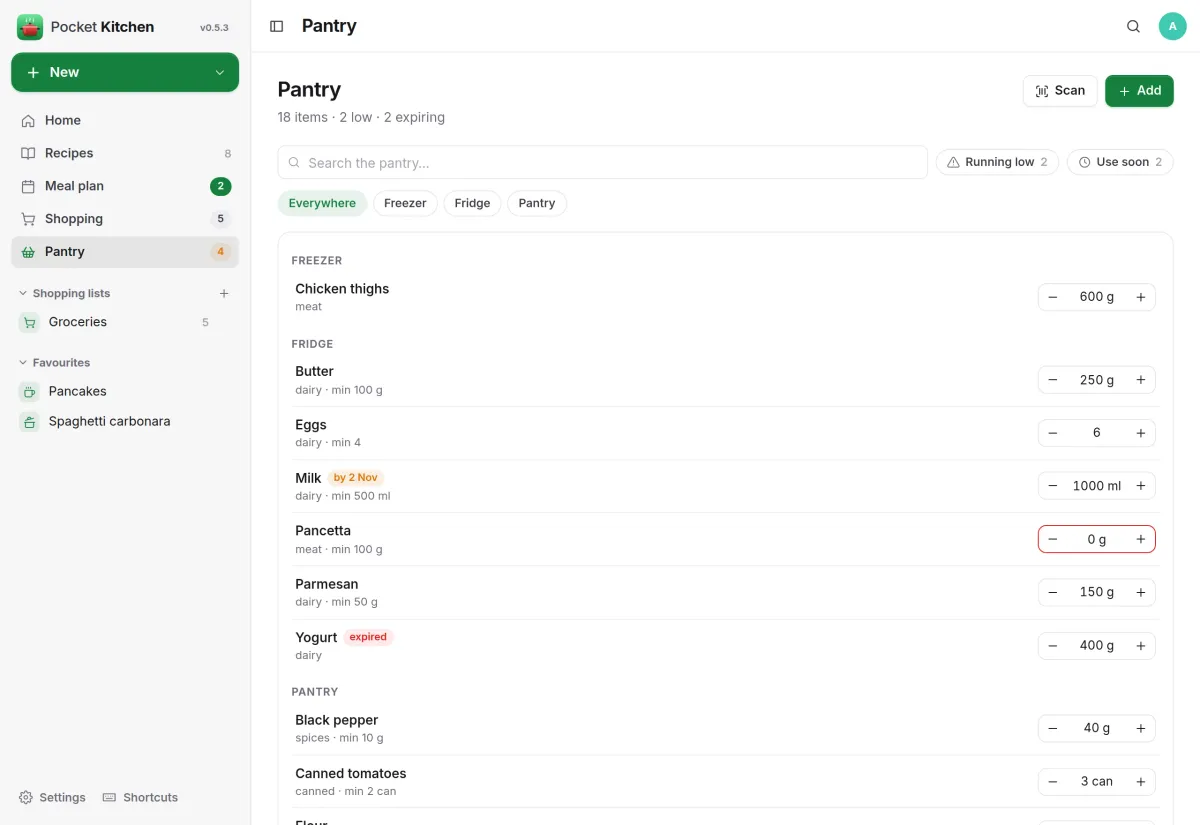
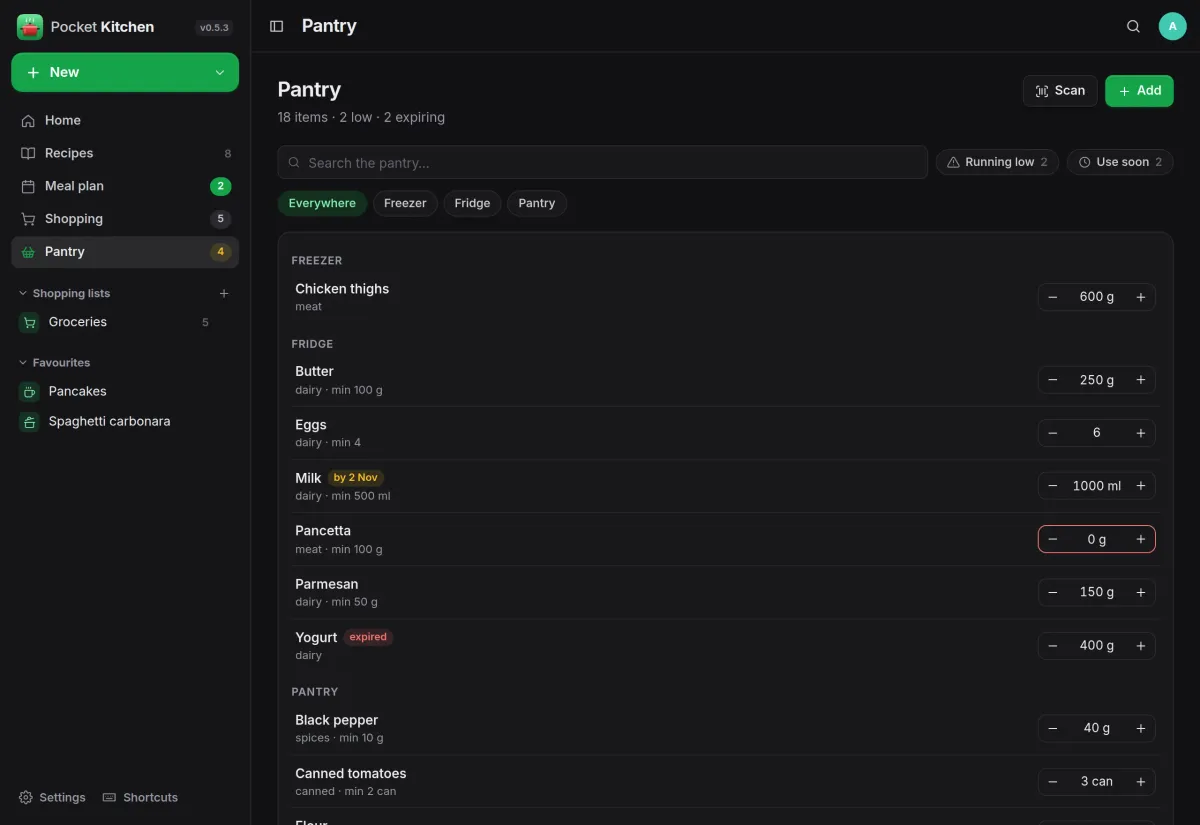
A pantry that knows what is low.
Every item with its quantity, minimum, location and best-before date, grouped by where it is kept, with minus and plus buttons right in the list.
- Running low and use soon filters
- Can mirror the Pocket Inventory items that carry a pantry tag
- Scan a barcode and Open Food Facts fills in name, brand and size
And the rest of it
Import from a link
Most recipe sites publish structured data, so title, times, servings, photo, ingredients and steps land in the editor ready to check. Or type a recipe in yourself.
Cooked it closes the loop
Logs the dish, takes the ingredients off the shelf with unit conversion, counts it on the recipe and can mark a Pocket Habits habit for the day.
A daily push
Today's meals and the pantry items to use soon, through Apprise, ntfy or a webhook, at the hour you pick.
A kitchen per person
Recipes, plan, lists, pantry and history belong to each account. Admins manage accounts, not other people's kitchens.
Install
One container, one volume.
Pocket Kitchen is a single binary with one SQLite file, published as a container image for amd64, arm64 and armv7. Start it, open the page and create your account. DEMO_DATA=true seeds eight recipes, a pantry, this week's plan and a list if you want to look around first.
On a Pocket Box it is already installed and signs you in with Pocket Core.
docker run -d --name pocket-kitchen -p 8080:8080 \
  -v $PWD/data:/data \
  ghcr.io/abjelosevic88/pocket-homelab-kitchen:latest
# open http://localhost:8080 and create your account
More in Everyday life
 Pocket Dayv0.19.0A journal that fills itself in from the other apps on your server, with room for your own words.
 Pocket Habitsv0.4.5A habit tracker based on the one-page bullet-journal spread: a month grid, a few scores and one good thing a day.
 Pocket Healthv0.2.3Everything your iPhone and watch record about your health, kept on your own server with goals and trends.
 Pocket Movementv0.3.3Your location history kept at home: where you went, how and how far, and the countries you have visited.
 Pocket Stillv0.1.2Guided breathing and meditation on your own server, with a journal that shows what actually calms you.
 Pocket Travelv0.10.2Plan a trip, track what it really costs, and see where you went and what you photographed, on one page.
 Pocket Learnv0.2.1Flashcards with spaced repetition that show each card just before you would forget it.
 Pocket Horoscopev0.3.3Birth charts, a daily horoscope and compatibility, worked out from where the planets really are.