

Pocket Home
v0.5.0 · Self-hosted · MIT
Your home, looked after.
Pocket Home keeps track of everything in the house that needs a service now and then: appliances with their model, warranty and manual, upkeep that reminds you before it is due, a log of repairs and what they cost, and meter readings with use per month. One Go binary, one SQLite file.
Install Home with Pocket Core in one command:
curl -fsSL https://pockethomelab.com/install.sh | sh -s -- --apps homeOn any Linux machine or a Mac. Already running Pocket Core? Apps → Install app → Home. Add more apps to the line →
- Included in Pocket Box
- Sign in with Pocket Core
- Works with Pocket Money and Pocket Calendar and Pocket Documents and Pocket AI
Overview
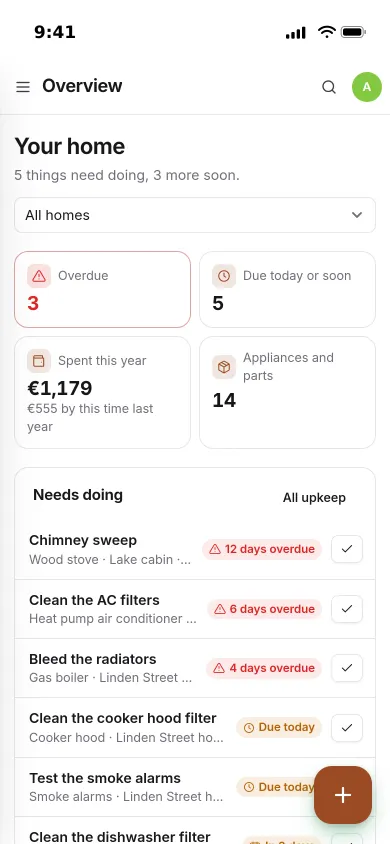
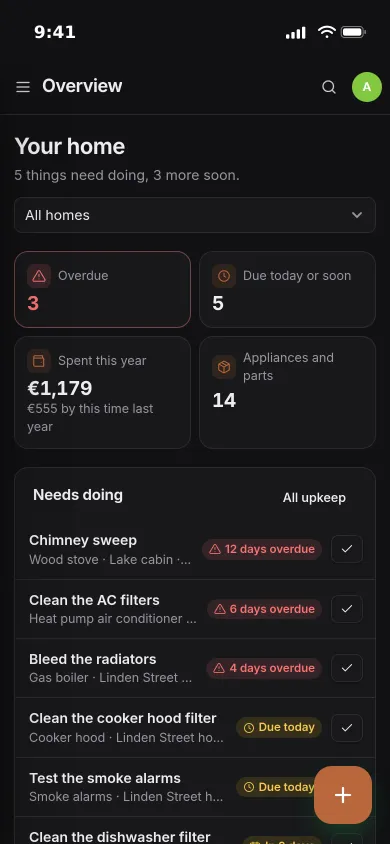
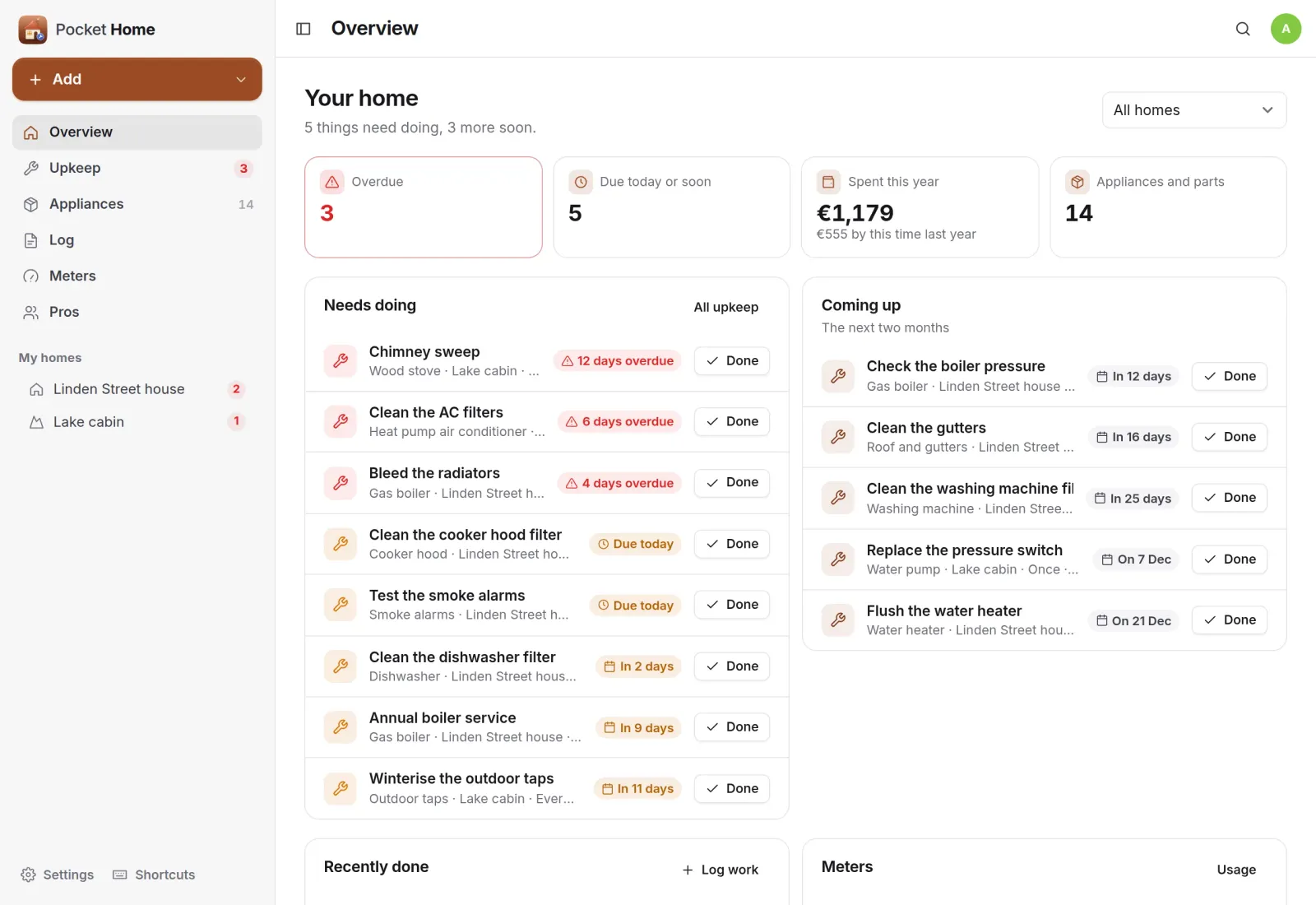
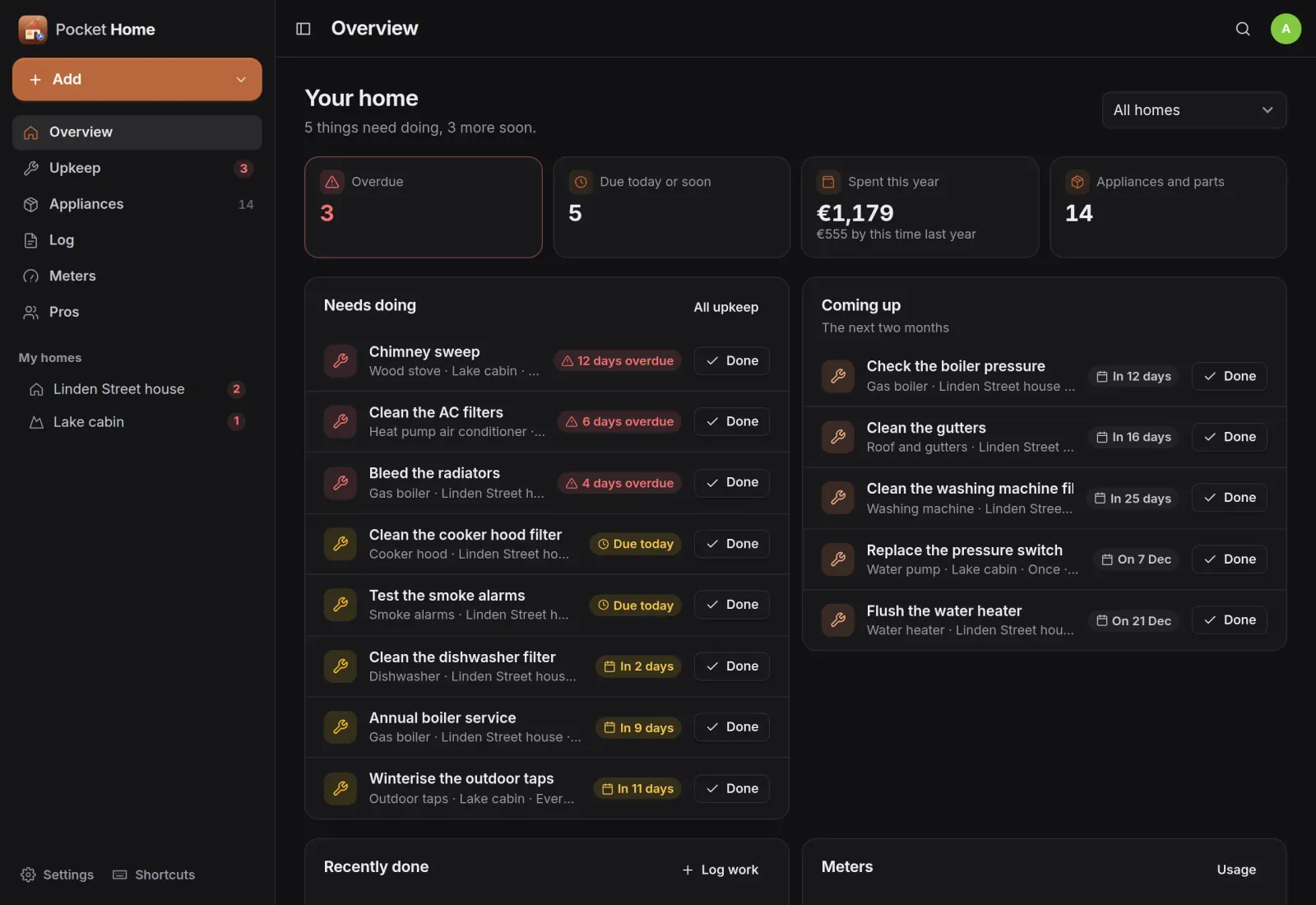
See what needs doing.
What is overdue, due today or coming up soon, with a Done button on each. Below: the next two months, what was done lately, warranties that are ending and meters that need reading.
Appliances
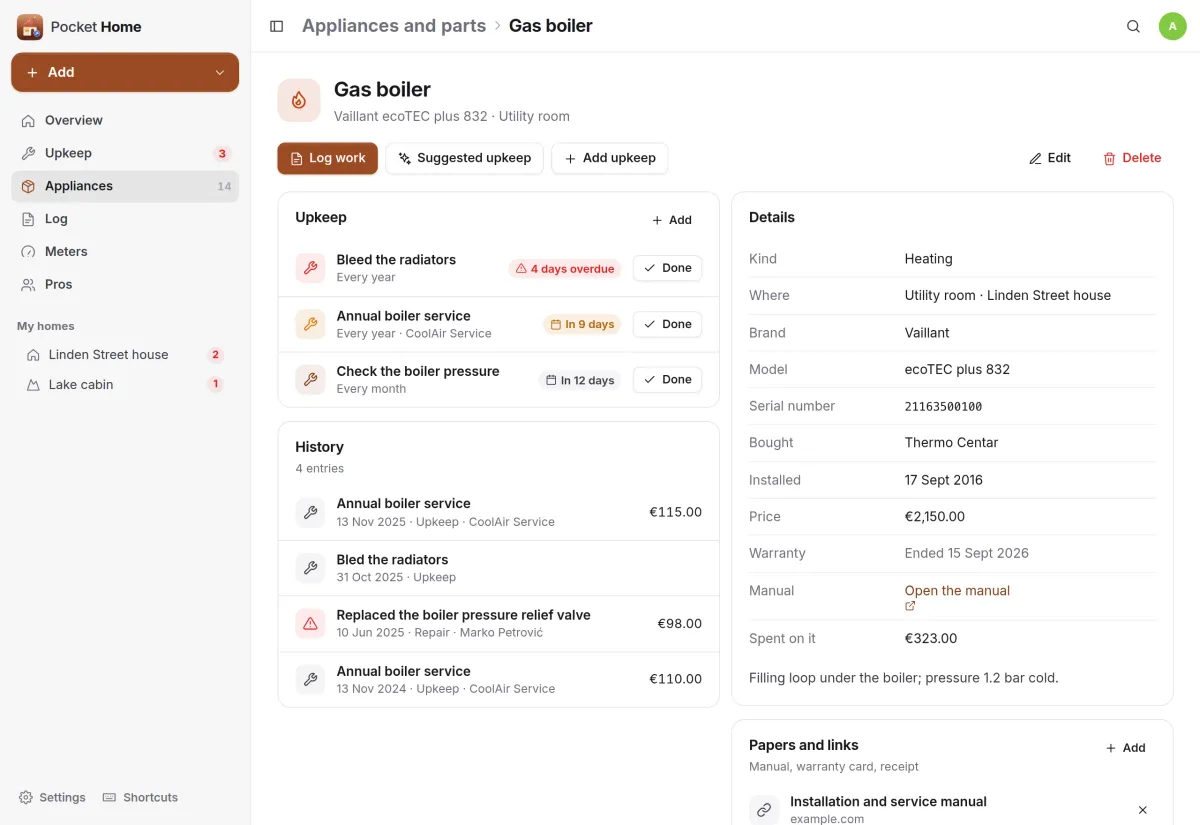
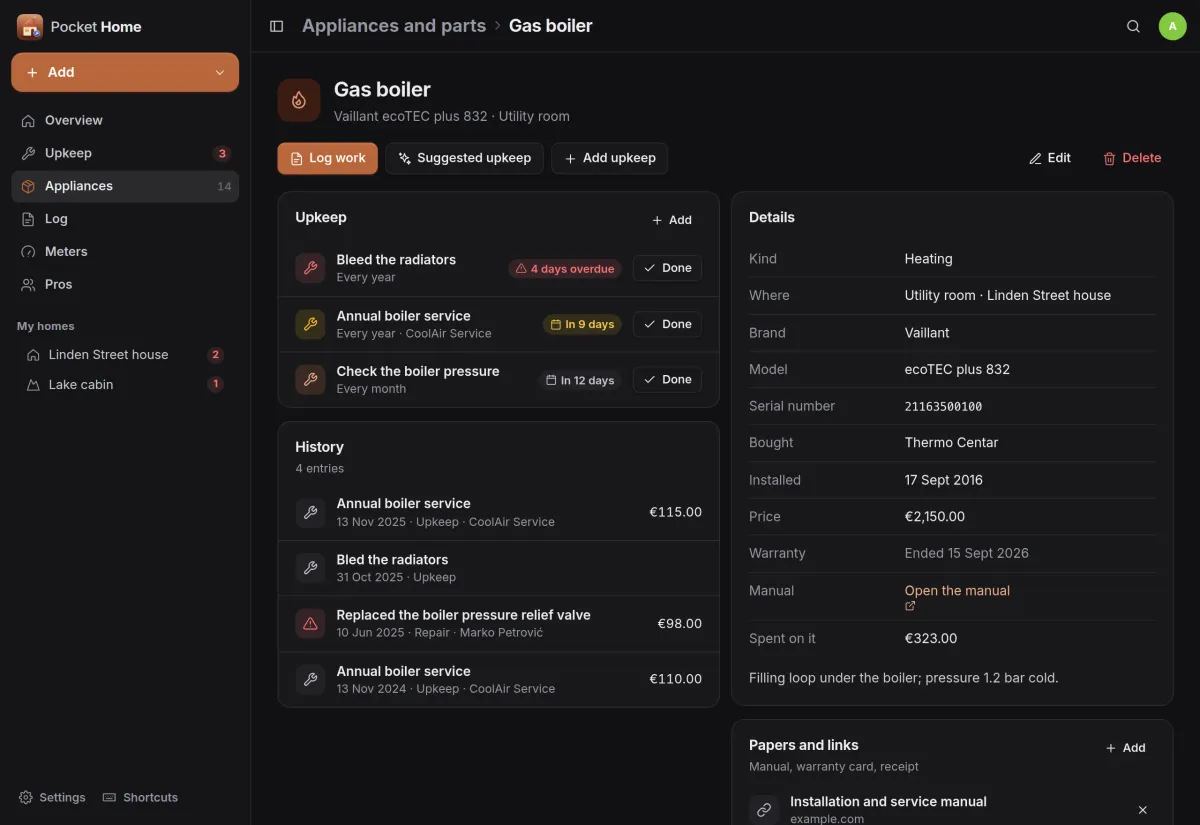
Every appliance, with its history.
The boiler, the roof, the dishwasher: brand, model, serial number, where it is, the price and the warranty. Its upkeep, everything that was done to it and the manual and invoice sit on one page.
- Suggested upkeep for each kind of appliance
- Ask Pocket AI about the exact model
- Manuals and invoices from Pocket Documents
Upkeep
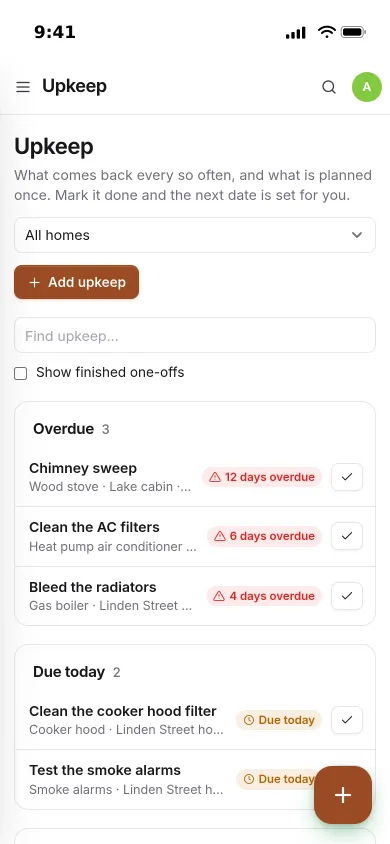
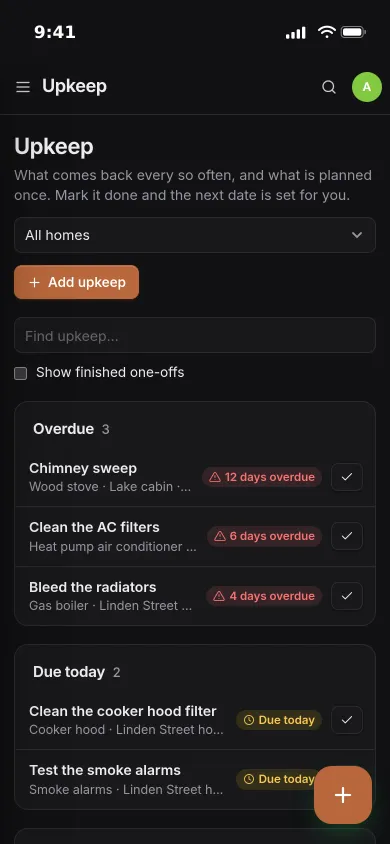
Reminded before it is due.
Every few days, weeks, months or years, or once. Mark it done with what it cost and who did it, and the next date is set from that day. One message a day tells you what became due.
- Skip a time or move it a few days
- Due dates on your Pocket Calendar
- Add a job to Pocket Tasks in one click
Meters
What the house uses.
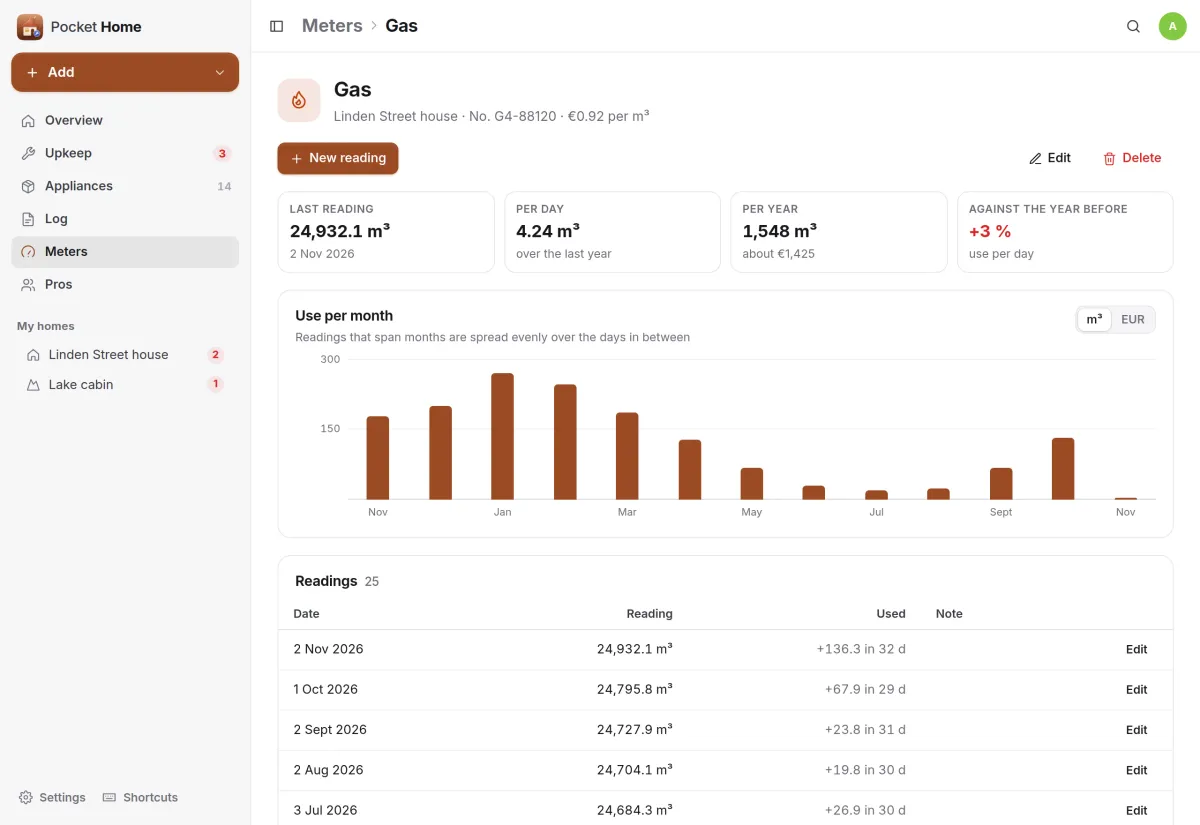
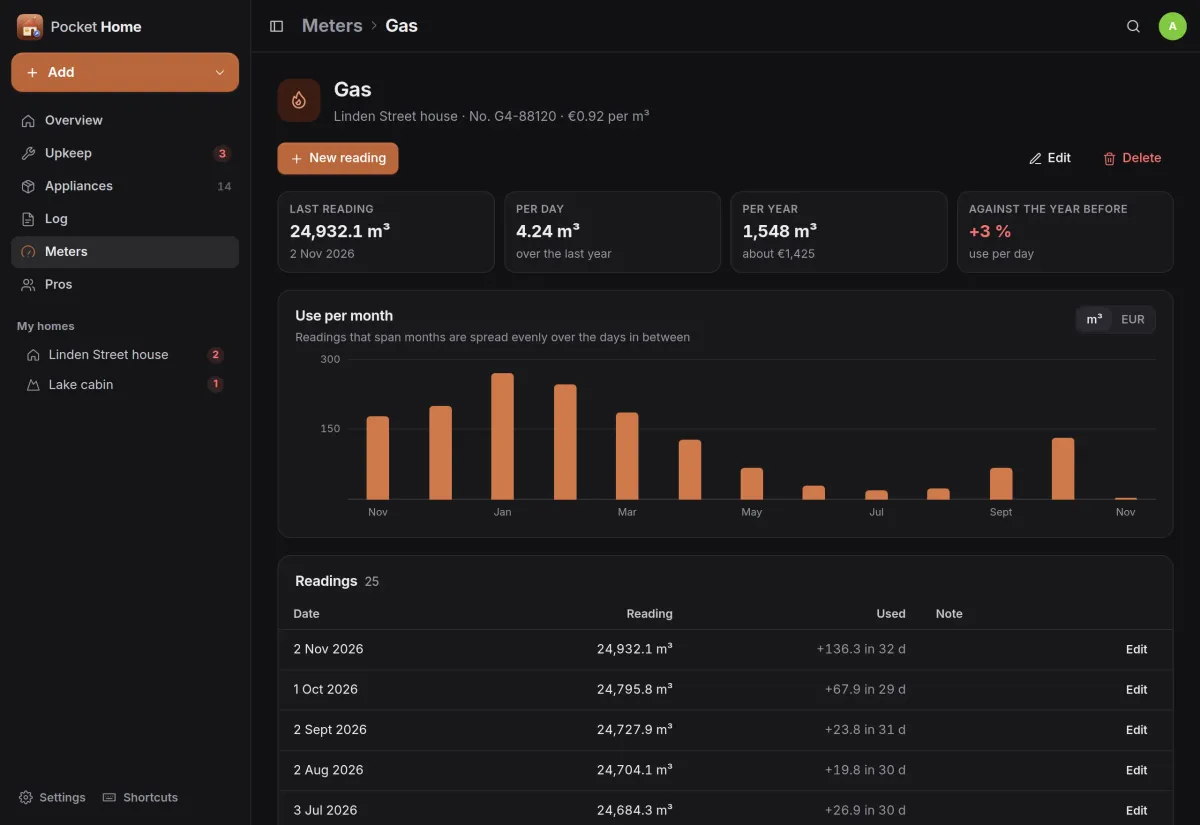
Write down the electricity, water or gas meter now and then. The readings turn into use per month, a cost per year with your price per unit, and a comparison with the year before.
- Monthly reminder to read each meter
- Use per month in units or money
- A replaced meter starts a new count
Log
What it cost, and who did it.
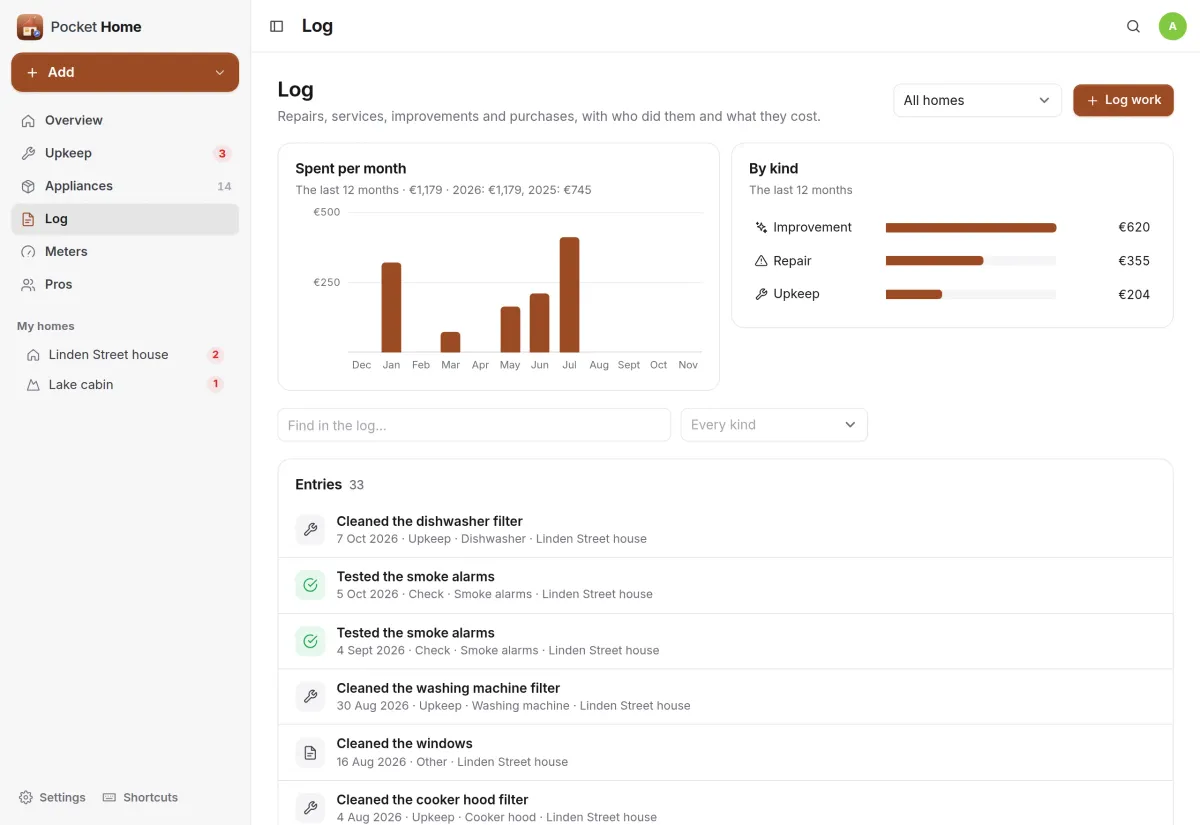
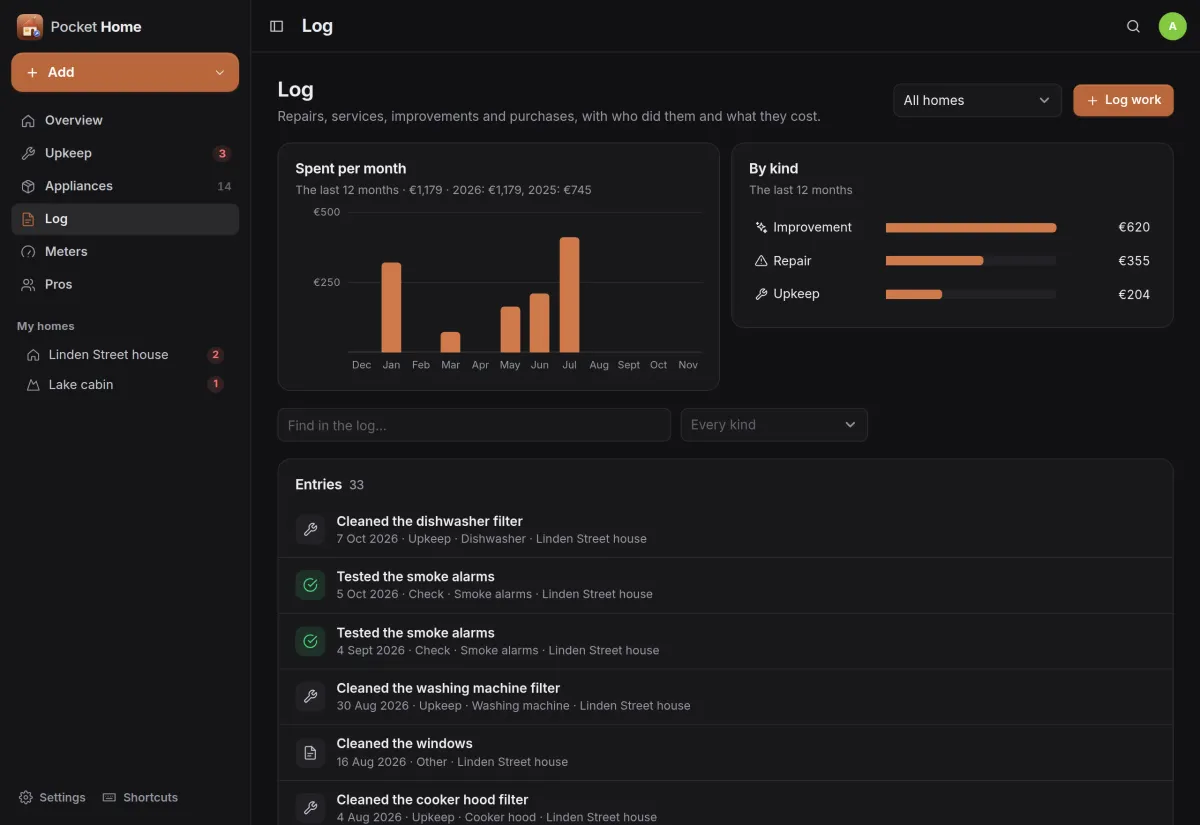
Repairs, services, improvements and purchases, with the pro who did them. Spending per month and by kind, and each cost can become a Pocket Money transaction as you log it.
- Edit the entry and the transaction follows
- Pros picked from Pocket Contacts
- Export as JSON or CSV
And the rest of it
More than one home
A house, a flat, a weekend cottage: each with its own currency, notes on where the shut-off valves are, and papers like the insurance.
One message a day
Upkeep that became due, warranties ending in thirty days and meters to read, together in one push through ntfy, Apprise or a webhook.
Ask Pocket AI
“What is due this week?” or “log that the plumber fixed the tap for 89 euros”: Pocket AI reads and writes Pocket Home for you, and the briefing lists upcoming upkeep.
Everyone their own
Each person has their own homes, log and connections. Admins manage accounts but see no one else's house.
Install
One container, one folder.
Run the image with a data folder and open it on port 8080. Add your home, then the appliances that need looking after, and pick their upkeep.
Already installed on a Pocket Box, with sign-in through Pocket Core and the Ask panel on Pocket AI.
The easiest way is the one command above. To run it on its own with Docker:
docker run -d --name pocket-home -p 8080:8080 -v ./data:/data \
  -e BASE_URL=https://home.example.com -e SECURE_COOKIES=true \
  -e ADMIN_EMAIL=you@example.com -e ADMIN_PASSWORD=change-me-please \
  ghcr.io/abjelosevic88/pocket-homelab-home:latest
More in Money and things
 Pocket Moneyv0.24.0Personal finance on your own server: quick entry, any currency, bills, budgets and what is safe to spend.
 Pocket Wealthv0.4.0Everything you own and owe in one number: accounts, investments with live prices, pension, the flat and the car, minus the mortgage and loans, and how it moves.
 Pocket Invoicingv0.17.0Invoices, time tracking and payments for freelancers and one-person businesses, on your own server.
 Pocket Splitv0.10.0Split costs for trips, flat shares and dinners: who paid what, in any currency, and who owes whom.
 Pocket Rentalsv0.3.0The homes you rent out in one place: places and units, tenants and leases, rent due, paid and late, deposits, repairs and inspections, and what each place earns.
 Pocket Garagev0.13.0Every vehicle on one page: fuel economy, service history, running costs, reminders and documents.
 Pocket Renewalsv0.9.0Everything that runs out, in one list: passports, ID cards, insurance, the car's papers, warranties, domains and subscriptions, each with a reminder in time.
 Pocket Inventoryv0.7.0A home inventory for the household: what you own, how many, where it is and whose it is.
 Pocket Parcelsv0.3.0Every parcel in one place: where it is, when it arrives, a push when it is out for delivery, and the last day to send it back.
 Pocket Walletv0.3.0Loyalty cards, gift cards, tickets, boarding passes and ID papers on your own server, ready to scan at the till or the gate.
 Pocket Wishlistv0.6.0Wishlists and gift ideas that watch prices and stop the family buying the same present twice.
 Pocket Roomsv0.3.0Plan your home to scale: rooms, doors, windows and your own furniture by its real size, layouts side by side and in 3D, and a check that the sofa gets through the door.