

Pocket Wishlist
v0.3.2 · Self-hosted · MIT
Wishlists and gift ideas, with the prices watched.
Pocket Wishlist keeps what you would love and what you plan to give. Paste a link and it reads the title, picture and price, then watches the price for you. Share a list with family by link, and nobody buys the same present twice.
- Included in Pocket Box
- Sign in with Pocket Core
Lists
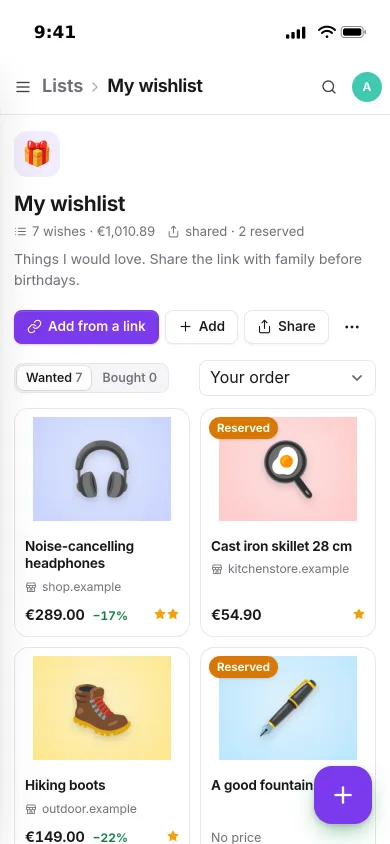
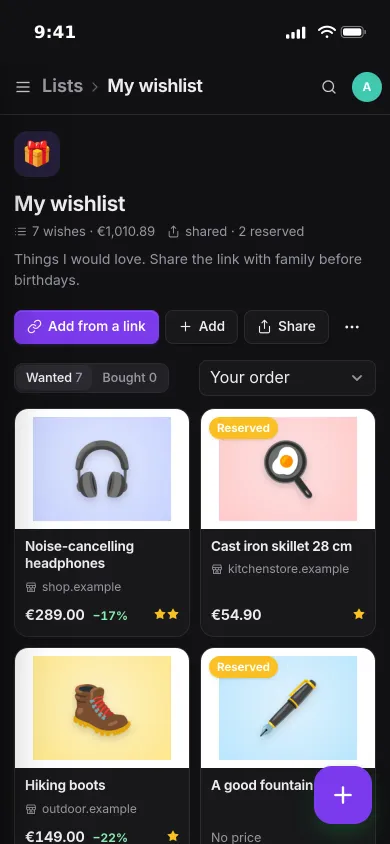
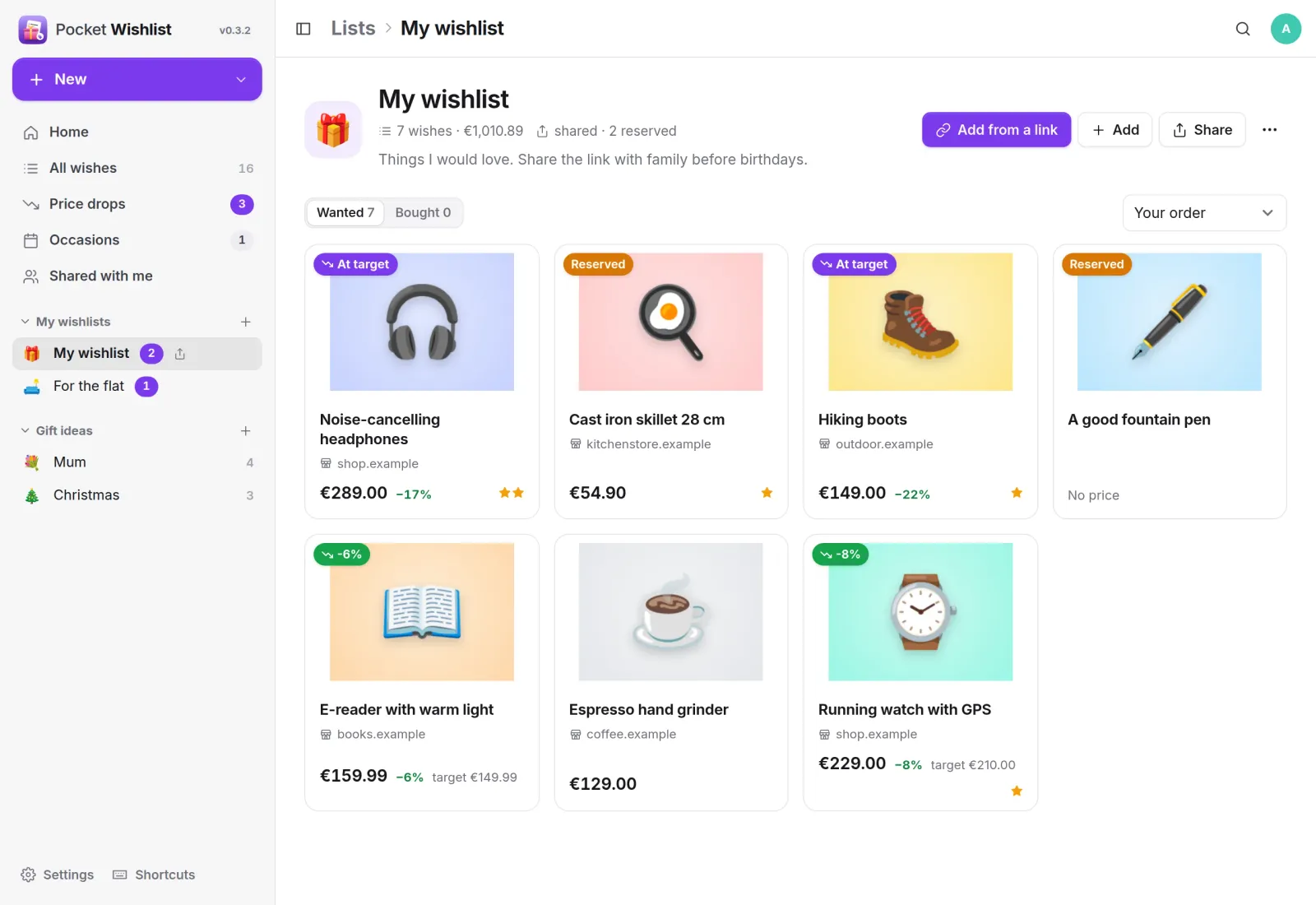
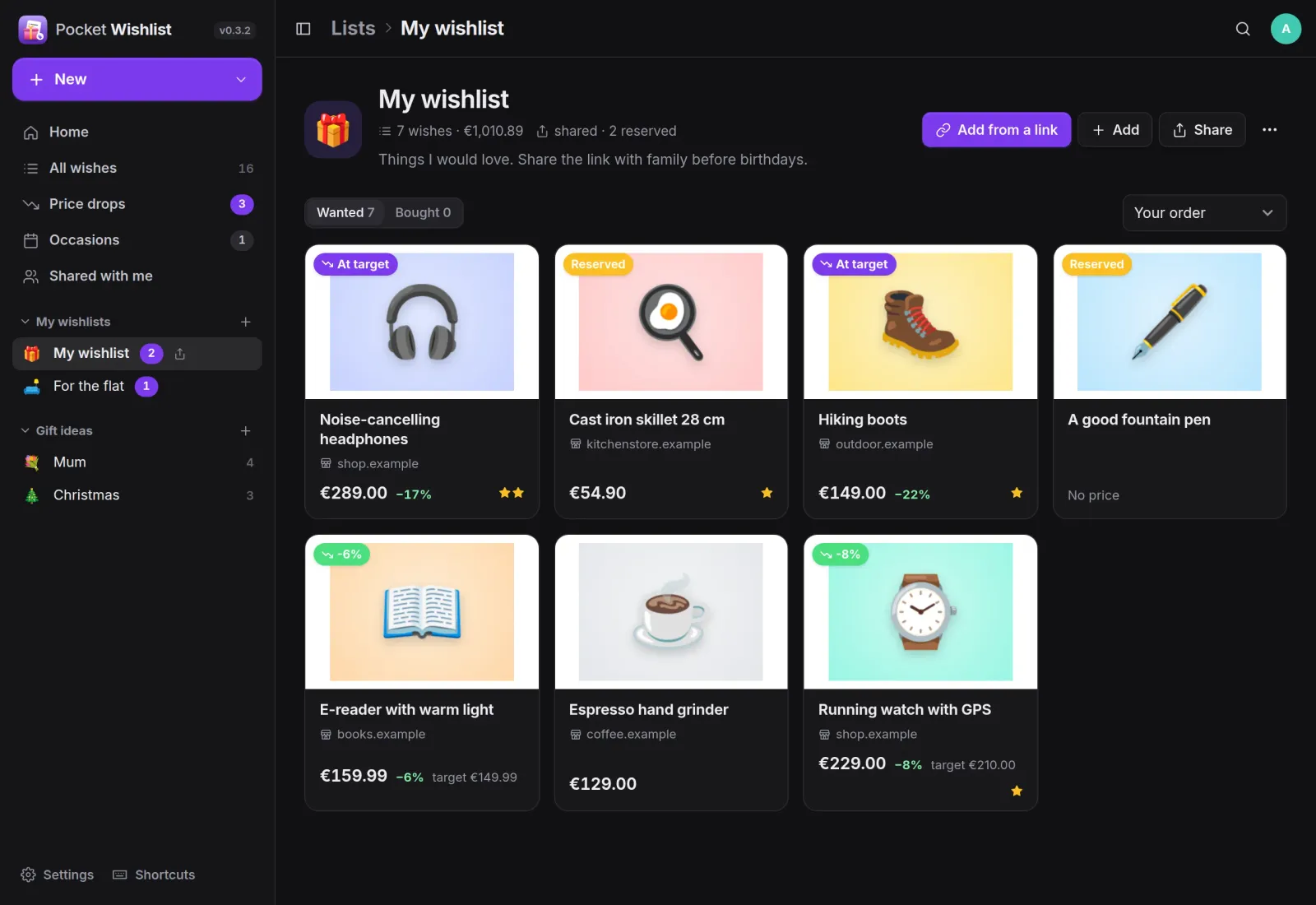
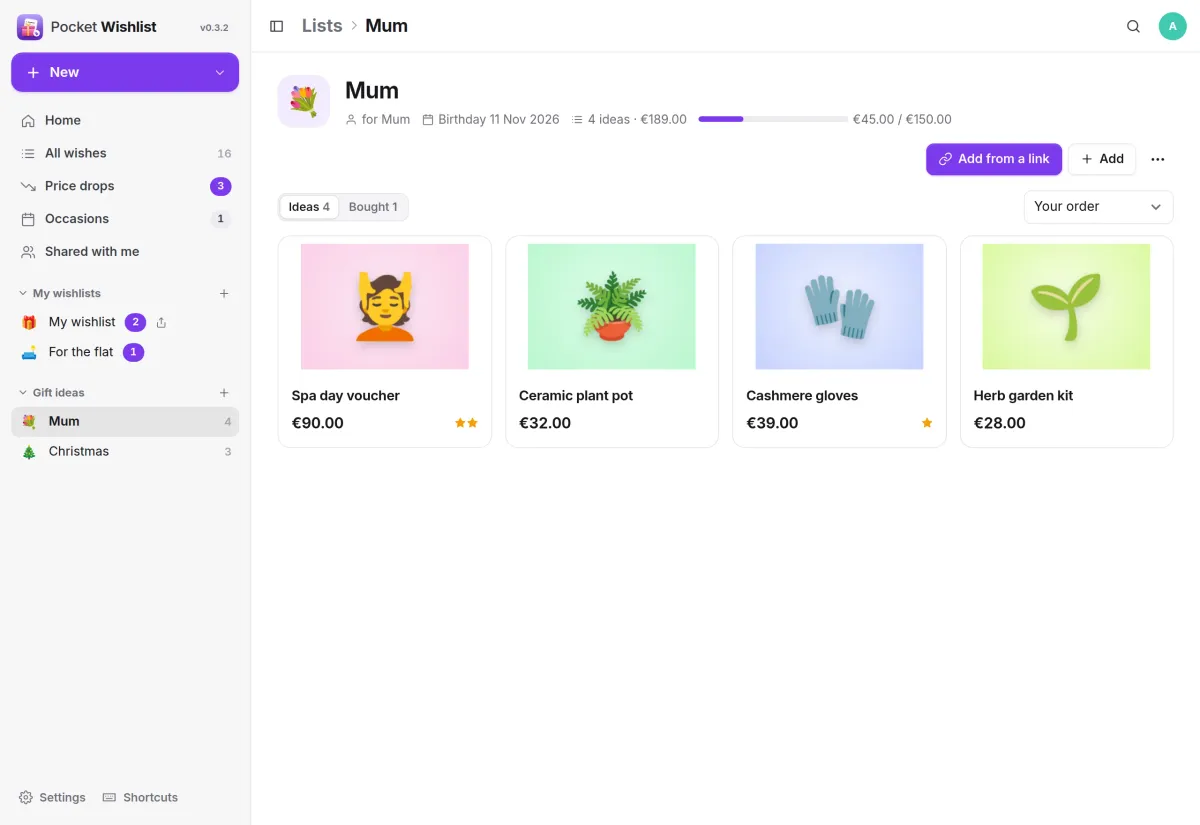
Every wish with its picture and price.
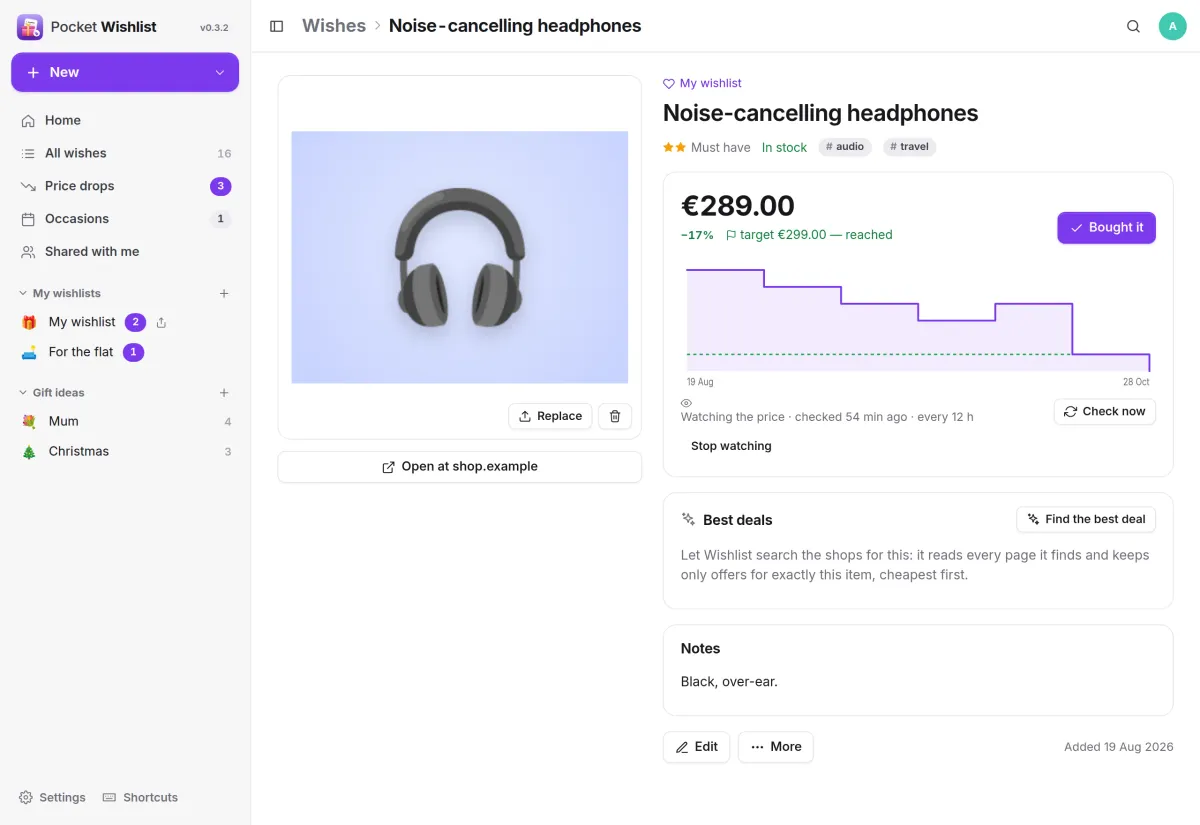
Each card shows the shop, the current price and how far it has dropped since you added it. Wishes at or below your target price are marked, and you see that something is reserved, never by whom.
Price watch
Know when it gets cheaper.
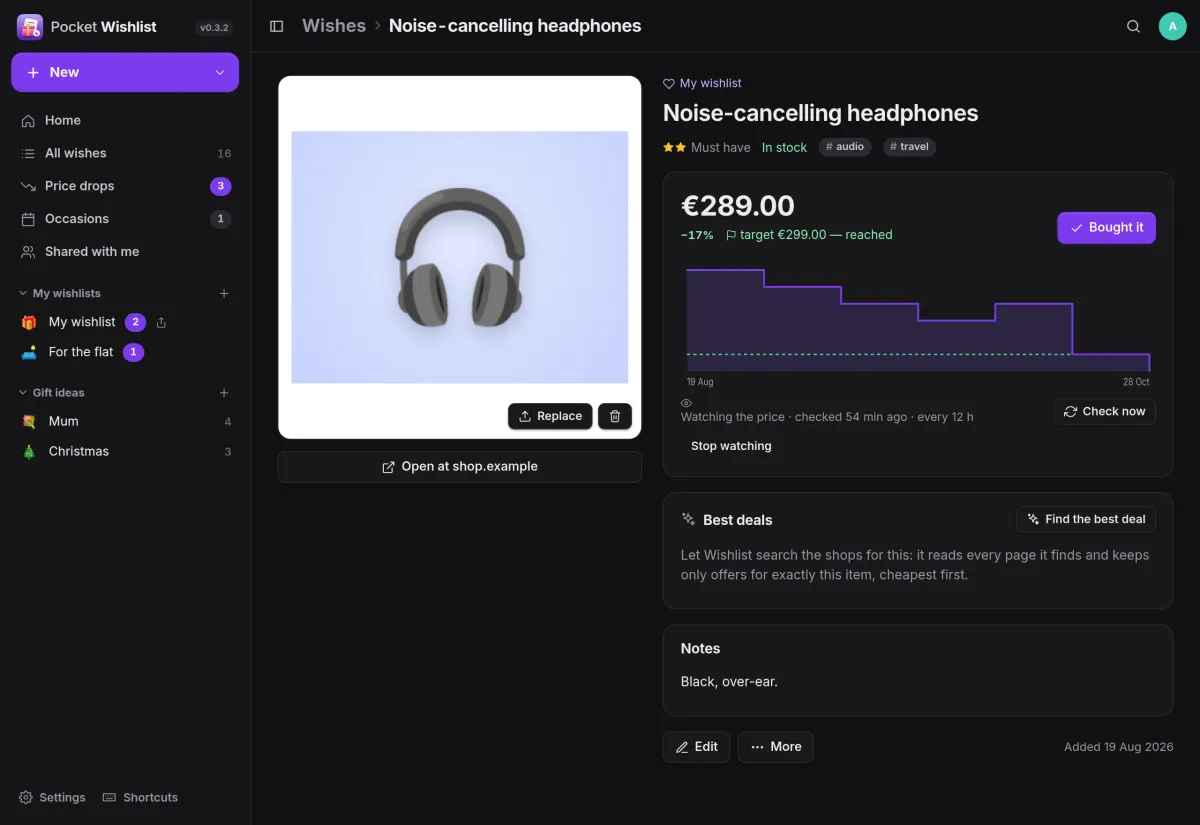
Every watched page is read again on your schedule, every 12 hours by default. The price history is a chart on each wish, with the target price you set as a dashed line.
- Price drops lists everything at or below your target
- One push per drop: target reached, a drop of your percentage, back in stock
- Find the best deal searches shops through your SearXNG
Sharing
Share without spoiling the surprise.
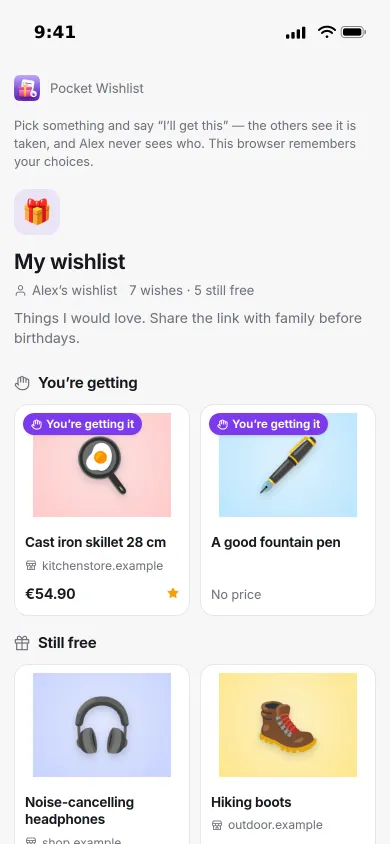
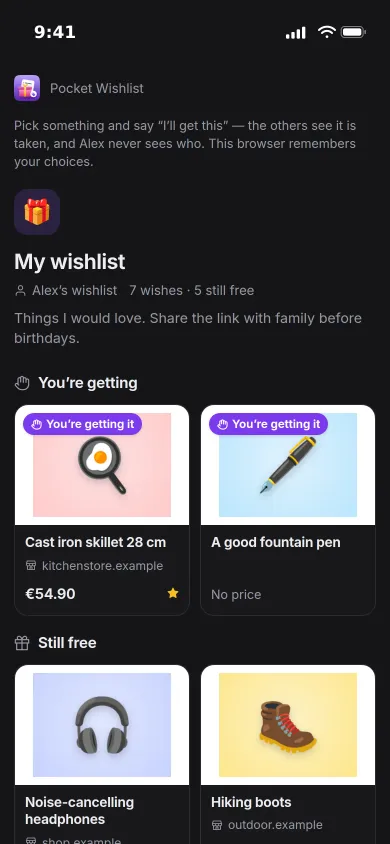
Send a secret link and family can see the list without an account. They say I'll get this, see what is still free and tick off what they bought.
- Or share with a person who has an account on the same server
- The owner sees at most that something is taken, never by whom
Gift ideas
Ideas for everyone else.
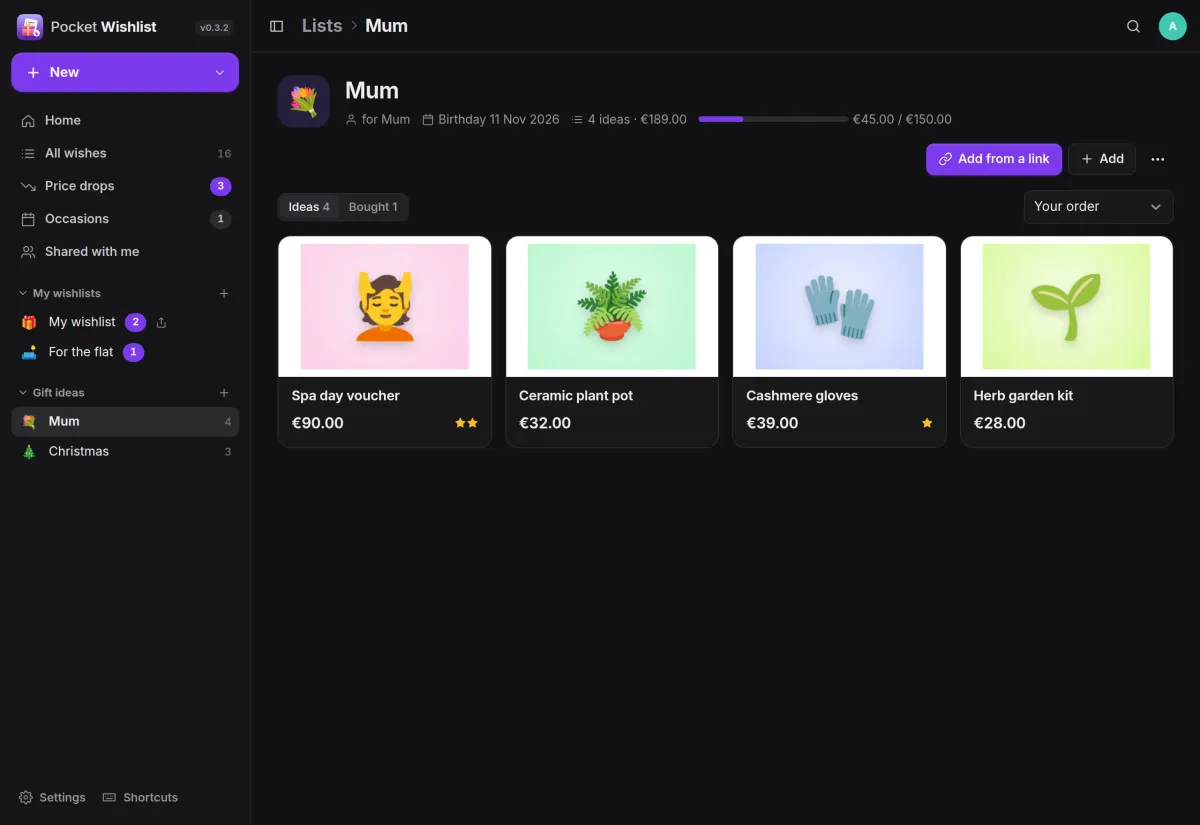
Keep lists for other people with an occasion, a date and a budget. The bar shows how much of the budget you have spent on what you already bought.
- Birthdays roll on to the next year by themselves
- Birthdays and anniversaries from Pocket Contacts, with reminders
And the rest of it
Add from anywhere
Paste a link, use the bookmarklet, the share sheet of the installed web app, or an iOS Shortcut. Pictures are stored on your server.
Bought it
Mark a wish as bought and it can be filed in Pocket Inventory, booked in Pocket Money and split evenly in Pocket Split, retried until it works and never twice.
Everyone on their own
Each person has their own lists and connections. Admins manage accounts, not what is on them.
Quick to use
Keyboard shortcuts and a command palette, light and dark themes, a phone layout, JSON export and import, and an endpoint for a Homepage widget.
Install
One container, one volume.
One container with its data in one folder, on port 8080. Open it, create the first account and paste a link. The image name is spelled whishlist. Connections to your other Pocket apps can be set as variables or later in the settings.
Already installed on a Pocket Box, with sign-in and app links through Pocket Core.
docker run -d --name pocket-wishlist -p 8080:8080 -v ./data:/data \
  -e BASE_URL=https://wishlist.example.com -e SECURE_COOKIES=true \
  ghcr.io/abjelosevic88/pocket-homelab-whishlist:latest
More in Money and things
 Pocket Moneyv0.17.1Personal finance on your own server: quick entry, any currency, bills, budgets and what is safe to spend.
 Pocket Invoicingv0.12.1Invoices, time tracking and payments for freelancers and one-person businesses, on your own server.
 Pocket Splitv0.7.1Split costs for trips, flat shares and dinners: who paid what, in any currency, and who owes whom.
 Pocket Garagev0.11.2Every vehicle on one page: fuel economy, service history, running costs, reminders and documents.
 Pocket Inventoryv0.5.3A home inventory for the household: what you own, how many, where it is and whose it is.