
Pocket Whiteboard
A whiteboard without edges for thinking together: sticky notes, shapes, arrows, frames and drawings, with everyone's changes live, dot votes, a shared timer and templates.
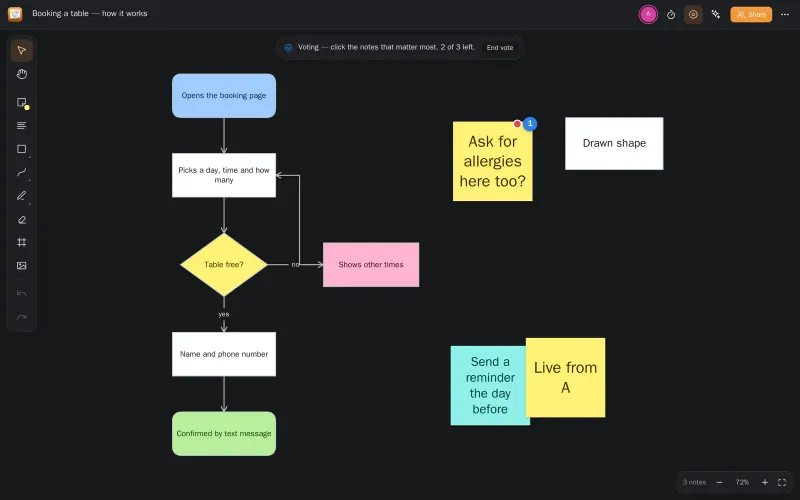
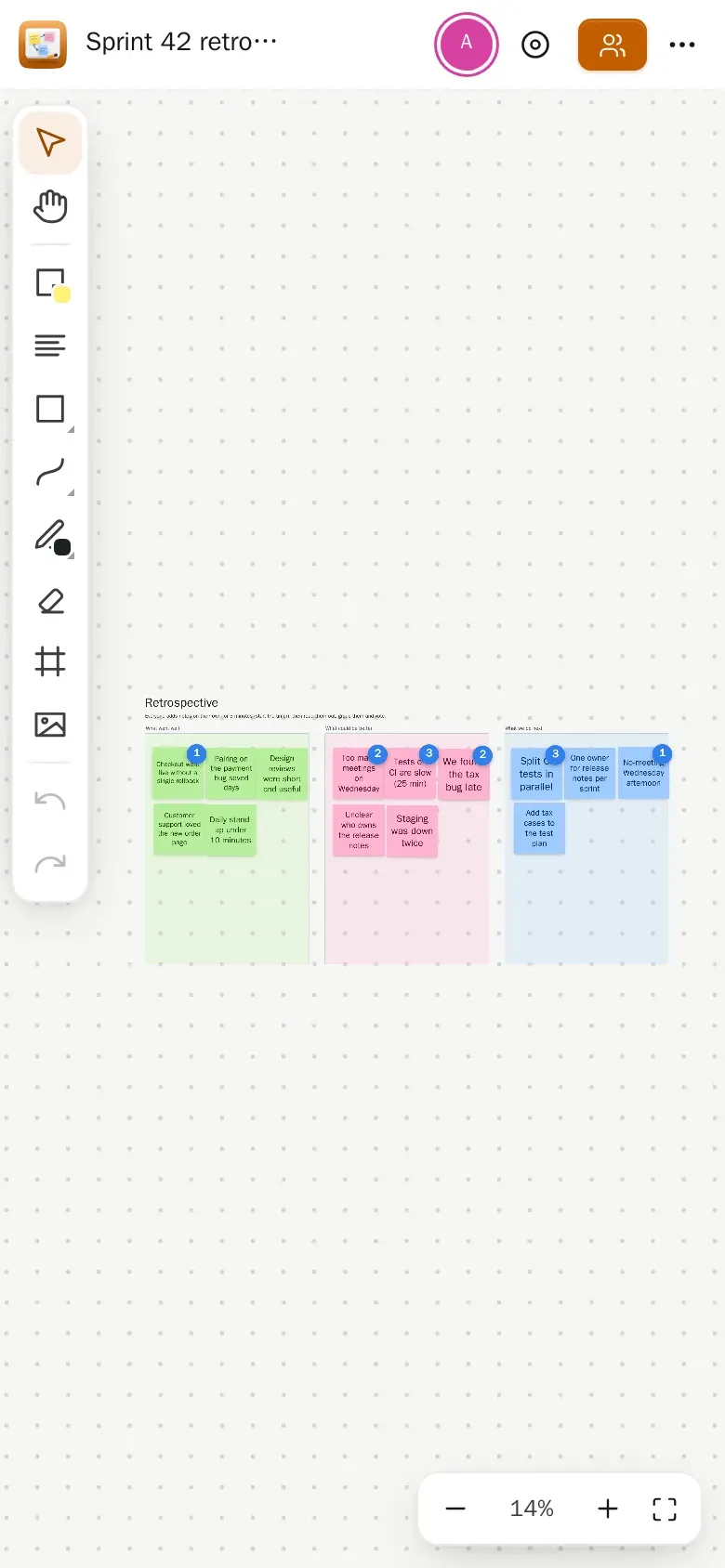
Pocket Whiteboard is a board without edges for brainstorms, retrospectives, plans and diagrams. Everyone on a board sees each change and each other's pointer as it happens; start from a template, vote with dots, keep time with a shared timer, let Pocket AI group the notes by theme, and present it frame by frame. Share it with the people on your box or by a link with no account needed, and turn the notes you pick into tasks.
- v0.6.0
- On Pocket Box
- Instead of Miro
- MIT licence
Install Whiteboard with Pocket Core in one command:
curl -fsSL https://pockethomelab.com/install.sh | sh -s -- --apps whiteboardOn any Linux machine or a Mac. Already running Pocket Core? Apps → Install app → Whiteboard. Add more apps to the line →
What Whiteboard does
Notes, shapes and arrows
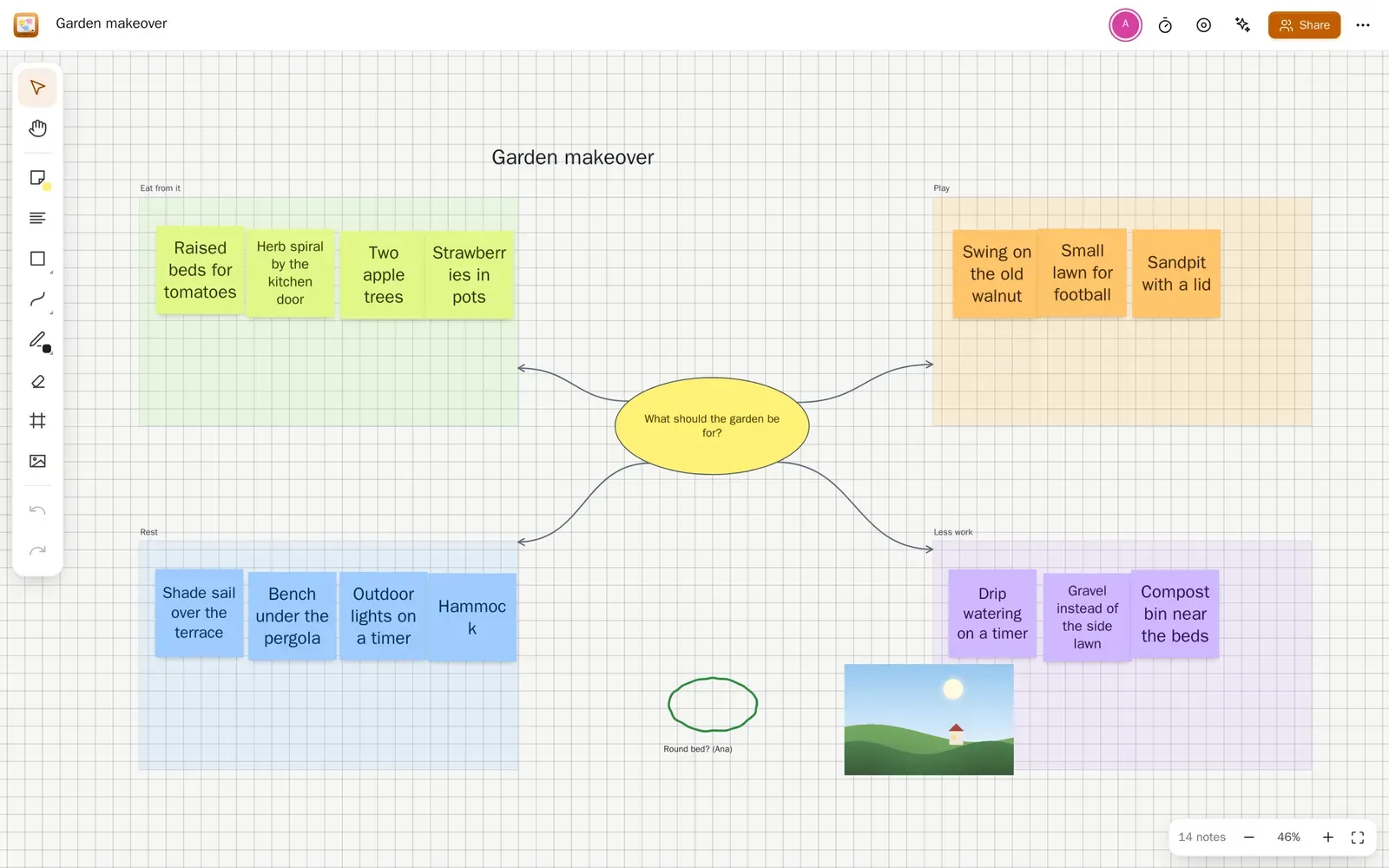
Sticky notes in twelve colours, text, shapes, flowchart and UML pieces, tables, arrows that stay joined, frames that carry what is in them, a pen, and pictures you can crop. Paste a list and every line becomes a note.
Together, live
Changes, pointers and what each person has picked show at once. Follow someone's view or bring everyone to yours, and leave comments with replies and @mentions.
For workshops
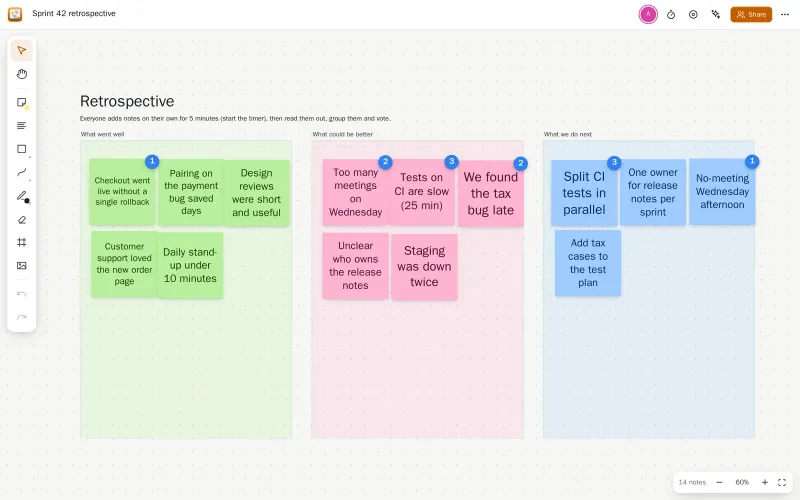
Dot voting with the counts hidden until the end if you like, a timer everyone sees, private notes revealed all at once, anonymous notes, planning poker, reactions and stickers.
Mind maps and kanban
Tab grows a branch and the mind map lays itself out. Kanban columns hold cards with an assignee, a due date and done.
Templates and folders
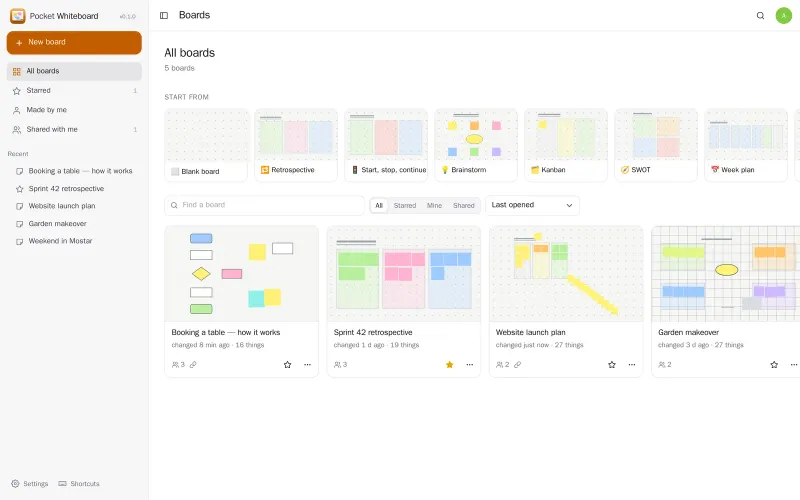
Retrospective, start-stop-continue, brainstorm, kanban, SWOT, week plan, mind map and journey map, your own templates from any board, and folders on the home page.
Nothing lost
The board is kept as it was after every quiet ten minutes, or when you keep a moment, so you can go back to any version or put back something deleted.
Share and take out
Editors or viewers on your box, or a link for anyone with a QR code. A picture of the board, every note as CSV, a PDF with a page per frame, or the whole board as JSON.
Coming from Miro
A Miro board link and a token make a new board here with its notes, shapes, text, frames, cards, pictures and lines. The Miro board stays as it is.
Works with your other apps
Notes as Pocket Tasks and cards as Pocket Projects issues, kept in step both ways, due dates in Pocket Calendar, a board kept in Pocket Notes, its picture in Pocket Files, its link in Pocket Chat, and Pocket AI to group, sum up and suggest more.
Run it yourself
One Go binary with the web interface built in and one SQLite file. Install it with Docker or from a release; the repository README has the steps and every setting.
Sign in with Pocket Core
Connect it to Pocket Core and your household signs in with one account. Each person sees only their own data, and other Pocket apps can work with it on your behalf.
Included in Pocket Box
On a Pocket Box it is already installed and waiting at whiteboard.pocket.local, with HTTPS and nightly updates.
More in Work and code
 Pocket Projectsv0.52.0Linear-style issues, boards, projects and roadmaps for a household or a small team.
 Pocket Timev0.3.0One timer for everything you do, shared by your Pocket apps, with your whole week in one list.
 Pocket CRMv0.3.0Your possible work from the first talk to signed: deals on a board by stage, what each is worth, always a next step, and winning one starts the project and an invoice.
 Pocket Bookingv0.2.0Booking pages people use to pick a free time with you, without an account and without emails back and forth: your hours and your calendar decide what is free.
 Pocket Formsv0.3.0Forms and surveys anyone can fill in without an account, with one inbox for the answers and one click to turn an answer into a contact, a project, a task or a lead.
 Pocket Tablesv0.4.0Your own small databases without code, like Airtable on your own server: tables with fields that know what they hold, seen as a grid, a board, a calendar or a gallery.
 Pocket Jobsv0.2.0Your job search in one place: jobs on a board from saved to hired, postings read from a link, interviews in your calendar, offers side by side and how the search goes.
 Pocket Reviewv0.9.0Review a PDF together with pinned comments, tracked issues, a strict sign-off and a report of who read what.
 Pocket PR Reviewv0.11.0Read a pull request as a story, in the order the change makes sense, with one sentence per file.
 Pocket Blueprintv0.3.0See how any codebase is built: its structure, who uses what, and every endpoint, table and setting.
 Pocket Databasev0.2.0Browse, query and safely edit every PostgreSQL, MySQL, Redis and SQLite database on your server.
 Pocket Print Farmv0.3.0Your 3D printers in one place: what each is printing and when it is done, a queue, models in 3D, spools with what is left, and what every print cost.