
Pocket Blueprint
v0.1.1 · Self-hosted · MIT
See how a codebase is put together.
Point Pocket Blueprint at a git repository, an archive or a folder and get its structure, a graph of what uses what, every HTTP endpoint with an OpenAPI document, the database tables from the migrations and the environment variables. Nothing from the code is ever run.
- Included in Pocket Box
- Sign in with Pocket Core
Graph
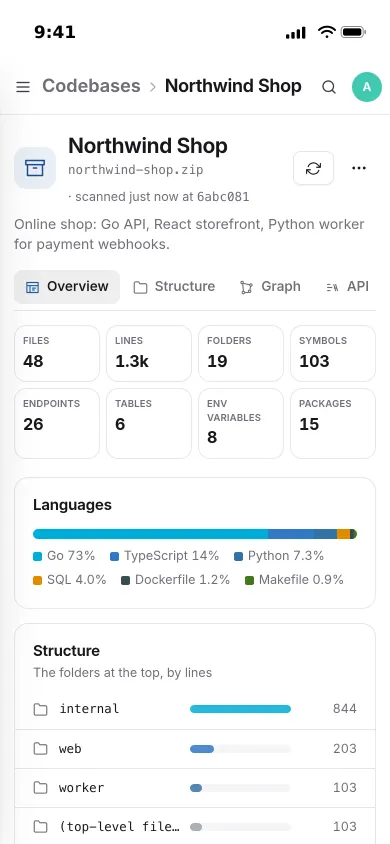
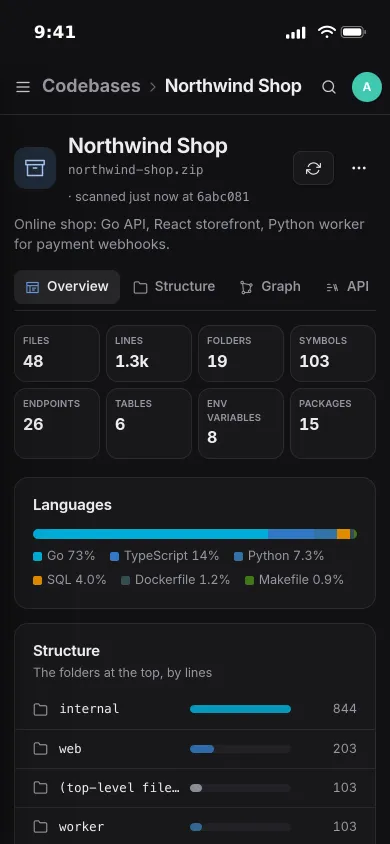
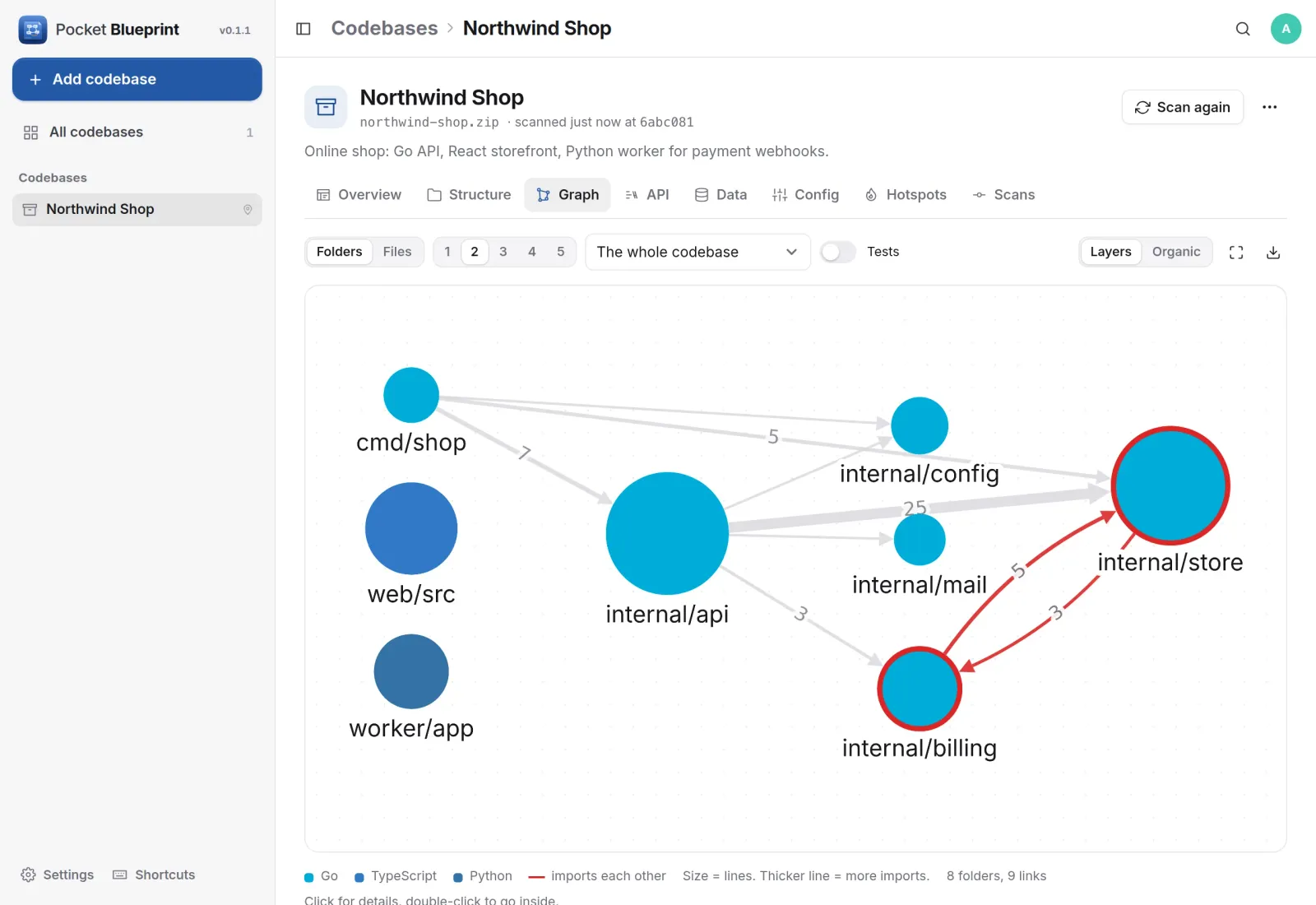
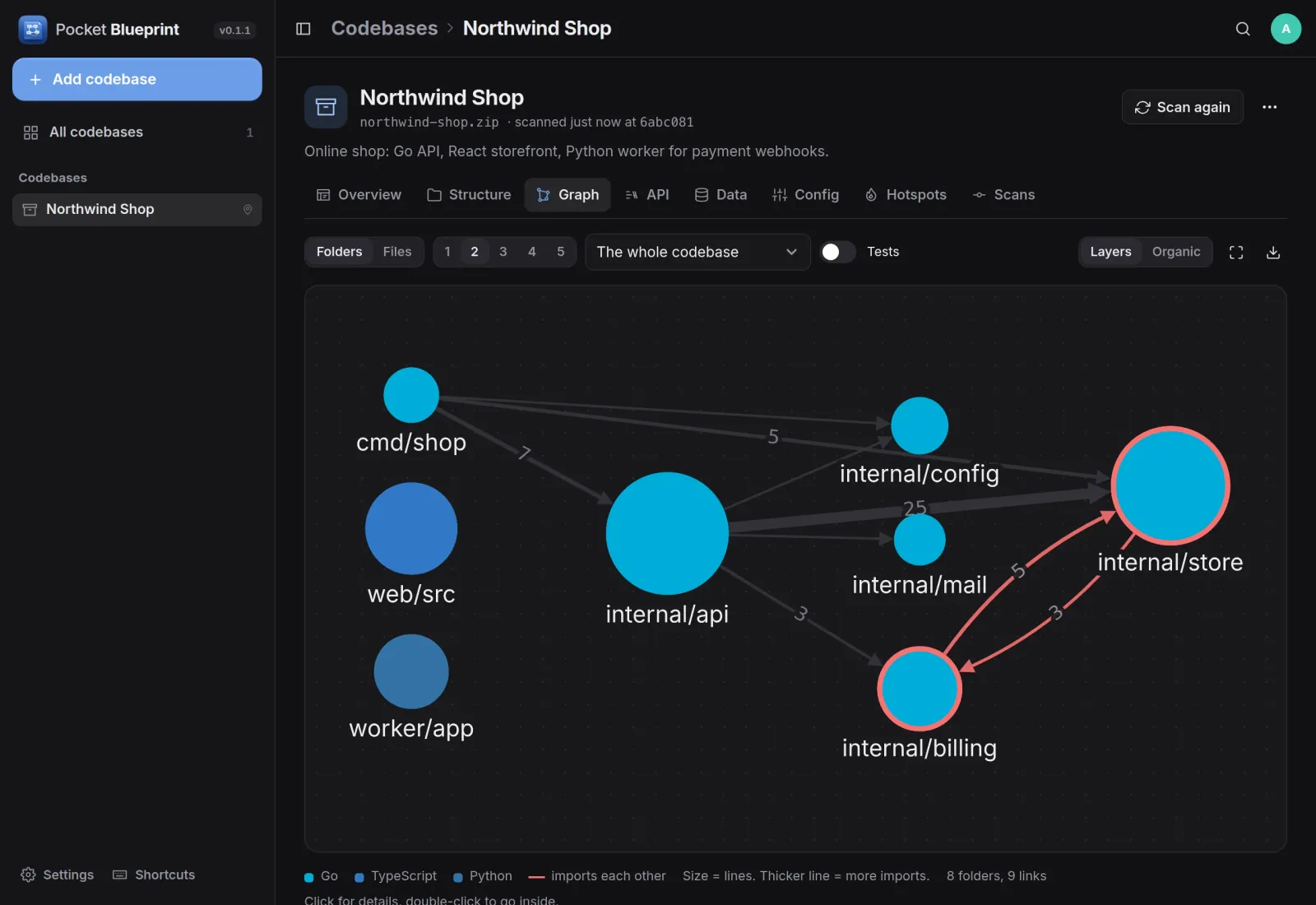
Which folder uses which.
Folders or files as circles sized by lines, arrows for imports, thicker for more of them. Folders that import each other are drawn in red, so a loop is easy to spot. Double-click to go inside.
API
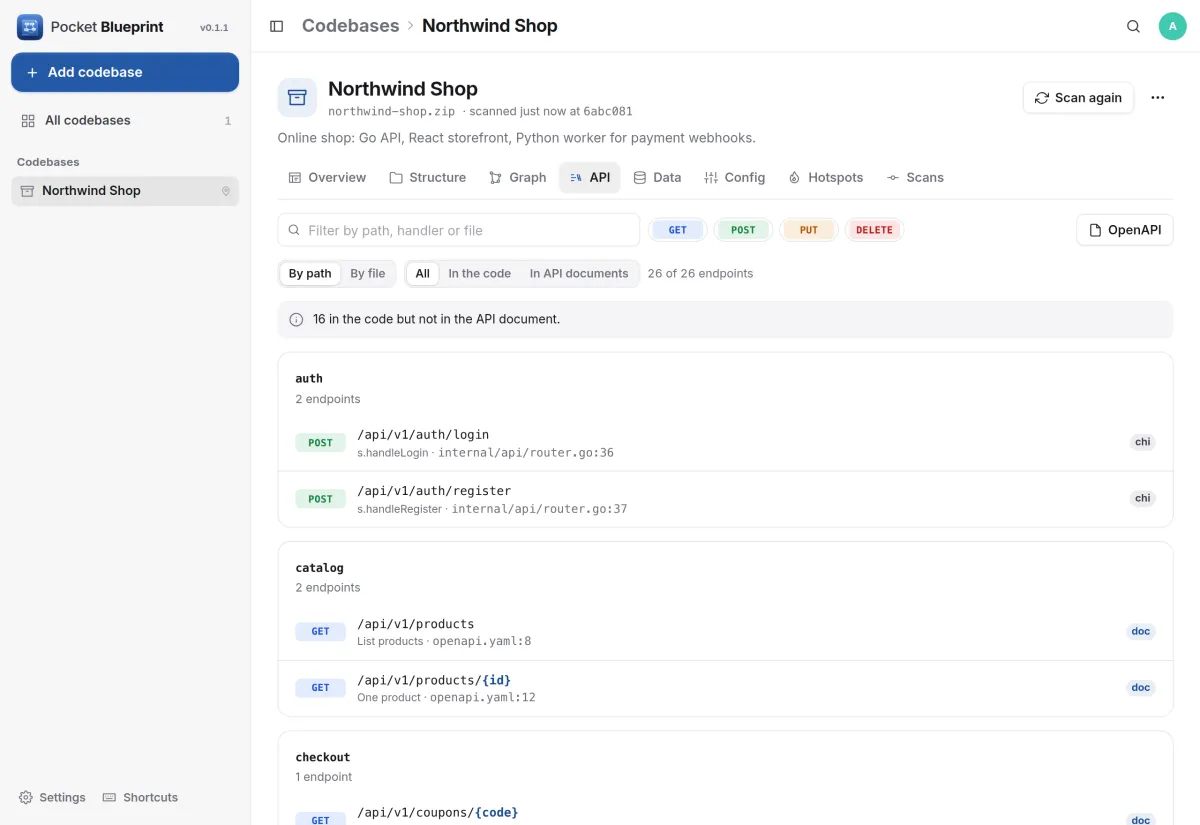
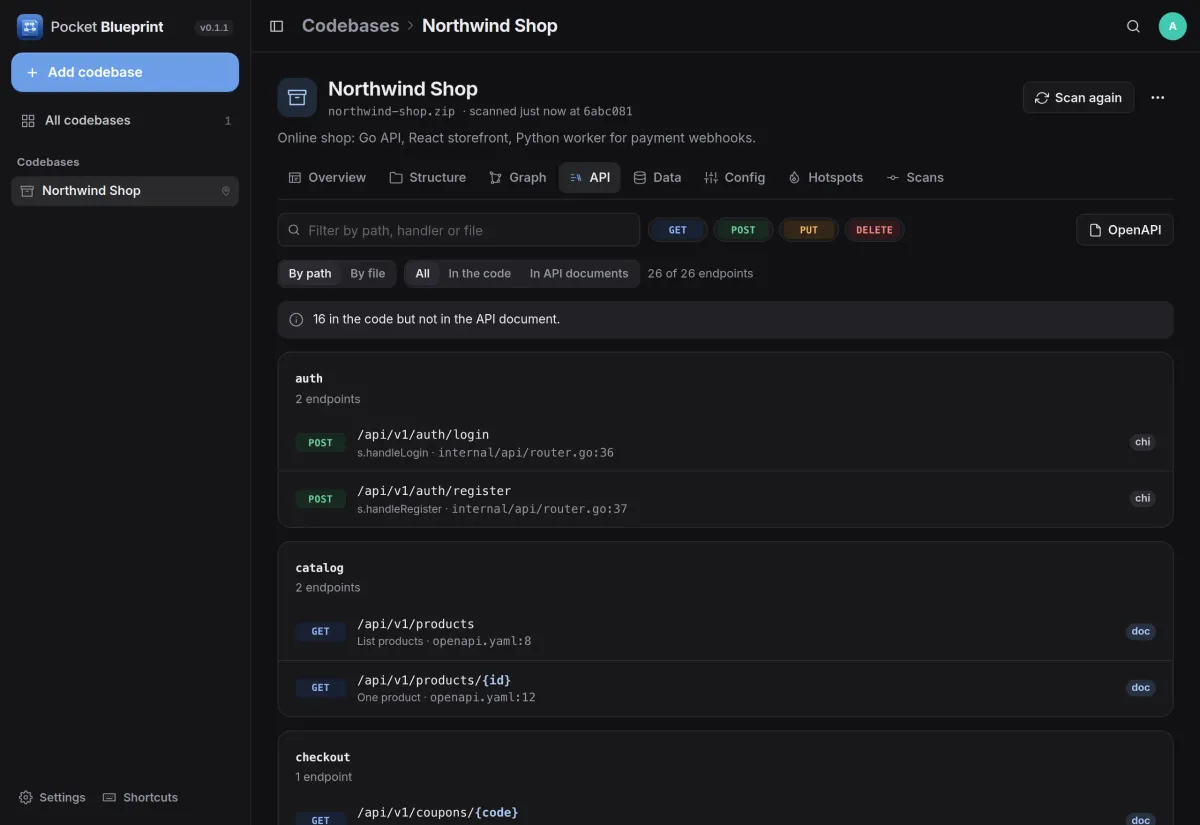
Every endpoint, with a ready OpenAPI file.
Routes are read from the code and from API documents, grouped by path or by file with the handler and the line. A note says which endpoints are in the code but missing from the document.
- chi, gin, echo, Express, FastAPI, Django, Spring, Rails and more
- Download an OpenAPI document made from what the code serves
- Filter by method, path, handler or file
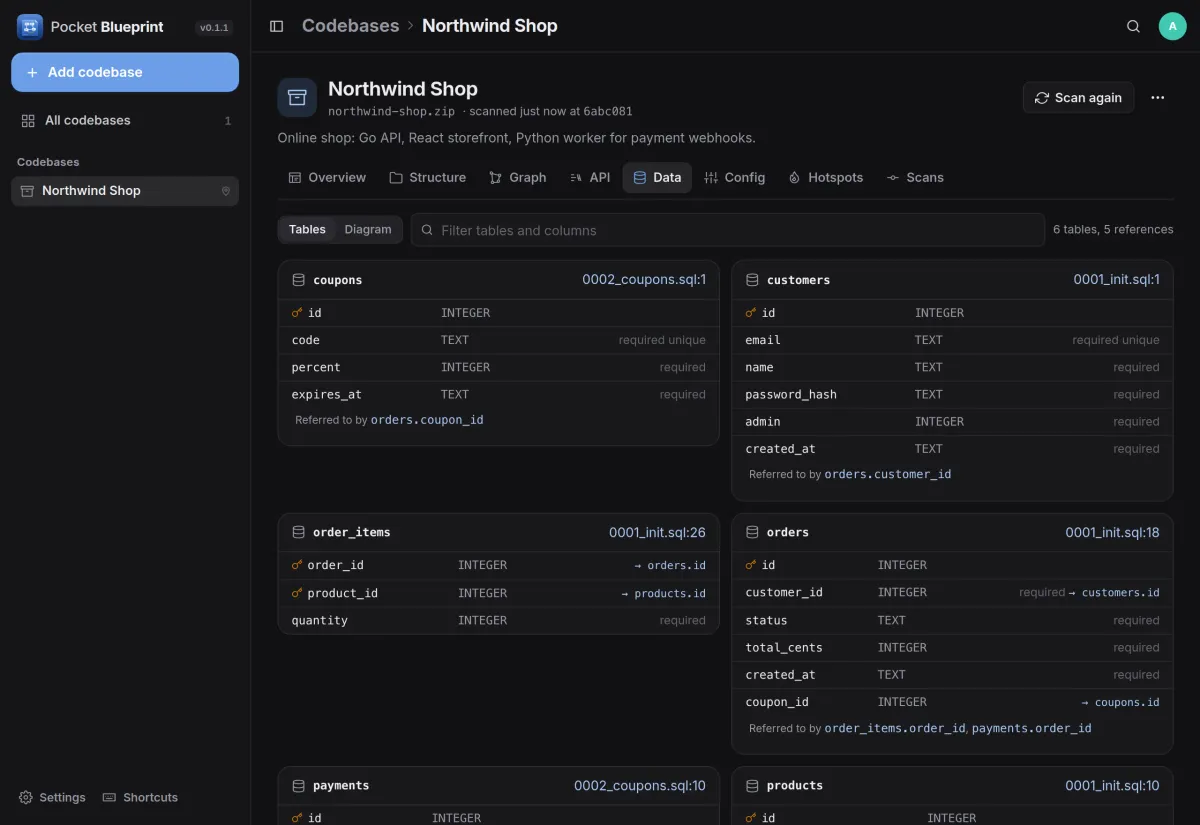
Data
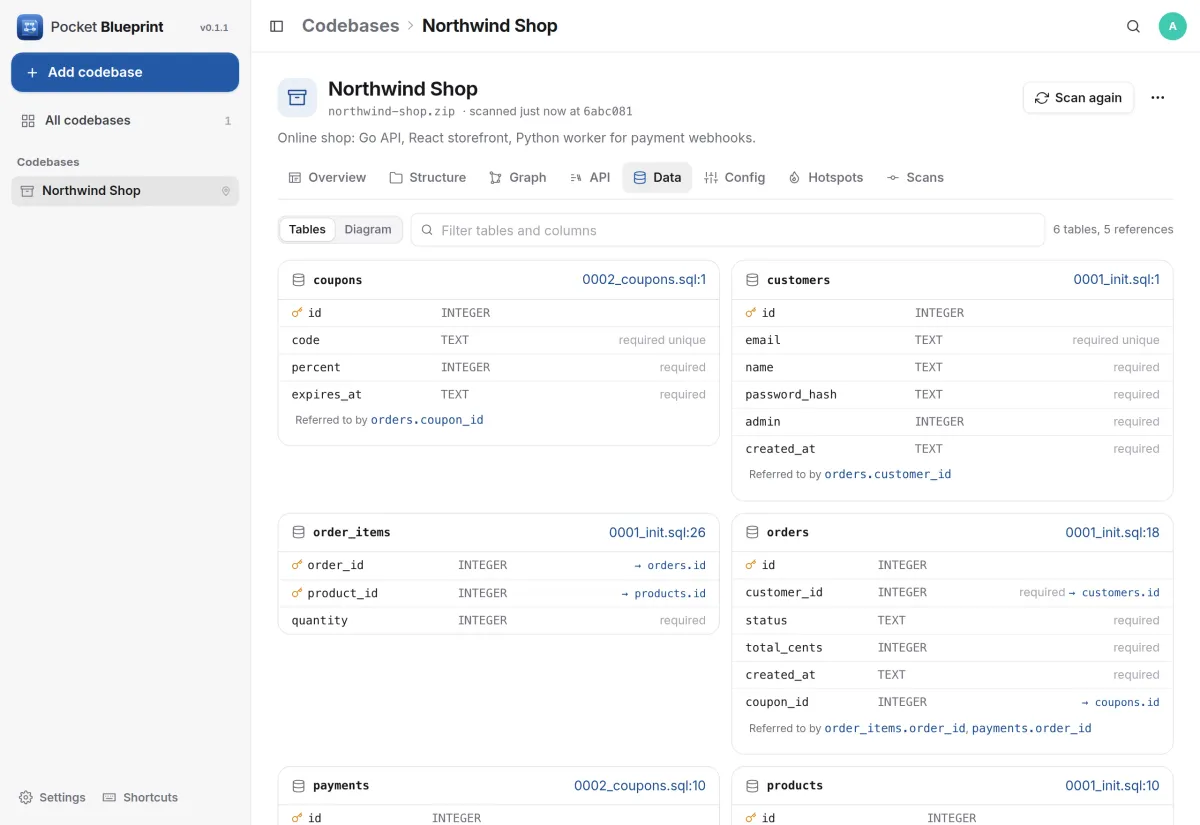
The tables, straight from the migrations.
SQL migrations are read in order, so each table shows its columns, types, keys and constraints as they end up, with the file that made it and the tables that refer to it.
- Prisma schemas too
- A diagram of the references between tables
- Environment variables, and which ones nobody documented
Source
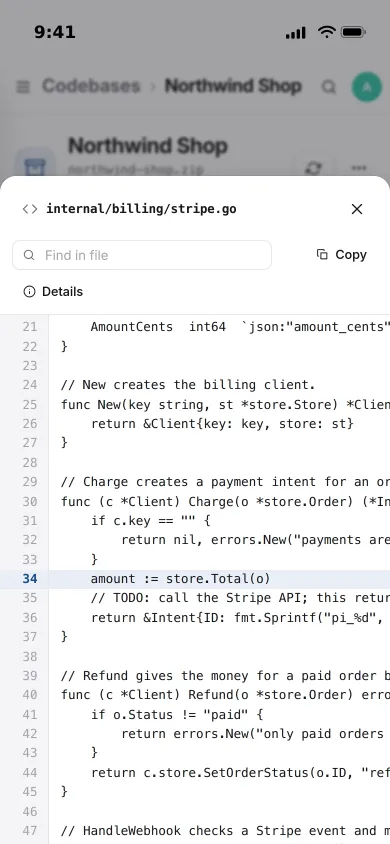
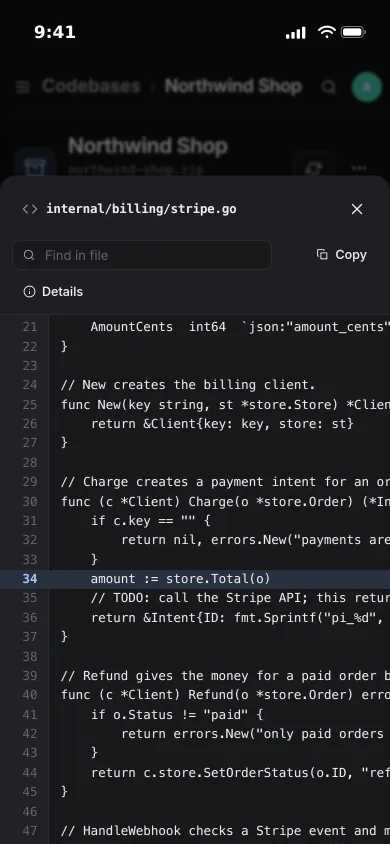
Open any file at the line.
Jump from a function, an endpoint or a search result to the source, opened at the right line. Each file shows who uses it, its functions and types, and the notes you keep on it.
- For Go, who calls what, read with the Go parser itself
- Hotspots: big files that change often, from the git history
- Ask the AI to explain a folder or a file
And the rest of it
Compare two scans
See what changed between scans: new endpoints, tables, files, packages and variables. Scan again every 6 hours, daily, weekly or from CI.
Code from anywhere
A git address with a branch and a read-only token, a zip or tar archive, a folder in Pocket Files, or a folder on the server that an admin allows.
Packages and services
Dependencies from go.mod, package.json, pyproject and more, with the files that really import them, and the services from docker compose.
Read, never run
Go is read exactly; other languages with careful patterns. Server folders can only be scanned inside the roots you list.
Install
One container, one volume.
Run the image and sign in. To scan folders on the server, mount them read-only and list them in SOURCE_ROOTS; git repositories and archives need nothing extra.
On a Pocket Box it is already installed and can scan folders from Pocket Files.
docker run -d --name pocket-blueprint -p 8080:8080 -v ./data:/data \
  -e ADMIN_EMAIL=you@example.com -e ADMIN_PASSWORD=change-me-please \
  ghcr.io/abjelosevic88/pocket-homelab-blueprint:latest
More in Work and code
 Pocket Projectsv0.33.0Linear-style issues, boards, projects and roadmaps for a household or a small team.
 Pocket Timev0.1.1One timer for everything you do, shared by your Pocket apps, with your whole week in one list.
 Pocket Reviewv0.6.0Review a PDF together with pinned comments, tracked issues, a strict sign-off and a report of who read what.
 Pocket PR Reviewv0.2.0Read a pull request as a story, in the order the change makes sense, with one sentence per file.
 Pocket Databasev0.1.2Browse, query and safely edit every PostgreSQL, MySQL, Redis and SQLite database on your server.