

Pocket Tables
v0.4.0 · Self-hosted · MIT
Your own databases, without code.
Pocket Tables is like Airtable on your own server: tables with fields that know what they hold, links between them, look-ups and formulas, seen as a grid, a board, a calendar or a gallery. Start from a ready-made base, a spreadsheet or your other apps, or describe it to AI. One Go binary, one SQLite file.
Install Tables with Pocket Core in one command:
curl -fsSL https://pockethomelab.com/install.sh | sh -s -- --apps tablesOn any Linux machine or a Mac. Already running Pocket Core? Apps → Install app → Tables. Add more apps to the line →
- Included in Pocket Box
- Sign in with Pocket Core
- Works with Pocket Calendar and Pocket Tasks and Pocket Forms and Pocket Notes and Pocket Files and Pocket Database and Pocket Contacts and Pocket Money and Pocket Search and Pocket Flows and Pocket AI
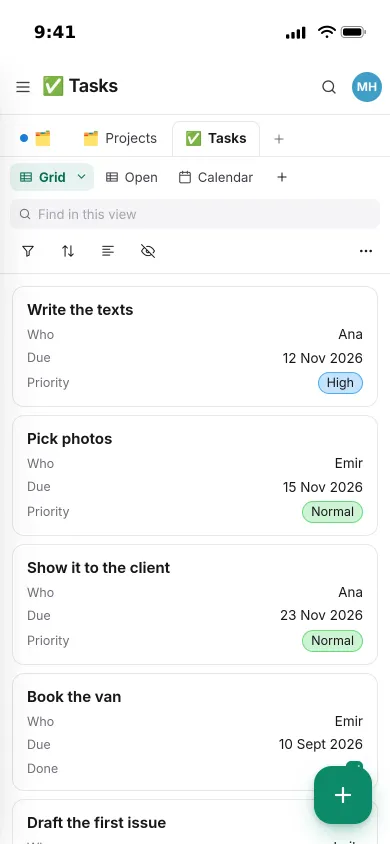
Grid
A real spreadsheet, with types.
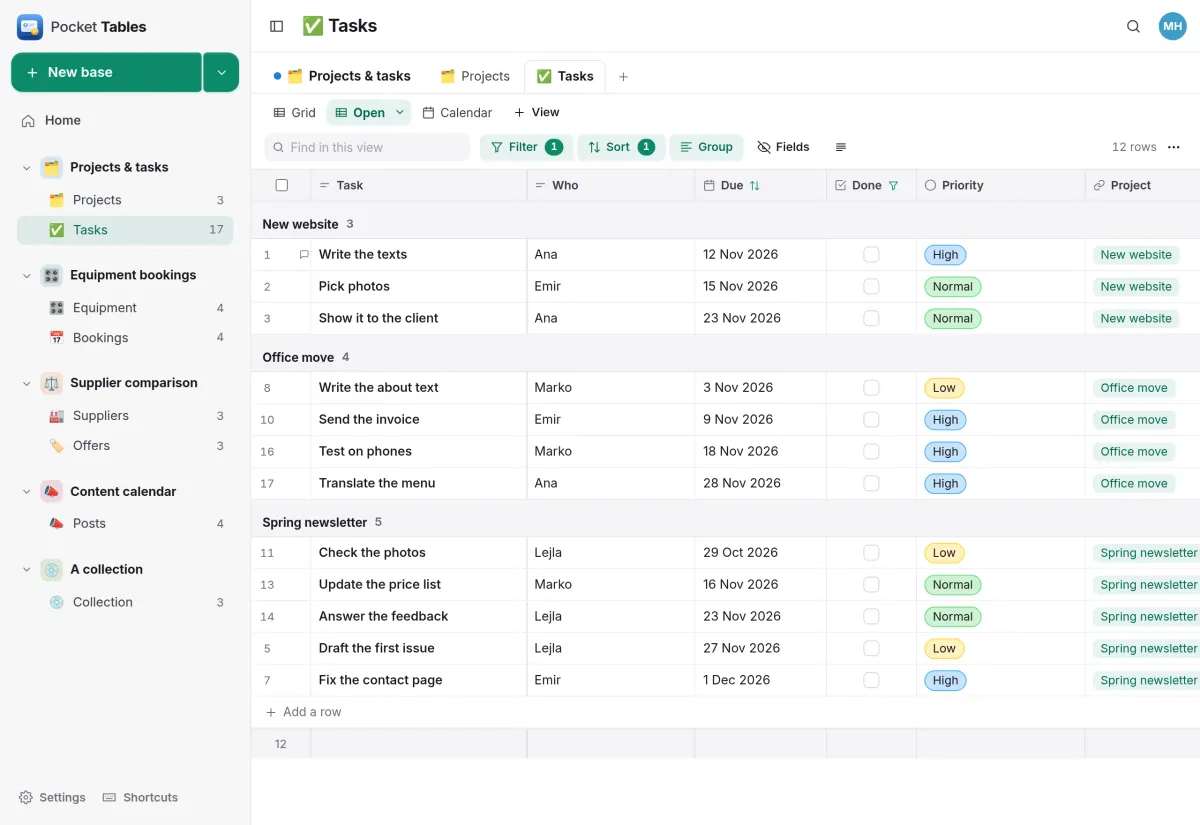
Arrows, Enter and typing move and edit like a spreadsheet, and a block pasted from Excel adds the rows it needs. Every column knows what it holds: dates, ticks, coloured choices and links to rows in other tables.
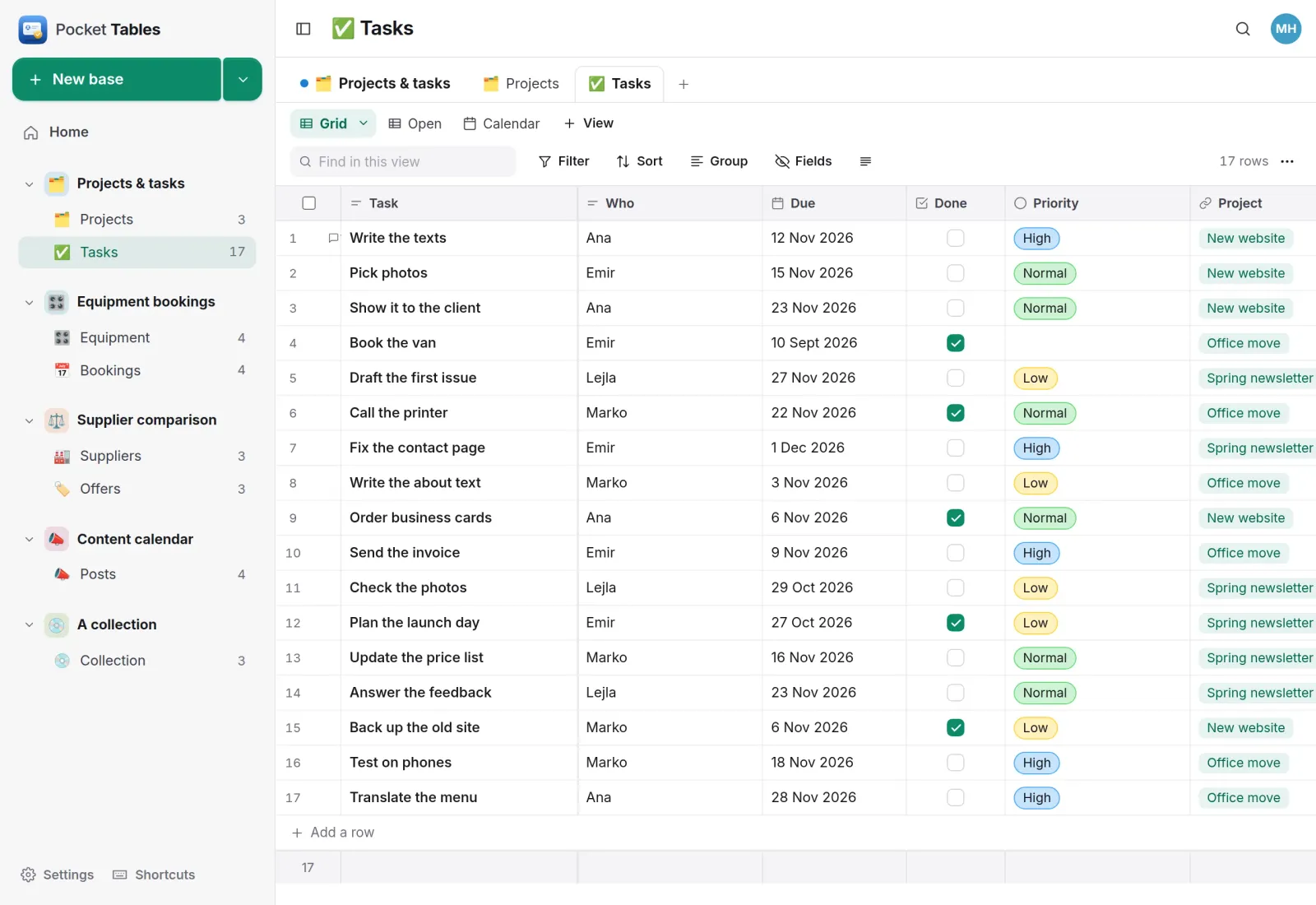
Views
Each view keeps its own.
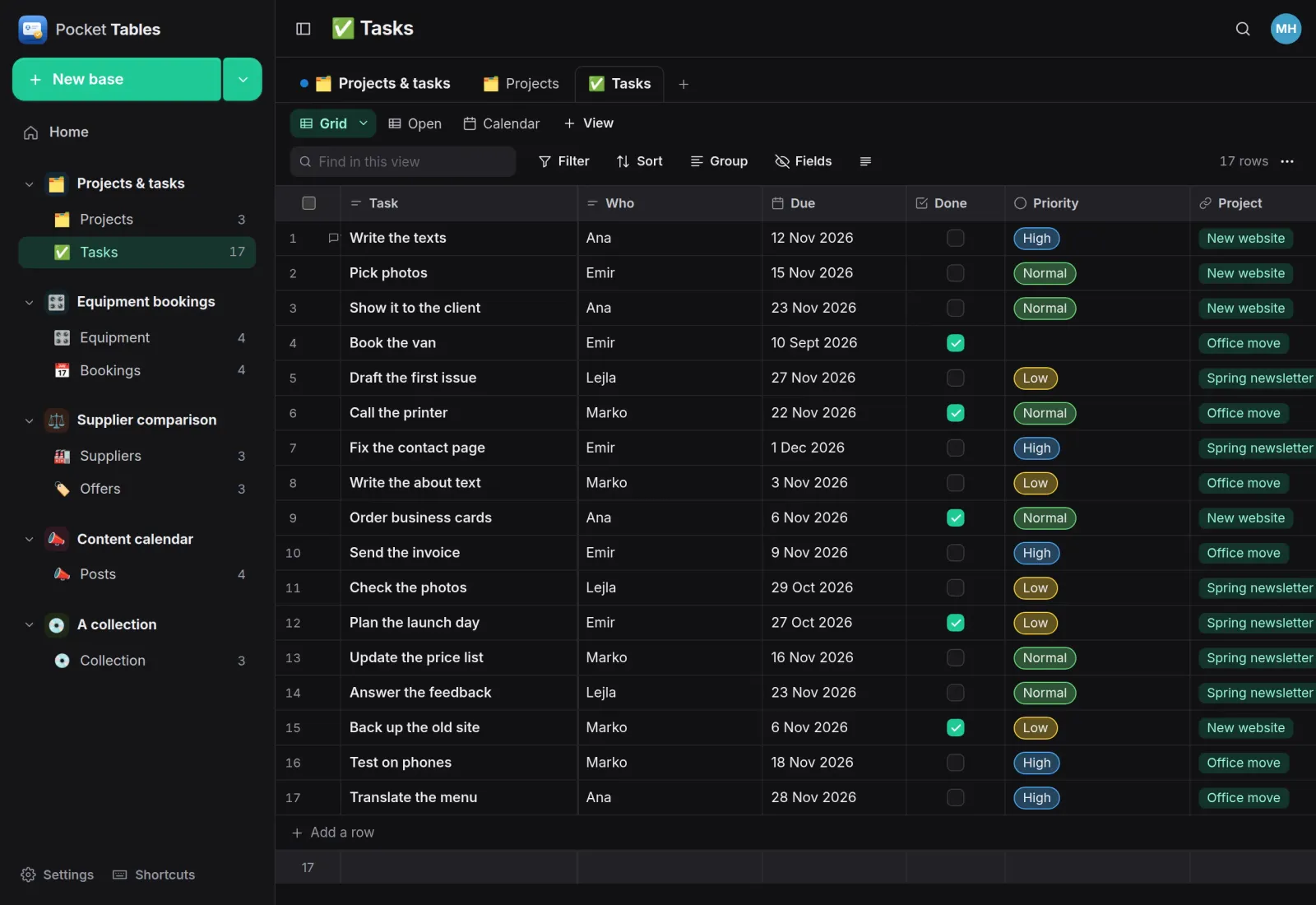
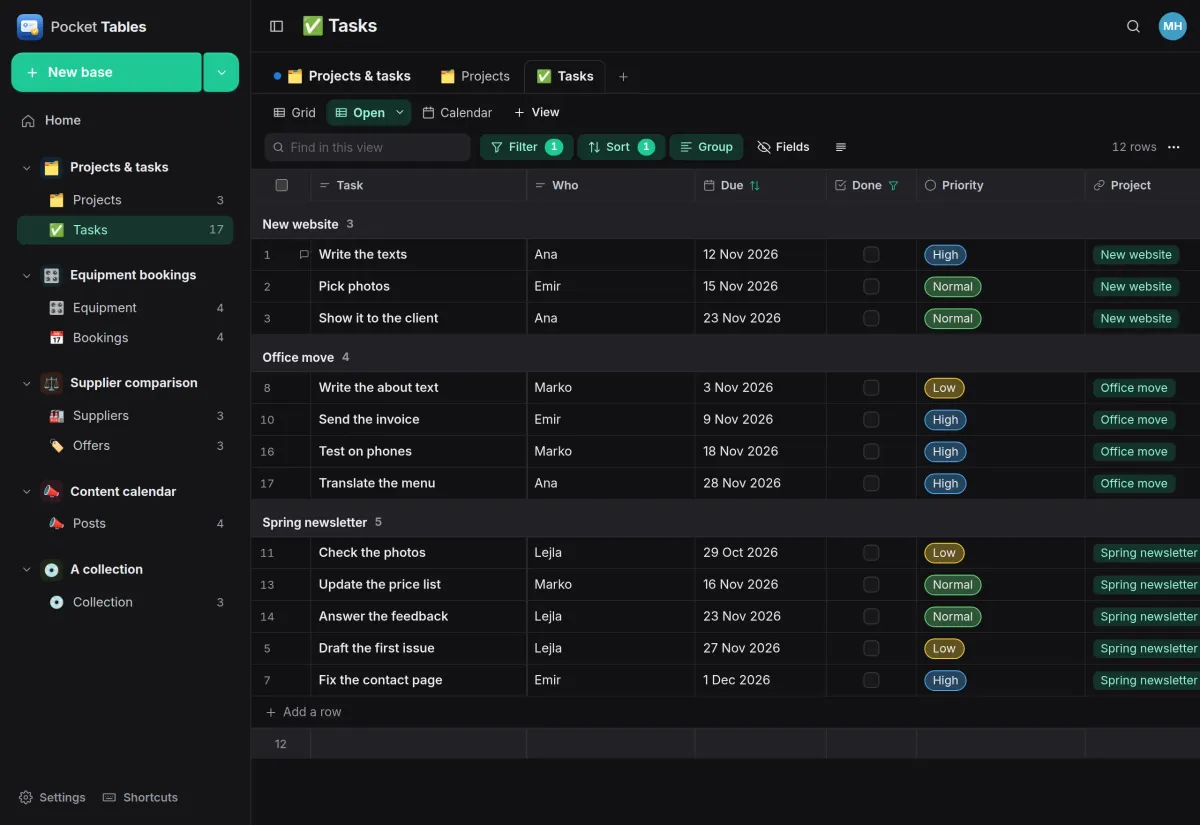
Filters with all or any, sorts, groups, hidden and ordered fields, column widths, row height and totals under the columns. Make as many views of one table as you need and switch between them in one tap.
- “Open”: what is not done, by project, soonest first
- Totals under each column
- Export each table as CSV
Calendar
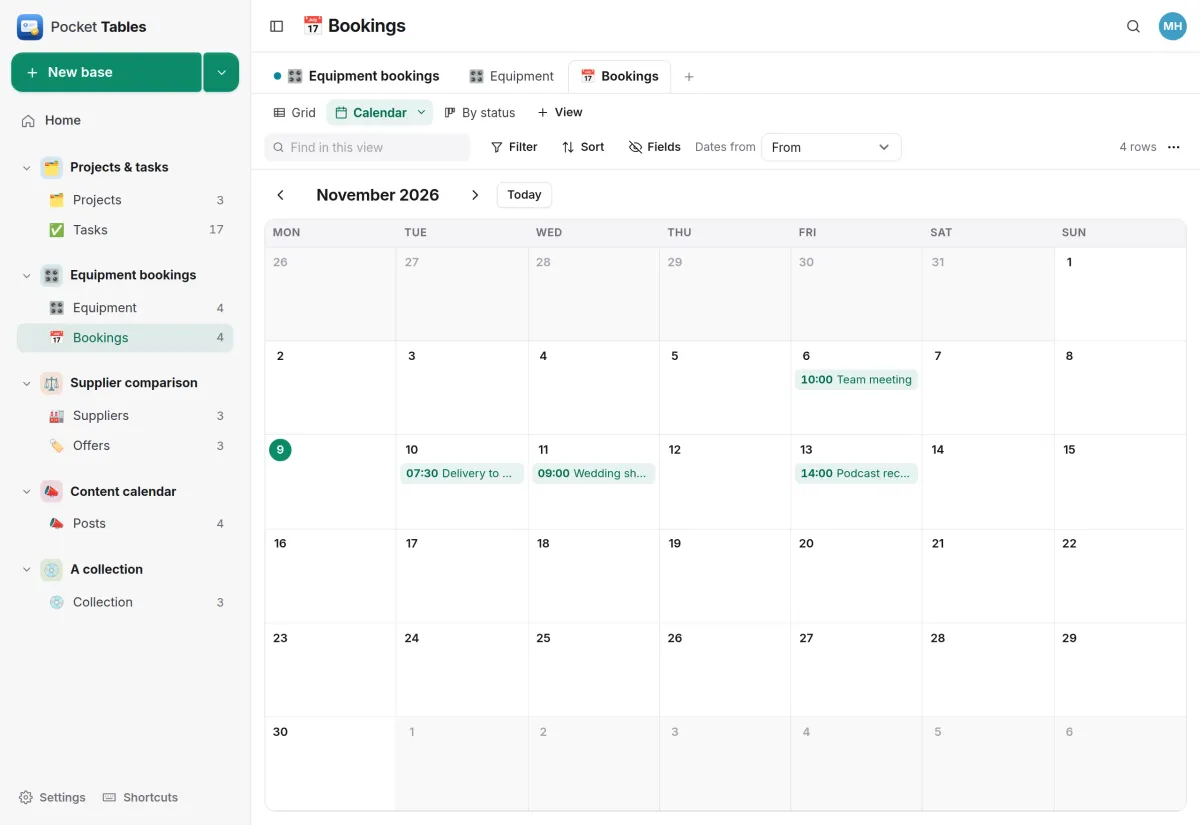
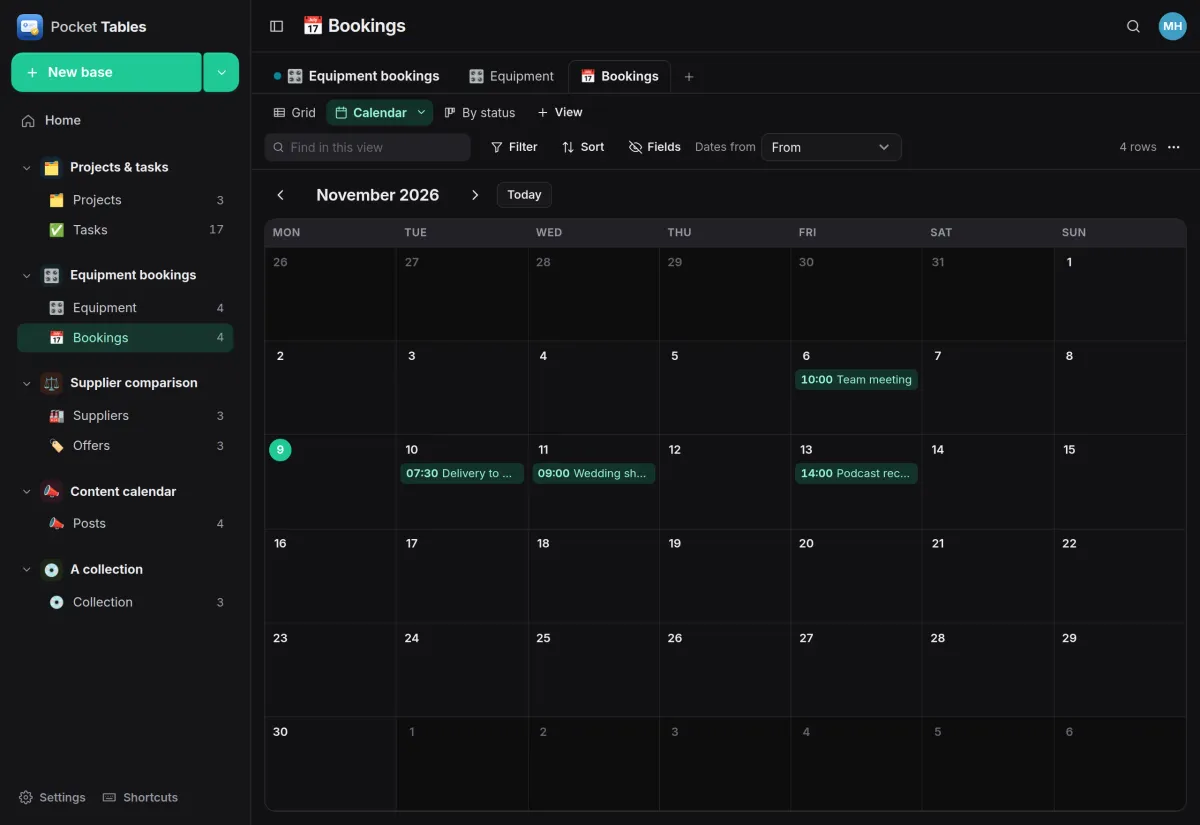
Every row on its day.
A calendar puts each row on the day of a date field; drag it to move it. A board puts cards in columns by a choice field, and a gallery shows the rows as cards with their picture.
- Drag a card across the board to change it
- Keep a table's dates as events in Pocket Calendar
- Dates with a reminder
On the phone
A row as a sheet.
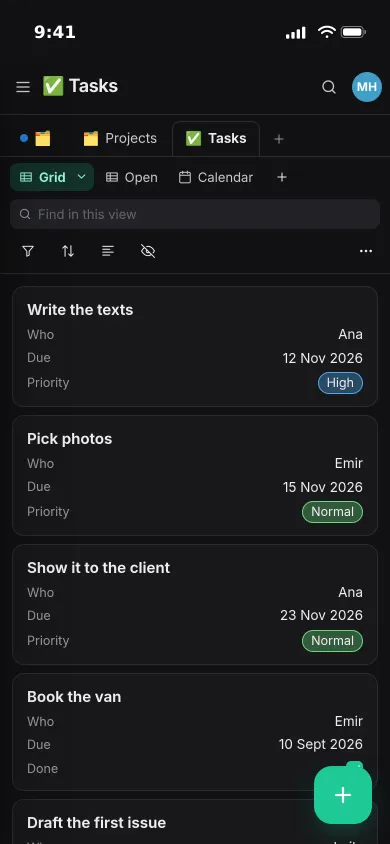
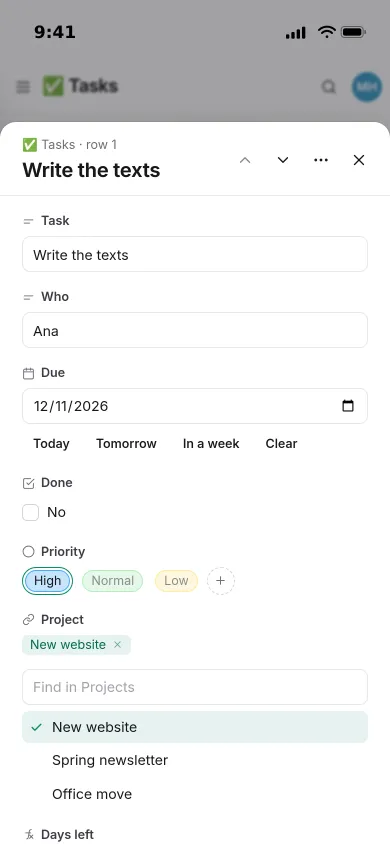
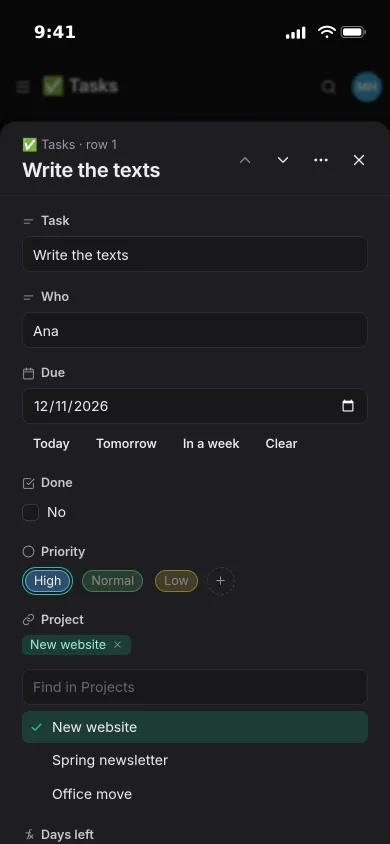
On a phone the rows become cards and a row opens as a sheet: every field to change, links to pick from the other table, and below them the comments and every change, who made it and what was there before.
- Today, Tomorrow or In a week for a date
- Make a task from a row in Pocket Tasks
- Deleted rows wait 30 days in the bin
Home
What is due, across your bases.
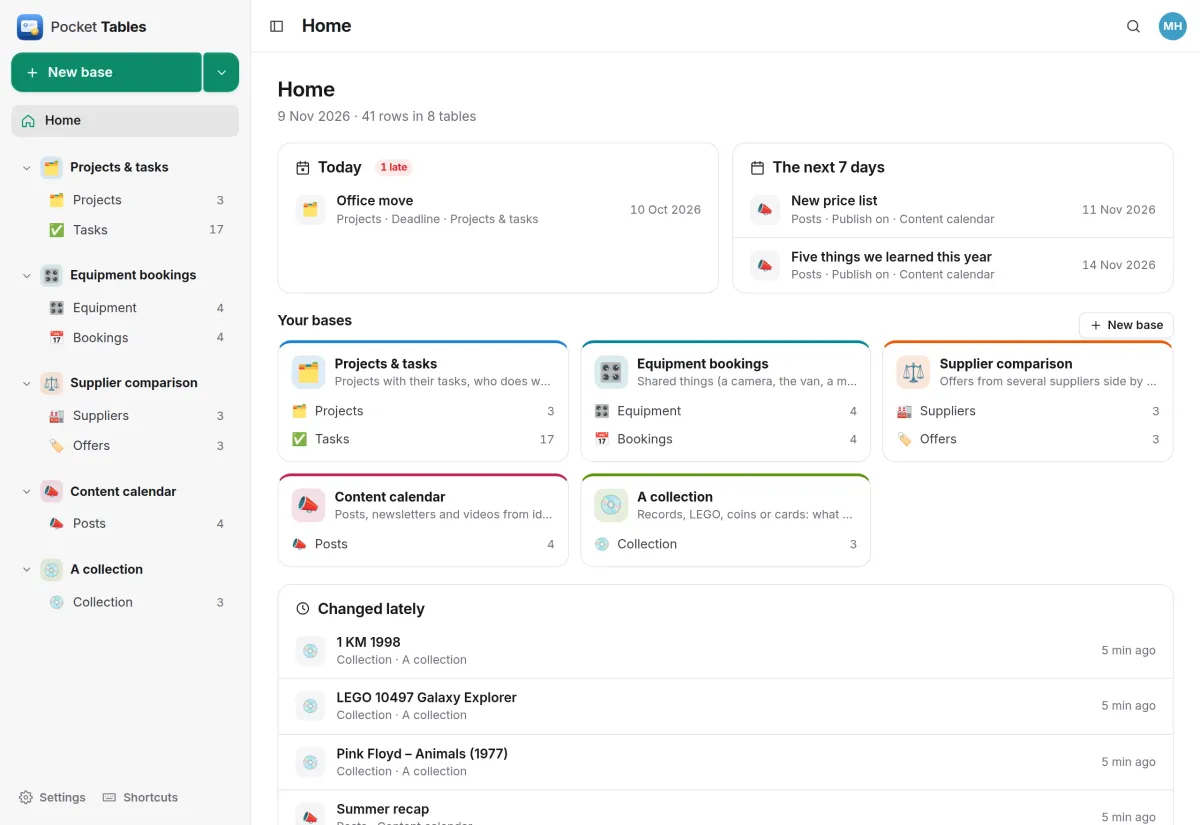
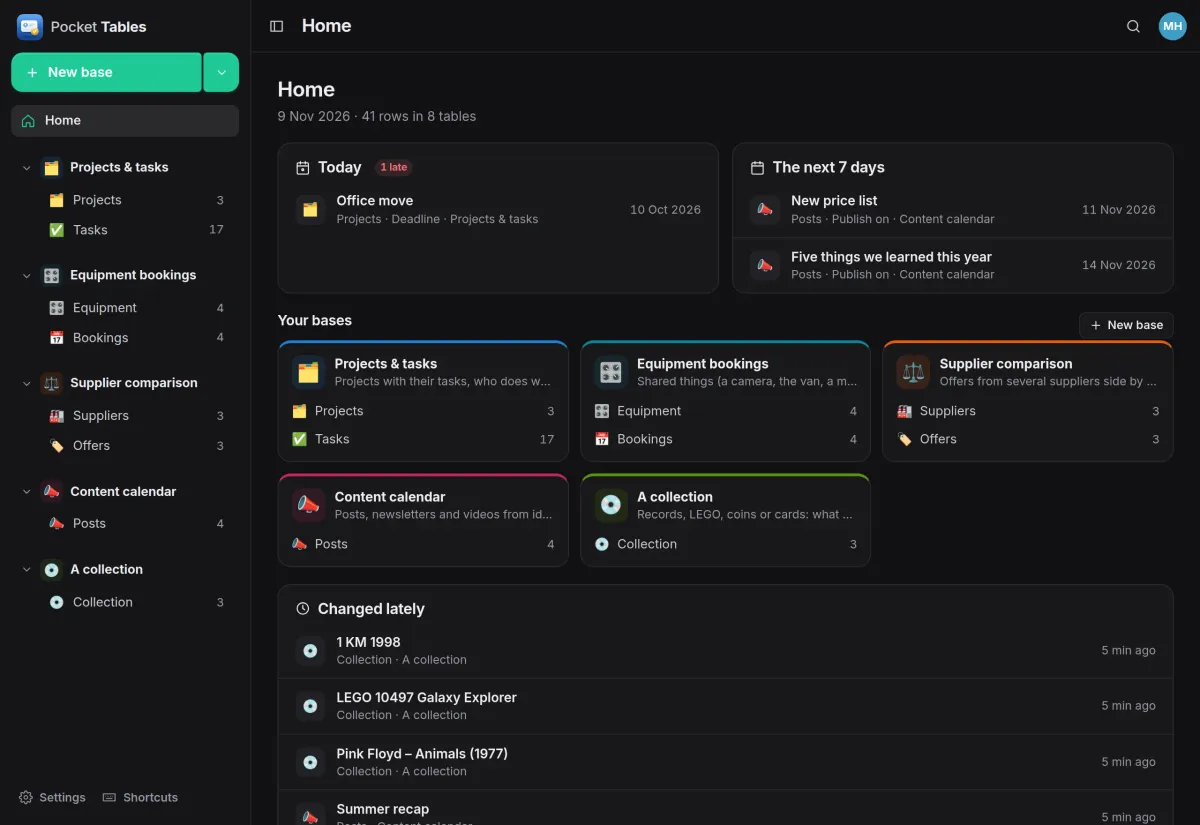
Home shows today's dates and the next seven days from every table, your bases with their tables and what changed lately. Dates with “remind me” come in a morning message too.
- A morning message through ntfy, Apprise or a webhook
- What is late, marked late
- Your bases, each with its own colour and icon
And the rest of it
Start any way
Blank, eight ready-made bases, a CSV from Excel, Google Sheets, Numbers or Airtable, a list from your other apps, a table or query in Pocket Database, or describe it and AI sets it up.
Links, look-ups and formulas
Link rows between tables with both sides kept, look up and total the linked rows, and write formulas with IF, DAYS, DATEADD, CONCAT and 50 more.
AI only when you ask
Fill a column for many rows at once, sorting into options, summing up or guessing, and ask a question about a table. Pocket AI can also add rows for you.
Forms and notes
Tie a Pocket Forms form to a table and each answer becomes a row; save a row or a whole table as a note in Pocket Notes.
Everyone their own
Each person has their own bases on one box. Admins manage accounts but see no one else's tables. Export everything as JSON and back.
Install
One container, one folder.
Run the image with a data folder and open it on port 8080. Create the first account and start a base, blank or from one of the ready-made ones. Set CORE_URL and CORE_REGISTRATION_KEY to join a box with Pocket Core.
Already installed on a Pocket Box, with sign-in through Pocket Core and the Ask panel on Pocket AI.
The easiest way is the one command above. To run it on its own with Docker:
docker run -d --name pocket-tables -p 8080:8080 -v ./data:/data \
  -e BASE_URL=https://tables.example.com -e SECURE_COOKIES=true \
  ghcr.io/abjelosevic88/pocket-homelab-tables:latest
More in Work and code
 Pocket Projectsv0.52.0Linear-style issues, boards, projects and roadmaps for a household or a small team.
 Pocket Timev0.3.0One timer for everything you do, shared by your Pocket apps, with your whole week in one list.
 Pocket CRMv0.3.0Your possible work from the first talk to signed: deals on a board by stage, what each is worth, always a next step, and winning one starts the project and an invoice.
 Pocket Bookingv0.2.0Booking pages people use to pick a free time with you, without an account and without emails back and forth: your hours and your calendar decide what is free.
 Pocket Formsv0.3.0Forms and surveys anyone can fill in without an account, with one inbox for the answers and one click to turn an answer into a contact, a project, a task or a lead.
 Pocket Jobsv0.2.0Your job search in one place: jobs on a board from saved to hired, postings read from a link, interviews in your calendar, offers side by side and how the search goes.
 Pocket Reviewv0.9.0Review a PDF together with pinned comments, tracked issues, a strict sign-off and a report of who read what.
 Pocket PR Reviewv0.11.0Read a pull request as a story, in the order the change makes sense, with one sentence per file.
 Pocket Blueprintv0.3.0See how any codebase is built: its structure, who uses what, and every endpoint, table and setting.
 Pocket Databasev0.2.0Browse, query and safely edit every PostgreSQL, MySQL, Redis and SQLite database on your server.
 Pocket Whiteboardv0.6.0A whiteboard without edges for thinking together: sticky notes, shapes, arrows, frames and drawings, with everyone's changes live, dot votes, a shared timer and templates.
 Pocket Print Farmv0.3.0Your 3D printers in one place: what each is printing and when it is done, a queue, models in 3D, spools with what is left, and what every print cost.